
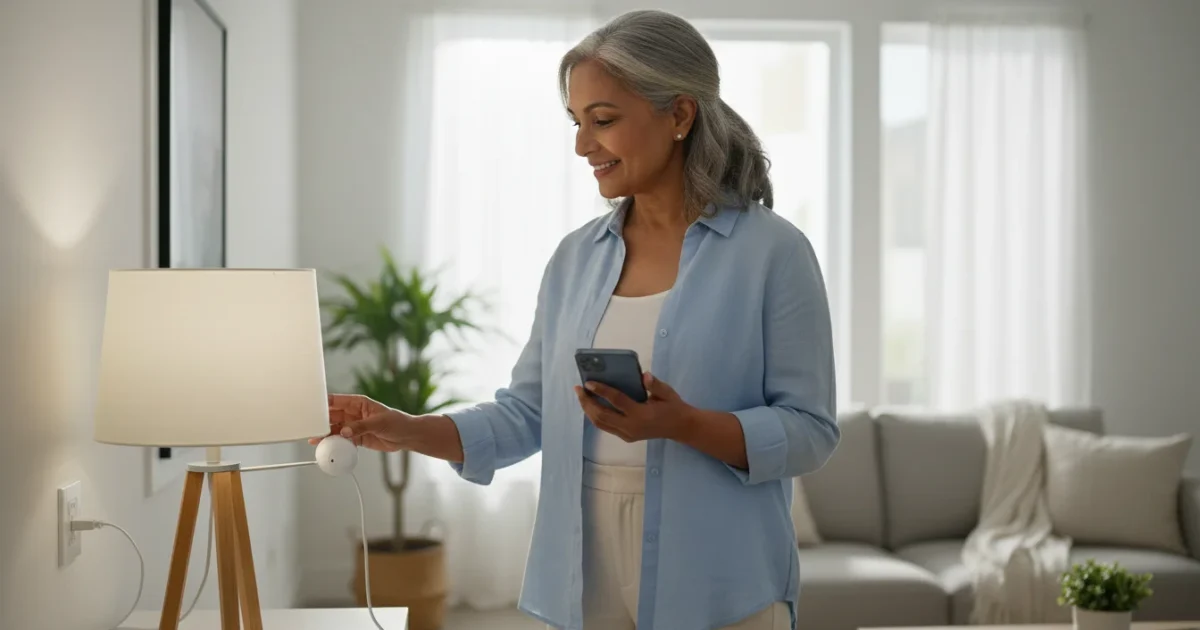
Do you ever wish you could turn off a lamp from the comfort of your armchair, or have your coffee maker start brewing before you even get out of bed? Smart plugs make these everyday conveniences possible. For many adults 55 and over, smart plugs offer an easy, affordable entry into home automation, simplifying daily routines and adding a layer of safety and peace of mind.
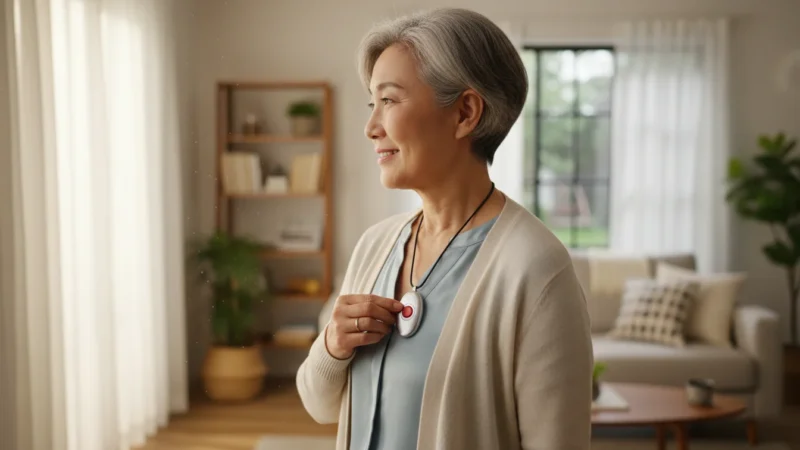
For added safety, you may also want to learn how to use a medical alert device to provide peace of mind for you and your family.
Many people worry about the complexity of new technology. They question if it is truly worth the investment or if it will just gather dust. This guide simplifies smart plugs, focusing on practical benefits and straightforward setup. You will learn exactly what smart plugs do, how to install them without frustration, and how they can genuinely enhance your daily life. We will also address common concerns, like privacy and ease of use, ensuring you feel confident and informed.
Table of Contents
- What Are Smart Plugs and What Can They Do?
- Is a Smart Plug Right for You?
- What You Will Need to Get Started
- Step-by-Step Smart Plug Setup
- Useful Things to Try with Your Smart Plugs
- Privacy and Security Considerations
- Common Problems and Solutions
- Frequently Asked Questions
Beyond automation, digital photo frames are another wonderful way to bring modern technology and joy into your living room.
What Are Smart Plugs and What Can They Do?
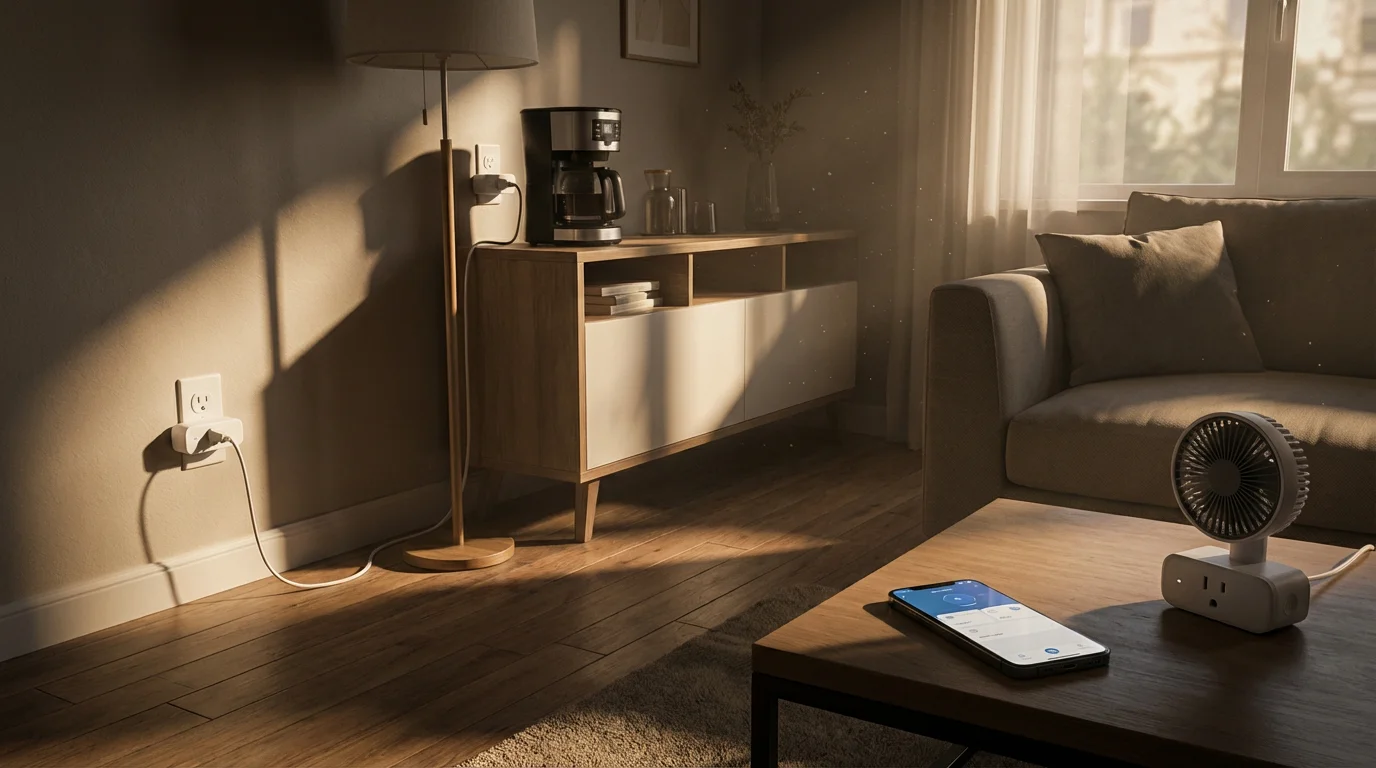
A smart plug, sometimes called a smart outlet, is a simple device that plugs into a standard electrical wall outlet. You then plug any regular appliance into the smart plug. This small device makes your ordinary appliance “smart,” meaning you can control it remotely, set schedules, or even use your voice to turn it on or off.
Once you master these devices, you may also want to explore how to use smart light bulbs for even more control over your home lighting.
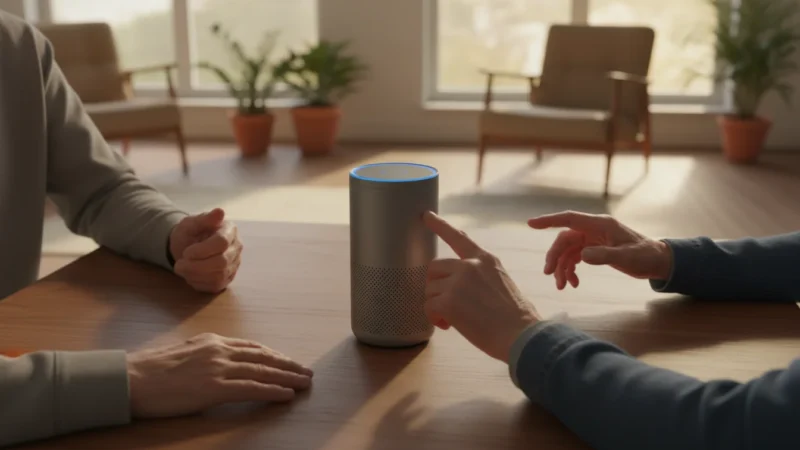
Think of it as an intelligent on/off switch for almost anything that plugs into the wall. Most smart plugs connect to your home’s wireless internet connection, known as Wi-Fi. This connection lets you control the plug using an app on your smartphone or tablet, even when you are away from home. If you have a smart speaker, which is a speaker you can talk to that responds to your voice, like an Amazon Echo with Alexa or a Google Nest device with Google Assistant, you can also control your smart plugs with simple voice commands.
Practical Benefits of Smart Plugs:
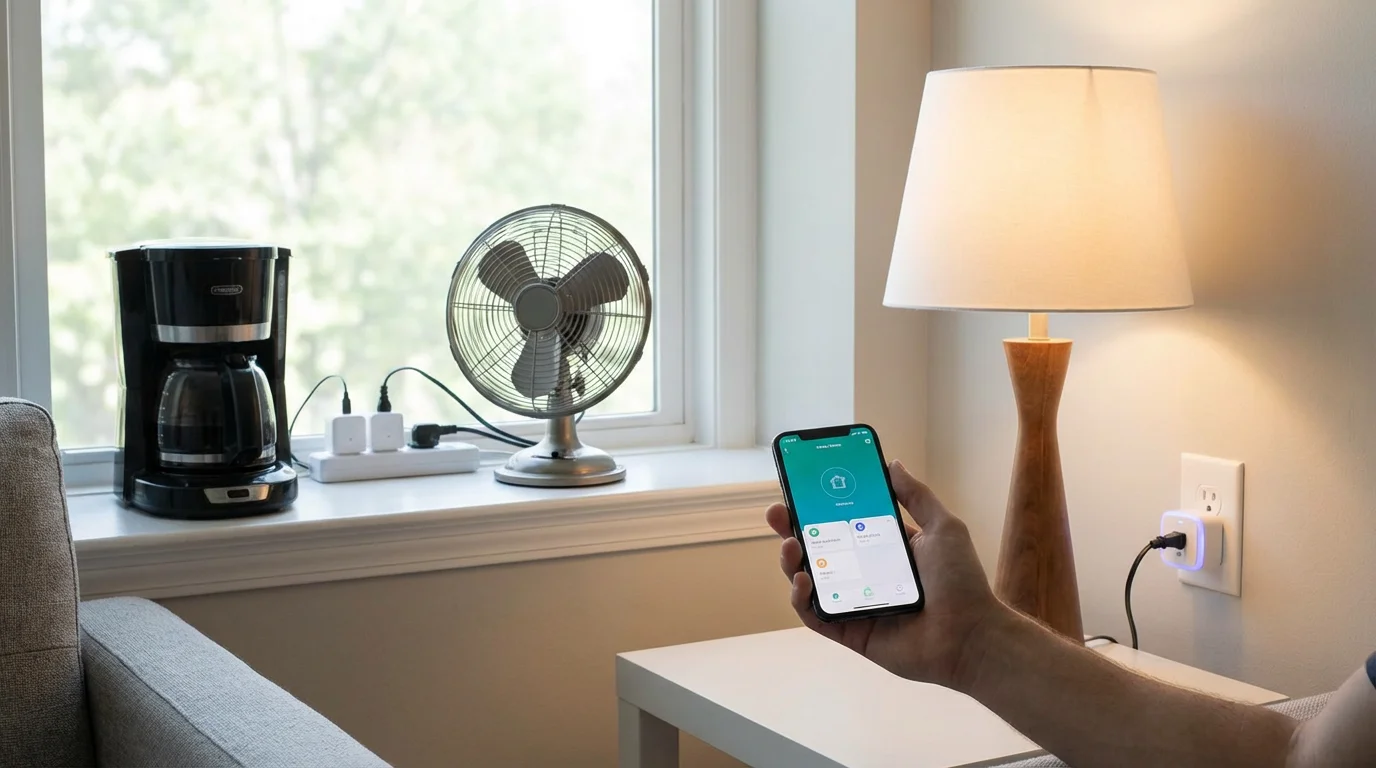
- Remote Control: You can turn lights, fans, or small appliances on or off from anywhere using your phone. Did you leave the curling iron on? Check your app and turn it off from the store.
- Scheduling: Set specific times for devices to turn on or off automatically. Program your porch light to come on at sunset and turn off at sunrise, making your home look occupied even when you are away.
- Voice Control: Connect your smart plug to a voice assistant, the software that listens and responds, like Alexa or Google Assistant. Then, you can say, “Alexa, turn on the living room lamp,” freeing your hands. This is especially useful if you have mobility challenges or your hands are full.
- Energy Monitoring: Some smart plugs offer energy monitoring features, letting you see how much power a device uses. This helps you identify energy vampires and save on electricity bills.
- Safety and Security: Automatically turn on lights when you are away to deter potential intruders. You can also turn off appliances that might pose a fire risk, such as space heaters, if you forget.
Smart plugs are generally affordable, costing between $15 and $40 per plug, with no ongoing monthly fees for basic functionality. This makes them a great starting point for exploring home automation without a significant financial commitment or steep learning curve.
“Technology should enhance your life, not complicate it. Smart plugs embody this principle by offering straightforward solutions to everyday challenges, helping you manage your home with greater ease and confidence.” – AARP Technology Resources
Is a Smart Plug Right for You?
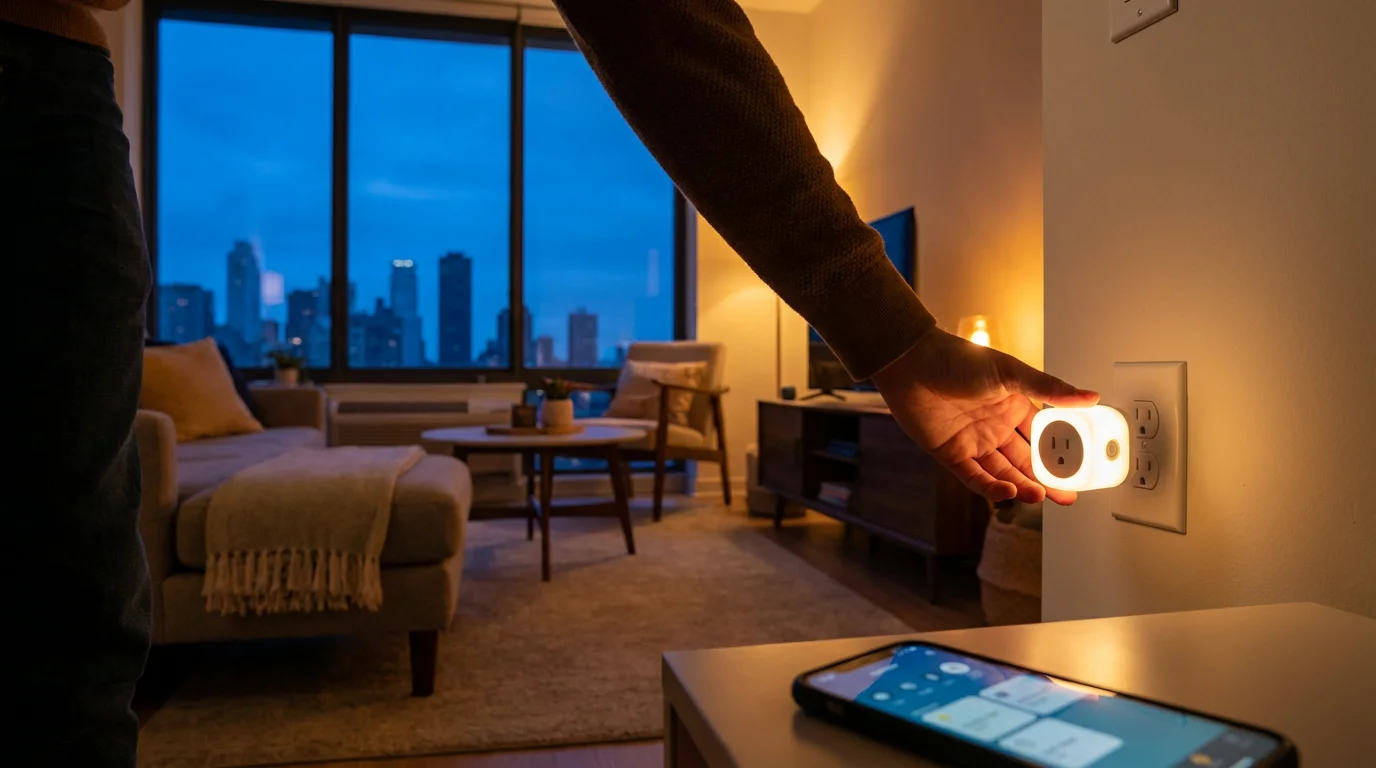
Considering whether new technology fits your needs is always a smart approach. Smart plugs offer compelling benefits, especially for seniors, but they are not for everyone. Here is an honest assessment to help you decide.
Another great way to automate your home is by setting up a smart thermostat, which can help manage your heating and cooling costs.
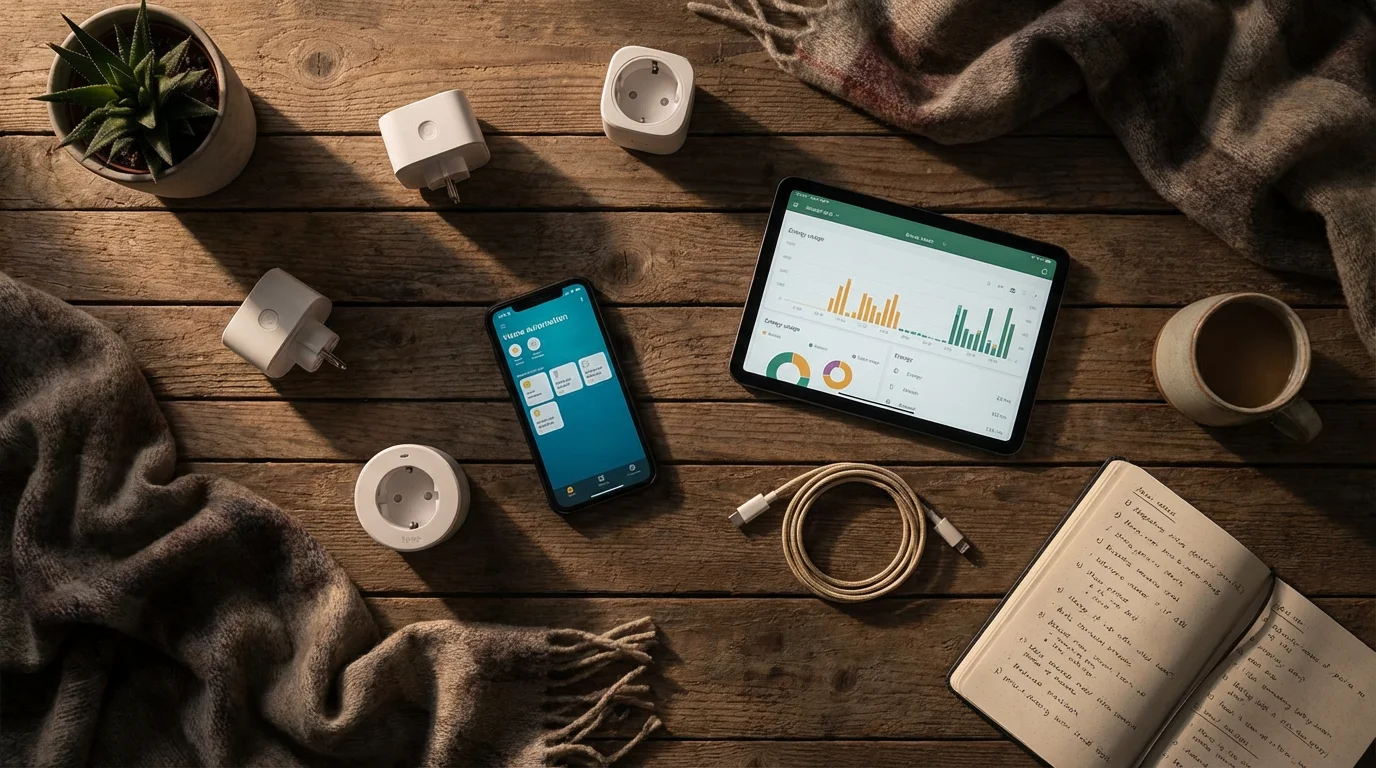
Who Benefits Most from Smart Plugs:
-
Those Seeking Convenience: If you find yourself wanting to turn off a light across the room but prefer not to get up, or if you want to start your coffee maker from bed, smart plugs deliver true convenience. They eliminate minor hassles and save you steps throughout the day.
-
Individuals with Mobility Challenges: For anyone with limited mobility, reaching difficult-to-access outlets or switches can be a challenge. Smart plugs allow you to control devices with your voice or a tap on your phone, making your home more accessible and comfortable.
-
People Concerned About Home Security: If you travel or want to make your home appear occupied when you are out, scheduling lights to turn on and off automatically provides an effective deterrent. This adds an extra layer of security, creating peace of mind.
-
Anyone Who Forgets to Turn Things Off: Do you sometimes leave a fan running all day or worry about an iron left on? Smart plugs allow you to check and turn off devices remotely using your smartphone app, preventing wasted energy and potential hazards.
-
Those Who Want a Simple Start to Smart Home Technology: Smart plugs are one of the simplest and least expensive smart home devices to set up and use. They do not require a central hub, which is a central device that connects other smart devices, and they connect directly to your home Wi-Fi. This makes them an excellent first step into home automation, allowing you to get comfortable with the technology before exploring more complex gadgets.

Considerations Before Buying:
-
Reliance on Wi-Fi: Smart plugs need a stable Wi-Fi connection to work. If your home Wi-Fi is unreliable or has dead spots, you might experience connectivity issues. Ensure your Wi-Fi router is working well and provides good coverage where you plan to use the plugs.
-
Smartphone or Tablet Required: While voice control is an option, you will initially need a smartphone or tablet to set up the smart plug and download its control app. If you are uncomfortable with smartphones or do not own one, smart plugs might not be the best choice.
-
Learning Curve for Apps: Every smart plug manufacturer has its own app. While most are user-friendly, there is a small learning curve to navigate the app, create schedules, and connect to voice assistants. Patience is helpful during the initial setup.
-
Not for Every Appliance: Smart plugs are best for appliances with a simple on/off switch. They work well with lamps, fans, coffee makers, and holiday lights. They are generally not suitable for heavy-duty appliances like refrigerators, air conditioners, or washing machines, which draw too much power. Always check the plug’s power rating before use.
If these benefits sound appealing and the considerations do not present major hurdles, a smart plug is likely a valuable addition to your home. You gain convenience, safety, and a simple introduction to modern smart home living.

What You Will Need to Get Started
Getting your first smart plug up and running is straightforward, but having the right tools and understanding the basic requirements makes the process even smoother. Here is what you will need:
If you decide to buy your smart devices through a website like Amazon, make sure you know how to shop online safely to keep your account secure.
-
A Smart Plug: Choose a reputable brand like TP-Link Kasa, Amazon Smart Plug, or a Gosund Smart Plug. Many work well and offer similar features. Consider if you want features like energy monitoring or integration with specific voice assistants.
-
A Smartphone or Tablet: You need an Apple iPhone or iPad, or an Android phone or tablet. This device allows you to download the smart plug’s control app, which is essential for setup and management. Ensure your device is updated to a relatively recent operating system version for best compatibility.
-
A Stable Wi-Fi Connection in Your Home: Smart plugs rely on your home’s wireless internet connection, or Wi-Fi, to communicate. Most smart plugs require a 2.4 GHz Wi-Fi network, which is the more common frequency for smart home devices. If you have a newer router that offers both 2.4 GHz and 5 GHz networks, ensure your smartphone is connected to the 2.4 GHz network during the initial setup process. You can usually find this information on the side or bottom of your Wi-Fi router, or in its settings.
-
An Available Wall Outlet: Make sure you have a convenient and accessible wall outlet where you want to use the smart plug. Consider the size of the smart plug itself, as some might block access to the second outlet in a duplex. Many modern smart plugs are designed to be slim, avoiding this issue.
-
The Appliance You Want to Control: This could be a lamp, a fan, a coffee maker, or any other small electrical device that has a mechanical on/off switch or defaults to an “on” state when plugged in.
-
(Optional) A Smart Speaker with Voice Assistant: If you want to use voice commands, you will need a smart speaker like an Amazon Echo (Alexa) or a Google Nest device (Google Assistant). While not strictly necessary for the plug to function, it adds a significant layer of convenience.
Before you begin, ensure your smartphone or tablet is charged, and you know your Wi-Fi network name (SSID) and password. Having these details ready prevents interruptions during the setup process.
Step-by-Step Smart Plug Setup
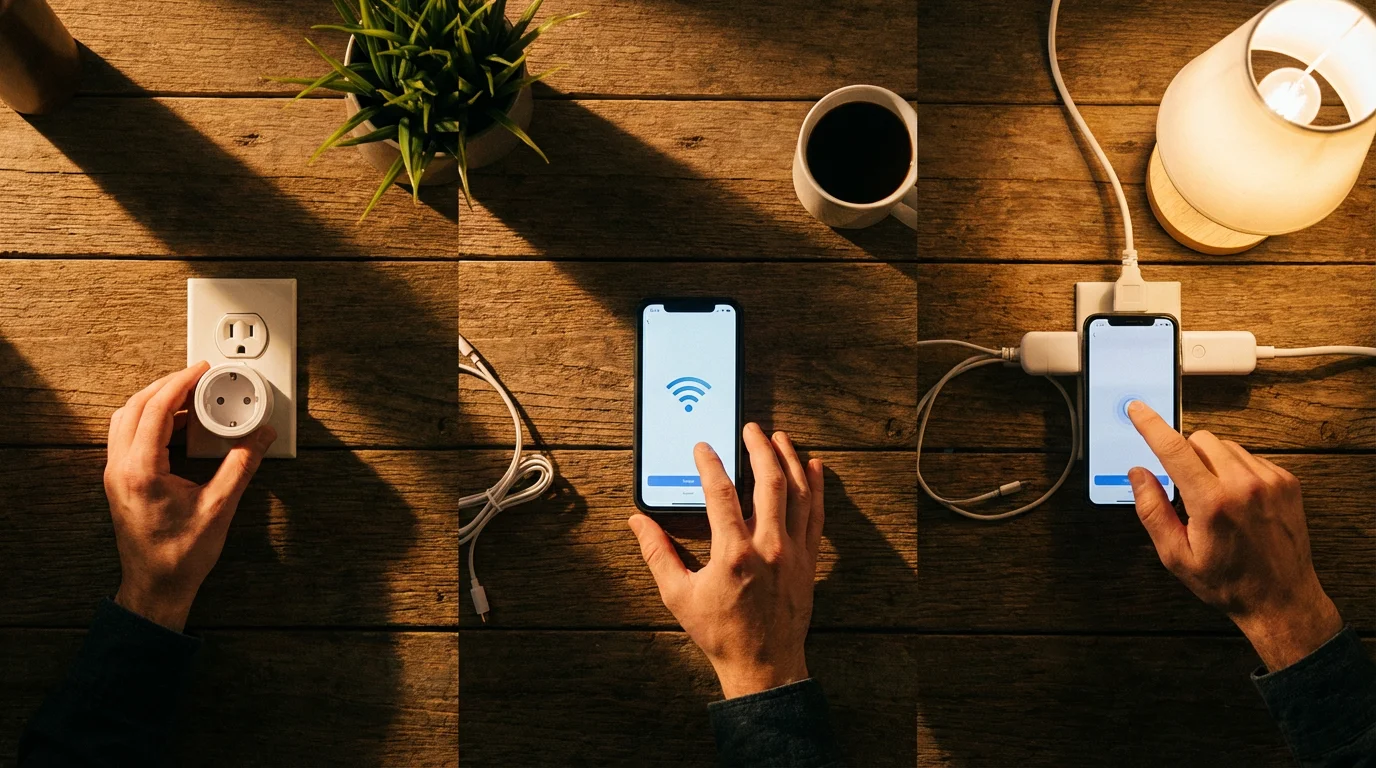
Setting up a smart plug is surprisingly simple. Most brands follow a similar process. We will walk through the general steps. Specific app interfaces may vary slightly, but the core actions remain the same.
Step 1: Download the Smart Plug App
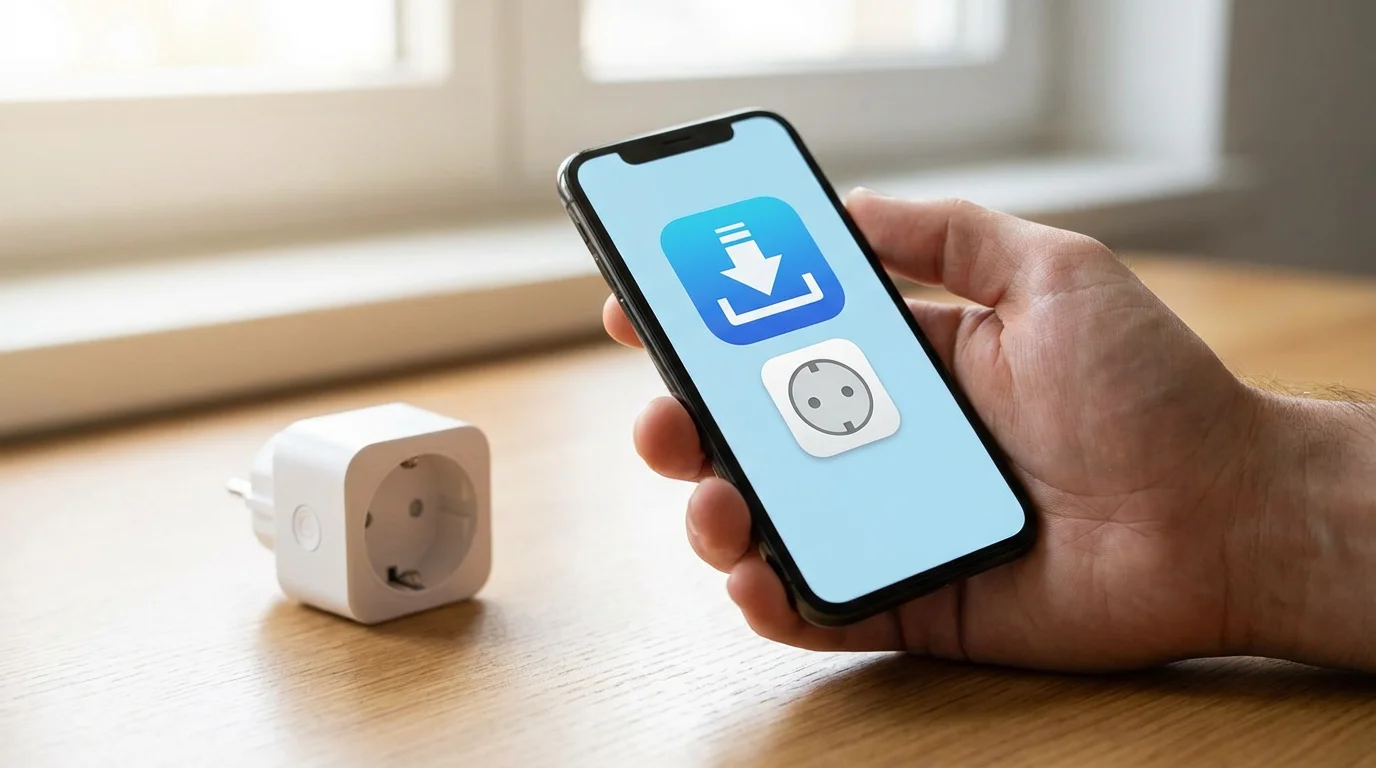
- Find the App: Open the App Store on your iPhone or iPad, or the Google Play Store on your Android phone or tablet.
- Search: Type the brand name of your smart plug (e.g., “Kasa Smart,” “Amazon Alexa,” “Gosund”) into the search bar.
- Install: Locate the official app and tap “Install” or “Get.” Allow the app to download and install on your device.
Step 2: Create an Account
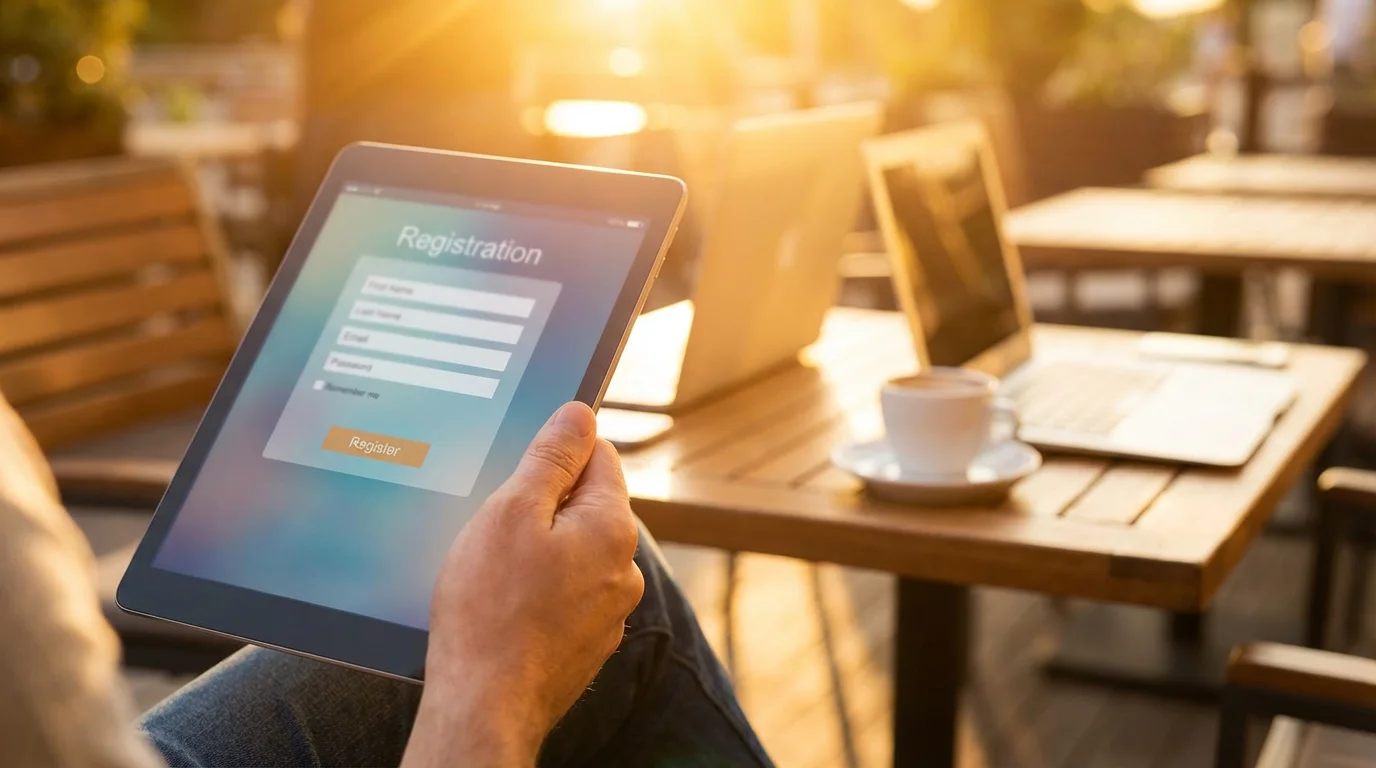
- Open the App: Once the app is installed, open it.
- Sign Up: The app will likely prompt you to create a new account. You usually need to provide an email address and create a password. Some apps might offer a “Guest” or “Skip” option, but creating an account is recommended for full functionality and remote access.
- Verify Account (If Required): Some apps send a verification email to the address you provided. Check your email inbox, including your spam folder, and click the verification link to activate your account.
Step 3: Plug in Your Smart Plug
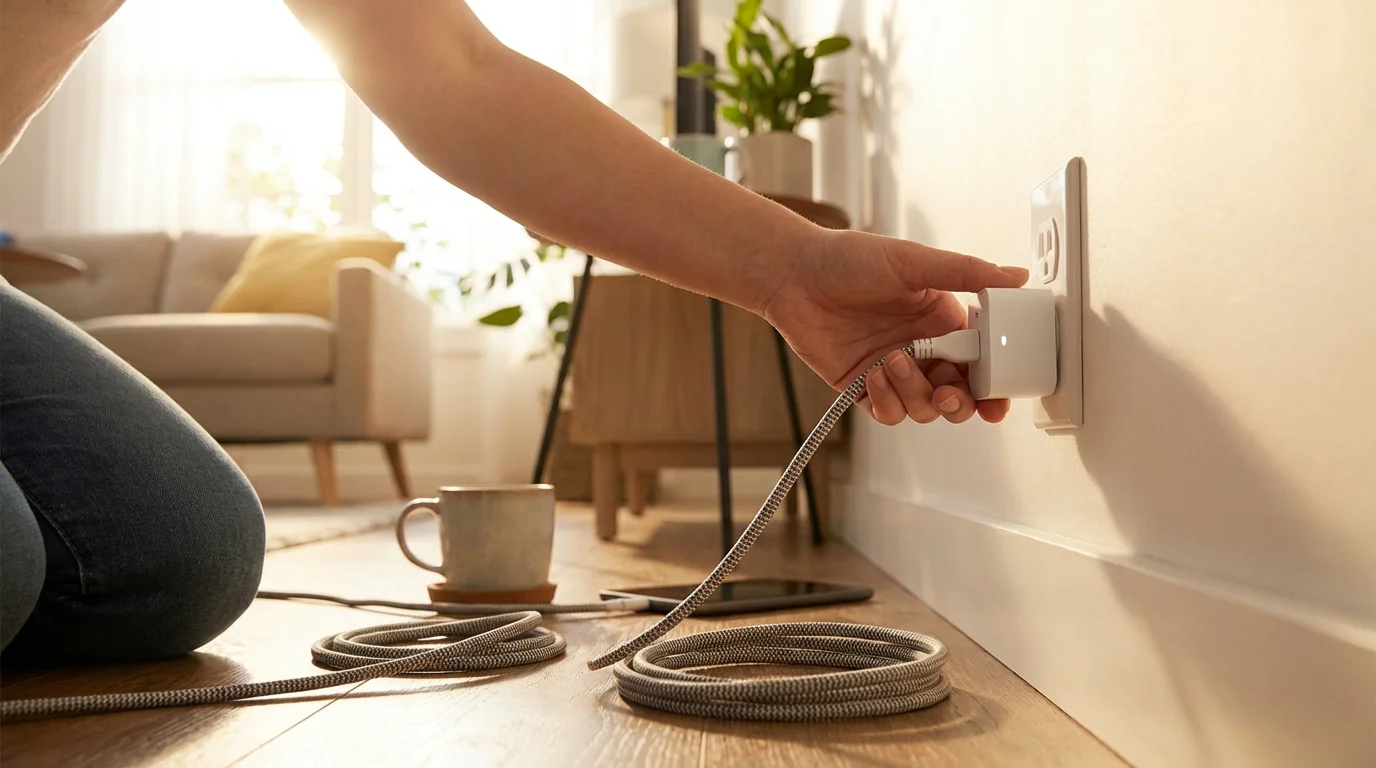
- Choose a Location: Select the wall outlet where you want to use the smart plug.
- Plug It In: Insert the smart plug firmly into the wall outlet.
- Observe the Light: Once plugged in, the smart plug usually has an LED indicator light. It might blink blue, green, or amber, indicating it is in pairing mode and ready to connect. If it is not blinking, consult your plug’s manual, as there might be a small reset button to press.
Step 4: Add the Device in the App
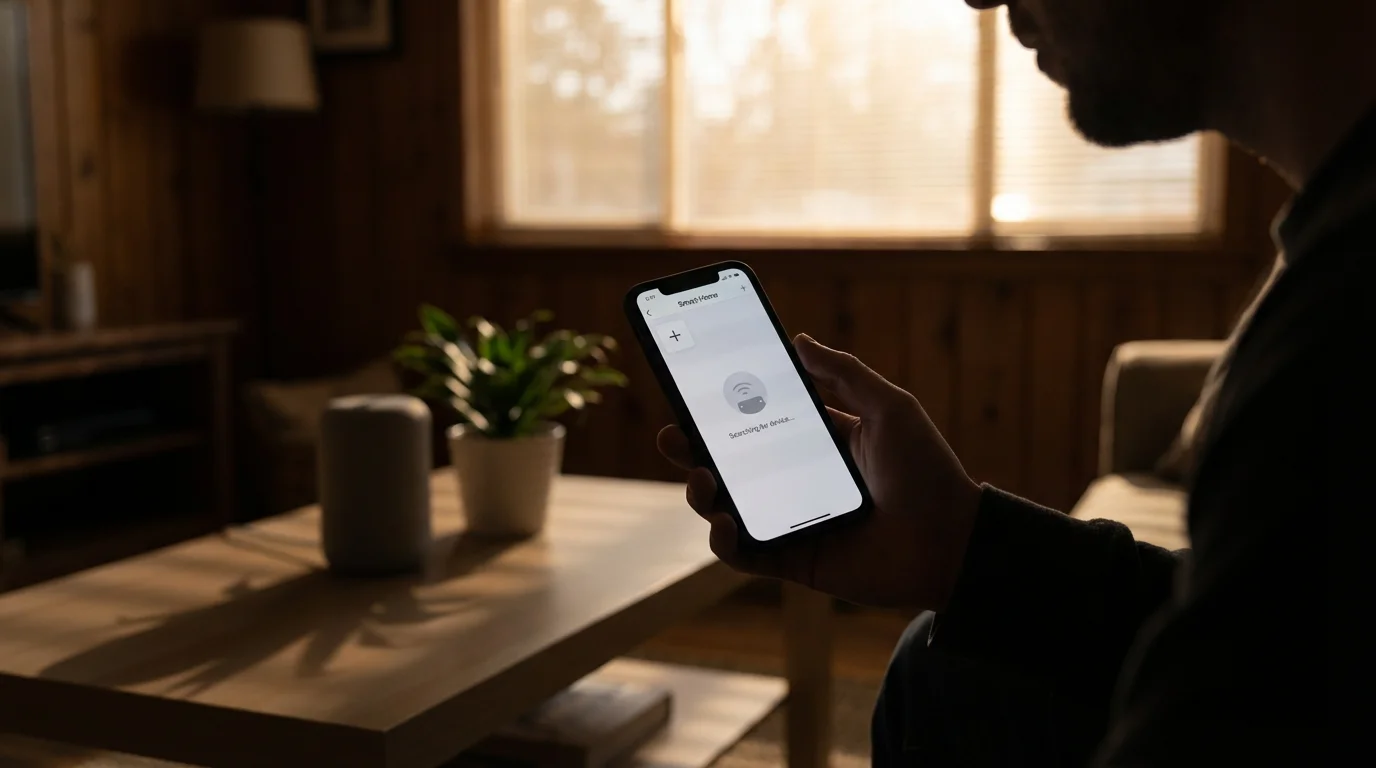
- Open the App: Go back to the smart plug app on your phone or tablet.
- Add Device: Look for an “Add Device,” “Add,” or a “+” icon. Tap it.
- Select Device Type: The app will ask what type of device you are adding. Choose “Smart Plug” or a similar option.
- Follow On-Screen Prompts: The app will guide you through the connection process. It will likely ask you to confirm the plug’s blinking light.
- Connect to Wi-Fi: The crucial step is connecting the plug to your home Wi-Fi.
- The app will ask for your Wi-Fi network name (SSID) and password. Select your 2.4 GHz network from the list and enter the password carefully.
- Your phone or tablet might temporarily disconnect from your home Wi-Fi and connect directly to the smart plug for a moment to transfer the Wi-Fi credentials. Follow any prompts to allow this.
- Once the plug successfully connects to your Wi-Fi, the indicator light on the plug will usually turn solid green or blue, confirming a successful connection.
- Name Your Plug: The app will ask you to give your smart plug a name. Choose something simple and descriptive, like “Living Room Lamp,” “Bedroom Fan,” or “Coffee Maker.” This name is what you will use for voice commands later.
Step 5: Plug in Your Appliance and Test
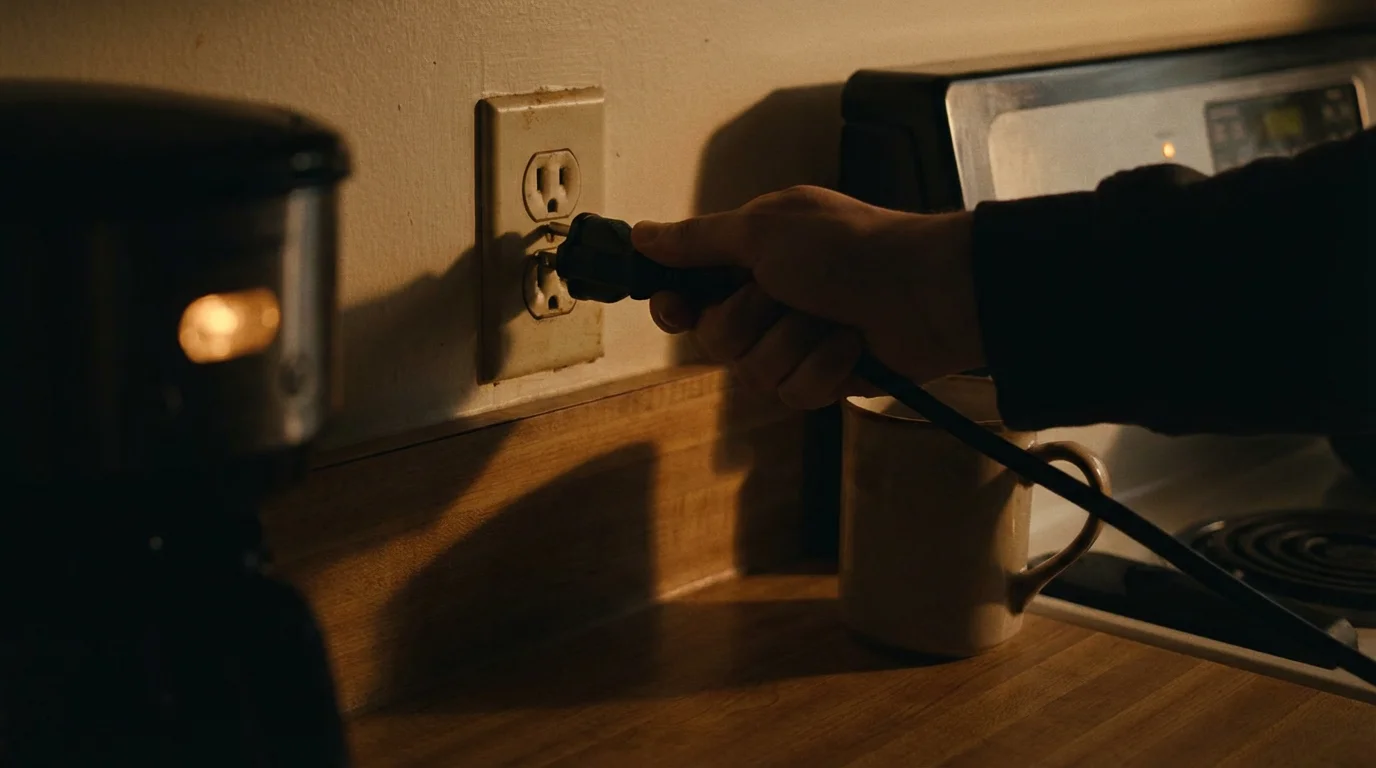
- Plug In Appliance: Now, plug the appliance you want to control (e.g., a lamp) into the smart plug. Make sure the appliance’s physical switch is in the “on” position so the smart plug can control its power.
- Test Control: Use the app to turn the smart plug on and off. You should see your appliance respond instantly.
- Set Up Schedules (Optional): Within the app, explore the options to create schedules. You can program the lamp to turn on at 6 PM and off at 10 PM daily.
Congratulations! You have successfully set up your smart plug. Now you can enjoy the convenience of controlling your appliance from your phone or tablet.

Useful Things to Try with Your Smart Plugs
Once your smart plugs are set up, the real fun begins. Here are some practical and enjoyable ways to integrate them into your daily life, making things easier, safer, or simply more comfortable.
1. Control Lamps and Lighting
This is perhaps the most popular use for smart plugs. You can control floor lamps, table lamps, or even holiday lights without having to get up. This is especially helpful if you have lamps in hard-to-reach corners or if you want to turn on lights before entering a dark room.
- Example: Plug in your living room lamp. Then, from your chair, open the app and tap “Living Room Lamp” to turn it on or off.
- Voice Control Example: If you have an Amazon Echo, say, “Alexa, turn on the living room lamp.” If you have a Google Nest device, say, “Hey Google, turn on the living room lamp.”
2. Automate Your Coffee Maker
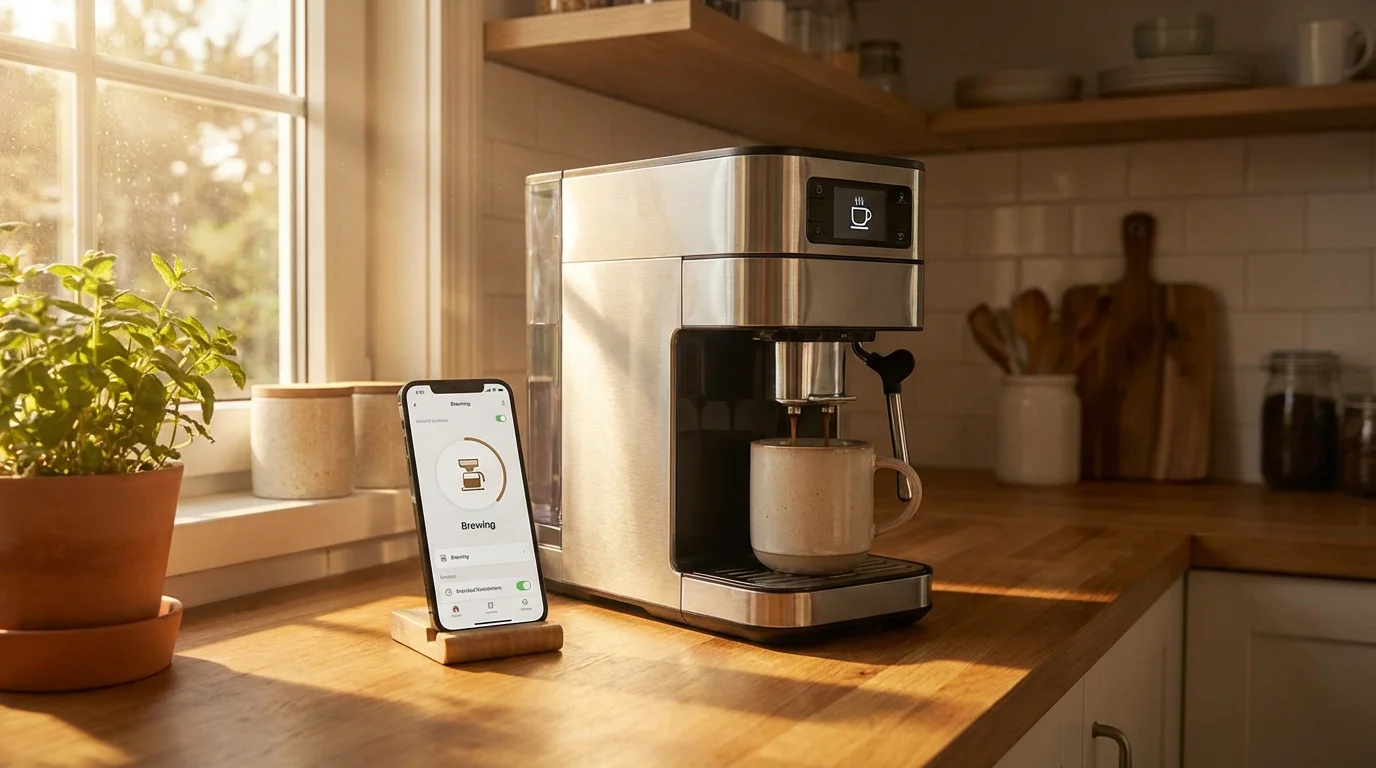
Imagine waking up to the smell of freshly brewed coffee without lifting a finger. If your coffee maker has a mechanical on/off switch or automatically starts brewing when plugged in, you can automate it.
- Example: Fill your coffee maker with water and grounds the night before, leaving its switch in the “on” position. Use the smart plug app to schedule it to turn on 15 minutes before your alarm goes off.
3. Manage Fans and Small Heaters
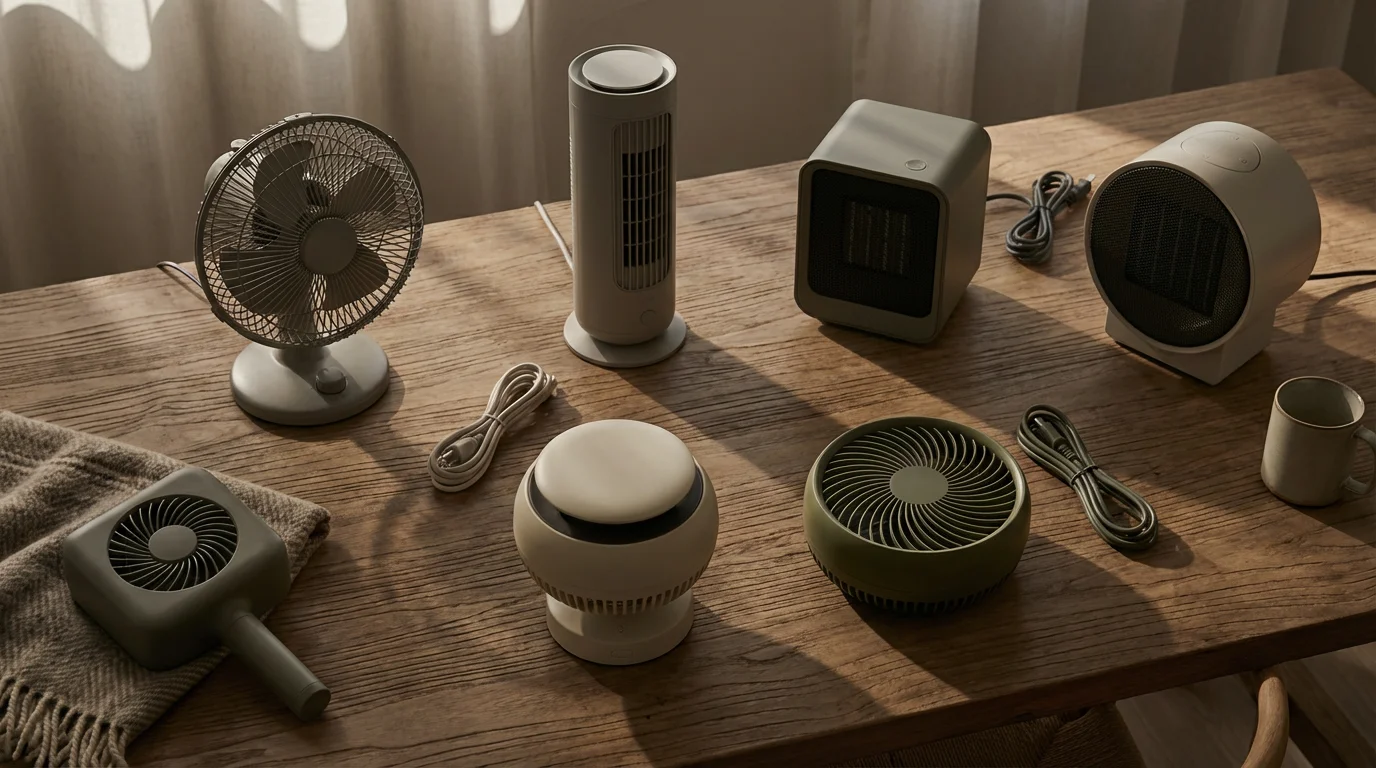
Control the temperature and airflow in your room without constant adjustments. This saves energy and improves comfort.
- Example: Plug in your bedroom fan. Schedule it to turn off automatically an hour after you usually fall asleep, or turn it on from your phone before you get home on a hot day.
- Safety Tip: If using a space heater, always ensure it is rated for safe use with a smart plug (check the plug’s maximum wattage) and never leave it unattended for long periods. Smart plugs cannot prevent all risks, but they can cut power if you forget.

4. Simplify Holiday Decorations
Untangling cords and struggling with outdoor light timers become a thing of the past.
- Example: Plug your indoor or outdoor holiday lights into smart plugs. Set a schedule for them to turn on at dusk and off at midnight. This provides festive cheer with zero effort after the initial setup.

5. Make Your Home Look Occupied
Whether you are out for the evening or away on vacation, smart plugs enhance security by simulating presence in your home.
- Example: Connect lamps in different rooms to smart plugs. Use the app to create random schedules or turn them on and off manually while you are away. This gives the impression that someone is home, deterring potential intruders.
6. Power Off Chargers and Electronics
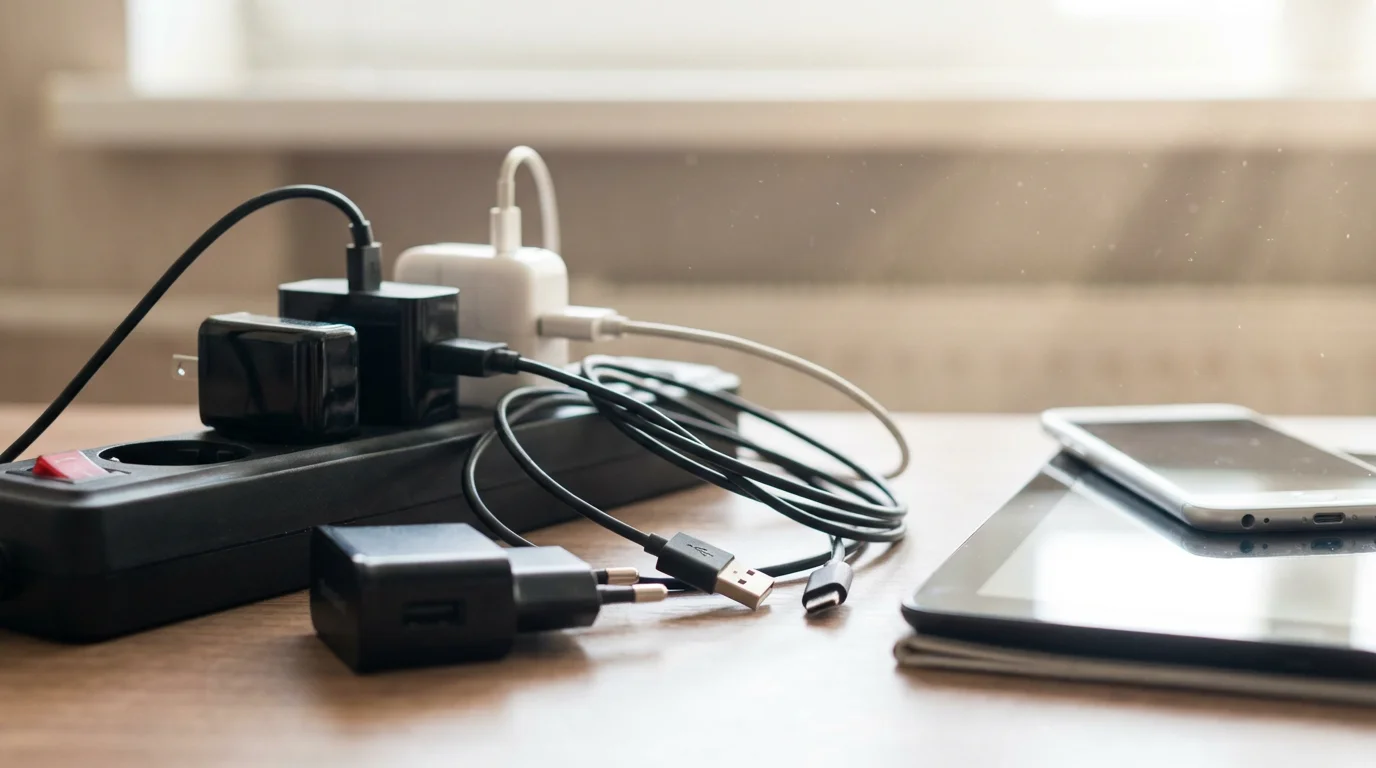
Many electronic chargers continue to draw a small amount of power even when not charging a device. This is often called “vampire drain.”
- Example: Plug your phone charger, tablet charger, or even your television into a smart plug. Set a schedule to turn off power to these devices overnight or when you are not using them. This helps conserve energy and reduces your electricity bill over time.
These are just a few ideas. The key is to think about everyday actions you repeat or wish were easier. Smart plugs can often provide a simple, elegant solution.

Privacy and Security Considerations
When you bring any smart device into your home, it is natural to think about your privacy and security. Smart plugs, while simpler than devices with cameras or microphones, still connect to your home network and transmit data. Addressing these concerns directly helps you make informed decisions.

What Smart Plugs Do Not Do:
- They do not listen to your conversations: Smart plugs do not contain microphones. They cannot record audio or listen in on anything happening in your home.
- They do not have cameras: Smart plugs do not contain cameras and cannot record video or take pictures.
- They do not track your location directly: While the app on your phone might use location services for features like “turn lights on when I’m near home,” the plug itself does not track your movements.
What Smart Plugs Do:
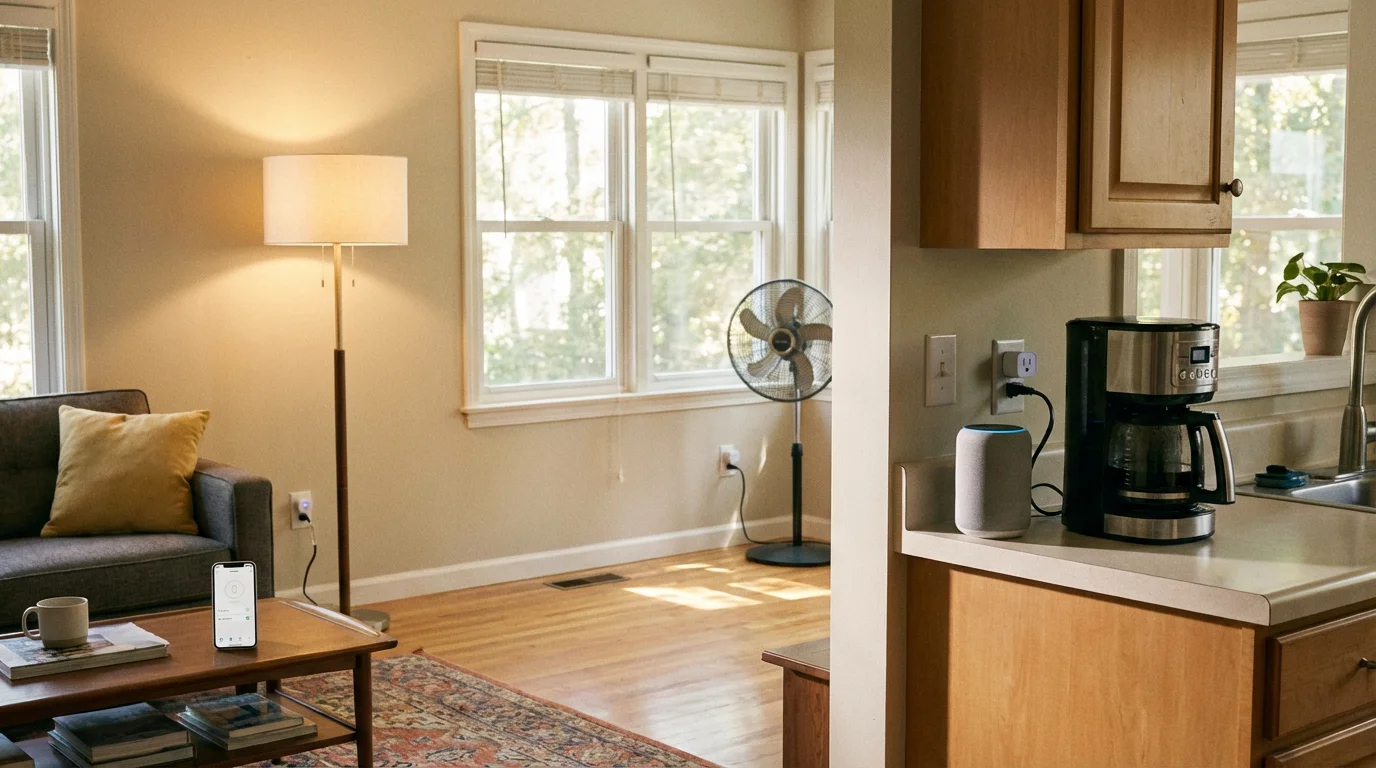
- They connect to your Wi-Fi: Your smart plug uses your home Wi-Fi to receive commands from your phone app or smart speaker. This means it has an IP address on your network.
- They communicate with manufacturer servers: To enable remote control and scheduling, your smart plug connects to the manufacturer’s cloud servers over the internet. This allows the app on your phone, wherever you are, to send commands to the plug.
- They transmit usage data: Basic operational data, such as when the plug is turned on or off, is typically sent to the manufacturer’s servers. Some plugs with energy monitoring features also send power consumption data. This data is usually anonymized and aggregated, but it is collected.

Steps You Can Take to Enhance Your Privacy and Security:
-
Use Strong, Unique Passwords: Create a strong password for your smart plug app account. Avoid using the same password for multiple online services. A password manager can help you manage unique, complex passwords.
-
Keep Your Wi-Fi Secure: Ensure your home Wi-Fi network uses WPA2 or WPA3 encryption and has a strong, unique password. This prevents unauthorized access to your network and, by extension, your smart devices. If you are unsure about your Wi-Fi security, contact your internet service provider for assistance.
-
Keep Apps and Firmware Updated: Manufacturers regularly release updates for their apps and the plug’s internal software (firmware). These updates often include security patches that protect against newly discovered vulnerabilities. Enable automatic updates for the app and check for firmware updates within the app.
-
Understand Data Policies: Before purchasing, briefly review the privacy policy of the smart plug manufacturer. This helps you understand what data they collect and how they use it. Reputable brands are transparent about their data practices.
-
Purchase from Reputable Brands: Stick to well-known brands like TP-Link Kasa, Amazon, Gosund, or those recommended by trusted consumer review sites like Wirecutter or Consumer Reports. These companies generally invest more in security and privacy safeguards.
-
Consider a Guest Wi-Fi Network (Advanced): Some Wi-Fi routers allow you to set up a separate “guest” network. You can connect your smart home devices to this guest network, keeping them isolated from your primary network where you handle sensitive information like online banking. This adds an extra layer of security, though it might be a more advanced setup for some.
By taking these simple steps, you can significantly reduce any potential risks and enjoy the convenience of smart plugs with greater peace of mind. The benefits of smart plugs generally outweigh the privacy concerns for most users, especially given their limited data collection capabilities compared to other smart devices.

Common Problems and Solutions
Even with simple technology like smart plugs, occasional hiccups can occur. Do not get discouraged. Most issues have straightforward solutions. Here are some common problems you might encounter and how to resolve them.
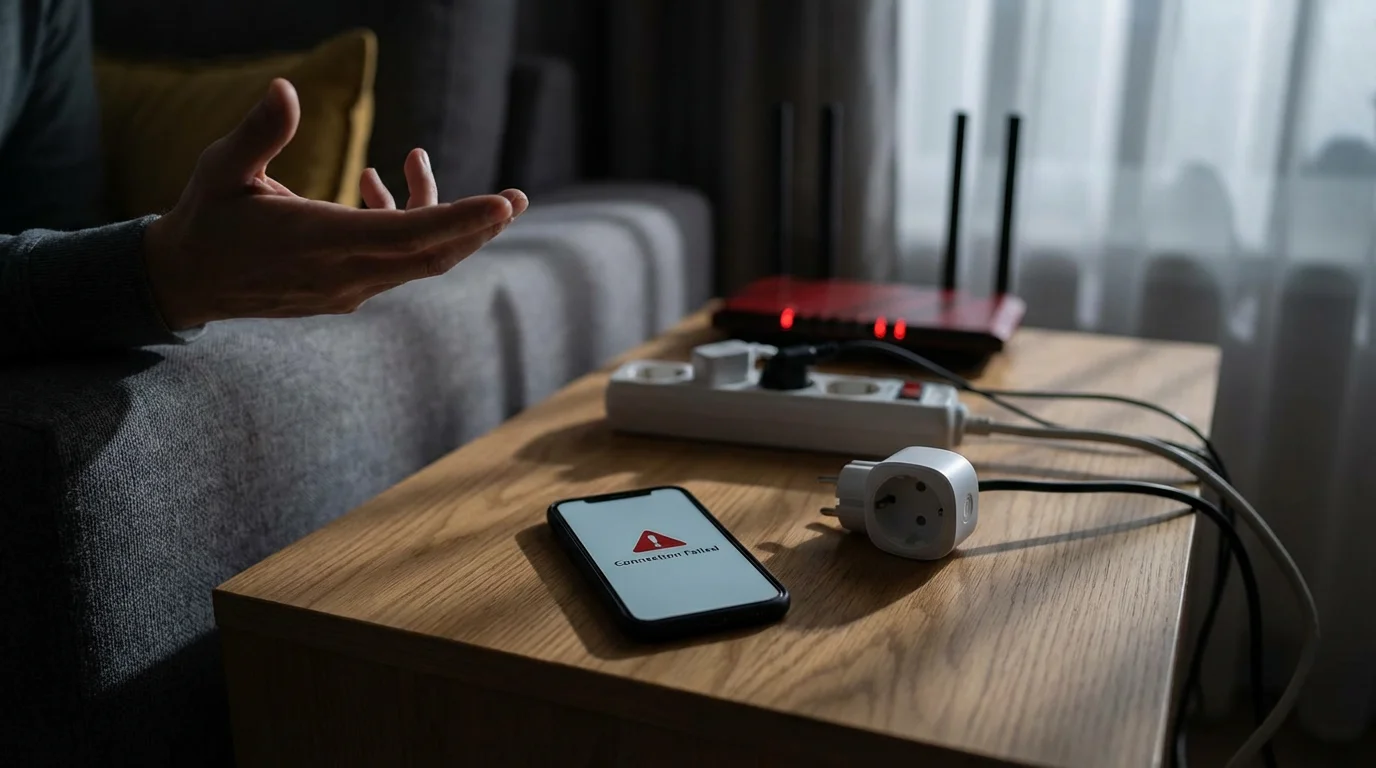
1. Smart Plug Won’t Connect to Wi-Fi
- Problem: The plug’s indicator light keeps blinking or turns red, and the app fails to connect it to your network.
- Solutions:
- Check Wi-Fi Band: Most smart plugs only connect to a 2.4 GHz Wi-Fi network. Ensure your smartphone is connected to the 2.4 GHz band during setup. If your router broadcasts both 2.4 GHz and 5 GHz with the same name, you might need to temporarily separate them in your router settings or move closer to the router, as 2.4 GHz has better range.
- Correct Wi-Fi Password: Double-check that you entered the Wi-Fi password correctly. Passwords are often case-sensitive.
- Proximity to Router: Move the smart plug closer to your Wi-Fi router during setup. Once connected, you can usually move it back to its intended location if the signal is still strong enough.
- Restart Everything: Unplug the smart plug, restart your Wi-Fi router (unplug it for 30 seconds, then plug it back in), and restart your smartphone. Then try the setup process again.
- Reset the Smart Plug: Most smart plugs have a small reset button (sometimes requiring a paperclip) or a combination of button presses. Refer to your plug’s manual for specific reset instructions. This puts it back into pairing mode.
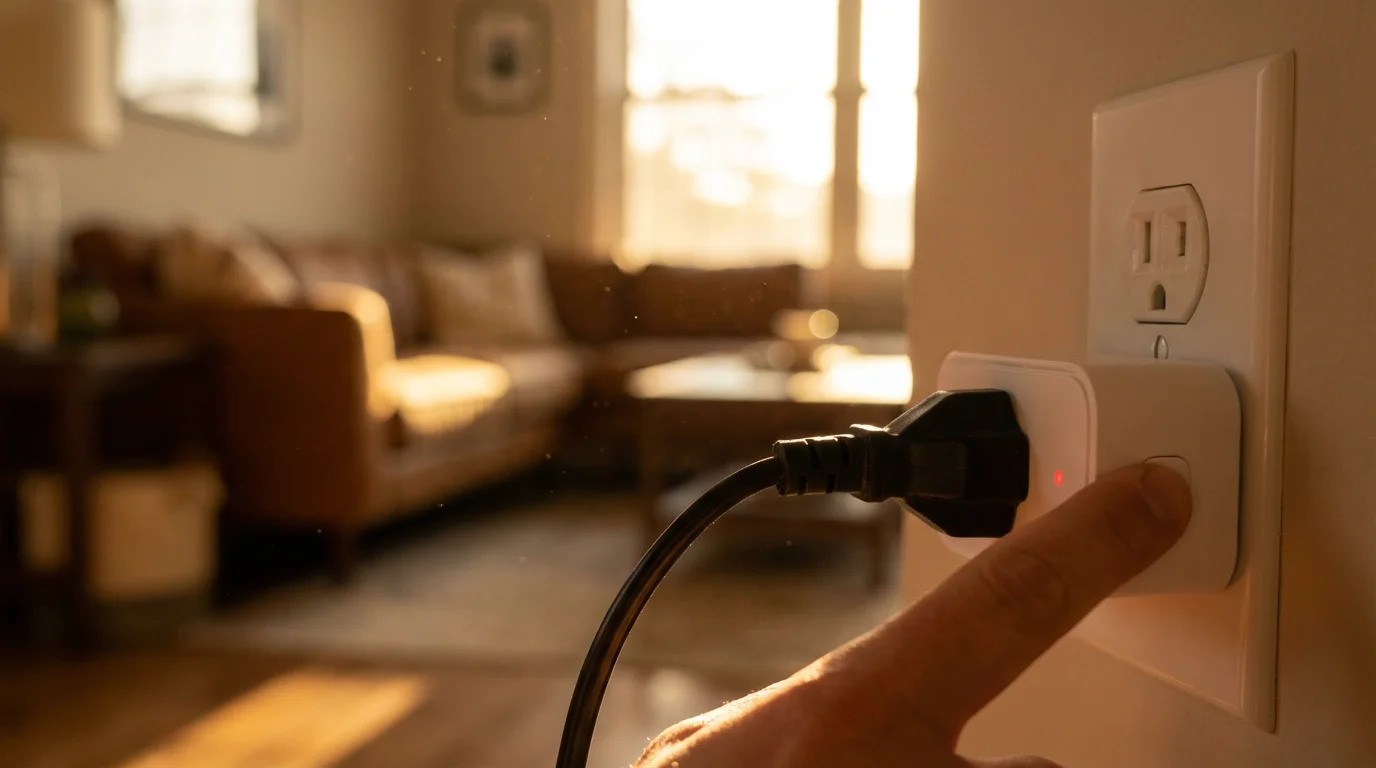
2. Appliance Not Responding to the Smart Plug
- Problem: The smart plug turns on or off, but the lamp or fan plugged into it does not react.
- Solutions:
- Check Appliance’s Physical Switch: Ensure the appliance’s own power switch is set to the “on” position. Smart plugs only control the power flow to the appliance; they do not operate the appliance’s internal controls.
- Verify Power: Unplug the appliance from the smart plug and plug it directly into the wall outlet to confirm the appliance itself is working.
- Exceeding Max Load: Ensure the appliance’s wattage does not exceed the smart plug’s maximum capacity. This information is usually printed on the plug or in its manual. Overloading can cause the plug to malfunction or fail.

3. Remote Control or Scheduling Not Working
- Problem: You can control the plug when home, but not when you are away. Or, schedules you set are not activating.
- Solutions:
- Internet Connection: Ensure your home’s internet connection is active and stable. If your Wi-Fi is down, your smart plug cannot communicate with the cloud.
- App Login: Verify you are logged into the correct account in the smart plug app.
- Check Schedules: Go into the app and double-check that your schedules are correctly configured and enabled. Look for specific dates or times that might be incorrect.
- Firmware Update: Check if the smart plug’s firmware needs an update within the app. Outdated firmware can sometimes cause issues.

4. Voice Control Not Working with Smart Speaker
- Problem: Your smart speaker (Alexa or Google Assistant) does not respond to commands for your smart plug.
- Solutions:
- Enable Skill/Link Account: You need to enable the specific “skill” (for Alexa) or “action” (for Google Assistant) for your smart plug brand in the Alexa or Google Home app. This links your smart plug account to your voice assistant account. Search for “Kasa Smart” or your plug’s brand in the Alexa or Google Home app’s skills/actions section.
- Discover Devices: After linking, ask your smart speaker to “Discover devices” (Alexa) or “Sync my devices” (Google Assistant).
- Correct Name: Ensure you are using the exact name you gave your smart plug in the app (e.g., “Living Room Lamp” not “Lamp in the living room”). Speak clearly.
- Check Smart Speaker Connection: Verify your smart speaker is connected to the internet and responding to other commands.
Patience and a methodical approach usually resolve most issues. Many smart plug apps also have a “Help” or “Support” section with specific troubleshooting tips for their products. Do not hesitate to use those resources or contact the manufacturer’s customer support if you are stuck.
Frequently Asked Questions
Is a smart plug always listening?
No, a smart plug itself does not have a microphone and does not listen to your conversations. It only receives commands to turn an appliance on or off. If you control it using a smart speaker with a voice assistant like Alexa or Google Assistant, then the smart speaker will listen for its “wake word,” but the plug itself is silent.
Do I need to pay monthly for smart plugs?
No, you do not need to pay monthly for smart plugs. Once you buy the plug, its basic control and scheduling features are free to use through the manufacturer’s app. There are no subscription fees for the plugs themselves. Any optional premium features, if offered by a specific brand, would be clearly indicated, but they are very rare for basic smart plugs.
Do I need a special hub to use smart plugs?
Most modern smart plugs, especially those from popular brands, do not require a separate hub. They connect directly to your home’s existing Wi-Fi network. This makes them one of the easiest smart home devices to get started with, as you avoid the extra cost and setup of a central hub.
What happens if my Wi-Fi goes down?
If your home’s Wi-Fi network goes down, your smart plug will lose its internet connection. This means you will not be able to control it remotely via the app or with voice commands. However, some smart plugs have a manual on/off button directly on the device, allowing you to control the connected appliance physically until your Wi-Fi connection is restored. Any schedules you set might also stop working during the outage, but they usually resume once Wi-Fi returns.
Can I use smart plugs with any appliance?
You can use smart plugs with most small appliances that have a simple on/off switch or that automatically turn on when power is applied. Common examples include lamps, fans, coffee makers, humidifiers, and holiday lights. You should not use smart plugs with high-power appliances like refrigerators, washing machines, electric heaters, or air conditioners, as they draw too much electricity and can damage the smart plug or create a safety hazard. Always check the smart plug’s maximum wattage rating, usually found in the manual or on the device itself, and compare it to your appliance’s power consumption.
Disclaimer: This article is for informational purposes only. Product features and prices change frequently. Always check current specifications and reviews before purchasing. We recommend buying from authorized retailers with good return policies.


Leave a Reply