
Smart lighting offers convenience, safety, and comfort, particularly for adults aged 55 and over. You can control your lights with a simple voice command, a tap on your phone, or even set them to turn on and off automatically. This guide simplifies the world of smart light bulbs, helping you understand their practical benefits and how to use them to enhance your daily life.
Many people express concerns about complexity, privacy, or whether these gadgets are worth the investment. This article addresses those worries head-on. We focus on real-world uses for smart lights, ensuring you grasp exactly how they can genuinely make your home more comfortable, secure, and enjoyable. You will learn everything from selecting the right `smart bulbs` for your needs to setting them up and troubleshooting common issues. Let us illuminate the path to a brighter, smarter home experience.
Table of Contents
- What Are Smart Light Bulbs and What Can They Do For You?
- Are Smart Lights Right for Your Home?
- What You Will Need to Get Started with Smart Lighting
- Choosing the Right Smart Light Bulbs for Your Needs
- Step-by-Step Guide: How to Set Up Your Smart Lights
- Everyday Uses for Your Smart Lights
- Addressing Your Concerns: Privacy and Security with Smart Lighting
- Common Questions and Troubleshooting Tips for Smart Lighting
- Frequently Asked Questions
What Are Smart Light Bulbs and What Can They Do For You?
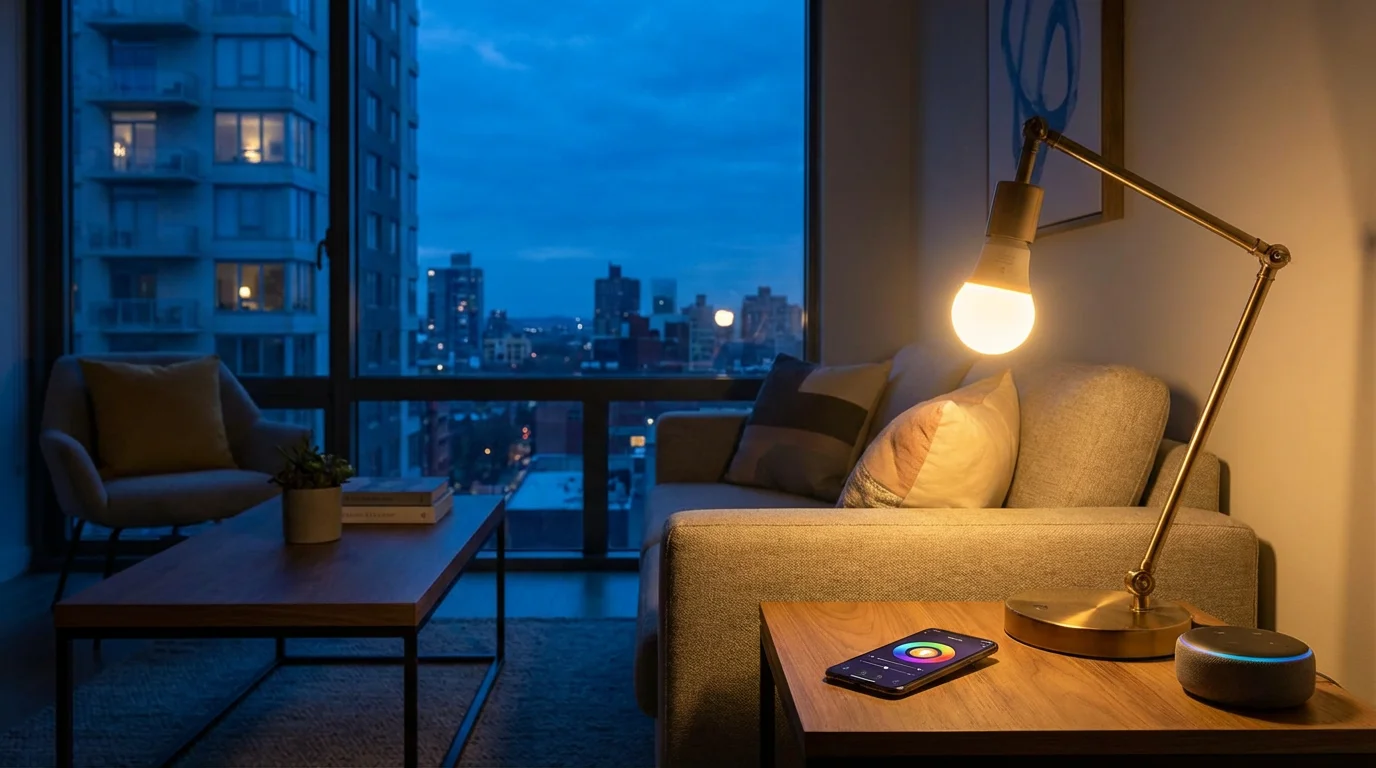
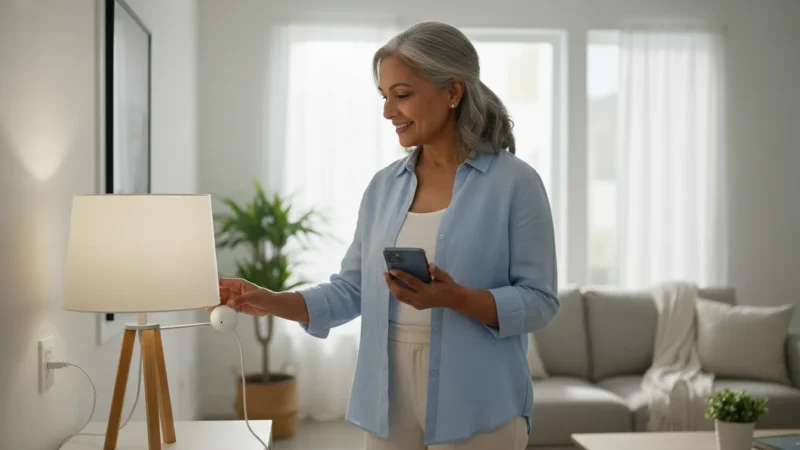
A `smart bulb` looks much like a regular light bulb, but it connects wirelessly to your home’s internet, known as `Wi-Fi`. This connection allows you to control the bulb using an app on your smartphone or tablet, or through a `smart speaker` like an Amazon Echo (Alexa) or Google Nest. These `smart speakers` are devices you can talk to that respond to your voice, using a `voice assistant`, which is the software that listens and responds.
In addition to efficient lighting, a smart thermostat is another excellent solution to help manage your home’s comfort and energy bills.
The core benefit of `smart bulbs` lies in their ability to offer control and customization that traditional bulbs cannot. Here are some practical ways `smart lights` make your life easier and safer:
- Convenience: Imagine walking into a dark room with your hands full. Instead of fumbling for a light switch, you can simply say, “Alexa, turn on the living room lights.” Or, if you are already comfortable in bed, you can turn off all the lights in the house without getting up. You might also set your lights to turn on automatically when you arrive home, welcoming you into a well-lit space. This convenience is a primary reason many seniors adopt `smart lighting` technology.
- Safety and Security: `Smart lights` can deter potential intruders. You can program lights to turn on and off at different times while you are away, creating the illusion that someone is home. This feature can be especially reassuring during vacations or extended absences. Additionally, automatic lighting in hallways or bathrooms can prevent falls during nighttime trips, ensuring you navigate your home safely.
- Energy Efficiency: Many `smart bulbs` are LED lights, which use significantly less energy than older incandescent bulbs. This means lower electricity bills. Beyond that, the ability to schedule lights to turn off automatically, or dim them when full brightness is not needed, further reduces energy consumption. Data from the U.S. Department of Energy indicates that LED lighting uses 75 percent less energy and lasts 25 times longer than incandescent lighting, providing a clear financial benefit.
- Customizable Ambiance: Do you want a bright, cool light for reading or a warm, soft glow for relaxing in the evening? Many `smart bulbs`, especially those like `Philips Hue`, allow you to change both the brightness and the color temperature, and even the color itself. This customization helps you create the perfect mood for any activity, enhancing comfort and enjoyment in your home.
“I was skeptical about smart lights, but being able to turn off all the house lights from my bedside with a simple voice command has been a game changer. No more worrying if I left a light on downstairs, and it feels much safer.”
– Eleanor V., 72, Smart Light User
Are Smart Lights Right for Your Home?
`Smart lights` offer many benefits, but they are not for everyone. Consider these points to decide if they fit your lifestyle:
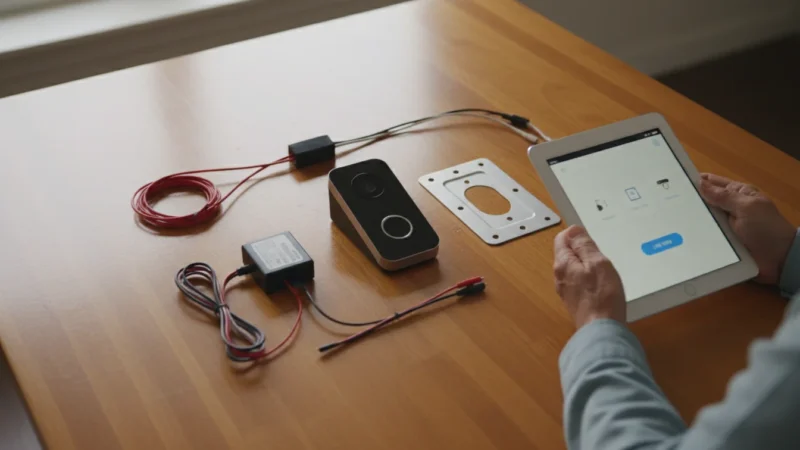
For complete security, you can pair your automated lights with a video doorbell that allows you to see visitors on your phone.
- You value convenience: If you often wish you did not have to get up to turn off lights, or if you appreciate the idea of your lights greeting you when you arrive home, `smart bulbs` offer immense convenience.
- You are concerned about safety: The ability to automate lights to make your home appear occupied when you are away, or to light pathways automatically at night, significantly enhances home security and reduces fall risks.
- You enjoy a customized environment: If you like adjusting the brightness or even the color of your lights to suit your mood or activity, `smart lights` provide unparalleled flexibility.
- You are comfortable with technology: While setting up `smart lights` is generally straightforward, it does involve using a smartphone app and connecting to your home’s `Wi-Fi`. If you are comfortable with these basic technological steps, you will likely find the process manageable.
- Your home has reliable `Wi-Fi`: `Smart lights` rely on a stable wireless internet connection. If your `Wi-Fi` is frequently unreliable, you might experience issues with your lights.
However, `smart lights` might not be the best fit if you prefer complete simplicity and are perfectly content with traditional light switches. While initial costs are higher than standard bulbs, the long-term energy savings and enhanced functionality often justify the investment for many users. The learning curve is gentle, but it does exist. You will spend a little time setting things up and learning the app, but the ongoing benefits are substantial.
What You Will Need to Get Started with Smart Lighting
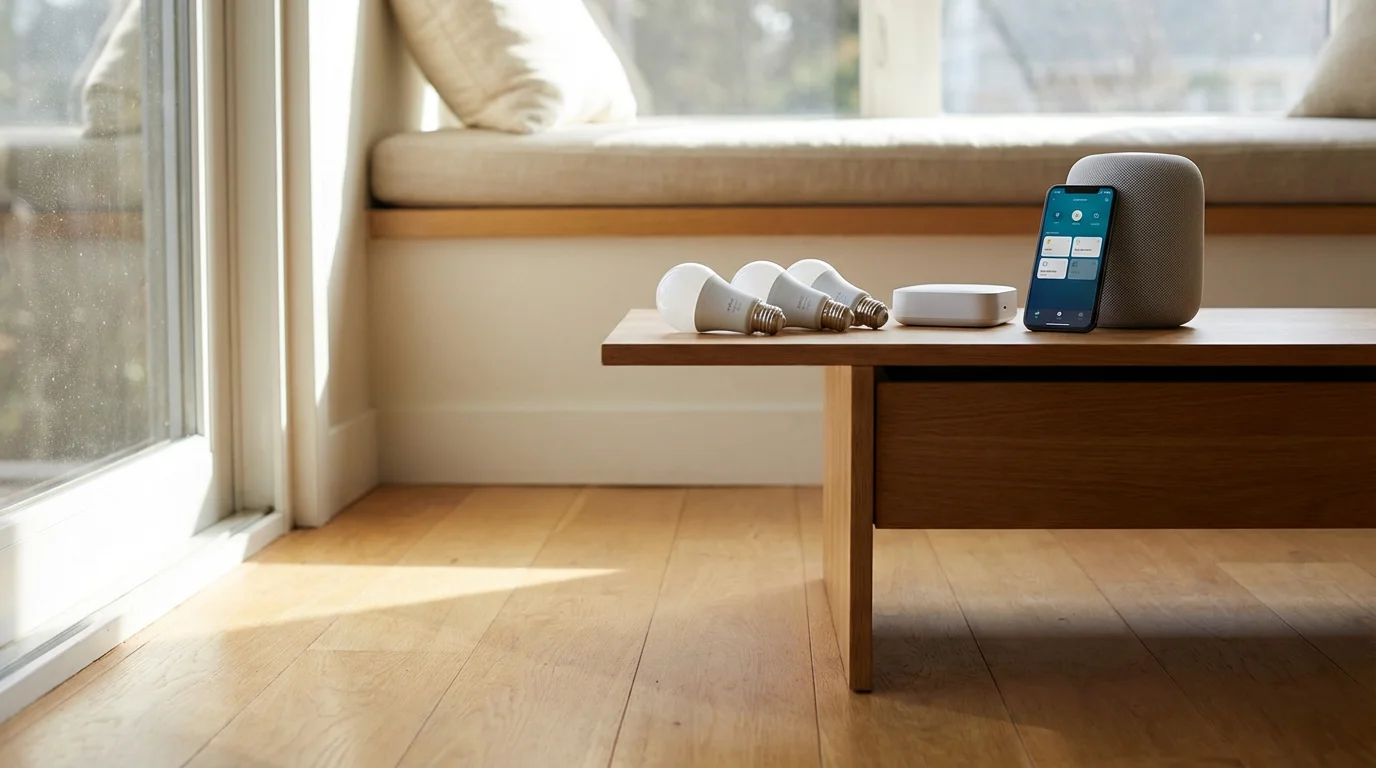
Getting started with `smart lights` is simpler than you might think. Here is what you will typically need:
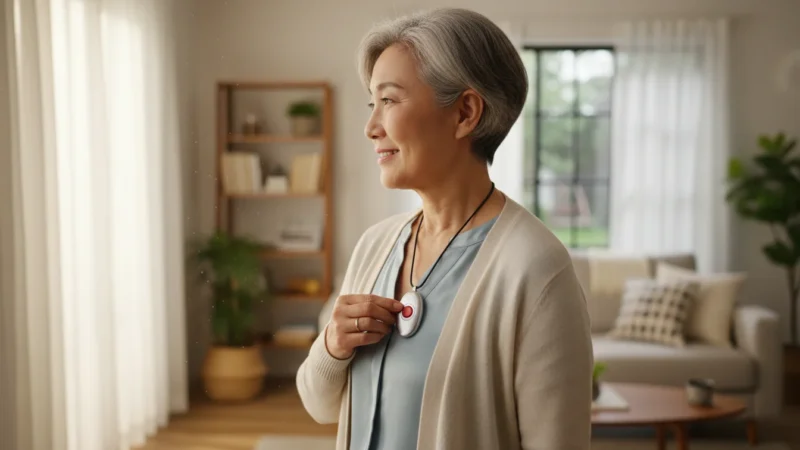
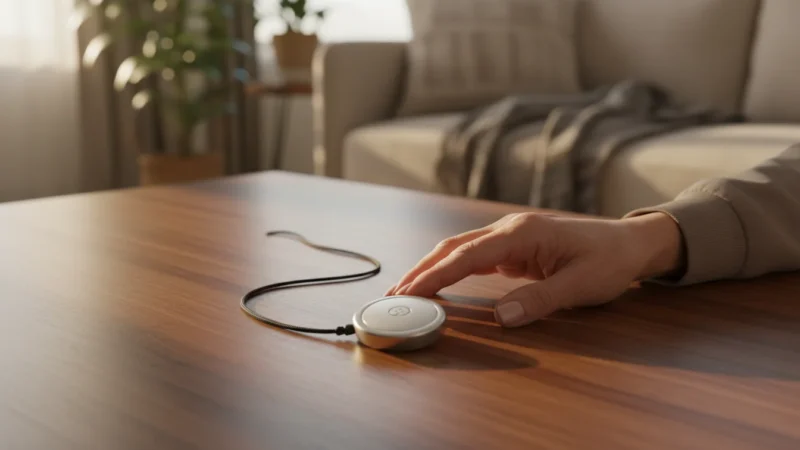
Especially for older adults, using a medical alert device provides an extra layer of safety to complement your smart home setup.
- A Reliable `Wi-Fi` Network: This is the most crucial component. Your `smart bulbs` will connect to your home’s wireless internet connection. Most modern homes already have `Wi-Fi` set up by their internet provider. If you are unsure, check your internet router, it usually has a sticker with the network name and password. For optimal performance, ensure your `Wi-Fi` signal is strong in the areas where you plan to install `smart lights`.
- A Smartphone or Tablet: You will use a free app on your Apple iPhone, iPad, or Android phone or tablet to set up and control your `smart bulbs`. Make sure your device runs a recent version of its operating system (iOS or Android) to ensure compatibility with the `smart light` apps.
- `Smart Light Bulbs`: Of course, you need the bulbs themselves! They come in various shapes and sizes, fitting most standard light fixtures. Brands like `Philips Hue` are very popular, but many other excellent options exist from companies like Sengled, Govee, and TP-Link Kasa.
- A `Smart Speaker` (Optional, but Recommended): While not strictly required, a `smart speaker` (like an Amazon Echo Dot or Google Nest Mini) greatly enhances the experience. It allows you to control your `smart lights` using your voice, which is incredibly convenient. You could say, “Hey Google, dim the kitchen lights to 50 percent,” without lifting a finger.
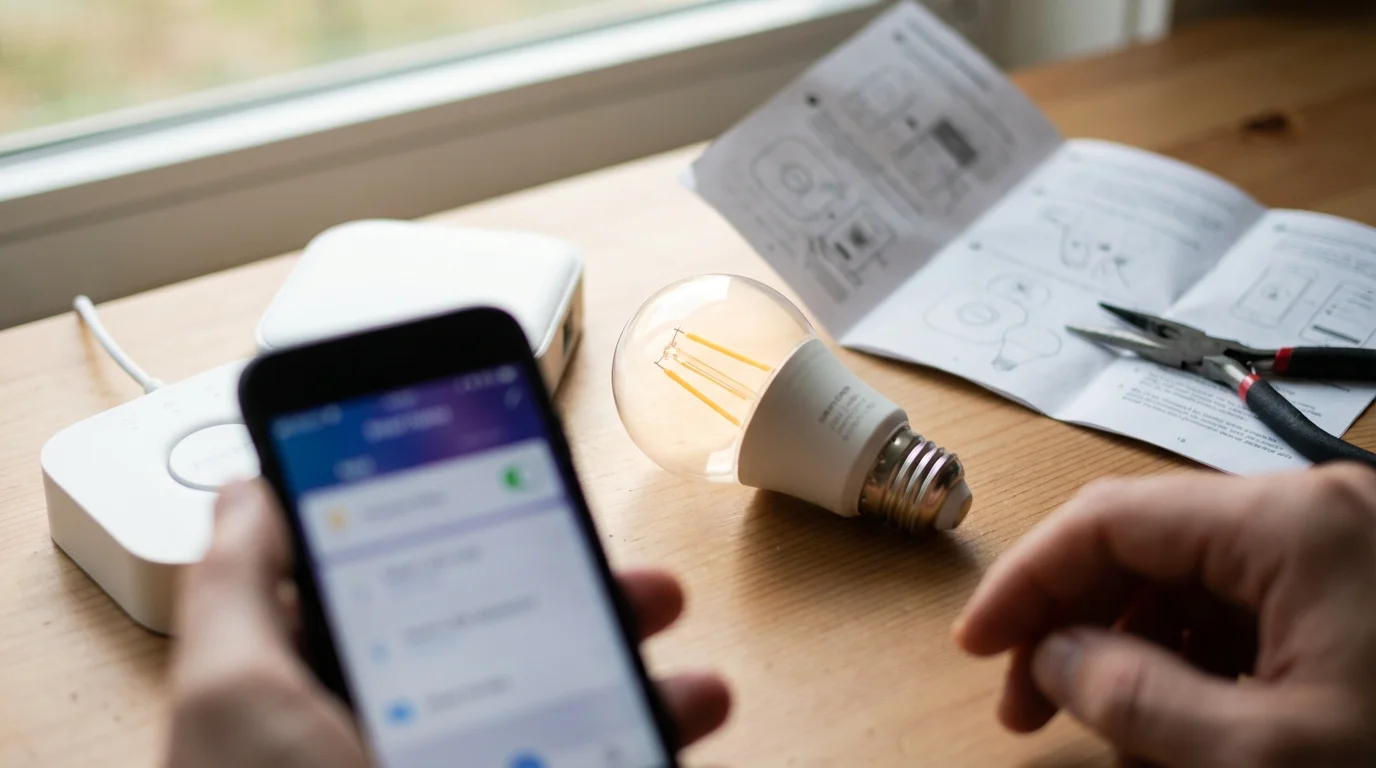
- A `Hub` (Sometimes Optional): Some `smart bulbs`, particularly `Philips Hue` and older models, require a separate device called a `hub` to connect to your `Wi-Fi` and communicate with other `smart devices`. A `hub` acts as a central brain for your `smart lights`. Many newer `smart bulbs`, however, connect directly to your `Wi-Fi` and do not need a `hub`. Always check the product description to see if a `hub` is required.
Choosing the Right Smart Light Bulbs for Your Needs
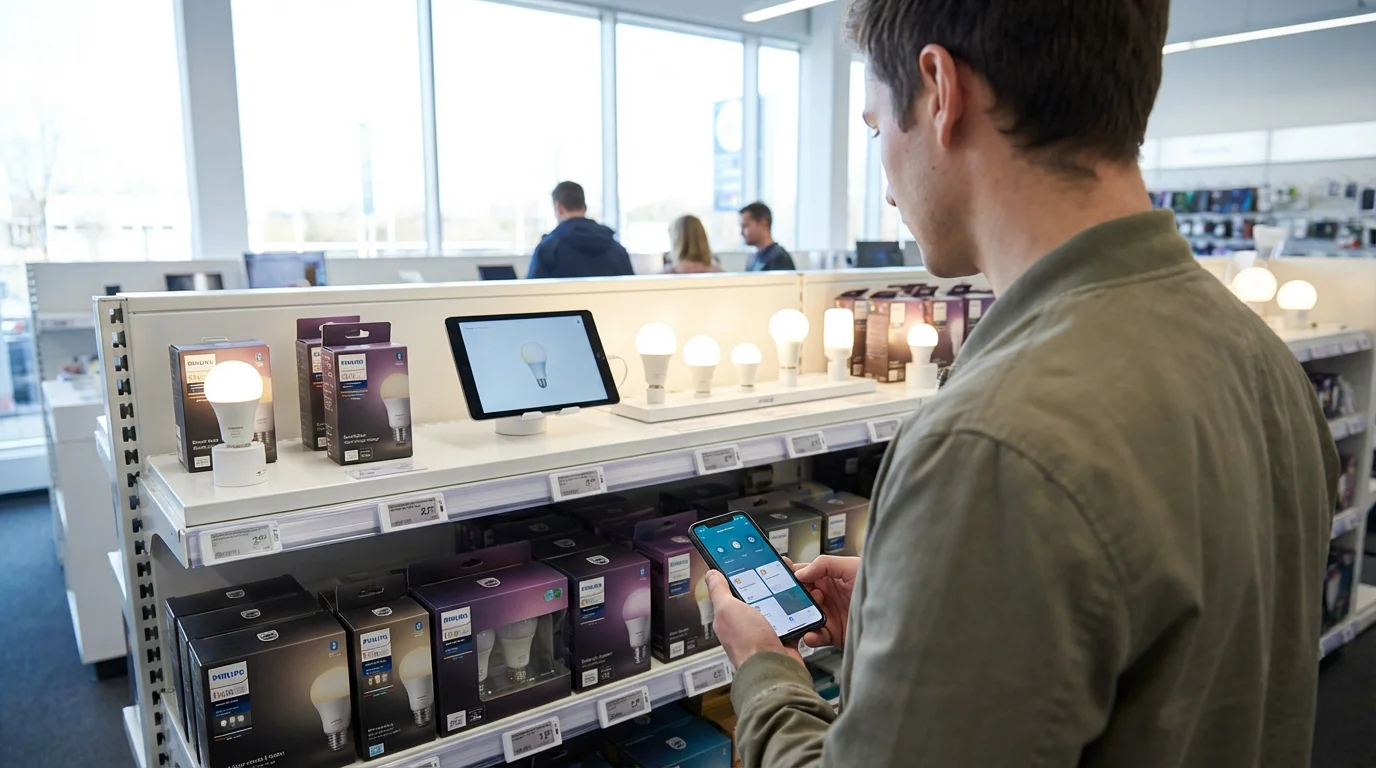
With so many options, selecting the right `smart bulbs` can feel overwhelming. Let us break down the key considerations:
To further enhance your living space, you might also enjoy using digital photo frames to automatically display your favorite family memories.
1. `Hub` Required or `Hub`-Free?
- `Hub`-Free (`Wi-Fi` or Bluetooth): These bulbs connect directly to your `Wi-Fi` network or use `Bluetooth` (a wireless connection between devices that are close together) to pair with your phone. They are often simpler to set up initially, requiring only the bulb and the app. Brands like TP-Link Kasa, Sengled Wi-Fi, and Wyze offer `hub`-free options.
- Pros: Simpler setup, lower initial cost, fewer devices.
- Cons: Can sometimes put more strain on your `Wi-Fi` network, range might be limited for `Bluetooth` only bulbs.
- `Hub`-Based (`Zigbee` or `Z-Wave`): These bulbs communicate with a central `hub`, which then connects to your `Wi-Fi`. `Philips Hue` is the most well-known brand using a `hub` (the Hue Bridge). This system often creates a more robust network, especially if you have many `smart devices`.
- Pros: More reliable connection, better performance with many bulbs, often better range, can integrate with other `smart home` systems.
- Cons: Higher initial cost because of the `hub`, one extra device to set up and plug in.
2. Color and Brightness Options:
- White Only: These bulbs offer various shades of white, from warm yellow tones to cool blue tones, and allow dimming. They are excellent for practical lighting in kitchens, bathrooms, or reading nooks.
- Color-Changing (RGBW): These bulbs offer millions of color options in addition to various shades of white and dimming. They are perfect for creating ambiance in living rooms, bedrooms, or for holidays. Brands like `Philips Hue` and Govee are known for their vibrant color options.
3. Brand and Ecosystem:
- `Philips Hue`: Often considered the gold standard, `Philips Hue` bulbs offer excellent quality, a wide range of products, and reliable performance. They typically require a `hub`. Prices range from about $15-$25 for a white bulb to $35-$50 for a color-changing bulb.
- TP-Link Kasa / Sengled / Wyze: These brands offer good quality `hub`-free `Wi-Fi` bulbs at more affordable price points. They are generally simpler to set up and integrate well with Alexa and Google Assistant. Expect prices from $8-$20 per bulb.
- LIFX: Known for bright, vivid colors and `hub`-free `Wi-Fi` connectivity. They tend to be a bit more expensive, similar to `Philips Hue` in price.
Consider your current `smart home` setup. If you already have an Amazon Echo or Google Nest, most `smart bulbs` are `compatible` (meaning they work together) with these `voice assistants`. It is always wise to check the packaging or product description for `compatibility` information.
Step-by-Step Guide: How to Set Up Your Smart Lights
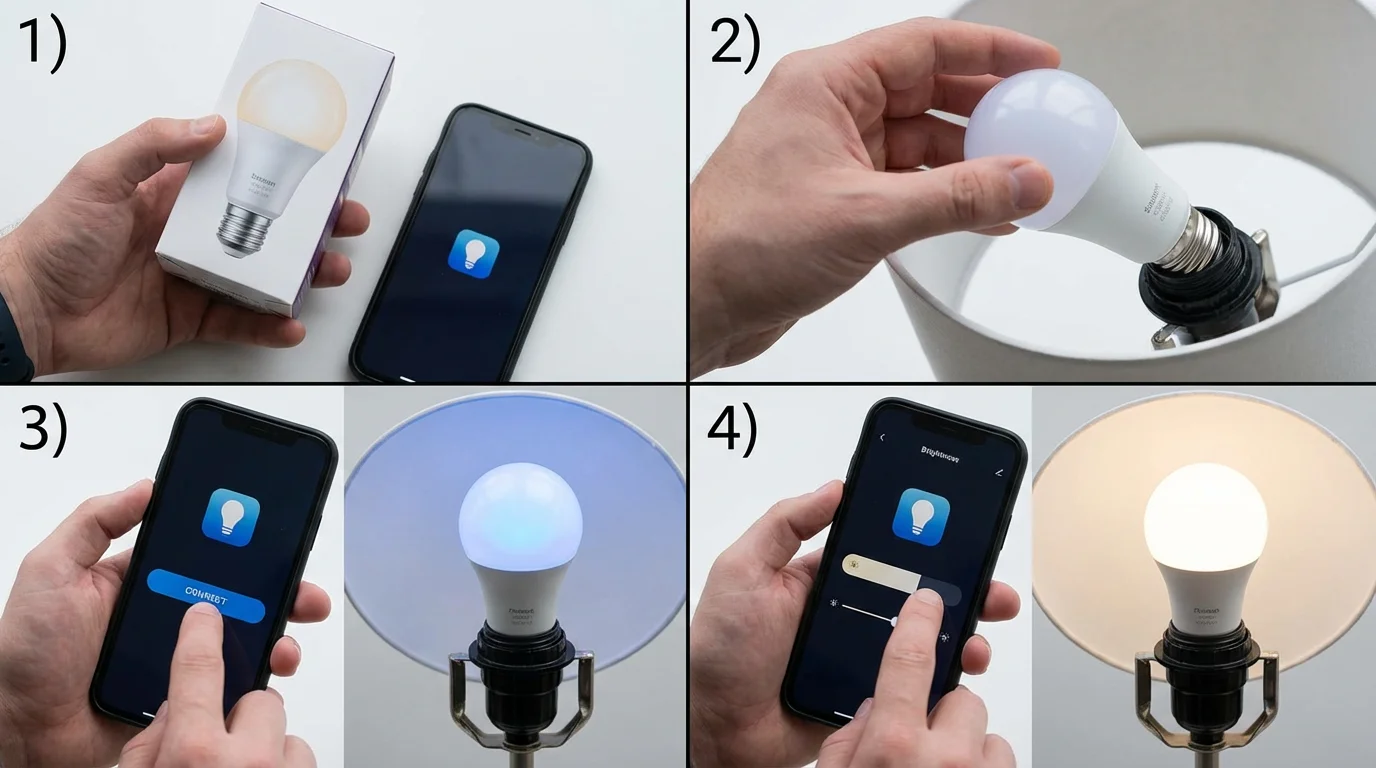
Setting up `smart lights` is generally a straightforward process. While specifics vary by brand, the general steps are quite similar for most `smart bulbs`.
If you would like to control other household appliances, you can learn how to use smart plugs for similar convenience.
Step 1: Install the Bulb
First, turn off the light switch for the fixture where you want to install the `smart bulb`. Carefully screw in your new `smart bulb` just like you would a regular bulb. Once it is securely in place, turn the light switch back on. The bulb should illuminate, possibly at full brightness or a default setting.
Step 2: Download the App
Go to your smartphone or tablet’s app store (Apple App Store for iPhones/iPads or Google Play Store for Android devices). Search for the specific app for your `smart bulb` brand, for example, “Philips Hue app,” “Kasa Smart app,” or “Sengled Home app.” Download and install the app. It is usually free.
Step 3: Create an Account (If Needed)
Open the app. Many `smart light` apps require you to create a free user account. This typically involves providing an email address and creating a password. Follow the on-screen prompts to complete this step. This account allows you to control your lights from anywhere and stores your settings.
Step 4: Connect to Your `Wi-Fi` (for `Hub`-Free Bulbs) or `Hub` (for `Hub`-Based Bulbs)
- For `Hub`-Free Bulbs (e.g., Kasa, Sengled `Wi-Fi`): The app will guide you through connecting the bulb to your home’s `Wi-Fi` network. You will usually need to select your `Wi-Fi` network from a list and enter your `Wi-Fi` password. Ensure your phone is connected to the same `Wi-Fi` network you want the bulb to use.
- For `Hub`-Based Bulbs (e.g., `Philips Hue`): If you are using a `hub`, plug it into a power outlet and connect it to your home’s internet router using the included network cable. The `hub` will light up when connected. Then, in the app, it will search for the `hub` and then guide you to “discover” your new `smart bulbs`. You might need to tap a button on the `hub` to complete the pairing.
Step 5: Name Your Lights and Rooms
Once your `smart bulbs` are connected, the app will ask you to name them. Give them clear, easy-to-remember names like “Living Room Lamp,” “Kitchen Light,” or “Bedroom Reading Light.” You can also group them into “rooms” (e.g., “Living Room,” “Kitchen”) for easier control. This allows you to say, “Google, turn off the living room lights” and have all lights in that group respond.
Step 6: Test Your Lights
Use the app to turn your lights on and off, dim them, and change their color (if applicable). If you have a `smart speaker`, try controlling them with your voice. For example, “Alexa, dim the kitchen light to 20 percent.”
If you encounter issues, restart the app, ensure your `Wi-Fi` is working, and double-check your `Wi-Fi` password. Most apps also have a troubleshooting section or online support.
Everyday Uses for Your Smart Lights
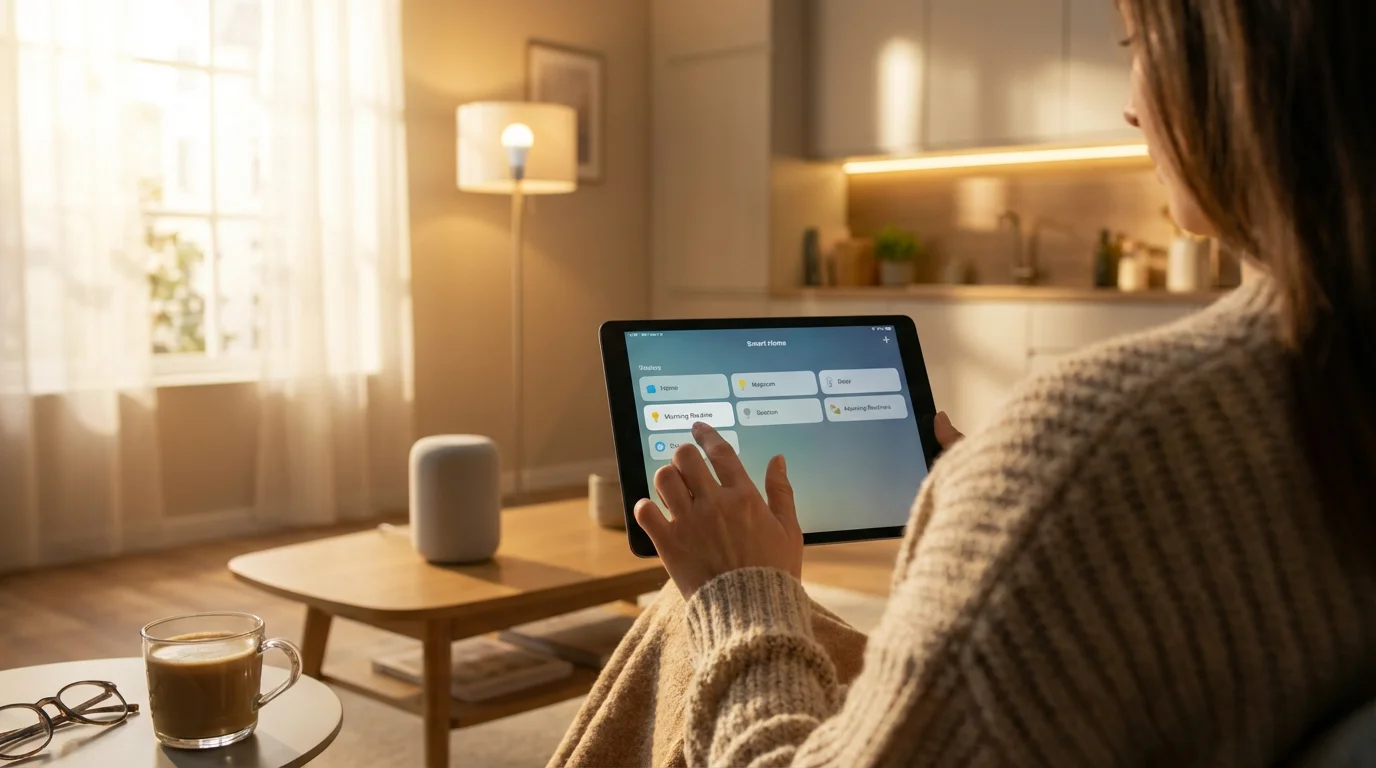
Once set up, `smart lights` unlock a world of practical possibilities. Here are some everyday uses that genuinely simplify and enhance your home life:
- Voice Control: The most popular feature. You could ask your `smart speaker`, “Hey Google, turn on the porch light,” without moving from your armchair. This is especially helpful if your hands are full, or if you have mobility challenges. Data shows that voice commands are a primary interaction method for `smart home` users, valued for their speed and ease.
- Scheduling Lights: Set your lights to turn on and off automatically at specific times. For instance, you could program your bedroom lights to gently turn on at 6:30 AM to help you wake up naturally, or have your exterior lights come on at sunset and turn off at sunrise, providing security without you having to remember.
- Creating Scenes: Many `smart light` apps allow you to save specific light settings as “scenes.” You might create a “Movie Night” scene with dimmed lights and a warm glow, or a “Reading” scene with bright, cool white light. With a single tap in the app or a voice command, your room instantly transforms.
- Vacation Mode: As mentioned earlier, automate your lights to make your home appear occupied when you are away. Some apps even have a “randomize” option, turning lights on and off at unpredictable intervals to mimic real human activity.
- Geofencing: Some `smart lights` can integrate with your phone’s location services. This feature, called geofencing, means your lights can automatically turn on when your phone detects you are arriving home and turn off when you leave.
- Night Lights: Set a hallway or bathroom light to come on dimly at night, providing just enough light to see without disturbing your sleep, and then turn off automatically after a set period. This provides a safe path during nighttime excursions.
- Accessibility: For individuals with limited mobility, `smart lights` provide an invaluable tool for independent living. Controlling lights through voice or an app eliminates the need to physically reach switches, reducing effort and potential strain.
Addressing Your Concerns: Privacy and Security with Smart Lighting
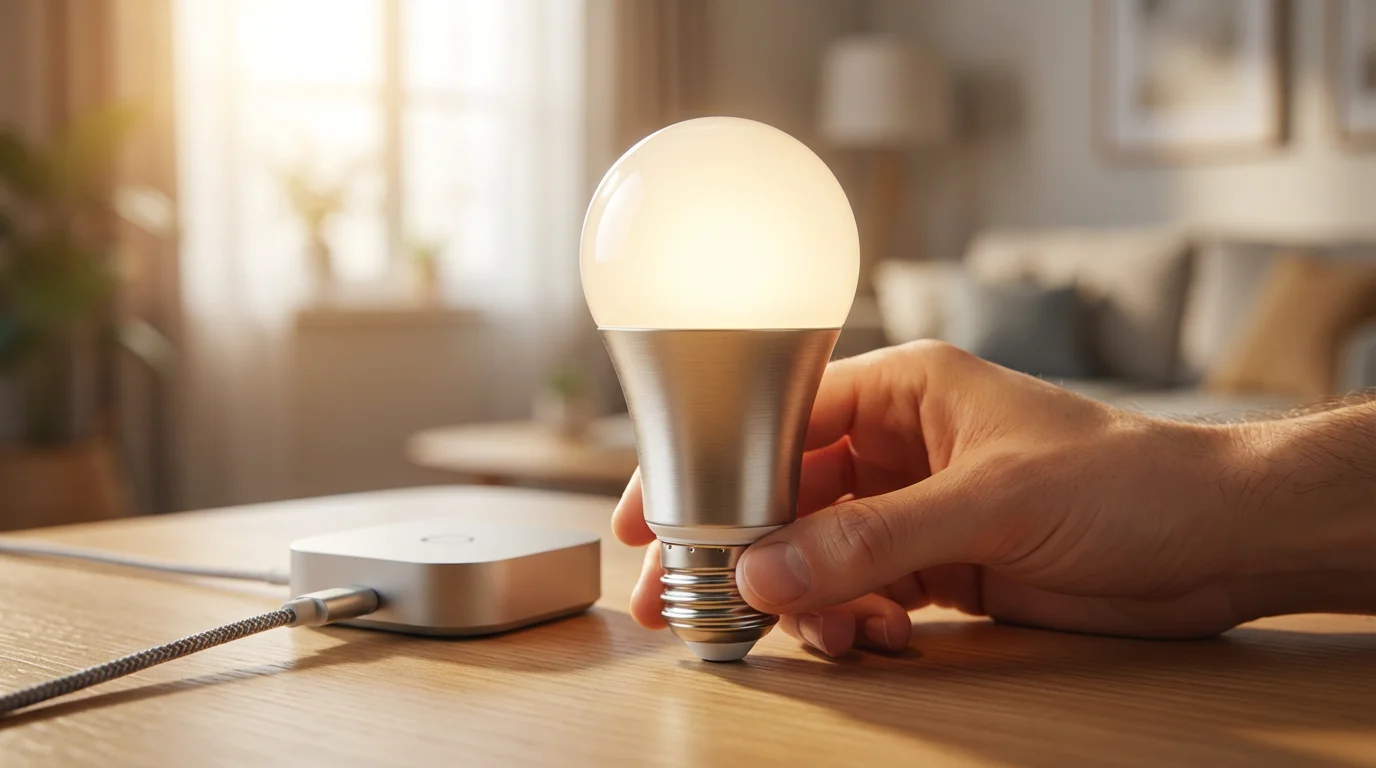
It is natural to wonder about privacy and security when introducing new technology into your home. Here is an honest look at what to consider with `smart lights`:
Data Collection:
`Smart bulbs` themselves typically do not have microphones and are not “listening” to your conversations. However, the accompanying apps and cloud services do collect data. This data usually includes how often you use your lights, which settings you prefer, and your energy consumption patterns. This information helps manufacturers improve their products and offer new features. Reputable brands like `Philips Hue` or those covered by Consumer Reports generally have clear privacy policies that explain what data they collect and how they use it. It is always a good practice to read these policies.
Security of Your `Wi-Fi` Network:
All `smart devices` connect to your home’s `Wi-Fi`. If your `Wi-Fi` network is not secure, it could potentially be vulnerable. The best way to protect your home network is to use a strong, unique password for your `Wi-Fi` and to keep your router’s software updated. Most modern routers handle updates automatically. Think of your `Wi-Fi` like the front door to your home; a strong lock protects everything inside.
App Permissions:
When you install a `smart light` app, it might ask for certain permissions on your phone, such as access to your location for geofencing or `Bluetooth` for initial setup. Only grant permissions that seem necessary for the app’s functionality. If an app requests access to something seemingly unrelated, like your contacts, it is wise to be cautious.
What You Can Do:
- Use Strong Passwords: Create complex passwords for your `smart light` accounts and your `Wi-Fi` network.
- Keep Software Updated: Ensure your `smart light` apps and firmware (the internal software of the bulbs or `hub`) are always up to date. Manufacturers regularly release updates to fix security vulnerabilities.
- Buy from Reputable Brands: Stick to well-known brands that have a track record of security and customer support. Consult resources like Wirecutter for trusted product reviews.
- Understand Privacy Policies: Take a moment to review the privacy policy of the `smart light` brand you choose.
Ultimately, the privacy risks associated with `smart lights` are generally low, especially when compared to `smart speakers` or video doorbells that handle more sensitive data or audio/video feeds. By taking a few simple precautions, you can enjoy the benefits of `smart lighting` with peace of mind.
Common Questions and Troubleshooting Tips for Smart Lighting
Even with simple technology, you might encounter a few hiccups. Here are some common issues and their straightforward solutions:
Problem: My `smart bulb` is unresponsive.
Solution:
- Check the physical switch: Ensure the wall switch for the light fixture is turned ON. `Smart bulbs` need constant power to communicate.
- Check `Wi-Fi` connection: Is your home `Wi-Fi` working? Try restarting your `Wi-Fi` router (unplug it for 30 seconds, then plug it back in).
- Restart the app: Close the `smart light` app completely on your phone and reopen it.
- Power cycle the bulb: Turn the light switch off, wait 10 seconds, then turn it back on. This is like restarting the bulb itself.
- Check range: If using a `Bluetooth` bulb, ensure your phone is close to it. If using `Wi-Fi`, ensure the bulb is not too far from your router.
Problem: The `smart bulb` is flickering or dimming unexpectedly.
Solution:
- Not designed for dimmer switches: `Smart bulbs` are often not `compatible` with traditional dimmer switches. They have their own dimming technology built-in. If installed in a fixture controlled by a dimmer switch, replace the dimmer with a standard on/off switch.
- Loose connection: Ensure the bulb is screwed firmly into the socket.
Problem: I cannot connect my `smart bulb` to `Wi-Fi`.
Solution:
- Correct `Wi-Fi` network: Make sure your phone is connected to your home’s 2.4 GHz `Wi-Fi` network during setup. Many `smart devices` only work on the 2.4 GHz band, not the newer 5 GHz band. You may see two different `Wi-Fi` names from your router, one ending in “2.4G” or similar.
- Correct password: Double-check that you are entering the correct `Wi-Fi` password. Passwords are case-sensitive.
- Router proximity: Try moving the bulb or your phone closer to your `Wi-Fi` router during the initial setup. You can always move the bulb back later.
- Reset the bulb: Most `smart bulbs` have a way to reset them to factory settings, which can resolve connection issues. This usually involves turning the light switch on and off a certain number of times. Check your bulb’s manual for specific instructions.
Problem: My `smart speaker` (Alexa/Google Assistant) is not controlling my lights.
Solution:
- Account linking: Ensure your `smart light` account is linked to your `smart speaker` app (e.g., in the Alexa app or Google Home app). You usually find this option under “Skills” or “Works with Google.”
- Clear names: Use simple, unambiguous names for your lights and rooms. Avoid names that sound similar to other devices or commands.
- Discover devices: In your `smart speaker` app, ask it to “discover devices.” This helps it find any new `smart lights` you have added.
Remember, manufacturers provide excellent online resources and customer support. Do not hesitate to check their websites or call their support lines if you are still having trouble. Learning to navigate these common issues builds your confidence with `smart home` technology.
Frequently Asked Questions
Here are answers to some common questions about `smart light bulbs`:
Q: Do `smart bulbs` save energy?
A: Yes, generally they do. Most `smart bulbs` use LED technology, which is highly energy-efficient compared to traditional incandescent bulbs. Additionally, the ability to schedule lights to turn off automatically, dim them easily, and control them remotely helps reduce unnecessary energy consumption, leading to lower electricity bills.
Q: Can I use `smart lights` without a `hub`?
A: Absolutely! Many modern `smart bulbs` connect directly to your home’s `Wi-Fi` network or use `Bluetooth`, eliminating the need for a separate `hub`. Brands like TP-Link Kasa, Sengled `Wi-Fi`, and Wyze offer `hub`-free solutions, making setup simpler for beginners.
Q: What happens if my `Wi-Fi` goes out?
A: If your home `Wi-Fi` goes out, you will lose the ability to control your `smart lights` remotely through the app or with your `smart speaker`. However, most `smart bulbs` revert to their last state or a default on/off setting when power is restored. You can usually still turn them on and off with the physical wall switch, just like a regular light bulb.
Q: Is someone “listening” through my smart lights?
A: No, `smart light bulbs` themselves do not have microphones and are not “listening” to you. They primarily communicate light status and receive commands. Any concerns about listening devices typically relate to `smart speakers` (like an Amazon Echo or Google Nest) that you might use to control your lights, not the lights themselves. `Smart speakers` only listen for their “wake word” and process audio locally before sending commands to the cloud. You can mute their microphones if you have concerns.
Q: Do I need to pay a monthly fee for `smart lights`?
A: No, in almost all cases, there are no monthly fees to use your `smart light bulbs`. You pay for the bulbs and any optional `hub` upfront. The apps used to control them are free, and basic functionality does not incur ongoing costs. Some brands might offer optional premium features or cloud storage plans for other `smart devices`, but these are not typically required for `smart lighting` itself.
Disclaimer: This article is for informational purposes only. Product features and prices change frequently. Always check current specifications and reviews before purchasing. We recommend buying from authorized retailers with good return policies.

Leave a Reply