

Online shopping offers incredible convenience. You can find almost anything you need with a few clicks, often delivered right to your door. For many, especially seniors, this means easier access to goods, competitive prices, and the comfort of shopping from home. However, navigating the digital marketplace also brings valid concerns about safety and privacy. You have likely heard stories about scams, and it is natural to feel a bit cautious. Your concerns are valid, and it is smart to approach online shopping with knowledge and a protective mindset.
This guide empowers you with the knowledge and practical tools to enjoy safe online shopping. We cover everything from recognizing secure websites to choosing the best payment methods and understanding what to do if something seems wrong. Our goal is to make you feel confident and secure, knowing you have the insights to protect your information and your money while enjoying the benefits of the internet. Let us explore how you can shop online safely and confidently.
Table of Contents
- Understanding the Digital Marketplace: Why Safety Matters
- Spotting Secure Websites and Reliable Sellers
- Choosing Safe Online Payment Methods
- Creating and Managing Strong Passwords for Online Shopping
- Recognizing and Avoiding Shopping Scams
- Protecting Your Personal Information Online
- What to Do If Something Goes Wrong: Action Steps
- Frequently Asked Questions
- Staying Informed and Confident

Understanding the Digital Marketplace: Why Safety Matters
The internet has transformed how we shop, offering an endless aisle of products available 24/7. From groceries to gifts, you can find incredible deals and unique items without leaving your home. This accessibility is wonderful, but it also creates opportunities for scammers. These individuals constantly develop new ways to trick people out of money or personal information.
Beyond shopping sites, it is helpful to know how to recognize tech support scams that might pop up while you are browsing the web.
It is also helpful to learn how to avoid scams on social media, as many fraudulent shopping ads appear on platforms like Facebook.
Understanding the common risks helps you stay one step ahead. Your ability to recognize a legitimate offer from a scam is your best defense. We want you to feel empowered, not intimidated. Think of this guide as your personal security assistant, providing clear, actionable insights to ensure your online payment transactions and personal data remain secure. This knowledge equips you to confidently enjoy all the benefits of online shopping.
Spotting Secure Websites and Reliable Sellers
Before you enter any personal or payment information, confirm the website is legitimate and secure. Knowing what to look for makes a significant difference in keeping your transactions safe.
To better identify these risks, you can read our guide on how to spot fake websites before you enter your details.
Even when using trusted platforms, learning how to use Amazon to shop online safely can help you identify third-party seller scams.
Check for HTTPS and the Padlock Icon
Always look at the website address in your browser’s address bar. A secure website begins with “https://” not “http://”. The “s” stands for “secure,” meaning the connection between your computer and the website is encrypted. This encryption protects your sensitive information, like credit card numbers, from being intercepted by others. You should also see a padlock icon, usually to the left of the website address. Clicking on this padlock often shows you details about the site’s security certificate, confirming its legitimacy.
Practical Tip: If you do not see “https://” or the padlock, do not proceed with any purchases or enter personal data. Move on to a different, more secure website.

Inspect the Website’s Appearance and Details
Legitimate online retailers invest in professional-looking websites. Be wary of sites with:
- Poor Grammar and Spelling: Frequent errors often signal a fake site.
- Pixelated Images or Inconsistent Design: This suggests a hastily built, unprofessional operation.
- Missing Contact Information: Reputable sellers provide clear ways to contact them, including a phone number, physical address, and email. Check for a “Contact Us” page.
- Unrealistic Prices: If a deal seems too good to be true, it likely is. A brand-new expensive item advertised for an unbelievably low price is a major red flag.

Read Reviews, But Be Selective
Customer reviews offer insights into a seller’s reliability. Look for reviews on independent sites like the Better Business Bureau or Trustpilot, rather than relying solely on reviews posted directly on the seller’s site, which can be manipulated. If you see only overwhelmingly positive reviews, or many reviews that sound exactly alike, exercise caution. A healthy mix of feedback, including some constructive criticism, often indicates authenticity.
Beware of Suspicious Links
Never click on links in emails or text messages that claim to be from a retailer unless you are absolutely certain of their legitimacy. Scammers often create fake messages designed to look like they are from popular stores. Instead of clicking the link, type the store’s web address directly into your browser. This simple step ensures you land on the official site, not a deceptive look-alike.
Choosing Safe Online Payment Methods
Your payment method plays a crucial role in your safe online shopping experience. Some options offer more protection than others, giving you peace of mind.
If you use your phone for shopping, you should also ensure you know how to use mobile banking apps safely to monitor your transactions securely.
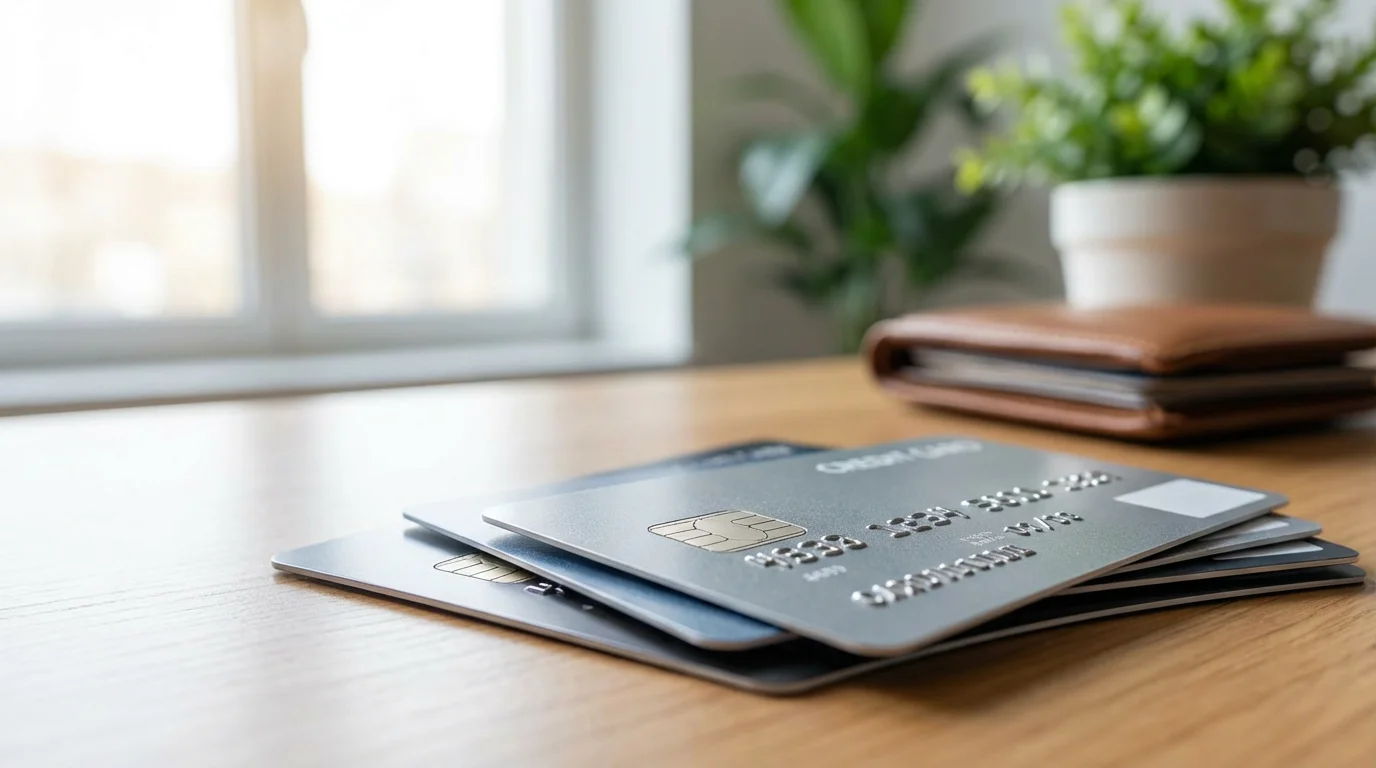
Credit Cards: Your Strongest Ally
Using a credit card for online purchases generally provides the best protection. Credit card companies offer robust fraud protection. If fraudulent charges appear on your statement, you can dispute them, and the credit card company typically removes them without you being held responsible. This process, called a chargeback, allows you to reclaim your money if a merchant does not deliver goods or services as promised, or if your card number is stolen.
- Tip: Check your credit card statements regularly for any unauthorized purchases. Report anything suspicious immediately.
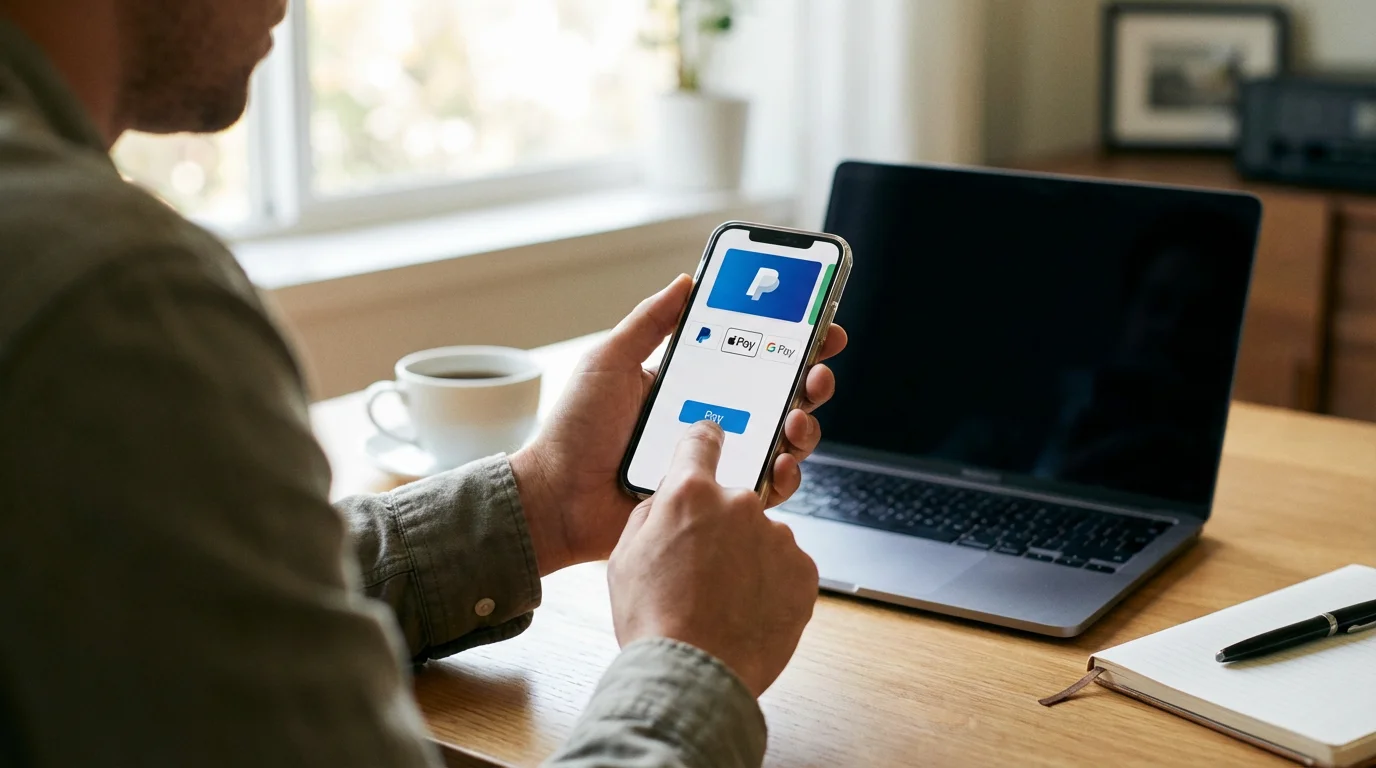
Digital Wallets and Payment Services (e.g., PayPal, Apple Pay, Google Pay)
Digital wallets and services like PayPal add an extra layer of security. When you use them, you typically do not share your actual credit card or bank account number directly with the merchant. Instead, the service acts as an intermediary, processing the payment without exposing your sensitive financial details. This helps protect your information if the merchant’s website suffers a data breach.
- Tip: Always ensure you are on the official payment service login page if prompted to sign in, and never share your password.
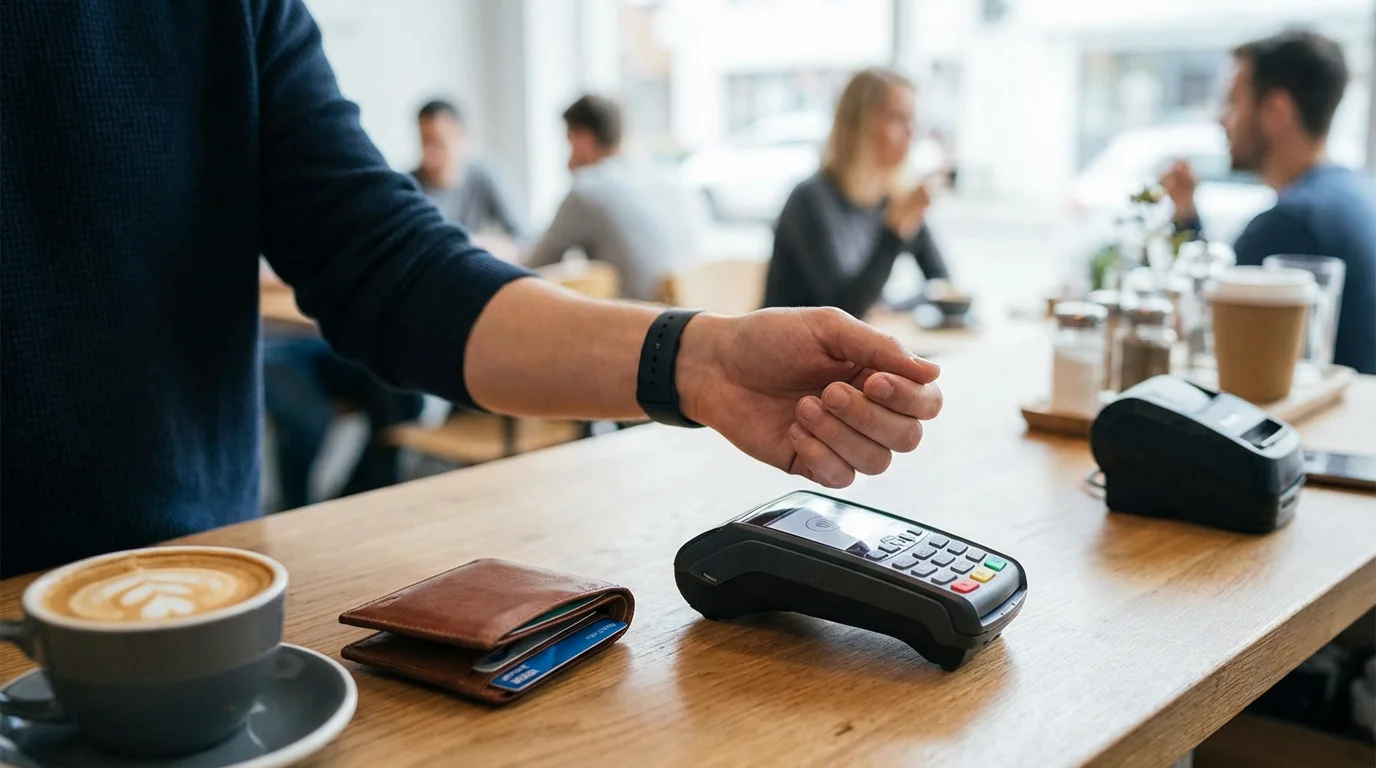
Avoid Debit Cards Directly
While convenient, using a debit card directly for online purchases carries more risk than a credit card. If fraud occurs with a debit card, the money comes directly out of your bank account. While banks often have fraud protection for debit cards, reclaiming your funds can take longer, potentially impacting your immediate finances. Use a credit card or a digital wallet linked to a credit card whenever possible for online transactions.
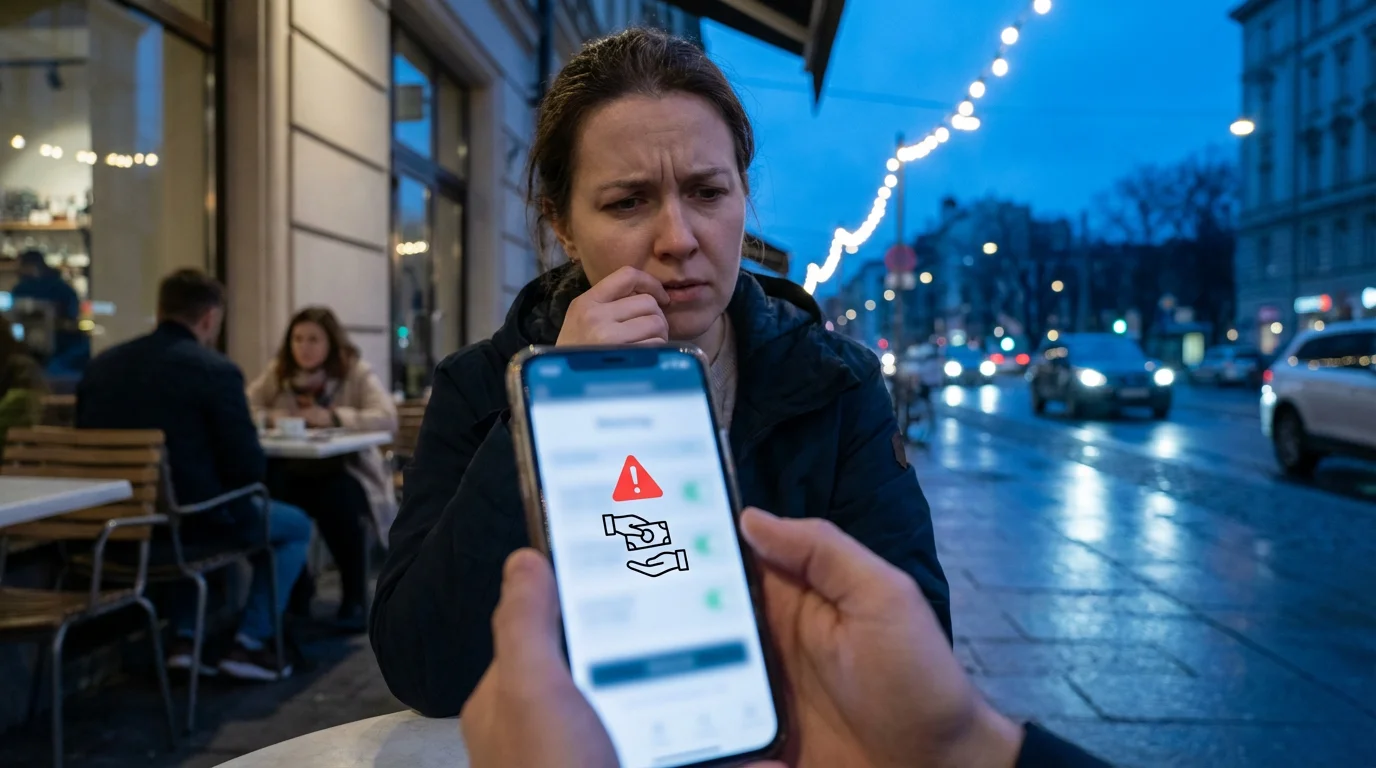
Never Use Risky Payment Methods
Absolutely avoid these payment methods for online purchases, especially from unknown sellers:
- Wire Transfers: Sending money through services like Western Union or MoneyGram is like sending cash. Once sent, you cannot get it back. Scammers frequently demand wire transfers.
- Gift Cards: A legitimate business will never ask you to pay for goods or services with a gift card. If someone asks for gift cards as payment, it is a scam.
- Cryptocurrency: Digital currencies like Bitcoin are very difficult to trace and recover. Avoid using them for standard online shopping.
These methods offer no consumer protection, making them prime targets for criminals. Your vigilance in choosing an appropriate online payment method is a cornerstone of secure shopping tips.

Creating and Managing Strong Passwords for Online Shopping
Your passwords are the first line of defense for your online accounts. Weak or reused passwords make you an easy target for cybercriminals. Protecting your online shopping accounts, email, and banking requires strong, unique passwords for each service.
To keep track of multiple accounts, consider using a password manager to store your login details securely.

Build Robust Passwords
A strong password is:
- Long: Aim for at least 12-16 characters. Longer passwords are harder to guess or crack.
- Complex: Combine uppercase letters, lowercase letters, numbers, and symbols (e.g., !, @, #, $).
- Unique: Never use the same password for more than one account. If a scammer compromises one account, they cannot access others.
- Not Personal: Avoid using your name, birthdate, pet’s name, or common words. These are easily discoverable.
A great way to create a strong, memorable password is to use a passphrase. Pick four random, unrelated words and combine them, perhaps adding numbers or symbols. For example, “BlueTable&SunnyGarden7!” is much stronger than “Shopping2024”.
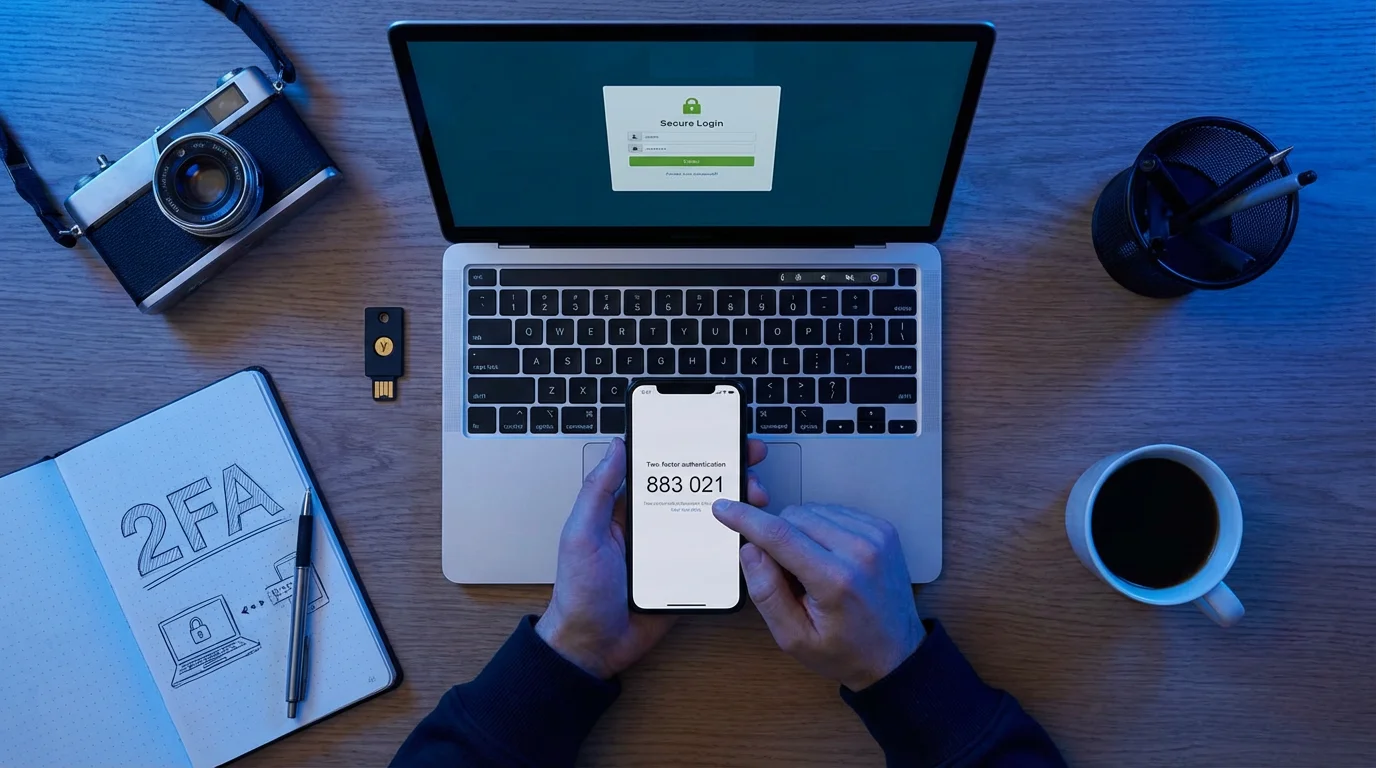
Embrace Two-Factor Authentication (2FA)
Two-factor authentication, or 2FA, provides an essential extra layer of security. It means you need two different ways to prove your identity when logging in. Typically, this involves something you know (your password) and something you have (like your phone or a physical token). After you enter your password, the website sends a unique code to your phone via text or a special app. You enter this code to complete the login. Even if a scammer somehow discovers your password, they cannot access your account without that second code. Always enable 2FA on any account that offers it, especially for banking, email, and frequently used shopping sites.
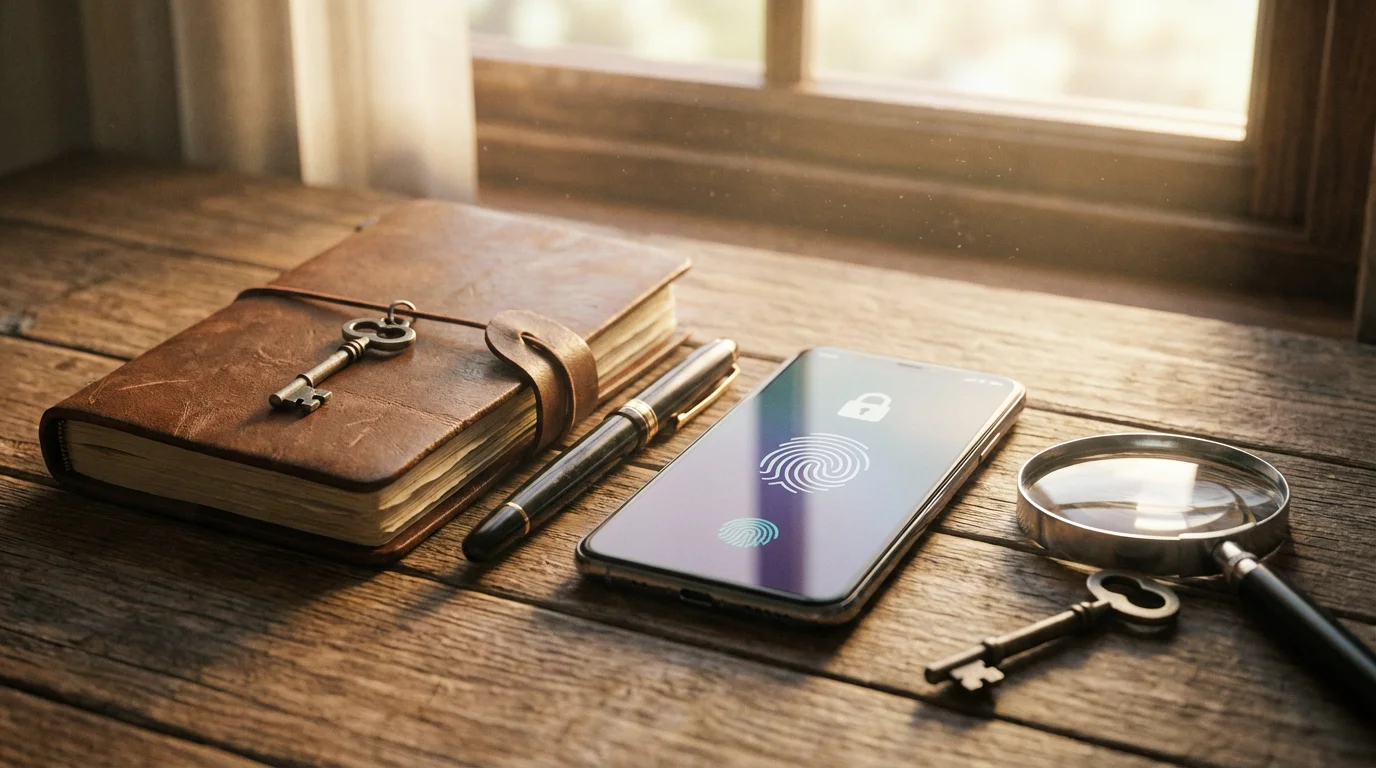
Consider a Password Manager
Remembering dozens of unique, complex passwords is challenging. A password manager is a secure application that stores all your passwords for you, encrypting them behind one master password. You only need to remember that single master password. When you visit a website, the password manager automatically fills in your login details, making it convenient and secure. Many reputable password managers are available, offering strong encryption and features like password generation. This tool is a game-changer for enhancing your online security without the burden of memorization.
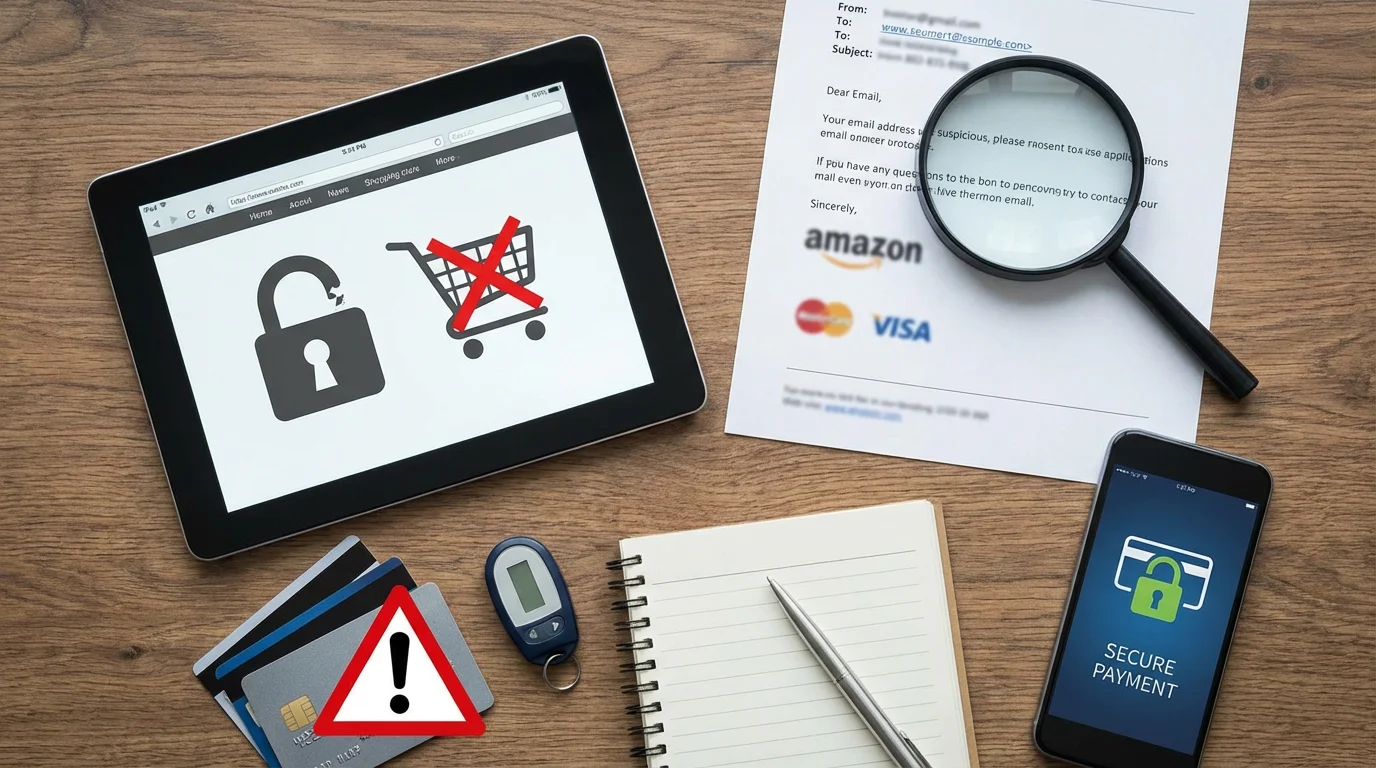
Recognizing and Avoiding Shopping Scams
Scammers constantly adapt their tactics, making it crucial to stay informed about their latest tricks. Recognizing the signs of a scam is your most powerful defense when learning how to shop online safely seniors.

Phishing Attempts: Fake Emails, Texts, and Calls
Phishing refers to fake emails, text messages, or phone calls designed to trick you into revealing personal information or clicking on malicious links. Scammers often pretend to be from well-known companies, banks, or even government agencies.
- Email Scams: You might receive an email claiming to be from a popular retailer about a “shipping delay” or “account issue.” It asks you to click a link to update your information. These links often lead to fake websites designed to steal your login credentials or install “malware” (bad software that can harm your computer or steal information).
- Text Message Scams (Smishing): Similar to emails, these messages might say, “Your package is on hold, click here to reschedule delivery.” Again, the link is malicious.
- Phone Scams (Vishing): A scammer calls, pretending to be from customer support or your bank, claiming there is a problem with your online purchase or account. They pressure you to give them your login details, credit card number, or even remote access to your computer.
What to Do: Never click on suspicious links. If you receive an unexpected message, contact the company directly using the phone number or website from their official site, not from the message itself.

Fake Websites and Too-Good-To-Be-True Deals
Scammers create convincing fake websites that mimic popular online stores. They lure you in with unbelievably low prices on high-demand items. You make a purchase, and either receive a counterfeit product, nothing at all, or your payment information gets stolen.
- Red Flags:
- Prices significantly lower than anywhere else.
- Poor quality images or inconsistent branding.
- Domain names that are slightly off (e.g., “Amaz0n.com” instead of “Amazon.com”).
- A lack of secure payment options, or demands for gift cards or wire transfers.
What to Do: Always verify the website address. Do a quick online search for reviews of the store, especially if it is unfamiliar. Check their return policy and contact information.
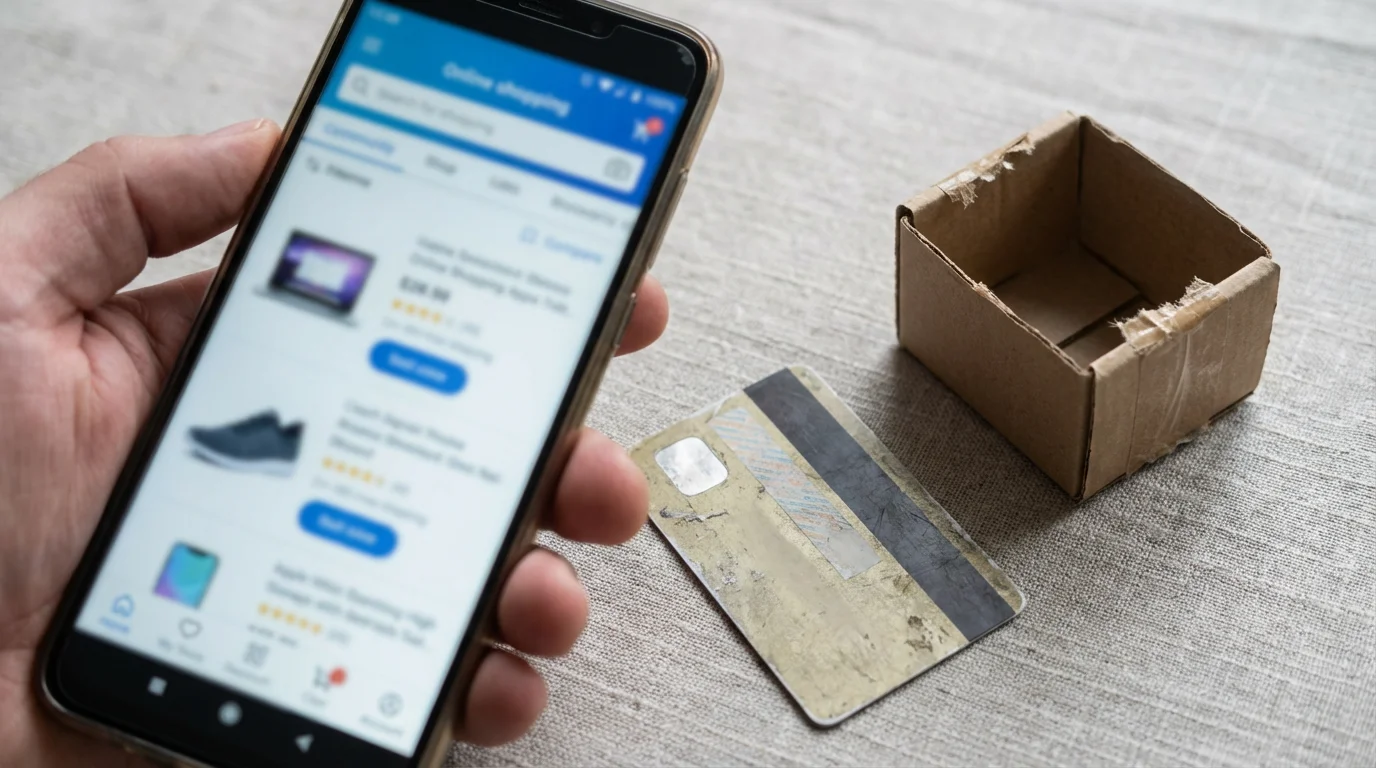
Social Media Shopping Scams
Ads on social media platforms can be particularly tricky. Scammers create compelling ads for non-existent products, luxury items at huge discounts, or subscription services that never deliver. These ads often use stolen product photos and promise immediate delivery, but you receive nothing after payment.
- Red Flags:
- Aggressive “limited-time offers” that pressure you to buy immediately.
- New pages with few followers but many glowing, generic comments.
- Comments disabled or overly curated to hide negative feedback.
What to Do: Be skeptical of any ad that seems too good to be true. Research the company thoroughly before making a purchase. Check if they have an official, long-standing website separate from their social media presence.
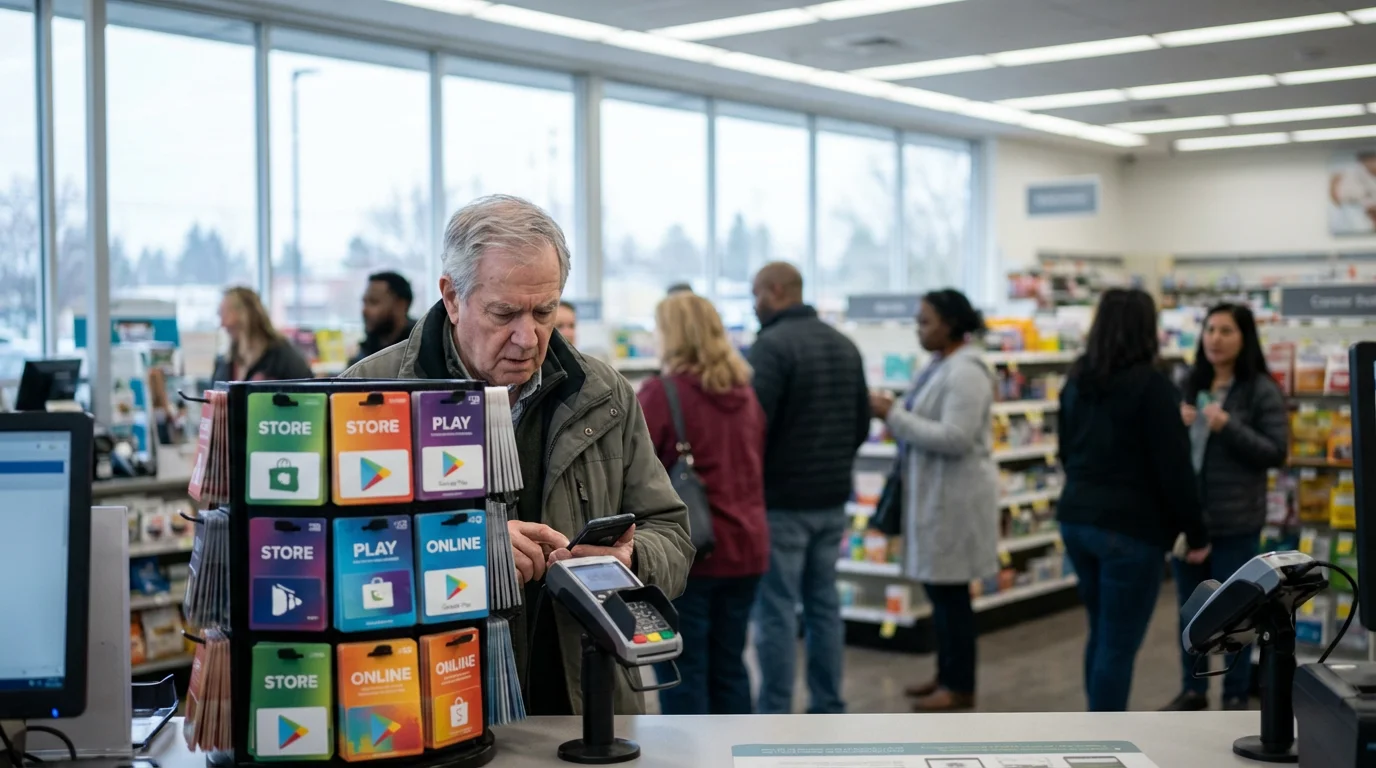
Grandparent Scams and Gift Card Demands
While not strictly a shopping scam, this tactic often involves demands for gift cards, which you might purchase online. A scammer calls or messages, pretending to be a grandchild in distress, needing money immediately for an emergency. They often ask for payment in gift cards, stressing urgency and secrecy. Remember, legitimate institutions or family members will not demand payment in gift cards.
Important Reminder: Scammers are clever and constantly refine their techniques. If you fall for a trick, it does not make you foolish. They prey on trust, urgency, and emotion. The best defense is awareness and a willingness to pause and verify.

Protecting Your Personal Information Online
Every piece of personal information you share online carries potential risk. Being mindful of what you disclose and how you protect your data helps secure your identity and finances.

Share Only What is Necessary
When shopping online, only provide the information absolutely required for the purchase and delivery. Most legitimate retailers need your name, shipping address, email, and payment details. Be wary if a website asks for your Social Security number, driver’s license number, or excessive personal details unrelated to your purchase. Such requests are highly suspicious.

Be Cautious with Public Wi-Fi
Public Wi-Fi networks in coffee shops, airports, or libraries are convenient, but they are often unsecured. This means that others on the same network could potentially intercept your data, including personal and payment information, if you are not careful. Avoid making online purchases, checking bank accounts, or accessing other sensitive sites when connected to public Wi-Fi. If you must use public Wi-Fi, consider using a Virtual Private Network (VPN) for an encrypted connection, or wait until you are on your secure home network.

Regularly Review Your Financial Statements
Make it a habit to check your credit card and bank statements at least once a month, preferably more often. Look for any charges you do not recognize, even small ones. Small, unauthorized charges can be a test by scammers to see if an account is active before making larger fraudulent purchases. Report any suspicious activity to your bank or credit card company immediately.
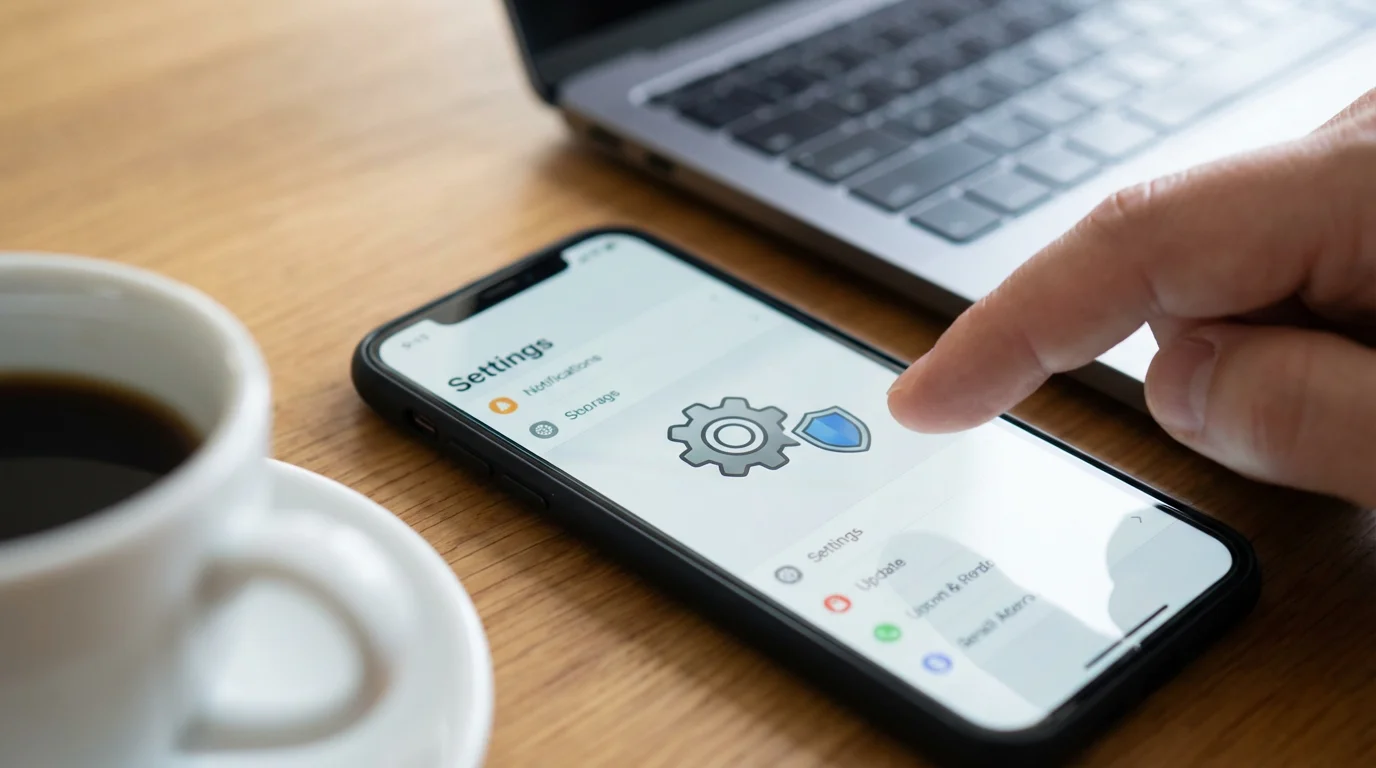
Understand Privacy Settings on Devices and Social Media
While not directly related to shopping, your overall online privacy posture impacts your security. Review the privacy settings on your devices, web browsers, and social media accounts. Limit the personal information visible to the public. For example, on social media, adjust settings so only friends or approved connections can see your posts and personal details. Avoid posting travel plans or personal routines, as this information can make you a target for physical theft or identity fraud.

Consider Identity Theft Protection
Identity theft protection services monitor your credit reports, public records, and other data sources for suspicious activity. They alert you to potential fraud, such as new accounts opened in your name, and often provide recovery assistance if your identity is stolen. These services can add an extra layer of reassurance for your overall online presence.

What to Do If Something Goes Wrong: Action Steps
Even with the best precautions, things can occasionally go awry. Knowing exactly what to do if you suspect a scam or fall victim to one minimizes damage and helps you recover quickly. Taking swift, decisive action is key.

If You Suspect Fraudulent Charges on Your Account
If you see an unfamiliar charge on your credit card or bank statement:
- Contact Your Bank or Credit Card Company Immediately: Call the fraud department using the number on the back of your card or from the official bank website. They can often block the card, reverse fraudulent charges, and issue you a new card.
- Document Everything: Keep records of when you noticed the charge, whom you spoke to at the bank, and any reference numbers they provide.

If You Clicked a Suspicious Link or Shared Information
If you accidentally clicked a malicious link or provided personal details on what turned out to be a fake website:
- Change Passwords Immediately: Change the password for the compromised account and any other accounts where you use the same password. If you shared banking details, change your online banking password.
- Run a Security Scan: Use reputable antivirus or anti-malware software to scan your computer or device for any harmful “malware” (bad software) that might have been installed.
- Monitor Your Accounts: Keep a close eye on your bank accounts, credit card statements, and credit report for any unusual activity.

How to Report Scams
Reporting scams helps authorities track down criminals and prevent others from becoming victims. Even if you did not lose money, your report contributes to a larger effort.
- Federal Trade Commission (FTC): Report any type of fraud, scam, or bad business practice to the FTC. Visit consumer.ftc.gov or call 1-877-FTC-HELP. They are a primary resource for consumers.
- FBI Internet Crime Complaint Center (IC3): If you believe you have been a victim of an internet crime, report it to the FBI at ic3.gov. This is especially important if you have lost money or believe a crime has occurred.
- Better Business Bureau (BBB) Scam Tracker: Use the BBB Scam Tracker to report scams and see what scams are circulating in your area. This helps others be aware.
- Your Bank or Credit Card Company: As mentioned, report financial fraud directly to your financial institution.
- Local Law Enforcement: If you have lost money due to a scam, file a police report with your local law enforcement agency. This can be important for insurance claims or further legal action.
Remember: You are not alone, and asking for help is a sign of strength, not weakness. Trustworthy resources like your bank, family, and official government agencies are there to assist you.
Frequently Asked Questions
What if I accidentally clicked a suspicious link or shared information?
If you clicked a suspicious link, immediately close the browser tab. Do not enter any information. If you entered personal details, change your passwords for that account and any other accounts where you use the same password. Run a full scan on your computer with reputable antivirus software to check for malware. Monitor your bank and credit card statements closely for any unusual activity. Contact your bank if you shared financial details.
How can I tell if an online deal is legitimate or too good to be true?
Legitimate deals exist, but extreme discounts often signal a scam. Research the seller, check for “https://” and the padlock icon in the URL, and look for consistent branding, clear contact information, and reasonable shipping/return policies. Read independent reviews of the store. If an item is listed at 80-90% off its normal price, it is highly suspicious and likely a trap to steal your money or information.
Is it safe to save my credit card information on shopping websites?
Generally, it is safer to avoid saving your credit card information directly on individual shopping websites, especially smaller or unfamiliar ones. While major, reputable retailers have strong security measures, a data breach at any site could expose your saved information. Using a digital wallet service like PayPal or Apple Pay often provides a more secure way to pay, as they tokenize your card information, meaning the merchant does not directly store your card number.
My package never arrived. What should I do?
First, check the shipping confirmation and tracking number provided by the seller. Many delays are legitimate, especially during peak seasons. If the tracking information is unclear or shows no movement, contact the seller’s customer service directly. If you cannot reach them or they are unhelpful, contact your credit card company or digital payment service (like PayPal) to dispute the charge. Be prepared to provide details of your purchase and attempts to contact the seller.

Staying Informed and Confident
The digital world constantly evolves, and so do the methods scammers use. Your best defense remains continuous learning and a healthy dose of skepticism. Staying informed does not mean living in fear; it means empowering yourself to make smart, confident decisions online. Use reliable resources to keep your knowledge up to date and protect yourself and your loved ones.
You have taken a crucial step by reading this guide. Remember that ClearTechGuide.com is here to provide clear, empowering, and reassuring advice. We want you to navigate the internet with confidence and peace of mind. By applying the secure shopping tips outlined here, you can continue to enjoy the convenience and opportunities of online shopping safely.
Consider these trusted resources for ongoing information and assistance:
- AARP Fraud Watch Network: Excellent resources specifically for seniors on recognizing and avoiding fraud.
- Federal Trade Commission (FTC) — Consumer Information: A comprehensive source for consumer protection and scam reporting.
- Cybersecurity & Infrastructure Security Agency (CISA): Provides cybersecurity guidance and alerts.
- National Cyber Security Alliance (NCSA): Offers practical tips and resources for staying safe online.
Your online safety is a journey, not a destination. Approach it with patience and a protective spirit, and you will thrive in the digital world.
Disclaimer: This article provides general information about online safety and is not a substitute for professional advice. If you believe you’ve been a victim of fraud, contact your bank immediately and report the incident to the FTC at ReportFraud.ftc.gov or call 1-877-382-4357. If you’ve lost money, also file a report with your local police.





Leave a Reply