

The internet offers incredible opportunities, connecting you with loved ones, allowing you to shop for convenience, and providing endless information. Yet, with these benefits comes a genuine concern: the rise of fake websites and online scams. You hear stories, and you wonder how to navigate this digital world safely. It is wise to be cautious, and it is entirely possible to use the internet confidently while protecting yourself.
While fake websites are a major threat, it is equally important to recognize and avoid phone scams that often use similar high-pressure tactics to reach you.
Scammers are clever, and they constantly develop new ways to trick people. But you are not helpless. You can empower yourself with knowledge and learn to recognize the tell-tale signs of a fraudulent website. This guide provides you with practical, actionable strategies to spot fake websites, safeguard your personal information, and shop online without worry. Knowing what to look for transforms your online experience from one of anxiety to one of assurance. You will gain the confidence to browse, buy, and connect securely, understanding exactly how to identify fake websites and avoid getting tricked.
Table of Contents
- Understanding the Threat: What Are Fake Websites?
- The First Line of Defense: Checking the Website Address (URL)
- Visual Cues and Content Clues: What to Look For on the Page
- Secure Transactions: Online Shopping and Banking Safety
- Protecting Your Personal Information: Beyond Just Websites
- What to Do If You Suspect a Fake Website or Get Tricked
- Reporting Fake Websites and Scams
- Building Your Online Confidence: Ongoing Vigilance
- Frequently Asked Questions

Understanding the Threat: What Are Fake Websites?
You encounter fake websites designed to look legitimate, imitating real businesses, banks, or even government agencies. These sites exist for one primary purpose: to trick you into revealing sensitive information, downloading harmful software, or giving away your money. Scammers build these convincing replicas to steal from you, exploiting trust and urgency. You should understand the different forms these fraudulent sites take to better protect yourself.
Fraudsters use many emotional tricks; for instance, you should be aware of how the grandparent scam works to stay protected from targeted family-based fraud.
It is also helpful to understand online privacy and what legitimate websites can learn about you during a normal visit.
Fake sites aren’t just sent through emails; you should also learn how to spot scams on social media that might lead to fraudulent links.
Another common fraudulent method involves fake assistance; learning how to recognize tech support scams can help you avoid these traps.
One common type is a phishing site. Phishing describes fake emails or messages that try to trick you into giving personal information. A phishing email might direct you to a website that looks exactly like your bank’s login page. Once you enter your username and password on this fake site, the scammers steal your credentials. They then use your actual information to access your real bank account.
Another type includes fake online shopping sites. These websites often advertise products at incredibly low prices, sometimes even for items that are difficult to find elsewhere. You might see a popular appliance or designer handbag advertised for significantly less than its market value. When you “purchase” an item from one of these sites, you either receive a counterfeit product, nothing at all, or worse, your credit card information ends up in the hands of criminals. These sites also aim to capture your payment details for future fraudulent use.
Some fake websites distribute malware, which is bad software that can harm your computer or steal information. You might visit a seemingly harmless site, and without your knowledge, a malicious program downloads onto your device. This malware can then spy on your online activity, steal your files, or even hold your computer hostage until you pay a ransom. Recognizing the signs of these fraudulent sites is your first crucial step in maintaining your online safety.

The First Line of Defense: Checking the Website Address (URL)
The website address, or URL, is your most powerful tool for identifying fake websites. Scammers often rely on you not scrutinizing this detail. You can quickly perform several checks that reveal a site’s authenticity. This simple habit protects you from many common tricks.
In addition to checking URLs, ensure your accounts are locked down by learning how to create a strong password that you can still easily recall.
If you are checking these details while using a connection at a library or coffee shop, make sure you know how to safely use public Wi-Fi.
Look for the Padlock and “HTTPS”
You will always find a padlock symbol in the address bar of your web browser, typically to the left of the website address, when you visit a secure site. This padlock indicates that the connection to the website is encrypted, meaning your information is scrambled and protected as it travels between your computer and the site. Alongside the padlock, the address should begin with “https://” not “http://”. The “s” stands for “secure.” All legitimate websites that handle sensitive information, like your bank or online store, use HTTPS.
Always verify the padlock and “https://” before entering any personal details, especially payment information. It is a fundamental indicator of website security.
However, you must understand that even fake websites can now acquire an HTTPS certificate. While the padlock indicates a secure connection, it does not guarantee the website itself is legitimate. You must look beyond just the padlock, using it as one piece of the puzzle, not the sole determinant.
Scrutinize the Domain Name
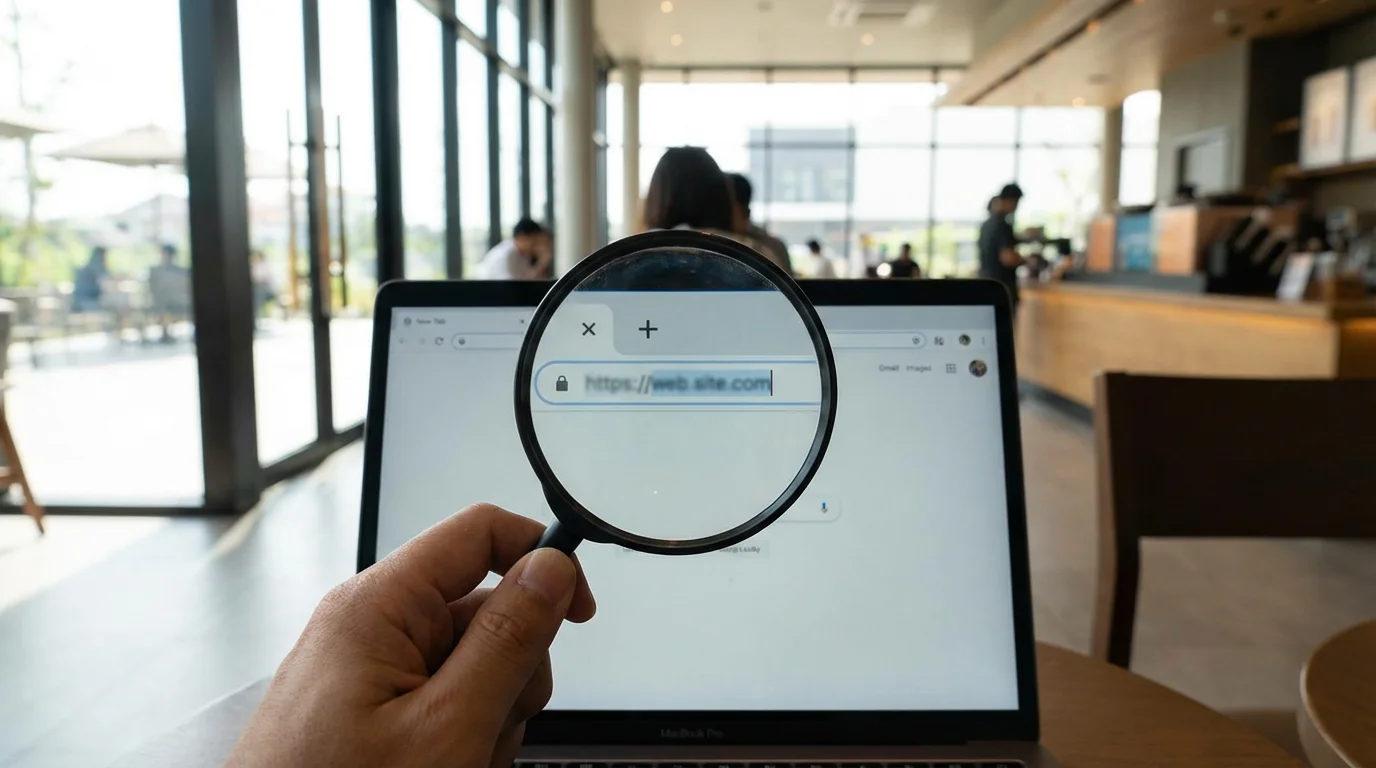
Scammers frequently create domain names that look very similar to legitimate ones. They might use subtle spelling errors, known as “typosquatting.” For example, instead of “amazon.com,” you might see “amaz0n.com” (with a zero instead of an ‘o’) or “am azon.com” (with a space). You must carefully read every character in the domain name. Even a single misplaced letter or number indicates a fraudulent site.
Watch for extra words or characters in the domain name. A scam site might use “paypal-verify.com” or “bankofamerica-security.net” to appear official. Legitimate organizations typically use their primary, well-known domain name for all their services. If you see anything unusual, such as a string of random numbers or a strange subdomain like “secure-login.example.com/yourbank.com,” raise your suspicion immediately. You should always expect your bank or a major retailer to use a clear, established domain name.
Check the Top-Level Domain (TLD)
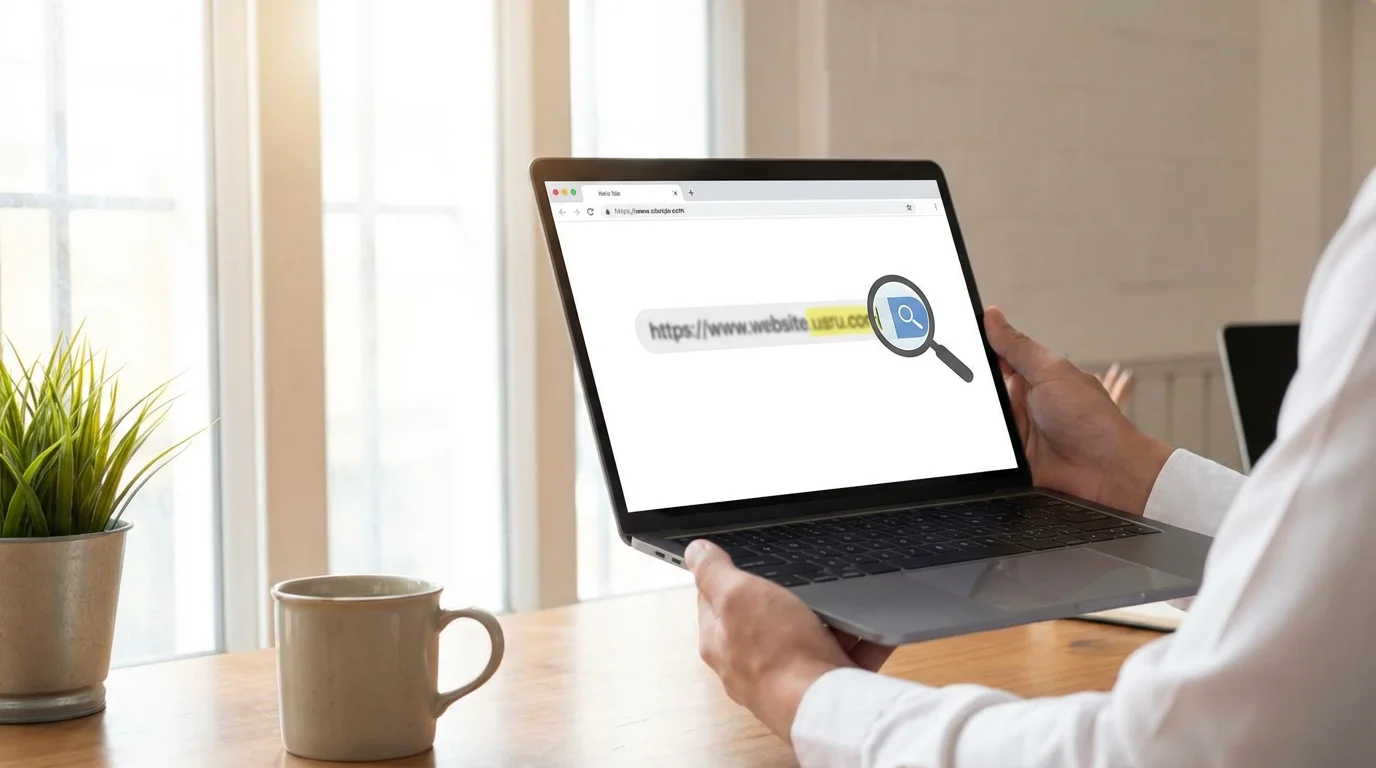
The TLD is the part of the address after the last dot, such as “.com,” “.org,” “.gov,” or “.net.” While many legitimate businesses use “.com,” some scammers use less common TLDs like “.xyz,” “.top,” or “.info” because they are cheaper and easier to register. If a website supposedly representing a well-known brand uses an unusual TLD, you should exercise caution. Government sites in the USA use “.gov,” and educational institutions use “.edu.” Knowing these distinctions helps you spot fraudulent websites that try to mimic official entities.

Use a WHOIS Lookup (Optional but Helpful)
For deeper investigation, you can perform a WHOIS lookup, a public internet database that stores registration information for domain names. Websites like whois.com allow you to enter a domain name and see who registered it, when, and where. While some information might be private, you can often identify discrepancies. If a site claiming to be a major US retailer registered in a foreign country just last week, you have a strong indicator of fraud. This step is more advanced, but it provides valuable insights when you need to confirm a site’s authenticity.

Visual Cues and Content Clues: What to Look For on the Page
Beyond the URL, the content and design of a fake website often betray its true nature. Scammers frequently prioritize speed and volume over quality, leading to tell-tale signs. You can easily spot these inconsistencies once you know what to look for, helping you identify fake websites.
After you have finished browsing, you may want to delete your browsing history to keep your computer running smoothly and maintain your privacy.

Poor Design and Low-Quality Images
Legitimate businesses invest heavily in professional website design and high-quality visuals. Fake websites, by contrast, often appear amateurish. You might notice:
- Blurry or Pixelated Logos: The company logo appears stretched, pixelated, or simply looks “off.” Genuine brands use sharp, clear logos.
- Inconsistent Branding: Colors, fonts, and layouts might not match the official company’s branding. You might see a mix of different styles or outdated elements.
- Cluttered Layouts: The page appears disorganized, with elements poorly aligned or overflowing.
- Non-Functional Elements: Some buttons or links on a fake site might not work, or they might lead to unrelated pages. You click on “About Us” and nothing happens or it goes to a generic template page.

Grammar and Spelling Mistakes
This is one of the most common and easiest indicators to spot. Legitimate companies employ professional writers and editors, ensuring their website content is flawless. Fake websites, often created by non-native English speakers or with hurried, machine-translated text, are riddled with grammatical errors, awkward phrasing, and misspellings. You might see “your account” spelled “you’re account” or instructions that simply do not make sense. When you notice multiple glaring errors, you should immediately consider the website suspicious.
Trust your instincts. If a website’s language feels unprofessional or difficult to understand, it is likely a scam.

Too-Good-to-Be-True Offers
You know the saying: if it seems too good to be true, it probably is. This holds especially true for online offers. Fake shopping sites frequently advertise high-demand products at unbelievably low prices, sometimes 80% or 90% off. You might see a brand new iPhone for $100 or a luxury watch for a fraction of its real cost. Scammers use these enticing deals to lure you in, hoping you will overlook other red flags in your excitement. Remember that legitimate discounts exist, but extreme price drops on popular items almost always indicate a scam.

Lack of Contact Information or Suspicious Contact Details
Reputable businesses provide clear, accessible contact information, including a physical address, phone number, and a professional email address (e.g., support@companyname.com). On a fake website, you might find:
- No Contact Information: The site offers no way to reach customer service or provides only a generic “contact us” form that sends messages into the void.
- Free Email Addresses: The listed contact email uses a free service like Gmail or Yahoo instead of an official company domain.
- Fake Addresses or Phone Numbers: A quick search of the provided address or phone number might reveal it does not exist or belongs to an unrelated business.
You should always verify contact details for any site where you plan to make a purchase or share personal information.
Fake Reviews and Testimonials
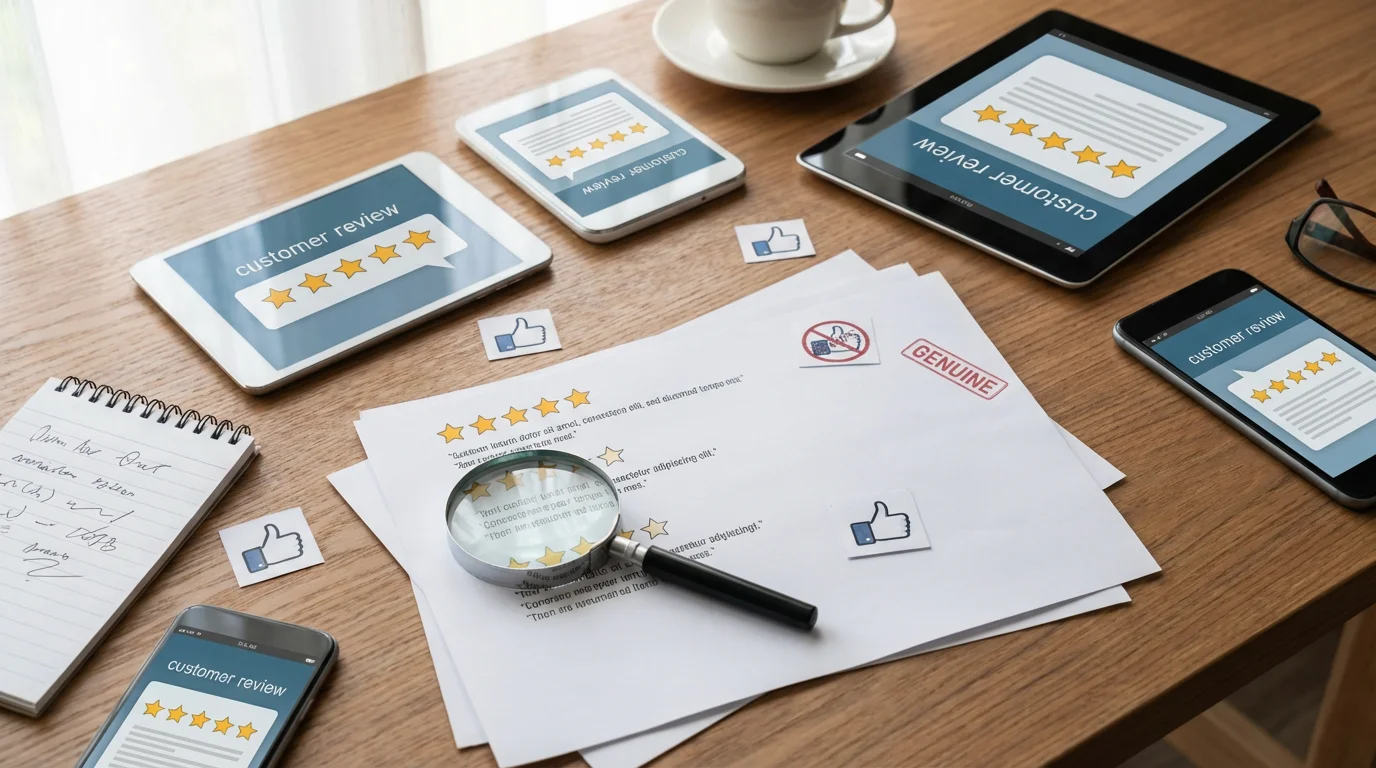
Scammers try to build credibility by including “customer reviews” or testimonials. These often appear generic, poorly written, or overly enthusiastic, sometimes with stock photos as reviewer profiles. You might notice similar phrasing across multiple reviews or a sudden influx of five-star reviews within a short period. True customer reviews often include a mix of opinions and specific details, reflecting genuine experiences. If a site features only perfect, generic reviews, you should approach it with skepticism.

Secure Transactions: Online Shopping and Banking Safety
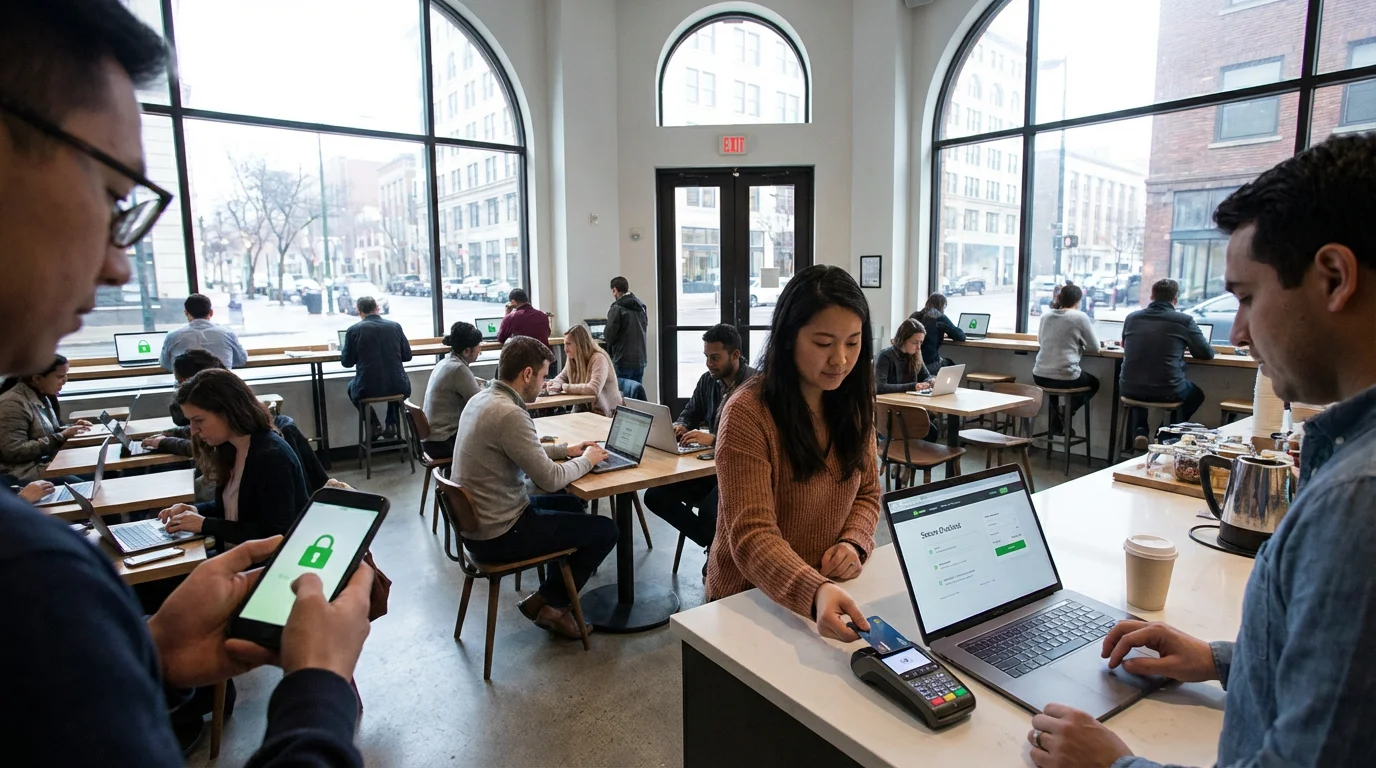
When you conduct online shopping or banking, you need to apply heightened vigilance. These activities involve your money and sensitive financial data, making them prime targets for scammers. You can implement several key practices to ensure your transactions remain secure.
Always Verify HTTPS During Checkout and Login
As discussed, the “https://” and the padlock symbol are crucial. During any transaction where you enter your credit card number, bank details, or login credentials, you must confirm that the website address begins with “https://”. If it reverts to “http://” or the padlock disappears, you must stop the transaction immediately. This indicates an insecure connection, leaving your data vulnerable to interception by scammers. Even if the main site uses HTTPS, always check during the specific pages where you enter sensitive data.
Use Strong, Unique Passwords and a Password Manager
A strong password acts as your first line of defense. You should create passwords that are long, complex, and unique for every single online account. This means using a combination of uppercase and lowercase letters, numbers, and symbols. Avoiding easily guessable information like birthdays or pet names is also important. To manage these complex passwords easily, you can use a password manager, which is a secure app that remembers all your passwords for you. You only need to remember one master password, and the manager fills in the others automatically, saving you time and enhancing your security significantly.
Exercise Caution with Payment Methods
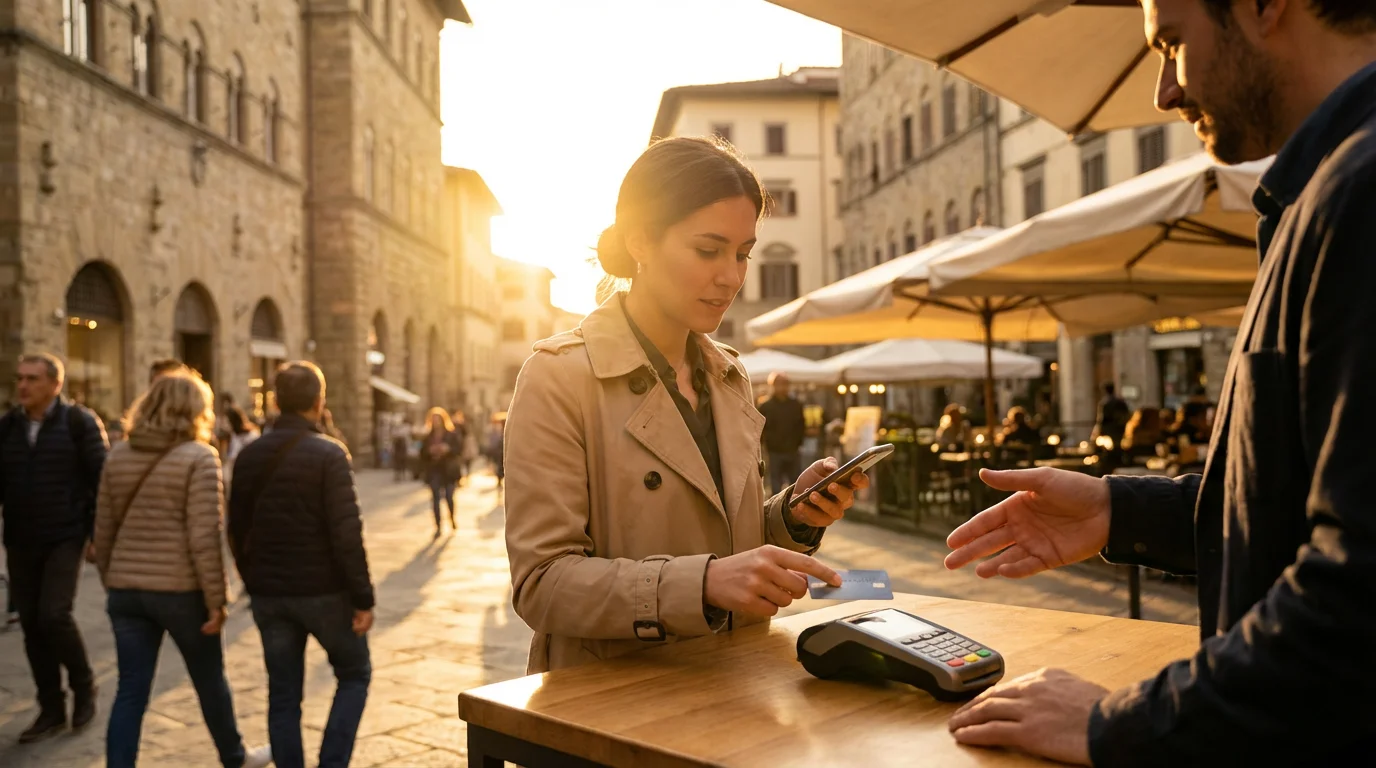
When you shop online, you have choices regarding how you pay. Using a credit card often provides more protection than a debit card. Credit card companies generally offer better fraud protection policies, allowing you to dispute fraudulent charges and often limiting your liability to a small amount, even if your card number is stolen. Debit card fraud can directly impact the funds in your bank account, making recovery more challenging. Consider using secure payment platforms like PayPal or Apple Pay, which add another layer of security by not sharing your actual card details directly with the merchant.

Avoid Clicking Links in Emails for Banking or Shopping
Scammers frequently send fake emails, pretending to be your bank, a popular online retailer, or a payment service. These emails often contain links that direct you to convincing fake websites. Even if the email looks legitimate, you should never click on links in emails to access your bank account or shopping carts. Instead, you should always type the official website address directly into your browser or use a trusted bookmark. This simple habit prevents you from inadvertently landing on a phishing site designed to steal your login credentials or financial information.
When in doubt about an email, navigate directly to the official website of the company or bank. Your direct access ensures you reach the legitimate site.
Protecting Your Personal Information: Beyond Just Websites
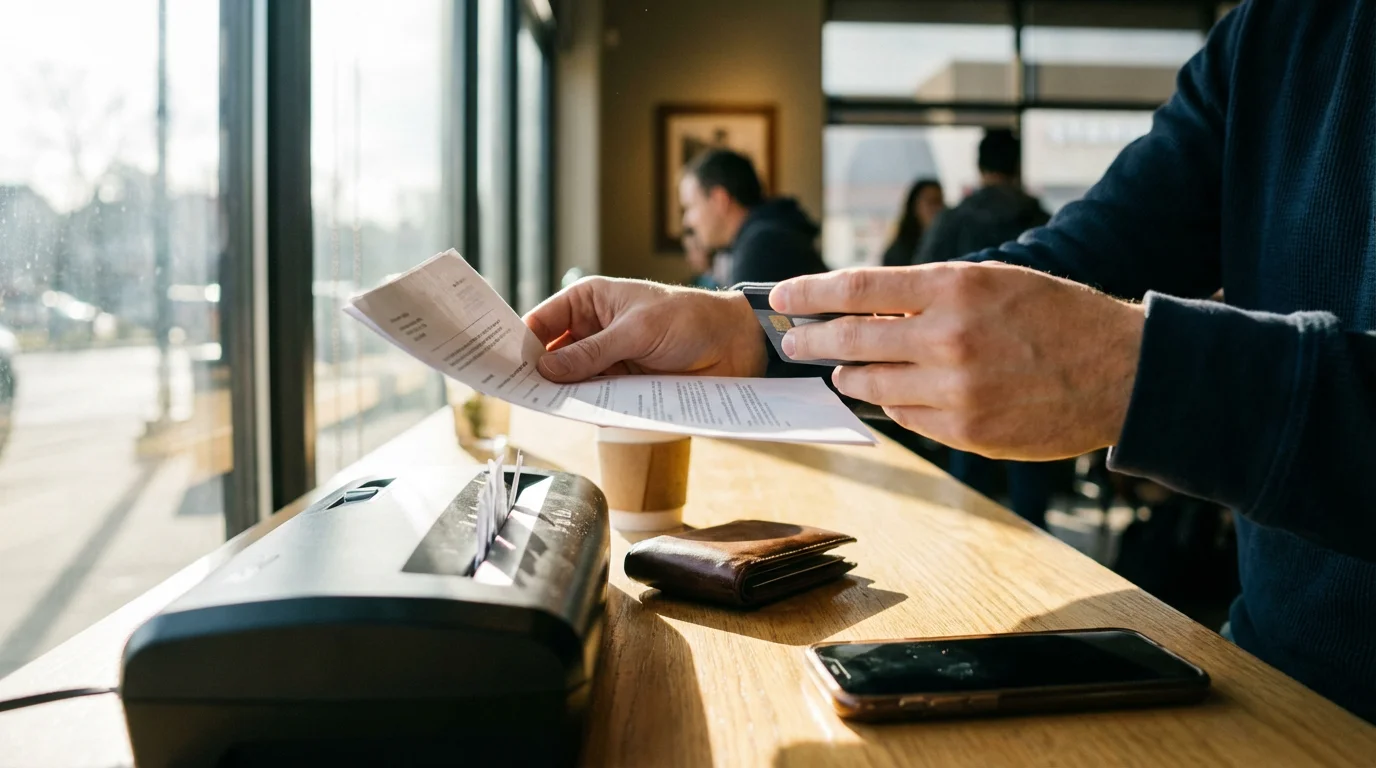
Your personal information is valuable, and scammers relentlessly try to steal it. Protecting this data involves more than just recognizing fake websites; it means understanding how you share information and how to secure your accounts. You play an active role in safeguarding your identity and finances.

Understand What Information Scammers Seek
Scammers aim to gather specific pieces of information that allow them to impersonate you, access your accounts, or commit identity theft. This includes your full name, address, phone number, date of birth, Social Security number, bank account details, credit card numbers, and even login credentials for various online services. They often combine pieces of information from different sources to build a complete profile. You must recognize that no legitimate entity will ever ask for your full Social Security number or all your financial details in an unsolicited email, text, or social media message.

Review and Adjust Privacy Settings on Devices and Social Media
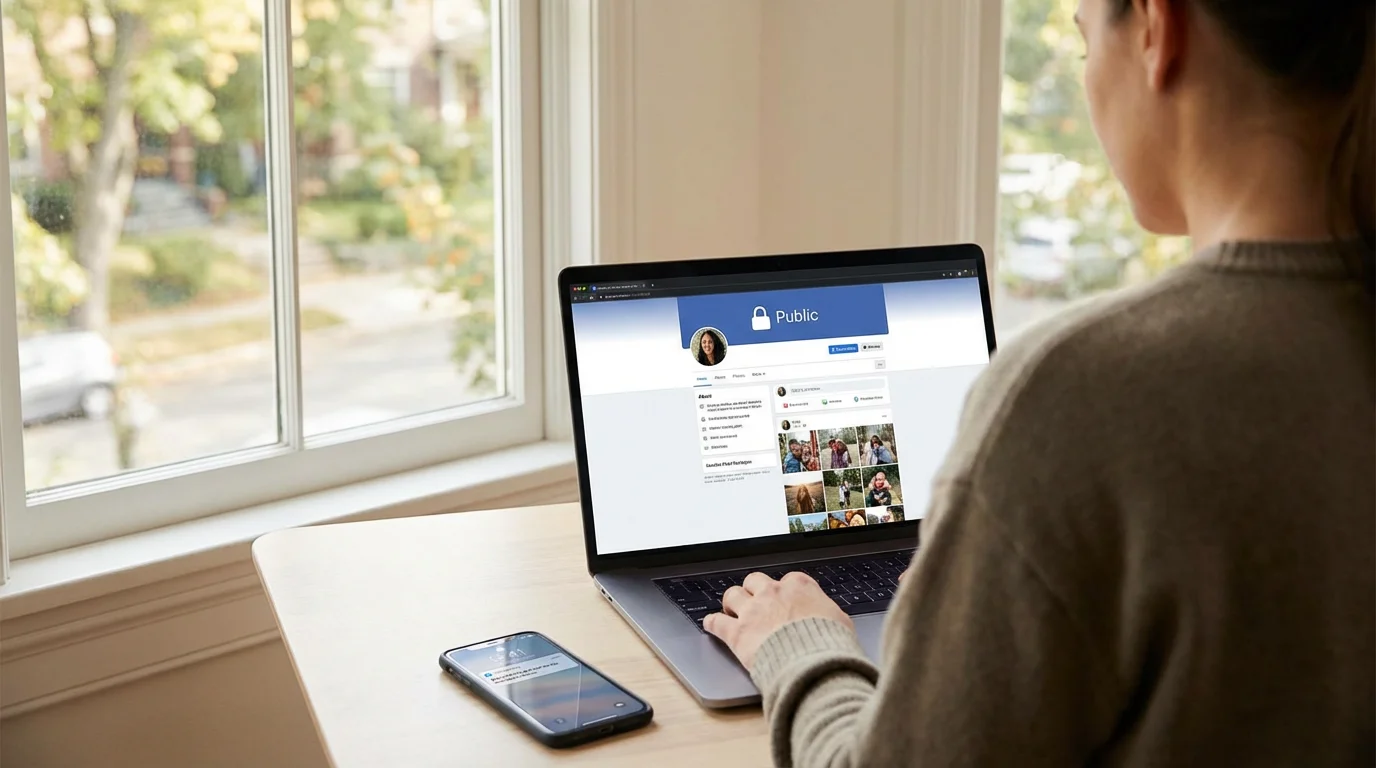
Many of your devices and online accounts, especially social media platforms, have privacy settings you can control. You should regularly review these settings to limit who sees your personal information. For instance, on social media, you can often set your profile to “friends only” instead of “public,” preventing strangers from seeing your posts, photos, and birthdate. You can also adjust location services on your smartphone to prevent apps from tracking your whereabouts unnecessarily. Taking time to understand and customize these settings gives you greater control over your digital footprint and reduces the information available to potential scammers.
Be Wary of Oversharing Online
The information you share online, even seemingly innocuous details, can be pieced together by scammers. You should avoid posting your full birthdate, home address, travel plans, or even specific details about your daily routine on public platforms. Scammers use this information for targeted phishing attacks or even to determine when your home might be empty. Before you post, ask yourself if a stranger could use this information against you. A little discretion goes a long way in protecting your privacy.

Enable Two-Factor Authentication (2FA)
Two-factor authentication (2FA) is an extra security step, like getting a code texted to your phone, that significantly enhances the protection of your online accounts. When you enable 2FA, even if a scammer steals your password, they cannot access your account without the second factor, typically a code sent to your phone, a fingerprint scan, or a physical security key. You should enable 2FA on all your critical accounts: email, banking, social media, and any other service that stores sensitive information. This creates a powerful barrier against unauthorized access and is one of the most effective security measures you can implement.

What to Do If You Suspect a Fake Website or Get Tricked
Even with the best precautions, you might encounter a suspicious site or, unfortunately, fall victim to a scam. It is important to remember that scammers are clever—falling for a trick does not make you foolish. Your immediate actions matter significantly in limiting potential damage. You can take concrete steps to protect yourself further.

Do Not Enter Any Information
If you suspect a website is fake before entering any personal details, you have already won a major victory. Your best action is to close the browser tab or window immediately. Do not click around, do not attempt to contact anyone through the site, and do not input any login credentials, credit card numbers, or personal information. Simply disengage from the suspicious site.

If You Already Shared Information, Act Quickly
If you have already entered login details, credit card numbers, or other personal information on a suspected fake website, you must act swiftly:
- Change Passwords: Immediately change the password for the account whose credentials you might have compromised. If you use that same password for other accounts, change those passwords too. Use a strong, unique password for each account. A password manager can help you with this.
- Notify Your Bank/Credit Card Company: If you entered any financial information, contact your bank or credit card company without delay. Explain what happened, and they can monitor your accounts for fraudulent activity or cancel your card if necessary. Most financial institutions have dedicated fraud departments.
- Monitor Your Accounts: Keep a close eye on your bank statements, credit card statements, and credit reports for any unauthorized transactions or suspicious activity. You can get free copies of your credit report annually from annualcreditreport.com.
- Run a Virus Scan: If you suspect you downloaded malware, or bad software that can harm your computer or steal information, run a full scan with reputable antivirus software. Keep your antivirus program updated regularly to detect the latest threats.

It Is Not Your Fault!
Scammers employ sophisticated tactics designed to deceive. They use urgent language, create emotional appeals, and build convincing fake websites. These tactics exploit common human responses, like a desire for a good deal or a fear of losing an account. You should never feel ashamed or foolish if you encounter a scam or fall for one. Your focus should be on recovery and prevention, not self-blame. Many intelligent, tech-savvy people have fallen victim to these schemes. Learning from the experience empowers you to protect yourself better moving forward.

Reporting Fake Websites and Scams
Reporting fake websites and online scams is crucial. You not only help authorities track down criminals, but you also protect other potential victims. Your report contributes to a larger effort to make the internet safer for everyone. You have several trusted resources available to report these incidents.

Federal Trade Commission (FTC)
The Federal Trade Commission (FTC) is a primary resource for reporting scams. You can report fraud, identity theft, and bad business practices to the FTC. They collect these reports to identify trends and pursue legal action against scammers. Reporting to the FTC is a vital step, especially if you lost money or had your information compromised. You can report online at ReportFraud.ftc.gov or call 1-877-382-4357.
FBI Internet Crime Complaint Center (IC3)
The FBI Internet Crime Complaint Center (IC3) is another crucial platform. You should report internet crimes, including cyber-enabled scams, directly to the IC3. The FBI uses this information to investigate criminal activity and coordinate with law enforcement agencies. If you suspect you were a victim of a cybercrime, filing a report here provides valuable data for federal investigations.
Better Business Bureau (BBB) Scam Tracker
The Better Business Bureau (BBB) Scam Tracker allows you to report scams and read about scams reported by others. While the BBB does not have law enforcement power, their Scam Tracker helps you identify current scam trends in your area and alerts others to potential threats. You contribute to a community effort to raise awareness when you report a scam to the BBB.

AARP Fraud Watch Network
The AARP Fraud Watch Network offers valuable resources and support for seniors regarding scams and fraud. You can report scams, receive alerts about new scams, and get personalized assistance. Their network focuses specifically on protecting older adults and provides practical advice and emotional support, reminding you that you are not alone in facing these challenges.

Report to Your Internet Service Provider (ISP) or Browser Vendor
If you encounter a fake website, you can also report it to your Internet Service Provider (ISP) or directly to your browser vendor (e.g., Google for Chrome, Microsoft for Edge, Apple for Safari, Mozilla for Firefox). Many browsers have built-in features that allow you to report malicious sites. This helps them block the site for other users, preventing further harm. You contribute to a safer browsing experience for everyone by taking this step.

Building Your Online Confidence: Ongoing Vigilance
Navigating the digital world confidently means cultivating ongoing vigilance and continuous learning. You have learned how to identify fake websites and protect your information, but the landscape of online threats constantly evolves. You can maintain your security and peace of mind by staying informed and trusting your judgment.
In addition to staying safe on your computer, remember that similar tactics are used over the phone, so learning how to recognize and avoid phone scams is another important step for your security.
Stay Informed About New Scam Tactics
Scammers constantly adapt their methods, so you should stay aware of new trends. Resources like the AARP Fraud Watch Network, the FTC Consumer Information website, and the Cybersecurity & Infrastructure Security Agency (CISA) regularly publish updates and alerts about emerging scams. You can sign up for their newsletters or regularly check their websites. Knowing the latest tricks helps you recognize them before you become a target. This proactive approach strengthens your defense against future attacks.

Trust Your Gut Feelings
Your intuition is a powerful tool. If something about an email, a text message, a social media post, or a website feels “off,” you should listen to that feeling. A sense of urgency, an offer that seems too good to be true, or pressure to act immediately are all red flags that your instincts can pick up. You should pause, take a deep breath, and critically evaluate the situation before proceeding. A legitimate company will not pressure you into immediate action without giving you time to think or verify.
If a situation makes you feel uneasy or pressured, step back. Trust your instincts; they often warn you of potential danger.

Seek Help from Trusted Sources
You do not have to navigate online safety alone. If you are unsure about a website, an email, or any online interaction, you should always reach out to a trusted family member, friend, or a reliable expert. ClearTechGuide.com provides clear, reassuring information to help you. Your bank or credit card company also offers fraud departments ready to assist you with suspicious transactions. You can also consult official government resources like USA.gov for reliable information on various services. Leaning on these trusted networks provides an additional layer of protection and reassurance.
By adopting these practices, you transform from a potential target into an empowered, secure internet user. You gain the knowledge and confidence to safely explore all the internet offers, knowing you can spot fraudulent websites and avoid getting tricked. The internet offers wonderful opportunities, and you deserve to enjoy them without fear.
Frequently Asked Questions
Q: What if I already clicked a link or shared information on a fake website?
A: You should not panic, but act quickly. First, close the suspicious browser tab. If you entered login information, immediately change that password on the legitimate website. If you used that password anywhere else, change it there too. If you provided financial details, contact your bank or credit card company right away to monitor for fraudulent activity. Run a full scan with your antivirus software to check for malware. Remember, scammers are good at what they do, and many people have faced similar situations.
Q: How do I know if a call or email is really from my bank?
A: Your bank will rarely, if ever, ask for sensitive information like your full account number, Social Security number, or login credentials in an email or phone call. If you receive a suspicious call or email, you should never provide information or click links. Instead, hang up or delete the email. Then, directly call your bank using the phone number listed on your official bank statement or on the back of your bank card, or type their official website address into your browser. This ensures you are speaking with or connecting to the legitimate institution.
Q: Can my computer get a virus just by visiting a fake website?
A: Yes, it is possible. Some fake websites use “drive-by downloads,” where malware, which is bad software that can harm your computer or steal information, automatically downloads onto your computer without your permission just by visiting the site. While modern browsers and antivirus software offer protection, it is still a risk. Always keep your browser and operating system updated, and maintain active, reputable antivirus software.
Q: Is there a tool that automatically checks if a website is fake?
A: Many web browsers, like Chrome, Firefox, and Edge, have built-in security features that warn you about known phishing or malicious sites. Antivirus software also often includes web protection that flags suspicious websites. While these tools are helpful, they are not foolproof. You should still use your own judgment and apply the tips from this guide, such as checking the URL and looking for visual cues, as these tools might not catch brand new fake sites immediately. Your vigilance remains your best defense.
Q: What is the most important thing I can do to protect myself?
A: The most important thing you can do is to be skeptical and trust your instincts. If an offer seems too good to be true, an email creates urgency, or a website looks slightly off, you should pause and investigate. Always verify the URL, look for “https://” and the padlock, and never click suspicious links. Educating yourself about common scam tactics empowers you to identify fake websites and act confidently online.
Disclaimer: This article provides general information about online safety and is not a substitute for professional advice. If you believe you’ve been a victim of fraud, contact your bank immediately and report the incident to the FTC at ReportFraud.ftc.gov or call 1-877-382-4357. If you’ve lost money, also file a report with your local police.









Leave a Reply