

The internet offers a wonderful way to connect with family, friends, and communities, and social media platforms are a big part of that. You can share photos, celebrate milestones, and even discover new hobbies. However, with all that connection comes a downside: scammers also use these platforms. They create elaborate tricks to steal your money, personal information, or even your identity.
You may also find it helpful to read our specific guide on avoiding scams targeting seniors for more tailored advice.
While this guide focuses on the web, it is also helpful to know how to recognize and avoid phone scams that use similar pressure tactics.
You may have heard unsettling stories about social media scams, and it is completely understandable to feel cautious. Your concerns are valid, and it is wise to be informed. Our goal is to empower you with the knowledge and practical tools you need to recognize and avoid these scams, allowing you to enjoy your online experience with confidence. Remember, scammers are clever. Falling for a trick does not make you foolish. It means you encountered a sophisticated deception. This guide will help you understand common social media scams, identify warning signs, and take action to protect yourself on social media.
Table of Contents
- Understanding Social Media Scams: What Are They?
- Recognizing Common Social Media Scams
- Red Flags: How to Identify Social Media Scams
- Protecting Your Social Media Accounts
- What to Do If You Spot a Scam or Are Targeted
- Reporting Social Media Scams to Authorities
- Building Your Confidence Online
- Frequently Asked Questions
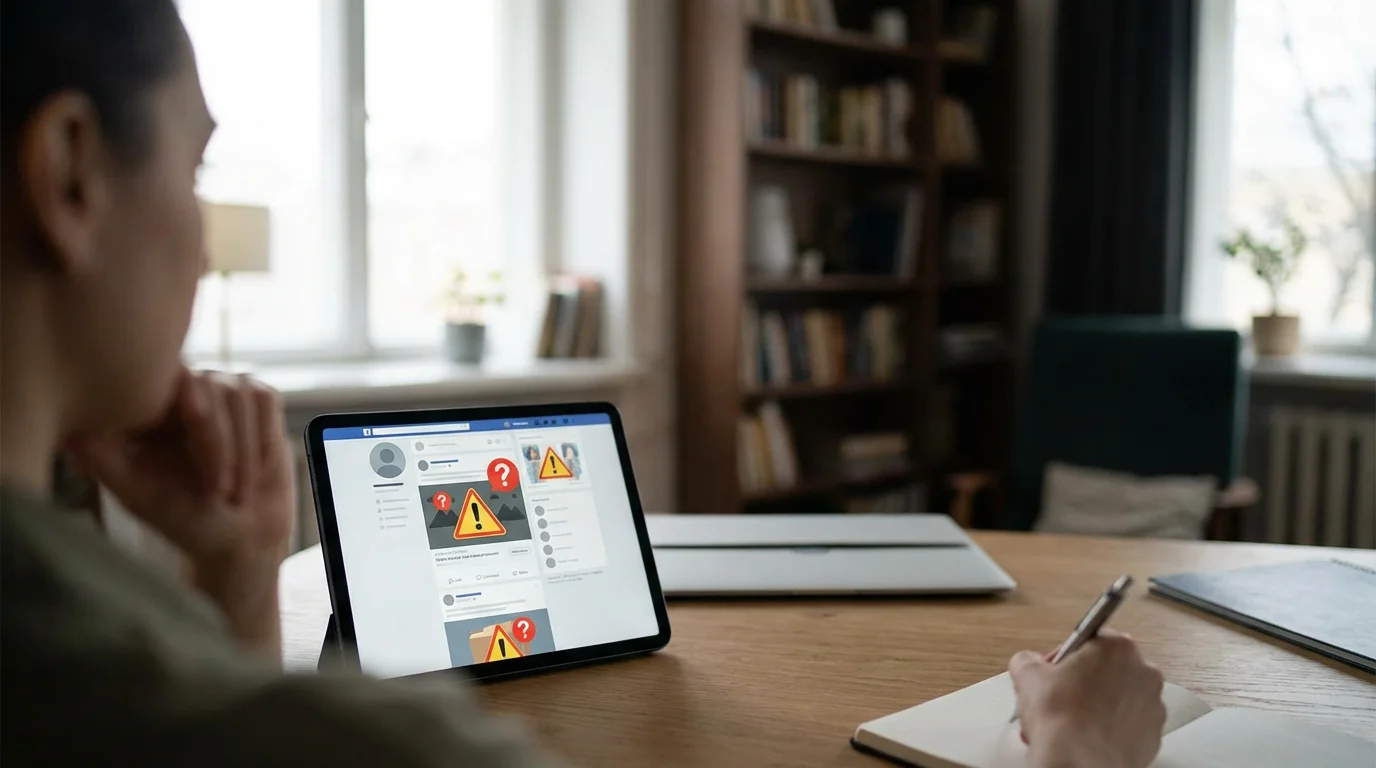
Understanding Social Media Scams: What Are They?
Social media scams are deceptive tricks performed by individuals or groups, often called scammers, who use social media platforms to manipulate you into giving them money, personal information, or access to your accounts. These scams thrive because social media creates a sense of familiarity and trust. It is easy to think you are interacting with a friend, a reputable company, or even a romantic interest, when in reality, it is a scammer behind the screen.
Scammers see social media platforms like Facebook, Instagram, X (formerly Twitter), and even LinkedIn as prime hunting grounds. Billions of people use these sites daily, providing scammers with a vast pool of potential targets. They exploit human emotions like trust, fear, excitement, and loneliness. For example, a scam might promise you something wonderful, like a huge prize, or threaten something terrible, like your account being shut down, to get you to act quickly without thinking. Understanding this basic motivation is the first step in learning how to identify social media scams.

Recognizing Common Social Media Scams
Scammers employ a variety of tactics. Familiarizing yourself with the most common types of social media scams helps you spot them more easily. Many `Facebook scams` and other social media scams rely on similar patterns, so learning one often helps you recognize others.
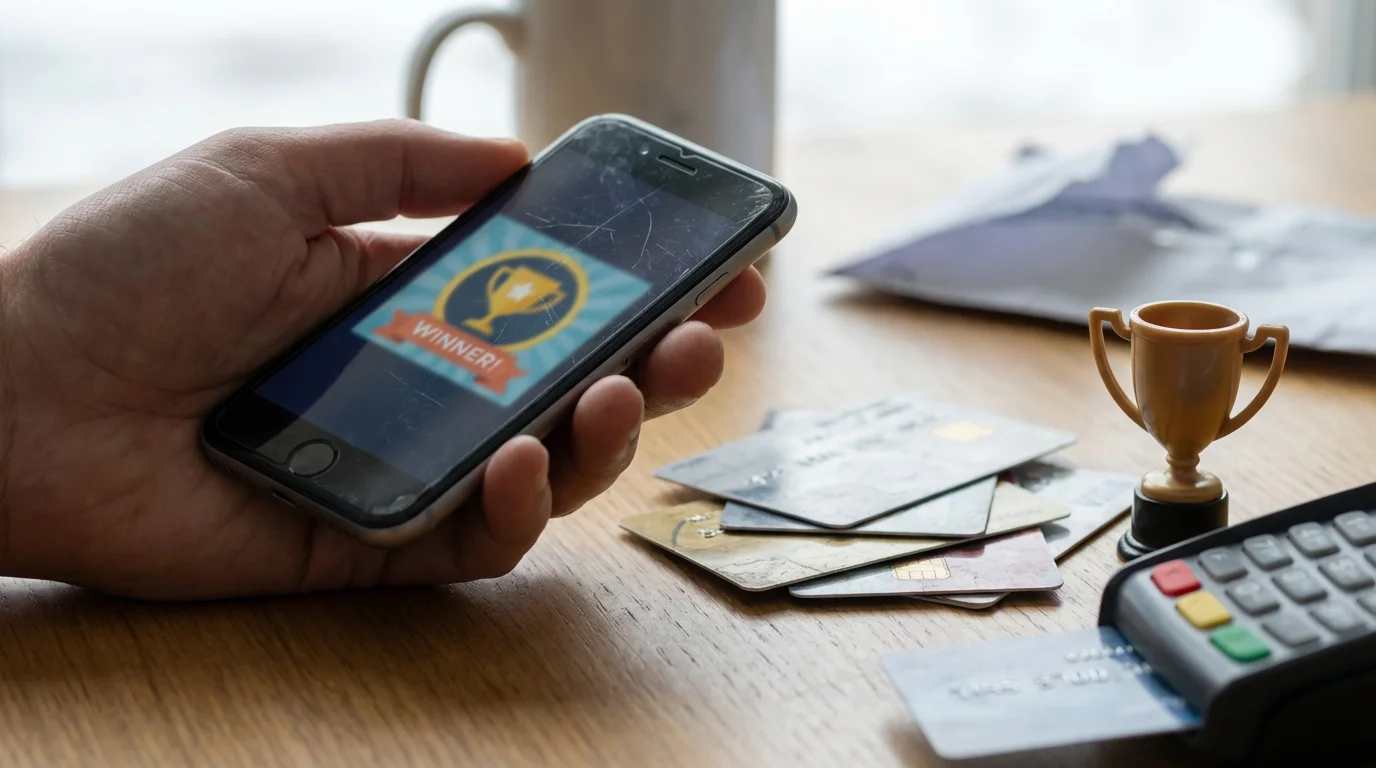
Fake Giveaways and Contests
These scams promise incredibly tempting prizes, like a new car, a large sum of money, or a luxurious vacation. You might see a post from a page that looks like a famous brand or even a celebrity, announcing you have won. The catch is always that you need to pay a small “shipping fee,” “tax,” or “processing fee” to claim your prize. Sometimes, they ask for your banking details for “direct deposit.” Of course, no prize exists. You lose the money you send and potentially expose your financial information.
Practical Tip: Legitimate contests or giveaways never ask for money to claim a prize. If you won something, you should not have to pay anything to receive it. Always verify the authenticity of the brand or person offering the prize by visiting their official website directly, not through a link in the post.
Romance Scams
Romance scams are particularly heartbreaking because they prey on emotions. A scammer creates a `fake profile` and develops a romantic relationship with you online, often over weeks or months. They express strong feelings quickly and build trust. They might claim to be working overseas, in the military, or have some other reason preventing them from meeting in person. Eventually, an “emergency” arises. They might need money for a medical bill, travel expenses, or a business problem. They will beg you for financial help, promising to repay you, but they never do. Once they receive the money, they disappear.
A recent report by the Federal Trade Commission (FTC) shows that romance scams cost Americans hundreds of millions of dollars each year, with individuals over 60 reporting the highest median losses. Always be cautious if an online love interest asks you for money, no matter how compelling their story seems.

Investment Scams
These scams promise unusually high returns on investment with little to no risk. You might see ads on social media promoting cryptocurrency schemes, foreign exchange trading, or other “get rich quick” opportunities. Scammers often use sophisticated language and impressive-looking charts to make their offers seem legitimate. They might even show you fake “success stories.” They pressure you to invest quickly, sometimes with an initial small investment that appears to yield returns, only to encourage you to invest much larger sums, which you then lose entirely.
For instance, some `social media scams` involve a “friend” who suddenly boasts about making a fortune with a new investment platform and encourages you to join. This “friend” could be a scammer who has taken over a legitimate account or a completely fake profile designed to lure you in.

Phishing Attempts
Phishing attempts are fake messages or emails designed to trick you into revealing personal information, such as your username, password, or credit card number. On social media, this might come as a message claiming to be from the platform itself, saying your account has been compromised or that you need to verify your details by clicking a link. For example, a message might say, “Your Facebook account has been locked due to suspicious activity. Click here to unlock it.” The link leads to a fake login page that looks identical to the real one. When you enter your credentials, the scammers steal them. This is a very common type of `social media scam` aimed at gaining control of your accounts.

Fake Profiles and Friend Requests
Scammers often create `fake profiles` to carry out various schemes. These profiles might mimic real people, use stolen photos, or be entirely fabricated. They send out numerous friend requests, hoping someone accepts. Once connected, they might try romance scams, phishing, or gather personal information. They might also pretend to be a friend who has been “locked out” of their account and needs money or a password reset code. Always scrutinize friend requests from people you do not recognize, even if they have mutual friends. Examine their profile for signs of fakery: very few posts, generic photos, or an unusually quick declaration of friendship.
Reminder: A new friend request from someone you are already friends with usually means their account has been hacked or someone has created a fake duplicate. Message your friend through a different channel (phone call, text) to confirm before accepting.

Impersonation Scams
In impersonation scams, a scammer pretends to be someone you trust or a legitimate entity. This could be your bank, a government agency like the Social Security Administration, Medicare, or even a tech support company. They might message you directly, claiming there is an issue with your account, a refund waiting, or a problem with your computer. For example, they might say, “We noticed suspicious activity on your bank account. Please verify your details by clicking this link.” Government agencies rarely initiate contact via social media for sensitive issues, and banks will never ask for your full login details or account number over social media messages. These are often sophisticated `social media scams` designed to instill fear or urgency.

Red Flags: How to Identify Social Media Scams
Learning to spot the warning signs is crucial. When you see one or more of these red flags, proceed with extreme caution. These indicators are often present in `how to identify social media scams` scenarios across different platforms.
Many of these warning signs are also present in the grandparent scam, where scammers pretend a loved one is in urgent trouble.
- Urgency and Pressure: Scammers want you to act without thinking. They create a sense of urgency, claiming you must act “now” or “immediately” to claim a prize, avoid account closure, or help a friend in distress. They pressure you into making quick decisions.
- Requests for Money or Personal Information: Any request for money, gift cards, wire transfers, bank account details, Social Security number, or login credentials is a massive red flag. Legitimate businesses and friends generally do not ask for this sensitive information over social media messages, especially unsolicited.
- Too Good to Be True Offers: If an offer seems unbelievably good, it almost certainly is a scam. Free money, huge prizes for minimal effort, or investment returns that promise quick riches fall into this category. Common `social media scams` often involve these alluring but fake offers.
- Poor Grammar and Spelling: Professional organizations and legitimate individuals typically use correct grammar and spelling. Messages riddled with errors are a strong indicator of a scam. Scammers often operate from non-English speaking countries and use translation tools, which can lead to mistakes.
- Suspicious Links: Always be wary of links in messages, even from friends. Hover your mouse over a link (without clicking) to see the actual web address. If it looks strange or different from what you expect, do not click it. It might lead to a `phishing` website designed to steal your information or download `malware`.
- Unusual Requests from “Friends”: If a friend suddenly messages you with an odd request, like asking for money because they are stranded, or for a code sent to your phone, be suspicious. Their account might be compromised, a common form of `Facebook scams`. Contact them through a different method, like a phone call or text, to verify their identity.
- New or Empty Profiles: For friend requests or messages from strangers, examine their profile. Scammer profiles often have very few posts, generic photos, no mutual friends you recognize, or they were created very recently. These `fake profiles` are designed to look just credible enough to trick you.
- Unsolicited Messages: Be cautious of unexpected messages from strangers, especially if they try to strike up a friendship or offer you something without any prior interaction. If you do not know them, consider why they are contacting you.
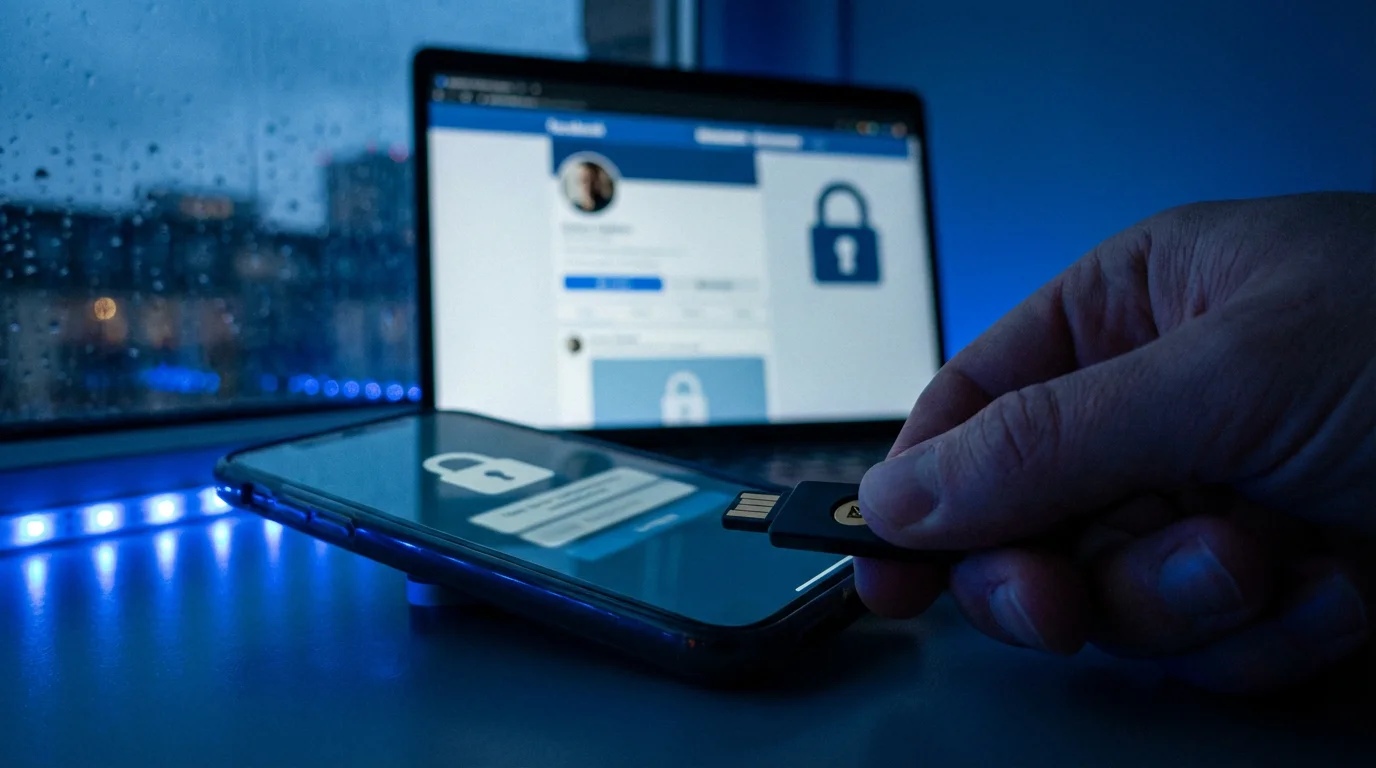
Protecting Your Social Media Accounts
Taking proactive steps to secure your accounts is your best defense against `social media scams`. These measures help `protect yourself on social media` by making it harder for scammers to gain access or trick you.

Create Strong, Unique Passwords
Your password is the first line of defense. Use a complex password for each social media account, mixing uppercase and lowercase letters, numbers, and symbols. Avoid using easily guessable information like birthdays, pet names, or consecutive numbers. A password manager is a secure app that remembers all your passwords for you, generating complex, unique ones for each site. This eliminates the need for you to remember dozens of complicated passwords yourself, making online security much simpler.
Actionable Advice: If you are still using “password123” or similar simple choices, change them immediately. Consider a password manager like LastPass or 1Password to create and store strong, unique passwords for all your online accounts. You only need to remember one master password for the manager.

Enable Two-Factor Authentication (2FA)
Two-factor authentication, or 2FA, is an extra security step that adds a second layer of protection to your accounts. After you enter your password, the social media platform sends a code to your phone or email. You must enter this code to log in. This means even if a scammer somehow gets your password, they cannot access your account without that second code. Most social media platforms offer 2FA, and it is highly recommended you turn it on for all your accounts. It is one of the most effective ways to `protect yourself on social media` from unauthorized access.

Understand and Adjust Your Privacy Settings
Social media platforms offer extensive privacy settings that allow you to control who sees your posts, photos, and personal information. Regularly review these settings. For example, on Facebook, you can choose who sees your posts (Public, Friends, Only Me). Consider limiting who can send you friend requests or messages to “Friends of Friends” or “Private.” The less personal information publicly available, the less material scammers have to build a `fake profile` or craft a convincing scam. Learn how to navigate these settings and adjust them to your comfort level. The AARP offers excellent resources on understanding technology, including privacy settings, at AARP Technology Resources.
Be Wary of Friend Requests and Messages from Strangers
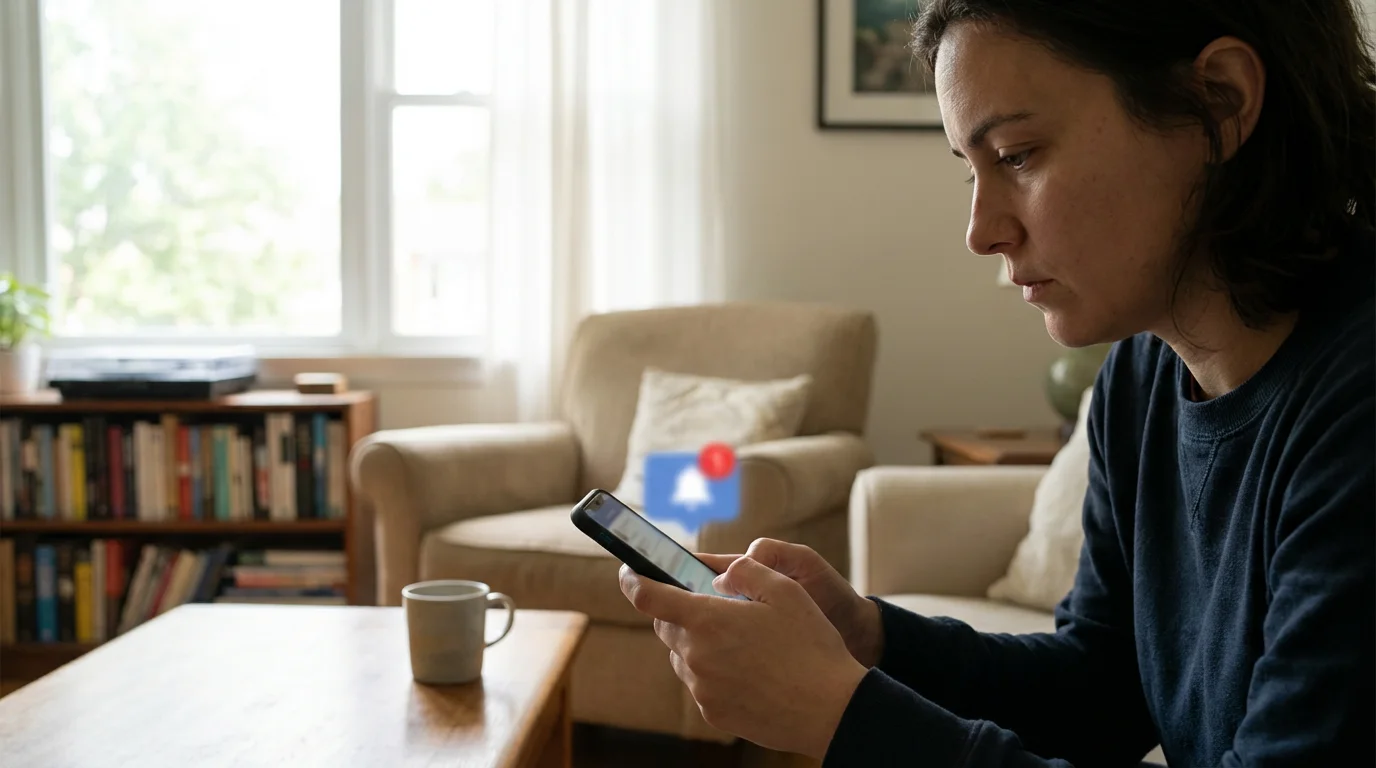
If you receive a friend request from someone you do not know, especially if they have few mutual friends or a suspiciously bare profile, it is best to decline it. Similarly, be cautious about engaging in conversations with strangers who message you out of the blue. Scammers often initiate contact this way, hoping to build a relationship or introduce a scam. This is particularly relevant for `Facebook scams` where scammers often send mass friend requests.

Think Before You Click or Share
Before clicking on any link, sharing a post, or entering a contest, take a moment to pause and think. Does it look legitimate? Is the offer too good to be true? Is the sender truly who they claim to be? A moment of careful consideration can save you a lot of trouble. If a friend shares something that looks like a scam, message them directly (not by replying to the suspicious post) to ask if it is real. Their account might be compromised.

Regularly Review Your Activity and Connected Apps
Occasionally, check your social media accounts for any unfamiliar activity. Have posts been made that you do not recognize? Are there friend requests you did not send? Also, review the apps connected to your social media accounts. Some quizzes or games ask for extensive permissions. Remove any apps you no longer use or that seem suspicious. This helps ensure your data is not being shared unintentionally.

What to Do If You Spot a Scam or Are Targeted
Even with the best precautions, you might encounter `social media scams`. It is important to know what steps to take if you spot a scam or believe you have been targeted. Remember, it is not your fault if a clever scammer attempts to trick you. Your response matters most.

Do Not Engage
If you suspect a message or profile is a scam, do not respond to it. Do not click any links, do not reply to messages, and do not provide any information. Engaging only signals to the scammer that you are a potential target, and they will likely persist.

Block the User or Profile
Every social media platform allows you to block users. Blocking prevents them from contacting you, seeing your profile, or sending you messages. This is an immediate and effective step to stop contact from a suspected scammer.
Report the Scam to the Social Media Platform
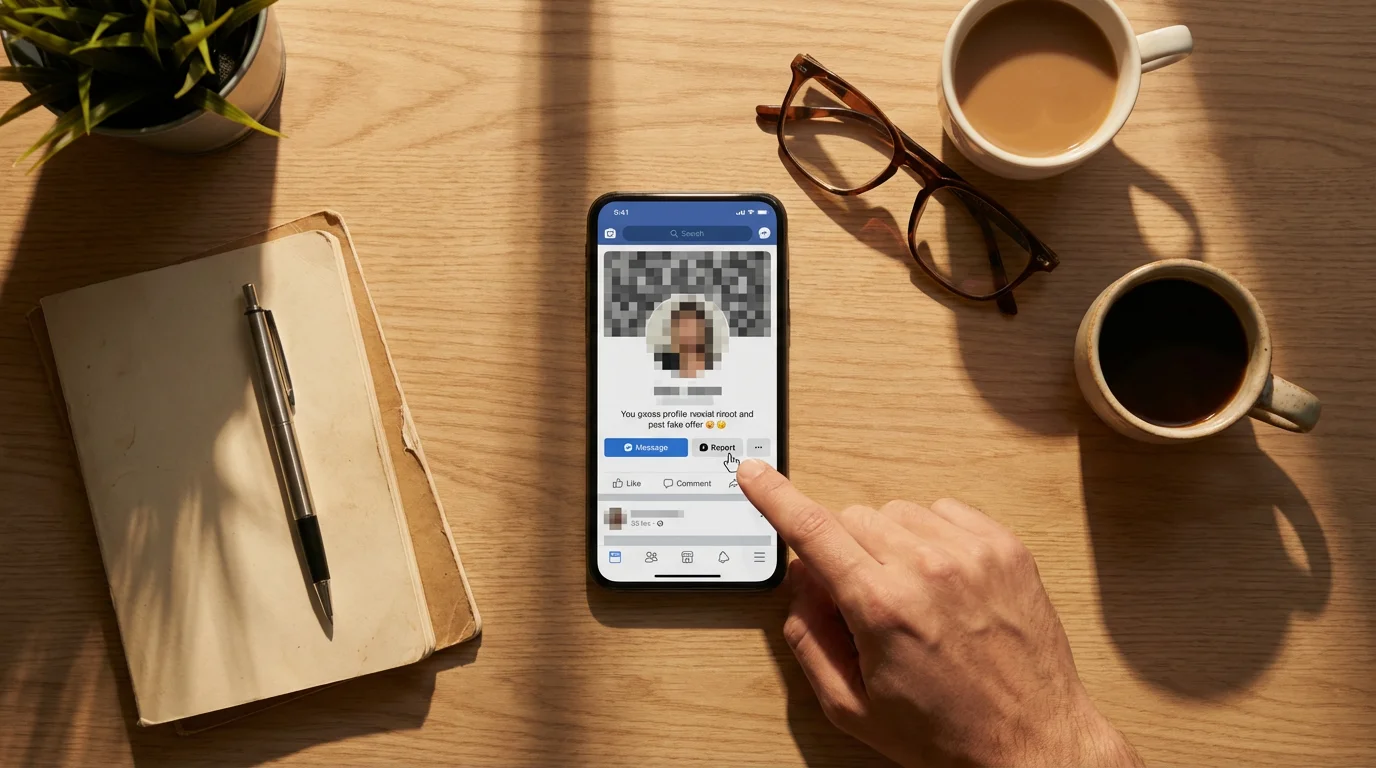
Social media platforms have tools to report suspicious activity, `fake profiles`, or spam. Use these reporting features. This helps the platform remove scammers and protect other users. For example, on Facebook, you can typically click on the “…” menu next to a post or profile and select “Report.” Providing as much detail as possible helps the platform investigate. Reporting helps `protect yourself on social media` and your community.

Change Passwords Immediately if You Clicked a Suspicious Link
If you accidentally clicked a suspicious link and then entered your login details on a page that looked like your social media platform, change your password for that account immediately. Also, change the password for any other accounts where you use the same password. Enabling two-factor authentication will provide an extra layer of security here, even if your password was compromised.

Scan for Malware if You Downloaded a Suspicious File
If a scam involved downloading a file, immediately run a full scan with reputable antivirus software on your computer or device. Malware is bad software that can harm your computer, steal information, or allow scammers to control your device. If your antivirus software finds anything suspicious, follow its instructions to remove it.

Inform Trusted Family and Friends
Talk to a trusted family member or friend about what happened. They can offer support and help you think through next steps. Sometimes, just discussing it out loud can provide clarity and reassurance. They might also be able to help you navigate the reporting processes.
Reporting Social Media Scams to Authorities
Reporting scams to the proper authorities is vital. It helps law enforcement track down scammers, understand their tactics, and prevent others from becoming victims. Even if you did not lose money, reporting suspicious activity helps build a stronger defense against these criminals.
- Federal Trade Commission (FTC): The FTC is the primary agency for collecting scam complaints. You can report fraud at ReportFraud.ftc.gov or by calling 1-877-382-4357. The more information you provide, the more effective their efforts.
- FBI Internet Crime Complaint Center (IC3): If you have lost money or sensitive personal information due to an online scam, especially if it involved federal crimes like wire fraud, file a report with the FBI’s Internet Crime Complaint Center at IC3.gov.
- Local Law Enforcement: If you have lost money, or believe your identity has been stolen, contact your local police department. While local police may not always handle complex online fraud cases directly, they can provide a police report number, which is often required by banks or credit card companies if you need to dispute charges or take further action.
- Your Bank or Credit Card Company: If you sent money to a scammer, contact your bank or credit card company immediately. They can often freeze transactions, issue new cards, or offer advice on next steps. The sooner you report it, the better your chances of recovering funds, if possible.
- AARP Fraud Watch Network: The AARP Fraud Watch Network offers a helpline, resources, and advice for people affected by fraud. You can find their resources at AARP Fraud Watch Network. They provide excellent guidance on various types of scams, including `social media scams`.
Important Note: The Social Security Administration (SSA.gov) and Medicare (Medicare.gov) will never call, text, email, or message you on social media to demand money or sensitive personal information. Any such contact is a scam. You can report suspected Social Security scams directly to the SSA Office of the Inspector General.

Building Your Confidence Online
Navigating the online world, especially social media, requires a blend of openness and healthy skepticism. We understand that the idea of scams can be unsettling, but remember, knowledge truly is power. Every step you take to understand these threats and protect your accounts makes you a more confident and secure internet user. You are not alone in facing these challenges. Millions of people, including many seniors, successfully use social media every day, thanks to their vigilance and awareness.
Continue to talk about online safety with your family and friends. Share what you learn. The more we discuss these topics, the better equipped everyone becomes. Rely on trusted resources like ClearTechGuide.com, the FTC, and the AARP for up-to-date information. By staying informed and practicing these simple steps, you can enjoy all the benefits of social media safely and confidently.
Frequently Asked Questions
Q: What if I already clicked a suspicious link or shared personal information on social media?
A: If you clicked a suspicious link, immediately change your password for that social media account and any other accounts where you used the same password. Enable two-factor authentication if you have not already. If you entered personal information, like your Social Security number or bank details, contact your bank and credit bureaus immediately to monitor your accounts. You should also report the incident to the FTC at ReportFraud.ftc.gov.
Q: How can I tell if a social media profile is genuinely my friend’s?
A: Look for several signs. Does the profile have many mutual friends you recognize? Does it have a long history of posts and photos, or was it created recently? Do the posts sound like your friend? If you receive a friend request from someone you are already connected with, or a suspicious message from their account, contact your friend directly through a different method, like a phone call or text message, to confirm if it is really them.
Q: Is it safe to participate in social media polls or quizzes?
A: Most social media polls and quizzes are harmless fun. However, some are designed by scammers to collect personal information. Be cautious of quizzes that ask for answers to common security questions, like “What was your first pet’s name?” or “What street did you grow up on?” These bits of information could be used to guess your passwords or answer security questions on other websites. Always think about what information a quiz is asking for and if you are comfortable sharing it publicly.
Q: What is the best way to handle friend requests from people I do not know?
A: If you receive a friend request from someone you do not recognize, it is usually safest to decline it. Scammers often send out many random friend requests using `fake profiles` to expand their network of potential targets. If you share many mutual friends, you might consider checking with those friends if they know the person, but generally, declining requests from strangers helps `protect yourself on social media` from unwanted contact and potential scams.
The digital world offers incredible opportunities for connection and learning. By understanding common `social media scams` and applying the practical advice in this guide, you can navigate these platforms with greater confidence and security. Empower yourself with knowledge, stay vigilant, and enjoy the many positive aspects of connecting online. You are taking important steps to `protect yourself on social media`, and that is something to be proud of.
Disclaimer: This article provides general information about online safety and is not a substitute for professional advice. If you believe you’ve been a victim of fraud, contact your bank immediately and report the incident to the FTC at ReportFraud.ftc.gov or call 1-877-382-4357. If you’ve lost money, also file a report with your local police.









Leave a Reply