

You use the internet for connecting with family, managing your finances, shopping, and staying informed. This convenience brings a real need for robust safety measures. Scammers become increasingly clever, finding new ways to access your personal information and money. This is where an essential tool, two-factor authentication, known simply as 2FA, steps in to provide extra account protection. You can significantly strengthen your online defenses by understanding and using 2FA.
Consider two-factor authentication your digital deadbolt. You would never leave your home with only a flimsy lock on the door. Your online accounts, holding your most sensitive details, deserve the same level of security. We will explore what 2FA is, why you need it, and how to set up two-factor authentication on your important accounts. Empower yourself with this knowledge, and take confident control of your online world.
Table of Contents
- What Is Two-Factor Authentication (2FA)?
- Why You Absolutely Need Two-Factor Authentication for Your Account Security
- How Two-Factor Authentication Works: Your Second Line of Defense
- Setting Up Two-Factor Authentication: A Step-by-Step Guide
- Choosing the Right Type of 2FA for You
- Protecting Your Two-Factor Authentication Methods
- Dispelling Myths and Addressing Concerns About 2FA
- Frequently Asked Questions
- Taking Control of Your Online Safety with 2FA and Beyond
What Is Two-Factor Authentication (2FA)?
Two-factor authentication, or 2FA, adds an essential extra layer of security to your online accounts. Think of it as requiring two separate keys to unlock something valuable. Your usual password serves as the first key. 2FA then asks for a second, different key before granting access. This second key is usually a unique, temporary code sent to a device you possess, such as your cell phone or email account. Even if a scammer manages to steal your password, they cannot access your account without this second key.
Most online accounts currently rely on a single factor for security: your password. This “something you know” is vulnerable to various attacks. Scammers use techniques like “phishing,” which involves sending fake emails or messages designed to trick you into revealing your login credentials. They might create realistic-looking websites or send urgent alerts, all to steal your username and password. Sometimes, large data breaches expose millions of passwords online, making them easily available to criminals. With 2FA, a stolen password alone does not give a scammer entry. They would also need to possess your physical device or access to your designated email account to retrieve the second code, significantly increasing your extra account protection.
For example, imagine you are logging into your banking website. You enter your username and password. With 2FA enabled, the bank then sends a one-time code to your registered cell phone via text message. You type this code into the banking website to complete your login. This process confirms you are the account holder because you know the password and possess the phone receiving the code. This simple extra step makes it much harder for unauthorized individuals to gain access, even if they somehow obtain your password.
You strengthen your online defense significantly with 2FA. It acts as a powerful deterrent against unauthorized access, safeguarding your personal information and finances.
Why You Absolutely Need Two-Factor Authentication for Your Account Security
Your online accounts hold a wealth of personal and financial information. Your email connects to nearly every other online service, storing countless private messages and documents. Your banking portal manages your savings and investments. Social media platforms contain photos and communications with loved ones. Protecting these accounts is paramount. Two-factor authentication provides crucial extra account protection against the sophisticated methods scammers employ today.
Data breaches are a common occurrence, affecting major companies and exposing millions of user passwords. Even if you use a strong password, a breach on one website could compromise your security across many others, especially if you reuse passwords. A study by Verizon shows that credential theft remains a leading cause of data breaches, highlighting how effective stolen passwords are for cybercriminals. By implementing 2FA, you create a powerful barrier. Even if a scammer acquires your password from a leaked database, they cannot log into your account without that second verification code, which they do not have.
Scammers also use elaborate “phishing” schemes, sending you fake emails or text messages that appear to come from trusted sources like your bank, a government agency, or a popular online store. These messages often contain urgent warnings or enticing offers, designed to panic or tempt you into clicking a link and entering your login credentials on a fraudulent website. If you accidentally fall for such a trick and type your password into a fake site, 2FA prevents the scammer from immediately taking over your account. When they try to log in with your stolen password, the legitimate service will send a 2FA code to your device, not theirs. This immediately alerts you to unauthorized activity, giving you time to change your password and secure your account.
Consider a real-world scenario: Mrs. Elena Rodriguez received an email claiming to be from her utility company, threatening immediate service disconnection if she did not update her billing information. Panicked, she clicked the link and entered her email and password on the realistic-looking fake website. The scammer now had her email password. However, Elena had enabled two-factor authentication on her email account. When the scammer attempted to log in, Elena received a text message with a verification code. Recognizing she had not tried to log in, she realized the email was a scam. She immediately changed her email password, preventing the scammer from accessing her vital communications and personal data. This saved her from potential identity theft and financial loss, thanks to her extra account protection.
Your identity is a valuable asset. Scammers who gain access to your accounts can drain bank accounts, make fraudulent purchases, apply for credit in your name, or even impersonate you to scam your friends and family. Two-factor authentication acts as a robust shield, protecting you from these devastating consequences. It provides peace of mind, knowing that your digital life has an additional, strong layer of defense.

How Two-Factor Authentication Works: Your Second Line of Defense
Two-factor authentication enhances security by requiring two distinct forms of identification before granting access to your account. These “factors” typically fall into three categories:
- Something you know: This is your traditional password or PIN. Only you should know it.
- Something you have: This is usually a physical item in your possession, like your smartphone, a tablet, or a dedicated security key.
- Something you are: This involves biometric data, such as your fingerprint or a facial scan.
Most common 2FA methods for personal accounts combine “something you know” (your password) with “something you have” (your phone). Here is how it generally works:
Text Message (SMS) Codes
This is the most common and often easiest method for many users. When you try to log into an account with 2FA enabled:
- You first enter your username and password.
- The service then sends a unique, time-sensitive code, typically 4-8 digits long, via text message to your registered cell phone number.
- You retrieve this code from your phone and enter it into the login screen on the website or app.
- Only after you enter the correct code does the system grant you access.
This method offers excellent extra account protection. A scammer would need both your password and your physical phone to log in. While convenient, experts generally consider SMS 2FA slightly less secure than authenticator apps because of potential vulnerabilities related to phone number porting scams, where criminals trick carriers into transferring your number to their device.

Authenticator Apps
Authenticator apps, such as Google Authenticator, Microsoft Authenticator, or Authy, provide a more secure form of 2FA. These apps generate unique, time-sensitive codes directly on your smartphone, even without an internet connection. Here is how they function:
- When you set up 2FA with an authenticator app, the service provides a QR code or a secret key. You scan this QR code with the app or manually enter the key. This links your account to the authenticator app on your phone.
- Each time you log in, after entering your password, you open your authenticator app. It displays a new code that refreshes every 30-60 seconds.
- You enter this current code into the login screen.
Authenticator apps are generally more secure than SMS codes because the codes do not travel over network infrastructure, making them less susceptible to interception. They also work even if you do not have cell service, as long as your phone has power.

Physical Security Keys
Physical security keys, like YubiKey, represent the strongest form of two-factor authentication. These are small USB devices that you plug into your computer or connect wirelessly to your phone. Here is how they operate:
- After entering your password, the service prompts you to insert your security key into your device.
- You then touch or activate the key, which communicates securely with the website to verify your identity.
Security keys provide robust protection against phishing attempts because they verify the website’s authenticity before providing the second factor. A scammer cannot trick the key into sending its verification to a fake website. While highly secure, they often require a small purchase and a bit more technical understanding to set up initially.
Regardless of the method you choose, the principle remains the same: two-factor authentication ensures that accessing your account requires both something you know and something you have, creating a formidable defense against unauthorized entry.
Setting Up Two-Factor Authentication: A Step-by-Step Guide
Implementing two-factor authentication is one of the most impactful steps you can take to enhance your online security. The process is generally straightforward, though the exact steps may vary slightly between different websites and services. You do not need to be a technology expert to get this essential extra account protection in place.
Prioritizing Your Accounts
Start with your most critical accounts first. These typically include:
- Email Accounts: Your primary email often acts as the “recovery” method for many other accounts. Secure it first.
- Banking and Financial Accounts: Protect your money directly.
- Social Media Accounts: Prevent identity theft and protect your digital reputation.
- Online Shopping Accounts: Safeguard your payment information.
General Steps to Set Up 2FA
While specifics differ, these steps generally apply to most services:
- Log In to Your Account: Access the account you want to protect using your current username and password.
- Navigate to Security or Settings: Look for a section labeled “Settings,” “Security,” “Privacy,” “Account Settings,” or “Login & Security.” This is usually found by clicking on your profile picture, initials, or a gear icon.
- Find Two-Factor Authentication (2FA) Options: Within the security settings, you will typically see an option like “Two-Factor Authentication,” “2FA,” “Multi-Factor Authentication (MFA),” “Login Verification,” or “Two-Step Verification.” Click on this.
- Choose Your 2FA Method: The service will present you with choices for your second factor. Common options include:
- Text Message (SMS): You provide your cell phone number, and the service sends verification codes via text. This is often the simplest for many.
- Authenticator App: The service will give you a QR code to scan with an authenticator app (like Google Authenticator) on your smartphone or a secret key to manually enter.
- Security Key: You might be prompted to connect a physical security key.
If you are unsure, start with the text message option. It provides good protection and is easy to manage.
- Follow On-Screen Prompts: The service will guide you through the setup. If you chose SMS, it will send a test code to your phone to ensure it works. You will enter this code to confirm. If you chose an authenticator app, you will scan the QR code and then enter a code from the app.
- Save Your Backup Codes (Crucial!): Most services provide a set of “backup codes,” “recovery codes,” or “one-time codes” when you enable 2FA. These are vital. Print them out or write them down and store them in a secure, offline location (like a safe or locked drawer). These codes allow you to regain access to your account if you lose your phone, your phone breaks, or you cannot receive your 2FA codes for any reason. Do not store these codes digitally on the same device where you access your accounts.
- Confirm and Test: Once setup is complete, you might be asked to log out and then log back in to ensure 2FA is working correctly. This confirms your extra account protection is active.
It’s important to remember your backup codes. They are your lifeline if you lose access to your primary 2FA method. Keep them safe and private.

Troubleshooting Common Issues
- Not receiving text messages: Check your phone number in the account settings. Ensure you have cell service. Sometimes, a short delay occurs. Wait a minute or two.
- Authenticator app codes not working: Ensure your phone’s time and date settings are correct and automatically synchronized. Incorrect time can cause the app to generate invalid codes.
- Lost phone: Use your backup codes! This is precisely what they are for. Then, update your 2FA method in your account settings with your new device or number.
You have taken a significant step toward safeguarding your online presence by setting up two-factor authentication. This simple but powerful action provides substantial extra account protection against many common cyber threats.

Choosing the Right Type of 2FA for You
With several options available for two-factor authentication, you can select the method that best suits your comfort level and security needs. The most important thing is to enable 2FA, regardless of the method. Any extra account protection is better than none.

Text Message (SMS) Verification: Convenient and Widely Available
How it works: You receive a numerical code via text message to your registered mobile phone. You enter this code to log in after your password.
Pros:
- Ease of use: Most people are familiar with text messages, making this a very straightforward option to set up and use.
- Widely supported: Almost all major online services offer SMS 2FA.
- No extra apps needed: You do not need to download a separate authenticator app.
Cons:
- Less secure than apps: SMS messages can be vulnerable to “SIM swapping” scams, where criminals trick your phone carrier into transferring your phone number to their device. This allows them to receive your 2FA codes.
- Requires cell service: You cannot receive codes if you are in an area without cell signal.
Recommendation: SMS 2FA provides a good starting point for extra account protection, especially for those who prefer simplicity. While not the absolute strongest, it offers significantly more security than just a password. If this is the easiest method for you to implement, use it.

Authenticator Apps: Stronger Security
How it works: An app on your smartphone (like Google Authenticator or Authy) generates time-sensitive, rotating codes. You open the app to get the current code and enter it during login.
Pros:
- Higher security: Codes generate directly on your device, not sent over a network, making them immune to SIM swapping.
- Works offline: You do not need cell service or an internet connection to generate codes, only to use the app initially to link the account.
- Manage multiple accounts: A single app can manage 2FA for many different online services.
Cons:
- Requires a smartphone: You need a compatible smartphone to run the app.
- Initial setup might seem complex: Scanning a QR code or manually entering a key can feel slightly more technical at first.
- Lost phone considerations: If you lose your phone, recovering access to your accounts becomes more involved without backup codes.
Recommendation: If you feel comfortable using smartphone apps, authenticator apps offer a superior level of extra account protection. Many users find them easy to integrate into their routine once set up.

Physical Security Keys: The Gold Standard
How it works: You insert a small USB device into your computer or tap it against your smartphone. This key verifies your identity physically.
Pros:
- Highest security: Extremely resistant to phishing, as the key verifies the legitimacy of the website before authenticating.
- Very fast: Often a single tap or insert completes the verification.
- Highly reliable: Not dependent on battery life (for passive keys) or network connectivity in the same way as other methods.
Cons:
- Requires purchase: These keys cost money.
- Can be lost: Like any physical item, you can misplace it. Having a backup key is wise.
- Less universally supported: While support is growing, not all websites offer physical security key 2FA.
Recommendation: For those seeking the absolute strongest extra account protection and willing to invest a little, security keys provide unparalleled defense, especially for high-value accounts. Websites like Google and Facebook offer this option.
You can choose the method that you find easiest and most practical. The most critical step is to enable two-factor authentication on as many accounts as possible to significantly boost your overall account security.

Protecting Your Two-Factor Authentication Methods
Enabling two-factor authentication provides robust extra account protection, but protecting your 2FA methods themselves is equally important. Scammers constantly adapt, sometimes attempting to bypass or trick you into compromising your second factor. By taking a few precautions, you can ensure your 2FA remains an impenetrable shield.
Secure Your Smartphone
Your smartphone typically serves as the device for your 2FA codes. Protecting it protects your accounts:
- Use a strong PIN or biometric lock: Ensure your phone requires a PIN, pattern, fingerprint, or face unlock to access. This prevents unauthorized physical access.
- Keep your phone updated: Software updates often include crucial security patches that protect against vulnerabilities.
- Be wary of public Wi-Fi: Avoid accessing highly sensitive accounts or performing updates over unsecured public Wi-Fi networks.
- Install security software: Consider a reputable mobile security app that can detect “malware,” which is bad software that can harm your phone or steal information.
Safeguard Your Backup Codes
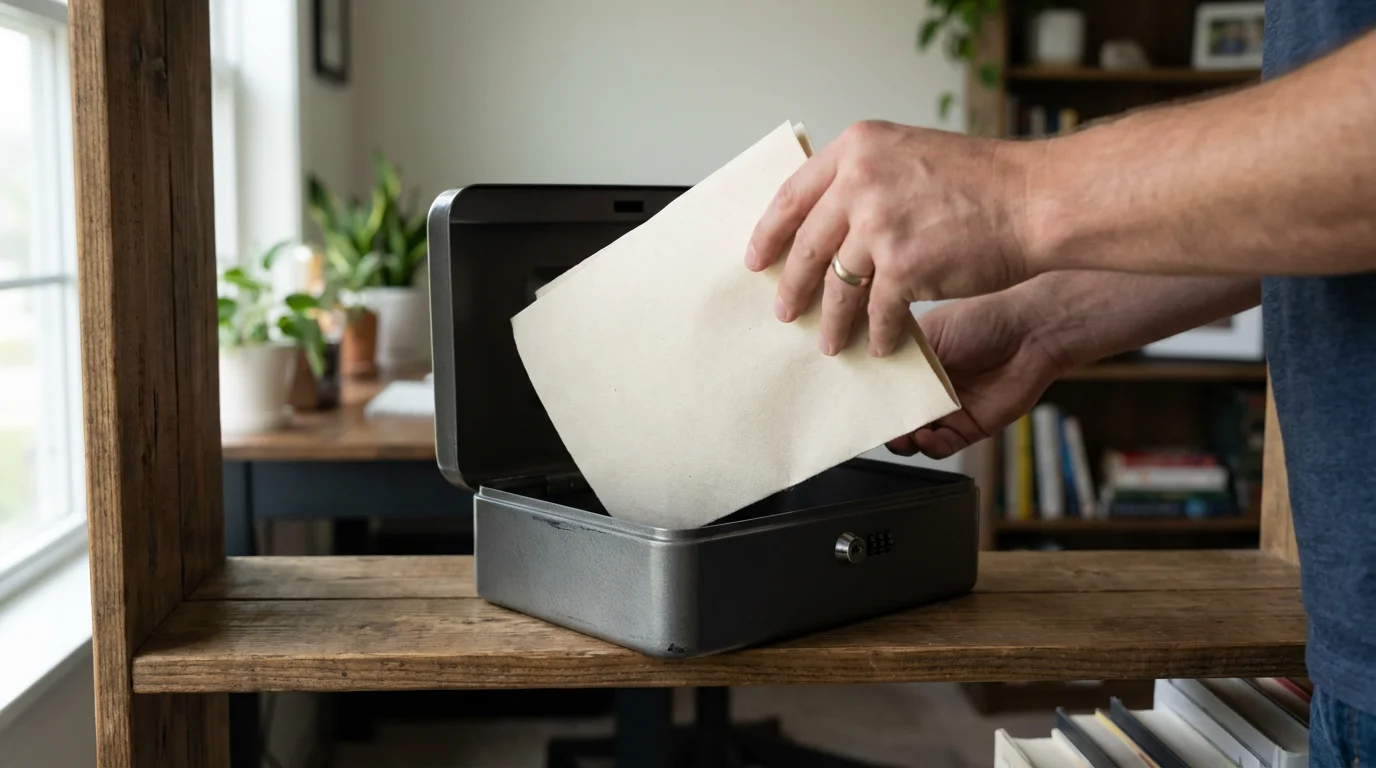
Remember those recovery codes you saved? They are your emergency access if you lose your phone or cannot receive your 2FA codes. Treat them like cash or a spare house key:
- Store them securely offline: Print them out and keep them in a safe deposit box, a fireproof safe, or a locked cabinet.
- Do not store them digitally on your phone or computer: A scammer gaining access to your device could find these codes and bypass your 2FA.
- Do not share them: Never give your backup codes to anyone.
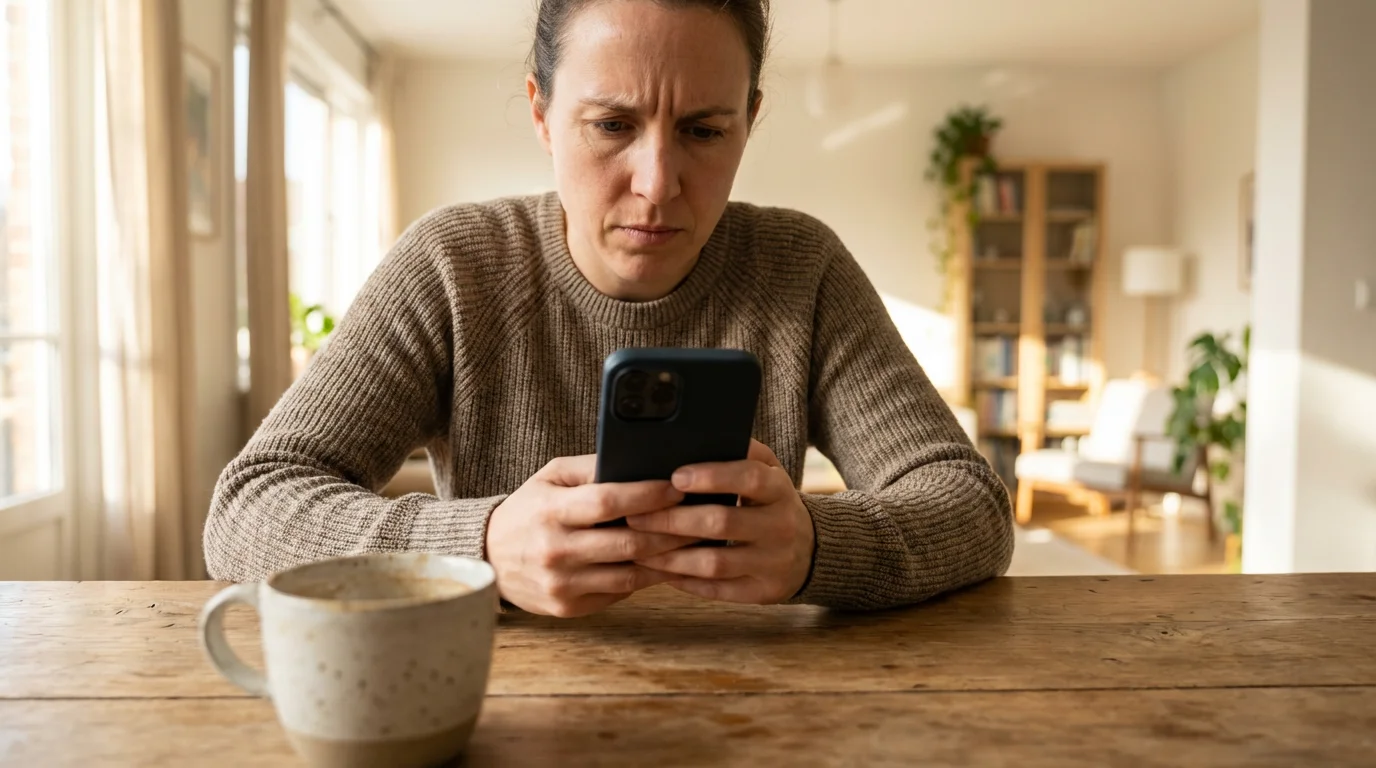
Recognizing 2FA Scams
Scammers sometimes try to trick you into revealing your 2FA codes directly. Here are red flags to watch for:
- Unexpected login prompts: If you receive a text message with a 2FA code, but you did not just try to log into an account, someone else is attempting to access your account. Do not share this code with anyone.
- Calls or messages asking for your code: No legitimate bank, government agency, or online service will ever call or text you and ask for your 2FA code. If someone asks for it, it is a “scammer” trying to trick you out of money or information. Hang up or delete the message immediately.
- Fake “security alerts”: Beware of messages claiming your account is compromised and asking you to “verify” your 2FA code by clicking a link. Always navigate directly to the website yourself if you have concerns.

What to Do If You Receive an Unexpected 2FA Code
This is actually a positive sign, indicating your extra account protection is working. It means someone tried to log into your account, but your 2FA prevented them. Take these steps:
- Do not enter the code: Absolutely do not provide that code to anyone or enter it into any website or app.
- Change your password immediately: Log into the affected account directly (by typing the website address into your browser, not clicking a link from an email or text) and change your password to something strong and unique.
- Review recent activity: Check your account’s login history or activity log to see if there are any other suspicious attempts.
Your diligence in protecting your 2FA methods reinforces your account security, making it extremely difficult for scammers to succeed. You empower yourself by staying aware and cautious.

Dispelling Myths and Addressing Concerns About 2FA
Sometimes, new technologies bring misconceptions or concerns that prevent people from adopting beneficial tools like two-factor authentication. Let’s address some common myths to help you feel more confident about enabling this crucial extra account protection.
Myth: “Two-factor authentication is too complicated or technical for me.”
Reality: Setting up 2FA might seem daunting initially, but it is much simpler than you think. Most services provide clear, step-by-step instructions. If you can send a text message or download an app, you can use 2FA. The most common method, SMS verification, involves receiving a text message with a code and typing it in. This process takes only a few seconds. The small effort required pales in comparison to the significant extra account protection it provides.

Myth: “It takes too long to log in with 2FA; it’s a hassle.”
Reality: The extra step of entering a code typically adds only a few seconds to your login process. Many services even allow you to mark a device as “trusted” for a certain period, meaning you will not need to enter a 2FA code every single time you log in from that specific computer or phone. This balances security with convenience, ensuring your important accounts receive strong protection without becoming overly cumbersome.

Myth: “I do not have anything important to protect online, so I do not need 2FA.”
Reality: Everyone has something important to protect online. Even if you believe your accounts hold no monetary value, they contain sensitive personal information. Scammers can use your email address to reset passwords for other accounts, access your photos, or impersonate you to scam your friends and family. Your identity itself is a valuable asset. Furthermore, many accounts contain personally identifiable information such as your date of birth, address, or even your Social Security number, which criminals can exploit for identity theft. Two-factor authentication provides critical protection for your entire digital footprint.

Myth: “My password is very strong; I do not need 2FA.”
Reality: A strong, unique password is a fantastic first line of defense. However, even the strongest passwords can be compromised. They can be stolen in data breaches, guessed through sophisticated attacks, or tricked out of you by a “phishing” scammer. Two-factor authentication acts as a robust second line of defense, rendering a stolen password useless to a scammer. It ensures that even if your password falls into the wrong hands, your account remains secure, providing invaluable extra account protection.

Concern: “What if I change my phone number or lose my phone?”
Addressing the concern: This is a valid concern, and services prepare for it. When you set up 2FA, nearly all services provide “backup codes” or “recovery codes.” These are single-use codes you can use to log in if you cannot access your primary 2FA method. Store these codes in a very safe, offline place, like a locked drawer. If you change your phone number, simply update your 2FA settings on your online accounts with your new number. If you lose your phone, use your backup codes to log in, then immediately update your 2FA settings to your new device. This foresight ensures you always maintain access to your accounts while still benefiting from extra account protection.
You can overcome initial hesitation by understanding these points. Two-factor authentication is a practical, effective, and increasingly necessary tool for safeguarding your online life. Embracing it empowers you with greater control over your personal security.
Frequently Asked Questions
You probably have additional questions as you learn about two-factor authentication. Here are answers to some common inquiries to help you feel even more confident in managing your online security.
Q: What if I already clicked a suspicious link or shared information before setting up 2FA?
A: First, do not panic. Scammers are clever—falling for a trick does not make you foolish. Immediately change the password for the account you suspect was compromised. If you reuse that password on other accounts, change it there too. Then, enable two-factor authentication on all those accounts right away for extra account protection. Monitor your bank statements and credit reports for any suspicious activity. If you provided financial details, contact your bank or credit card company immediately. You can also report the incident to the Federal Trade Commission (FTC).
Q: How do I know if a call or text asking for my 2FA code is really from my bank or a legitimate company?
A: A legitimate bank or company will NEVER call or text you and ask for your two-factor authentication code. Your 2FA code is like a digital key, and you should only enter it yourself on the official website or app after you initiate a login. If you receive such a request, it is a “scammer” trying to trick you. Hang up the phone or delete the text message. If you are concerned, call your bank directly using the official phone number from their website or your bank statement, not a number provided in a suspicious call or text.
Q: Is two-factor authentication foolproof? Can a scammer still get into my account if I use 2FA?
A: Two-factor authentication significantly increases your account security, making it much harder for scammers. No security measure is 100% foolproof, but 2FA is an incredibly strong defense. Highly sophisticated scams, though rare for most individuals, can sometimes bypass even 2FA. This usually involves tricking you into installing “malware” (bad software) on your device or giving away your code on a fake login page in real-time. However, 2FA protects against the vast majority of common threats, such as stolen passwords from data breaches or typical phishing attempts. Your vigilance remains key, but 2FA adds a powerful layer of extra account protection.
Q: What should I do if I lose my 2FA recovery codes?
A: If you lose your recovery codes, you need to generate new ones for each account where you enabled 2FA. Log into each account, go to the security settings where you manage 2FA, and look for an option to “Generate new backup codes” or “Revoke old backup codes.” Once you generate new codes, the old ones become invalid. Immediately print or write down the new codes and store them in a secure, offline location as previously advised. Do this as soon as you realize the old ones are missing to maintain full control of your extra account protection.
Q: Should I use two-factor authentication for every single online account?
A: Yes, wherever possible. While some accounts may seem less critical, remember that scammers can use even seemingly minor accounts to gather information about you or to gain entry to more important ones. Prioritize email, banking, social media, and any accounts linked to payment information. Then, enable 2FA on every other account that offers it. This comprehensive approach provides the strongest extra account protection across your entire digital life.

Taking Control of Your Online Safety with 2FA and Beyond
You have now explored the critical importance of two-factor authentication, understanding what it is, why you need it, and how to set up two-factor authentication on your various online accounts. This powerful tool significantly enhances your account security, acting as an essential extra account protection against the ever-evolving tactics of scammers.
Implementing 2FA empowers you. It provides a robust defense, giving you peace of mind that your personal information, financial assets, and digital identity remain safe from unauthorized access. Remember, falling victim to a scam does not make you foolish. Scammers are professional deceivers. By adopting proactive measures like 2FA, you gain a substantial advantage, turning potential vulnerabilities into strengths.
Beyond two-factor authentication, continue building your online safety habits. Always use strong, unique passwords for each account. Be skeptical of unsolicited emails, texts, or calls asking for personal information or urgent action. If something feels “suspicious,” trust your instincts. Always verify requests by contacting the company directly using official contact information, not information provided in a questionable message.
For more insights and to report suspicious activities, trusted resources like the AARP Fraud Watch Network and the Federal Trade Commission (FTC) offer valuable guidance and support. You are not alone in navigating the digital world. By embracing tools like 2FA and staying informed, you take confident steps to protect yourself and your loved ones online.
The digital world offers incredible opportunities for connection and convenience. With the right knowledge and tools, like two-factor authentication, you can enjoy these benefits securely and with confidence.
Disclaimer: This article provides general information about online safety and is not a substitute for professional advice. If you believe you’ve been a victim of fraud, contact your bank immediately and report the incident to the FTC at ReportFraud.ftc.gov or call 1-877-382-4357. If you’ve lost money, also file a report with your local police.








Leave a Reply