
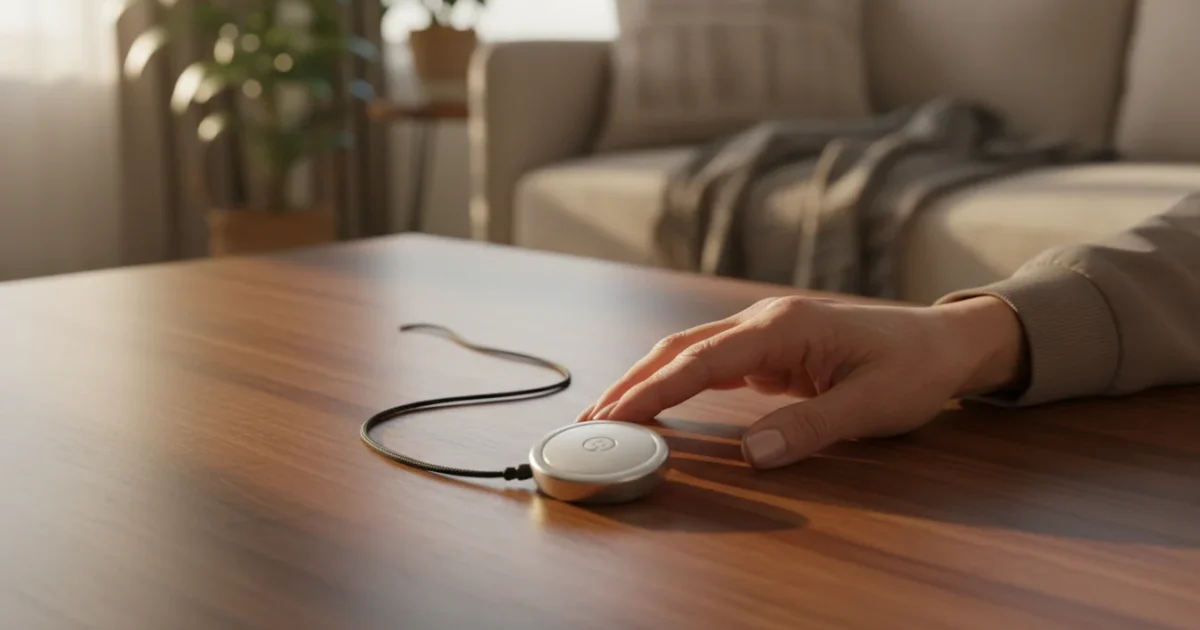
You may consider a medical alert device a crucial tool for maintaining independence and safety as you age. Many people worry these devices are complicated, intrusive, or unnecessary. This guide provides clear, practical information about medical alert systems, showing you how they work, how to set them up, and how they truly benefit your daily life. We focus on real advantages and address common concerns about privacy and complexity, helping you decide if this technology is right for you. We provide actionable insights to help you navigate your options and confidently use a medical alert device.
If you are new to these tools, you may want to start with our overview of setting up a personal emergency response system to see how they fit into a safer home.
Table of Contents
- What Is a Medical Alert Device and How Can It Help You?
- Is a Medical Alert Device Right for Your Needs?
- What You Need to Know Before Getting Started
- Setting Up Your Medical Alert System: A Step-by-Step Guide
- Using Your Medical Alert Device Day-to-Day
- Understanding Privacy and Security with Medical Alert Devices
- Common Questions and Troubleshooting Tips
- Frequently Asked Questions
- Choosing the Right Medical Alert Device for Your Lifestyle

What Is a Medical Alert Device and How Can It Help You?
A medical alert device, sometimes known as a life alert or emergency button, gives you immediate access to help during an emergency, often with a simple press of a button. This system connects you to a monitoring center, where trained operators assess your situation and dispatch appropriate help, whether that means contacting family members, neighbors, or emergency services like paramedics or the fire department. Think of it as a personal safety net, always there when you need it.
When ordering your device or subscription, remember to follow safe online shopping practices to keep your personal data secure.
For a complete picture of your wellness, you may also enjoy using a Fitbit to track your activity and sleep patterns.
Digital photo frames are another wonderful way to stay connected and share moments with your family from the comfort of your home.
You might also consider installing a video doorbell to safely see and speak with visitors from your smartphone without having to walk to the door.
For those looking for voice-activated options, learning to use an Amazon Echo can provide a way to call for help using just your voice.
These devices primarily provide safety and peace of mind. For example, if you experience a fall, a sudden illness, or another emergency, you can quickly summon assistance. The device acts as your direct line to support, eliminating the need to reach a phone or remember emergency numbers during a stressful event. The National Council on Aging reports that falls are a leading cause of injury among older adults, and quickly getting help after a fall significantly improves outcomes. A medical alert device directly addresses this critical need.
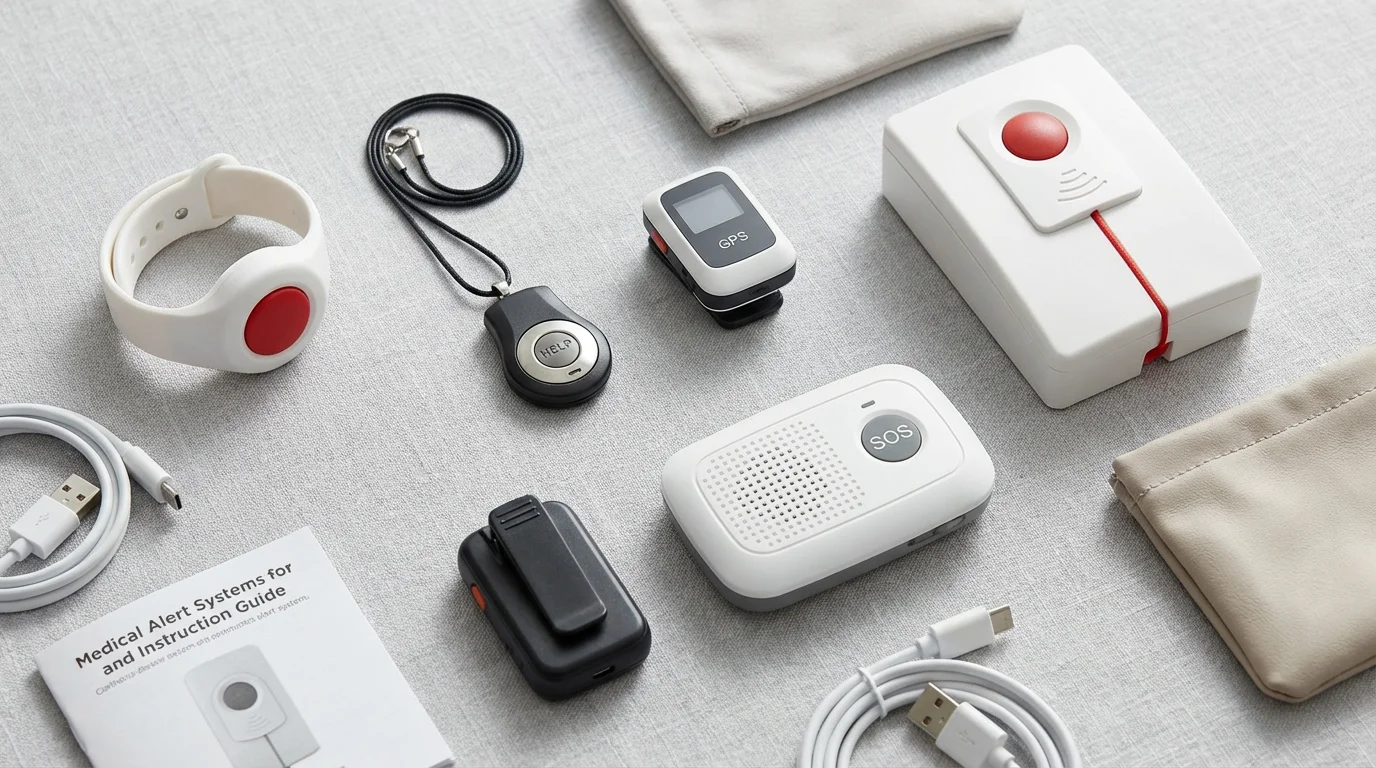
Types of Medical Alert Systems
You find several types of medical alert systems, each designed for different lifestyles and needs:
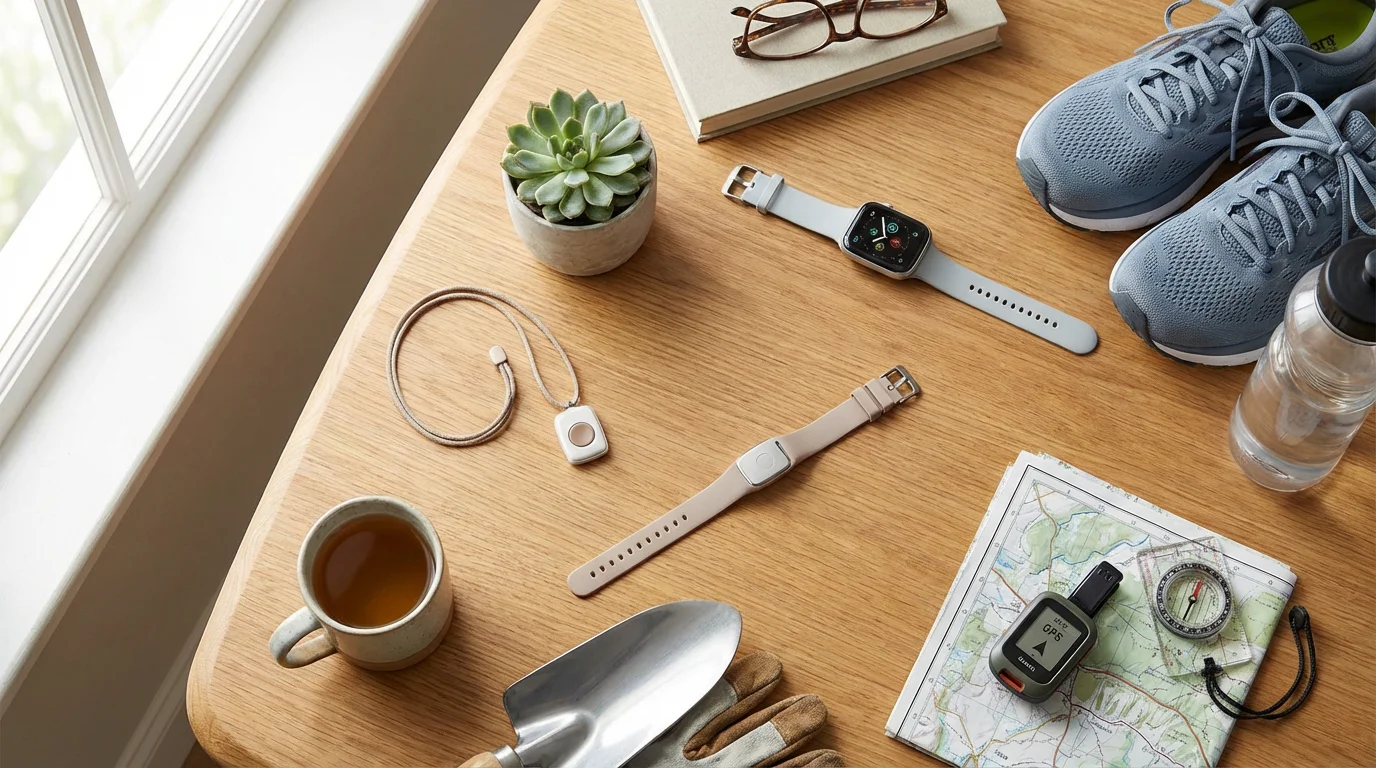
- In-Home Systems: These systems typically use a base unit that connects to your landline phone or cellular network. You wear a pendant or wristband with an emergency button. The base unit usually offers a range of several hundred feet, allowing you to move freely within your home and yard while remaining protected.
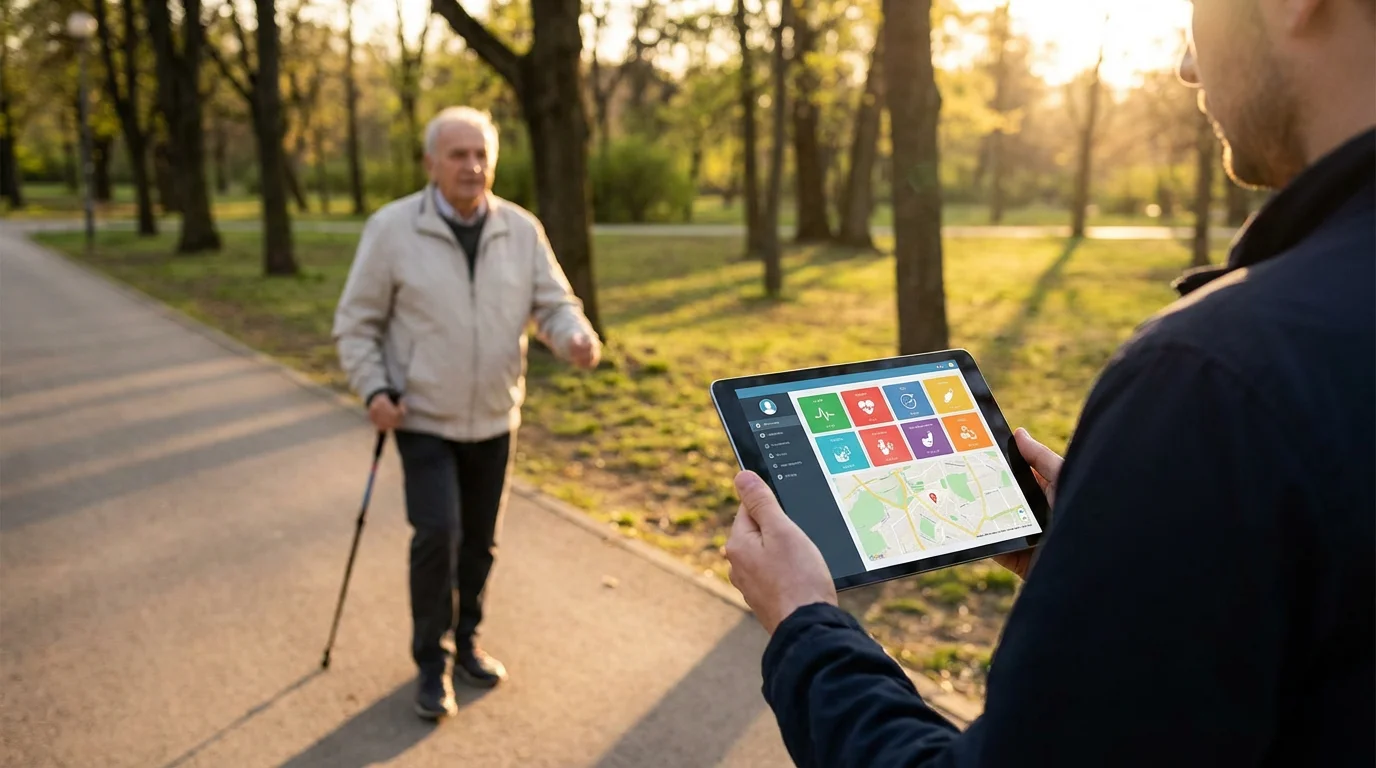
- Mobile Systems: For active individuals, mobile systems offer protection wherever you go. These devices use cellular technology and often include GPS tracking, so operators can locate you in an emergency, even if you are away from home. You carry these as a small device, often worn as a pendant.
- Smartwatch-Based Systems: Some smartwatches, like the Apple Watch, now incorporate fall detection and emergency SOS features. While not dedicated medical alert devices, they offer similar functionalities for those already comfortable with smart technology. These devices connect to your smartphone and use its cellular capabilities or a built-in cellular plan.

Key Benefits
Medical alert devices offer concrete benefits:
- Immediate Help: You receive assistance quickly after a fall or medical emergency. Operators communicate directly with you through the device.
- Peace of Mind: Knowing help is always available gives you and your family confidence. You gain the freedom to live independently without constant worry.
- Fall Detection: Many modern devices include automatic fall detection. If you fall and cannot press the button, the device senses the fall and alerts the monitoring center.
- GPS Tracking: Mobile devices use GPS to pinpoint your location, ensuring help finds you wherever you are.
- Customizable Contacts: You can specify who the monitoring center calls first—family, neighbors, or emergency services.
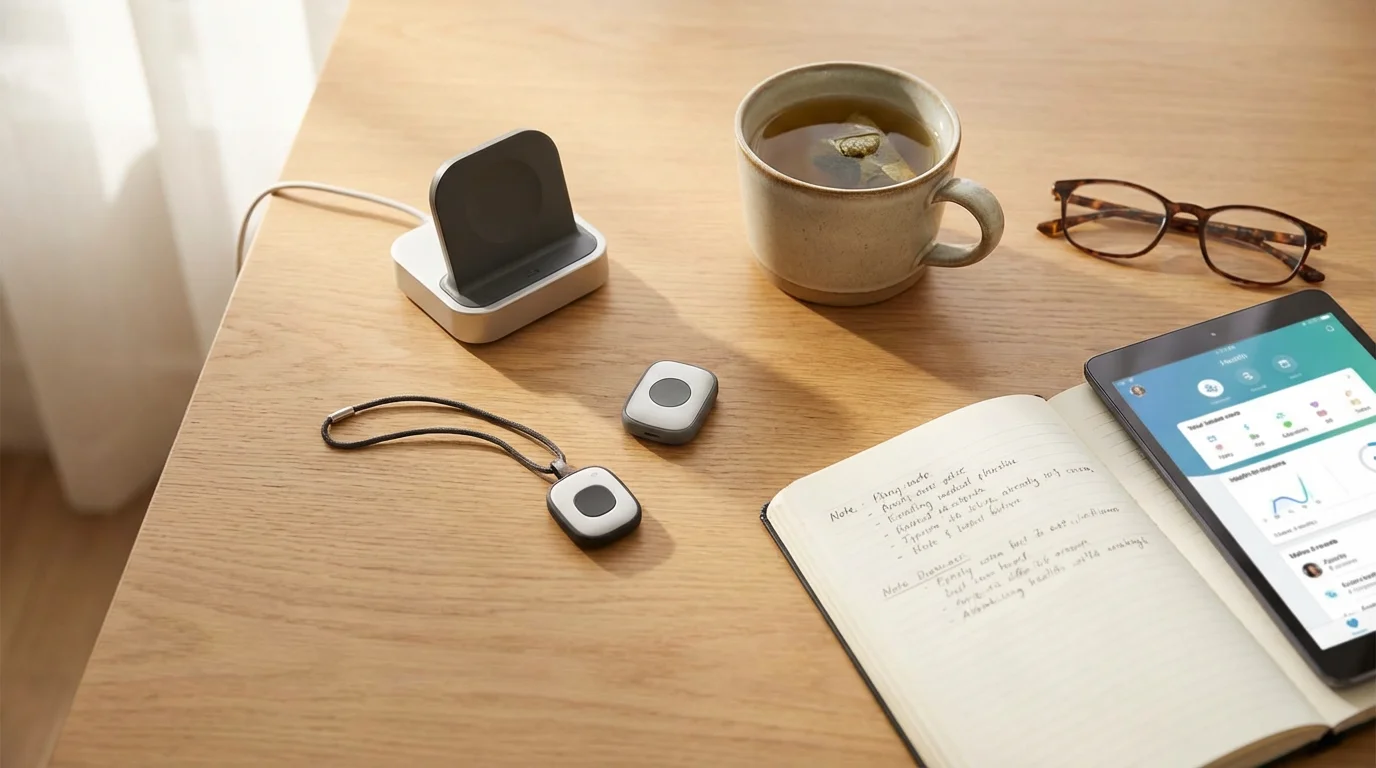
Is a Medical Alert Device Right for Your Needs?
Deciding if a medical alert device fits your lifestyle involves evaluating your specific situation and needs. These systems prove most beneficial for certain individuals, while others might find alternative solutions more suitable. You want to ensure the device genuinely enhances your safety and independence, rather than becoming an unused gadget.

Who Benefits Most?
You likely find a medical alert device extremely valuable if any of these situations apply to you:
- Living Alone: If you live by yourself, you do not have someone immediately present to assist in an emergency. A medical alert system acts as your reliable link to help.
- Risk of Falls: You may have a history of falls or face increased fall risk due to balance issues, certain medications, or medical conditions. A device with automatic fall detection can be life-saving.
- Managing Chronic Health Conditions: Conditions like heart disease, diabetes, or epilepsy can lead to sudden emergencies. A medical alert device ensures you receive prompt medical attention.
- Post-Surgery Recovery: Following surgery, you might experience temporary weakness, dizziness, or limited mobility, increasing your risk of needing assistance.
- Active Lifestyle: Even if you are active, unexpected accidents can happen when you are out walking, gardening, or running errands. Mobile medical alert devices provide protection outside your home.
- Seeking Peace of Mind: Both you and your family gain significant peace of mind knowing that help is just a button-press away, at any time of day or night.
Practical Wisdom: Many people tell us, “I wish I had gotten one sooner.” Do not wait for an emergency to happen. Consider the benefits of having a safety net in place beforehand.

When You Might Consider Alternatives
While highly beneficial, a medical alert device may not be necessary for everyone:
- Strong Social Support System: If you live with family members who are consistently present and capable of assisting in an emergency, or if you have nearby neighbors who check on you regularly, your immediate need for a device might lessen.
- Minimal Health Concerns: If you are in excellent health with no significant risk factors for falls or sudden medical events, you might delay purchasing a device.
- Tech-Savvy with a Smartwatch: If you already own a smartwatch with reliable fall detection and emergency calling features, and you consistently wear it, this device might fulfill some of the same needs. However, remember that smartwatches typically require smartphone proximity or a separate cellular plan, and may not offer professional 24/7 monitoring.
Ultimately, a medical alert device serves as a proactive step toward maintaining your safety and independence. It gives you the confidence to live your life fully, knowing help is readily available.

What You Need to Know Before Getting Started
Before you choose and set up a medical alert device, understanding a few key factors helps you make an informed decision. These considerations affect the type of system you choose, its functionality, and your ongoing costs.
To further improve home safety, you can install smart light bulbs that automatically illuminate hallways to prevent trips and falls.
Many safety devices can be easily integrated if you set up a Google Nest system for centralized control of your home.
Managing your environment can also be part of home safety, such as setting up a smart thermostat to ensure your living space stays at a comfortable temperature automatically.
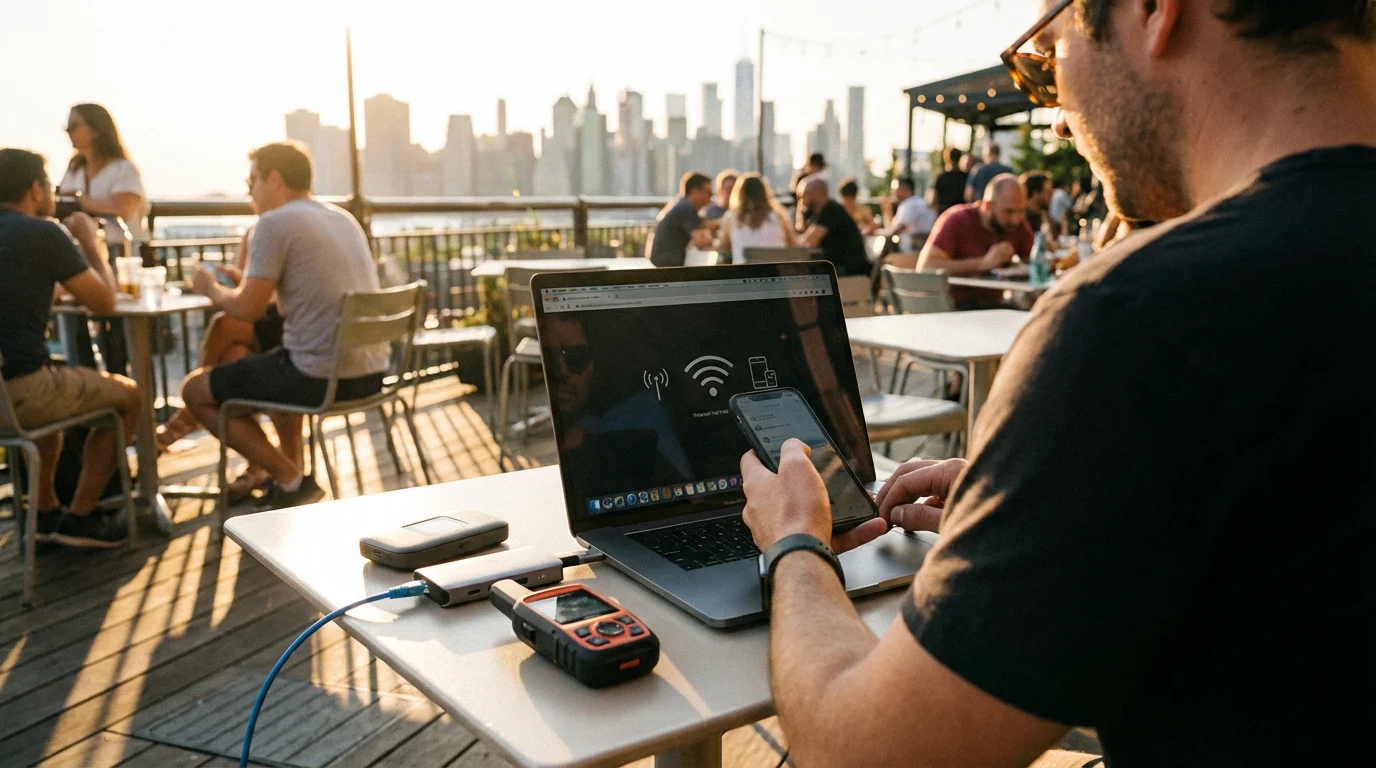
Connectivity Options
Medical alert systems rely on different ways to connect to the monitoring center:
- Landline Connection: Older in-home systems often plug directly into your existing landline phone jack. This connection provides reliable service if you maintain a landline. However, if you do not have a landline, this option will not work for you.
- Cellular Connection: Many modern in-home and all mobile systems use a built-in cellular connection. The device contains a cellular chip, similar to a mobile phone, allowing it to communicate with the monitoring center without needing your personal phone or a landline. You do not typically need to set up a separate cellular plan for the device; the service provider bundles this into your monthly fee. Cellular systems offer greater flexibility, especially if you do not have a landline.
- Wi-Fi and Bluetooth: While the primary connection to the monitoring center is usually cellular or landline, some systems use your home Wi-Fi for enhanced location accuracy indoors or use Bluetooth to connect a wearable button to a base unit. A strong, stable Wi-Fi connection in your home always helps with smart home gadgets.

Monitoring Services and Costs
You pay for ongoing monitoring services, which form the core of a medical alert system:
- 24/7 Professional Monitoring: Most reputable medical alert providers offer continuous professional monitoring. Trained operators are available around the clock to respond to your alerts. This service ensures someone is always there to help, even when your family or friends are unavailable.
- Monitoring Fees: You typically pay a monthly subscription fee for monitoring. These fees vary significantly based on the provider, the type of system (in-home vs. mobile), and included features like fall detection or GPS. Expect to pay anywhere from $20 to $50 per month. Some providers offer discounts for annual payments or longer contracts.
- Equipment Costs: Some companies include the equipment rental in your monthly fee, while others require you to purchase the device upfront. Upfront costs for equipment can range from $0 to over $200, depending on the system’s complexity.
- Activation Fees: A few providers charge a one-time activation fee when you start service.
- Contracts and Guarantees: You should always review the contract terms carefully. Look for options without long-term contracts, allowing you to cancel at any time. Understand the return policy and money-back guarantees before committing. Consumer Reports regularly reviews various medical alert systems, offering valuable insights into costs and service quality. You can find these reviews on their website, ConsumerReports.org/electronics.

Additional Features to Consider
- Fall Detection: This advanced feature uses sensors to detect a fall and automatically alerts the monitoring center, even if you cannot press your button. It adds to your monthly cost, but many people find the added safety invaluable.
- GPS Tracking: Essential for mobile devices, GPS allows operators to pinpoint your exact location during an outdoor emergency.
- Water Resistance: Most wearable buttons are water-resistant, making them safe to wear in the shower or bath, where falls often occur. Always confirm the specific device’s water resistance rating.
- Battery Life: Mobile devices require regular charging. Understand the typical battery life and charging routine. Wearable buttons for in-home systems usually have batteries that last for years without needing replacement.
- Two-Way Communication: Many devices allow you to speak directly with the monitoring center operator through the pendant or base unit, providing clear communication during an emergency.
By considering these factors upfront, you can select a medical alert system that truly meets your safety needs and fits your budget.
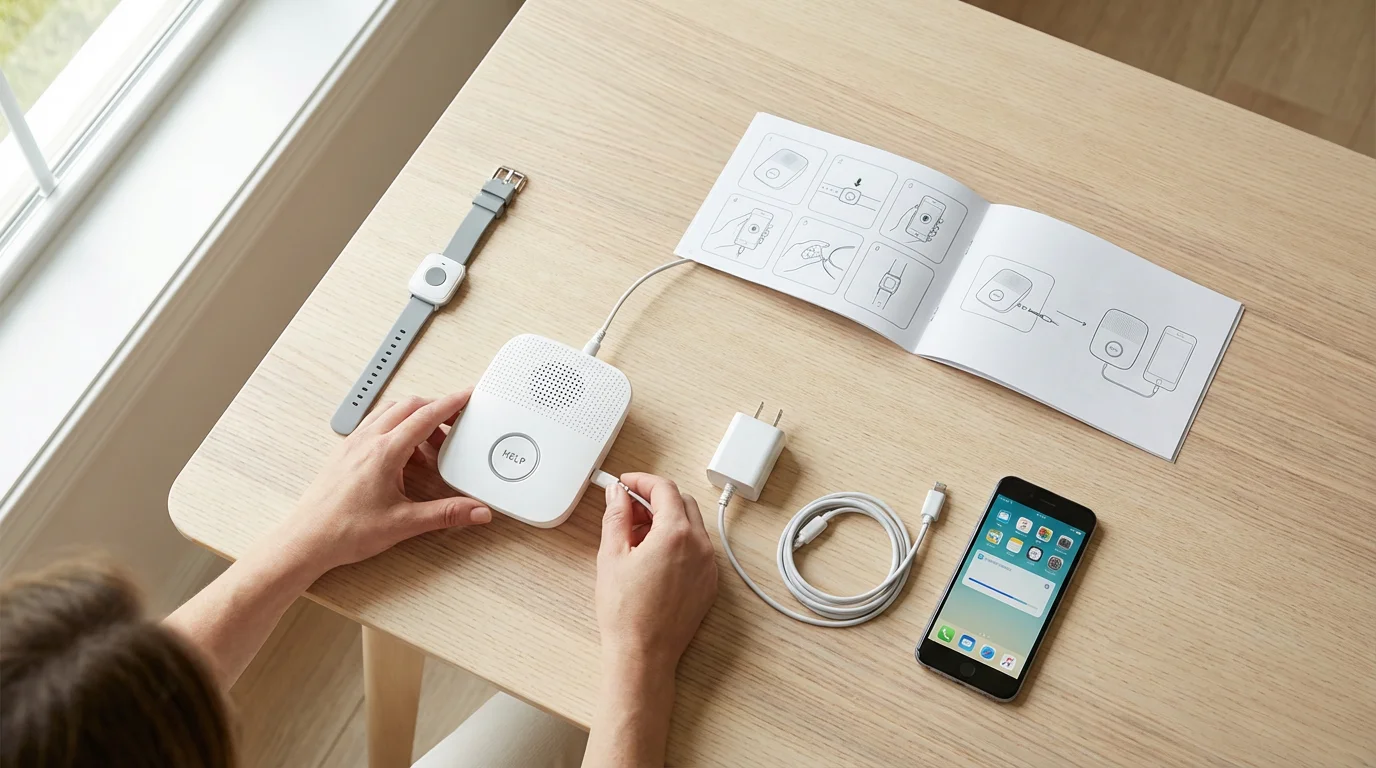
Setting Up Your Medical Alert System: A Step-by-Step Guide
Setting up a medical alert device generally involves a few straightforward steps. While specific instructions vary slightly by brand and model, this guide provides a general overview of what you can expect. Most companies design their systems for easy, user-friendly installation.
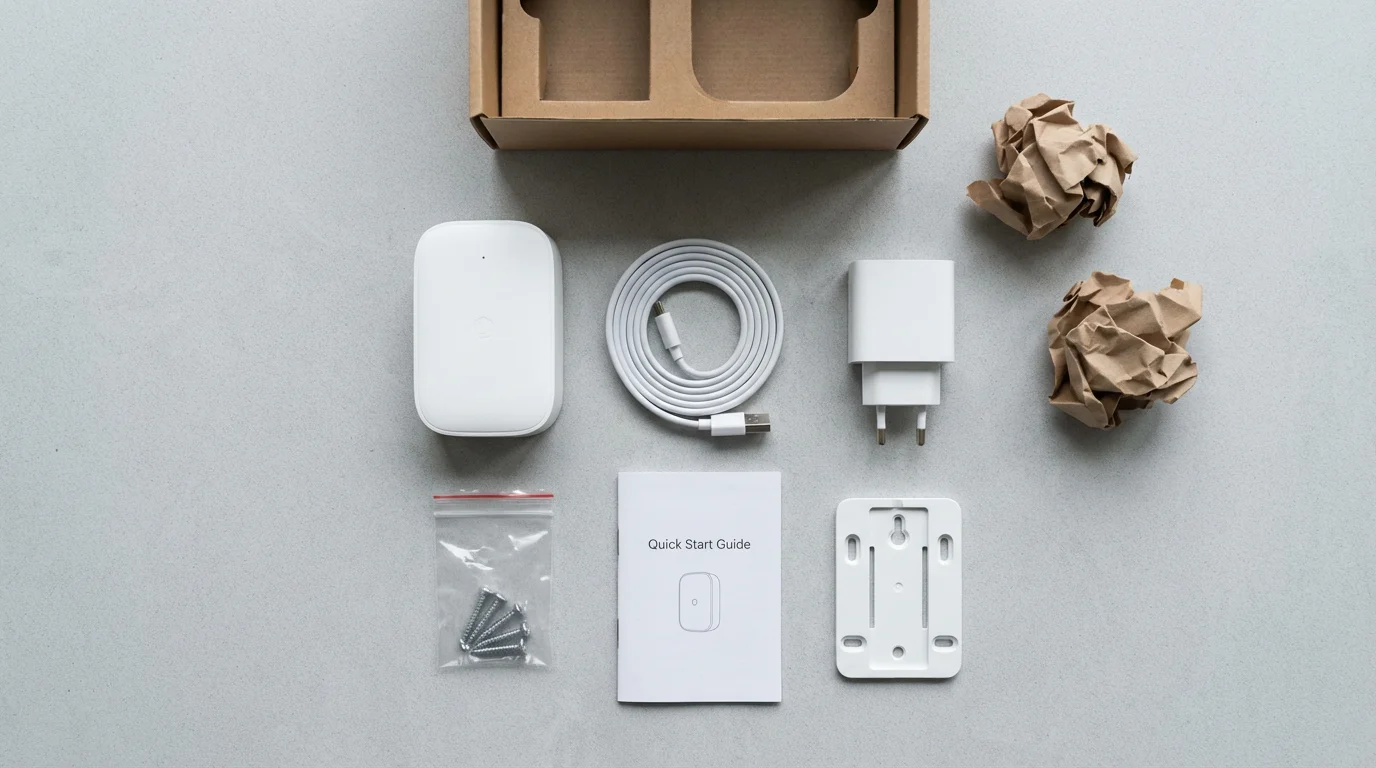
Step 1: Unpack and Identify Components
When your medical alert system arrives, carefully unpack all components. You typically find:
- A base unit (for in-home systems).
- A wearable pendant or wrist button.
- Charging cables and power adapters.
- An instruction manual.
- Often, stickers to place on your doors indicating you have a medical alert system.
Take a moment to familiarize yourself with each piece and compare them to the items listed in your user manual.
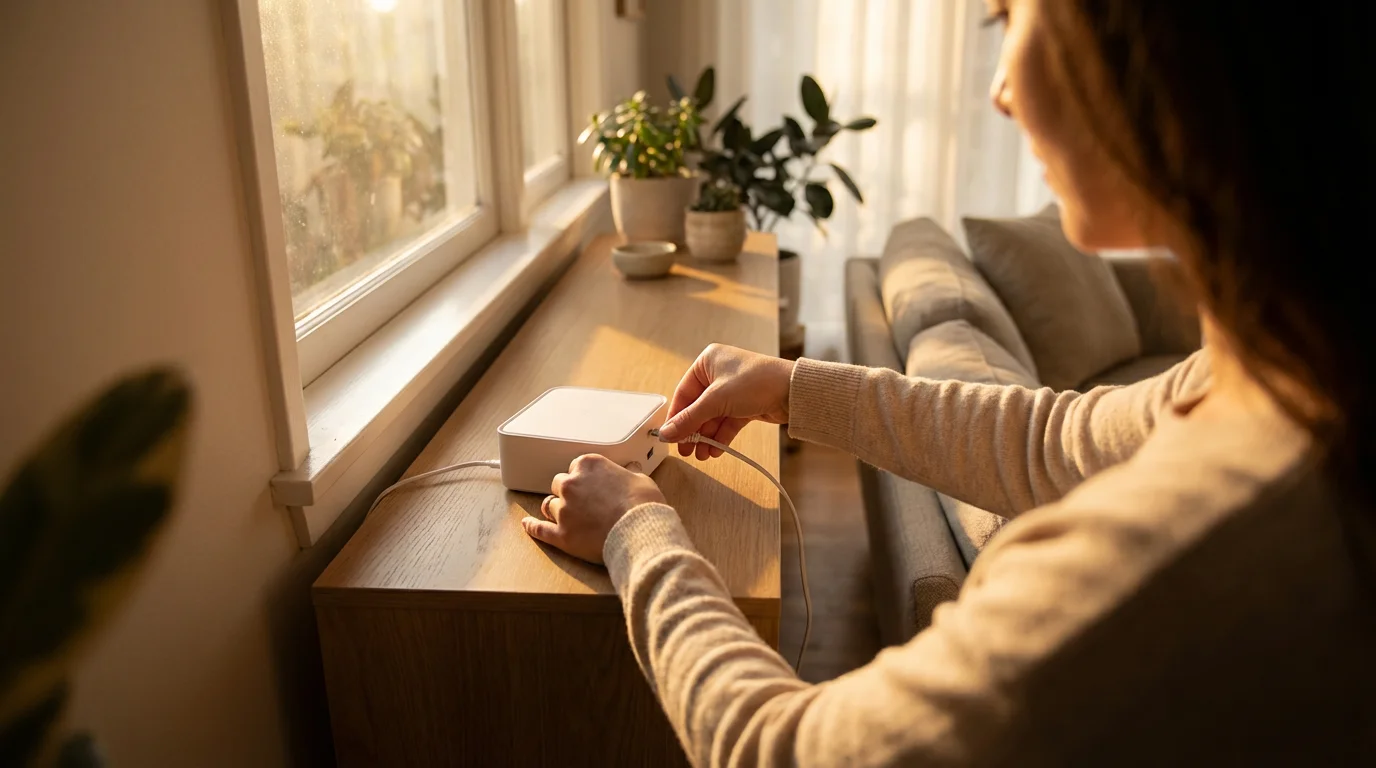
Step 2: Connect the Base Unit (In-Home Systems)
If you have an in-home system, follow these steps:
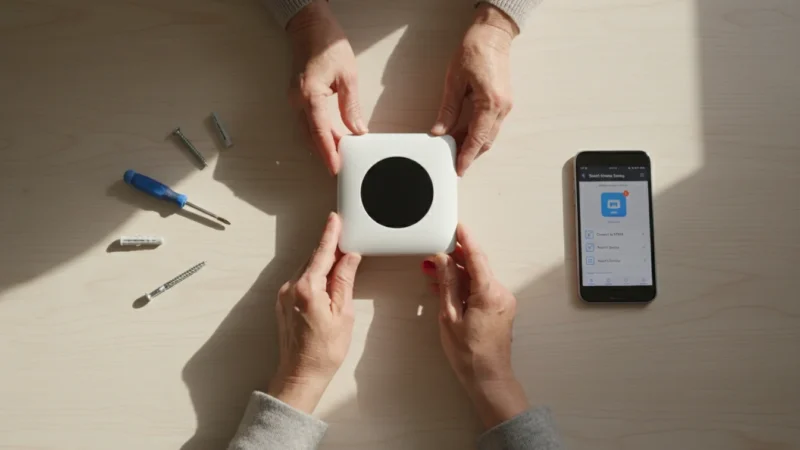
- Power Connection: Plug the base unit’s power adapter into an electrical outlet that is not controlled by a wall switch. This ensures the unit remains powered on at all times.
- Landline Connection (if applicable): If your system uses a landline, connect the phone cord from the base unit to your wall’s phone jack. You may need to use a phone splitter if you want to also connect a regular phone to the same jack.
- Cellular Connection (if applicable): If your system uses a cellular connection, you typically do not need to do anything; the cellular module is pre-installed and activated by the provider.
Place the base unit in a central location in your home, ideally where you spend a lot of time and where you can easily hear its speaker. Avoid placing it in a closet or a secluded area.
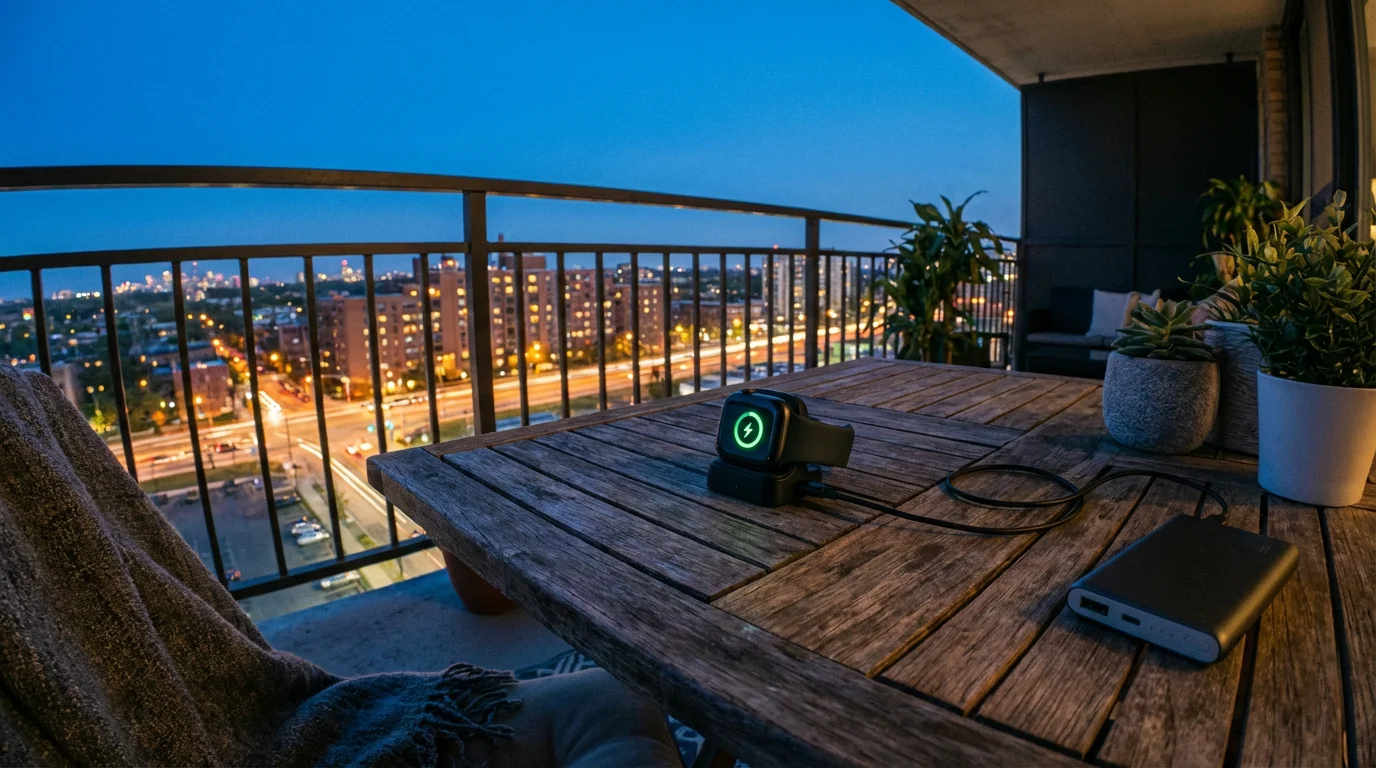
Step 3: Charge the Wearable Device
Most wearable pendants or wristbands for mobile systems require an initial charge. Connect your wearable device to its charging cable and plug it into a power outlet. Allow it to charge fully, which might take a few hours. Your instruction manual specifies the charging time. For in-home system buttons, the battery often lasts for years and does not require charging.
Step 4: Activate Your Service
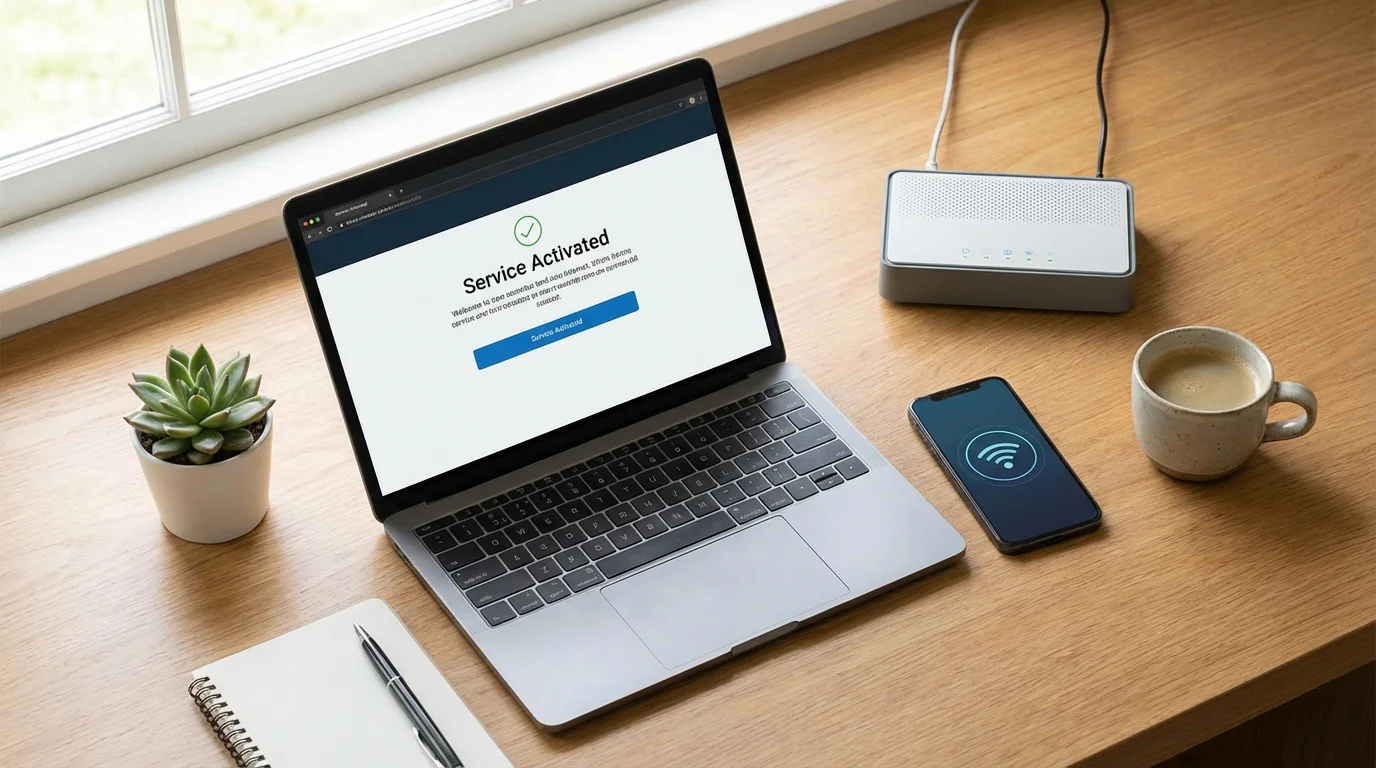
Before you can use the device, you must activate your service. Most providers simplify this process:
- Call the Provider: You usually call a specific activation number provided in your welcome kit.
- Provide Information: The operator guides you through confirming your personal details, emergency contacts, and any specific medical information you want to share during an emergency. This includes names, phone numbers, and relationships of people you want them to contact first.
- Account Setup: They set up your account on their monitoring system.
This activation step ensures the monitoring center has all the necessary information to assist you effectively when you press your emergency button.
Step 5: Test Your System
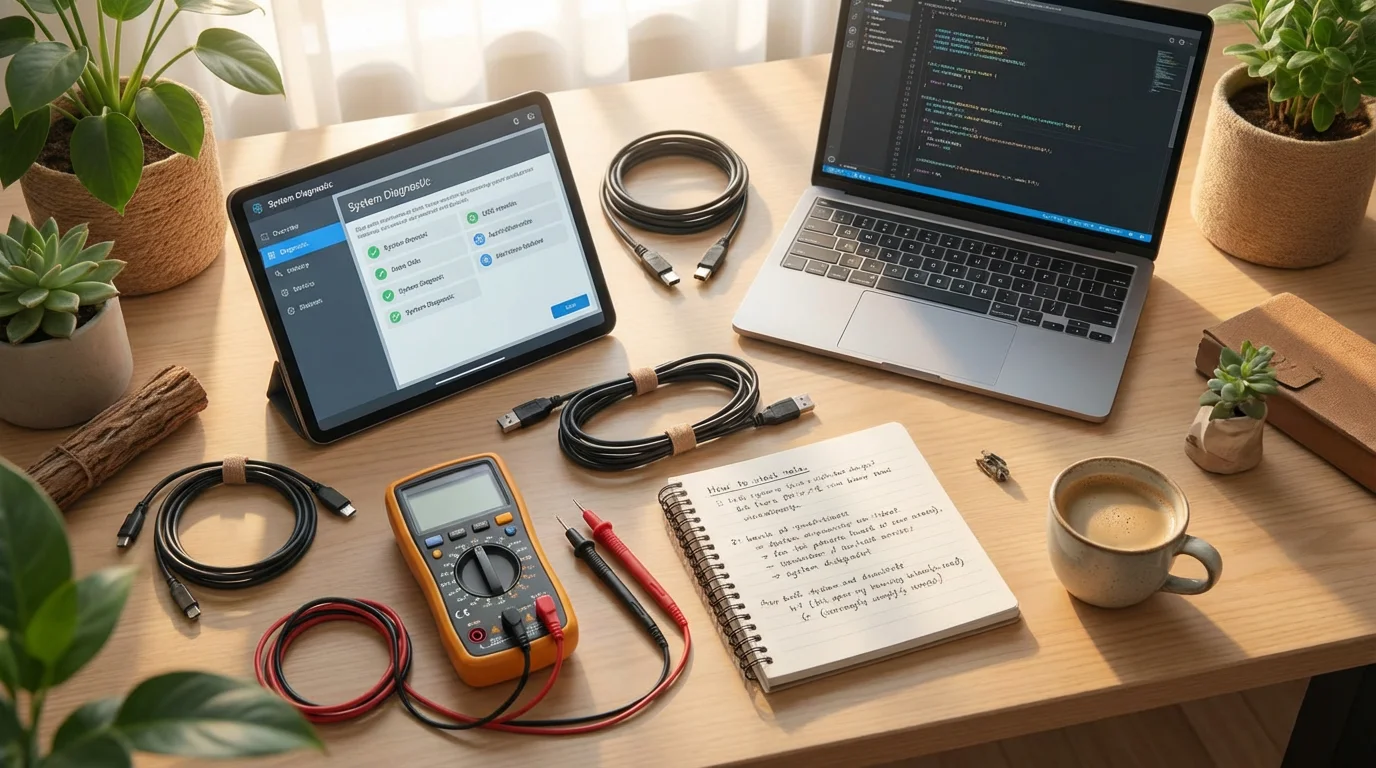
Testing your medical alert device is the most critical step. This confirms it functions correctly and gives you confidence in its operation:
- Initial Test: After activation, the provider’s representative often walks you through an initial test call. You press your emergency button, and the operator confirms they received your signal and can hear you.
- Regular Testing: You should perform regular test calls, typically once a month, to ensure everything works. Do not hesitate to perform these tests. You press the button and, when the operator responds, simply state, “This is a test. Thank you.” This keeps the system ready and lets you practice using it.
Testing helps you understand the process and build confidence in using the device when a real emergency arises.

Step 6: Wear Your Device Consistently
For the medical alert device to protect you effectively, you must wear it. Most emergencies happen unexpectedly. Develop a habit of wearing your pendant or wristband at all times, especially in areas like the bathroom, where falls are common. You remove it only for charging if it is a mobile unit.

Using Your Medical Alert Device Day-to-Day
Integrating your medical alert device into your daily routine ensures you stay protected. The goal is to make using it second nature, so you act instinctively during an emergency. Here is how you use your device day-to-day:
Wearing the Device
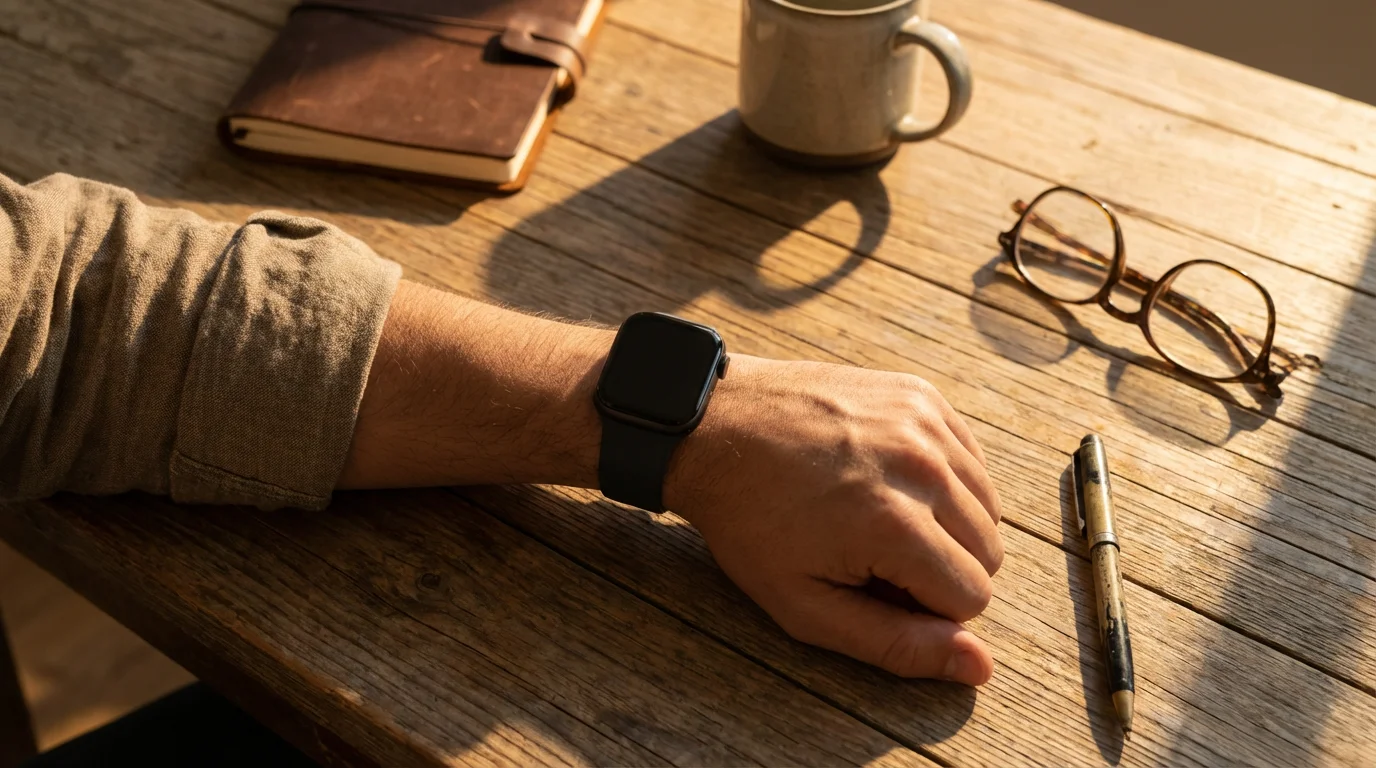
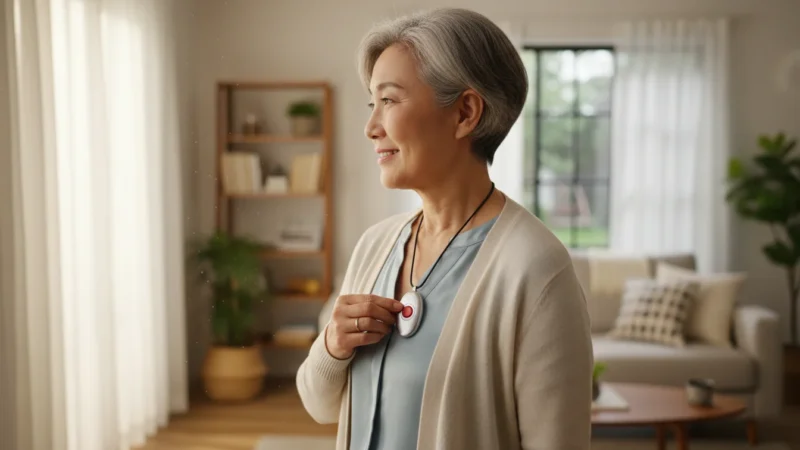
You wear the device on your wrist or as a pendant around your neck. Manufacturers design these wearables to be lightweight, comfortable, and discreet. Most are water-resistant, making them safe to wear in the shower or bath, crucial areas for fall prevention. Always wear your device, even if you are just moving from one room to another. An unexpected slip can occur anywhere.

Activating an Emergency Alert
The primary function of your medical alert device is to call for help. Here is what happens when you activate it:
- Press the Button: When you need help, you press the emergency button on your pendant, wristband, or base unit. Hold the button down for a few seconds until you see a light or hear a confirmation sound.
- Connect to Monitoring Center: The device sends a signal to the monitoring center. Within moments, a trained operator attempts to communicate with you through the device’s built-in speaker and microphone.
- Communicate Your Need: The operator asks, “Are you okay? What assistance do you need?” You clearly explain your situation. For example, you might say, “I’ve fallen and cannot get up,” or “I am feeling lightheaded and need medical help.”
- Dispatching Help: Based on your communication, or if you cannot speak, the operator follows your pre-set emergency protocol. This might involve calling your designated family member first, then a neighbor, and finally dispatching emergency services directly.

What if You Cannot Speak?
If you press the button but cannot speak or respond to the operator, the monitoring center still dispatches help. They assume an emergency exists if they receive an alert and cannot establish contact. Many systems also include fall detection, automatically signaling for help if you fall, even if you remain unconscious or disoriented.
Accidental Presses
Everyone experiences accidental presses occasionally. You do not need to worry. If you accidentally press your button:
- Tell the Operator: When the operator connects, simply say, “I pressed the button by accident. I am okay.” They understand this happens and confirm your safety before closing the call.
- Do Not Hang Up: Never ignore an accidental activation. Always communicate with the operator to prevent unnecessary dispatches to your home.
Battery Maintenance
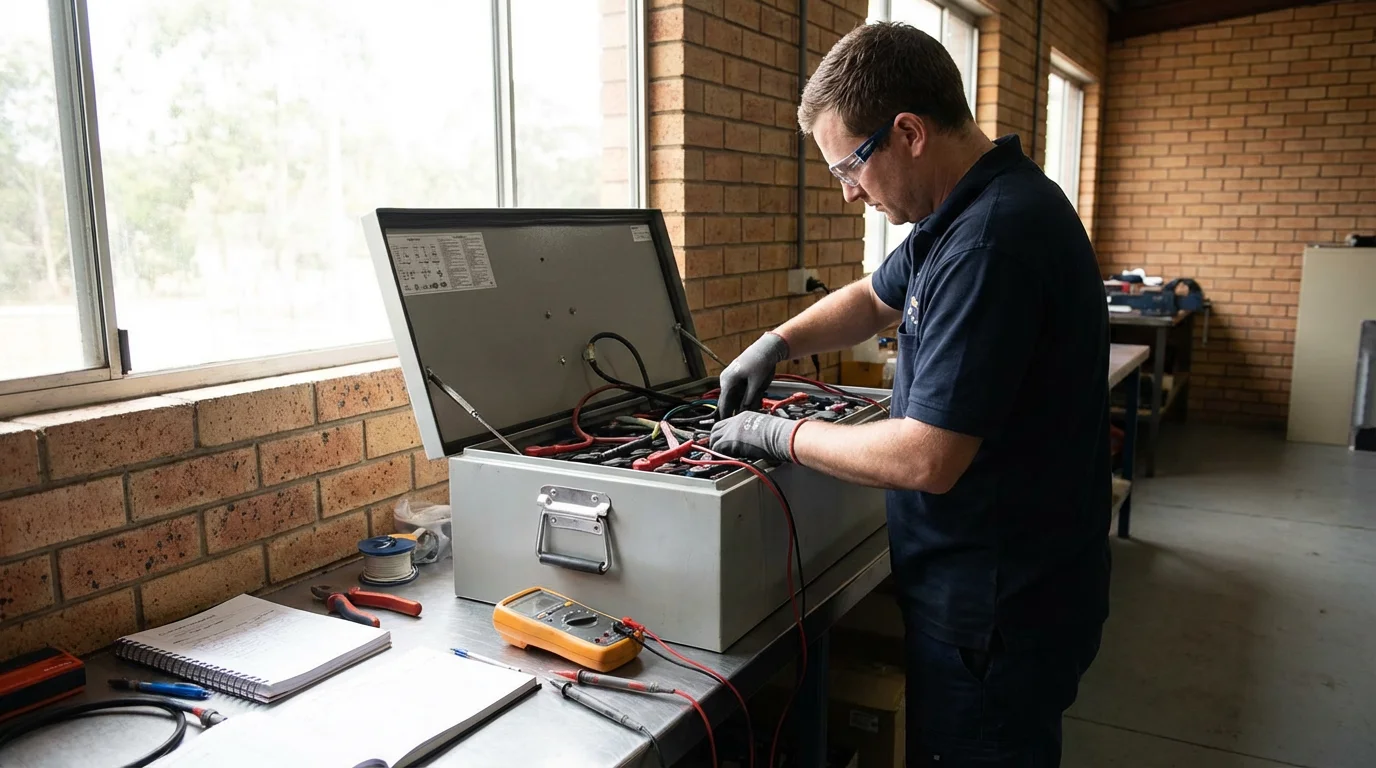
For mobile medical alert devices, you must maintain the battery. Most devices offer a battery life of several days, but consistent charging prevents it from dying when you need it most:
- Daily or Nightly Charge: Many users make it a habit to charge their device overnight, just like a cell phone.
- Indicator Lights: Pay attention to battery indicator lights or audible alerts that signal low battery.
In-home system pendants usually use long-lasting batteries that require replacement only every few years by the provider.

Understanding Privacy and Security with Medical Alert Devices
You have valid questions about privacy and security regarding any device that connects to the internet or monitors your activity. Medical alert devices handle sensitive information and location data. Understanding how providers manage this data helps you feel more comfortable using the technology.

How Your Data Is Used
Medical alert devices collect minimal data, primarily focusing on location and device status:
- Location Data: Mobile medical alert devices use GPS technology to determine your location during an emergency. This data is critical for dispatching help to the correct place. Providers store this location information securely and only access it when you activate an alert or when fall detection triggers one.
- Device Usage Data: The system records when you press the button, the duration of the call, and successful connection to the monitoring center. This data helps the provider ensure their service functions correctly and assists in troubleshooting.
- Medical Information: During activation, you provide the monitoring center with essential medical information, such as allergies, conditions, and medications. Operators access this information only during an emergency call to relay to paramedics, ensuring they provide appropriate care.

Who Has Access to Your Information?
Medical alert companies implement strict protocols to protect your privacy:
- Monitoring Center Operators: Only trained and authorized operators access your personal and medical information during an emergency to provide assistance. They do not continuously monitor your daily activities.
- Emergency Contacts: The monitoring center shares information with your designated emergency contacts, like family members or neighbors, as per your instructions.
- Emergency Services: In an actual emergency, operators relay relevant medical and location information to 911 dispatchers or first responders.
- Data Security: Reputable providers use encrypted connections for data transmission and secure servers for data storage, similar to how healthcare providers protect patient information.
“Always Listening” Concerns
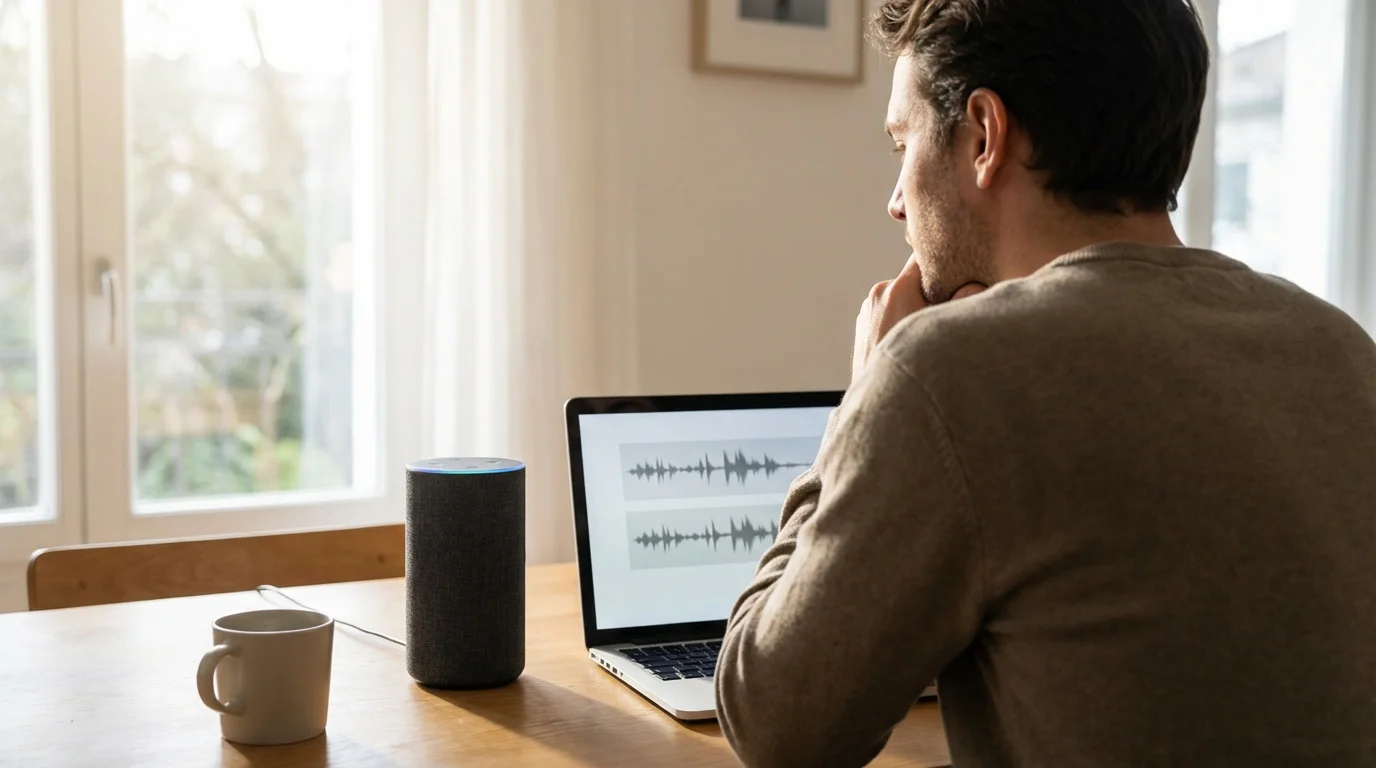
A common concern is whether medical alert devices are “always listening” to your conversations. Generally, no. Dedicated medical alert pendants and base units do not continuously record or transmit your conversations. They activate their microphone and speaker only when:
- You press the emergency button.
- Fall detection triggers an alert.
- The monitoring center initiates a check-in call (less common, but some systems have this feature).
The device remains in a low-power listening mode to detect the button press, not to eavesdrop on your home. This differs from smart speakers, which actively listen for a “wake word.” Medical alert devices prioritize your safety in emergencies, not data collection for other purposes.
Your Control Over Privacy
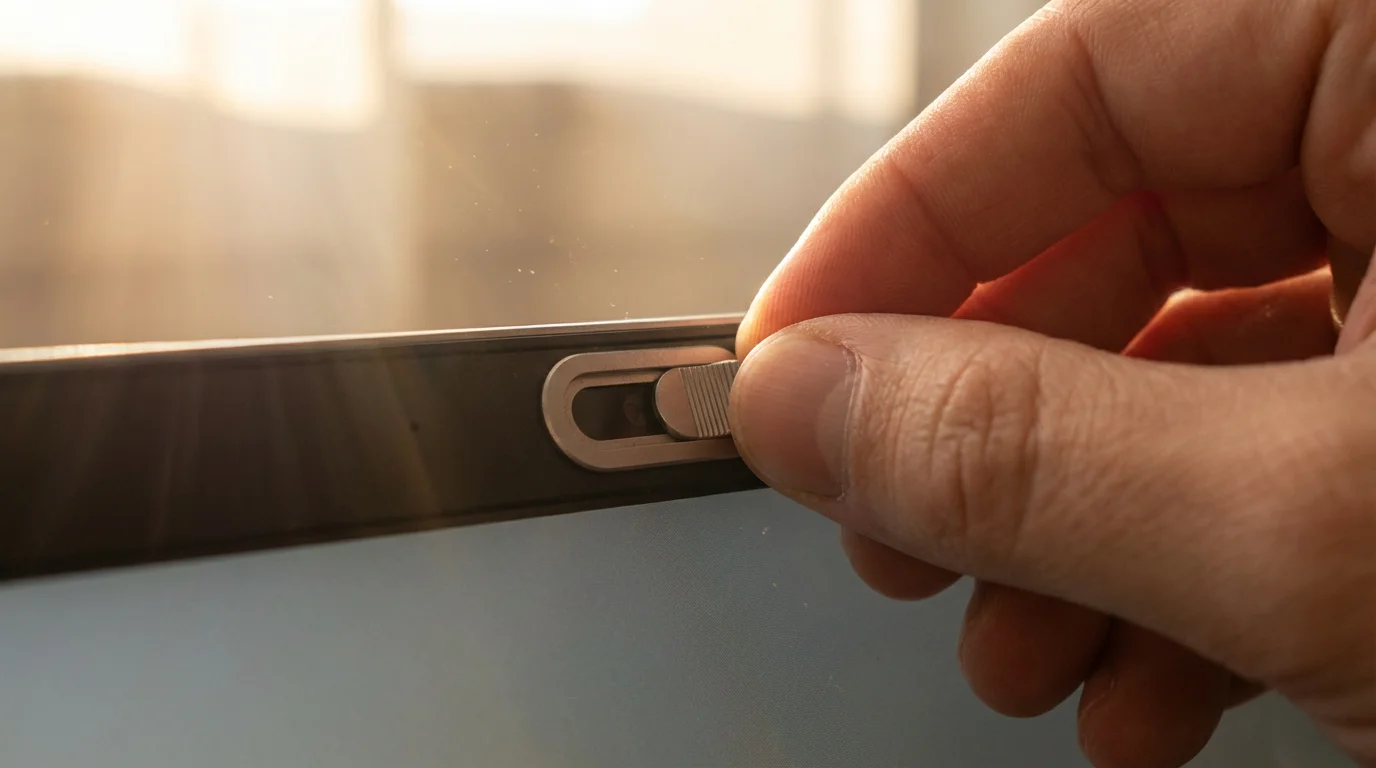
You maintain control over your privacy:
- Choose Reputable Providers: Select companies with clear privacy policies and a strong reputation for data security. Check reviews from organizations like Consumer Reports or the Better Business Bureau.
- Review Privacy Policies: Read the privacy policy of any provider you consider. It explains how they collect, use, and protect your data.
- Update Information: Keep your emergency contacts and medical information current with your provider.
Medical alert devices prioritize your safety. The data they collect serves the singular purpose of getting you help when you need it most. Providers understand the importance of privacy and design their systems accordingly.

Common Questions and Troubleshooting Tips
Even with the most reliable technology, you might encounter occasional issues. Understanding how to troubleshoot common problems helps you resolve them quickly and confidently. Most medical alert device issues are simple to address.
Device Not Responding When Pressed
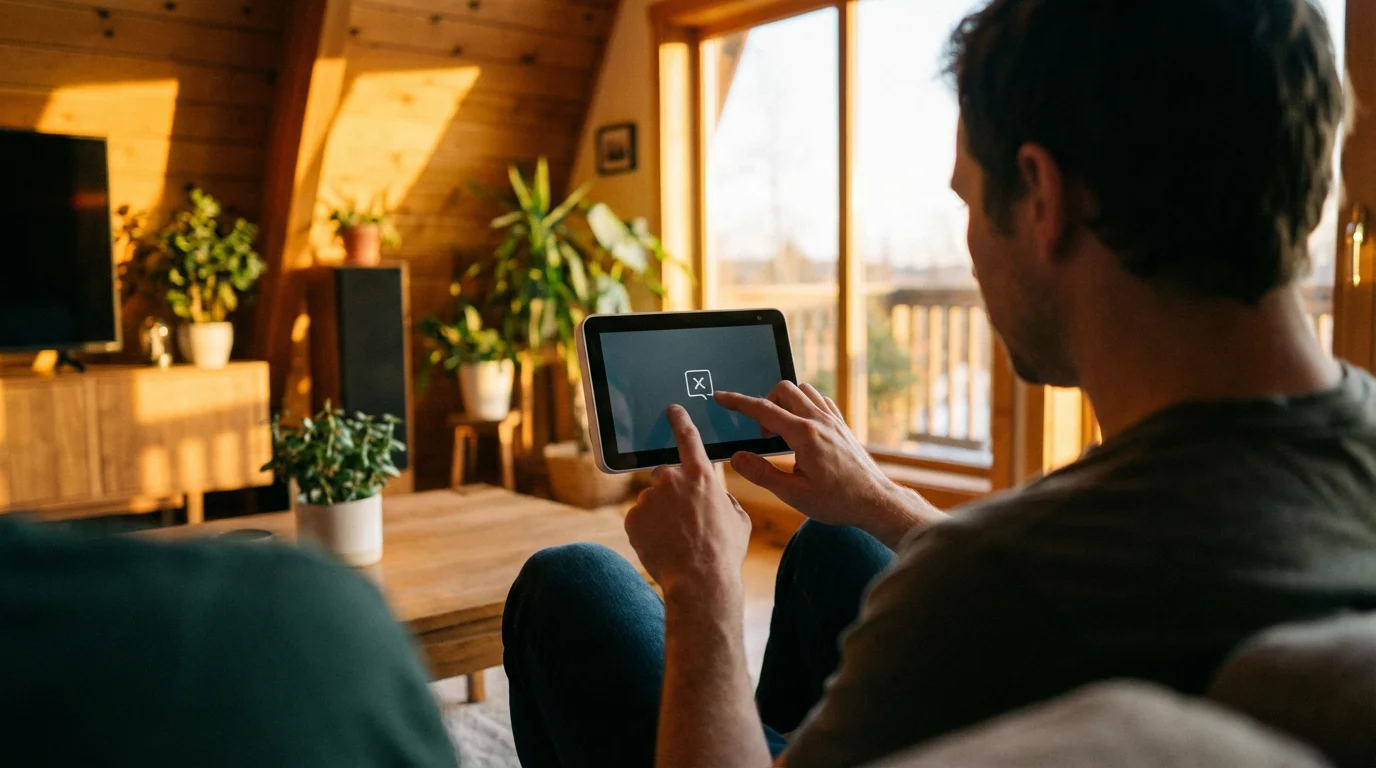
If you press your emergency button and nothing happens:
- Check Power: Ensure your base unit (for in-home systems) has power and remains plugged into a working, non-switched outlet. For mobile devices, confirm it is charged.
- Check Range: You might be out of range of your base unit. Try moving closer to the base unit or into an open area for mobile devices.
- Battery Check: For wearable pendants, the battery might be dead. In-home pendants usually have a long-lasting battery, but they eventually need replacement. Contact your provider if you suspect a dead battery.
- Test Regularly: Regular test calls help you identify issues before a real emergency.

Operator Cannot Hear You or You Cannot Hear Operator
Communication issues can arise:
- Speak Clearly and Loudly: Ensure you speak directly towards the base unit or mobile device.
- Check Volume: Some base units have adjustable volume controls. Ensure the volume is set appropriately.
- Environmental Noise: Loud background noise can interfere. Move to a quieter area if possible.
- Distance from Device: For in-home systems, you might be too far from the base unit for clear two-way communication. If you activate the pendant, move closer to the base unit to talk.
- Signal Strength: For cellular systems, poor cellular reception can affect call quality. If you are in a basement or an area with known poor reception, try moving to a location with better signal.

Accidental Activations
Accidental button presses happen. Remember:
- Do Not Panic: Simply inform the operator, “This is an accidental press. I am fine.” They record it as a false alarm.
- Avoid Repeated False Alarms: Try to position your pendant or wristband where it is less likely to get bumped. For example, some people wear their pendant inside their shirt.

Fall Detection Not Working or False Alarms
Fall detection technology is advanced but not foolproof:
- Verify Feature is Active: Ensure you opted for and activated the fall detection feature with your provider. It often incurs an additional monthly fee.
- Wear Properly: You must wear the device correctly, usually on your chest or wrist, for accurate fall detection. Follow the manufacturer’s guidance.
- False Alarms: Vigorous movements, like throwing something or sitting down hard, can sometimes trigger a false alarm. When the operator calls, explain it was a false alarm.
- Contact Provider: If you experience frequent false alarms or suspect the feature is not working, contact your provider for troubleshooting or adjustment.

Billing or Service Questions
For any questions about your monthly bill, service contract, or to update your emergency contact list:
- Call Customer Service: Your provider’s customer service team helps with these administrative tasks. Keep your account number handy.
- Review Your Contract: Refer to your initial contract for details on billing cycles, cancellation policies, and feature inclusions.
Most medical alert companies offer 24/7 customer support for technical issues, ensuring you always have access to help when you need it.
Frequently Asked Questions
Here are answers to common questions you might have about medical alert devices:
Is a medical alert device always listening to my conversations?
No, medical alert devices typically do not constantly listen to or record your conversations. The microphone activates only when you press the emergency button or when a feature like automatic fall detection triggers an alert. Its purpose is to facilitate two-way communication with the monitoring center during an emergency, not to monitor your daily activities.
Do I need to pay monthly for a medical alert device?
Yes, you almost always pay a monthly subscription fee for medical alert services. This fee covers the 24/7 professional monitoring by trained operators, the cellular connection if your device uses one, and access to customer support. Some companies may include equipment rental in this fee, while others require an upfront purchase for the device.
Can my family be contacted first before emergency services?
Yes, most medical alert providers allow you to customize your emergency protocol. You can specify a list of contacts, such as family members or neighbors, who the monitoring center should call before, or in addition to, emergency services like 911. You provide this list during the initial setup and can update it as needed.
What happens if I press the button but cannot speak?
If you activate your medical alert device but cannot communicate with the operator, the monitoring center still dispatches help. Trained operators follow a “no response” protocol, which typically involves immediately contacting emergency services and your designated emergency contacts, informing them of a potential emergency at your location.
Does a medical alert device work outside my home?
Whether a medical alert device works outside your home depends on the type of system you have. In-home systems usually offer a limited range, covering your home and immediate yard. Mobile medical alert devices, however, use cellular service and GPS technology, allowing them to provide protection and location tracking wherever you go, as long as you have cellular reception.
Choosing the Right Medical Alert Device for Your Lifestyle
Selecting the ideal medical alert device involves aligning its features with your personal needs and daily activities. Consider your mobility, connectivity preferences, and budget to make an informed decision. This choice empowers you to live more securely and independently.
Assess Your Mobility and Lifestyle
- Primarily Home-Based: If you spend most of your time at home or in your immediate yard, an in-home system typically offers sufficient coverage. These systems are often more affordable and simpler to maintain, usually requiring only a power outlet and possibly a landline.
- Active and On-the-Go: For those who frequently leave home for errands, social activities, or walks, a mobile medical alert device provides essential protection. Its GPS capabilities ensure help finds you anywhere, offering peace of mind even when you are far from home.

Consider Your Connectivity Options
- Landline Preference: If you still use a traditional landline, you can choose a system that connects to it. This provides a familiar and often reliable connection.
- Cellular Independence: Most modern systems use a built-in cellular connection, which eliminates the need for a landline. This offers greater flexibility and is ideal if you have already cut the cord on traditional phone service. You generally do not need to worry about providing a separate cellular plan for the device itself.

Evaluate Features and Costs
- Fall Detection: If you have a high risk of falls, invest in a device with automatic fall detection. This feature adds a layer of safety, as it calls for help even if you cannot press the button. Understand that this often adds to your monthly fee.
- Water Resistance: Ensure your wearable device is water-resistant. Falls frequently occur in bathrooms, so you need protection there.
- Battery Life: For mobile devices, assess the battery life and charging routine. Choose a device that fits your comfort level for recharging.
- Budget: Compare monthly monitoring fees, equipment costs, and any activation fees across different providers. Look for transparent pricing and flexible contract terms. Websites like the National Council on Aging offer resources on choosing assistive technologies, which can help guide your decision.
Choosing a medical alert device means investing in your personal safety and independence. By carefully considering your individual situation and the features available, you select a tool that truly enhances your daily life, offering immediate support when you need it most. This allows you to continue enjoying your routines with greater confidence and less worry.
Disclaimer: This article is for informational purposes only. Product features and prices change frequently. Always check current specifications and reviews before purchasing. We recommend buying from authorized retailers with good return policies.



Leave a Reply