
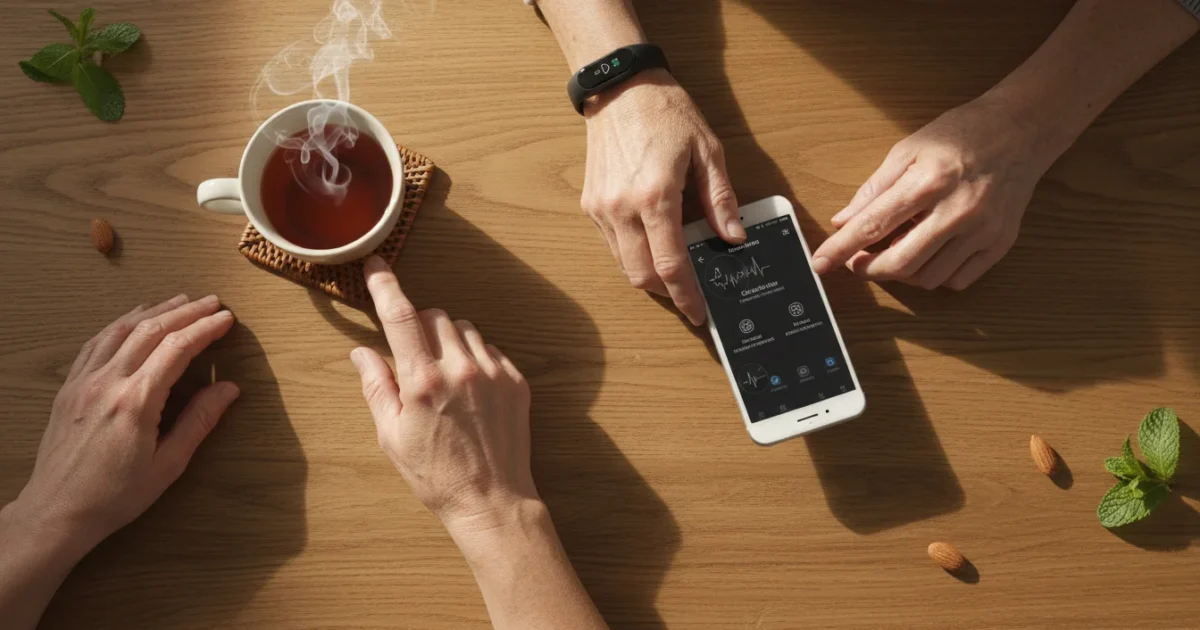
In today’s fast-paced world, staying active and monitoring your health becomes increasingly important as we age. Technology offers many tools to help you do this, and one of the most popular is the Fitbit activity tracker. You might feel uncertain about diving into new gadgets, especially if you worry about complexity or privacy. This guide will walk you through how a Fitbit works, its real benefits for your health, and how simple it can be to incorporate into your daily routine.
Learning to navigate these tools is as straightforward as learning how to use your bank’s mobile app safely to manage your finances.
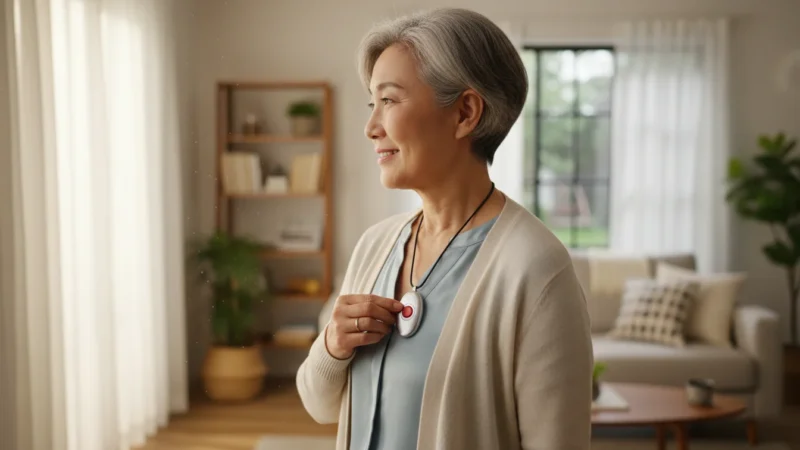
In addition to tracking activity, you might also consider how a medical alert device works to ensure your safety and peace of mind at home.
A Fitbit provides practical, actionable insights into your well-being. It can motivate you to move more, sleep better, and understand your body’s signals. This article offers clear, honest information to help you decide if a Fitbit is the right companion for your health journey, without pushing unnecessary features or costs. Let’s explore how this small device can make a big difference.
Table of Contents
- What Is a Fitbit and What Can It Do For You?
- Is a Fitbit Activity Tracker Right For You?
- What You Need to Get Started with Your Fitbit
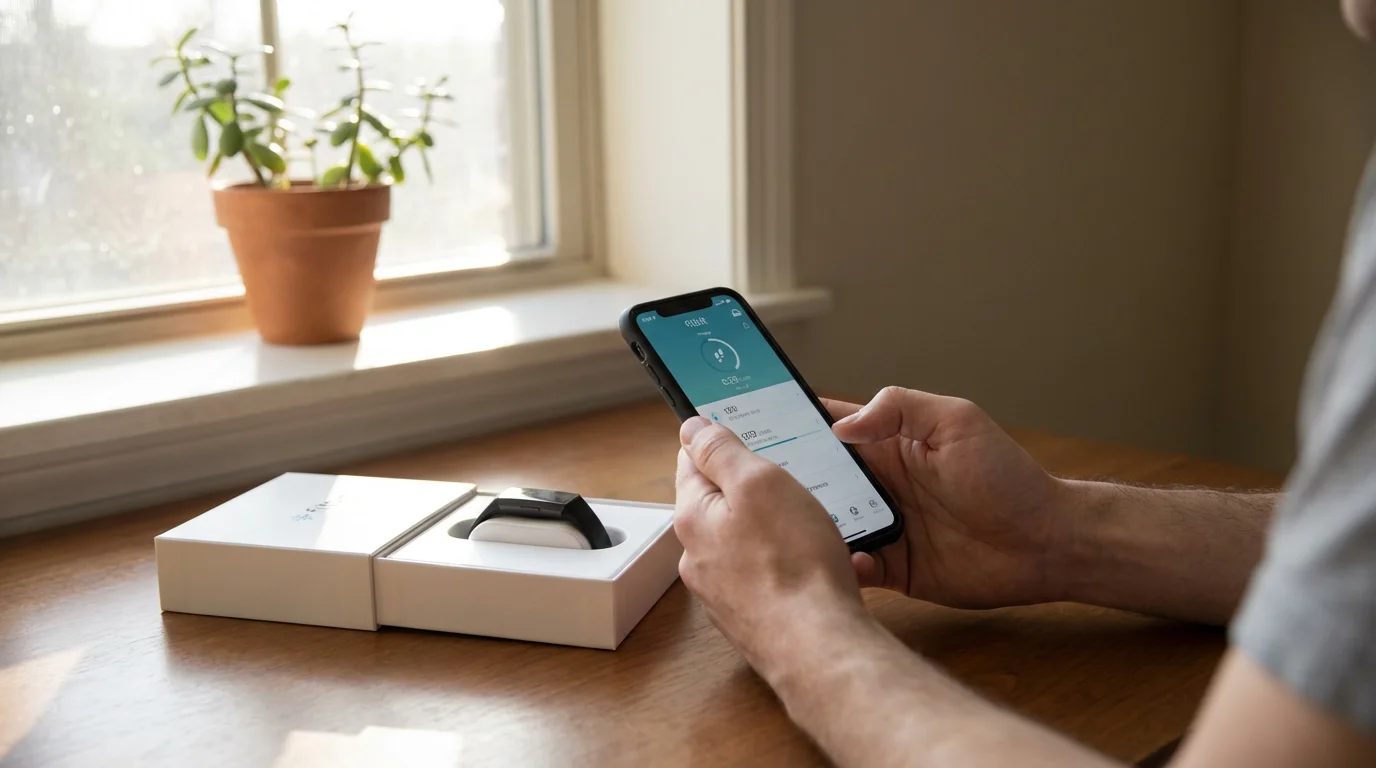
- Step-by-Step Fitbit Setup Guide for Beginners
- Useful Things to Try with Your Fitbit
- Understanding Fitbit Privacy and Security
- Common Fitbit Issues and Simple Solutions
- Frequently Asked Questions
- Making the Most of Your Fitbit Journey
What Is a Fitbit and What Can It Do For You?
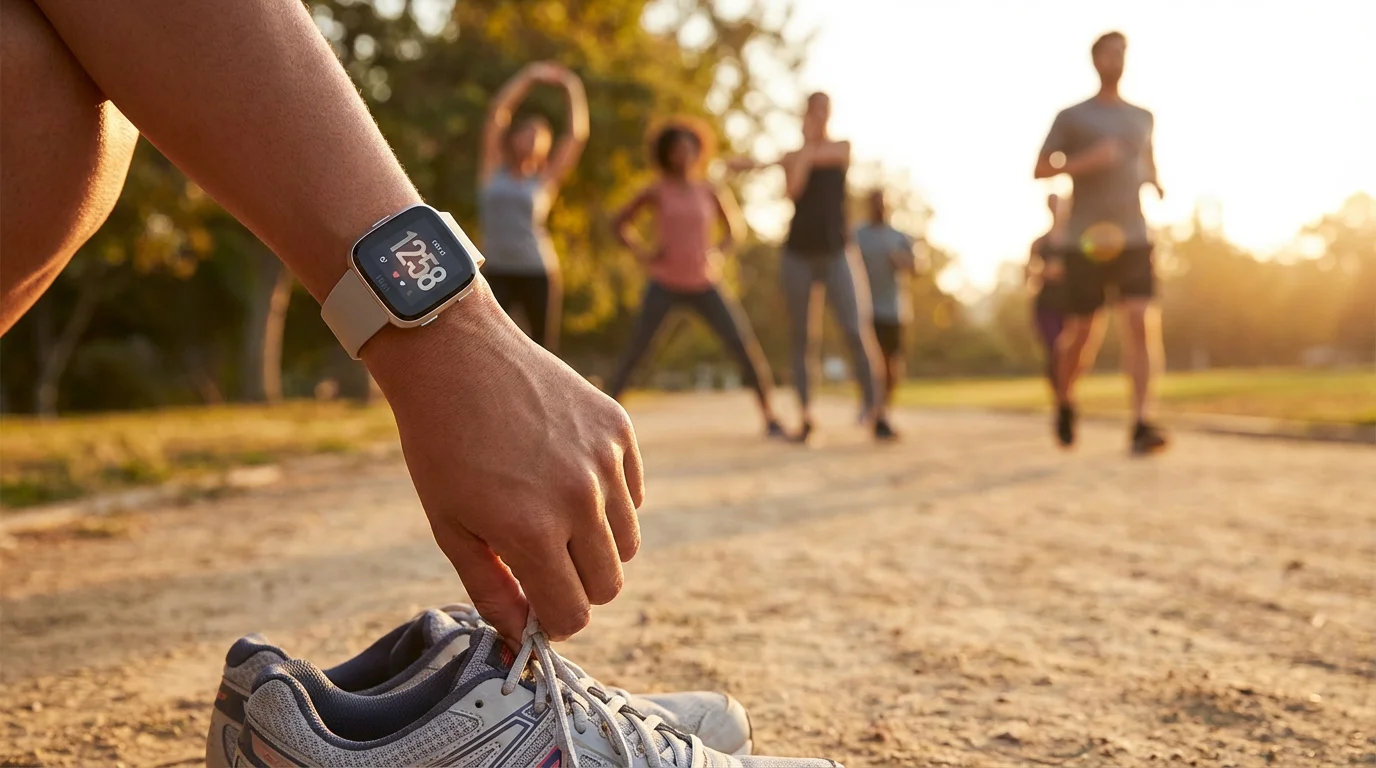
A Fitbit is a small, wearable activity tracker, typically worn on your wrist like a watch. Its main purpose is to monitor various aspects of your health and fitness throughout the day and night. Think of it as a friendly health companion that silently gathers data, helping you understand your activity levels, sleep patterns, and heart rate without requiring constant attention. Fitbit devices come in various styles, from simple clip-on trackers to advanced smartwatches, offering different features and price points. You can find models like the Fitbit Inspire, Charge, or Sense, each designed for specific needs and preferences.
Here are some of the practical things a Fitbit can do for you:
- Track Your Steps and Activity: It counts every step you take, calculates the distance you walk, and estimates calories burned. This gives you a clear picture of how active you are each day, encouraging you to meet personal goals, such as walking 7,500 steps. Regular activity, like a daily walk, significantly impacts your heart health and energy levels.
- Monitor Your Heart Rate: Most Fitbit models continuously track your heart rate. This data provides insights into your resting heart rate, which is a key indicator of cardiovascular fitness. It also shows your heart rate during exercise, helping you understand if you are reaching beneficial intensity levels. You can see patterns and share this information with your doctor if needed.
- Analyze Your Sleep: Wear your Fitbit to bed, and it will track your sleep stages (light, deep, REM) and sleep duration. It identifies periods of restlessness or waking, giving you a score for sleep quality. Better sleep improves your mood, memory, and overall physical health. Imagine understanding why you feel tired some mornings and making simple adjustments to improve your rest.
- Offer Gentle Reminders: Many Fitbits can vibrate to remind you to move if you have been sitting for too long, encouraging you to get up and take a few steps each hour. It also offers guided breathing exercises to help you manage stress, promoting calmness throughout your day.
- Provide Health Trends: Over time, the Fitbit app organizes all your data into easy-to-understand charts and graphs. You can review your activity trends week by week, see how your sleep changes, and monitor your weight if you log it. This allows you to identify patterns and make informed decisions about your lifestyle.
- Set Goals and Celebrate Achievements: You can set personal goals for steps, active minutes, and sleep. When you reach a goal, your Fitbit often vibrates or displays a small celebration, providing positive reinforcement and motivation to continue your healthy habits.
A Fitbit empowers you with knowledge about your body. It serves as a gentle nudge and a reliable record keeper, helping you maintain an active, healthy lifestyle, which contributes to greater independence and a higher quality of life.
Practical Wisdom: Many people initially feel intimidated by health technology. Remember, you do not need to use every feature immediately. Start with step counting, then explore sleep tracking. Your Fitbit learns with you.
Is a Fitbit Activity Tracker Right For You?
Deciding if a Fitbit is a worthwhile investment involves considering your personal health goals and comfort level with new technology. This device offers significant benefits for many individuals, particularly seniors who prioritize health and wish to remain active and independent. However, it is not for everyone, and understanding its fit for your life is crucial.
A Fitbit is likely right for you if:
- You want to be more active. If you aim to increase your daily steps, walk more, or simply move around more frequently, a Fitbit provides the motivation and tracking you need. It gives you a clear number to work towards.
- You are curious about your sleep patterns. If you often wonder why you feel tired or want to improve your nightly rest, the sleep tracking feature offers valuable insights. You can identify patterns affecting your sleep quality.
- You want to monitor your heart rate. For general wellness or if your doctor recommends keeping an eye on your resting heart rate, a Fitbit offers continuous monitoring and easy access to historical data.
- You prefer a simple, hands-off approach to health tracking. Once set up, a Fitbit works in the background, automatically collecting data without requiring you to manually input information. You simply wear it.
- You are comfortable using a smartphone or tablet. To get the most out of your Fitbit, you need to sync it with the Fitbit app on a smartphone or tablet. The app displays all your health data in an understandable format. If you use these devices regularly, you will find the app intuitive.
- You are looking for gentle motivation. The reminders to move, goal celebrations, and progress reports can provide that extra push to maintain healthy habits. It is like having a supportive coach on your wrist.
Conversely, a Fitbit might not be the best fit if:
- You are uncomfortable with wearing a device all the time. Some individuals dislike wearing anything on their wrist, especially at night.
- You do not own a compatible smartphone or tablet. While some basic data displays on the device itself, the full experience, detailed reports, and setup require the Fitbit app. You need a smartphone or tablet that is compatible, meaning it can run the Fitbit app smoothly.
- You prefer extreme simplicity. If your primary goal is just to count steps, a basic pedometer might suffice and could be a less complex option. However, Fitbits offer a richer, more integrated experience.
- You are highly private about health data. While Fitbit offers strong privacy controls, it does collect personal health data. If this makes you uneasy, consider how comfortable you are with this trade-off for the insights it provides. We address privacy in more detail in a later section.
- You expect it to be a medical device. A Fitbit is a consumer health and fitness tracker, not a medical device. It provides good insights into general wellness but cannot diagnose medical conditions. Always consult your doctor for medical advice and diagnoses.
The cost of a Fitbit can range from around $60 for basic trackers to over $200 for advanced smartwatches. Many models do not require a monthly subscription, but some premium features, like advanced health reports or guided programs, may be available through Fitbit Premium, which typically costs about $10 per month or $80 per year. You can use a Fitbit effectively without ever paying for Premium, focusing on the core activity, sleep, and heart rate tracking features.
What You Need to Get Started with Your Fitbit
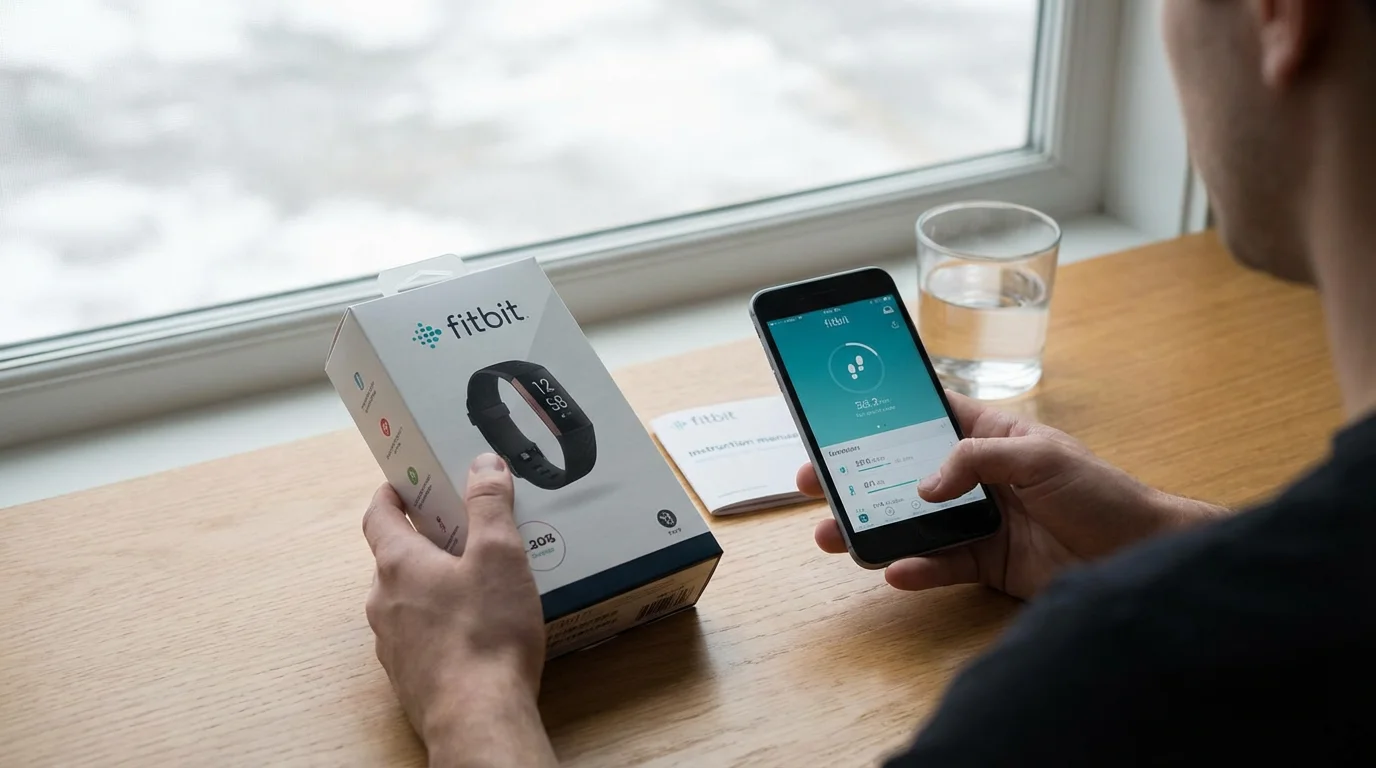
Getting your Fitbit up and running is straightforward, but you need a few key items and a basic understanding of how they work together. Having these ready will make the setup process smooth and hassle-free.
Here is your checklist:
- Your Fitbit Device: This includes the tracker itself, the charging cable, and usually an extra band size if it is a wrist-worn model. Ensure you have all components from the box.
- A Smartphone or Tablet: This is essential. You need a device, such as an iPhone, iPad, or Android phone or tablet, to download the free Fitbit app. The Fitbit app is where you set up your tracker, view your detailed health data, and adjust settings. Make sure your phone or tablet runs a recent operating system. For example, iPhones generally need iOS 15 or newer, and Android phones typically need Android 9.0 or newer. Check Fitbit’s website for specific compatibility requirements for your model. Remember, “compatible” means devices that work together.
- Internet Connection (Wi-Fi): Your smartphone or tablet needs to be connected to your home’s wireless internet connection, known as Wi-Fi. This connection allows your phone to download the Fitbit app and for the app to send your Fitbit data to your online account and retrieve updates.
- A Fitbit Account: You will create a free account during the setup process through the Fitbit app. This account securely stores all your health data online, so you can access it even if you get a new phone or Fitbit device.
- Bluetooth Enabled on Your Phone/Tablet: Bluetooth is a wireless connection between devices that are close together, like your phone and your Fitbit. You need to enable Bluetooth on your smartphone or tablet so it can find and communicate with your Fitbit tracker. Without Bluetooth, your Fitbit cannot sync its data to your phone.
- A Charging Port or Computer with a USB Port: You will need to charge your Fitbit. The charging cable typically has a USB connector, so you can plug it into a wall adapter (often the one you use for your phone), a computer’s USB port, or a USB power strip. Ensure your Fitbit has a full charge before starting the setup process.
Having these elements in place ensures you can connect your Fitbit, create your account, and begin tracking your health data effectively. If you are unsure about any of these steps, remember that tech support is available from Fitbit, and many local senior centers or libraries offer technology assistance.
Step-by-Step Fitbit Setup Guide for Beginners
Setting up your new Fitbit might seem like a lot of steps, but approaching it one step at a time makes the process manageable. Follow these instructions carefully, and you will have your activity tracker ready to go in no time.
Step 1: Charge Your Fitbit
Before doing anything else, fully charge your Fitbit. Connect the charging cable to a USB power source, such as a wall adapter or a computer’s USB port. Then, attach your Fitbit to the other end of the cable according to the instructions in your device’s manual. Some models clip in, others sit on a magnetic dock. Look for a battery icon on your Fitbit’s screen to indicate charging progress. A full charge typically takes 1-2 hours.
Step 2: Download and Install the Fitbit App
- On your smartphone or tablet, make sure you are connected to your home Wi-Fi (wireless internet connection).
- Open the app store: for iPhones or iPads, find the “App Store” icon. For Android phones or tablets, find the “Google Play Store” icon.
- Tap the search bar and type “Fitbit.”
- Look for the official Fitbit app, usually indicated by the Fitbit logo. Tap “Get” or “Install.” It is a free app.
- Once downloaded, locate the Fitbit app icon on your device’s home screen and tap to open it.
Step 3: Create Your Fitbit Account
- When you open the Fitbit app for the first time, it will prompt you to “Join Fitbit.” Tap this option.
- You will need to provide some basic information: your email address, a password, your name, height, weight, and birth date. This information helps your Fitbit accurately calculate calories burned, distance, and personalized health metrics.
- Read and agree to the Terms of Service and Privacy Policy. It is important to understand how your data is used.
- Complete the account creation.
Step 4: Pair Your Fitbit Device with the App (Bluetooth Connection)
This is where your Fitbit tracker and your phone connect wirelessly using Bluetooth (a wireless connection between devices that are close together).
- Ensure Bluetooth is turned on in your phone or tablet’s settings. You can usually find this in the “Settings” menu under “Connections” or “Bluetooth.”
- In the Fitbit app, tap on the “Account” icon (usually a small picture of a person or your profile photo) in the top left or right corner.
- Tap “Set Up a Device.”
- Select your specific Fitbit model from the list. If you are unsure, check the packaging or the back of your device.
- Follow the on-screen prompts. The app will search for your Fitbit. You may need to bring your Fitbit close to your phone.
- Once the app finds your Fitbit, it might display a four-digit code on your Fitbit’s screen. Enter this code into the app on your phone to confirm the pairing.
- The app will then guide you through linking your Fitbit to your account and performing any necessary software updates. This process might take a few minutes. Keep your Fitbit charged and near your phone during updates.
Step 5: Personalize Your Settings
Once paired, the app will ask you a few questions to personalize your experience:
- Wearing Hand: Specify which wrist you will wear your Fitbit on (left or right).
- Dominant Hand: Indicate if you are right- or left-handed. This helps the tracker better interpret your arm movements.
- Daily Goals: You can set your daily step goal (the default is 10,000, but many seniors find 5,000 to 7,500 steps a more realistic starting point), sleep goal, and active zone minutes goal. Adjust these to be achievable for you.
Step 6: Sync Your Fitbit
Your Fitbit automatically syncs with your phone when the app is open and your phone is nearby with Bluetooth on. You can also manually sync by opening the app and pulling down on the main screen. This refreshes your data and sends it to your account.
Congratulations! Your Fitbit is now set up and ready to track your activity and health. Put it on your wrist and start moving. You will see your data appear in the app throughout the day.
Useful Things to Try with Your Fitbit
Now that your Fitbit is set up, let’s explore the practical features that will genuinely benefit your health and well-being. Using these features regularly helps you gain valuable insights and maintain a proactive approach to your health.
1. Daily Step Counting and Activity Monitoring
This is the core function of your Fitbit. Wear it consistently, and it will automatically count your steps, track the distance you walk, and estimate calories burned. You can check your progress directly on your Fitbit’s screen throughout the day or open the app for a more detailed view.
- Set Realistic Goals: Instead of aiming for an arbitrary number like 10,000 steps, consider what feels achievable for you. Many seniors find a goal of 5,000 to 7,500 steps a good target. Increase it gradually as you become more active.
- Use the “Reminders to Move”: This feature nudges you with a gentle vibration if you have been inactive for too long. For example, if you have sat for 50 minutes out of an hour, your Fitbit will remind you to get up and take 250 steps. This helps break up sedentary periods, which benefits circulation and energy levels. You can customize these reminders in the Fitbit app.
- Track Exercise Automatically: Many Fitbits automatically recognize common activities like walking, running, or cycling. It logs these as “Active Zone Minutes,” helping you meet recommended exercise guidelines without manually starting a timer.
2. Heart Rate Tracking for Wellness
Your Fitbit continuously monitors your heart rate, providing valuable information about your cardiovascular health.
- Understand Your Resting Heart Rate: This is a key indicator of overall fitness. A lower resting heart rate often suggests a more efficient heart. The Fitbit app shows your daily and historical resting heart rate, allowing you to observe trends over time.
- Monitor Heart Rate During Activity: During walks or other exercises, your Fitbit shows your real-time heart rate. This helps you understand if you are exercising at a moderate intensity, which is beneficial for heart health.
- Receive High/Low Heart Rate Notifications: Some advanced Fitbits can alert you if your heart rate goes above or below your personalized range while you are inactive. While not a medical diagnosis, this information can be useful to share with your doctor if you have concerns.
3. Sleep Tracking and Analysis
Wear your Fitbit to bed, and it provides a comprehensive report on your sleep patterns.
- View Sleep Stages: The app breaks down your sleep into light, deep, and REM stages. Deep sleep is crucial for physical restoration, and REM sleep supports memory and learning. Understanding your balance of these stages helps identify potential issues.
- Get a Sleep Score: Fitbit assigns a daily sleep score, giving you a quick overview of your sleep quality. This can highlight nights when you slept particularly well or poorly.
- Identify Trends: Look at your weekly or monthly sleep trends in the app. Do you sleep better on certain days? Are there habits, like late-night screen time, that might be affecting your rest?
4. Guided Breathing Sessions
Many Fitbits include a “Relax” or “Guided Breathing” feature. This helps you calm your mind and reduce stress through short, personalized breathing exercises. It can be a simple yet effective tool for moments when you feel overwhelmed or simply want to unwind.
- Access this feature directly on your Fitbit device by swiping through the menus.
- Follow the visual cues on the screen, inhaling and exhaling in sync with the prompts.
5. Hydration and Nutrition Logging (Optional)
The Fitbit app allows you to manually log your water intake, meals, and snacks. While this requires a bit more effort, it can be a powerful tool for understanding your dietary habits and ensuring you stay hydrated. You do not have to use this feature, but it is there if you want a more comprehensive health picture.
- In the Fitbit app, look for sections related to “Food” or “Water” logging.
- Input what you eat and drink to see how it correlates with your activity and other health metrics.
By regularly checking your stats in the Fitbit app, you gain a clearer picture of your overall health. This information empowers you to make small, consistent changes that lead to significant long-term benefits for your independence and well-being.

Understanding Fitbit Privacy and Security
Concerns about privacy and how your personal health data is handled are entirely valid when considering a smart device like a Fitbit. It collects a lot of personal information, including your activity levels, heart rate, and sleep patterns. Understanding how Fitbit protects this data and what control you have over it is important.
What Data Does Fitbit Collect?
Your Fitbit tracks various metrics:
- Activity Data: Steps taken, distance traveled, active minutes, calories burned.
- Biometric Data: Heart rate, sleep stages, skin temperature (on some advanced models).
- Personal Information: Age, gender, height, weight (provided during setup).
- Location Data: If you use GPS tracking for outdoor activities, it records your routes.
How Fitbit Uses Your Data
Fitbit, which Google owns, primarily uses your data to provide you with personalized health insights, display your progress in the app, and improve its services. For example, it uses your height and weight to make calorie burn calculations more accurate. The company states it does not sell your individual health and wellness data to third parties. They emphasize that your health data from Fitbit will not be used for Google Ads.
Your Control Over Your Data
You have significant control over your Fitbit data:
- Privacy Settings in the App: The Fitbit app includes robust privacy settings. You can choose what information you share with friends on the Fitbit platform, what is visible on your profile, and whether your data contributes to anonymous research studies. Take time to review these settings after setup.
- Data Download and Deletion: You can download a copy of your Fitbit data at any time. You also have the option to delete your Fitbit account and all associated data, although this is irreversible.
- Location Services: You can disable location tracking on your smartphone if you do not want your exercise routes recorded. Your Fitbit will still track steps and heart rate without GPS.
- Sharing with Professionals: If you choose, you can share your Fitbit data with your doctor or a family member directly from the app. This is entirely your decision.
Security Measures
Fitbit employs various security measures to protect your data:
- Encryption: Data transmitted between your Fitbit device, your phone, and Fitbit’s servers is encrypted, meaning it is scrambled to prevent unauthorized access.
- Secure Servers: Fitbit stores your data on secure, password-protected servers.
- Two-Factor Authentication: You can enable two-factor authentication for your Fitbit account. This adds an extra layer of security, requiring a code from your phone in addition to your password when you log in, making it much harder for unauthorized individuals to access your account. We highly recommend enabling this feature.
While no system is 100% foolproof, Fitbit and Google invest heavily in data security. The key for you is to actively manage your privacy settings within the app and use strong, unique passwords. Weigh the benefits of gaining valuable health insights against your comfort level with data collection. For many, the ability to monitor and improve health outweighs the minimal privacy risks, especially with the controls Fitbit provides.
Common Fitbit Issues and Simple Solutions
Even with user-friendly technology like Fitbit, you might encounter an occasional hiccup. Most common problems have simple solutions. Do not get discouraged; try these troubleshooting steps before seeking further support.
1. My Fitbit Isn’t Syncing with My Phone.
This is a frequent issue, but usually easy to fix.
- Check Bluetooth: Ensure Bluetooth (wireless connection between devices that are close together) is turned on in your smartphone’s settings. Your Fitbit cannot communicate with your phone without it.
- Restart Bluetooth: Try turning Bluetooth off on your phone for 10 seconds, then turn it back on.
- Open the App: Make sure the Fitbit app is open on your phone, at least in the background. Sometimes, closing and reopening the app helps.
- Bring Devices Closer: Ensure your Fitbit is within a few feet of your phone. Bluetooth has a limited range.
- Restart Your Phone: A simple phone restart can often resolve connectivity issues.
- Restart Your Fitbit: Refer to your Fitbit model’s manual for specific restart instructions, as it varies by device. Often, you connect it to its charger and press a button for several seconds.
- Check for App Updates: Ensure your Fitbit app is up to date in your phone’s app store.
2. My Fitbit Battery Drains Too Quickly.
Battery life varies by model, but if it suddenly drops, consider these points:
- Continuous GPS Tracking: If your Fitbit has GPS and you use it frequently for outdoor walks, it consumes more battery. Consider turning off “Connected GPS” if you do not need detailed maps of your routes.
- Always-On Display: Some smartwatches have an always-on display. Turning this off in the settings and opting for “wake screen on wrist raise” will conserve battery.
- High Brightness: Reduce screen brightness if your model allows it.
- Frequent Notifications: Too many notifications from your phone appearing on your Fitbit can drain the battery. Adjust notification settings in the Fitbit app.
- Aging Battery: Like all rechargeable batteries, a Fitbit’s battery capacity naturally diminishes over several years. If your device is very old, this might be a factor.
3. My Step Count Seems Inaccurate.
Fitbits are generally accurate, but no tracker is perfect.
- Wearing Position: Ensure you wear your Fitbit snugly on your wrist, about a finger’s width above your wrist bone. If it is too loose, it may not register steps accurately.
- Arm Movements: Sometimes, activities that involve arm movements but no steps (like knitting or washing dishes) might count as steps. Conversely, pushing a shopping cart might reduce step count if your arm is stationary. This is normal. Focus on trends over time rather than pinpointing every single step.
- Dominant vs. Non-Dominant Hand: In the Fitbit app settings, verify you have correctly identified which wrist you wear your Fitbit on and whether that is your dominant hand. This helps the algorithm adjust for natural arm swings.
4. I Forgot My Fitbit Password.
Do not worry; this happens often.
- Use the “Forgot Password” Link: On the Fitbit app login screen, tap “Forgot your password?” or a similar option. Fitbit will send a password reset link to the email address associated with your account.
- Check Spam Folder: If you do not see the email, check your spam or junk mail folder.
5. My Fitbit Screen Is Blank or Unresponsive.
- Charge It: First, ensure your Fitbit is charged. A blank screen often means a dead battery.
- Restart Your Fitbit: As mentioned for syncing issues, restarting the device can resolve minor software glitches. Consult your manual for the correct procedure.
If these common solutions do not work, Fitbit offers excellent online support resources. Visit Google Support (since Google owns Fitbit) and search for your specific Fitbit model. You can often find detailed guides and community forums where other users share solutions.
Frequently Asked Questions
Many people have similar questions when considering or starting with a Fitbit. Here are answers to some of the most common inquiries.
Q: Is Fitbit always listening or recording my conversations?
A: No, a standard Fitbit activity tracker does not have a microphone and cannot listen to or record your conversations. Some advanced Fitbit smartwatches, like the Sense, have a microphone for voice assistant features, but these only activate when you intentionally summon the voice assistant (like Alexa or Google Assistant) by pressing a button or using a wake word. They do not continuously listen to your conversations.
Q: Do I need to pay monthly to use my Fitbit?
A: No, you do not need a monthly subscription to use the core features of your Fitbit, such as step tracking, heart rate monitoring, and sleep analysis. The basic Fitbit app and its essential functionalities are free. Fitbit offers an optional service called “Fitbit Premium” for around $10 per month, which provides advanced health insights, guided programs, and mindfulness content. You can enjoy your Fitbit perfectly well without ever subscribing to Premium.
Q: Is Fitbit accurate for tracking steps and heart rate?
A: Fitbit devices are generally considered very accurate for tracking steps and heart rate in typical daily use. Step counts might vary slightly due to arm movements not associated with walking, such as typing, but for overall activity trends, they are highly reliable. Heart rate sensors are also robust for general fitness tracking. Remember, it is a consumer device, not a medical one, so always consult a doctor for medical diagnoses or concerns.
Q: Can I wear my Fitbit in the shower or while swimming?
A: Most modern Fitbit devices are water resistant, meaning you can wear them in the shower or while swimming in shallow water. However, it is always best to check the specific water resistance rating for your model in its manual or on Fitbit’s website. Some older models might not be water resistant, and prolonged exposure to soaps or chemicals can sometimes damage the seals even on water-resistant devices.
Q: What if I lose my phone, will I lose all my Fitbit data?
A: No. Your Fitbit data automatically syncs from your device to your Fitbit account online whenever the app is open and your phone is connected. If you lose your phone, all your historical health data is safely stored in your Fitbit account. When you get a new phone, simply download the Fitbit app, log in with your existing account, and all your past data will reappear. You will just need to re-pair your Fitbit device to the new phone.
Making the Most of Your Fitbit Journey
Embracing a Fitbit activity tracker empowers you to take a more active role in managing your health. This device offers a straightforward way to track your physical activity, understand your sleep patterns, and monitor your heart rate, providing valuable insights into your overall well-being. By following the simple setup steps and exploring its practical features, you gain a powerful tool that works quietly in the background, offering motivation and data to support your healthy lifestyle goals.
Remember, the goal is not to become obsessed with every number, but to use the information your Fitbit provides to make informed choices. A few extra steps each day, a better night’s sleep, or a moment of mindful breathing can significantly improve your quality of life. Start by focusing on one or two features that interest you most, then gradually explore others as you become more comfortable. Your Fitbit is a companion designed to help you live a healthier, more active, and more informed life. It offers the data and gentle nudges you need to maintain your independence and enjoy your golden years to the fullest.
For more general resources on technology and aging, consider exploring organizations like Senior Planet from AARP or the National Council on Aging, which provide valuable information and support for seniors navigating the digital world.
Disclaimer: This article is for informational purposes only. Product features and prices change frequently. Always check current specifications and reviews before purchasing. We recommend buying from authorized retailers with good return policies.

Leave a Reply