
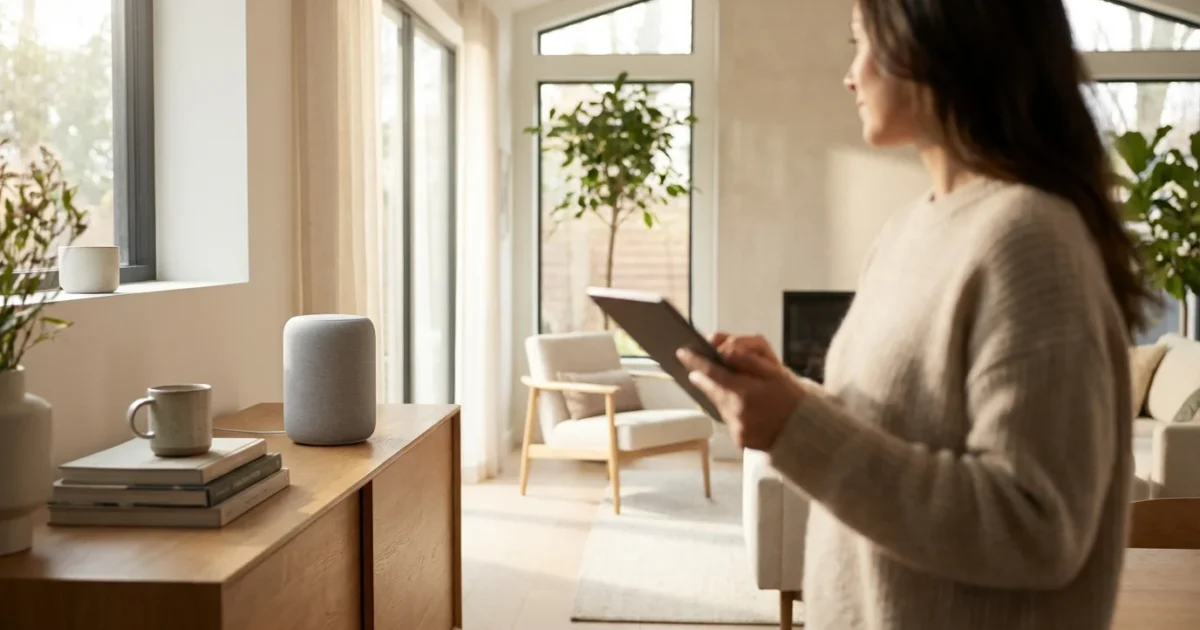
For many of us, the idea of talking to a device in our home and having it respond feels like something out of a science fiction movie. Yet, smart speakers like the Amazon Echo, Google Nest, and Apple HomePod bring this reality into everyday life. These devices offer a range of conveniences, from playing your favorite music with a simple request to helping you connect with loved ones without lifting a finger. But with new technology often comes questions: Is it too complicated? Will it listen to my private conversations? Do I truly need one?
This comprehensive guide will help you understand what a smart speaker is, how it works, and whether it makes sense for your lifestyle. We will explore the genuine benefits these devices offer, address common concerns about privacy, and give you the clear, honest information you need to make an informed choice. Think of this as your personal smart speaker guide, designed to cut through the jargon and focus on what matters to you.
Table of Contents
- What Exactly Is a Smart Speaker and How Does It Work?
- Real Benefits: How Smart Speakers Enhance Daily Life
- Understanding the Trade-offs: Potential Drawbacks and Considerations
- Choosing Your Companion: Alexa, Google Assistant, or Siri?
- What You Need to Get Started (It’s Simpler Than You Think)
- Protecting Your Home and Data: Privacy and Security Explained
- Frequently Asked Questions
- Making Your Decision: Is a Smart Speaker Right for You?
What Exactly Is a Smart Speaker and How Does It Work?
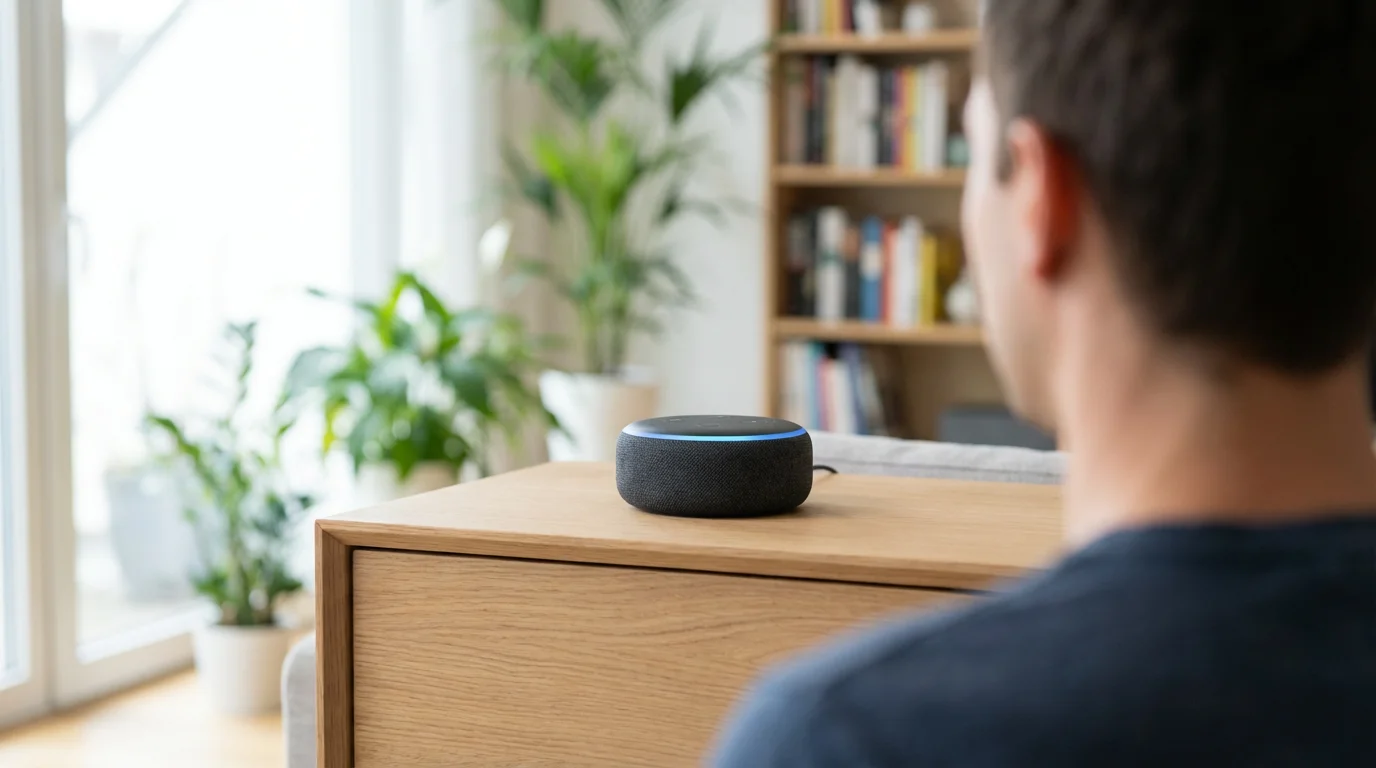
A smart speaker is essentially a speaker you can talk to that responds to your voice. It acts like a personal assistant in your home, ready to perform tasks or answer questions the moment you speak its “wake word,” which might be “Alexa,” “Hey Google,” or “Siri.”
These devices connect to your home’s wireless internet connection, known as Wi-Fi. This connection allows them to access vast amounts of information and services over the internet. When you speak a command, the device uses its built-in microphones to capture your voice. It then sends a small audio clip of your command over your Wi-Fi to a powerful computer system in the cloud, which is a network of servers on the internet. This system, powered by artificial intelligence, interprets your request. This interpreting software is called a voice assistant, and Alexa, Google Assistant, and Siri are the most common examples.
The voice assistant processes your command, finds the answer or initiates the action you requested, and then sends the response back to your speaker. Your smart speaker then “speaks” the answer or confirms it has started the action. This entire process usually takes just a second or two.
Smart speakers can perform many basic functions right out of the box, such as:
- Playing Music: Simply ask it to play a song, artist, genre, or even radio station. You can link your existing music streaming services.
- Answering Questions: Get quick facts, weather forecasts, news updates, sports scores, and more.
- Setting Timers and Alarms: Useful for cooking, remembering medication, or keeping track of time.
- Making Lists: Create shopping lists or to-do lists by simply speaking the items.
- Telling Jokes or Stories: A fun way to pass the time or entertain grandchildren.
Beyond these basics, many smart speakers can also connect with and control other smart home devices. This means you could ask your voice assistant to turn off your lights, adjust your thermostat, or even lock your front door, provided you have compatible devices that work together. This seamless control is a core aspect of their appeal.
Real Benefits: How Smart Speakers Enhance Daily Life
Smart speakers are more than just novelty gadgets; they offer practical advantages that can genuinely make daily life easier, safer, and more enjoyable, especially for seniors.
Convenience and Accessibility
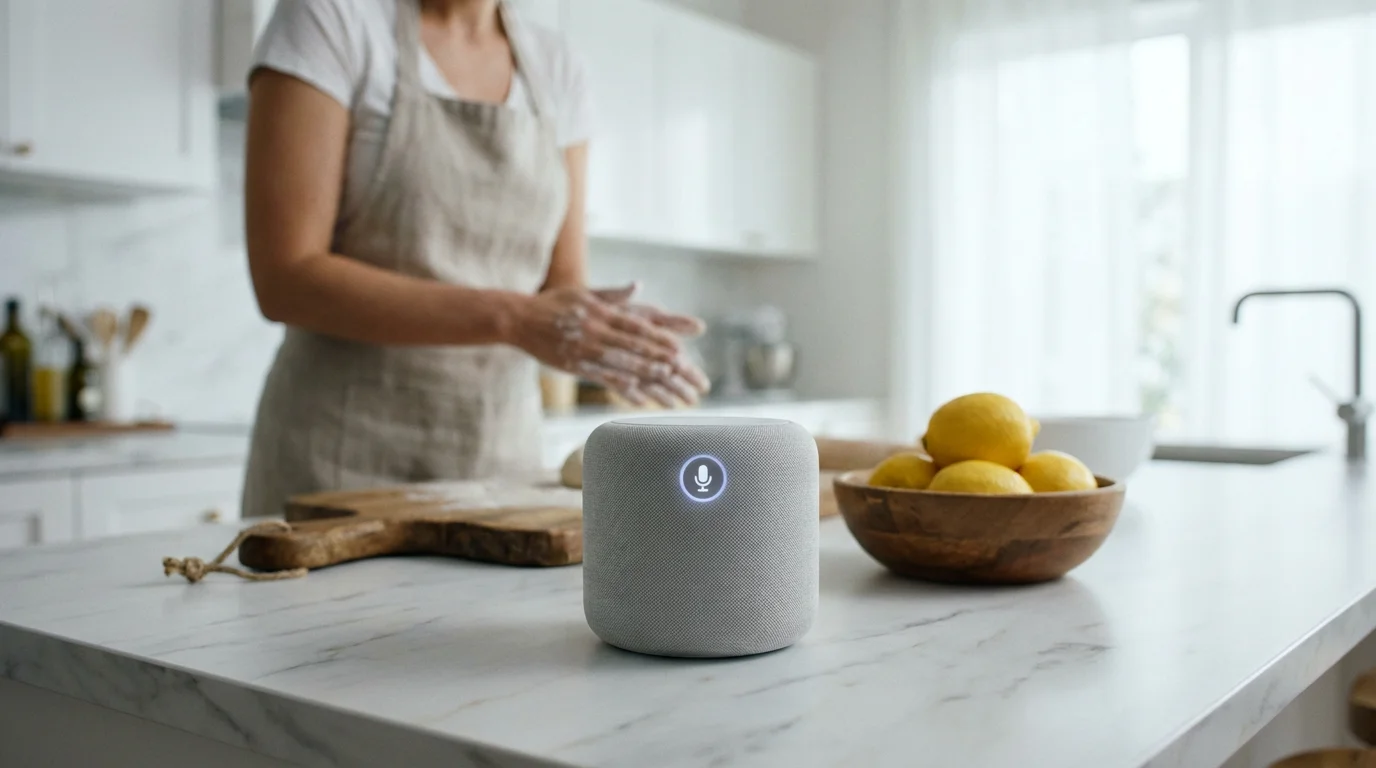
One of the biggest advantages is the hands-free nature of smart speakers. You do not need to pick up a phone, navigate menus, or even be in the same room as the device for some functions. This is a significant benefit if you have limited mobility, arthritis, or simply prefer less fuss.
- Hands-Free Communication: You can ask your smart speaker to call your daughter, send a voice message to a friend, or announce dinner is ready throughout your home, all without touching a phone. This feature is particularly valuable if your phone is not nearby or if you are busy with another task.
- Instant Information: Need to know if it is going to rain before you head out? Ask your smart speaker. Wondering what time the pharmacy closes? Just ask. This immediate access to information removes the need to search on a computer or small smartphone screen.
- Reminders and Routines: Smart speakers excel at managing your schedule. You can set reminders for medications, appointments, or watering plants. You can even create simple routines, like saying “Good morning” to hear the news, weather, and a quick summary of your calendar all at once.
“I used to misplace my phone all the time. Now, if I cannot find it, I just say, ‘Alexa, find my phone,’ and it rings, even if it is on silent. It is a small thing, but it saves me a lot of frustration.”
Information and Entertainment
Smart speakers transform how you interact with content and stay informed.
- Effortless Entertainment: Whether you enjoy classical music, podcasts, or audiobooks, a smart speaker makes accessing them incredibly simple. “Hey Google, play some jazz music,” or “Siri, resume my audiobook,” and your content starts instantly. This ease of access can bring great joy and relaxation.
- Stay Informed: Get daily news briefings from your preferred sources, listen to radio stations from around the world, or catch up on the latest headlines. You control what information you receive, delivered straight to you.
Safety and Peace of Mind
While not a substitute for dedicated medical alert systems, smart speakers can offer an extra layer of safety and comfort.
- Quick Emergency Contacts: Many smart speakers allow you to set up emergency contacts. If you have a fall or feel unwell, you can simply say, “Alexa, call my emergency contact” or “Hey Google, call 911” (though it is important to confirm 911 calling capability for your specific device and region). This hands-free calling can be critical in an urgent situation.
- Smart Home Security Integration: If you have a video doorbell, you could ask your smart speaker to “show me the front door” on a compatible smart display, letting you see who is there without getting up. You can also integrate with smart locks or security cameras, providing greater awareness and control over your home’s security.
Smart Home Control
The ability to manage other devices in your home using your voice is a powerful feature, assuming you have compatible devices that work together.
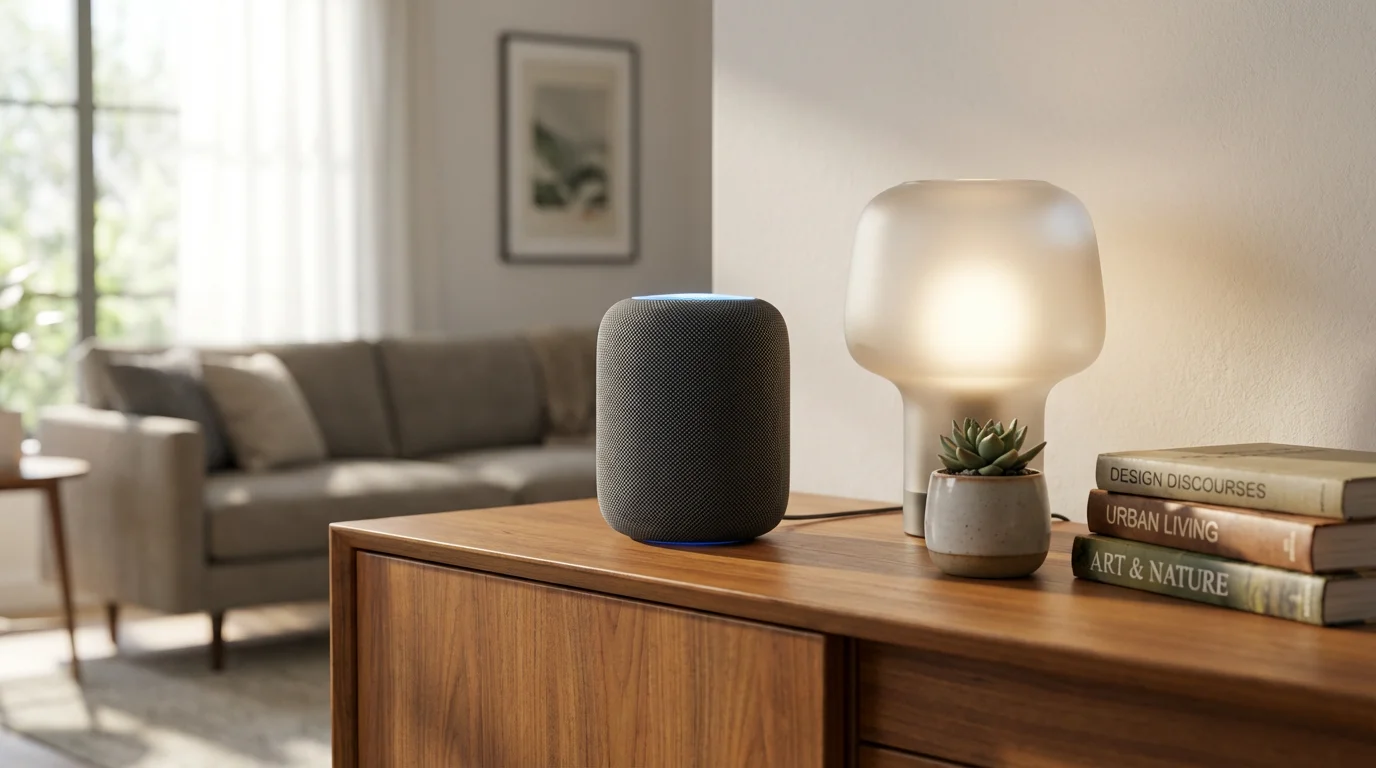
- Lighting Control: Imagine walking into a dark room and simply saying, “Alexa, turn on the living room lights.” No fumbling for light switches. You can also dim lights or change colors with voice commands if you have smart light bulbs.
- Thermostat Adjustment: Adjust your home’s temperature without getting up. “Hey Google, set the thermostat to 72 degrees.” This offers comfort and energy efficiency.
- Simplified Routine Management: You can create routines that trigger multiple actions. For instance, “Goodnight” could turn off all your smart lights, lock the front door, and adjust the thermostat, providing convenience and peace of mind before bed.
For more information on general technology resources for seniors, consider visiting AARP Technology Resources.

Understanding the Trade-offs: Potential Drawbacks and Considerations
While smart speakers offer many benefits, it is equally important to understand their limitations and potential challenges before you commit. Being aware of these points helps you decide if a smart speaker is truly right for you.
Before setting up a new device, it is helpful to have a broader understanding of online privacy and how modern technology handles your data.
The Learning Curve
Like any new technology, there is a learning curve involved. You will need to learn the specific wake words and common commands. While voice assistants are becoming increasingly sophisticated, they do not always understand natural conversation perfectly.
- Remembering Commands: It takes time to remember all the phrases and commands. Initially, you might find yourself repeating requests or rephrasing them until the device understands.
- Patience is Key: You will need patience as you get accustomed to interacting with the device. It is a different way of getting things done compared to pushing buttons or typing.
- App Management: Most smart speakers require a smartphone or tablet app for initial setup and managing settings. While these apps are usually user-friendly, navigating them can still be a hurdle for some.

Reliance on Wi-Fi and Power
Smart speakers are fundamentally internet-connected devices.
- No Wi-Fi, No Functionality: If your home Wi-Fi goes down or your internet service is interrupted, your smart speaker will not be able to connect to its voice assistant in the cloud. It will lose most, if not all, of its smart capabilities, acting merely as a basic Bluetooth speaker, if that.
- Power Dependency: Like any electronic device, a smart speaker needs to be plugged into a power outlet. It will not work during a power outage.
Privacy Concerns
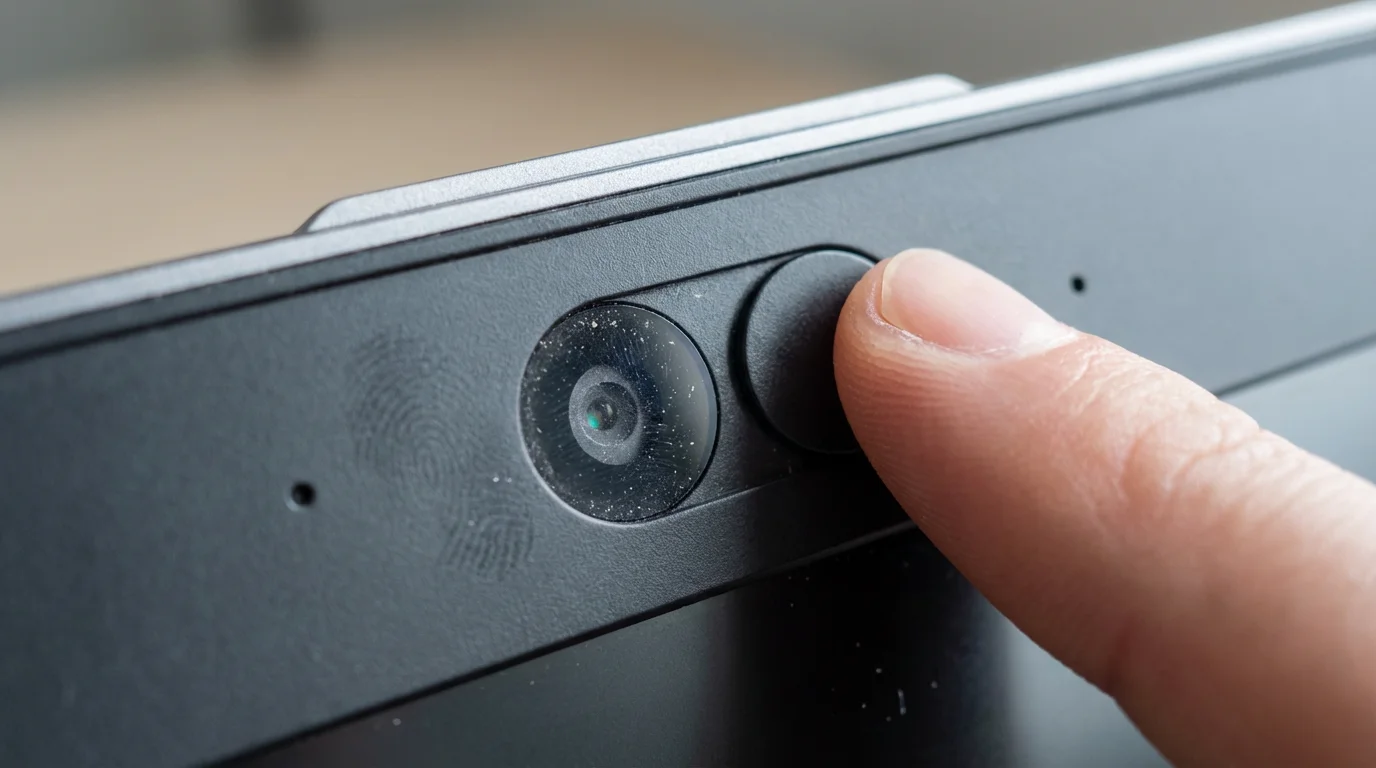
This is one of the most common and valid concerns about smart speakers. The idea of a device “always listening” can feel unsettling. We will delve deeper into privacy in a dedicated section below, but it is important to acknowledge that these devices collect data to function and improve. While companies state they only record after the wake word, the potential for accidental triggers or misuse of data is a legitimate worry for some.

Initial Cost and Potential Ongoing Costs
The initial purchase price of a smart speaker varies.
- Device Cost: Basic models, like the Amazon Echo Dot or Google Nest Mini, can cost anywhere from $30 to $60. More advanced speakers with better sound quality or built-in screens can range from $100 to over $200.
- Subscription Services: While the voice assistant itself is free, you might find more value if you subscribe to services like Spotify, Apple Music, or Amazon Music for ad-free music listening. Many people already pay for these, so it may not be an extra cost. You will not need to pay monthly just for the speaker to function.
- Smart Home Add-ons: If you want to use your smart speaker to control lights or thermostats, you will need to purchase those compatible devices separately, which adds to the overall cost.

Accuracy and Misinterpretations
Voice recognition technology has come a long way, but it is not perfect.
- Mishearing Commands: Sometimes, your smart speaker might mishear a word or misinterpret your request, leading to frustration. This can happen more frequently with accents, soft voices, or background noise.
- Limited Scope: While intelligent, voice assistants are not human. They cannot understand nuances, sarcasm, or complex multi-part questions as a person would. You often need to be somewhat direct and clear with your commands.
For independent reviews and comparisons of various electronics, including smart speakers, you can consult resources like Consumer Reports Electronics.
Choosing Your Companion: Alexa, Google Assistant, or Siri?
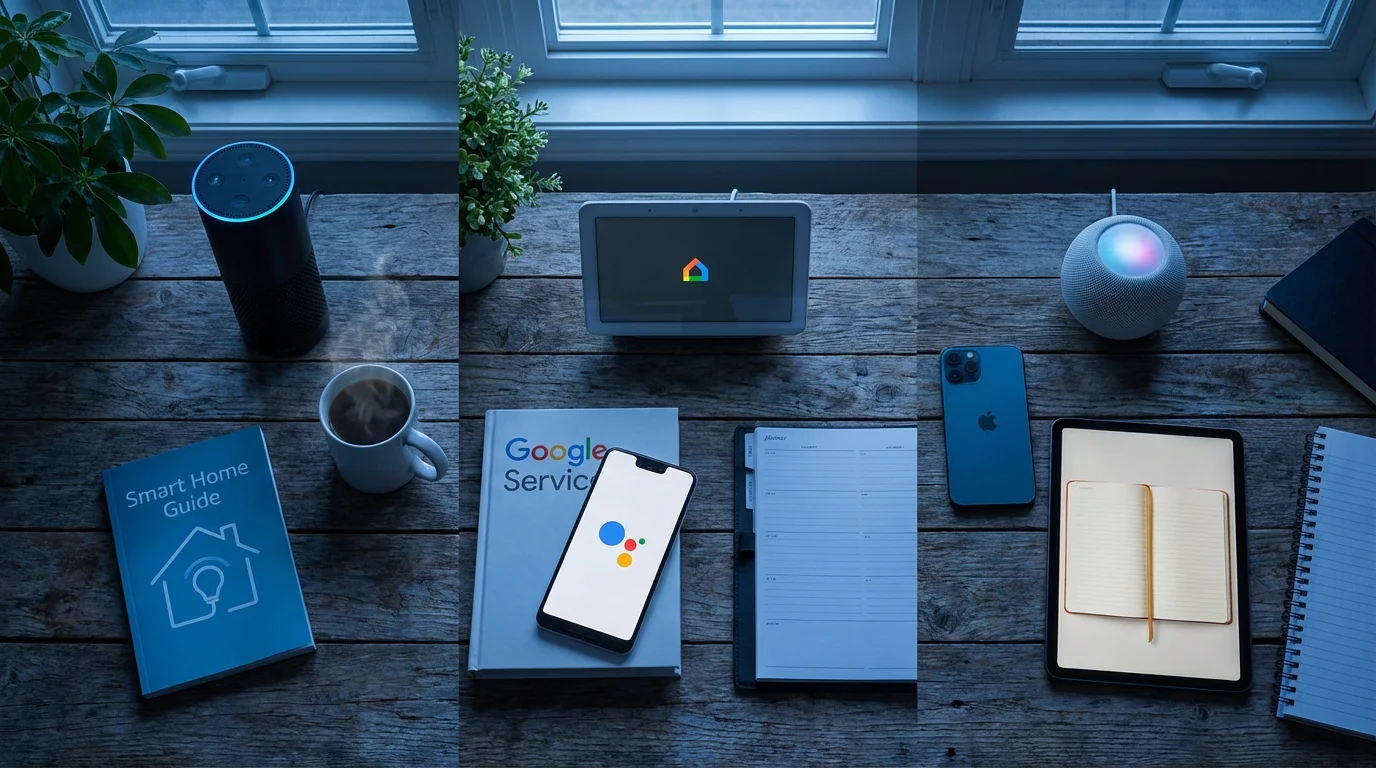
The smart speaker market is dominated by three main players: Amazon Echo (Alexa), Google Nest (Google Assistant), and Apple HomePod (Siri). Each offers a similar core experience but excels in different areas and integrates best with specific ecosystems. Understanding these differences will help you choose the best fit for your needs.
Amazon Echo (Alexa)
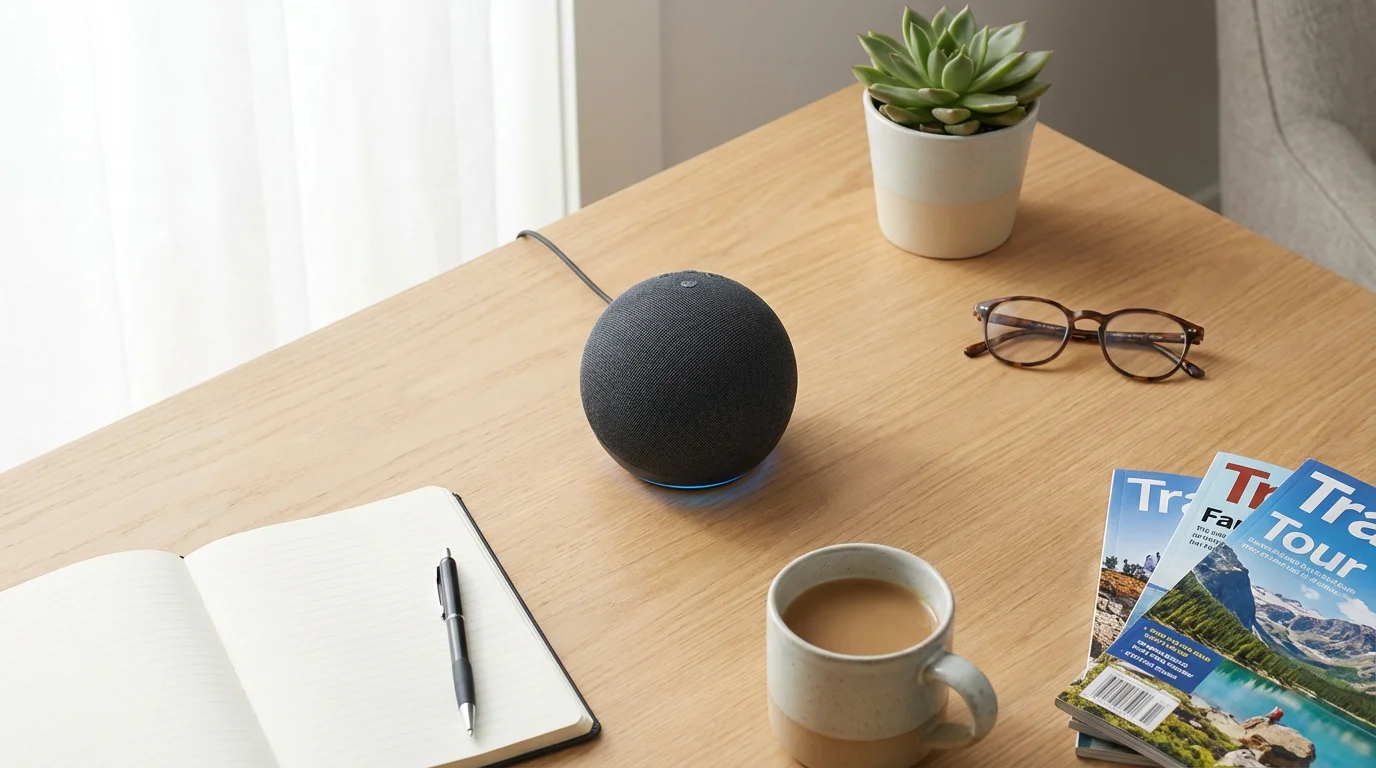
Amazon Echo devices, powered by the Alexa voice assistant, are perhaps the most popular and have the widest range of device models, from compact Dots to larger Studios with premium sound, and even devices with screens like the Echo Show.
- Strengths:
- Vast “Skills” Library: Alexa has thousands of “skills” (like apps for your smart speaker) for everything from games and recipes to news briefings and meditations. This wide variety means you can customize its capabilities significantly.
- Strong Smart Home Integration: Alexa is compatible with an enormous number of smart home devices from various brands. If you plan to build a smart home, Alexa offers extensive compatibility.
- Amazon Services Integration: If you are an Amazon Prime member or frequently shop on Amazon, Alexa integrates seamlessly with Amazon Music, Audible audiobooks, and can even help you reorder household items.
- Affordability: Entry-level Echo Dot devices are often the most affordable option, making it easy to try out a smart speaker without a large investment.
- Considerations:
- While Amazon has improved privacy controls, some users remain wary of its vast data collection practices tied to its e-commerce business.
- The sheer number of skills can sometimes feel overwhelming.
Google Nest (Google Assistant)
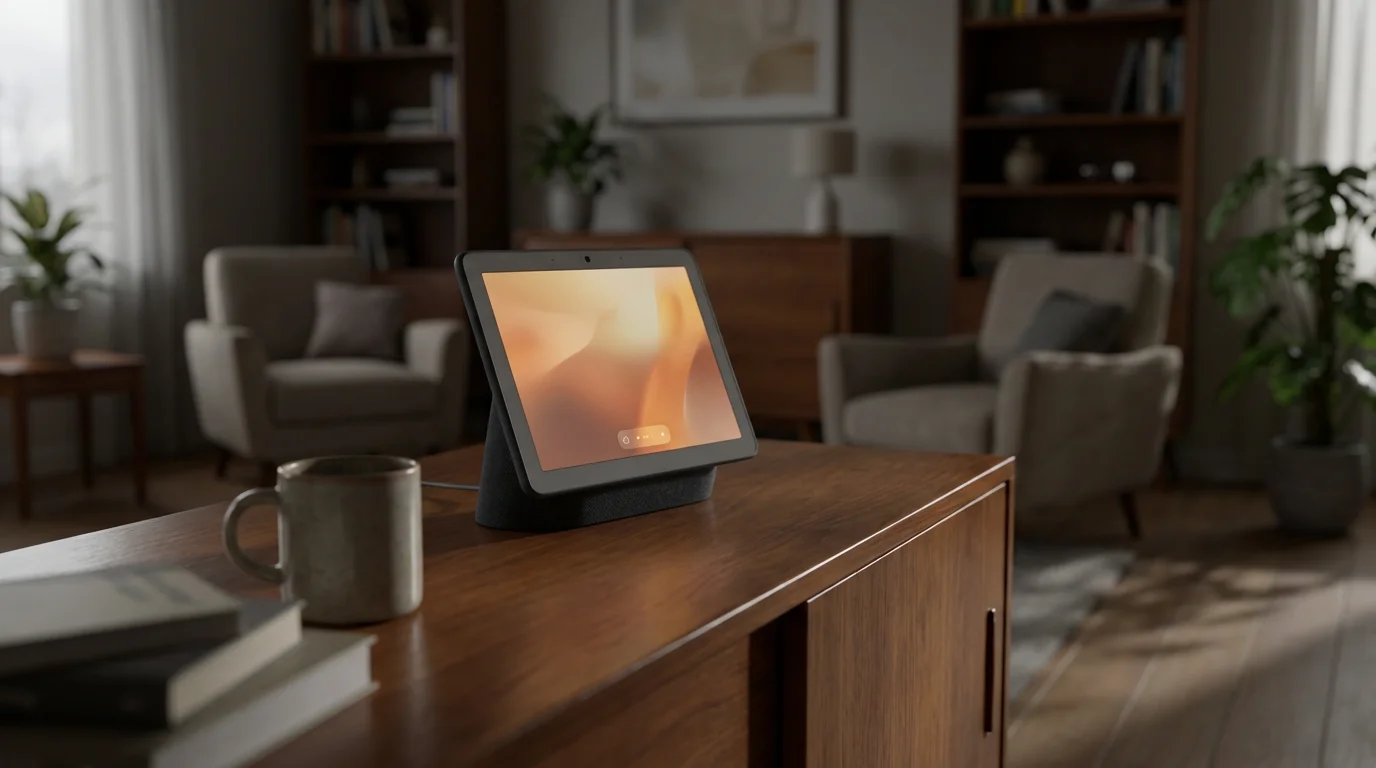
Google Nest devices are powered by the Google Assistant, known for its powerful search capabilities and deep integration with Google’s suite of services.
- Strengths:
- Superior General Knowledge: Drawing on Google’s search engine, Google Assistant often provides the most accurate and comprehensive answers to factual questions. It is excellent for quick research.
- Excellent for Organization: If you use Google Calendar, Gmail, or Google Maps, Google Assistant integrates seamlessly, allowing you to check your schedule, get traffic updates for appointments, and manage reminders directly.
- Natural Language Processing: Google Assistant is often praised for its ability to understand more natural, conversational requests, making interactions feel smoother.
- YouTube Integration: On Google Nest Hub devices (those with screens), you get excellent YouTube integration.
- Considerations:
- Fewer third-party integrations compared to Alexa, though still substantial.
- Concerns about Google’s data collection, given its advertising-driven business model, are similar to those for Amazon.
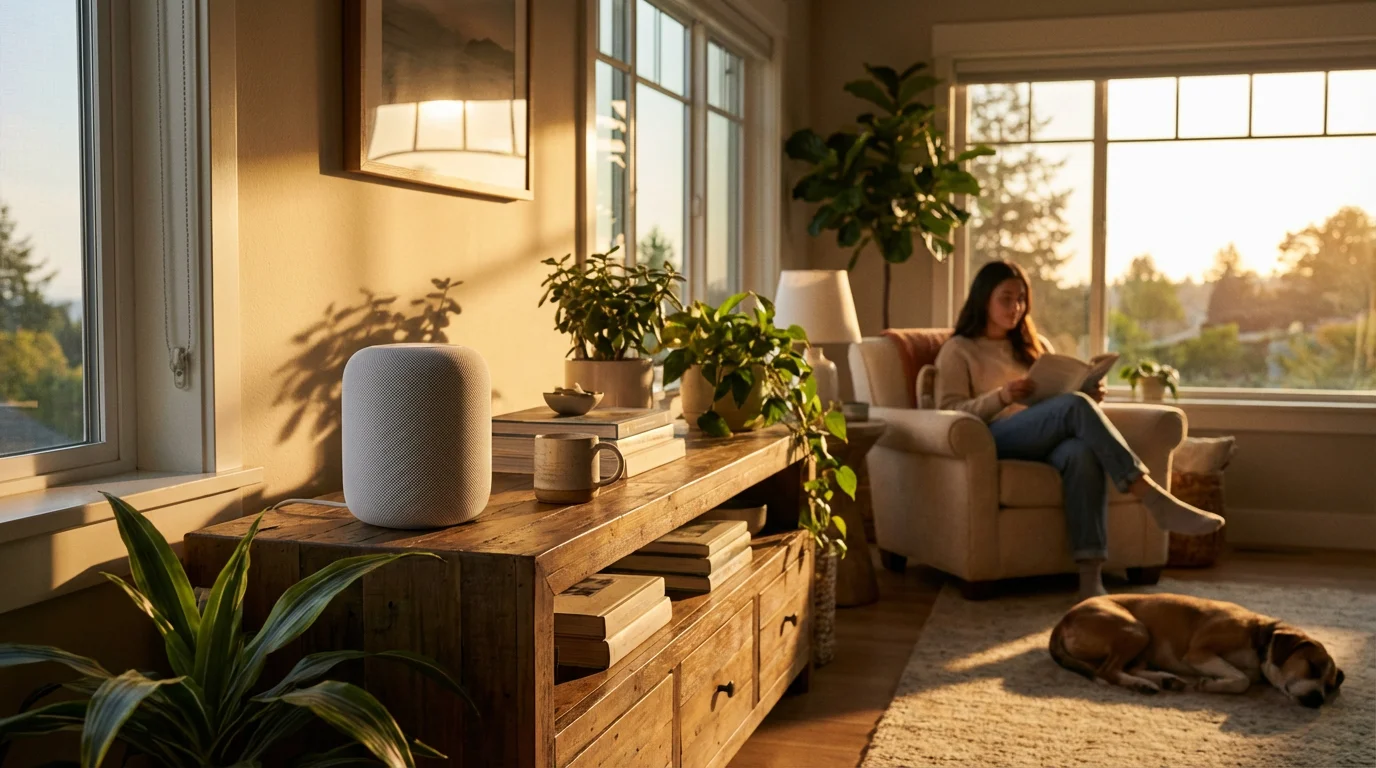
Apple HomePod (Siri)
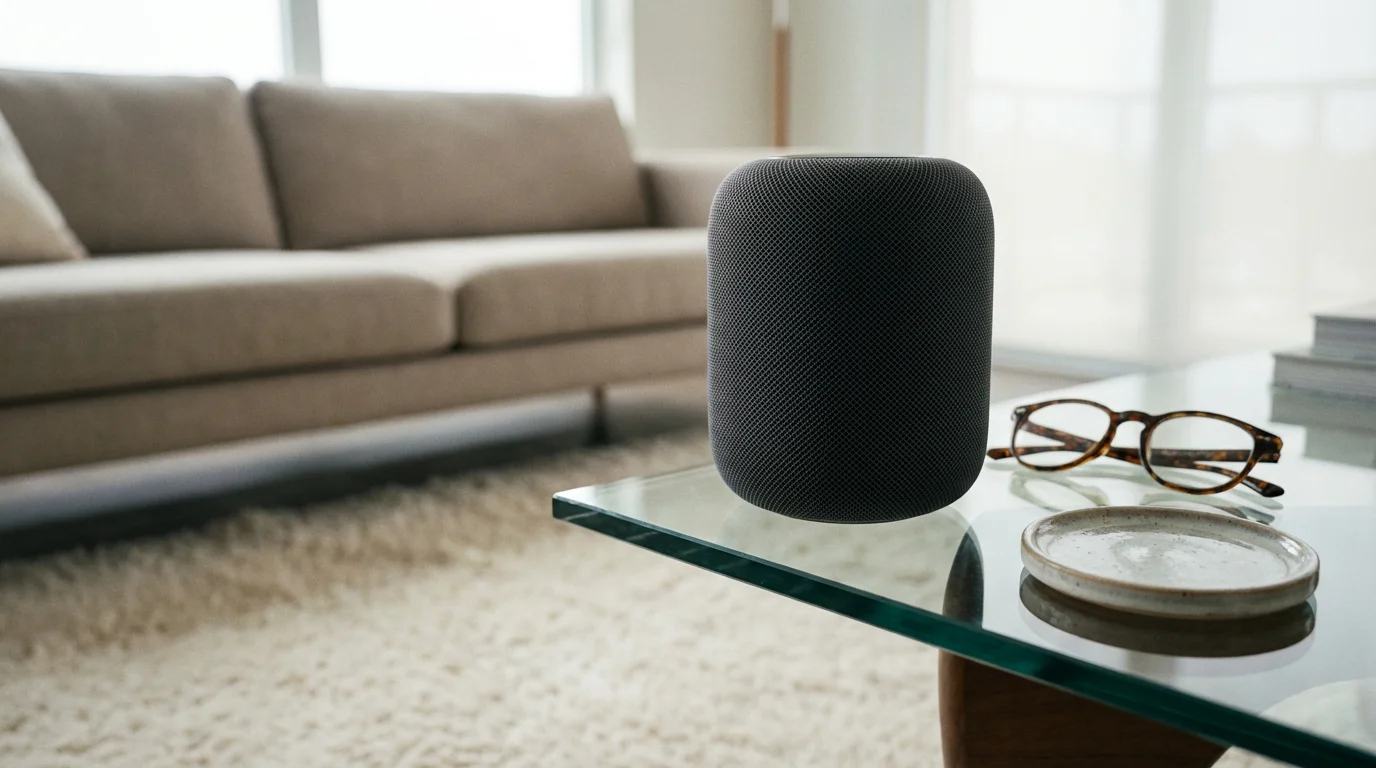
Apple’s HomePod line, featuring the Siri voice assistant, stands out for its audio quality and tight integration with the Apple ecosystem.
- Strengths:
- Premium Audio Quality: Both the HomePod and HomePod mini deliver exceptional sound, often considered superior to similarly priced competitors. If music listening is a top priority, Apple speakers truly shine.
- Strong Privacy Focus: Apple emphasizes user privacy more than its competitors, touting features like on-device processing and end-to-end encryption for certain data.
- Seamless Apple Ecosystem Integration: If you own an iPhone, iPad, or use Apple Music, the HomePod works effortlessly with these devices. You can hand off music playback from your iPhone to your HomePod with a tap.
- HomeKit Compatibility: Integrates smoothly with Apple’s HomeKit smart home platform, offering a secure and straightforward way to control compatible devices.
- Considerations:
- Higher Price Point: Apple devices generally carry a higher price tag.
- Limited Compatibility: Primarily designed for Apple users. Many features are significantly restricted or unavailable if you do not own an iPhone or other Apple devices. It has fewer third-party smart home integrations than Alexa or Google Assistant.
- Siri’s Capabilities: While improving, Siri is sometimes seen as less capable in general knowledge queries or complex tasks compared to Alexa or Google Assistant.
Choosing between these largely depends on your existing technology, your priorities (music quality, smart home breadth, information accuracy, or privacy focus), and your budget. There is no single “best” choice, only the best fit for you.

What You Need to Get Started (It’s Simpler Than You Think)
Setting up a smart speaker might seem daunting, but manufacturers have streamlined the process significantly. You do not need to be a tech wizard. Here is what you will generally need:
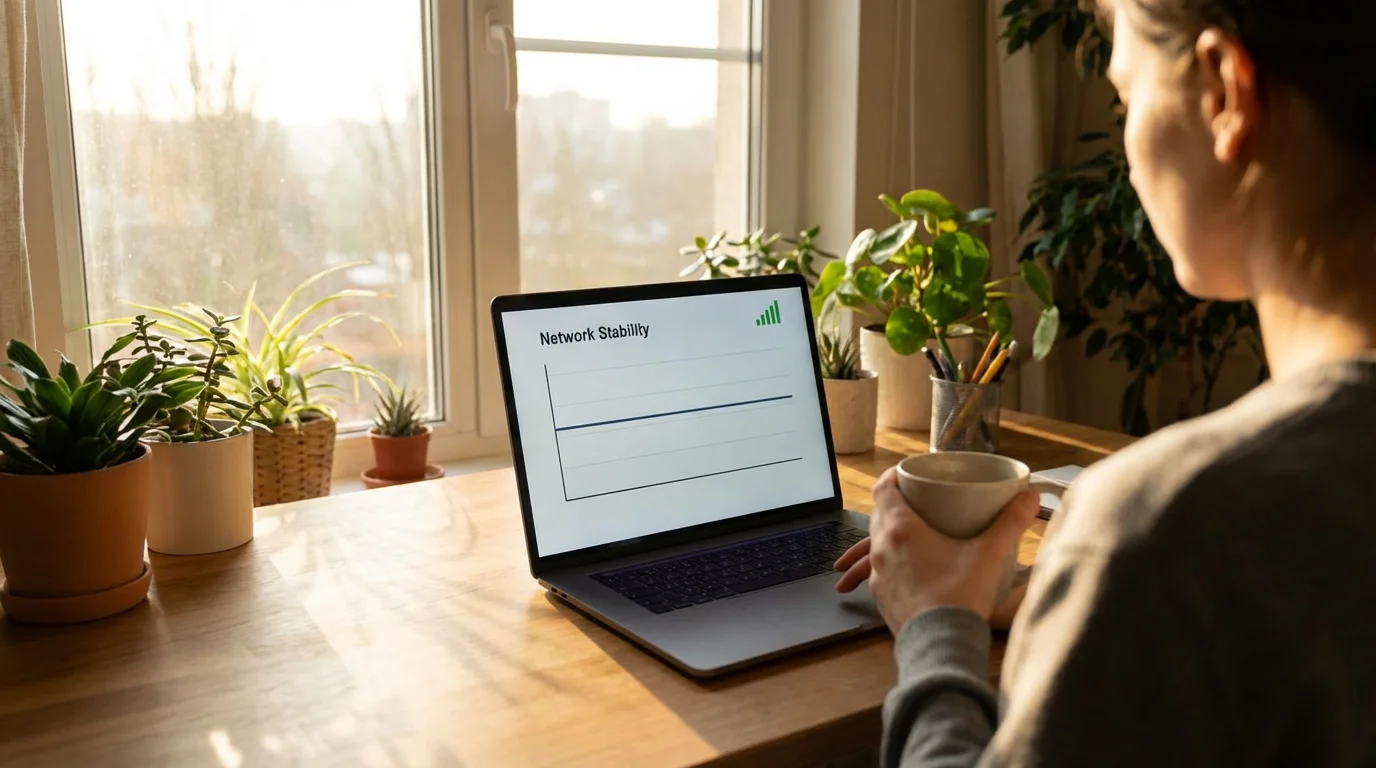
1. A Stable Wi-Fi Connection
This is the most crucial requirement. Your smart speaker uses your home’s Wi-Fi to connect to the internet, access its voice assistant services, and communicate with other smart devices.
- Router Placement: Ensure your Wi-Fi router is working well and provides a strong signal in the area where you plan to place your smart speaker.
- Wi-Fi Password: You will need your Wi-Fi network name (SSID) and password during the initial setup. Keep this handy.

2. A Smartphone or Tablet
While smart speakers operate independently with voice commands after setup, you typically need a smartphone or tablet for the initial configuration and ongoing management.
- Manufacturer’s App: You will download the specific app for your device:
- Amazon Echo: The Alexa app
- Google Nest: The Google Home app
- Apple HomePod: The Home app (built into iPhones/iPads)
- Purpose of the App: This app guides you through connecting the speaker to your Wi-Fi, linking your accounts (like music services), customizing settings, and managing privacy controls.

3. A Power Outlet
Smart speakers need to be plugged into a standard electrical outlet. They typically come with a power adapter in the box.

4. An Account with the Manufacturer
You will need an account specific to the smart speaker brand.
- Amazon: An Amazon account (many people already have one for shopping).
- Google: A Google account (e.g., if you use Gmail or an Android phone).
- Apple: An Apple ID (if you use an iPhone, iPad, or Mac).
These accounts link your device to your personal settings, preferences, and any connected services.

5. A Little Patience
The setup process is usually guided step-by-step within the app. Just follow the on-screen instructions, and you should have your smart speaker up and running in about 10-20 minutes. If you encounter any issues, manufacturer support websites like Google Support or Apple Support offer helpful guides and troubleshooting tips. Do not be afraid to take your time and read each step carefully.
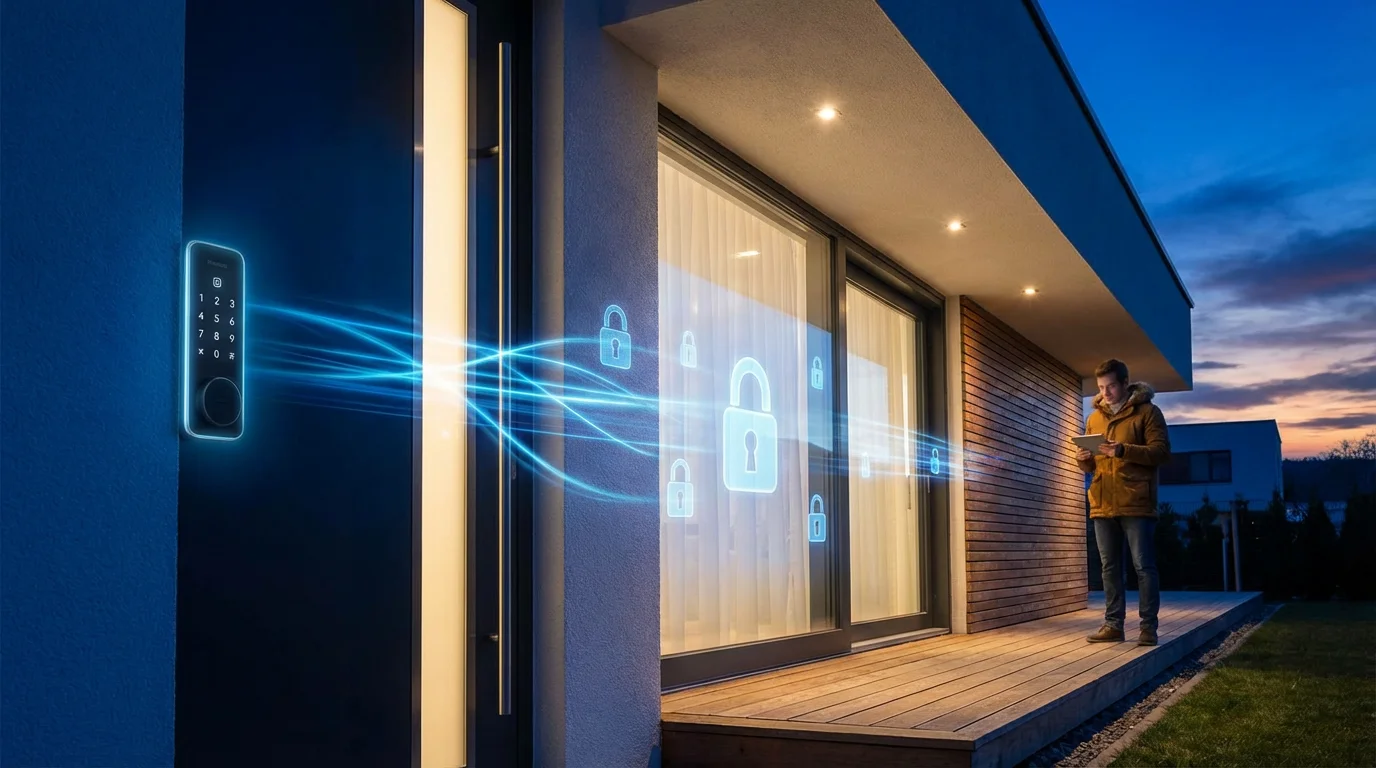
Protecting Your Home and Data: Privacy and Security Explained
Privacy is a top concern for many people considering a smart speaker, and for good reason. Understanding how these devices handle your data helps demystinate the technology and allows you to make informed decisions about your privacy settings.

The “Always Listening” Myth vs. Reality
The biggest privacy fear is that your smart speaker is constantly recording and sending your conversations to the cloud. This is a common misconception. Here is the reality:
- Wake Word Detection: Smart speakers are indeed “always listening” in a very specific way. They continuously listen for their designated “wake word” (e.g., “Alexa,” “Hey Google,” “Siri”). This processing happens locally on the device, without sending audio to the internet.
- Recording After Wake Word: Only *after* the device detects its wake word does it begin recording the audio and send that recording to the cloud for processing. This is how the voice assistant can understand your command and respond.
- Accidental Triggers: Sometimes, a word that sounds similar to the wake word, or even something in a TV show, can accidentally trigger the device. When this happens, a short audio clip might be recorded and sent to the cloud. You can typically review and delete these recordings in the device’s companion app.

What Data Do They Collect and Why?
When your smart speaker records a command, that audio clip, along with a transcript of your request, is sent to the company’s servers. This data helps the voice assistant:
- Understand Your Request: It analyzes your words to fulfill your command.
- Improve its Services: Companies use aggregated and anonymized data to improve voice recognition, expand their knowledge base, and develop new features. In some cases, human reviewers may listen to small, anonymized snippets of recordings to help refine the AI’s understanding, though you can often opt out of this.
- Personalize Your Experience: Your preferences, such as your favorite music genres or news sources, are stored to give you a more tailored experience.

How to Take Control of Your Privacy
You are not powerless when it comes to smart speaker privacy. Manufacturers provide tools to manage your data:
- Review and Delete Voice Recordings: All major smart speaker apps allow you to view a history of your voice commands and delete them individually or in bulk. This is a powerful tool for maintaining control over your data.
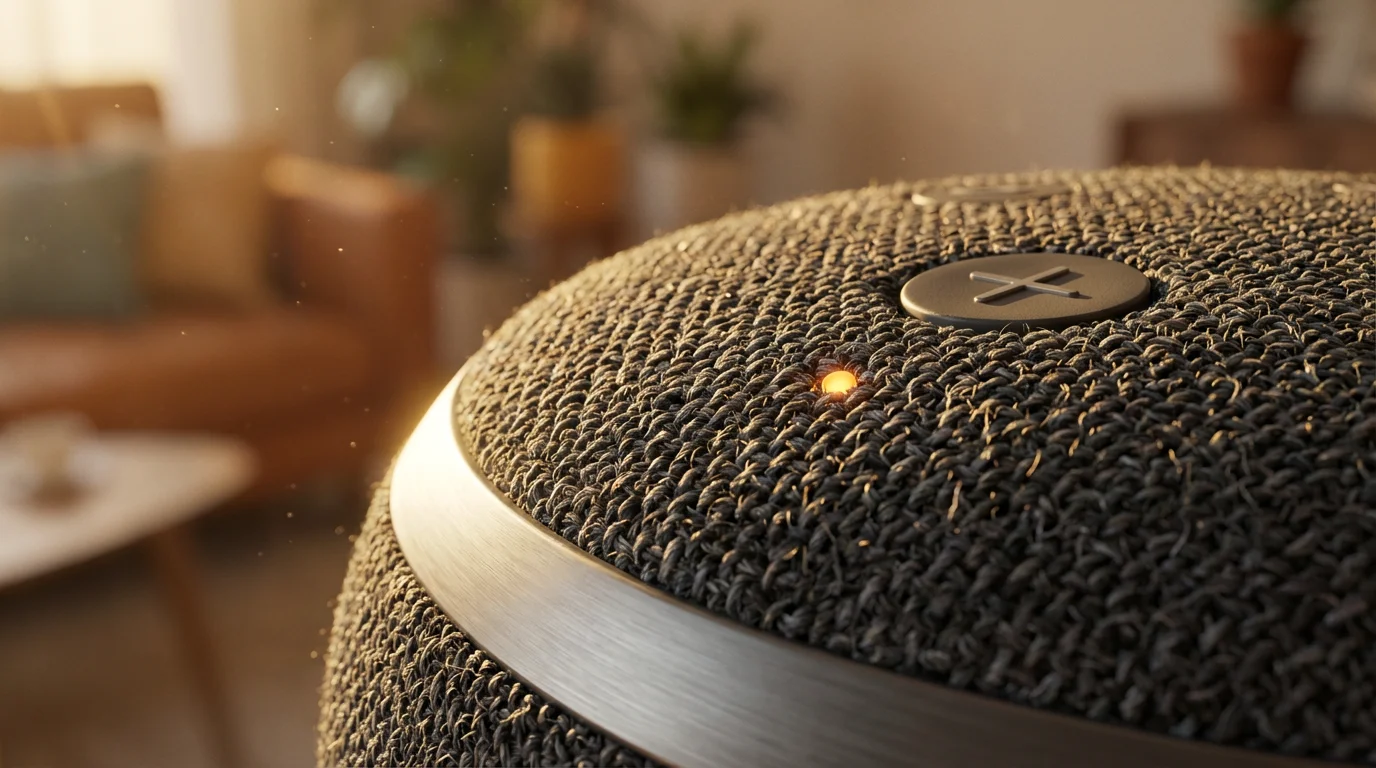
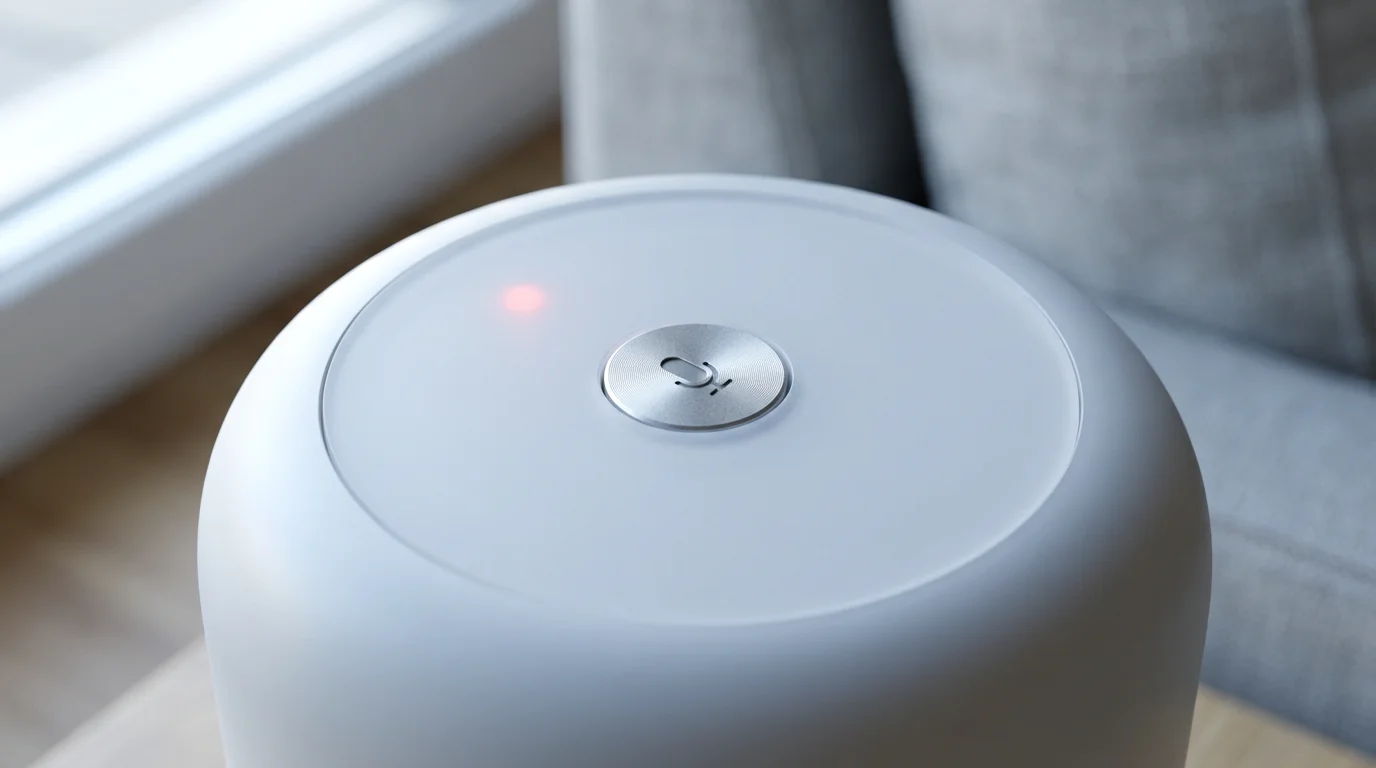
- Mute the Microphone: Every smart speaker has a physical mute button. When pressed, this button electrically disconnects the microphones, ensuring the device cannot hear anything, including its wake word. This provides absolute assurance of privacy when you need it.
- Manage Privacy Settings in the App: Dive into the settings section of the Alexa, Google Home, or Home app. Here you can often:
- Opt out of human review of your voice recordings.
- Adjust how long your voice recordings are stored.
- Limit the data that is collected for advertising or service improvement.
- Use Strong Wi-Fi Security: Your smart speaker communicates over your home Wi-Fi. Ensure your Wi-Fi network is secured with a strong password to prevent unauthorized access.
- Keep Software Updated: Regularly update your smart speaker’s software (this usually happens automatically) to benefit from the latest security patches and privacy enhancements.

Company Privacy Stances
- Apple HomePod: Generally has the strongest reputation for privacy, with more on-device processing and a business model less reliant on data for advertising. They state that requests processed in the cloud are associated with a random identifier, not your Apple ID, and recordings are only kept for short periods unless you opt in to share.
- Amazon Echo & Google Nest: Both companies have made significant strides in offering clearer privacy controls and options for deleting data. However, their primary business models involve extensive data collection, which some users remain cautious about.
Ultimately, the level of privacy you achieve with a smart speaker depends on your comfort level with data collection and how proactively you use the available privacy controls. Using the mute button and regularly deleting recordings are effective ways to manage your concerns.
Frequently Asked Questions
Is my smart speaker always listening to me?
Your smart speaker is “always listening” for its wake word, like “Alexa” or “Hey Google.” This listening happens locally on the device. It only begins to record and send audio to the cloud for processing *after* it detects the wake word. You can use the physical mute button on the device to electrically disable the microphones for complete privacy.
Do I need to pay a monthly fee for a smart speaker?
No, you do not need to pay a monthly fee just for the smart speaker to function and use its basic voice assistant features. The voice assistant itself is free. You might choose to subscribe to services like Spotify, Apple Music, or Amazon Music for ad-free music, but these are optional and likely services you already use.
Can smart speakers make phone calls?
Yes, most smart speakers can make phone calls. You can typically link your phone’s contacts or a specific phone number to the device. For example, you could say, “Alexa, call Mom,” or “Hey Google, call John Smith.” Some devices can also make calls to 911, but it is crucial to confirm this capability for your specific model and local emergency services before relying on it.
Are smart speakers difficult to set up?
No, smart speakers are generally not difficult to set up. Manufacturers have designed the process to be straightforward. You will usually download a companion app (Alexa app, Google Home app, or Apple Home app) to your smartphone or tablet, which then guides you step-by-step through connecting the speaker to your home Wi-Fi and linking your accounts. The entire process often takes only 10 to 20 minutes.

Making Your Decision: Is a Smart Speaker Right for You?
After exploring what smart speakers do, their benefits, and their considerations, you are now equipped to make an informed decision. There is no right or wrong answer; the best choice depends on your personal needs, comfort with technology, and lifestyle.
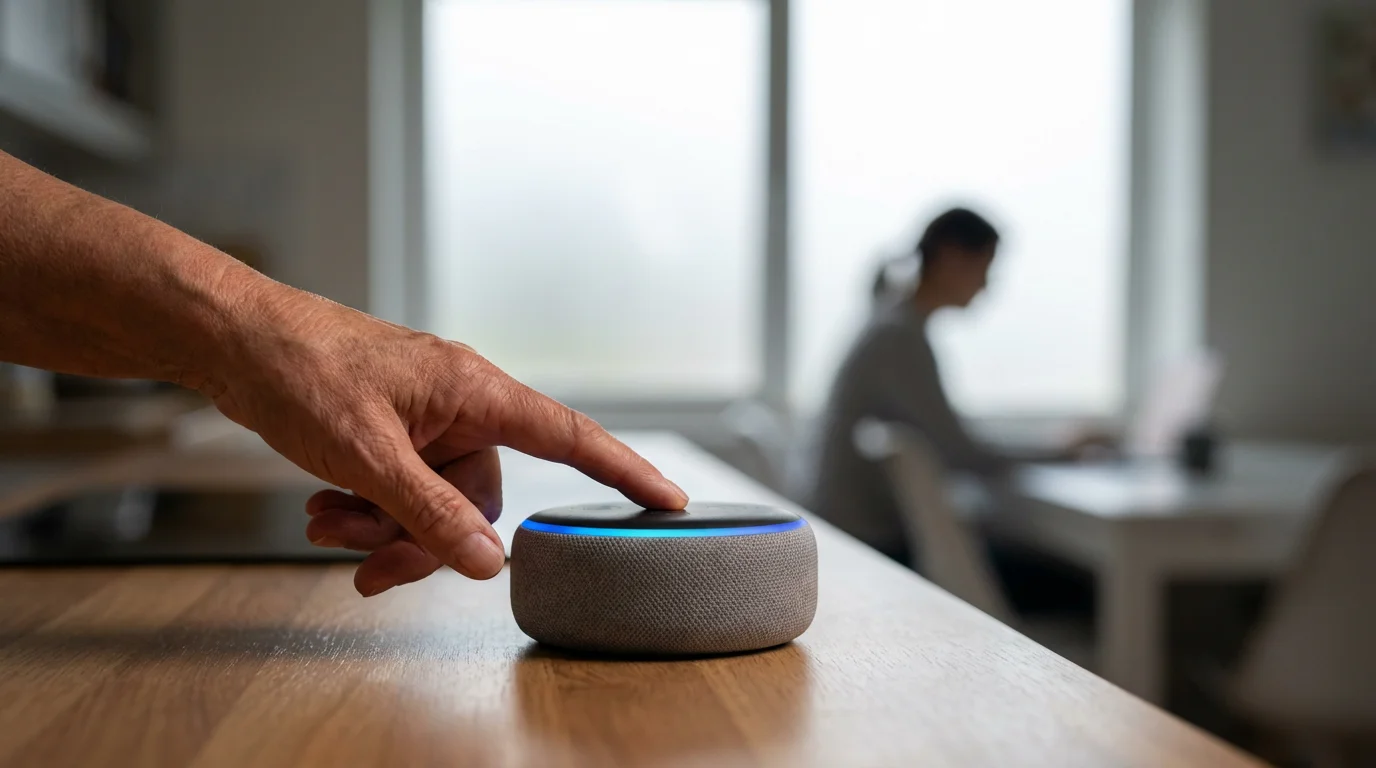
Who Benefits Most from a Smart Speaker?
A smart speaker truly shines for individuals who:
- Seek Greater Convenience: If you appreciate hands-free control for tasks like playing music, setting timers, getting news, or making calls, a smart speaker delivers.
- Value Accessibility: For those with limited mobility, vision impairments, or difficulty using small screens, voice commands offer a liberating way to interact with technology. Imagine changing the music or turning off lights just by speaking, without having to get up.
- Desire Quick Information and Entertainment: If you enjoy having immediate answers to questions, listening to audiobooks, podcasts, or music effortlessly, you will find a smart speaker invaluable.
- Are Curious About Smart Home Technology: A basic smart speaker is an excellent entry point into the world of smart home devices. It allows you to experiment with voice control for future smart lights or thermostats without a huge investment.
- Want a Simple Way to Stay Connected: The ability to easily call family and friends with just your voice enhances connection and peace of mind.
“I was skeptical at first, but my Google Nest Mini helps me remember my appointments. I ask it every morning, ‘Hey Google, what’s on my calendar today?’ It is like having a reliable assistant right there.”

Who Might Find a Smart Speaker Less Useful?
Smart speakers may not be the ideal fit if you:
- Do Not Have Reliable Wi-Fi: Since a strong Wi-Fi connection is essential for nearly all smart speaker functions, those without dependable internet will find the device frustratingly limited.
- Are Deeply Uncomfortable with Voice Data Collection: While privacy controls exist, the fundamental operation of a smart speaker involves voice data being sent to the cloud. If this concept is a strong deterrent for you, a smart speaker may not provide peace of mind.
- Are Unwilling to Learn New Commands: While the learning curve is not steep, it does require some effort to familiarize yourself with voice commands. If you prefer strictly traditional methods of interaction, it might not be a worthwhile investment.
- Rarely Use Streaming Music or Podcasts: If your primary entertainment comes from traditional radio or television, and you have no interest in streaming audio, some of the main benefits of a smart speaker diminish.

Final Advice: Start Small and Explore
If you are on the fence, consider starting with a basic, affordable model like an Amazon Echo Dot or a Google Nest Mini. These devices offer the full voice assistant experience at a low cost, allowing you to explore the benefits without a significant financial commitment. Place it in a central location, like your kitchen or living room, and try out simple commands. You might be surprised at how quickly it becomes a helpful part of your daily routine.
Remember, technology should serve you, not the other way around. A smart speaker offers a modern way to simplify tasks, stay informed, and enjoy entertainment. Consider your own needs and preferences, and then decide if this helpful voice companion has a place in your home. You can find more helpful information on technology and aging at Senior Planet from AARP.
Disclaimer: This article is for informational purposes only. Product features and prices change frequently. Always check current specifications and reviews before purchasing. We recommend buying from authorized retailers with good return policies.









Leave a Reply