

Living independently is a priority for many of us as we age. We want to stay in our own homes, tend to our gardens, and maintain our daily routines without constant supervision. However, the reality is that accidents happen, and a fall or a sudden medical issue can turn a quiet afternoon into a crisis. This is where a Personal Emergency Response System, commonly known as a PERS or a medical alert system, becomes an essential tool for maintaining that cherished independence.
Using technology to stay safe is often part of a broader goal to stay connected when family lives far away while maintaining your independence.
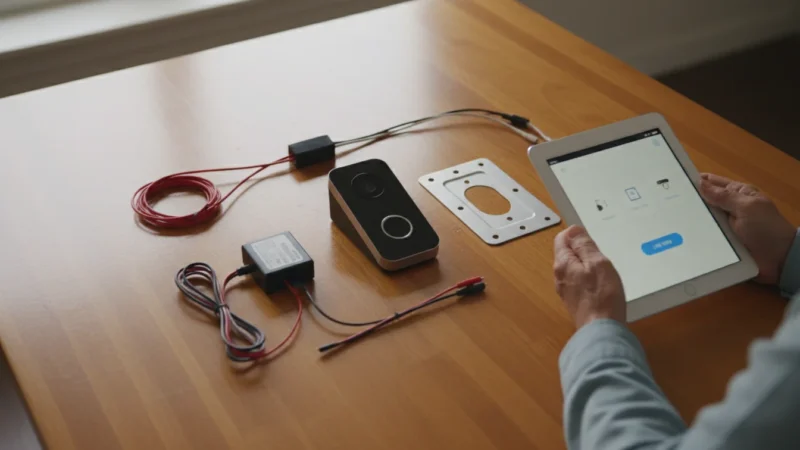
In addition to emergency help, many seniors find that setting up a video doorbell helps them manage their home safely by seeing who is at the door without having to get up.
Many people hesitate to get a medical alert system because they worry it makes them look “old” or frail. Others avoid it because they fear the technology will be too difficult to set up. But modern systems are designed with simplicity in mind. They are not just for emergencies; they are peace of mind in a box—both for you and your loved ones.
In this guide, you will learn exactly how to choose, set up, and use a medical alert system. We will strip away the technical jargon and focus on how this device works in the real world to keep you safe.
Table of Contents

Understanding What a PERS Is (and Why It Matters)
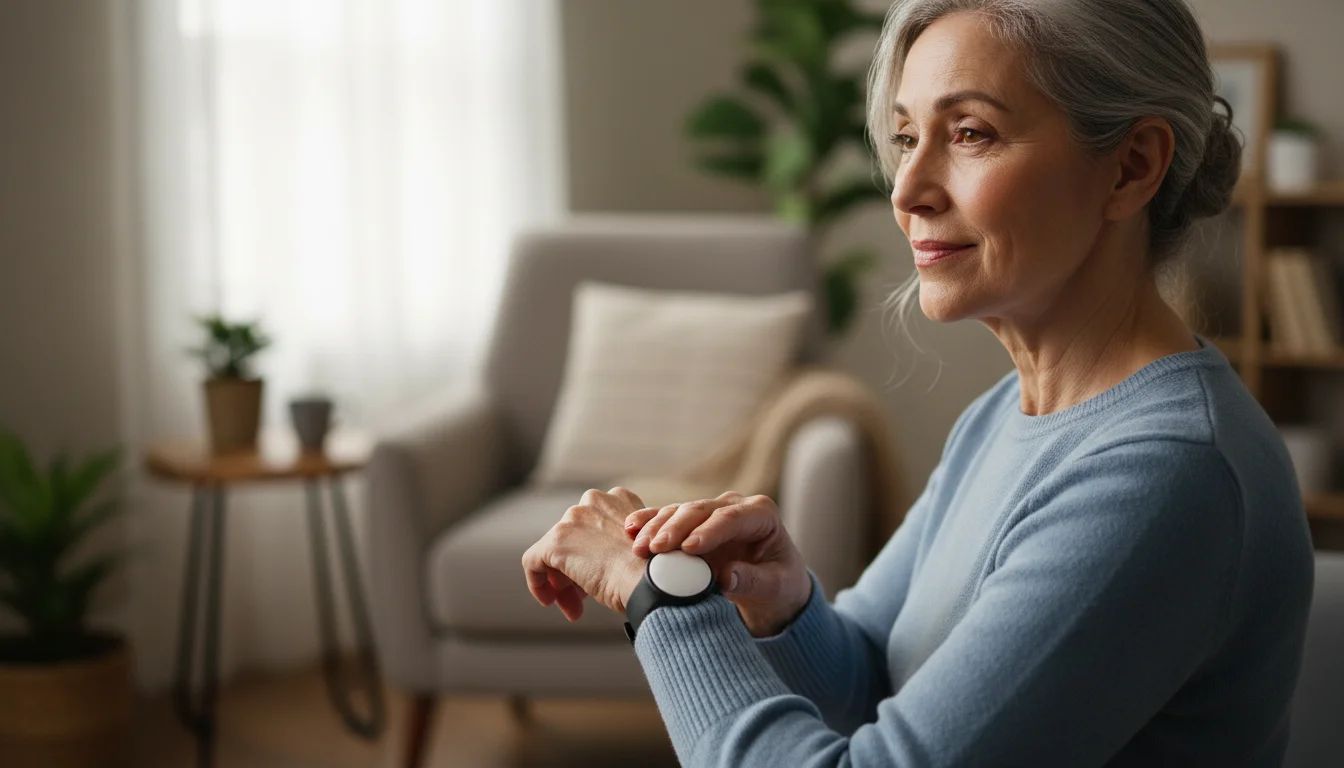
At its core, a Personal Emergency Response System (PERS) is a communication device that connects you to help with the push of a single button. It bridges the gap between an accident occurring and help arriving.
For additional safety, many people also learn how to use Amazon Echo as a voice-activated way to call for assistance inside the house.
Typically, a system consists of two main parts:
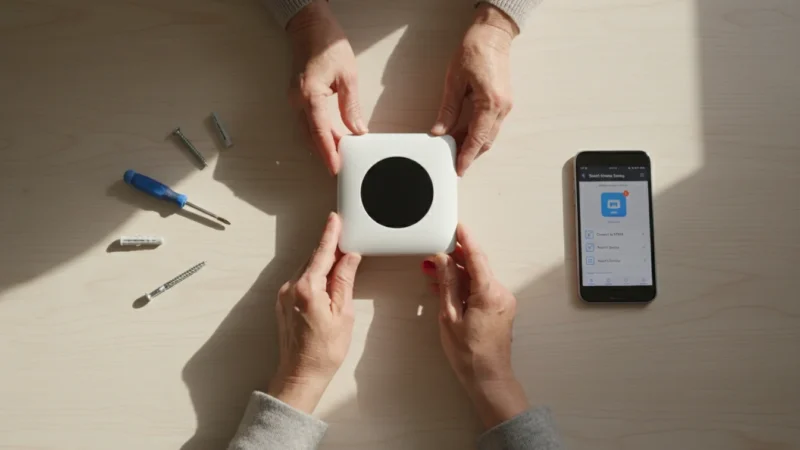
- The Base Station: A box that sits on a table or shelf in your home. It acts as the “brain” of the system, connecting to the outside world via a landline phone or a cellular signal.
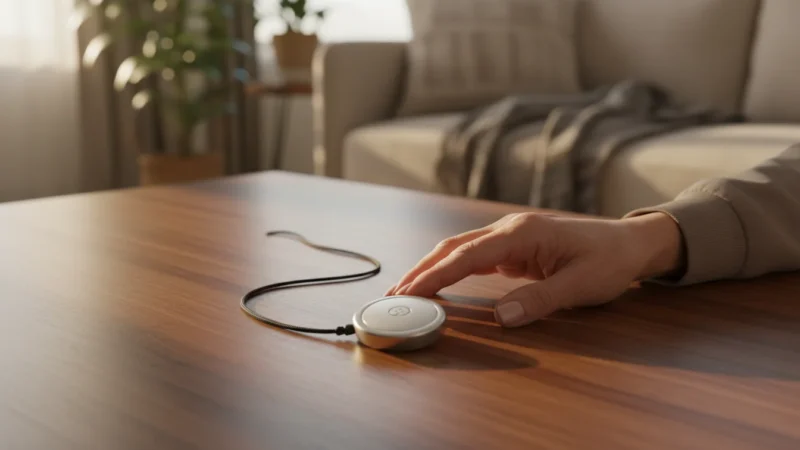
- The Wearable Button: A small, lightweight button worn as a necklace pendant or on a wristband. This communicates wirelessly with the base station.
When you press the button, the system calls a 24/7 monitoring center. A trained operator answers, speaks to you through the loud speaker on the base station, assesses your situation, and dispatches the appropriate help—whether that is a neighbor, a family member, or emergency services.
“Think of a PERS not as a reminder of limitations, but as a tool for liberation. It allows you to move freely about your home knowing that if something happens, you aren’t alone.”
According to the National Council on Aging, falls are the leading cause of fatal and non-fatal injuries for older Americans. A PERS ensures that if a fall happens, you minimize the “lie time”—the time spent waiting for help—which is crucial for a full recovery.
Choosing the Right Type of System
Before you start plugging in wires, you need to ensure you have the right equipment for your lifestyle. Technology has evolved, and you are no longer tethered to a wall jack if you don’t want to be. There are three main categories of systems:
1. Traditional Landline Systems
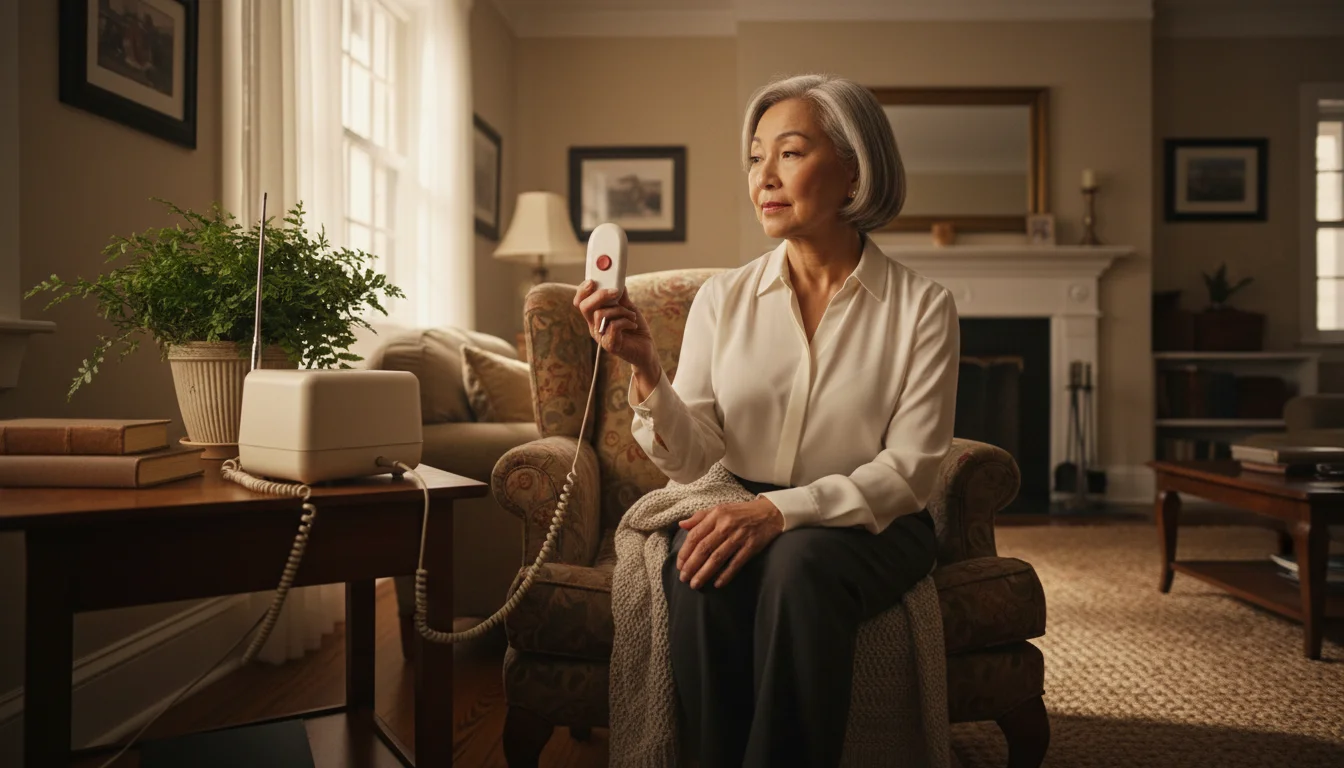
These plug directly into your existing home telephone jack. They are often the most affordable option and are very reliable as long as your phone service is working.
Best for: People who rarely leave the house and have a reliable landline.
2. In-Home Cellular Systems
These look like landline systems but use a cellular signal (like a mobile phone) to connect to the monitoring center. You do not need your own cell phone or a separate contract for this; the service is built into the monthly fee of the device.
Best for: People who have cut the cord and no longer have a landline, but still spend most of their time at home.
3. Mobile “On-the-Go” Systems
These are all-in-one wearable devices equipped with GPS (Global Positioning System) technology. They work anywhere there is cellular coverage—at the grocery store, on a walk, or visiting friends.
Best for: Active seniors who drive, travel, or walk regularly outside their home.
Unboxing and Pre-Setup Checklist
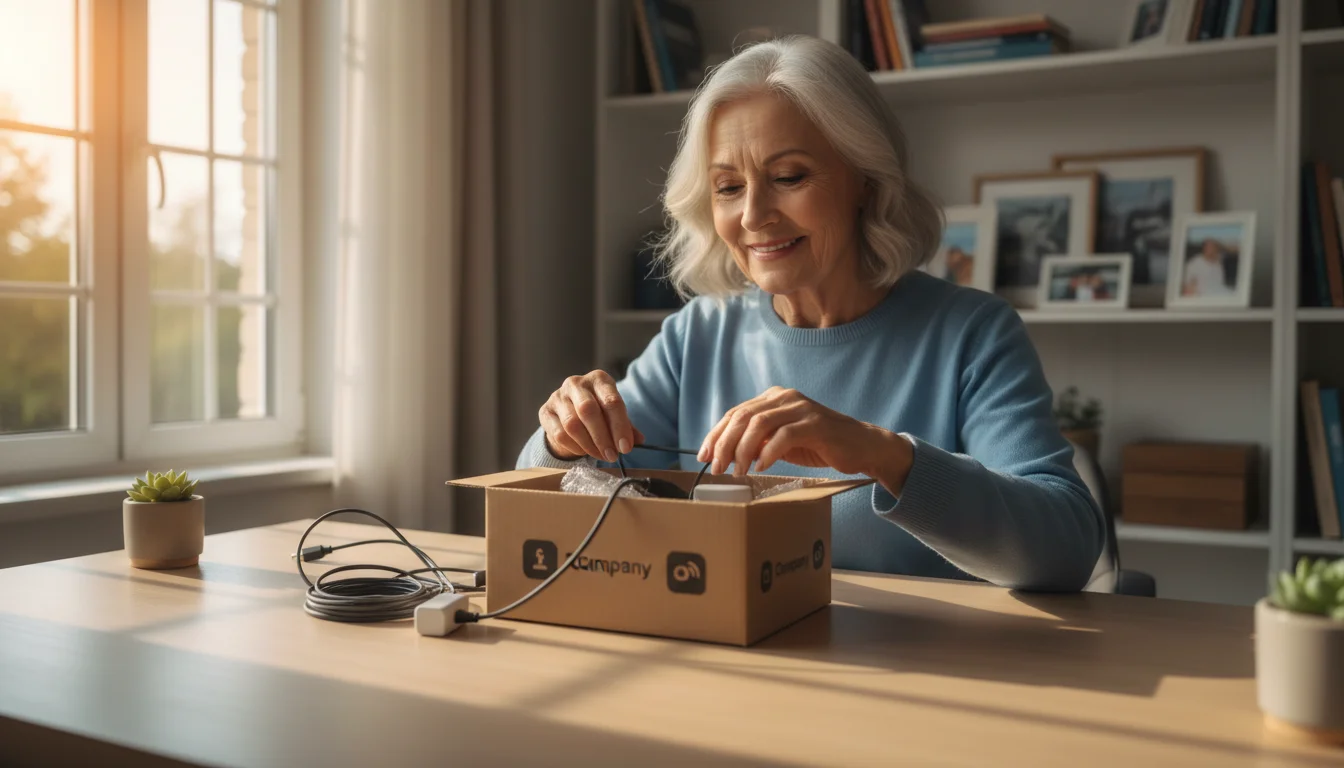
When your package arrives, take a moment to clear a workspace. You don’t want to lose any small cords or adapters. Open the box and verify you have the following components (contents may vary slightly by brand):
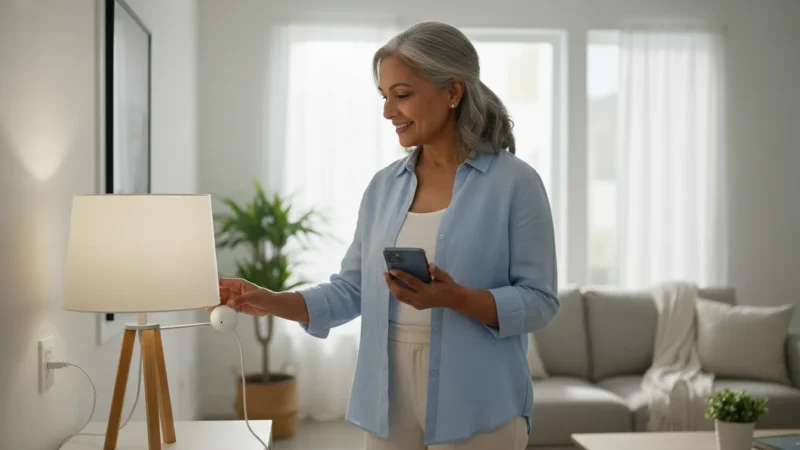
To further prevent falls, consider setting up smart plugs to ensure hallways are automatically well-lit at night.
- The Base Unit: The main speaker box.
- The Help Button: Either a wristband or a pendant.
- Power Cord: To plug the base unit into a wall outlet.
- Telephone Cord: Only if you ordered a landline version.
- Instruction Manual: Keep this handy.
Before you plug anything in:
- Find the Center: Choose a central location for your base station. It needs to be in a room where you spend a lot of time, like the living room or bedroom. Avoid putting it near noisy appliances or behind thick furniture that might block the microphone.
- Check the Signal: If you have a cellular system, try to place the unit near a window or an area where you know cell reception is strong.
- Identify an Outlet: You need an electrical outlet that is not controlled by a light switch. You don’t want to accidentally turn off your safety system when you flip the light switch off at night.
Step-by-Step Setup Guide
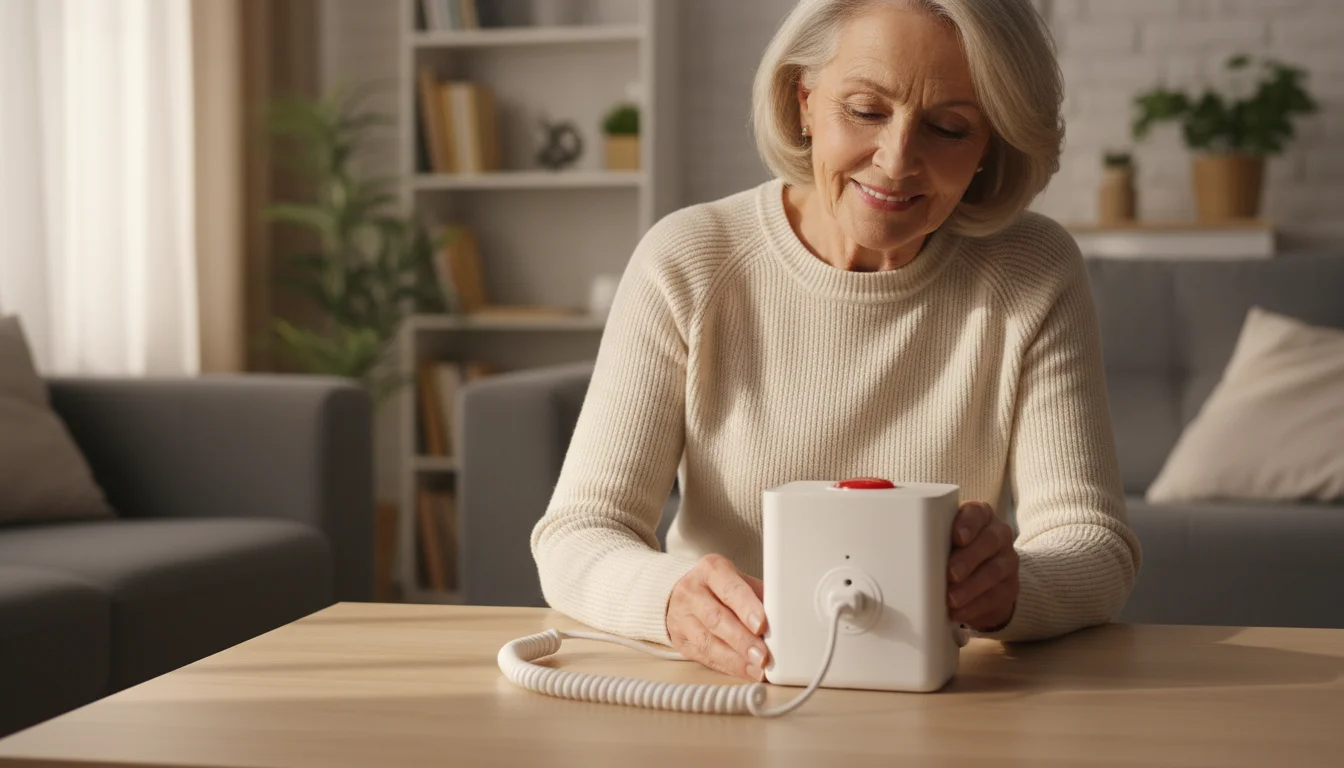
Setting up a PERS is usually much easier than setting up a computer or a smartphone. Follow these steps for a standard in-home unit.
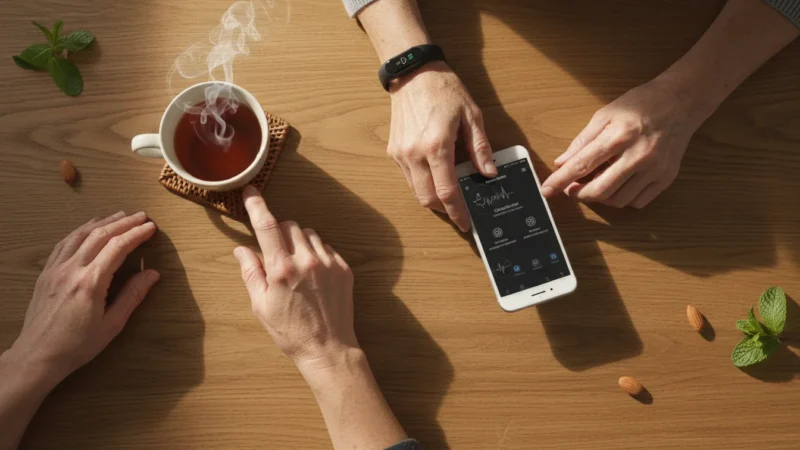
If you prefer a modern wearable with similar capabilities, you can also learn how to use an Apple Watch for health tracking which includes built-in fall detection.
Step 1: Connect the Power
Plug the power adapter into the back of the base station, and plug the other end into your wall electrical outlet. The device will likely light up or beep. Some units will announce, “System ready,” or a light will turn from blinking to solid to indicate it has power.
Step 2: Connect the Phone Line (Landline Units Only)
If you have a cellular unit, skip this step. For landline units:
- Unplug your home telephone from the wall jack.
- Plug the medical alert base station into that wall jack using the provided cord.
- Plug your home telephone into the back of the medical alert base station (there is usually a port labeled “Phone”). This ensures your house phone still works.
Step 3: Power on the Wearable (If Required)
Most wearable buttons come with a battery already installed that lasts for years. However, if you have a Mobile GPS unit, you likely need to place it in its charging cradle for a few hours before first use.
Step 4: The Initial Test
This is the most important step. You must verify the system works.
- Press the Button: Push the help button on your pendant or wristband.
- Wait for the Tone: You will hear a loud beep or ring from the base station.
- Speak to the Operator: After a few moments, a voice will come over the base station speaker. They will ask if you have an emergency.
- State Your Intent: Clearly say, “No emergency, I am just testing my new system.”
- Confirmation: The operator will thank you, confirm they can hear you clearly, and disconnect the call.
If the operator does not answer, or if the base station doesn’t react, check your power connections and ensure the phone line is secure. Refer to your manual for specific troubleshooting lights.

Using Your System in Daily Life
Owning the system is only half the battle; you have to use it correctly for it to be effective.
Wear It continuously
The most common mistake users make is leaving the button on the nightstand or hanging it on a hook in the bathroom. Accidents often happen in the bathroom or when getting out of bed at night. Most buttons are waterproof. You should wear your pendant or wristband in the shower (where slip risks are high) and while sleeping.
Understanding Range
If you have an in-home system, the button only works when it is within range of the base station. This is typically 600 to 1,000 feet, which covers most homes and even the backyard. However, if you walk down the block to the mailbox, an in-home button will likely not connect. If you frequent the neighborhood, a Mobile GPS system is a safer choice.
Automatic Fall Detection
Many modern systems offer “Fall Detection” as an add-on feature. These pendants contain sensors (accelerometers) that detect the specific motion of a fall. If the device senses a fall and you do not move, it calls for help automatically.
Important Note: Fall detection is not 100% perfect. It may not detect a slow slide from a chair, or it might trigger a false alarm if you drop the pendant. If you fall and are able to press the button, always press it. Do not wait for the automatic sensor.

Testing and Maintenance
Technology is reliable, but not infallible. You should test your system once a month. Pick a date that is easy to remember, such as the day you pay your bills or the first day of the month.
A simple way to stay on top of these checks is to use Google Calendar to remember important dates like your monthly system test.
To test, simply press your button and tell the operator you are testing. They are accustomed to this; in fact, they encourage it. It confirms the battery is good and the connection is strong.
Battery Life:
Standard in-home buttons have non-rechargeable batteries that last 3 to 5 years. The system usually automatically alerts the monitoring center when the battery is low, and the company will send you a replacement. Mobile GPS units, however, need to be charged regularly, often daily or every few days, just like a cell phone.

Understanding Costs and Contracts
The financial aspect of PERS can be confusing. Here is a breakdown of what to expect.
When paying for monitoring services or equipment, always ensure you know how to shop online safely to protect your financial information.
- Equipment Cost: Some companies charge $50–$150 upfront for the device. Others give you the device for free if you subscribe to their service.
- Monthly Monitoring Fee: This is the standard recurring cost. Expect to pay between $20 and $50 per month. GPS units and fall detection usually cost more.
- Activation Fees: Some companies charge a one-time fee to set up the account. Always ask if this can be waived.
Insurance Coverage
A common question is, “Does Medicare pay for this?” Generally, Original Medicare (Part A and B) does not cover medical alert systems. However, some Medicare Advantage (Part C) plans do offer coverage or discounts. You should call your insurance provider to check your specific benefits.
Additionally, Consumer Reports suggests checking with local Area Agencies on Aging, as some states have programs to help low-income seniors afford these devices.

Privacy and Security Considerations
Inviting a listening device into your home naturally raises privacy questions. It is important to understand how these devices listen.
Is it always listening?
No. Unlike a smart speaker (like Amazon Echo or Google Nest) that listens for a “wake word,” a medical alert system is completely dormant until you press the button. The microphone is not active, and the operator cannot hear what is happening in your home until the alert is triggered.
GPS Tracking Data
If you use a mobile system with GPS, the company can see your location. This is necessary to send emergency services to the right spot. However, reputable companies have strict data privacy policies and do not share your location history with advertisers.
Frequently Asked Questions
- Q: What happens if I press the button by mistake?
- A: Do not panic. Just wait for the operator to speak and tell them, “I pressed it by accident.” They will be happy to hear you are okay. Do not simply stay silent, or they might assume you are unable to speak and dispatch an ambulance unnecessarily.
- Q: Can I speak into the pendant?
- A: It depends on the model. On most standard in-home systems, the microphone and speaker are in the base station, not the pendant. If you are in the backyard, you might not hear the operator, but they will still send help if they get a signal. Mobile GPS units usually have the speaker and microphone built directly into the device you wear.
- Q: Do I have to sign a long-term contract?
- A: In the past, 3-year contracts were common. Today, most reputable companies offer month-to-month service. You should avoid companies that require a long-term lock-in. Always ask about the cancellation policy before you buy.
- Q: Will the system work if the power goes out?
- A: Yes. Base stations are equipped with a backup battery that typically lasts 24 to 36 hours. If you have a landline system, your phone service must also be active for it to work. Cellular systems will work as long as the cell towers are functioning.
Disclaimer: This article is for informational purposes only. Product features and prices change frequently. Always check current specifications and reviews before purchasing. We recommend buying from authorized retailers with good return policies.



Leave a Reply