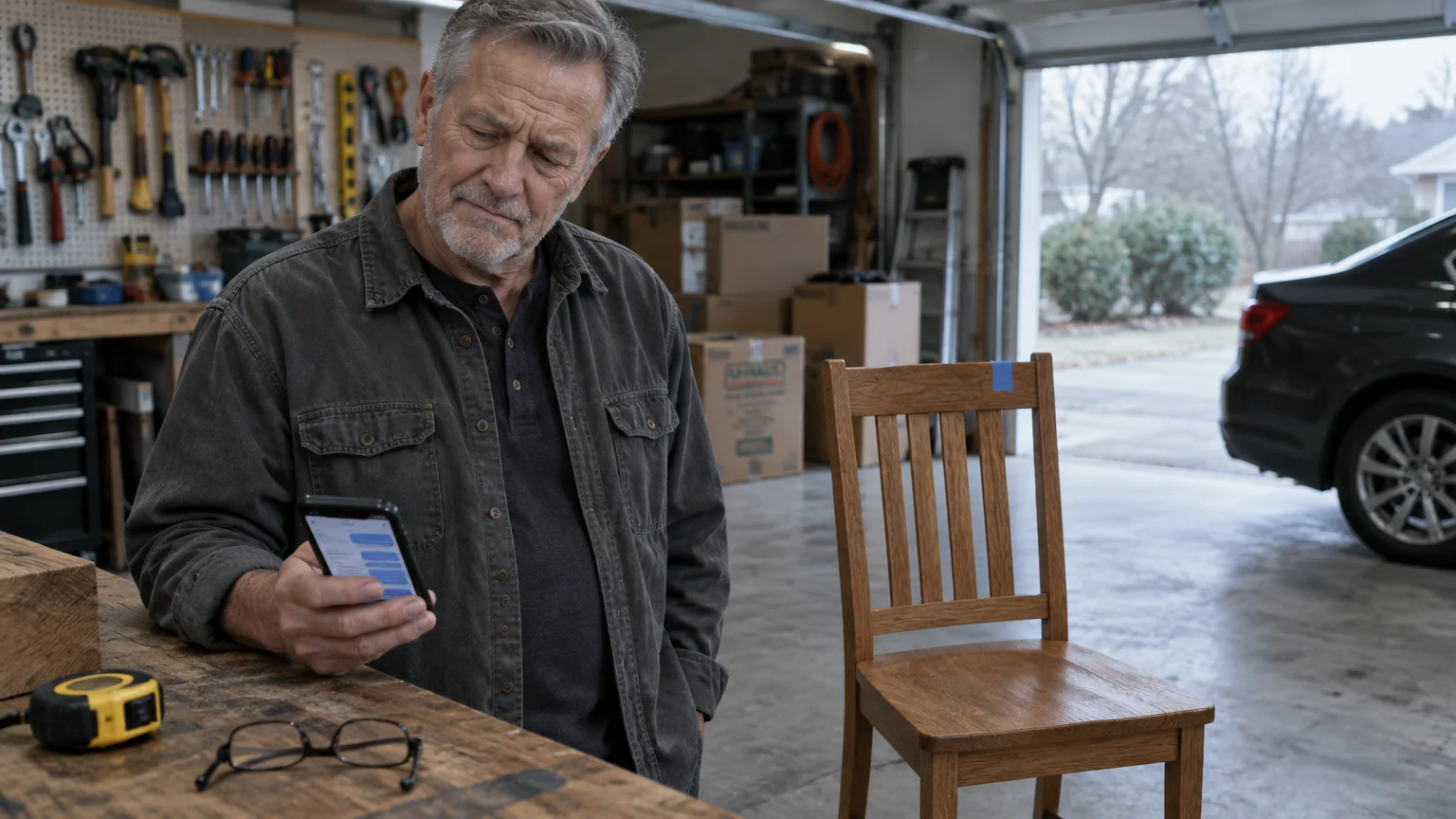
When someone on Facebook Marketplace asks for your phone number to pay with Zelle, they are preparing an imposter scam. Zelle accounts never require a paid business upgrade to receive consumer funds.
Buyers demand your cell number solely to send you a forged payment receipt from a fake email address. Genuine Zelle payments transfer between bank accounts automatically without email approvals or activation fees.
If you are selling furniture locally, giving out your phone number allows a thief to bypass marketplace payment safeguards completely. We explain exactly how this trap operates and how to protect your money.
In this guide8 sections
- The Facebook Marketplace Dining Table Scenario
- Why Scammers Demand Your Phone Number
- Dissecting the Fake Business Upgrade Scam
- How Real Zelle Payments Actually Work
- Payment Methods for Local Marketplace Sales Compared
- How to Secure Your Marketplace Listing and Block Scammers
- What to Do if You Already Sent Money or Information
- Frequently Asked Questions

The Facebook Marketplace Dining Table Scenario
Consider a standard scenario. Eleanor, a 71-year-old homeowner, lists her solid oak dining table and six matching chairs on Facebook Marketplace for $450.
Taking time to adjust your Facebook privacy settings limits how much personal information strangers can see when browsing your marketplace profile.
This scenario is part of a broader pattern of social media scams targeting seniors that exploit helpfulness and urgency.
Within fifteen minutes of posting the listing, a profile named David sends an urgent inquiry through Messenger. He asks if the dining table is still available.
When Eleanor confirms the listing is active, David responds without asking about the table’s dimensions, wood condition, or physical pickup details. He claims he is purchasing the furniture immediately for a relative.
David explains that his work schedule prevents him from visiting Eleanor’s home today. He insists on paying a $200 deposit right now to hold the furniture until a delivery courier arrives later in the week.
He sends a follow-up message: “I am ready to transfer your money right now through Zelle. Please provide your mobile phone number so I can submit the deposit.”
This interaction is the opening script of an automated fraud campaign. The criminal behind the profile has no interest in Eleanor’s oak dining table and has never looked at her photos.
The buyer profile wants only one asset at this stage: Eleanor’s cell phone number. According to the FTC’s guide on avoiding imposter scams, impersonation schemes account for roughly one-third of all fraud reports filed nationwide.
Federal trade statistics show that while adults aged 70 and older report scams less frequently than younger users, they suffer substantially higher median financial losses when deceived. Recognizing the setup stops the theft before money leaves your account.
Why Scammers Demand Your Phone Number
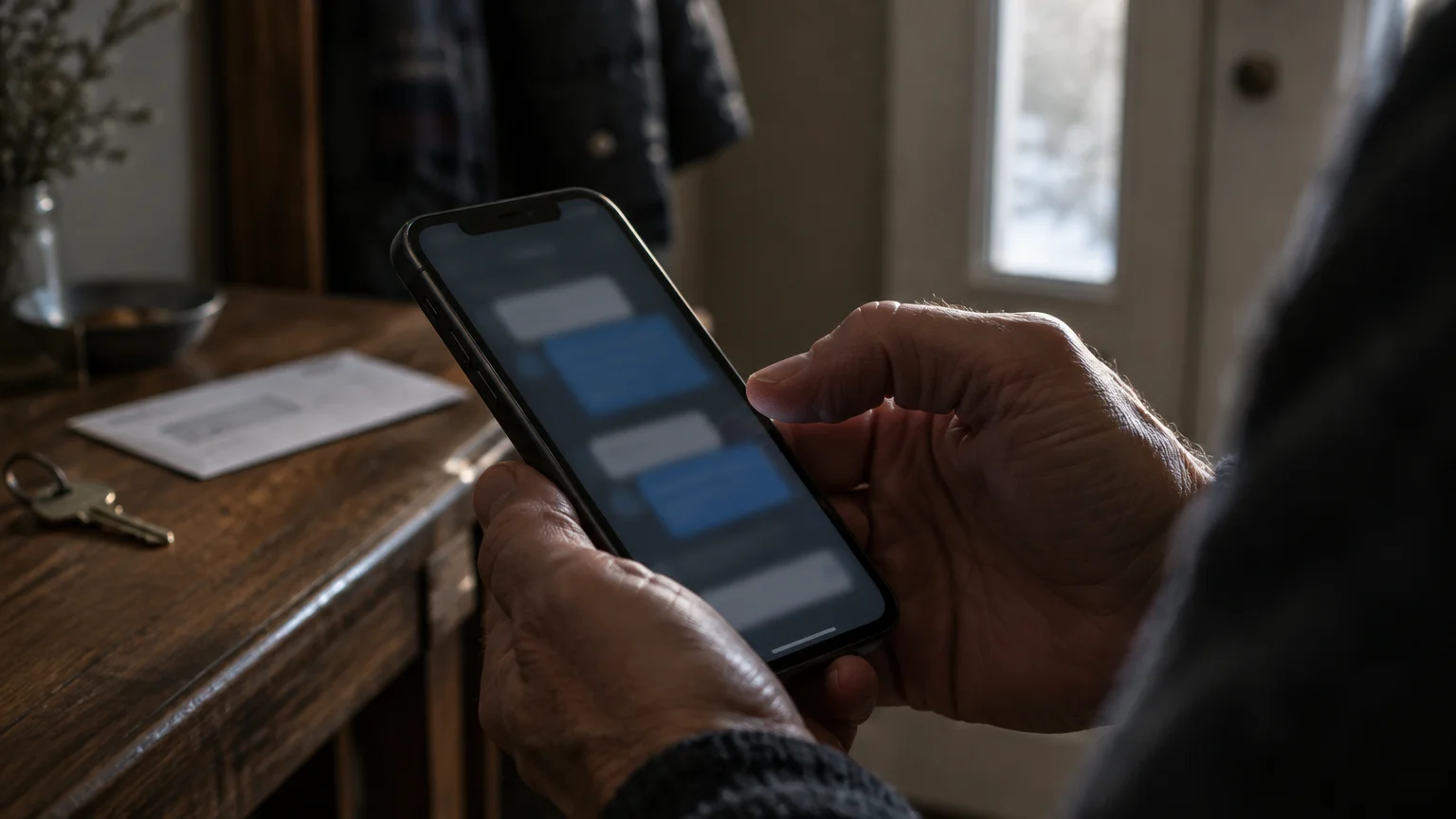
When you use Facebook Marketplace, buyers and sellers communicate through Facebook Messenger. This built-in messaging system does not reveal your private telephone number or your home email address to strangers.
If you inadvertently share your cell number, learn how to block unwanted calls on your smartphone to prevent nuisance follow-ups.
Reviewing basic tips for staying safe on Facebook can help you keep your personal profile and conversations protected from unwanted intrusion.
Handing over your personal number also opens the door to deceptive phone scams from fraudsters pretending to be fraud department representatives.
When a zelle buyer asks for phone number information, they are preparing to move communication away from Facebook’s monitored platform. Facebook’s automated security tools scan internal chat windows for suspicious links, stolen banking logos, and known scam scripts.
If a criminal pastes a counterfeit payment invoice directly into Facebook Messenger, Facebook’s security algorithms frequently flag or suspend the criminal’s account within minutes. Moving you off the platform removes those protections.
Zelle routes transfers using either an enrolled U.S. mobile phone number or an email address. Because the service relies on these identifiers, asking for a phone number sounds reasonable to sellers who have used Zelle with family members.
The scammer uses your phone number to look up your linked email address or to send a text message disguised as an official banking alert. In Eleanor’s case, David uses her mobile number to bypass marketplace safeguards entirely.
The FTC’s guidance on online shopping advises keeping all communications and payment records inside the original selling platform. When a buyer demands personal contact information before inspecting an item, treat that demand as an immediate warning sign.

Dissecting the Fake Business Upgrade Scam
Once Eleanor provides her cell phone number, the next phase of the facebook marketplace zelle scam begins immediately. David sends a message claiming he submitted the $200 deposit through his banking application.
Seconds later, David sends a second message showing distress. He writes: “Zelle debited my account, but your payment is stuck because your Zelle profile is registered as a personal account rather than a merchant account.”
Almost instantly, an email arrives in Eleanor’s inbox bearing the subject line: “Zelle Service: Action Required to Release Your Pending Funds.” The email displays purple Zelle graphics and official bank disclosure language.
The email states that David attempted to transfer $200, but personal transaction thresholds blocked the transfer. To complete the transaction, the message claims David was forced to transfer an expanded minimum sum of $700.
The email states that Zelle is holding the entire $700 in escrow. To unlock these funds, Eleanor must send a $500 refund back to David to verify her merchant eligibility.
This tactic is the upgrade zelle account scam. Scammers construct these messages using specific visual tricks designed to create panic and prompt fast action:
- The sender address uses a public webmail domain, such as `zelle-processing-desk@gmail.com` or `payment-clearance-zelle@outlook.com`, rather than a legitimate financial server.
- The email includes counterfeit transaction tracking numbers, fake corporate seals, and artificial legal warnings threatening account suspension if you fail to refund the difference.
- The message creates an artificial deadline, instructing you to complete the $500 transfer within two hours or face permanent forfeiture of your money.
- The buyer sends a forged screenshot showing an apparent $700 deduction from his own bank account to pressure you into acting quickly.
Early Warning Services, the bank-owned company that operates the Zelle network, does not offer or require account upgrades to receive funds. Zelle accounts do not possess business upgrade tiers that require users to pay money to unlock incoming transfers.
The CISA guide to recognizing and reporting phishing explains that unexpected invoices demanding refunds or activation fees are classic indicators of social engineering fraud. If Eleanor transfers $500 back to David, she sends her own real money to a thief.
How Real Zelle Payments Actually Work
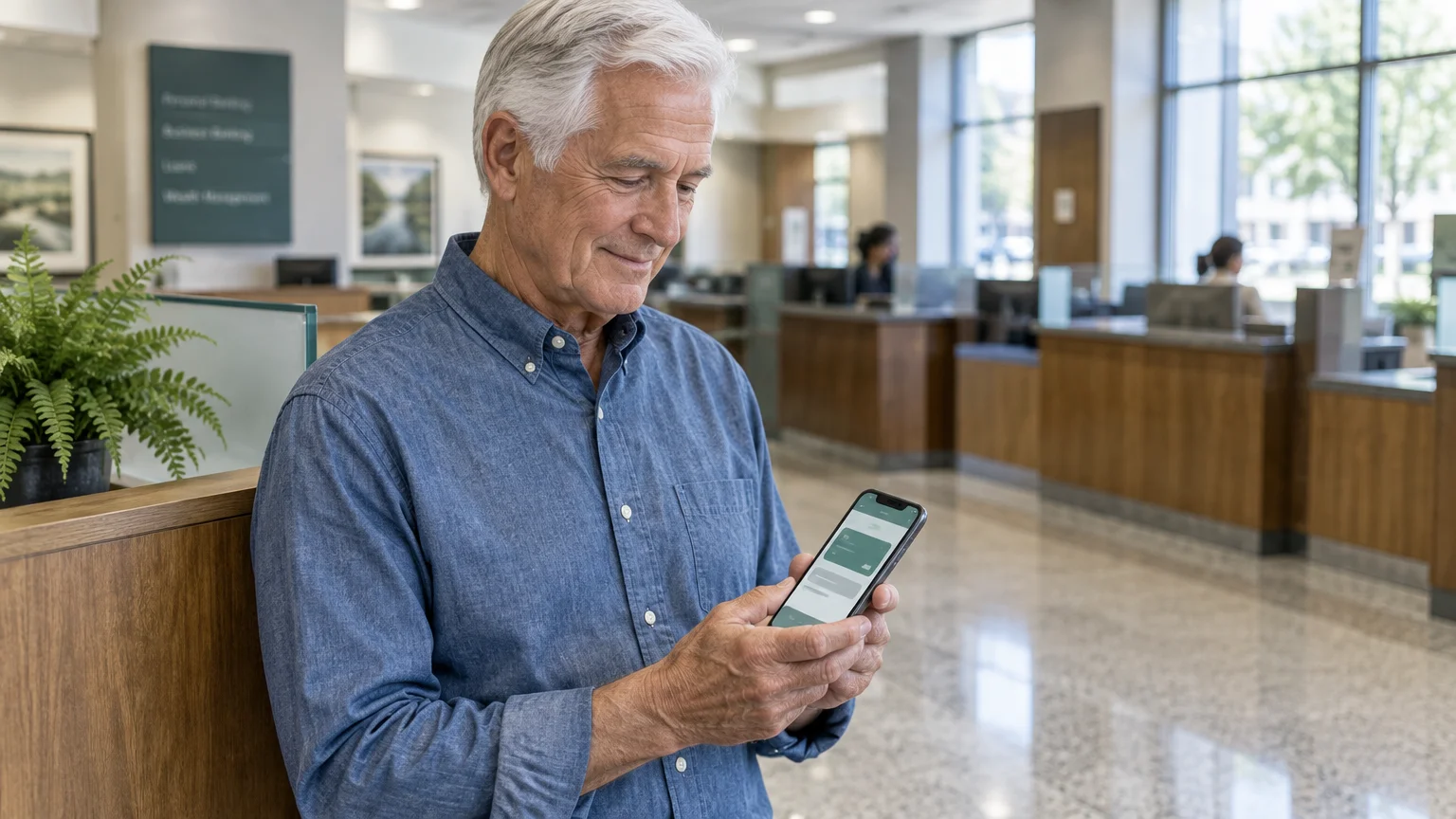
Understanding how the real Zelle network functions helps you identify counterfeit payment requests instantly. Over 2,100 U.S. banks and credit unions integrate Zelle directly into their official mobile applications.
Following best practices for using mobile banking apps safely ensures that you monitor transactions directly rather than relying on unverified messages.
Protecting your online financial profiles with two-factor authentication adds an extra layer of defense against unauthorized account takeovers.
When someone sends you a genuine Zelle transfer, the money moves directly between the sender’s bank account and your bank account. The funds appear in your available balance within minutes.
You never need to take manual steps to approve an incoming payment. A real Zelle transaction does not require you to click email links, enter temporary passwords, or pay verification fees to receive money.
Legitimate transaction notifications come directly from your bank’s official mobile app as push notifications or through your bank’s verified SMS short code. Zelle never sends emails from commercial webmail accounts like Gmail, Yahoo, or Outlook.
A critical limitation of Zelle is the complete absence of buyer and seller purchase protection. Zelle was engineered to replace physical cash and checks between people who know and trust each other personally.
Unlike credit cards or PayPal Goods and Services, Zelle provides no dispute process if a marketplace buyer fails to collect an item or if a sale goes wrong. Once you send money through Zelle, the transfer completes almost instantly and cannot be canceled.
On June 30, 2023, participating Zelle financial institutions implemented a reimbursement framework for specific imposter scams. Under this policy, banks coordinate refunds when criminals impersonate bank fraud departments, government agencies, or utility providers.
However, marketplace purchase scams remain classified as authorized transfers under federal banking rules, including Regulation E. If you voluntarily send money to a scammer claiming to upgrade your account, your bank will generally not reimburse your financial loss.
Payment Methods for Local Marketplace Sales Compared
Choosing the correct payment channel is the most reliable way to protect yourself when selling household items online. Different payment methods carry vastly different risk profiles for sellers.
Practicing the fundamentals of how to shop online safely gives you clear guidelines for evaluating buyers and avoiding untraceable transactions.
The table below compares four common payment methods used for local in-person sales as of 2026. Review these attributes before accepting payment for furniture, tools, or electronics.
| Payment Method | Speed of Fund Availability | Seller Fraud Protection | Standard Transaction Cost (as of 2026) |
|---|---|---|---|
| Cash (In-Person Pickup) | Immediate | Maximum (no digital reversal risk) | $0.00 |
| Facebook Marketplace Checkout | 1 to 5 business days | High (covered by Facebook Purchase Protection) | 5% fee per transaction (minimum $0.40) |
| Zelle Network Transfer | 1 to 5 minutes | None (no marketplace dispute coverage) | $0.00 |
| Cashier’s Check or Money Order | 1 to 3 business days to clear | Low (vulnerable to counterfeit check recalls) | $0.00 to $10.00 bank fee |
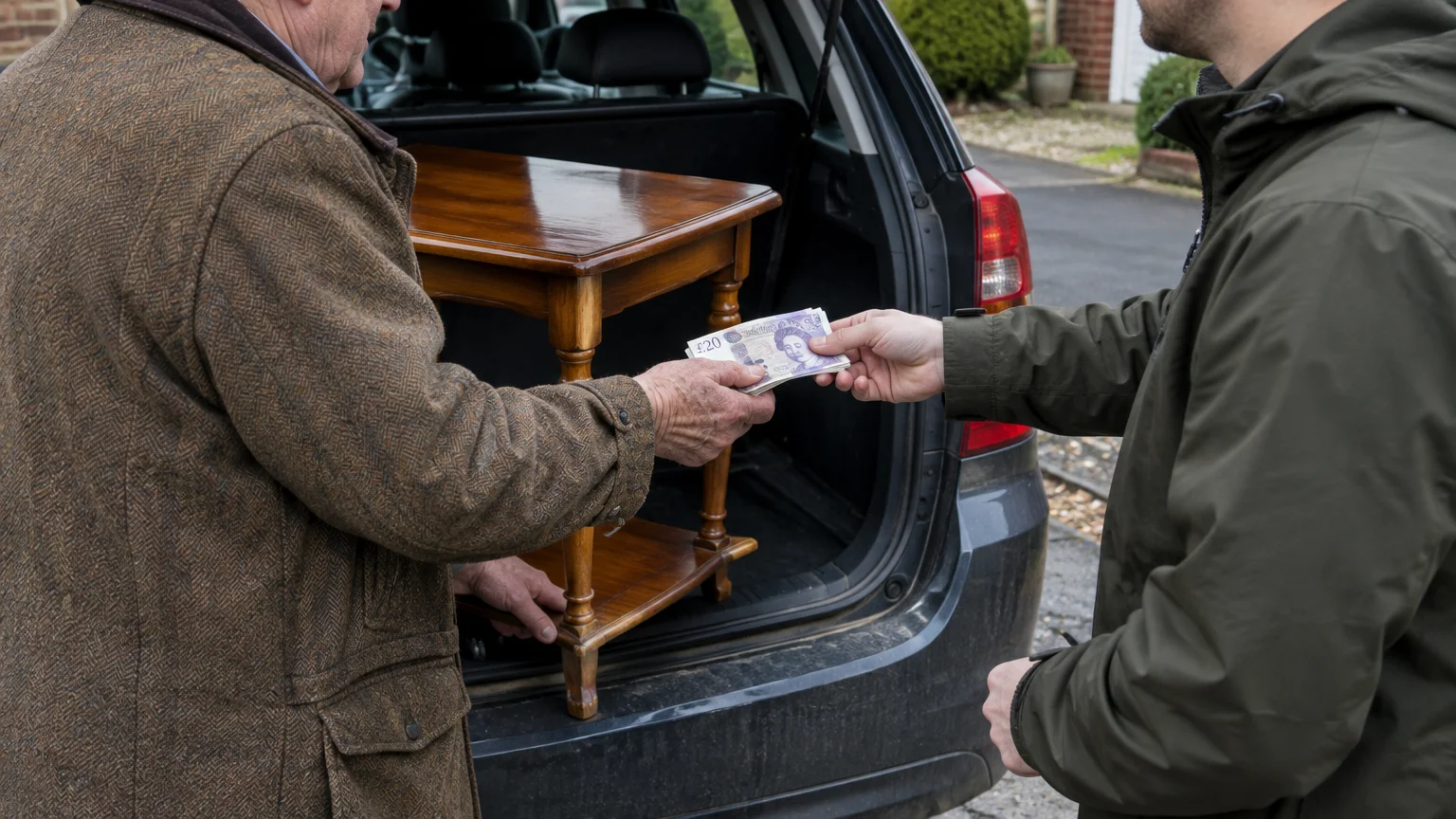
For items like Eleanor’s dining table, cash exchanged in person during daylight pickup remains the safest payment method. Cash cannot be recalled through fraudulent chargeback claims once the buyer leaves your property.
If you prefer digital payments, use Facebook Marketplace’s built-in checkout system. While Facebook charges a 5% processing fee, the transaction includes documented proof of purchase and seller dispute channels.
Never accept cashier’s checks or certified bank drafts from unknown marketplace buyers. Counterfeit checks often appear valid initially, but banks reverse the credited funds weeks later when the issuing institution identifies the forgery.
How to Secure Your Marketplace Listing and Block Scammers
You can deter fraudulent buyers by modifying your listing details and establishing strict payment rules directly in your listing description. Updating your settings prevents criminals from targeting your items.
Reviewing your account’s Facebook privacy settings ensures prospective buyers cannot view your personal profile or friend list.
If you find small text difficult to inspect on your smartphone, adjust your screen settings before proceeding. You can follow Apple’s instructions to make text bigger on iPhone and iPad to enlarge system menus and message text.
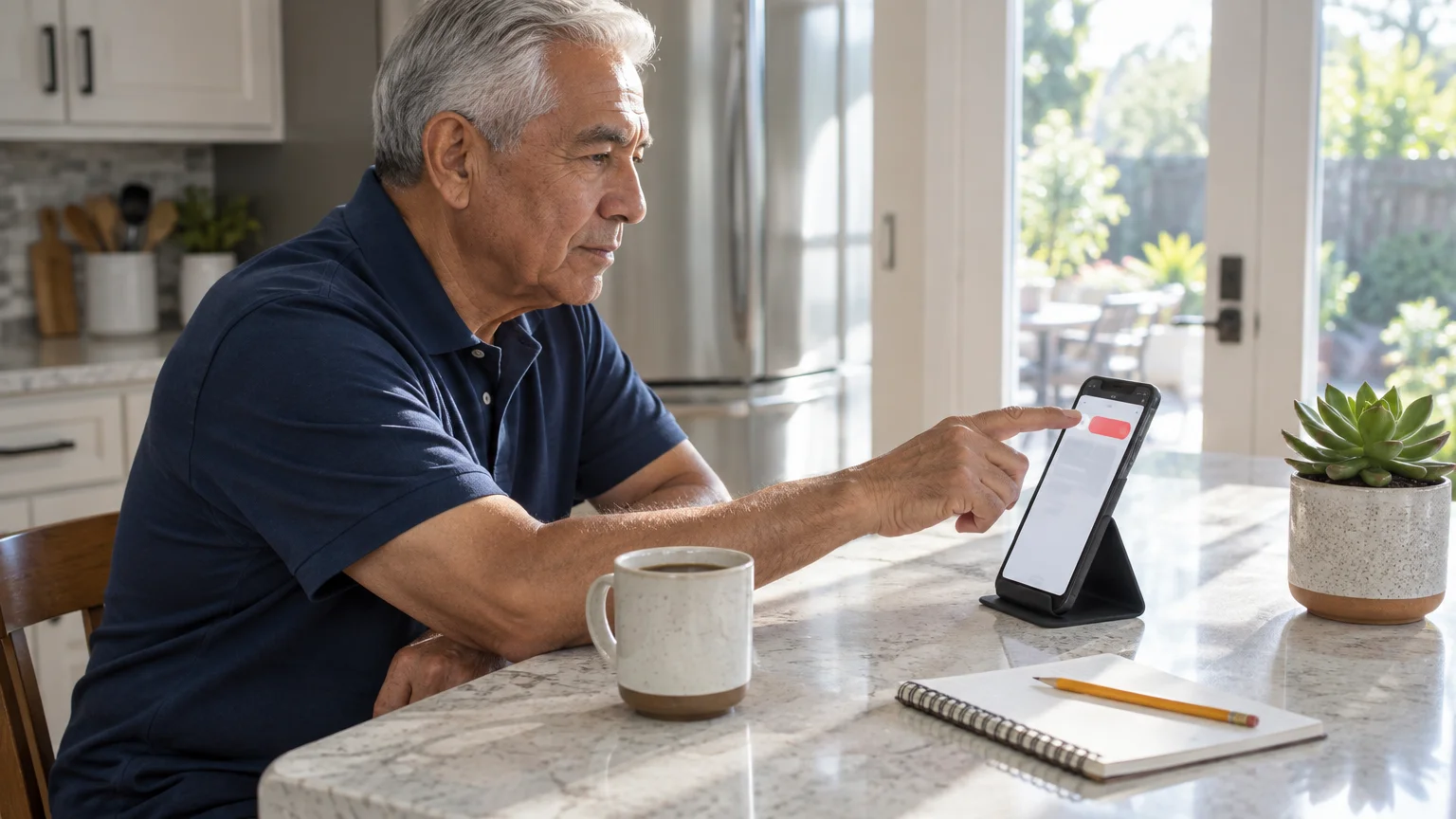
Follow these exact steps to update your Facebook Marketplace listing and block an imposter buyer:
- Open the Facebook application on your mobile phone or tablet.
- Tap the Menu icon located in the lower-right corner of your screen (represented by three horizontal lines).
- Tap the Marketplace tile in the menu grid.
- Tap the User Profile icon located at the top-right corner of the Marketplace header.
- Tap Your listings to display all items you currently have for sale.
- Locate your dining table listing and tap the three dots next to the title.
- Tap Edit listing from the pop-up menu.
- Tap inside the Description field and type: “Cash only upon local pickup. No digital deposits, advance holds, or peer-to-peer app payments accepted.”
- Tap Save in the upper-right corner to publish your revised terms to all buyers.
- Open your active chat conversation with the suspicious buyer inside Messenger.
- Tap the buyer’s Name at the very top of your chat window to access profile options.
- Scroll to the bottom of the options screen and tap Block.
- Tap Block on Facebook and select Block a second time to confirm your choice.
Blocking the account prevents the criminal from viewing your other listings, sending further messages, or tracking your activity. Legitimate buyers will respect your requirement for cash upon in-person pickup.
What to Do if You Already Sent Money or Information
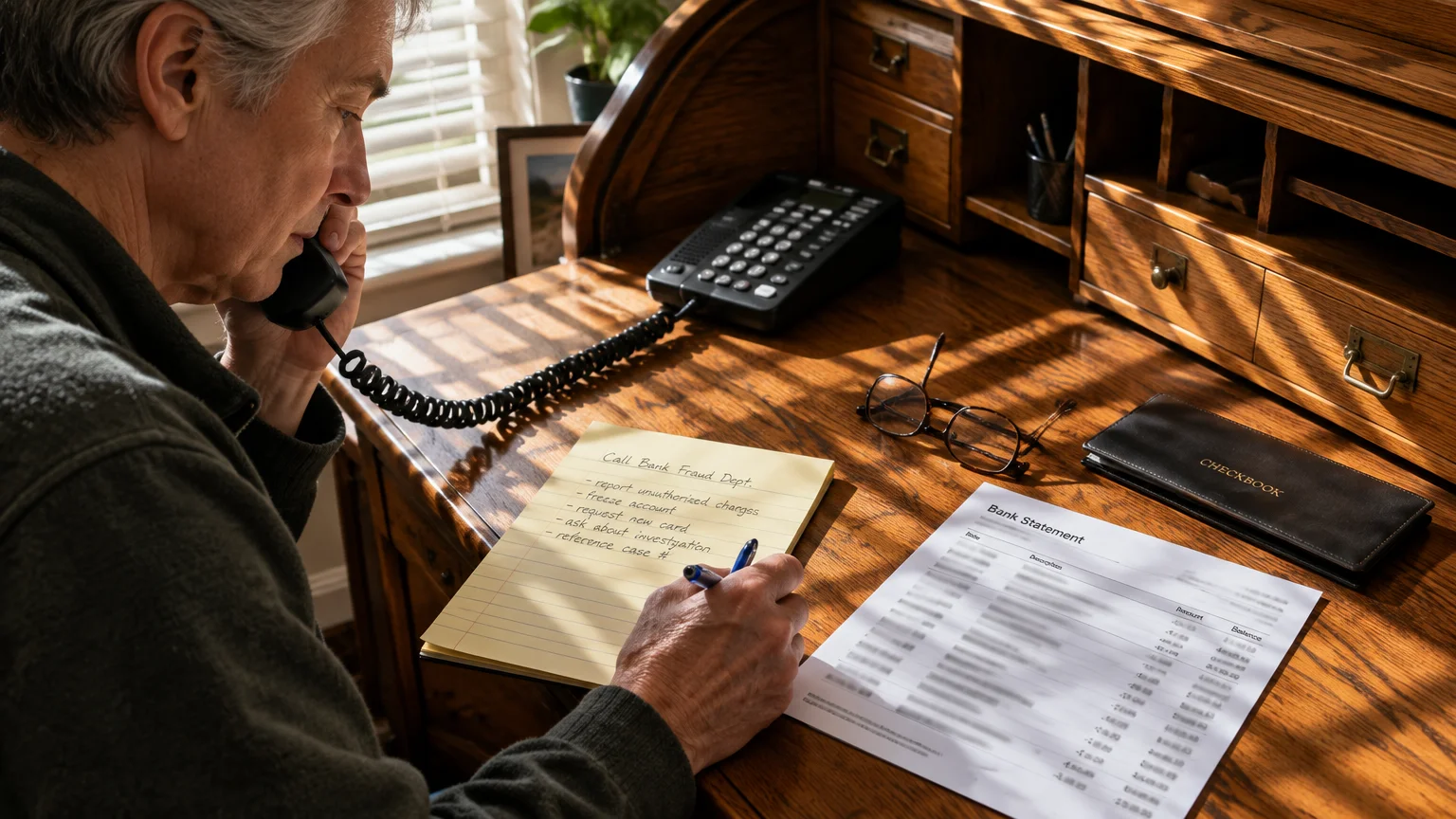
If you already shared your phone number and transferred money to an alleged buyer to unlock your account, act immediately. Taking swift action minimizes further damage to your personal finances.
Stopping additional losses requires contacting your financial institution, reporting the fraudulent activity to authorities, and securing your accounts:
- Call your bank’s fraud department immediately using the phone number printed directly on the back of your debit card. Explain that a marketplace criminal deceived you using a fake Zelle business upgrade scheme.
- Ask your bank to place a temporary fraud watch on your checking account to block subsequent unauthorized withdrawals or automated transfers.
- Submit a detailed fraud report through the FTC’s phishing and scam reporting portal to document the imposter transaction for law enforcement records.
- File a formal complaint with the FBI’s Internet Crime Complaint Center (IC3) by reviewing the FBI elder fraud resources page.
- Change the password on your primary email account, especially if you received the fake Zelle confirmation message there. Enable two-factor authentication to prevent unauthorized account access.
- Capture screenshots of the scammer’s Facebook profile, their Messenger messages, and the fraudulent Zelle email before deleting them, as your bank fraud investigator may request them.
Never respond to follow-up messages from the buyer or from alternative email addresses claiming to represent payment recovery services. Third-party recovery agents who contact scam victims online are almost always secondary scammers attempting to extract additional fees.
Notify your local police department’s non-emergency line if you provided your home address for the item pickup. Filing an informational report alerts local officers to fraudulent pickup activity in your neighborhood.
Frequently Asked Questions
Can someone steal money from my bank account just by having my Zelle phone number?
No. Your phone number only allows an individual to send funds to your account or direct phishing messages to your inbox. A scammer cannot withdraw funds from your bank without your confidential login credentials and security verification codes.
Does Zelle ever charge a fee to upgrade to a business account?
No. Early Warning Services does not offer or charge fees for business account upgrades on consumer transactions. Any message stating you must pay money to unlock an incoming payment is a fraudulent imposter message.
Can my bank reverse a Zelle transfer if I sent money to a scammer?
Generally, no. Because you voluntarily authorized the transfer from your banking app, federal rules treat the transaction as an authorized payment. Unless the scam qualifies under specific imposter reimbursement rules, banks rarely recover marketplace peer-to-peer transfers.
How can I verify if an email from Zelle is genuine?
Check the sender’s full email address. Legitimate Zelle alerts never come from free commercial webmail addresses such as Gmail, Yahoo, or Outlook.
Genuine incoming funds appear directly in your bank app balance without requiring email verification.
Note: Menus and button names change with software updates. These steps were written for current versions as of 2026; if a screen looks different on your device, the maker’s support page linked above has the latest wording.
ClearTechGuide is independent and is not affiliated with Apple, Google, Microsoft, Amazon or any other company mentioned.