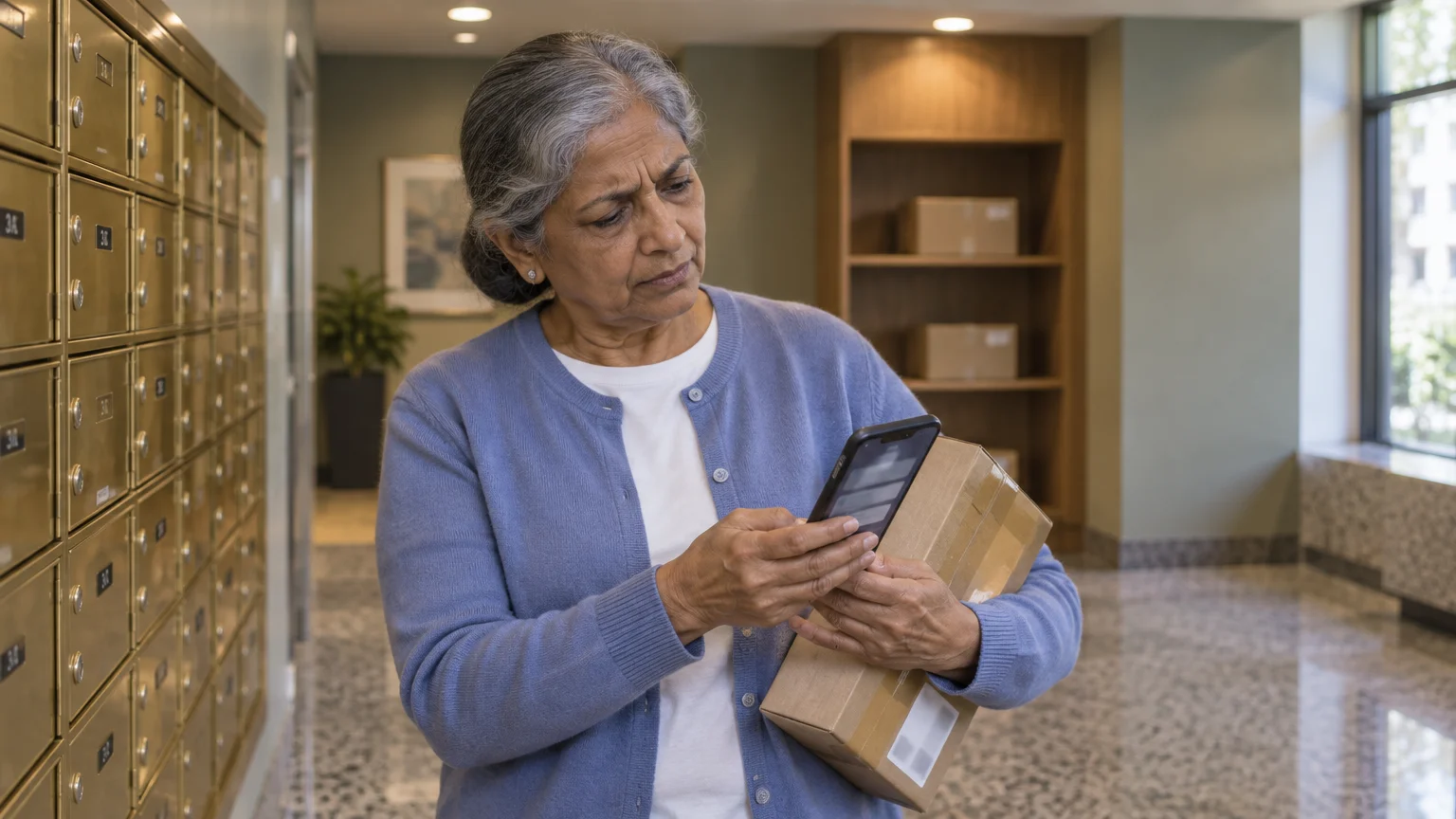
You probably enjoy the convenience of having everything from groceries to gardening tools delivered right to your front door. It saves time; it saves a trip to the store; and frankly, it feels a bit like a holiday every time a brown box arrives.
However, this convenience creates a perfect environment for scammers—clever individuals trying to trick you out of your money or personal information. These bad actors know that many of us are constantly expecting a package, and they use that expectation to catch us off guard.
According to the Federal Trade Commission, consumers reported losing more than $10 billion to fraud in 2023 alone. A significant portion of these reports involved “impersonation scams,” where someone pretends to be a trusted organization like the United States Postal Service (USPS), FedEx, or UPS.
These scammers send messages that look incredibly real, designed to make you click a link or provide your credit card number without thinking twice.
This guide will help you protect yourself against delivery scams. You will learn how to spot the subtle signs of a fake delivery notice, how to protect your personal information, and exactly what to do if you realize you have been targeted.
By the time you finish reading, you will feel empowered to enjoy your online shopping without the nagging worry of being tricked.
In this guide9 sections
- Why Scammers Target Package Deliveries
- Common Types of Package Delivery Scams
- Anatomy of a Fake Message: Visual Red Flags
- Red Flags to Watch For
- Safe Online Shopping and Tracking Practices
- Protecting Your Personal Information
- What to Do If Something Goes Wrong
- How to Report Scams to the Authorities
- Frequently Asked Questions
Why Scammers Target Package Deliveries
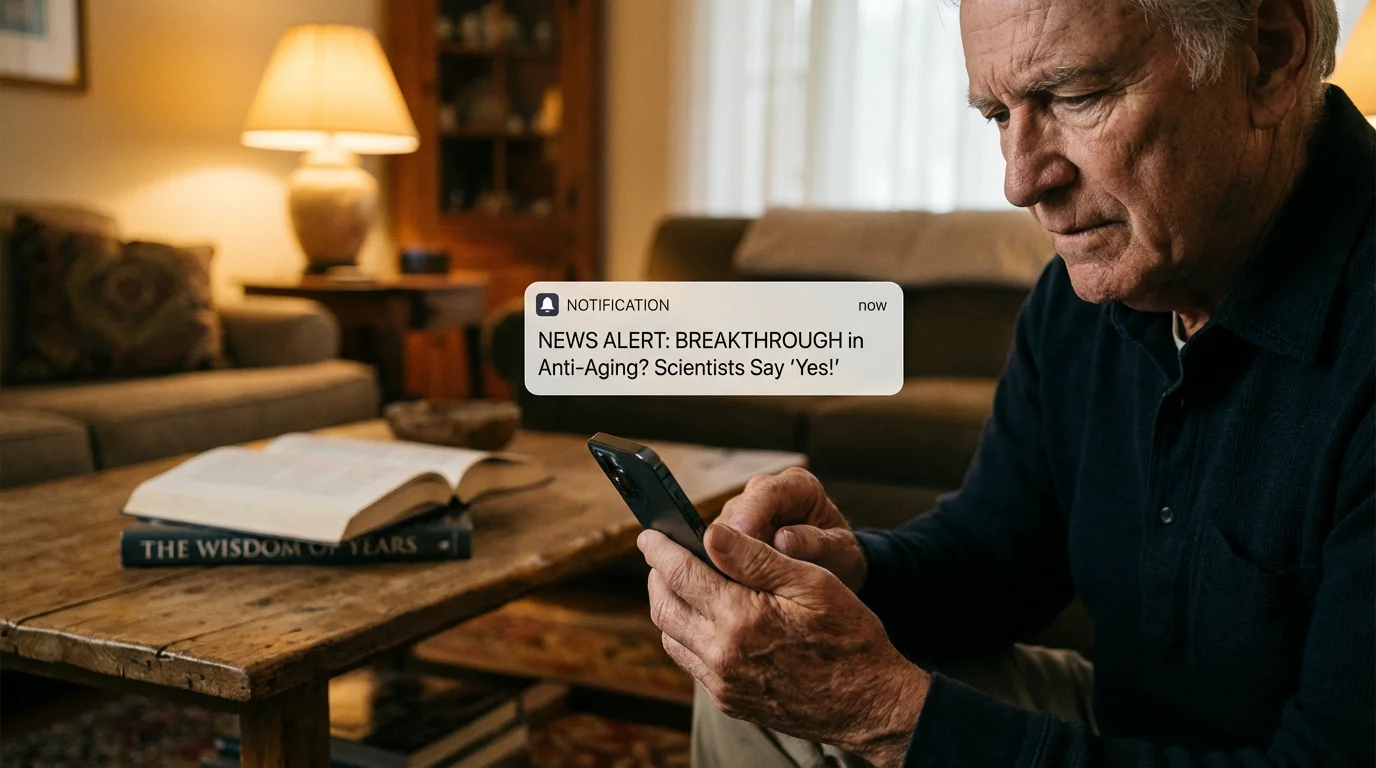
Scammers rely on a psychological concept called “urgency.” When you receive a text message saying your package is “on hold” or “cannot be delivered,” your brain naturally jumps into problem-solving mode.
You want your item, and you want to fix the issue quickly. This sense of urgency often bypasses the part of our brain that looks for logical errors, such as a misspelled word or a strange-looking email address.
These criminals often use similar emotional manipulation tactics found in scams targeting seniors on social media to catch people off guard.
Furthermore, package delivery scams are a numbers game. If a scammer sends out 10,000 text messages, they don’t need everyone to click.
They only need a handful of people who happen to be expecting a package that day. Because online shopping is so common, the odds are in the scammer’s favor.
They also know that seniors are often polite and helpful, which are wonderful traits that scammers unfortunately try to exploit.
They might frame their message as a “helpful reminder” to pay a tiny 30-cent delivery fee, knowing that once you enter your credit card for that small amount, they have captured your full financial details.
Common Types of Package Delivery Scams
Scammers use several different methods to reach you. Understanding these formats helps you recognize a threat before you even read the full message.
While these involve physical deliveries, you should also be alert for common tech support scams that use fake alerts to access your computer.
The “Delivery Fee” Text (Smishing)
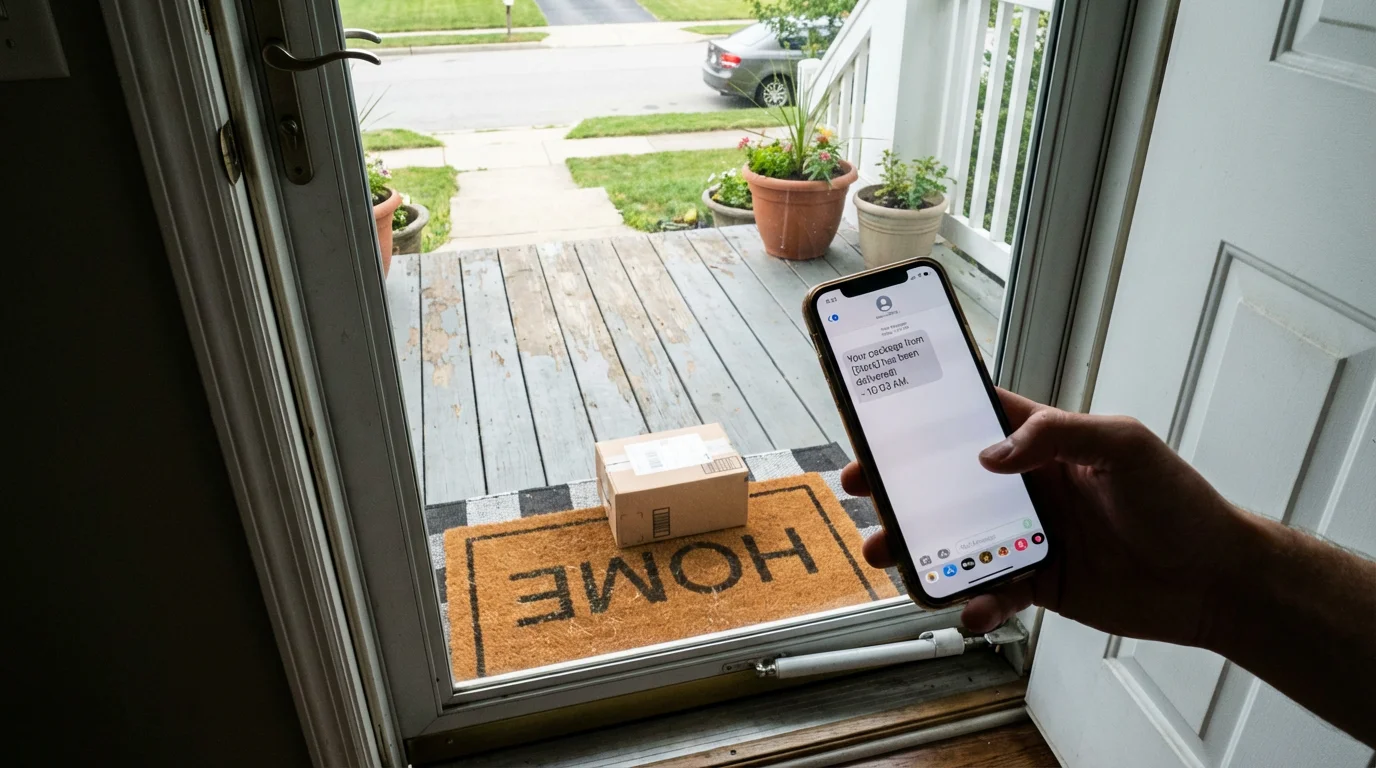
You might receive a text message—often called “smishing” (a combination of SMS and phishing)—stating that your package is at a warehouse but requires a small “redelivery fee” or “customs tax.” Usually, the amount is very low, perhaps $1.50 or $2.00.
The goal isn’t the two dollars; the goal is to get you to click a link that leads to a fake website where you enter your credit card information.
Once the scammer has your card number, expiration date, and security code, they can make much larger, unauthorized purchases.
The “Missed Delivery” Email (Phishing)
This is a classic “phishing” attempt. Phishing refers to fake emails designed to trick you into giving away personal information.
You receive an email with official-looking logos from FedEx or UPS. It claims the driver tried to deliver a package but no one was home.
It asks you to “click here” to reschedule. Clicking that link might take you to a site that asks for your Social Security number or it might download “malware”—bad software that can harm your computer or steal information—onto your device.
The Fake Tracking Website
Sometimes, a link in a text or email takes you to a website that looks identical to the official USPS or Amazon site. It will have the right colors, logos, and even a search bar.
However, if you look at the address bar at the top of your browser, the website address (URL) will be slightly off. Instead of “usps.com,” it might be “usps-delivery-update.com” or “track-your-package-now.net.”
Falling for a clever trick does not make you foolish. Scammers spend their entire careers refining these deceptions to make them as convincing as possible.
If you have been targeted, remember that the fault lies entirely with the criminal, not with you.
Anatomy of a Fake Message: Visual Red Flags
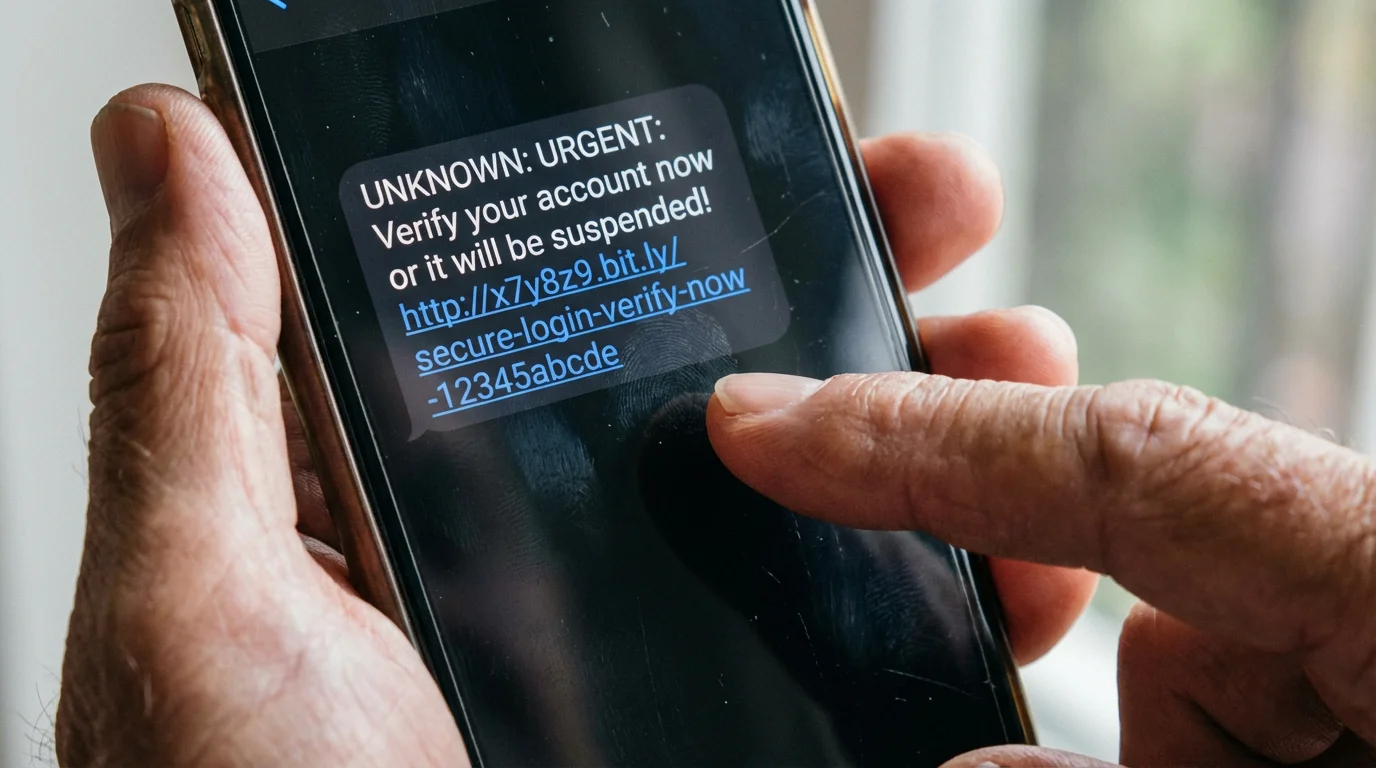
To stay safe, you need to know exactly what a suspicious message looks like. Scammers often leave small “fingerprints” that reveal their true intentions.
In the diagram above, notice how the scammer uses a sense of panic. They want you to act before you think.
A legitimate delivery service will almost never send you a text message out of the blue unless you specifically signed up for text alerts on their official website.
Even then, they will typically provide a tracking number you can verify yourself by going directly to their official site.

Red Flags to Watch For
Keep this checklist in mind whenever you receive an unexpected communication about a package. If you see even one of these signs, proceed with extreme caution.
- Requests for Personal Information: Legitimate companies like USPS or UPS will never ask for your Social Security number, birth date, or bank account details to deliver a package.
- Generic Greetings: If the message starts with “Dear Customer” or “Valued Client” instead of your name, it is likely a mass-sent scam.
- Spelling and Grammar Mistakes: Large corporations have editors. If you see “Your package is waiting for you at our wearhouse” or “Click hear,” it is a red flag.
- Suspicious Links: Hover your mouse over a link (on a computer) or long-press it (on a phone) to see the actual web address. If it doesn’t match the official company website exactly, do not click it.
- Extreme Urgency: Messages that say “Final Notice,” “Last Chance,” or “Immediate Action Required” are designed to make you panic.
- Unusual Payment Methods: If a “delivery service” asks you to pay a fee using a gift card, cryptocurrency (like Bitcoin), or a wire transfer, it is 100% a scam.

Safe Online Shopping and Tracking Practices
The best way to avoid package scams is to change how you interact with delivery information. Instead of reacting to messages that come to you, go to the information yourself.
This puts you back in the driver’s seat.
Use Official Apps: If you shop frequently on Amazon or use FedEx and UPS, download their official apps from the Apple App Store or Google Play Store. These apps provide secure, real-time updates.
You will never need to click a link in a text message if you can simply open the app and see exactly where your box is located.
Go Directly to the Source: If you receive a suspicious email from “UPS,” do not click any links in that email. Instead, open your web browser (like Safari or Chrome) and manually type “ups.com” into the address bar.
From there, you can enter your tracking number safely.
Use a Password Manager: A “password manager” is a secure app that remembers all your passwords for you. These tools are excellent for online safety because they also recognize website addresses.
If you accidentally land on a fake “USPS” website, your password manager will realize the address is wrong and won’t offer to fill in your login information. This is a powerful extra layer of protection.
Enable Two-Factor Authentication (MFA): Two-factor authentication is an extra security step, like getting a code texted to your phone after you enter your password.
Even if a scammer manages to steal your password, they won’t be able to access your account without that second code. Most major shopping and banking sites offer this feature, and you should turn it on whenever possible.
Protecting Your Personal Information
Your personal data is valuable. Scammers want it because it allows them to commit identity theft or gain access to your financial accounts.
To stay safe, you must be a “gatekeeper” of your information.
Be skeptical of any request for information that seems “extra.” For example, why would a delivery company need your mother’s maiden name?
Why would they need to know what year you graduated high school? They wouldn’t.
These are common security questions for banks, and scammers are trying to harvest the answers.
If you are shopping on a new or unfamiliar website, do a quick “gut check” before entering your credit card. Look for a small padlock icon in the address bar, which indicates the connection is secure.
However, keep in mind that even scam sites can have padlocks today. A better strategy is to search for the company name on the Better Business Bureau Scam Tracker or read reviews from other customers before you buy.

What to Do If Something Goes Wrong
If you realize you have clicked a suspicious link or entered your information on a fake site, do not panic. Taking swift action can often stop a scammer in their tracks.
If you have already shared your credit card or Social Security number with a suspicious site, follow our guide on what to do if you’ve been scammed to secure your accounts immediately.
- Contact Your Financial Institutions: If you entered credit card or bank information, call your bank immediately using the number on the back of your card. Tell them you may have been a victim of a delivery scam. They can freeze your card and issue you a new one.
- Change Your Passwords: If you entered a password on a fake site, and you use that same password for other accounts (like your email or Facebook), change those passwords immediately. This is where a password manager becomes very helpful.
- Scan Your Device: If you clicked a link that might have downloaded something, run a security scan on your computer or phone. If you are unsure how to do this, a tech-savvy family member or a professional service like Geek Squad can help.
- Freeze Your Credit: If you believe your Social Security number was compromised, contact the three major credit bureaus (Equifax, Experian, and TransUnion) to “freeze” your credit. This prevents anyone from opening new accounts in your name.

How to Report Scams to the Authorities
Reporting a scam helps protect others in your community. When authorities receive enough reports about a specific tactic, they can take action to shut down the scammer’s infrastructure or issue public warnings.
- Federal Trade Commission (FTC): Report the incident at ReportFraud.ftc.gov. The FTC uses these reports to investigate and bring lawsuits against scammers.
- FBI Internet Crime Complaint Center (IC3): If you have lost money or believe your identity has been stolen, file a report at ic3.gov.
- AARP Fraud Watch Network: You can call their helpline at 877-908-3360 to speak with a volunteer who can provide support and guidance. Their website also offers a wealth of fraud prevention resources.
- USA.gov: For a general directory of where to report different types of scams, visit USA.gov.
Frequently Asked Questions
How do I know if a call is really from my bank?
Scammers can “spoof” phone numbers, making it look like your bank is calling. If you receive a call asking for account details or a “one-time code,” hang up.
Find the official phone number for your bank (on your statement or the back of your debit card) and call them back directly. A real bank will never mind you taking this extra step to be safe.
What if I already clicked a link but didn’t enter any information?
In many cases, simply clicking a link is not enough to compromise your device, but it can let the scammer know your phone number or email is “active.” This might lead to more scam messages in the future.
To be safe, close the browser tab immediately and consider running a malware scan on your device. Do not interact with any further messages from that sender.
Will the post office really text me about a package?
The USPS will only send you text alerts if you have specifically requested them by providing a tracking number on their official website or by texting a specific code to their official short-code (28777).
They will never send you a random text asking for money or personal details to complete a delivery.
How do I block these scam messages?
On most smartphones, you can block a sender by tapping on the phone number at the top of the message and selecting “Block this Caller” or “Block Number.”
You can also report the message as “junk” or “spam,” which helps your phone service provider identify and filter out these messages for everyone.
Staying safe online is not about living in fear; it is about developing good habits.
Just as you lock your front door at night, you can learn to “lock” your digital life by being mindful of where you click and who you trust with your information.
By following the steps in this guide, you are taking a proactive role in your own online safety. You have the tools, the knowledge, and the resources to browse and shop online safely.
Keep shopping, keep exploring, and stay confident—you’ve got this.
Disclaimer: This article provides general information about online safety and is not a substitute for professional advice.
If you believe you’ve been a victim of fraud, contact your bank immediately and report the incident to the FTC at ReportFraud.ftc.gov or call 1-877-382-4357. If you’ve lost money, also file a report with your local police.
Keywords: delivery scams, package scams, online safety, identify phishing messages, reporting internet fraud
Meta Description: Learn how to identify and avoid package delivery scams with our comprehensive guide designed for seniors. Stay safe and shop with confidence online.