
Imagine sending a text message to your grandchild, and with just a tiny picture, you convey a huge smile, a big hug, or a hearty laugh. These wonderful little pictures are called emoji, and they add so much personality and warmth to your digital conversations. Connecting with family and friends remains one of life’s greatest joys, and technology, like emoji, helps us bridge distances and keep those relationships strong. You do not need to be a tech wizard to use them. This guide shows you how to bring more fun and feeling to your texts with ease.
Beyond text messaging, many seniors find that using Instagram to see family photos is another wonderful way to stay involved in their grandchildren’s lives.
For many of us, the pandemic highlighted the importance of staying in touch digitally. Video calls became lifelines, and text messages offered quick moments of connection. Emoji take those text messages a step further, allowing you to express emotions that plain words sometimes miss. They are a universal language, understood by people of all ages, and learning to use them is a simple step towards even richer communication with your loved ones.
Table of Contents
- What Exactly Are Emoji?
- Why Use Emoji in Your Messages?
- Finding the Emoji Keyboard on Your Phone
- Sending Your First Emoji
- Understanding Common Emoji Meanings
- Tips for Using Emoji Like a Pro
- When to Use Emoji and When to Hold Back
- Troubleshooting Common Emoji Questions
- Frequently Asked Questions

What Exactly Are Emoji?
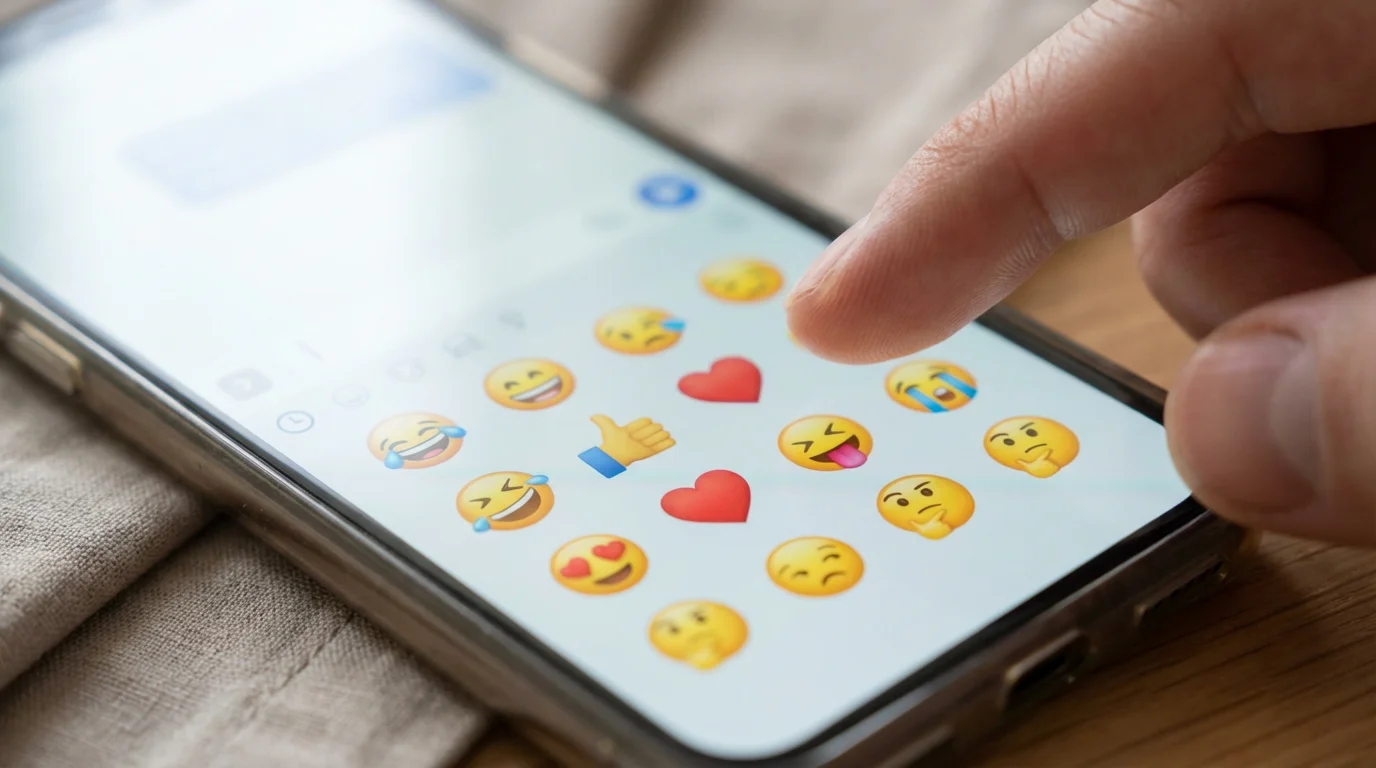
Emoji are those small pictures, sometimes called text pictures, that you can add to your messages. Think of them as a modern, colorful evolution of the old “emoticons” you might remember, like 🙂 for a happy face or 🙁 for a sad one. While emoticons relied on punctuation marks, emoji offer a vast array of actual little images: smiley faces, hearts, thumbs-up signs, animals, food, flags, and much more.
If you enjoy using these pictures to liven up your chats, you might also like to learn how to use Facebook to keep up with family updates.
You find these small pictures built right into your phone’s keyboard. They serve as a quick way to add emotion, humor, or a specific visual to your text conversations. For example, sending “Dinner tonight?” feels a bit plain. Adding “Dinner tonight? 🍝” immediately makes it more inviting and clearly suggests Italian food. These little visual cues help prevent misunderstandings and make your messages feel more lively and personal.
Many of your grandchildren and even your own children use emoji constantly. Learning how to use emoji for beginners means you are stepping into a shared communication style, making your messages feel current and relatable. They are a fun, easy way to express yourself without typing out long explanations.

Why Use Emoji in Your Messages?
Using emoji offers several wonderful benefits, especially when staying connected with family and friends.
For moments when a text isn’t enough, you can also record a video message to share a more personal greeting.
Emojis are also a perfect way to liven up a family group chat, helping you share feelings with several loved ones at once.
If you want to communicate even faster, you can also learn how to send voice messages instead of typing on your screen.
- Express Warmth and Emotion: Sometimes words alone do not fully capture how you feel. A simple heart emoji ❤️ can convey profound love. A laughing face emoji 😂 shows you found something genuinely funny. These visual cues strengthen your emotional connection, letting your loved ones truly feel your presence.
- Enhance Clarity: Text messages lack the tone of voice and facial expressions we rely on in person. An emoji can clarify your intention. If you send a message like “Great idea!” without an emoji, it could sound neutral. Add a thumbs-up 👍, and it clearly communicates enthusiasm and agreement.
- Bridge Generational Gaps: Your grandchildren likely use emoji as part of their everyday communication. By incorporating emoji into your texts, you speak their language, showing you are engaged and open to new ways of connecting. This can be a delightful way to bond.
- Add Personality and Fun: Emoji inject personality into your messages. They make texts more engaging and less formal, transforming a mundane message into something that brings a smile. Consider sending a picture of a coffee cup ☕ when asking a friend to meet for coffee, or a birthday cake 🎂 for a celebration.
The popularity of emoji speaks for itself. Pew Research Center, a respected source for understanding digital trends, indicates that millions of people use emoji daily across various platforms. This widespread adoption shows that emoji are more than just a passing fad. They are a legitimate, effective tool for communication, helping individuals connect and express themselves in meaningful ways.
My granddaughter, Sarah, sent me a picture of her new puppy and a little heart-eye emoji. I knew right away how excited she was, and I sent her back a dog emoji and a big smiley face. It felt like we were sharing that joy instantly, even though she lives hundreds of miles away. It felt so personal and immediate.

Finding the Emoji Keyboard on Your Phone
Accessing the emoji keyboard is usually straightforward, regardless of whether you have an iPhone or an Android phone. The process generally involves tapping a specific icon on your screen keyboard when you are typing a message.
For those who prefer a larger screen, our iPad guide for beginners covers everything you need to know about using a tablet.

On an iPhone:
- Open any app where you can type, such as your Messages app or WhatsApp.
- Tap on the text input area to bring up your keyboard.
- Look for a small globe icon 🌐 or a smiley face icon 😊 (sometimes a square with a smiley face) in the bottom left corner of your keyboard, often next to the spacebar.
- Tap this icon once. Your regular keyboard will switch to the emoji keyboard.
- To switch back to your regular keyboard, simply tap the globe or smiley face icon again.

On an Android Phone:
- Open any app where you can type, such as your Messages app or Google Chat.
- Tap on the text input area to bring up your keyboard.
- Look for a smiley face icon 😊 (sometimes a square with a smiley face) on your keyboard. This icon often sits next to the spacebar or near the “123” number key.
- Tap this icon once. Your regular keyboard will transform into the emoji keyboard.
- To switch back to your regular keyboard, look for a keyboard icon ⌨️ or the ABC button and tap it. Sometimes, tapping the smiley face icon again will also work.
If you cannot find the emoji icon right away, do not worry. Sometimes, you might need to press and hold the globe or smiley face icon for a moment to see options. Some phones might also have a slightly different setup. If you are still having trouble, a quick search on Apple Support or Google Support for your specific phone model can provide tailored instructions.

Sending Your First Emoji
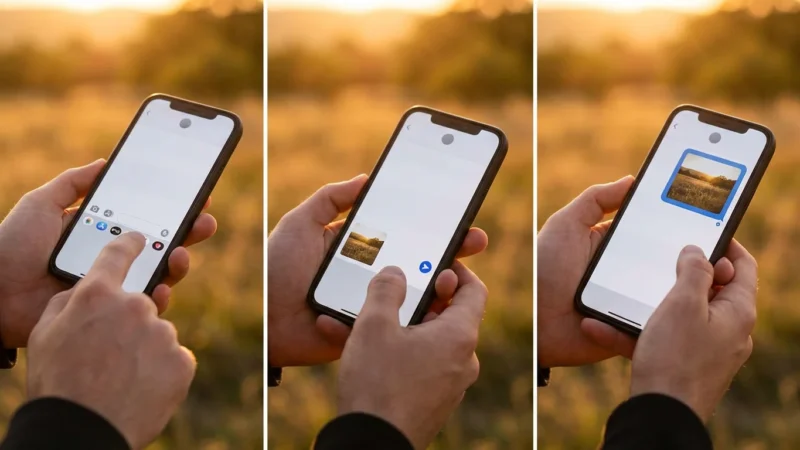
You have found the emoji keyboard, and now comes the fun part: sending your first emoji. This process is very simple and quickly becomes second nature. Let us walk through it step-by-step.
Once you are comfortable with symbols, you might also like to learn how to send text messages with photos to share memories with your family.
- Open Your Messaging App: Start by opening the app you use to text, like your phone’s built-in Messages app, WhatsApp, or Facebook Messenger.
- Start a New Message or Reply: Choose a contact you want to send an emoji to, perhaps a grandchild or a friend. Either start a new conversation or tap on an existing one to reply.
- Bring Up Your Keyboard: Tap in the message input area, which is usually a line or box at the bottom of the screen. Your regular typing keyboard will appear.
- Switch to the Emoji Keyboard: Tap the globe icon 🌐 or the smiley face icon 😊 on your keyboard, as we discussed in the previous section.
- Browse and Select Your Emoji: Once the emoji keyboard appears, you will see rows of small pictures. These are typically organized into categories you can swipe through or select using icons at the bottom or top of the emoji keyboard (like faces, animals, food, activities, travel, objects, symbols, flags).
- Scroll through the categories.
- Tap on any emoji you like.
- The selected emoji will instantly appear in your message text box.
- Add More Text (Optional): You can type more words before or after your emoji. For example, “Thinking of you! ❤️” or “What a fun day! ☀️”
- Send Your Message: Once you are happy with your message and emoji, tap the Send button (often a paper airplane icon or an arrow).
That is it! You have successfully sent an emoji. You might notice your phone also remembers your most frequently used emoji, making them easier to find next time. Do not be afraid to experiment with different emoji to see how they look and how your family responds.
Understanding Common Emoji Meanings
With thousands of emoji available, the idea of learning all of them might feel overwhelming. The good news is you do not need to. Focus on a handful of common, clear emoji that help you express basic emotions and intentions. Your family will understand these widely recognized text pictures, helping you use emoji for beginners with confidence.
Using emoji is just one way to enjoy digital life; you can also see your family photos in a shared album to keep those memories close.
Here are some of the most popular and straightforward emoji, along with their general meanings:
- 😊 Smiling Face with Smiling Eyes: This is a gentle, happy smile. Use it to show you are pleased, content, or sending a friendly greeting.
- 😂 Face with Tears of Joy: This emoji means something is very funny. Use it when you are genuinely laughing out loud at a joke or a funny story.
- ❤️ Red Heart: A universal symbol of love, affection, or strong liking. Use it for “I love you,” “thinking of you,” or showing appreciation.
- 👍 Thumbs Up: This means “yes,” “okay,” “good,” or “I agree.” It is a great way to confirm receipt of a message or show approval.
- 🙏 Folded Hands: This can mean “thank you,” “please,” or represent prayer or gratitude. It is a heartfelt way to express appreciation.
- ☀️ Sun: Use this to talk about good weather, a bright day, or a positive outlook. “Wishing you a sunny day! ☀️”
- 🎂 Birthday Cake: Perfect for celebrating birthdays or other special occasions. “Happy Birthday! 🎂”
- ☕ Hot Beverage: Great for suggesting a coffee break, a chat, or just showing you are enjoying a warm drink. “Time for coffee? ☕”
- 🐶 Dog Face: If you are talking about pets or just sending something cute.
Start with these familiar options. As you become more comfortable, you might notice your children or grandchildren using others. If you see an emoji you do not understand, simply ask them, “What does that little picture mean?” They will likely be happy to explain, and it is another great way to connect.

Tips for Using Emoji Like a Pro
Once you are comfortable finding and sending emoji, these tips will help you use them even more effectively and naturally. Think of them as ways to enhance your emoji guide for beginners knowledge.
- Start Simple: You do not need to use multiple emoji in every message. One or two well-placed emoji often have more impact than a string of many. Begin by adding a single smiley face or a heart to your messages.
- Context is Key: Choose emoji that are relevant to your message. If you are talking about dinner, a food emoji makes sense. If you are sharing good news, a celebratory emoji like a party popper 🎉 or clapping hands 👏 fits perfectly.
- Do Not Overdo It: While emoji add personality, too many can make your message hard to read or look cluttered. Think of emoji as seasoning for your messages; a little adds flavor, but too much can overwhelm. Aim for clarity and warmth.
- Combine with Text: Emoji work best when they complement your words, not completely replace them. They enhance your message, adding nuance and emotion that text alone might miss. For example, “Looking forward to seeing you!” is good, but “Looking forward to seeing you! 🥰” adds an extra layer of warmth.
- Observe and Learn: Pay attention to the emoji your family members use. This can give you clues about popular choices and how they are commonly understood within your family’s communication style. You might notice they use specific text pictures for certain situations.
- Do Not Be Afraid to Ask: If you see an emoji and are unsure of its meaning, it is perfectly fine to ask. Your family will appreciate your curiosity and engagement. It is a wonderful conversation starter.
- Recent and Favorites: Most emoji keyboards have a “recently used” section (often the first category you see) or a “favorites” section. This makes it easy to quickly find the emoji you use most often without searching through all the categories.
Remember, the goal is to enhance your connections. Using emoji is about expressing yourself in a fun, accessible way that resonates with your loved ones.

When to Use Emoji and When to Hold Back
Emoji are fantastic for casual, friendly communication, but knowing when to use them, and when to opt for plain text, can help you communicate even more effectively.

When to Use Emoji:
- Casual Family Chats: This is where emoji truly shine. Use them to express love, humor, congratulations, or just to say hello. They make your texts feel more personal and engaging.
- Friendly Messages: When texting friends, emoji can add a lighthearted touch and reinforce your friendly tone.
- Expressing Strong Emotions: Whether it is joy, surprise, or even gentle sadness, an emoji can often convey emotion more succinctly and powerfully than words alone. A simple “So sorry to hear that 😔” can feel very comforting.
- Clarifying Tone: As mentioned before, emoji help prevent misunderstandings. A winking face 😉 can signal that you are joking, while a smiling face with sweat 😅 can show you are feeling a bit overwhelmed but still okay.
- Quick Responses: A thumbs-up 👍, a clapping hands emoji 👏, or a simple heart ❤️ can be a quick, meaningful way to acknowledge a message when you do not have time for a longer reply.

When to Hold Back on Emoji:
- Very Formal Communications: For official emails, formal inquiries, or professional communications, it is best to stick to traditional language. Emoji are generally considered informal.
- Delivering Very Serious News: When discussing sensitive or grave topics, emoji can sometimes trivialize the message. In these moments, clear, compassionate words are usually best.
- Messages That Need Absolute Clarity: If there is any chance an emoji could be misinterpreted, especially when giving instructions or important details, it is safer to rely on precise language.
Most of your daily communication with family will fall into the “use emoji” category. You want to add warmth and connection, and emoji are excellent tools for that. The key is to consider your audience and the context of your message. If you are unsure, it is always safer to err on the side of using fewer emoji until you gauge the situation.

Troubleshooting Common Emoji Questions
As you start using emoji, you might encounter a few questions. Here are answers to some common concerns you might have.
“My emoji do not look exactly the same on my grandchild’s phone.”
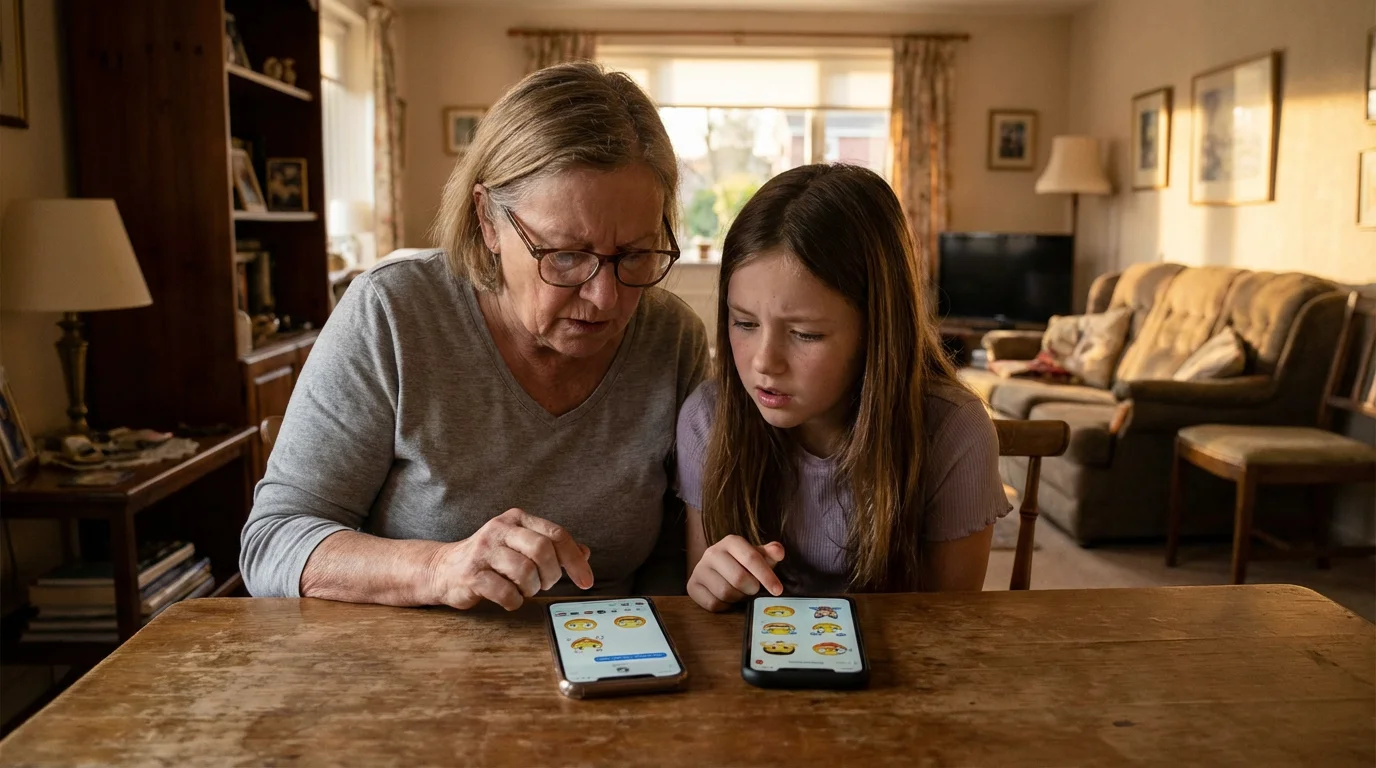
This is a common observation and completely normal. Different phone brands (like Apple, Samsung, Google) and even different app versions can display emoji with slightly varied designs. For example, a “grinning face” might look a little different on an iPhone compared to an Android phone. The good news is that while the visual style may change, the core meaning of the emoji almost always remains the same. A heart emoji is still a heart emoji, regardless of its precise shade of red or curve. Do not worry about these minor differences; your message and sentiment will still come through clearly.

“I cannot find the emoji keyboard, or it disappeared!”
If you are having trouble locating the emoji keyboard, double-check the steps we covered in the “Finding the Emoji Keyboard on Your Phone” section. Sometimes, you might accidentally tap off the keyboard or switch back to the regular alphabet.
- Ensure you are in a text input field in a messaging app.
- Look carefully for the 🌐 globe or 😊 smiley face icon. On some Android keyboards, you might need to tap and hold the comma key or another symbol key to reveal the emoji option.
- If it persists, try restarting your phone. This often resolves minor software glitches.
- You can also visit GCFGlobal’s technology tutorials at https://edu.gcfglobal.org/en/topics/technology/ for visual guides on keyboard settings.

“Are emoji secure? Could they be tracking me?”
Emoji are simply a form of digital character or image, much like the letters in the alphabet. They are embedded within your messages and do not carry any tracking information or pose a security risk. Your phone and messaging apps handle them like any other part of the text you send. You can use emoji with confidence, knowing they are a safe and fun way to communicate.

“Can I create my own custom emoji?”
While you cannot create entirely new, universal emoji that others will see in the standard emoji keyboard, many phones and apps offer creative alternatives. You can send your own photos (like a “selfie” of yourself making a funny face) or videos, which function similarly to personalized text pictures. Some apps, like Apple’s Messages, allow you to create “Memoji” which are personalized avatar emoji based on your appearance. These are fun ways to add a truly unique, personal touch to your messages.
Frequently Asked Questions
Here are some common questions about staying connected and using technology like emoji, with practical advice for you.
What if my grandchildren are too busy to respond to my messages?
It is completely normal for grandchildren, and adults of any age, to have busy schedules. Do not take it personally if they cannot respond right away. The beauty of text messages and emoji is that they are low-pressure. Sending a simple, heartfelt message like “Thinking of you! ❤️” or “Hope you had a good day! ☀️” lets them know you care without demanding an immediate reply. They can see your message, feel your love, and get back to you when they have a moment. It is about letting them know you are present and thinking of them, even if you are not in constant conversation.
How do I look better on camera during video calls?
Looking your best on a video call helps you feel more confident and engaged, making the connection even more enjoyable. First, ensure you have good lighting. Position yourself so a window or lamp is in front of you, illuminating your face, rather than behind you. Second, try to place your camera at eye level. Prop your phone or tablet on a stack of books if needed. This creates a more natural, engaging angle. Third, check your background for clutter and make sure it is tidy. Finally, and most importantly, remember that your genuine smile and the joy of seeing your loved ones’ faces are what truly matter. A clean camera lens also makes a big difference in picture quality!
How can I make sure my emoji are understood by my family?
Start with widely recognized and unambiguous emoji. Smiley faces 😊, hearts ❤️, and thumbs-up 👍 are universally understood and excellent starting points. If you are ever unsure about a specific emoji’s meaning, do not hesitate to ask your family directly, “What does this emoji mean to you?” They will appreciate your effort to communicate clearly. Over time, you will learn which emoji resonate best within your family’s unique communication style. Consistent use of common emoji helps everyone stay on the same page.
Are emoji only for young people?
Absolutely not! While younger generations certainly use emoji frequently, they are a powerful communication tool for everyone. Using emoji helps you add warmth, personality, and clarity to your messages, which benefits any conversation. Many adults use emoji to express themselves and connect with others. Embracing emoji shows your family you are tech-savvy, engaged, and eager to communicate in ways that are relevant and fun for them, bridging any generational gaps with a simple picture.
Using emoji is a delightful way to add joy, warmth, and personality to your text messages. It allows you to express emotions that words alone might miss, connecting you more deeply with your children, grandchildren, and friends. Do not be afraid to experiment, start simple, and most importantly, have fun with it. Your family will appreciate the effort, and you will find new ways to share your feelings across any distance. Technology truly serves as a bridge, bringing our loved ones closer, one thoughtful emoji at a time.
Disclaimer: This article is for informational purposes only. App interfaces change with updates, so screens may look slightly different. The most important thing is making the connection—the technology is just the tool to help you do that.





Leave a Reply