
This guide is for one situation: you are in your late 60s, you use a Windows 11 laptop with Edge, and the link for the weekly Sunday family Zoom call keeps sinking under a pile of spam.
A child or grandchild installed Zoom Workplace for you once, and now you hunt for the invite every week. A desktop icon ends the hunt, but only if it is built on the right kind of link.
Every step below is for Windows 11. Button wording varies by browser and version, so match the idea rather than every letter.
In this guide8 sections

Why the Link Matters More Than the Icon
A desktop icon is just a saved web address. Double-clicking it opens Edge at zoom.us, and that page asks Edge to hand the meeting over to the Zoom Workplace app.
So two things decide whether Sunday takes one click: what kind of link the icon holds, and whether Edge has been told to stop asking before it opens Zoom.
Our judgement: the link matters more. A missing permission tick costs you one extra click each week, and you can fix it yourself in seconds.
A wrong link type costs you the whole call the week it stops working, and only the host can replace it. So get the right link from the host before you make anything.
Setup help, though, often stops at installing the app and never checks which link was saved.

Compare the Four Kinds of Zoom Link
Each row is a link type a family invite might contain. Every column is something you can check in the invite itself or count on your own screen.
If you want to avoid 40-minute cutoffs on free accounts, you can also look into how to use Google Meet for video calls as a simple alternative.
| Link type | How to spot it in the invite | When it stops working | Clicks each Sunday (Always allow ticked, ?pwd= in link) | Who can fix it |
|---|---|---|---|---|
| One-time meeting | One date and time, no recurring line | Not meant for reuse; Zoom expires it some time after that date | One double-click, for one call only; then a new link and a new icon | Host |
| Recurring, fixed schedule | Repeating dates with an end date or a number of occurrences | After the last occurrence listed in the invite | One double-click, until that last date | Host |
| Recurring, No Fixed Time | Says recurring but lists no dates | Has no occurrences to run out; ends if the host deletes it or goes 365 days without starting it | One double-click | Host |
| Personal Meeting Room | Same meeting number on every invite from this host | If the host changes their Personal Meeting ID or goes 365 days without using it | One double-click | Host |
Each missing piece adds to that count. No Always allow tick means one extra click on Open every week.
No ?pwd= in the link means typing the passcode and clicking Join. No automatic audio means one more click on Join with Computer Audio.
Zoom’s guide to joining a Zoom meeting explains how to type the meeting ID and passcode manually if the full link is missing.

Get the Right Link Out of Your Inbox
Ask the family host for a recurring meeting set to No Fixed Time, or the host’s Personal Meeting Room link. Both keep the same address week after week.
In the Zoom web portal (not the desktop or mobile app), the host checks Recurring meeting and picks No Fixed Time under Recurrence when scheduling. Unlike a fixed weekly schedule, it has no set number of occurrences to run out.
Ask too for the link with the passcode built in. You can check it yourself: after the meeting number, the link contains ?pwd= followed by letters and numbers.
Spam folders are also where fake invites hide. The FTC guide to recognizing phishing scams explains how scammers imitate real messages, so phone the host if an invite surprises you.
A genuine link starts with https:// and contains zoom.us/j/ followed by a long meeting number. If anything other than zoom.us sits right before /j/, do not save it.
To copy it, right-click the link in the invite and choose Copy link or Copy link address, depending on your email program.
Make the Icon on Windows 11
This uses the built-in Create Shortcut window. Microsoft Windows help and learning covers the desktop if your screens look different.
- Right-click an empty spot on the desktop and choose New, then Shortcut.
- Click in the box labeled Type the location of the item, right-click, and choose Paste.
- Click Next, type Sunday Family Call under Type a name for this shortcut, and click Finish.
If a relative later sets you up on a Mac instead, the Apple Mac User Guide explains desktop files there. This guide stays with the Windows 11 laptop.

Tame the Edge Launch Prompt
Do this once on a quiet weekday with your helper on the phone, so Sunday is not your practice run.
- Double-click Sunday Family Call. Edge opens a Zoom page.
- Look near the top of Edge for a box saying the site wants to open Zoom Workplace.
- Tick the checkbox that begins Always allow zoom.us to open links of this type.
- Click Open.
- If no box appears, click Launch Meeting on the Zoom page to bring it back.
From then on, Edge skips the question and Zoom opens straight away. That one tick is the difference between one action and two every Sunday.
While Zoom is open, click your profile picture, then Settings, then Meetings & webinars, and turn on Automatically connect to computer audio under Join experience. That removes another click.
Zoom’s guide to testing your audio settings shows how to click the Test Speaker and Test Mic buttons to check your sound.
If clicking Open does nothing, Zoom Workplace may be missing or out of date. Open it from the Start menu, click your profile picture, and choose Check for Updates.
Keeping Edge and Zoom current also matters for safety; CISA’s advice on updating software explains how updates close security holes.

A Sunday Call, Start to Finish
Here is the whole Sunday for our reader: a 2:00 PM family call, a Windows 11 laptop, a No Fixed Time link containing ?pwd=, and a host on a free Zoom account.
Once you are connected, you can easily fix an unflattering laptop camera angle so you look your best on screen. Zoom’s guide to testing your video explains how to preview your webcam feed in Video settings so you can frame your face clearly.
- At 1:55 PM, you double-click Sunday Family Call in the top-left corner of the desktop. That is your first and only action.
- Edge opens for a moment. Because Always allow was ticked on the practice run, Zoom Workplace opens without asking.
- The link carries ?pwd=, so no passcode box appears. If the host has not started yet, Zoom shows a waiting message; leave it open.
- Because computer audio joins automatically, the family appears with sound and no audio button to click.
- Because the host uses a free Basic account, Zoom shows a countdown near its time limit, then ends the call for everyone.
- No one emails a new link. Once the host starts the room again, you double-click the same icon and land in the same meeting.
- Afterwards you close Zoom. The icon stays in its corner for next Sunday.
Now picture the same Sunday built on a one-time link with no tick. Edge asks, you click Open, and the following week Zoom reports the meeting is invalid or has ended.
That is the failure the table predicts: the click you could fix, and the link you could not. You end up back in the spam pile, which is why the link comes first.
Find the Icon on a Crowded Desktop
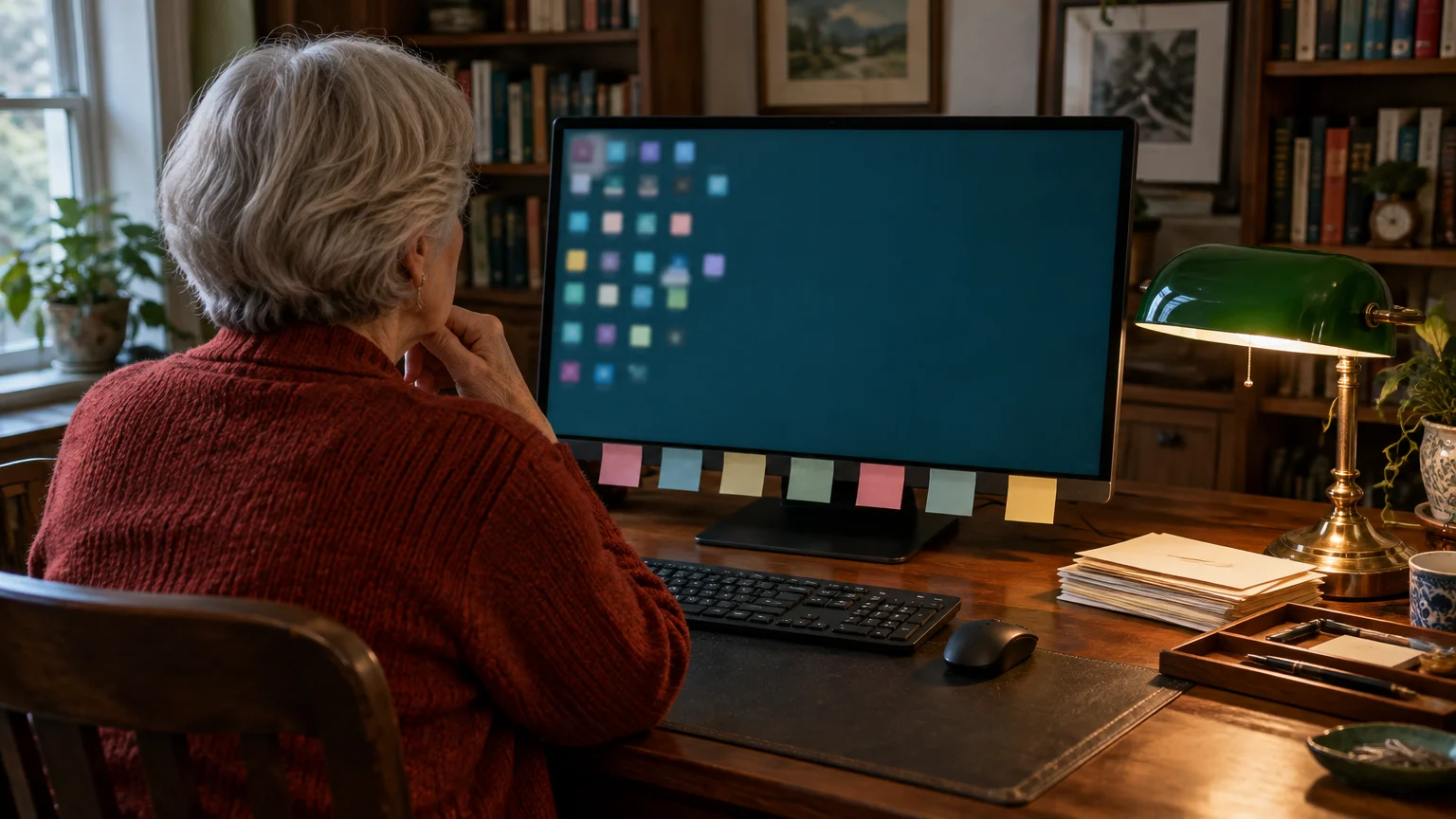
A desktop crowded with documents and old downloads can swallow a new icon as easily as spam swallows an invite. Give the Zoom icon one fixed, easy spot.
- Right-click the desktop, choose View, and untick Auto arrange icons so items stay where you drag them.
- Drag Sunday Family Call to the top-left corner, where your eyes land first.
- Right-click again, choose View, then Large icons to enlarge every icon and label.
To clear clutter without deleting anything, right-click the desktop, choose New, then Folder, name it Old Desktop Items, and drag spare icons into it.
If double-clicking is hard on stiff fingers, open File Explorer, click See more (the three dots), choose Options, and select Single-click to open an item on the General tab.
Frequently Asked Questions
Does my desktop shortcut work if the host changes the meeting passcode?
If the host changes the passcode, your saved link may ask you to type the new one before entering.
Ask the host for the updated link with ?pwd= built in, delete the old icon, and make a new one the same way.
Why does the icon open a Zoom page that just sits there?
Edge has not handed the link to Zoom Workplace, usually because the permission box was cancelled or hidden.
Click Launch Meeting on that page, tick Always allow if it is offered, and click Open.
Can I keep two family calls on the desktop without mixing them up?
Yes. Make a separate icon for each No Fixed Time or Personal Meeting Room link and give each a clear name, such as Grandchildren Call or Book Discussion.
Will deleting the desktop shortcut cancel the family video call?
No. Deleting it only removes the button from your screen.
The meeting room stays on Zoom’s servers, and your relatives can keep meeting as usual.
Note: Menus and button names change with software updates. These steps were written for current versions as of 2026; if a screen looks different on your device, the maker’s support page linked above has the latest wording.
ClearTechGuide is independent and is not affiliated with Apple, Google, Microsoft, Amazon or any other company mentioned.