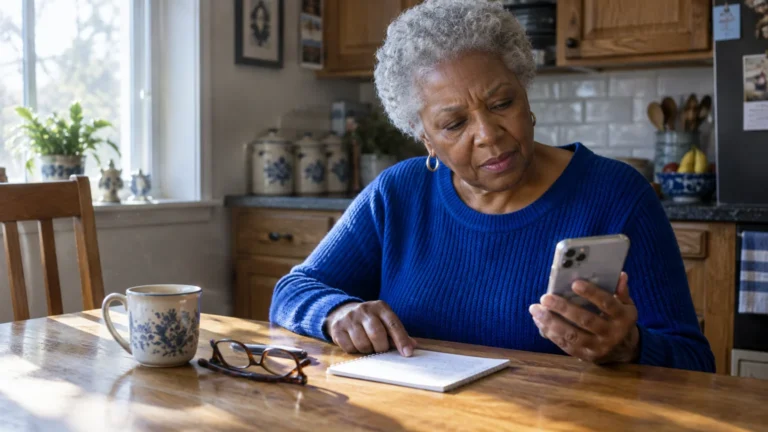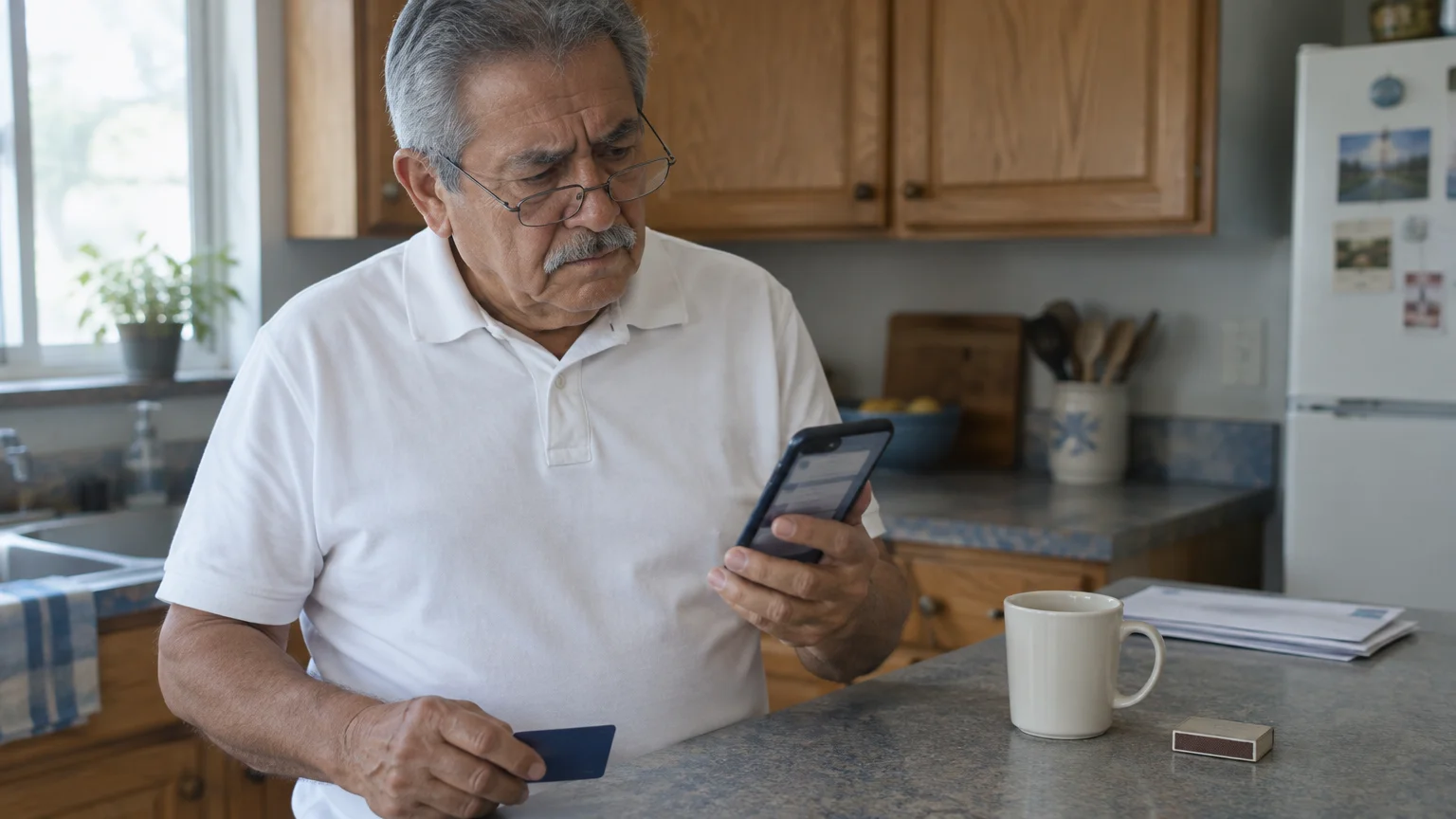
This guide is for one situation. You are in your late 70s, on an iPhone a relative set up, and a text says an unauthorized $480 debit card charge needs a reply of “YES” or “NO.”
Debit fraud requires fast action because money leaves your account immediately, unlike the stronger dispute protections you get when paying with a credit card.
Our judgement: the sender’s number is a weak test and the request is the decisive one. A real fraud alert asks about a charge; it never asks you for a code, password or PIN.
The order matters because the most dangerous text in this scam comes from your real bank. A sender check would pass it.
A request check stops it.
In this guide7 sections
Why the Sender Number Is Only a First Filter
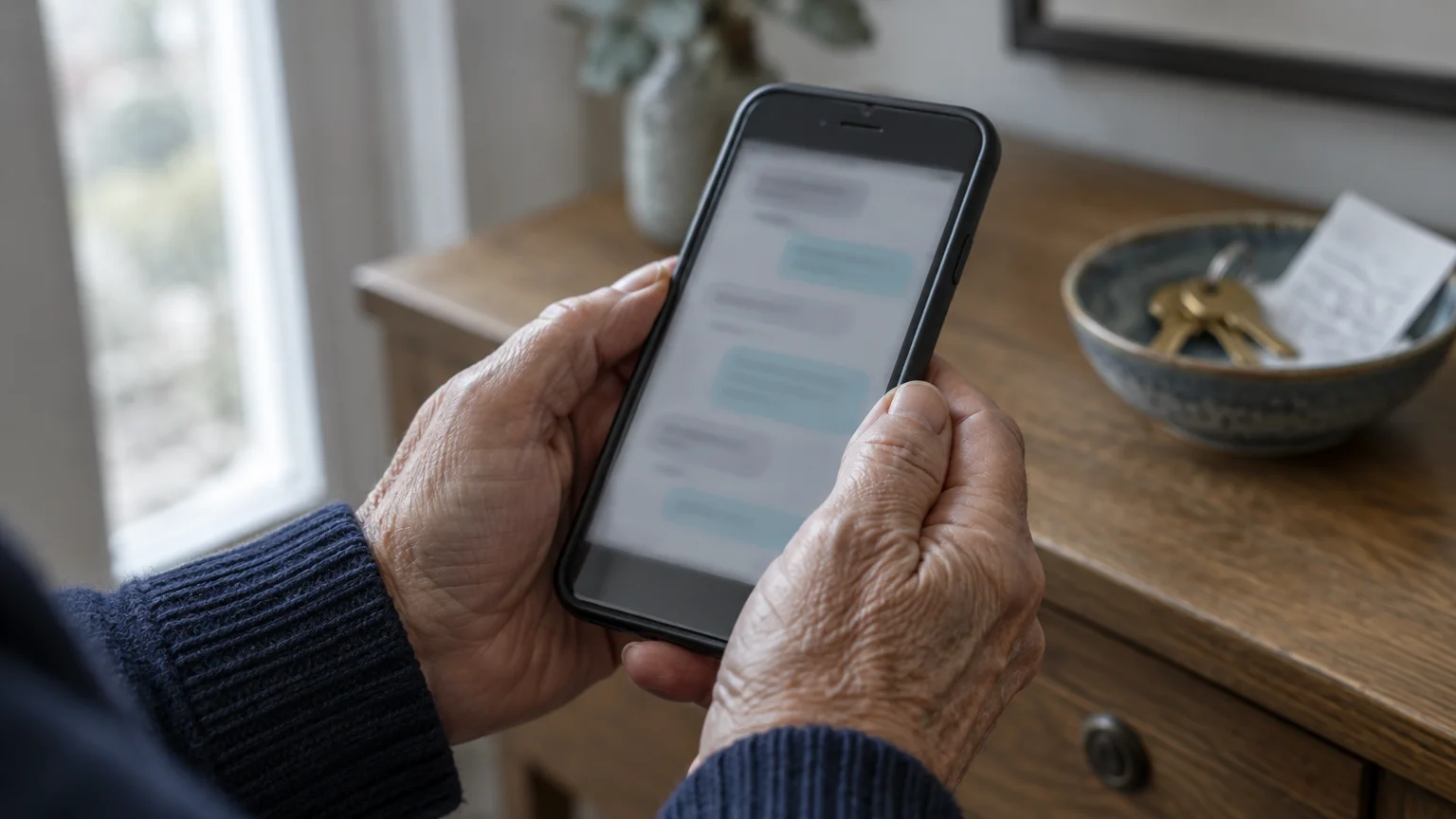
Banks usually send automated alerts from a shortcode, a five- or six-digit number registered with the wireless carriers. Scam texts more often come from ordinary ten-digit numbers or email addresses.
Unexpected texts with strange phone numbers are equally common when avoiding package delivery scams that try to bait you with fake parcel updates.
Criminals use similar ten-digit numbers and fake alerts in unpaid toll road text scams to push people into acting without thinking.
So look at the top of the conversation in Messages. A ten-digit number or an email address claiming to be your bank’s fraud team is reason enough to stop.
A shortcode, though, is not a green light. The most damaging step in these scams uses a genuine text from your genuine bank.
That is also why this guide does not print a list of big banks’ shortcodes. A list can go out of date, and a correct shortcode is exactly what the dangerous text has.
Your own bank is the reliable source. Open its app or website and look under alerts or notification settings for the number it texts from; the wording varies by bank.
While there, note which text alerts are switched on. Knowing what you signed up for tells you what a real alert from your bank looks like.
The Code Is the Real Test
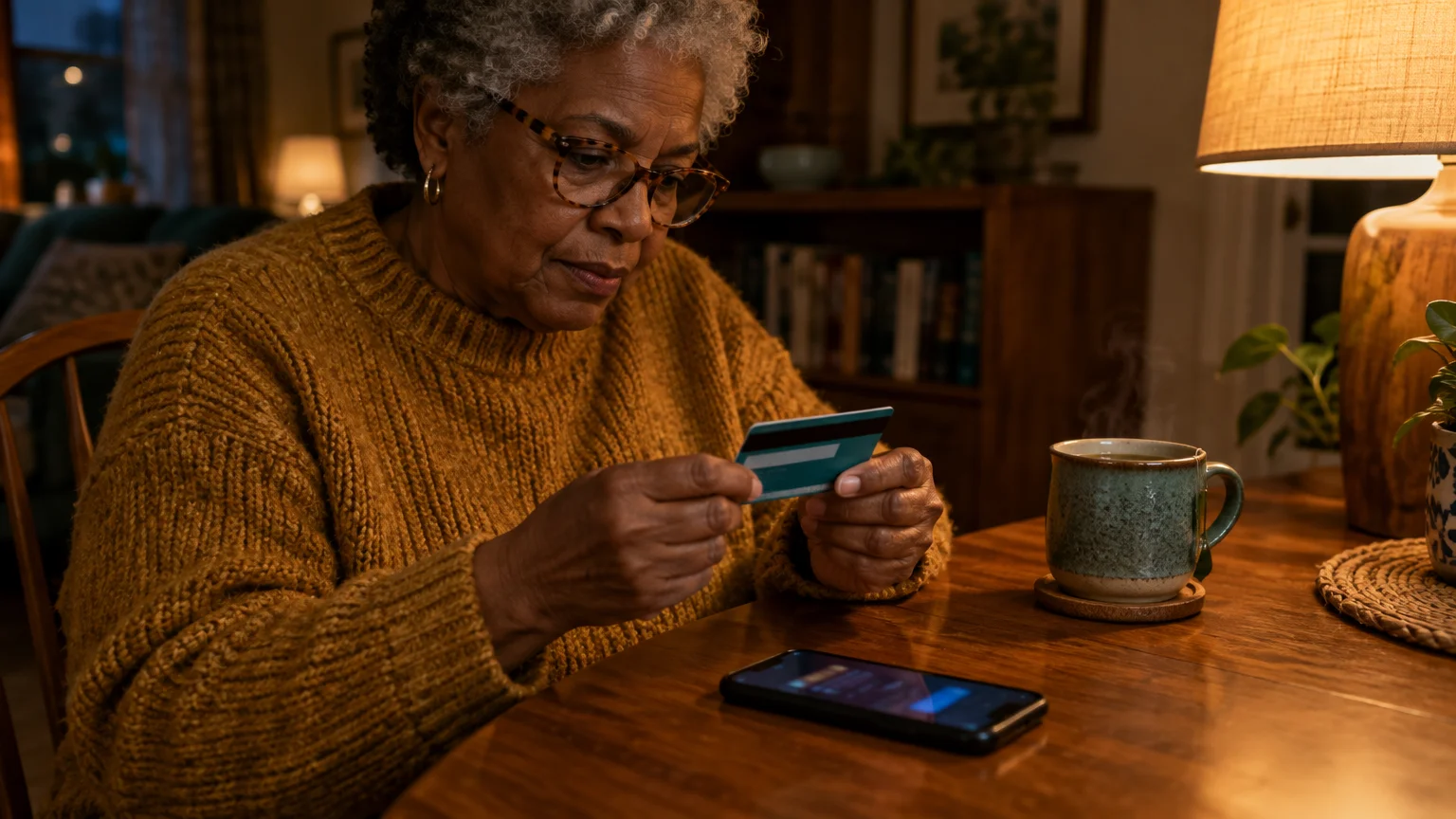
Your bank texts a one-time code when someone tries to sign in, add a new phone or approve a payment. It goes to your phone no matter who started the attempt.
Scammers rely on that. They type your username into the bank’s real login page, the bank texts you a real code, and they phone you asking for it.
Here is the mechanism that makes this decisive. The code is tied to the attempt, not to the person, so whoever reads it back finishes the sign-in or payment.
That code text passes every sender check. Banks commonly write “do not share this code” right inside it, and that is the warning to obey.
So the rule that works whatever the sender looks like: a code you did not ask for means someone else is at your login screen.
The FTC guide on imposter scams says the same in plain terms: do not trust caller ID, and contact the company using a number you know is real.
For you, that number is printed on the back of your debit card. Calling it is the back-of-the-card protocol.
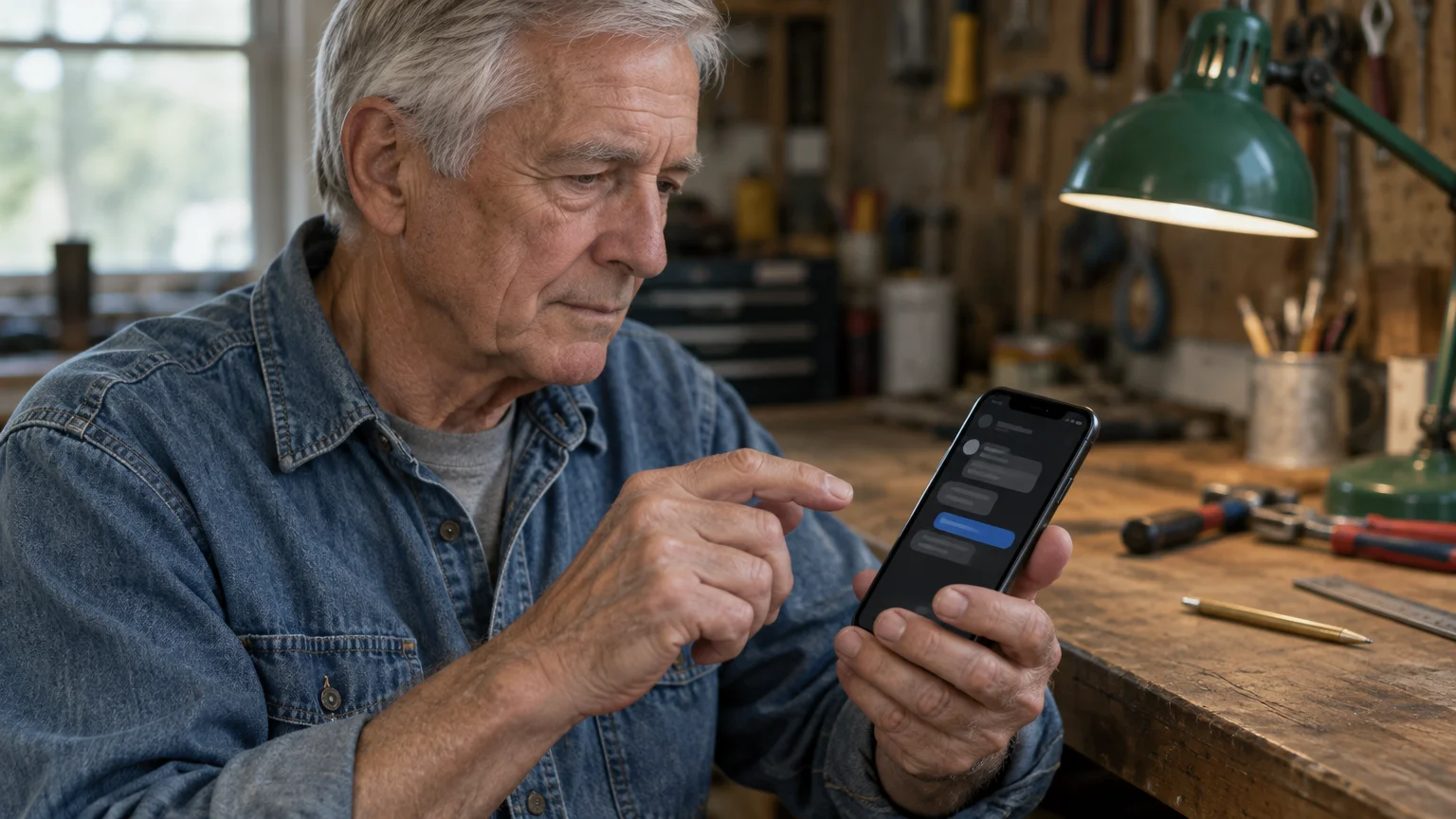
Worked Example: The $480 Debit Text
- The text arrives: “Fraud alert: debit card charge of $480.00. Reply YES if this was you, NO if not.” Do not reply yet.
- Read the sender at the top of the screen. A ten-digit number or email address means skip to the reporting steps below.
- Look for blue link text. A link asking you to “verify” or “unlock” your account is a stop sign, whatever the sender.
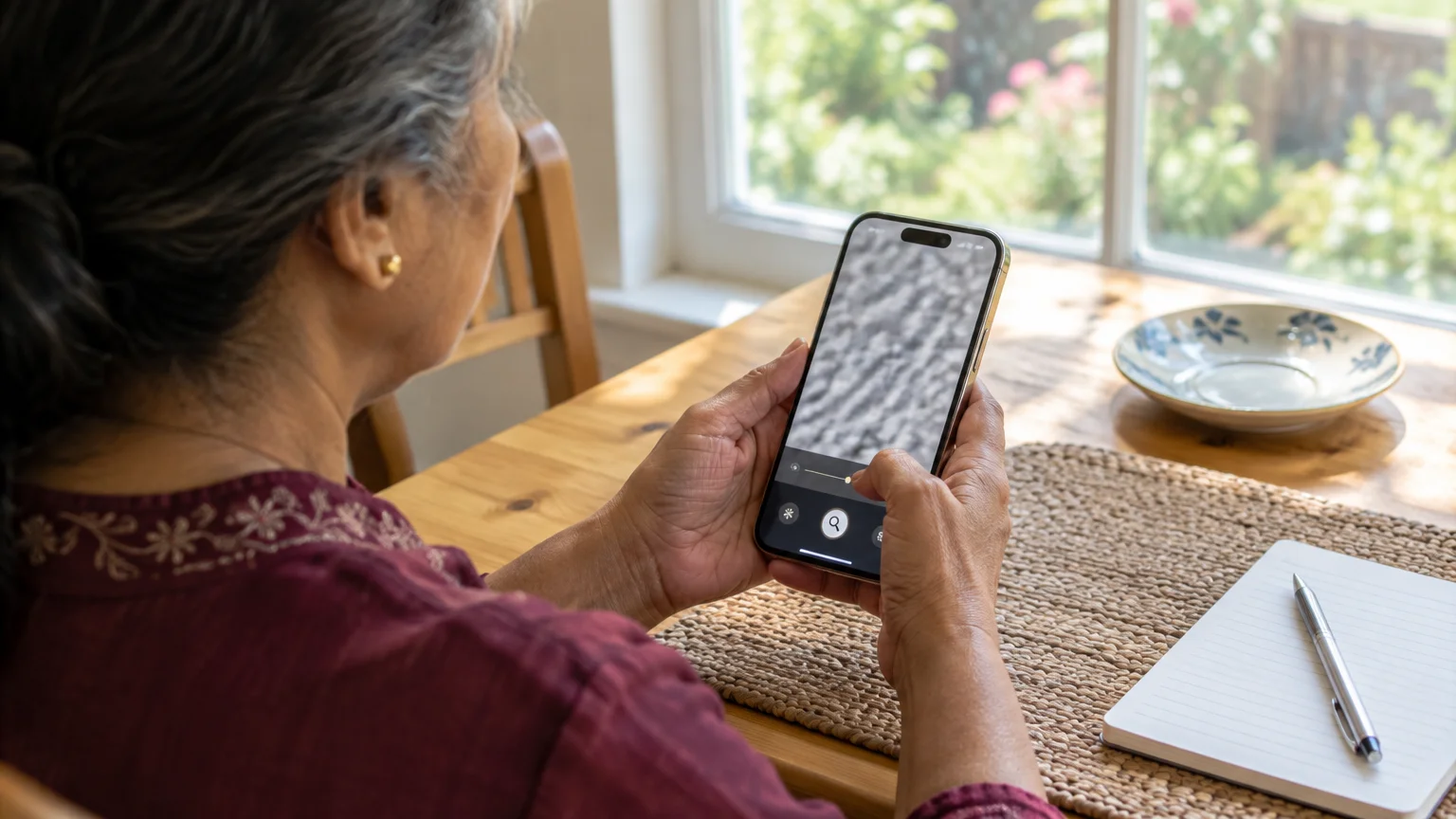
- Turn your card over. If the print is too small, swipe down on the Home Screen, type Magnifier and open it.
- Call the number on the card, not any number in the text. Ask whether there is a $480 charge and whether the bank sent an alert.
- If the alert was real, the bank handles the charge on that call. If not, report the text and delete it.
Now the dangerous version. Suppose you had already replied “NO,” and moments later a caller says they are from the fraud team.
They warn that a code is about to arrive and they need it to reverse the $480. A real code then arrives from your bank’s real shortcode.
Run the checks again. The sender passes, there is no link, but the request fails: someone wants the code.
Hang up without reading it, then call the number on your card.
Checks You Can Do on Your iPhone
The last column is the one to read. It shows which checks still work when the scammer makes your real bank send the text.
If persistent scammers keep trying to ring your device after you ignore their texts, you can also block unwanted callers directly on your phone.
| Check | Where to look | Real bank alert | Should stop you | Catches the code scam? |
|---|---|---|---|---|
| Sender | Top of the Messages conversation | Five- or six-digit shortcode | Ten-digit number or email address | No: the code text comes from your real bank |
| Link | Blue text inside the message | A YES/NO question, usually no link | A link to “verify” or “unlock” your account | No: the code text has no link |
| Request | The message wording, or what a caller asks | A question about a charge | A PIN, password, code or money transfer | Yes: banks do not ask |
| Code text | A separate text with digits | Usually says not to share it | A caller asking you to read it out | Yes: this is the scam |
| Your alerts | Bank app or website, under alerts (wording varies) | Alerts you turned on | An alert for an account you do not hold | No: background only |
Two free iPhone settings help. To enlarge on-screen text, follow Apple’s guide to make text bigger on iPhone, which starts in Settings > Display & Brightness > Text Size.
To move texts from numbers not in your Contacts into a separate list, go to Settings > Apps > Messages and turn on Screen Unknown Senders. The label has changed between iOS versions.
Screening matters less than the request check. It sorts obvious ten-digit scams, but it never hides the code text from your real bank, which is the dangerous one.
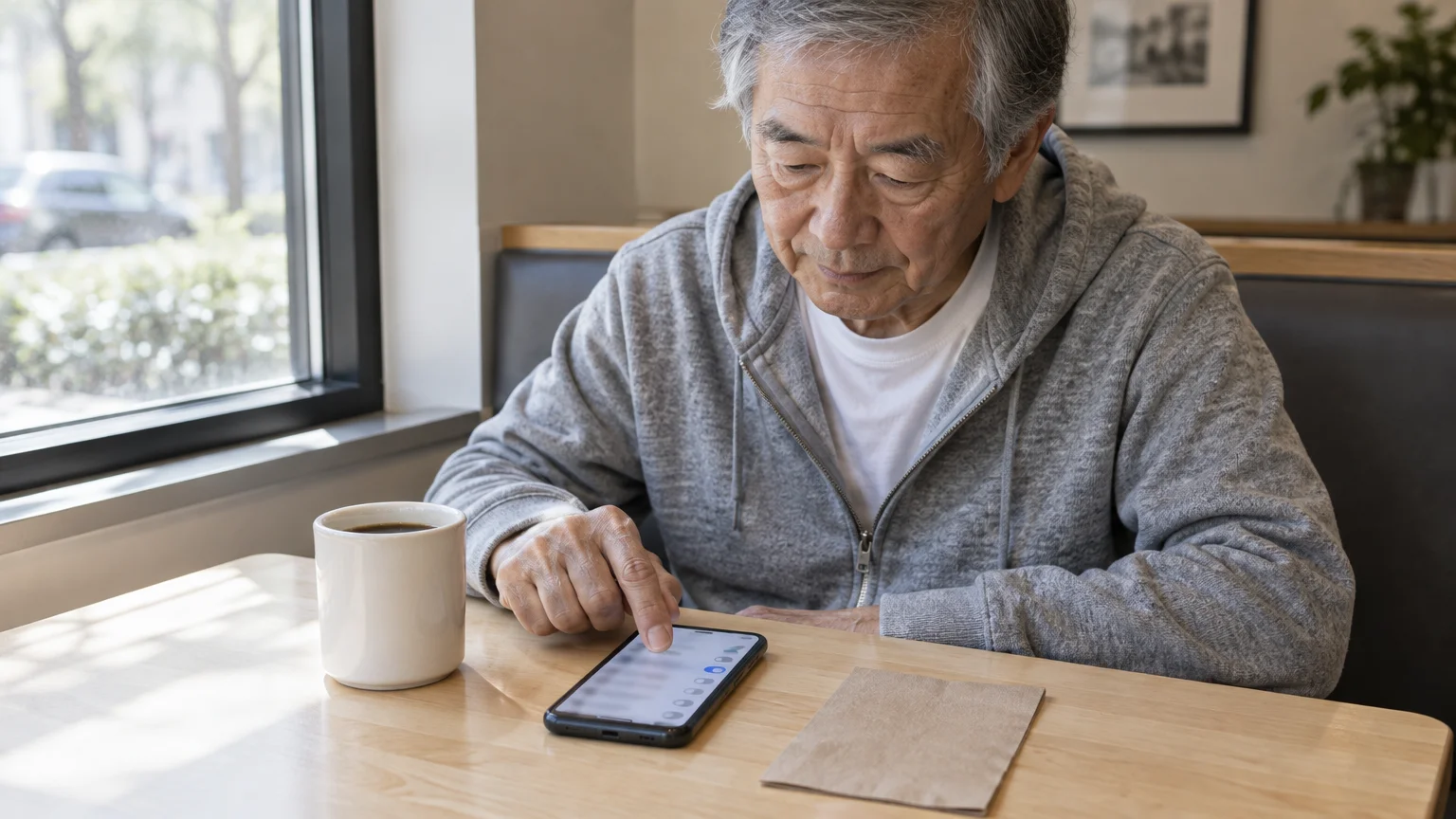
How to Report the Text
Do not tap links in the message, and do not reply “STOP” to a sender you do not trust. Forward it to your carrier instead.
- Open Messages and the suspicious conversation.
- Touch and hold the text bubble until a menu appears.
- Tap Copy.
- Start a new message and enter 7726 in the To field.
- Tap the message box, tap Paste, then tap Send.
The FCC guide on stopping unwanted robocalls and texts confirms 7726, which spells SPAM, is free to use. Carriers use those reports to help block senders.
The FTC guide on reporting spam text messages also suggests your phone’s built-in report option. On iPhone, a Report Junk link may appear under a message from an unknown sender.

What to Do If You Already Replied or Clicked
A YES or NO reply on its own mostly confirms your number is active. Expect more attempts, and use the card-number rule every time.
When setting up replacement credentials on a mobile device, knowing how to hide passwords while typing on your phone keeps your new information private from anyone nearby.
If you tapped a link, typed a password or read out a code, act now, because the scammer may already be signed in.
- Call the number on the back of your card and ask the bank to freeze the card and check for new sign-ins or payees.
- Change your online banking password through the bank’s app or a web address you type yourself.
- Report the scam at ReportFraud.ftc.gov.
- File a complaint at IC3.gov. The FBI’s Elder Fraud Report is compiled from complaints by people 60 and older, so yours is counted.
Then ask one credit bureau, Equifax, Experian or TransUnion, for a free fraud alert; that bureau must tell the other two. Lenders are then asked to verify your identity before opening new credit.
Frequently Asked Questions
Is a text from a five-digit number always from my bank?
No. A ten-digit sender is the bigger warning sign, but a genuine code text from your bank’s shortcode can still be part of a scam if a caller asks for it.
Where do I find the number my bank really texts from?
In your bank’s own app or website, under alerts or notification settings. The wording varies by bank, and a matching number still does not make a code request safe.
Can a real bank fraud text ask for my password or PIN?
No. A genuine bank alert does not ask for your password, PIN or one-time code. Any message or caller that does is a fraud attempt.
Should I reply “STOP” to a fake bank alert?
No. Replying to an untrusted number only confirms someone reads texts on this phone. Forward it to 7726 and delete it instead.
What if my card isn’t nearby when the alert arrives?
Open your bank’s app yourself, or type its web address, and check recent transactions and messages. Never use a link or number from the text.
Note: Menus and button names change with software updates. These steps were written for current versions as of 2026; if a screen looks different on your device, the maker’s support page linked above has the latest wording.
ClearTechGuide is independent and is not affiliated with Apple, Google, Microsoft, Amazon or any other company mentioned.