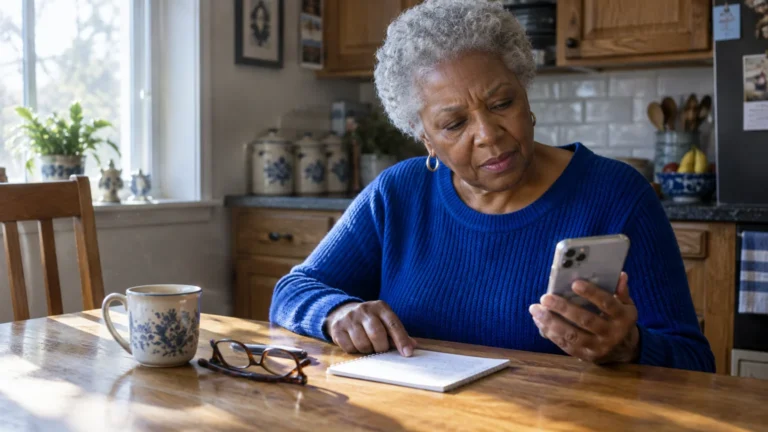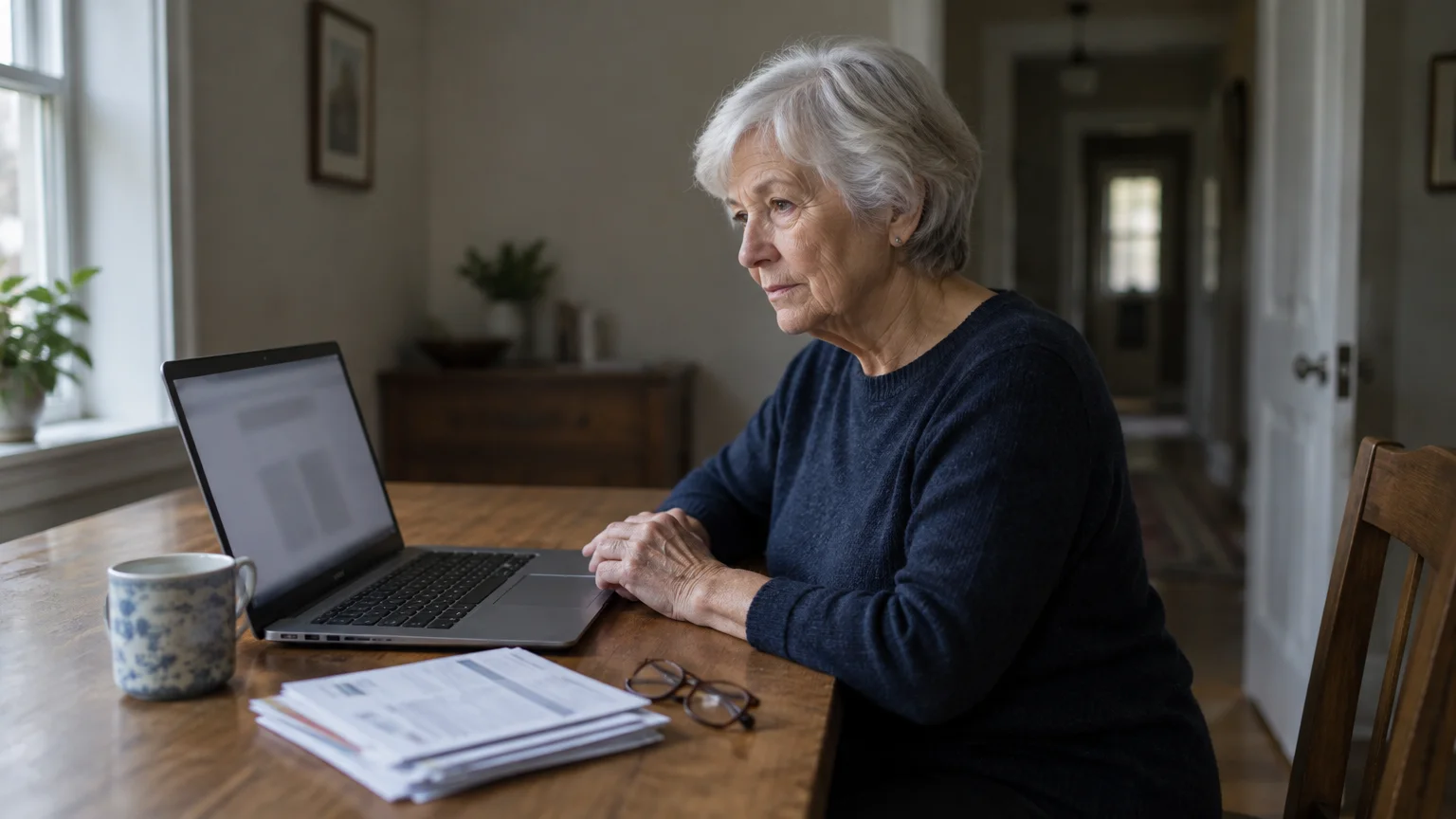
This guide is for one particular situation. You are in your mid-70s and have taken over the household bills since your husband died, using the Windows 11 laptop he paid them on.
If you also manage digital banking alerts on your phone, learning how to check if a bank fraud text is real will help you stay calm when unexpected notifications appear.
He set up the PayPal account in your name and linked it to your joint checking account. PayPal emails still arrive in the inbox you both shared.
One morning an email from a genuine PayPal address says you owe $499 for cryptocurrency and gives a phone number to cancel. You don’t know every purchase he made, so you can’t rule it out from memory.
Our judgement: memory is the wrong tool here. The check that settles it is which email address the bill was sent to, and what the Activity page of that account shows.
An unpaid invoice cannot move money by itself. Only someone pressing Pay, or a caller you let into your computer, can do that.
In this guide7 sections
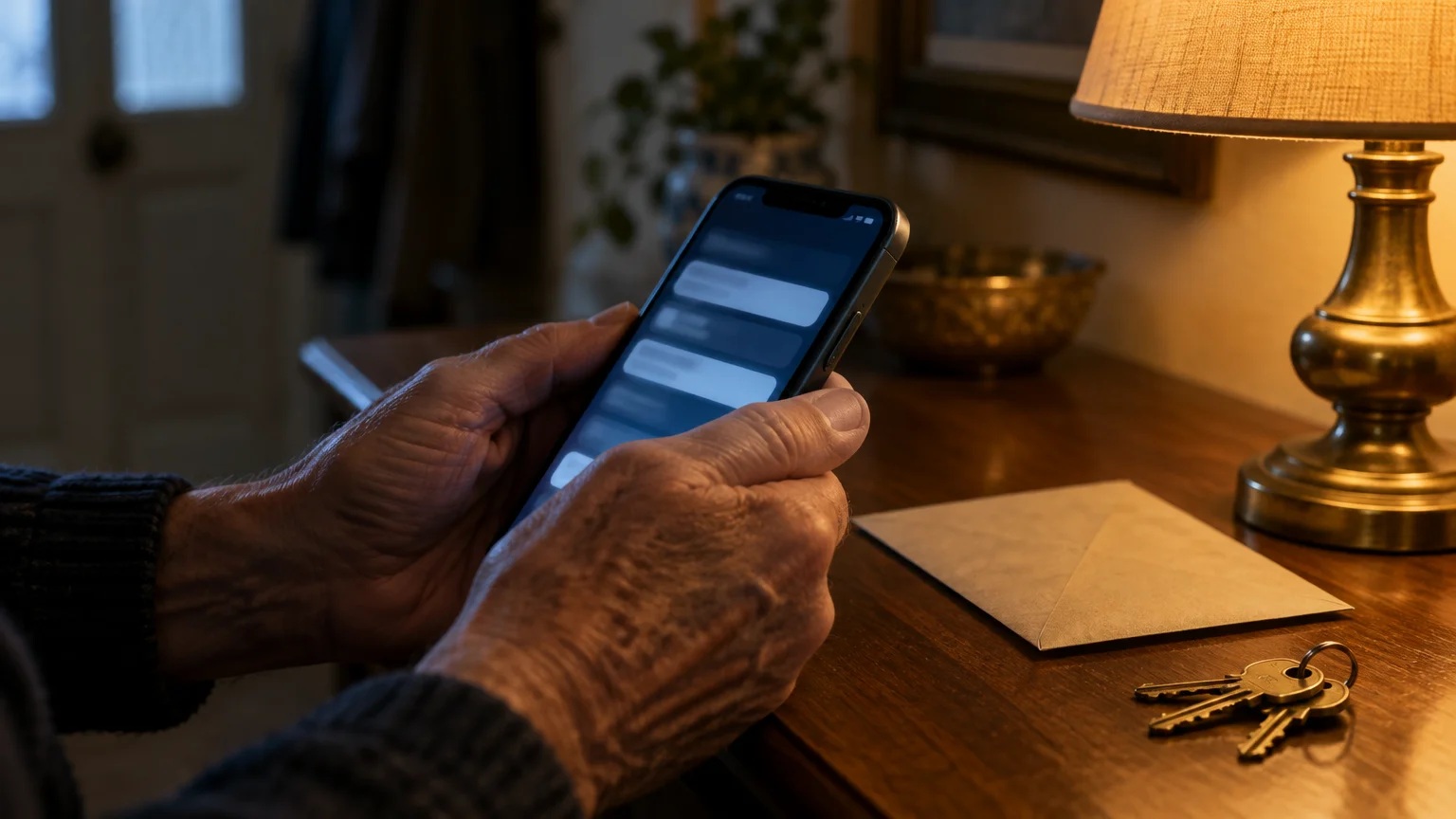
Why the Email Really Comes from PayPal
Anyone can open a PayPal business account and use its invoicing tool to bill any email address. PayPal’s own mail system then delivers that bill.
Scammers rely on manufactured urgency to prompt hasty decisions, much like the alarming warnings generated by a fake antivirus siren pop-up in your web browser.
That is why the sender line is genuine and your spam filter let it through. How official the email looks tells you nothing about whether you owe anything.
The only part the scammer writes is the note, sometimes labeled a memo or message to the customer. That box is where the $499 story and the “customer service” phone number appear.
Think of it as the scammer’s words inside a PayPal envelope. CISA’s advice on recognizing and reporting phishing makes the same point: judge what a message pushes you to do, not how it looks.
Here it pushes you to phone a number in a hurry. A genuine PayPal bill never requires you to call a number printed in a seller’s note.

The Check That Matters: Who Was It Sent To?
Before anything else, look at the “To” line of the email. When one partner handled the money, a household often has PayPal accounts on two addresses, or one account on a shared address.
Safeguarding your payment accounts is an essential part of learning how to shop online safely while managing household spending on your computer.
When taking over household finances, reviewing recent statements is also a good opportunity to cancel online subscriptions you no longer need.
If the bill went to the address on your own PayPal account, it can only appear in that account’s Activity list. That list is the one place to look.
If it went to your late husband’s own address, it can only sit there waiting for someone to press Pay. You do not need to log into his account to defuse it; forwarding and deleting is enough.
Why does this beat trying to recognize the purchase? The note claims you were already charged, and memory can’t disprove that.
The Activity list can, because a finished payment and an unpaid request look different there.
Make the screen easy to read first, so you don’t misclick. On Windows 11, press the Windows logo key and the Plus sign to open Magnifier, and the Windows logo key and Esc to close it.
If you check on an iPhone or iPad instead, follow Apple’s instructions to make text bigger. On a current iPhone the slider is in Settings > Display & Brightness > Text Size.
One Fake $499 Invoice, Start to Finish
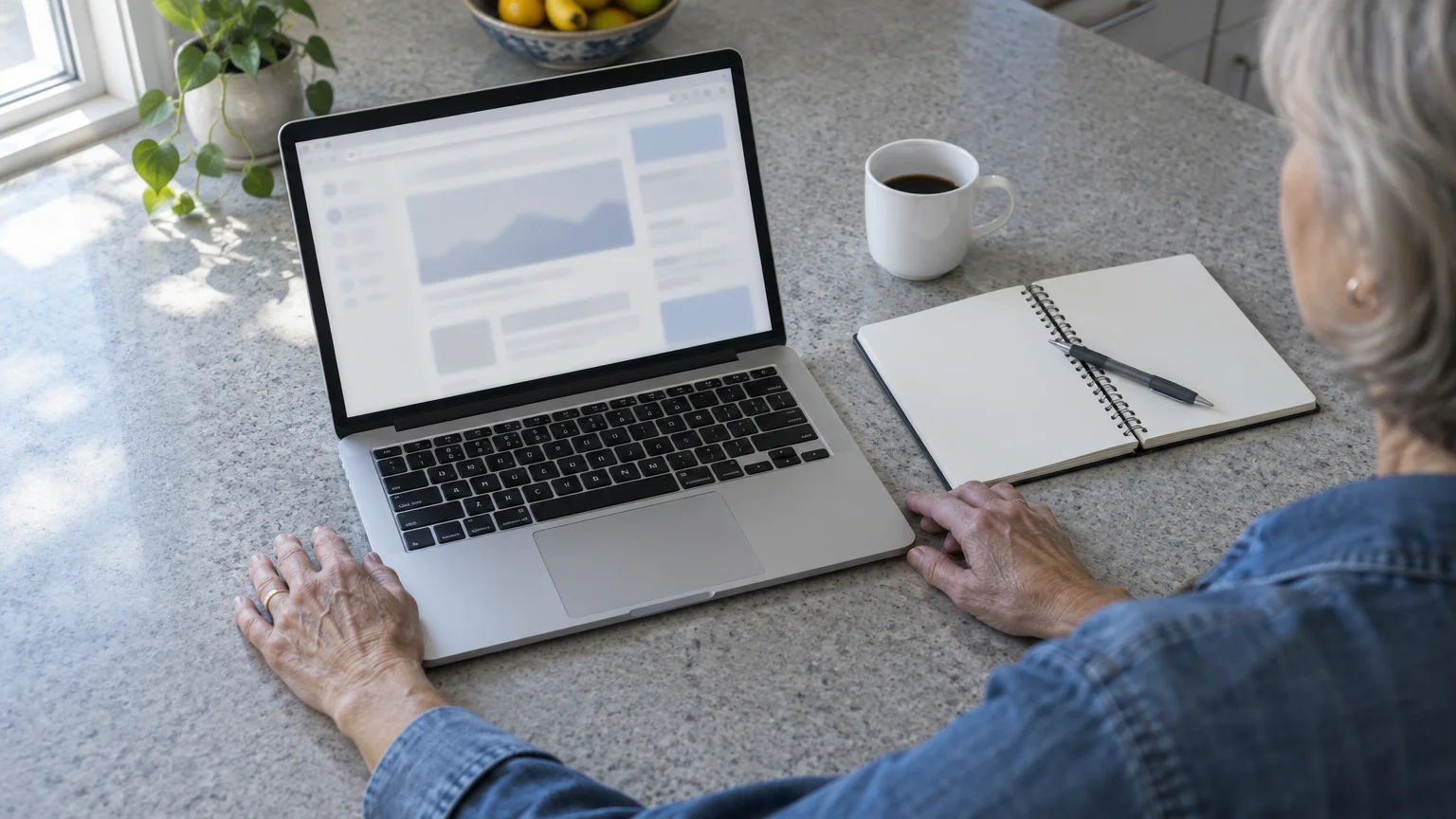
Here is your case played out at the kitchen table, step by step.
This demand for an unverified charge works on the same psychological pressure seen in fake toll road text scams, where victims rush to resolve a fee they never incurred.
- The email arrives. The note says $499 for Bitcoin was taken from your account and lists a toll-free number to cancel. You leave the phone where it is.
- Read the To line. It shows the shared address, which is the login email for the PayPal account he set up in your name.
- Close the email. Open Microsoft Edge, type paypal.com into the address bar yourself, and log in.
- Click Activity at the top. The $499 item is listed as an invoice or request with a Pay button, not as a completed payment.
- Check the bank side. Type your bank’s web address yourself and log in. The joint checking account shows no $499 deduction.
- Report it. Back in your email, forward the message to phishing@paypal.com, then delete it.
- Write it down. Add one line to your household notebook: the day, the amount, and “fake invoice, reported, nothing paid.”
Cost to you: nothing. Because you never dialed the number, no one had the chance to get onto your laptop.
That notebook line matters for someone newly in charge of the accounts. Next time something odd arrives, you have your own record to compare it with, instead of guessing what he might have bought.

Step-by-Step: Clear and Report the Invoice
These steps remove the bill from your account and pass the evidence to PayPal’s fraud team.
Navigating directly to verified sites rather than clicking email attachments also helps keep your computer safe from viruses and hidden malware.
Warning: Never press Pay and never dial a number written in the note. Those are the only two ways this invoice can cost you money.
- Open your web browser and type paypal.com yourself. Do not use a link from the email.
- Enter your email and password, then select Log In.
- Click Activity in the menu at the top of the page. In the PayPal phone app the wording and layout vary.
- Click the $499 item once to open it.
- If you see a button such as Decline or Cancel, select it and confirm. The wording varies by request type; if there is no such button, simply leave it unpaid.
- In your email program, forward the original message to phishing@paypal.com.
- Delete the email and empty your email trash folder.
If the bill was addressed to your late husband’s email, skip steps 1 to 5. Forward it and delete it.
Real Payment or Scam? A Table You Can Check
Every column below is something you can confirm yourself on screen, without calling anyone.
| What arrived | Where you check it | How it shows in your Activity | Does money leave? | Phone number | What to do |
|---|---|---|---|---|---|
| Real payment made from your account | Activity on paypal.com | A completed payment with the amount | Yes, already taken from your balance, bank or card | None in a note; PayPal’s own Help link is on its website | Keep it with your household records |
| Scam invoice sent to your address | Activity on paypal.com | An unpaid invoice or request with a Pay button | No, unless you press Pay | Printed in the seller’s note | Decline if offered, forward to phishing@paypal.com, delete |
| Scam invoice sent to your late husband’s address | The To line of the email | Not shown in your account at all | No | Printed in the seller’s note | Forward and delete; no need to log into his account |
| Look-alike email not from PayPal | The email only | Nothing in Activity | Not by itself, but its links may try to steal your password | In the email body | Forward without clicking anything, then delete |
A few signs give the scam away even before you check Activity:
- The note claims you were already charged, yet the email is an invoice asking you to pay.
- The item is cryptocurrency, gift cards, or a computer support plan nobody in the house ordered.
- A phone number appears in the note box rather than PayPal’s normal help links.
- The note warns that the charge becomes final unless you call quickly.

If You Already Called the Number or Paid
If you already called, you are not foolish; this trick is built to catch careful people. What matters now is acting quickly.
Callers usually ask you to install a remote access app such as AnyDesk or TeamViewer. Remote access lets someone elsewhere see and control your computer over the internet.
They may then fake a “refund” on your screen and demand you send the difference back by wire, cash or gift cards. The FTC’s guide to tech support scams explains how this staged refund works.
- Disconnect the laptop from the internet. On Windows 11, click the network icon at the bottom right and turn Wi-Fi off.
- Call your bank using the number on the back of your debit or credit card. Say the joint checking account may be exposed and ask about new card numbers.
- From a different device, log into PayPal and open a dispute for any payment you made. The Resolution Center is under Help on many screens; the wording varies. Disputes have a time limit, so do it today.
- Change your PayPal password from that clean device.
- Report the scam at ReportFraud.ftc.gov and at ic3.gov. The FBI’s elder fraud page explains what to include.
- For free help, call the National Elder Fraud Hotline at 1-833-372-8311.
One more step belongs to your situation. If your husband set up the account, its security codes may still go to his old mobile number.
On paypal.com, click the gear icon for Settings, then Security, then 2-step verification, and make sure codes go to your phone. The FTC’s guide to two-factor authentication explains why that second code protects you.
Frequently Asked Questions
Do I have to log into my late husband’s PayPal account to cancel a bill sent there?
No. A bill sent to his address can only wait for someone to press Pay, so forwarding it to phishing@paypal.com and deleting it is enough.
Could ignoring this fake bill hurt my credit score?
No. An unpaid PayPal invoice from a stranger is not a debt you agreed to, and simply leaving it unpaid does not create one.
Can the invoice pull money out of our joint checking account on its own?
No. Money moves only if you press Pay, or if you let a caller onto your computer to do it for you.
Why didn’t PayPal stop the scammer from sending it?
Any account holder can send an invoice to any email address. Scammers misuse that ordinary tool until PayPal spots and shuts their accounts, which your forwarded email helps it do.
Note: Menus and button names change with software updates. These steps were written for current versions; if a screen looks different on your device, the support pages linked above have the latest wording.
ClearTechGuide is independent and is not affiliated with Apple, Google, Microsoft, Amazon, PayPal or any other company mentioned.