This guide is for a 78-year-old on an iPhone 13, set up years ago by a grown son or daughter. The goal is birthday messages for three grandchildren to watch at 13, 16, 18 and 21.
Creating milestone video archives is one of the most lasting ways to stay connected when family lives far away.
Stiff hands make long sessions tiring, but the harder problem is time: the videos must outlast this phone and this password.
Here is the judgement most keepsake guides skip. What decides whether these videos are ever watched is not the camera setting.
It is Google’s Inactive Account Manager, set up the same afternoon you upload.
The reason is how the two features work. 2-Step Verification ties sign-in to your phone, so nobody else can get in; Inactive Account Manager sends people you choose a download of your files once the account goes quiet, with no password needed.
Recording in 1080p at 30 fps still matters, because it keeps all twelve messages inside Google’s free 15 GB.
In this guide7 sections
Set the iPhone to 1080p Before You Record
Resolution is how many tiny dots make up the picture. 4K looks sharper on a big TV, but a face talking from an armchair gains little, and the files are far heavier.
If the labels are hard to read, first follow Apple’s instructions for making text larger on iPhone.
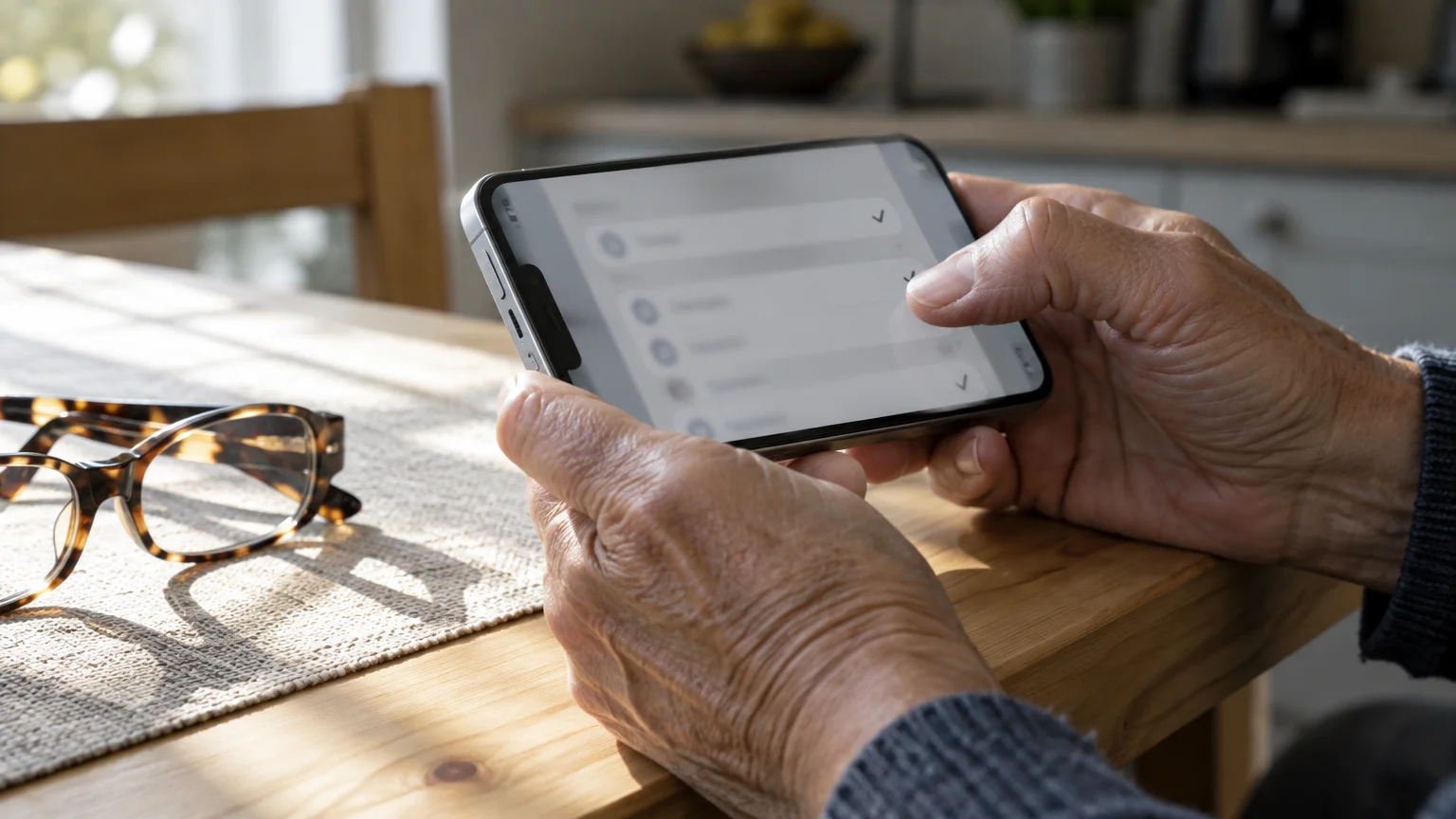
- Open Settings.
- Scroll down and tap Camera.
- Tap Record Video.
- Tap 1080p HD at 30 fps so a tick appears beside it.
Under the list, the iPhone shows roughly how much space one minute takes in each format. The figures depend on your model and on Settings > Camera > Formats, where High Efficiency makes smaller files than Most Compatible.
| Format on the Record Video screen | Size per minute shown (iPhone 13, High Efficiency) | Minutes that fit in 15 GB | For a talking face |
|---|---|---|---|
| 720p HD at 30 fps | 40 MB | About 375 | Soft on a large TV |
| 1080p HD at 30 fps | 60 MB | About 250 | Recommended |
| 1080p HD at 60 fps | 90 MB | About 165 | Extra smoothness wasted on speech |
| 4K at 30 fps | 170 MB | About 88 | Sharp, but fills free space fast |
If your screen lists different numbers, use yours; the arithmetic below works the same way.
Set Up a Comfortable Recording Spot
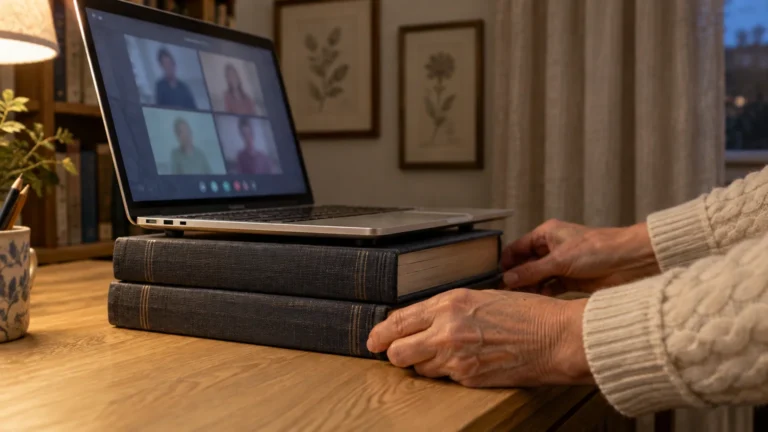
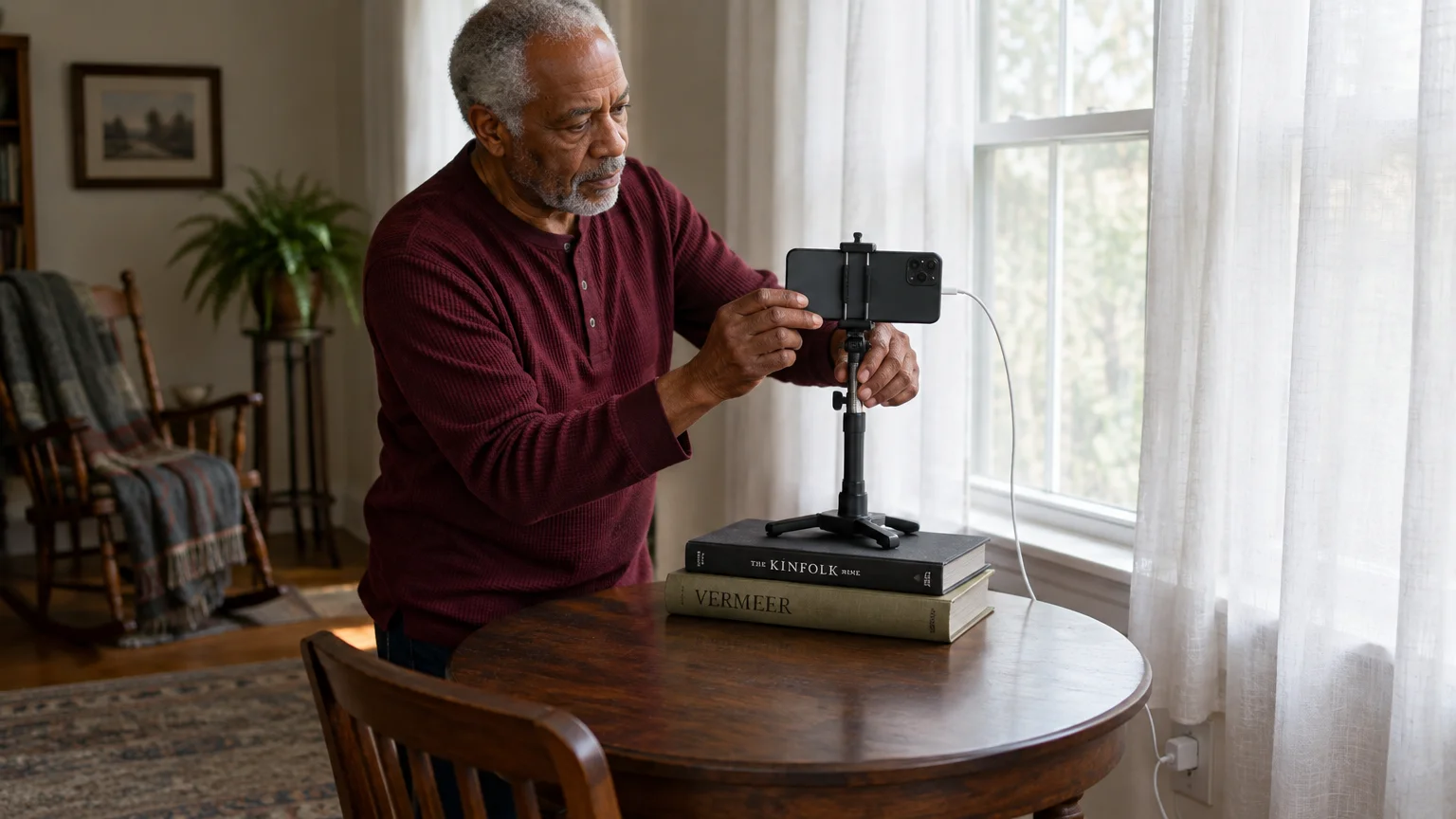
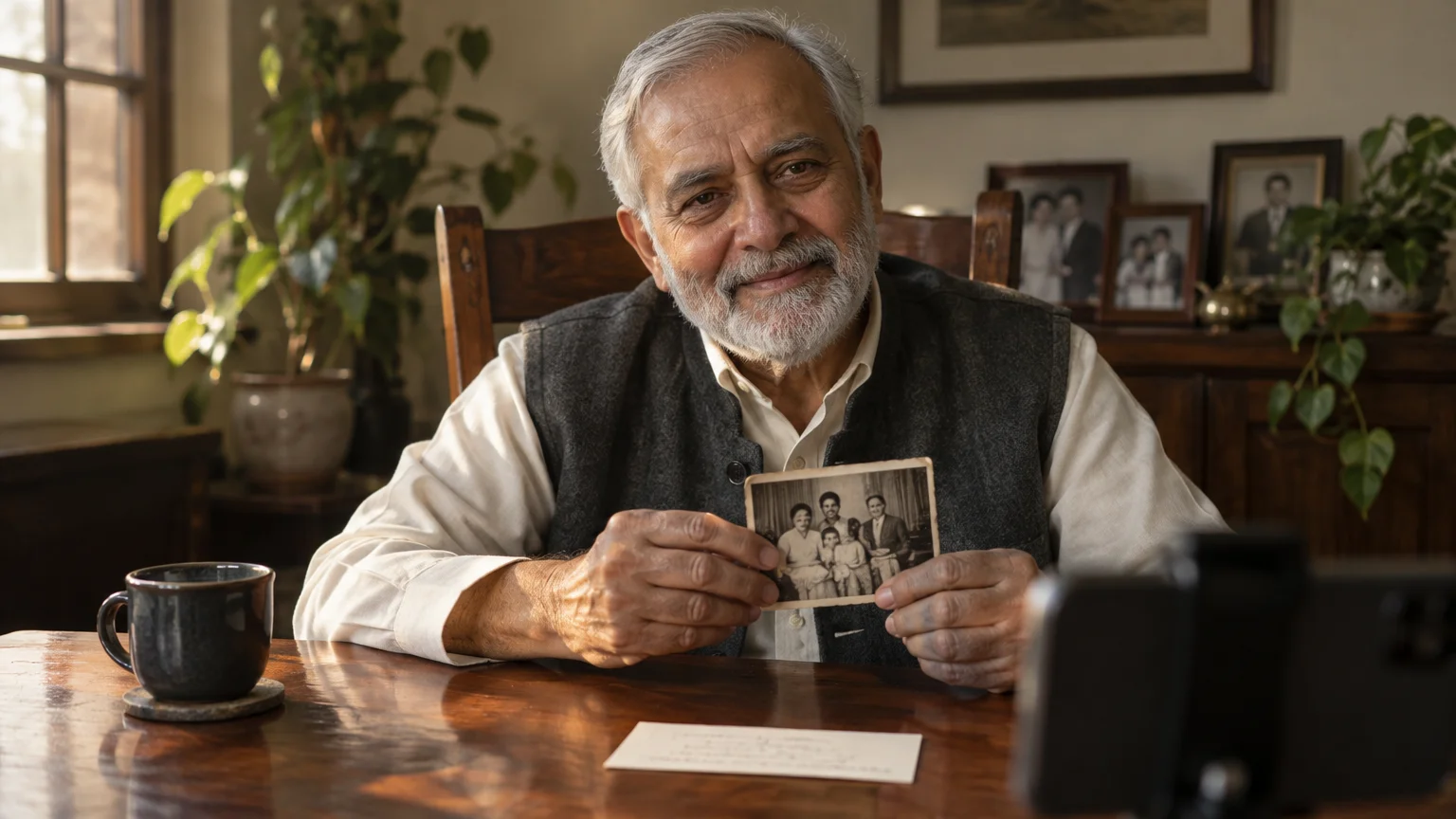
A small tabletop phone stand spares stiff wrists and frees your hands for a photo album or heirloom.
- Face a window or lamp, so the light is in front of you, not behind.
- Raise the stand on books until the camera is at eye level.
- Switch off the TV, air conditioner and noisy appliances.
- Plug the phone into its charger so it cannot die mid-story.
- Turn the phone sideways so the picture fills a TV screen later.
Record One Message per Birthday
Make each birthday its own short video instead of one long session. Short files upload faster and let each grandchild open exactly the message meant for that year.
If you are deciding what stories or advice to share, our guide on how to record a video message for family can help you organize your thoughts.
Start each clip with your full name, today’s date and the occasion, such as “This is for your sixteenth birthday.”
- Open Camera and swipe the mode bar to Video.
- Tap the red Record button and speak at your normal pace.
- Tap the red square Stop button when you finish.
- Play back the first few seconds to check sound and framing.
Once the clips are in Drive, rename each one (tap the three dots beside it, then Rename). Use first name, birthday and year recorded, so a grandchild understands it without you.
- Grandson_16th_Birthday_recorded_2026.mov
- Granddaughter_21st_Birthday_recorded_2026.mov
- Family_History_recorded_2026.mov
Worked Example: Twelve Messages, One Free Account
Here is this reader’s plan from start to finish: three grandchildren, four birthdays each, so twelve messages of about ten minutes, or 120 minutes in all.
At the 60 MB a minute the iPhone 13 lists for 1080p HD at 30 fps, that is 7,200 MB, roughly 7.2 GB. It fits inside the free 15 GB with room left over.
In 4K at 30 fps, at 170 MB a minute, the same 120 minutes becomes 20,400 MB, about 20.4 GB. That is over the free limit before a single email is counted.
The 15 GB is shared by Gmail, Google Drive and Google Photos, so check what is already used. In the Drive app, open the menu (three lines) and find the storage line; the wording varies by app version.
The next two sections finish this same case: one Drive folder, the grandchildren’s parents as trusted contacts, and a paper sheet filed with the will.
Upload to Google Drive and Lock It
A video kept only on the phone is one dropped phone away from gone. Before deleting anything, follow Apple’s guide on backing up an iPhone.
If someone ever needs an immediate copy outside of your cloud backup, there are several easy ways to share large files with family that bypass email size limits.
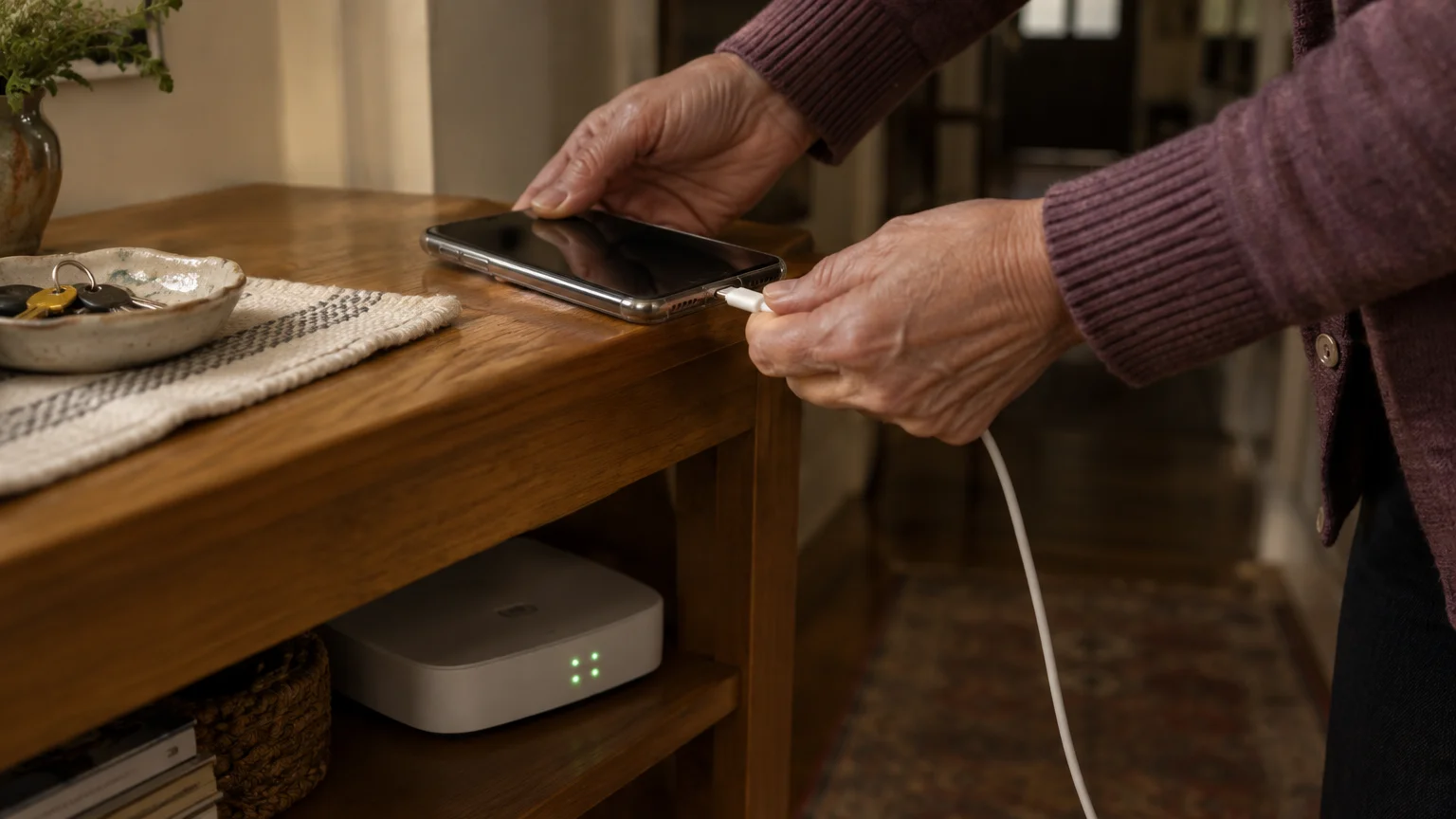
Upload on home Wi-Fi with the charger plugged in, because twelve long videos take a while.
- Install and open the Google Drive app from the App Store.
- Tap the + (New) button in the lower-right corner.
- Tap Folder, type Family Keepsake Videos, and tap Create.
- Open the folder, tap + again, then Upload.
- Tap Photos and Videos, select the twelve clips, and tap Upload.
When it finishes, play one video from inside the Drive folder. If it plays there, that copy is safe.
Google Photos Help explains albums, but one Drive folder is simpler to name on paper and to tick in the handover settings.
Now turn on 2-Step Verification using Google’s guide to turning on 2-Step Verification. CISA’s guidance on turning on multifactor authentication explains why a second check stops a stranger who steals your password.
Make Sure Your Grandchildren Can Open It
An upload is not an inheritance. Without a plan, the account stays behind your password and your phone, and Google can close accounts nobody uses.
You can easily draft this list first by learning how to use the Notes app on your phone before handwriting the physical paper sheet.
- Open the Gmail or Google app, tap your profile picture, then tap Manage your Google Account.
- Tap the Data & privacy tab.
- Scroll to More options and tap Make a plan for your digital legacy; the wording varies slightly.
- Choose how long Google should wait after your account stops being used.
- Add the grandchildren’s parents as contacts, and tick Drive as the data they may download.
- Confirm the phone number and email Google will use to check on you first.
Tell your contacts about the plan yourself. The download link Google later sends does not stay open forever, so they should save the files promptly.
Then write a one-page legacy sheet and keep it with your will. Leave the password off; the contact plan means nobody needs it.
- Your Google account email address.
- The folder name: Family Keepsake Videos.
- Who the trusted contacts are.
- Which file belongs to which birthday.
- Where the USB copy is kept.
Last, ask a family member to download the folder on a computer and copy it to a USB flash drive kept with the sheet. It plays without internet, an account or a subscription.
| Method | Where you set it | What they receive | Needs your password or phone? | Needs internet? |
|---|---|---|---|---|
| Inactive Account Manager | Google Account > Data & privacy | A download of the Drive files you ticked | No | Yes |
| Apple Legacy Contact | Settings > your name > Sign-In & Security > Legacy Contact | iCloud data, including iCloud Photos | No; an access key plus a death certificate | Yes |
| Sharing the folder now | Drive > folder’s three dots > Share | Every message today, surprise spoiled | No | Yes |
| Legacy sheet and USB drive | With your will | The files plus a map of where things are | No | No |
For this reader the order is clear: 1080p so it fits free, Inactive Account Manager so it is handed on, then the sheet and USB drive as a backstop.
Frequently Asked Questions
Can I record these on an iPad instead?
Yes. The path is the same, Settings > Camera > Record Video, and the bigger screen makes framing easier on the eyes.
If you ever prefer audio over video, using voice memos on your phone offers a low-pressure way to capture oral histories.
Do I have to pay Google every month to keep them?
No, as long as everything in your account stays under the free 15 GB. The worked example above leaves room to spare at 1080p.
What if I delete a video from my phone by mistake?
It moves to the Recently Deleted album in Photos, where you can recover it for 30 days. The copy already in Drive is not affected.
Could a long hospital stay make Google hand my account over early?
Not without warning. Google tries to reach you first, and any sign-in restarts the waiting period you chose.
Note: Menus and button names change with software updates. These steps were written for current versions as of 2026; if a screen looks different on your device, the maker’s support page linked above has the latest wording.
ClearTechGuide is independent and is not affiliated with Apple, Google, Microsoft, Amazon or any other company mentioned.