
This guide is for a 77-year-old on an iPhone 13 who naps from about 1:30 to 3:30 PM. The family group chat chimes all afternoon, and a clinic is due to call back about test results.
The usual advice is to turn on Do Not Disturb and give your children Emergency Bypass. That protects callers who were already easy to reach and still silences the call you are actually waiting for.
Our recommendation: if you nap while expecting medical calls, Allow Repeated Calls and a check of Recents when you wake matter more than Emergency Bypass. Android steps follow the iPhone ones.
In this guide7 sections
- Why Emergency Bypass Alone Leaves a Blind Spot
- Setting Up a 1:30 to 3:30 Quiet Schedule on iPhone
- Letting Clinic Callbacks and Family Through on iPhone
- If Your Phone Is Android: Creating the Schedule
- Letting Repeat Callers Through on Android
- Which Setting Catches Which Call
- Frequently Asked Questions

Why Emergency Bypass Alone Leaves a Blind Spot
Do Not Disturb silences calls and alerts on a schedule while messages keep arriving quietly. The grandchildren’s photos are still waiting when you wake; they just do not chime.
Emergency Bypass is a switch on one contact card. It lets that saved number ring out loud even during Do Not Disturb, or with the Ring/Silent switch set to silent.
The catch is how it decides. It matches the incoming number against the number saved on that card, so a different number from the same person or office gets no special treatment.
Clinics, hospitals and pharmacies often call back from a line other than the main number on your appointment card. That call shows up as an unfamiliar number, which the bypass cannot recognize.
Allow Repeated Calls works differently. It ignores your contacts and lets a second call from the same number ring if it arrives within three minutes, as the note under that switch explains.
That is why it matters more for this reader. Your children know to try again or send a text; a nurse working through a callback list may try twice, then leave a voicemail.
Before changing anything, make the menus easier to read. Apple’s steps to make text bigger on iPhone take a minute and help with everything below.
Setting Up a 1:30 to 3:30 Quiet Schedule on iPhone
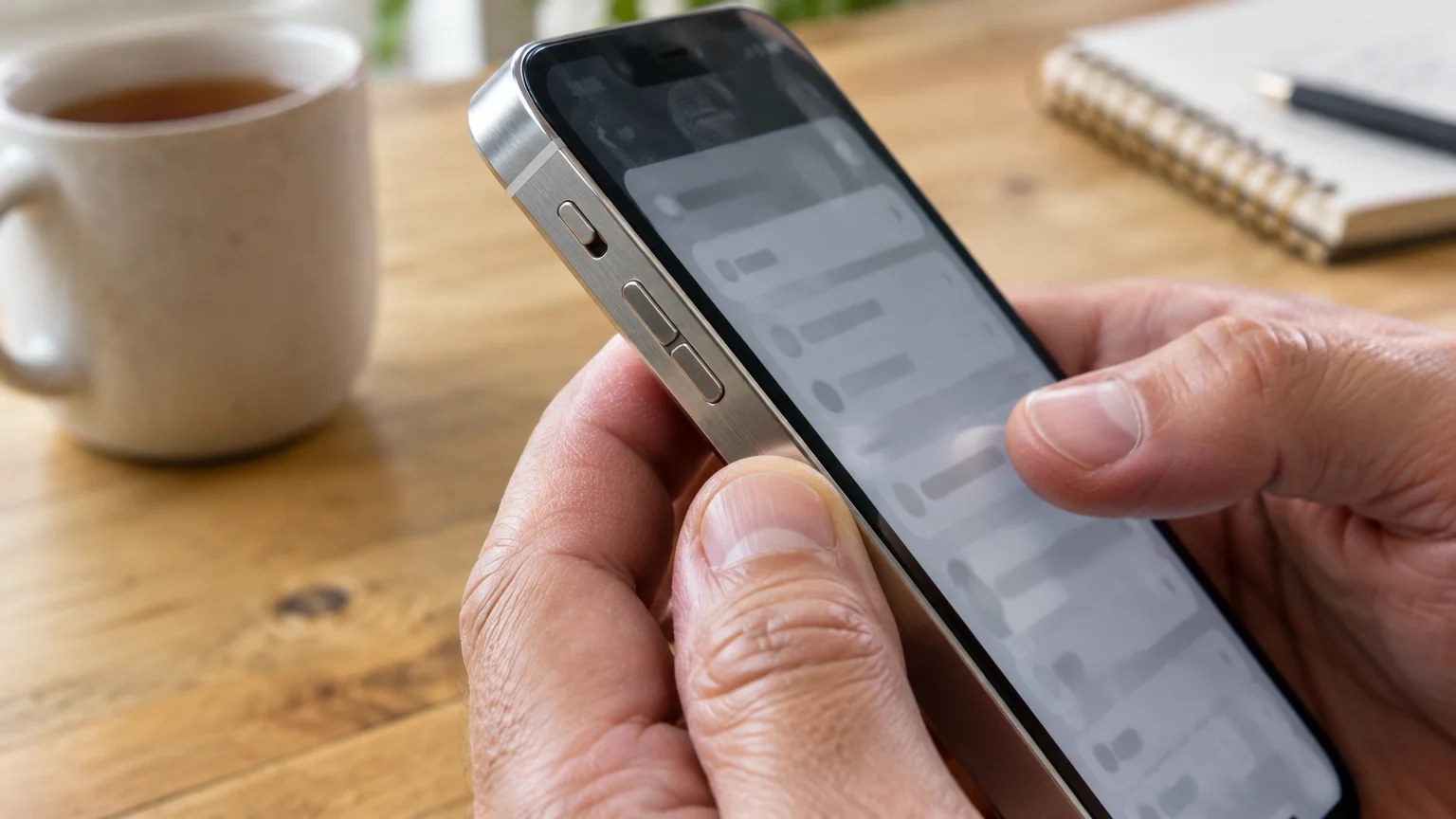
Apple keeps quiet hours under Focus, and Do Not Disturb is one of its built-in options. The Apple iPhone User Guide explains Focus further if your screens look different.
If your phone unexpectedly stays silent outside your scheduled quiet hours, our guide on troubleshooting a phone that isn’t ringing will help you find the problem.
- Open Settings and tap Focus.
- Tap Do Not Disturb.
- Under Set a Schedule, tap Add Schedule, then Time.
- Set From to 1:30 PM and To to 3:30 PM.
- Leave all seven days selected under Repeat, then tap Done or the back arrow.
- Check the Ring/Silent switch on the left side of the phone shows no orange. It must stay on Ring, because Silent mutes repeated calls too. iPhone 15 Pro and later use an Action button instead; the wording varies by model.
A crescent moon appears at the top of the screen while the schedule runs. If you wake early, open Control Center and tap the moon to switch it off.
Letting Clinic Callbacks and Family Through on iPhone
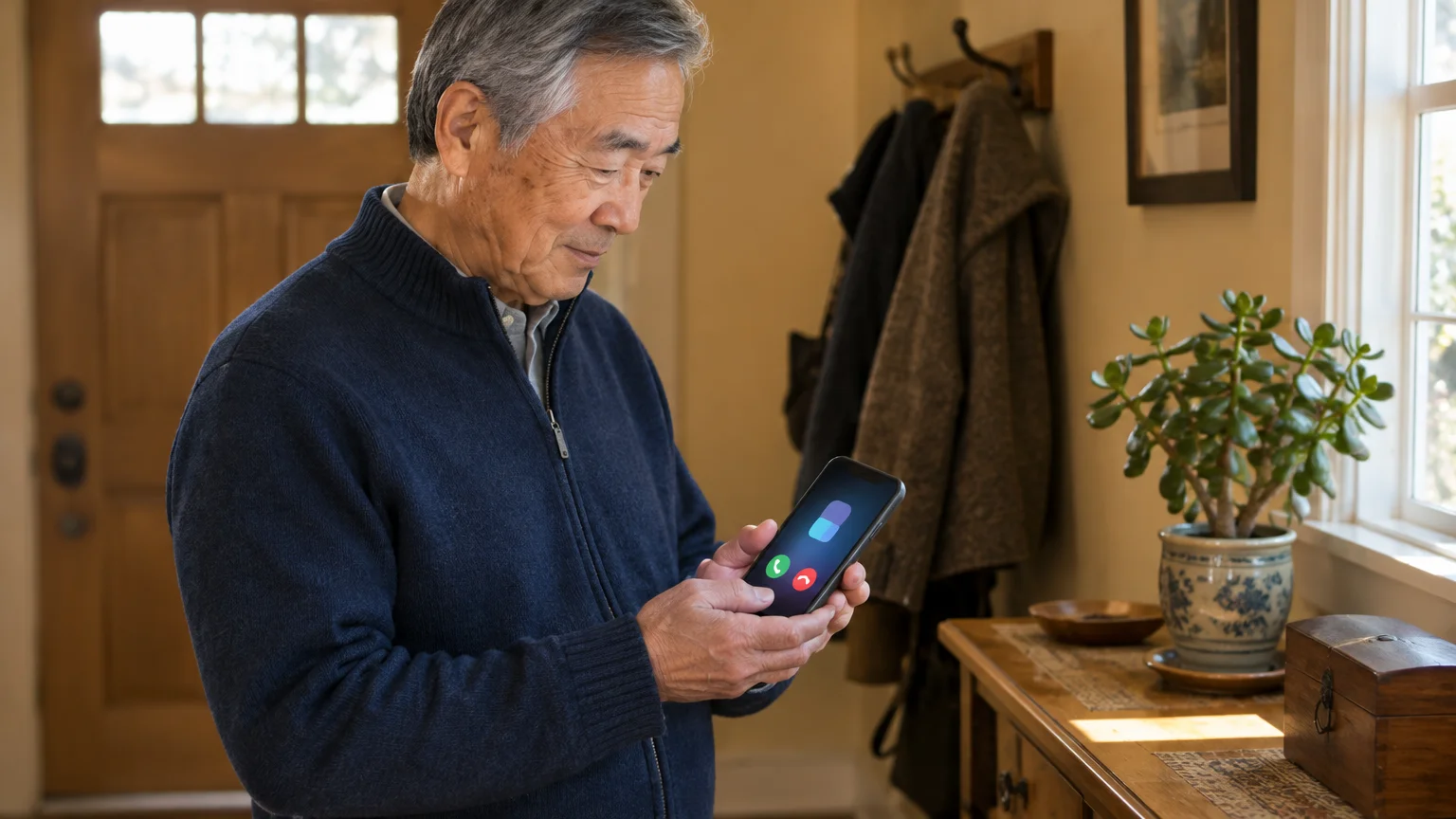
Do the repeated-calls step first, because it covers numbers you have never saved.
If you wear hearing assistance while resting, you can also learn how to route phone calls to your hearing aids so that priority rings sound directly in your ear.
If you worry about sleeping through an audible ringtone, you can also turn on flashlight alerts for ringing so incoming calls produce a visual flash.
- Open Settings, tap Focus, then Do Not Disturb.
- Tap People under Allow Notifications.
- Under the calls options, choose who may always ring, such as Favorites. The layout varies slightly by iOS version.
- Turn on Allow Repeated Calls.
Then give Emergency Bypass to one or two of your closest relatives:
- Open Contacts and tap your child’s name.
- Tap Edit, then Ringtone.
- Turn on Emergency Bypass and tap Done.
- Tap Done again to save the card.
You can repeat this under Text Tone, but leaving it off means only their calls ring while their texts stay quiet.
Warning: if your child calls from a work line or a friend’s phone, Emergency Bypass does not apply. Repeated Calls catches that only if they ring twice within three minutes.
Also look at how unknown numbers are handled under Settings > Apps > Phone. If unknown callers are silenced or screened there, a clinic’s call may not ring; the wording varies with iOS version.

If Your Phone Is Android: Creating the Schedule
The same blind spot exists on Android, where Starred contacts do the job of Emergency Bypass. Menu names differ by maker, so check Google Android Help for your model.
Once your nap ends, you can also make text message alerts louder and repeat so you do not miss family updates received during the day.
- Open Settings.
- On a Google Pixel, tap Modes, then Do Not Disturb. On a Samsung, tap Notifications, then Do not disturb. The wording varies by model.
- Find the schedule option and add a time-based schedule.
- Name it “Afternoon Nap”, select every day, and set 1:30 PM to 3:30 PM.
- Save the schedule.
If small menus are hard to tap, the Google Android accessibility overview explains magnification and larger text.
Letting Repeat Callers Through on Android
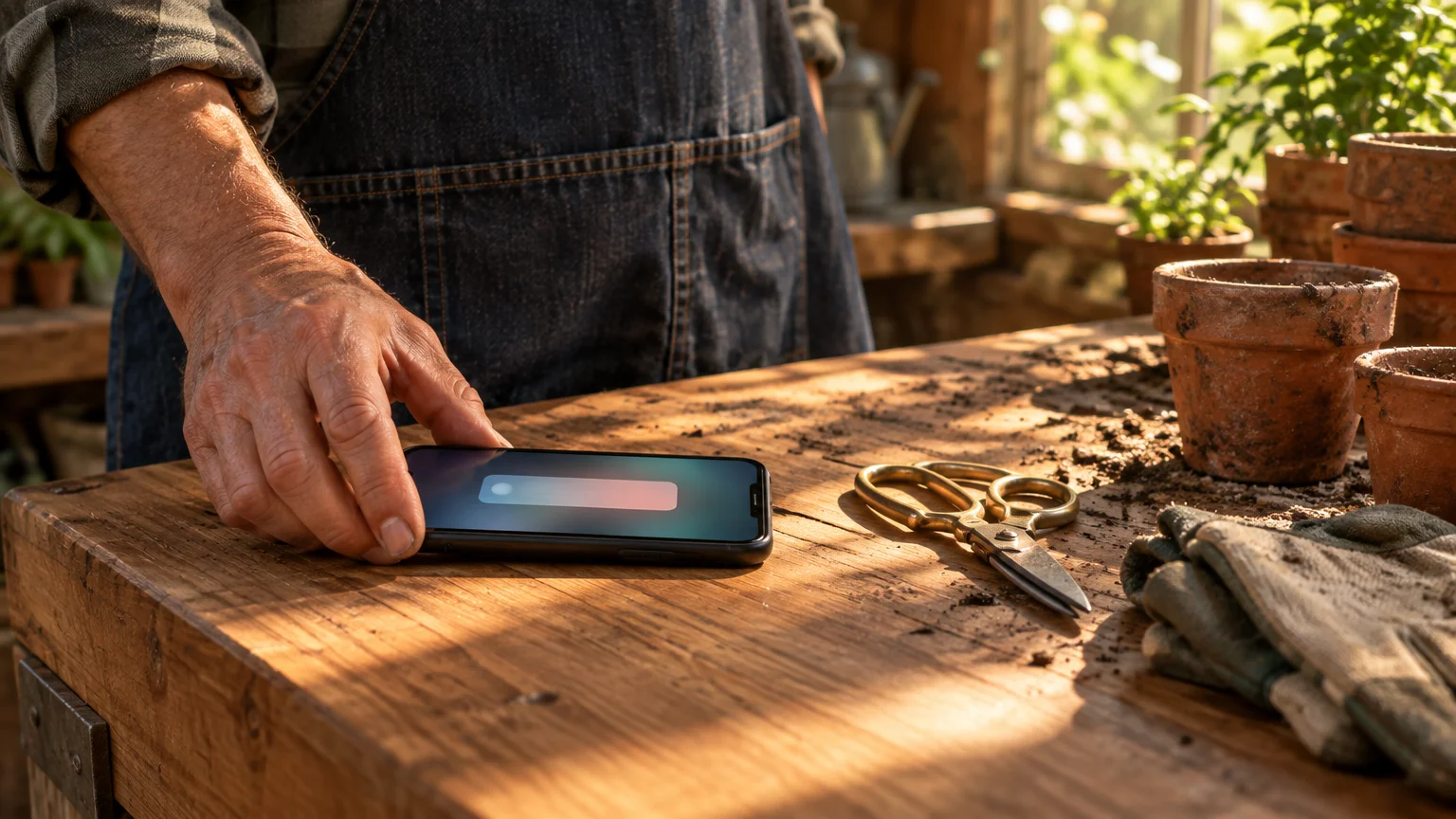
Android’s repeat-caller rule is more forgiving than iPhone’s. A second call from the same number within 15 minutes rings through, giving a clinic more time to redial.
To prevent telemarketers from ringing through your quiet window, learn how to block unwanted calls on your smartphone before enabling repeat caller permissions.
- Open Contacts, pick your child, and tap the Star icon.
- In your Do Not Disturb settings, tap People, then Calls.
- Choose Starred contacts.
- Turn on Allow repeat callers (some phones just say Repeat callers).
Repeat callers also lets a persistent robocaller through. The FTC explains how to block unwanted calls so spam does not cost you your nap.
Which Setting Catches Which Call
Each iPhone setting below lives somewhere you can check yourself. The fourth column is the one that matters for a clinic callback.
If waking up makes swiping across the screen awkward, you can configure your device to answer phone calls with a single tap instead.
| Setting | Where to find it on iPhone | What rings during the nap | Catches a clinic number you never saved? | Rings with side switch on Silent? |
|---|---|---|---|---|
| Ring/Silent switch alone | Left side of the phone | Emergency Bypass contacts and alarms | No | Bypass contacts only |
| Do Not Disturb schedule | Settings > Focus > Do Not Disturb | People you allowed, plus alarms | No | No |
| Emergency Bypass | Contacts > name > Edit > Ringtone | That one saved number | No | Yes |
| Allow Repeated Calls | Settings > Focus > Do Not Disturb > People | Any number calling twice within three minutes | Yes, if they redial in time | No |
| Airplane Mode | Control Center | Alarms only; calls go to voicemail | No | No |
Here is the reader’s afternoon, start to finish, with the schedule, Allow Repeated Calls, and Emergency Bypass set for one daughter.
- 1:30 PM: The schedule starts and the side switch stays on Ring. Group-chat photos and replies arrive without a sound.
- 2:05 PM: The clinic calls from a number you never saved. The first call is silenced and logged as missed.
- 2:06 PM: The nurse redials within three minutes, so Allow Repeated Calls lets it ring and you answer.
- If she had not redialed: the call goes to voicemail and waits in the Phone app.
- 2:40 PM: Your daughter calls from her mobile, and Emergency Bypass rings it out loud.
- 3:30 PM: The schedule ends. Open Phone > Recents, tap the info button beside the clinic’s number, choose Create New Contact, and turn on Emergency Bypass for it.
That last step closes the blind spot. The bypass now recognizes the number the clinic actually calls from, not just the one printed on your card.
At your next appointment, ask the front desk: “If I don’t answer, please call straight back.” That turns their second attempt into a ring.
Frequently Asked Questions
Will my afternoon alarm still go off?
Yes. Alarms set in the Clock app sound during Do Not Disturb on both iPhone and Android, and on iPhone even with the side switch on Silent.
Similarly, if you ever misplace a tablet set to silent while taking a nap, our steps on how to ring a silent iPad to find it in your house will help you locate it quickly.
To make clinic names and family contact photos much easier to identify without reading glasses, you can make incoming caller ID full screen so urgent calls stand out clearly.
Do people know my phone is silenced?
On iPhone, if Share Focus Status is on under Settings > Focus > Focus Status, people texting you in Messages may see that notifications are silenced. Android callers get no notice.
What if the hospital calls only once?
A single call from an unsaved number stays silent and goes to voicemail. Check Recents when you wake, and save that number with Emergency Bypass for next time.
Can a family member set this up for me from their own phone?
No, these settings are changed on your phone only. A relative can set it up in person or talk you through each menu by phone.
Note: Menus and button names change with software updates. Check the manufacturer support pages linked above if your wording differs.
ClearTechGuide is independent and is not affiliated with Apple, Google, Microsoft, Amazon, or any other company mentioned.