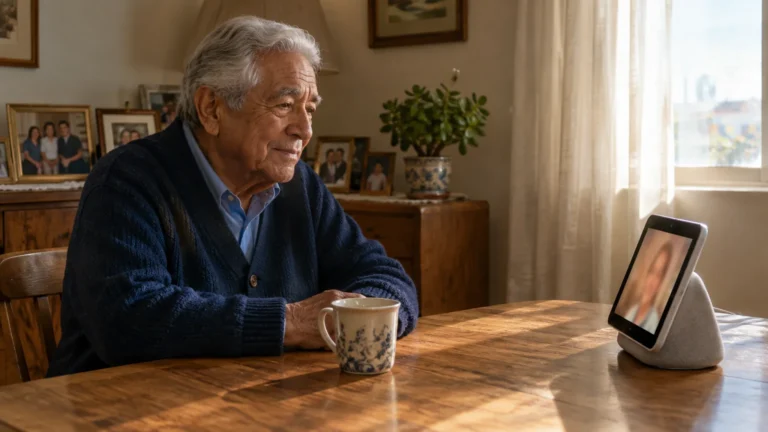
This guide is for one situation: an 82-year-old on an iPhone a grandchild set up, with weaker hearing in one ear, whose family voice notes suddenly all sound like chipmunks.
If you are still learning the basics of the app, our beginner guide on how to set up and use WhatsApp for messaging and calls will help you get started comfortably.
WhatsApp has no slower-than-normal speed. It does have a speed badge that remembers accidental taps, a transcript tool, and a way to send a note to an app that plays at half speed.
Android differences are noted along the way; the wording varies by model.
In this guide9 sections
- Why Voice Messages Suddenly Sound Rushed
- How to Reset Playback Speed to Normal
- Worked Example: One Rushed Note
- Reading Fast Audio with Voice Message Transcripts
- Hearing a Note at True Half Speed
- Comparing Your Playback Options
- Device Settings to Hear Audio More Clearly
- Helpful Habits for Family Chats
- Frequently Asked Questions

Why Voice Messages Suddenly Sound Rushed
A voice note is a recording sent inside a chat instead of typed text. WhatsApp plays it at 1x, 1.5x or 2x.
If you like the convenience of talking instead of typing but want personal reminders rather than chat messages, try using voice memos on your phone to capture your thoughts.
There is no 0.5x or 0.75x inside WhatsApp. The speed is also sticky: choose 1.5x or 2x on one note and every later note, from every contact, plays that fast.
The badge is easy to tap by accident when you shift your grip or lift the phone mid-note.
Our judgement: notice who sounds fast before changing anything. Because one speed setting covers every chat, the pattern tells you the cause.
- If everyone sounds rushed, the badge is stuck on 1.5x or 2x (though WhatsApp keeps their voices at a normal pitch). One reset fixes every chat.
- If only one grandchild sounds fast and the badge already reads 1x, that is how they talk. A transcript or a slower player will help; the badge will not.
Generic guides jump to hearing settings first. For this reader the badge check comes first, because it is the only fix that repairs every chat with one tap.

How to Reset Playback Speed to Normal
The badge only appears while a note is playing. The steps are the same on iPhone and Android:
- Open WhatsApp and tap the chat with the rushed note.
- Tap the Play triangle on the voice note.
- Look at the edge of the bubble where the sender’s small profile photo usually sits. While the note plays, it becomes a badge reading 1x, 1.5x or 2x.
- Tap the badge until it reads 1x. It cycles 1x, 1.5x, 2x, then back to 1x.
WhatsApp saves 1x immediately for future notes. Play a note from a different relative to confirm they sound normal too.
Worked Example: One Rushed Note
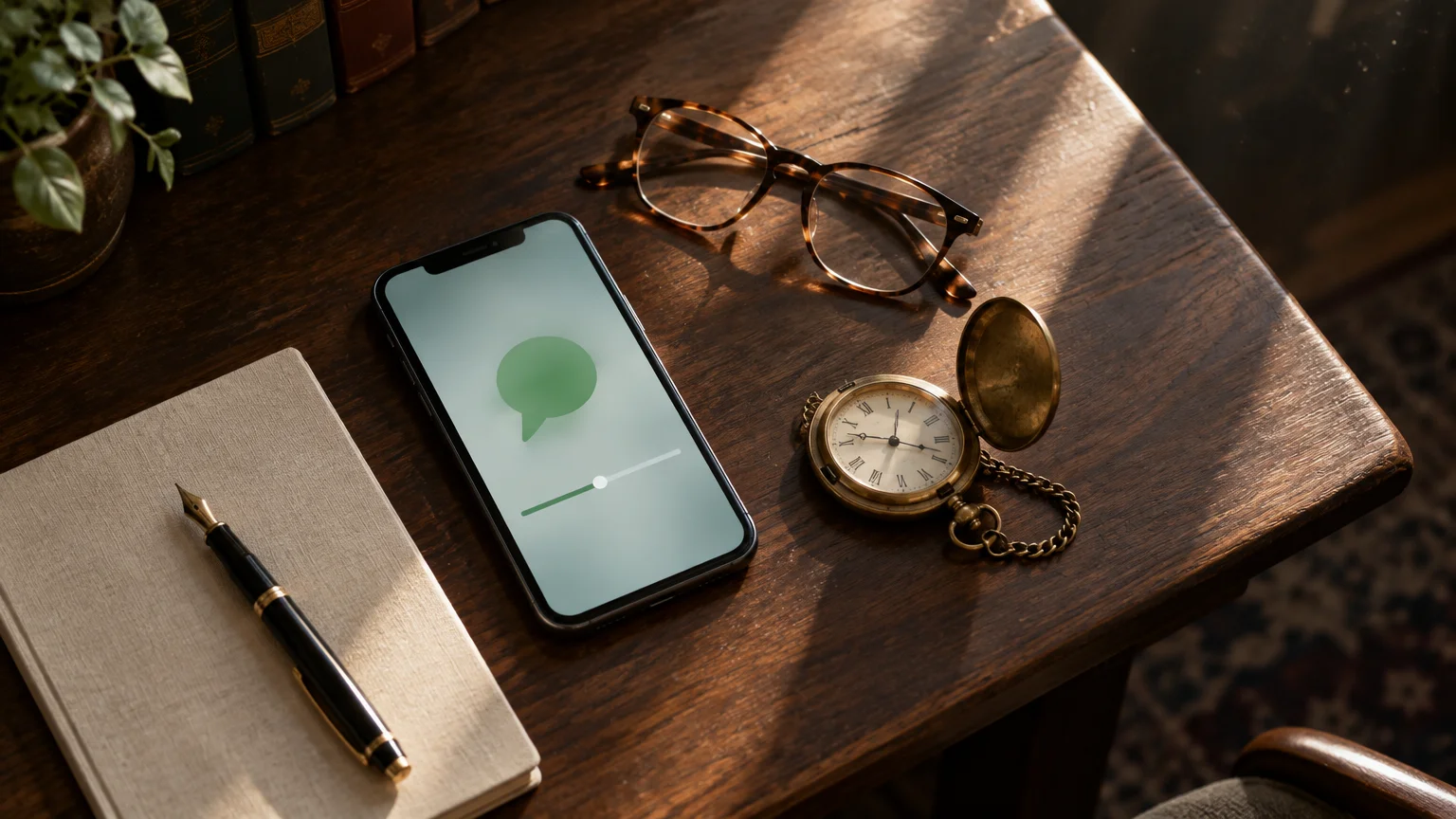
Here is the reader’s case end to end. A granddaughter sends a note about Sunday dinner, and the bubble shows 1:00 before you press Play.
Step 1: Press Play and watch the timer. If the minute is gone in about 30 seconds, the badge says 2x; about 40 seconds means 1.5x.
Step 2: Tap the badge to 1x and replay. The note runs the full 60 seconds at her normal speaking pace.
Step 3: Still too quick? Press and hold the bubble and tap Transcribe.
The dinner time and address appear as text you can read twice.
Step 4: If the transcript garbles her words, perhaps from kitchen noise, send the note to VLC and play it at 0.75x. The same note then lasts about 80 seconds, or about 120 at 0.5x.
Most days, Step 2 alone solves it. Steps 3 and 4 are for the grandchild who genuinely talks fast.

Reading Fast Audio with Voice Message Transcripts
A transcript turns a voice note into text under the bubble. WhatsApp creates it on your phone, so the recording is not sent away to be transcribed.
Switch it on once:
- Open WhatsApp and tap Settings in the bottom bar on iPhone (the label varies by version). On Android, tap the three dots at top right, then Settings.
- Tap Chats.
- Turn on Voice message transcripts.
- Pick your language if asked to download a speech pack; doing it on Wi-Fi saves mobile data.
After that, press and hold any voice note and tap Transcribe (on Android, tap the three dots at the top right, then Transcribe). Transcripts on iPhone need Siri turned on and iOS 16 or newer, which any iPhone running iOS 26 or iOS 27 already meets.
If the text looks tiny, Apple’s guide to making text bigger on iPhone covers Settings > Appearance > Text Size (or Settings > Display & Brightness > Text Size on iOS 26 and earlier). WhatsApp’s chat text generally follows that setting.
Hearing a Note at True Half Speed
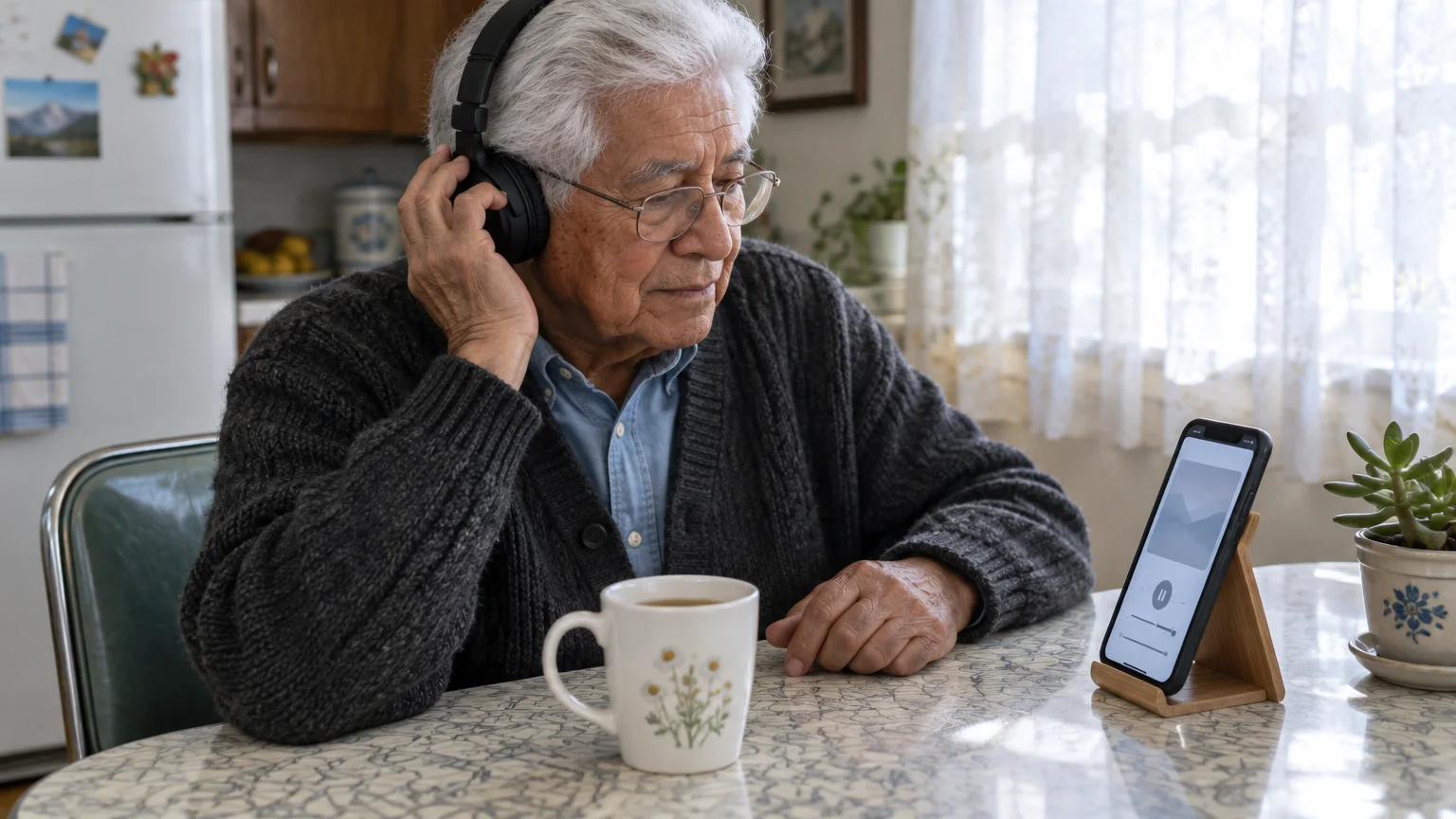
When you need to hear the voice itself, slowed down, send a copy of the note to a media player with speeds below 1x. VLC, in the App Store and Google Play, is one widely used option.
Slowing down speech can also make spoken books easier to enjoy; see our guide on how to change audiobook speed for similar controls in reading apps.
On iPhone:
- Install VLC from the App Store once.
- In WhatsApp, press and hold the voice note and tap Forward.
- Instead of choosing a contact, tap the Share icon (a square with an upward arrow) at the bottom right.
- Pick VLC from the row of apps; tap More if it is hidden.
- Play the note in VLC, open its playback speed control and set 0.75x or 0.5x.
On Android, press and hold the note, then tap the Share icon at the top, or the three dots and Share, and pick VLC. The wording varies by model and WhatsApp version.
VLC keeps its own copy, so the WhatsApp chat is unchanged. Delete the copy in VLC afterwards if privacy matters to you.
Because this takes several taps per note, use transcripts for everyday messages and VLC for the occasional note where you must hear the voice, such as a name you need to pronounce.
Comparing Your Playback Options
Each column below is something you can check on your own phone.
| Option | Where you find it | What it changes | Slowest speed | Stays set? |
|---|---|---|---|---|
| Speed badge | On the voice note while it plays | Speed of every voice note | 1x | Yes, until you tap it again |
| Voice message transcripts | WhatsApp Settings > Chats | Adds text under one note | Read at your own pace | Switch stays on; tap Transcribe per note |
| Share to VLC | Press and hold note > Forward > Share | Plays a copy in another app | 0.5x and slower | Set inside VLC |
| Mono Audio | iPhone Settings > Accessibility > Audio & Visual | Sends the same sound to both ears | No change | Yes, phone-wide |
Only the badge changes every chat at once, which is why it is the first thing to check.
Transcripts and VLC work one note at a time, so they never disturb your 1x setting.
Device Settings to Hear Audio More Clearly
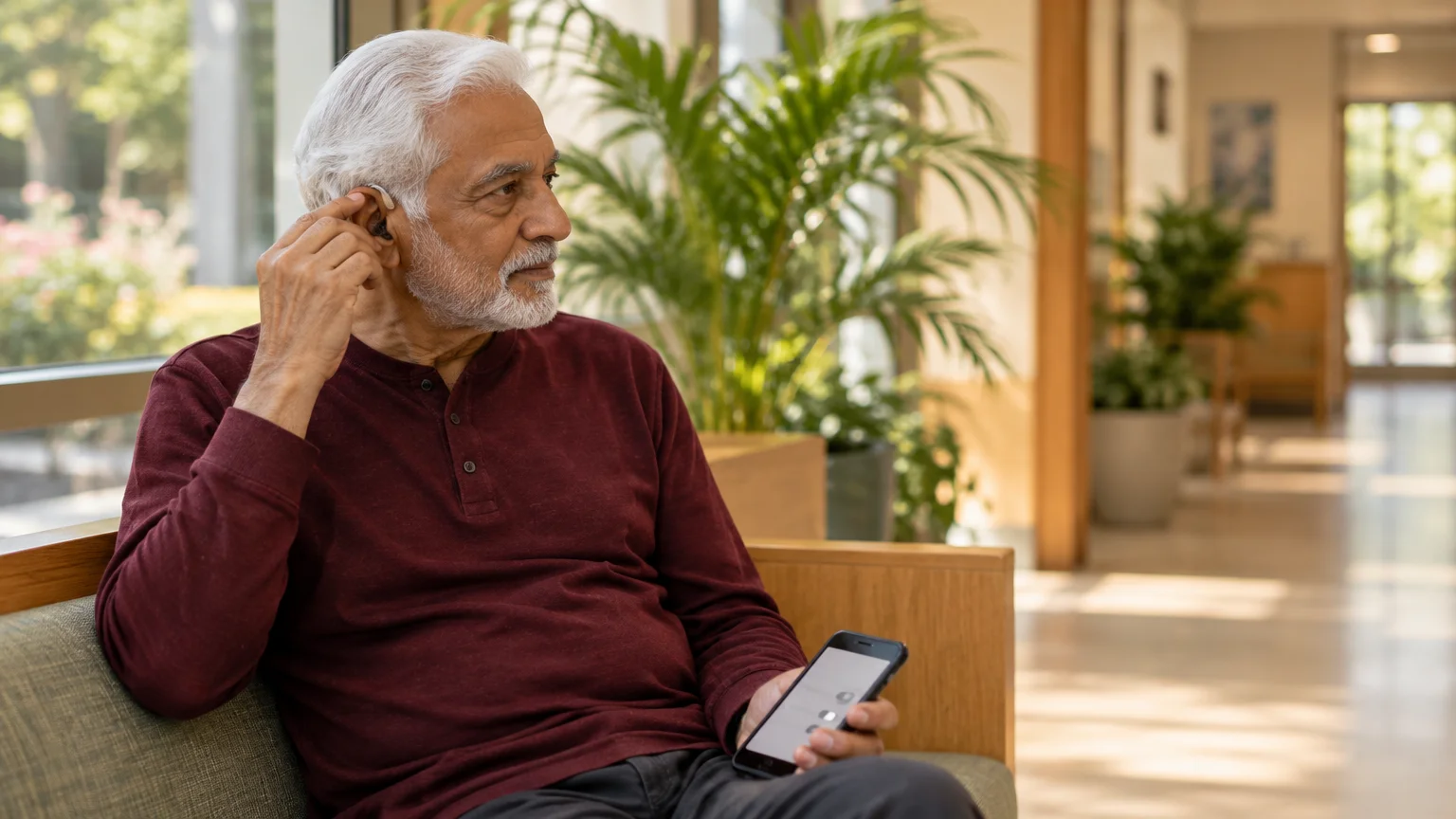
These phone settings help a weaker ear catch fast speech:
If you also struggle to hear incoming notifications, our guide on how to make message alerts louder ensures you never miss a family reply.
- Earpiece playback: Press Play, then raise the phone to your ear. WhatsApp switches to the ear speaker, which blocks room noise.
- Mono Audio: On iPhone, go to Settings > Accessibility > Audio & Visual and turn on Mono Audio, so your better ear hears both stereo channels.
- Android: The Google Android accessibility overview lists mono audio and sound amplifier options under Settings > Accessibility; the wording varies by model.
- Hearing aids: The FCC guide to hearing aid compatibility explains which phones work with hearing aids. On iPhone, pairing lives under Settings > Accessibility > Hearing Devices.

Helpful Habits for Family Chats
Grandchildren send voice notes because talking is quicker than typing; most never realize their pace is hard to follow.
When a lively family conversation becomes too active to manage, you can discreetly leave a WhatsApp group without drawing notice whenever you need some quiet.
- Ask for typed details: dates, times and addresses as text, not audio.
- Ask for shorter notes: one topic per recording.
- Ask for pauses: phone microphones muddy fast speech, so a breath between sentences helps.
Keep WhatsApp and your phone updated so new transcript and accessibility features arrive; CISA’s advice on updating software explains why updates also keep you safe.
Frequently Asked Questions
Can WhatsApp play a voice note slower than normal?
No. Its slowest speed is 1x. For 0.5x or 0.75x, share the note to a player such as VLC, or read it with Transcribe.
Why is every new voice note coming through at double speed?
WhatsApp remembers the last speed you picked. One accidental tap to 2x carries over to all chats until you tap the badge back to 1x.
Will my grandchild know if I read a transcript instead of listening?
WhatsApp does not show senders your playback speed or whether you transcribed a note. Transcripts are created on your own phone.
What should I do if Transcribe is missing from the menu?
Check that Settings > Chats > Voice message transcripts is switched on, and update WhatsApp. Transcripts need iOS 16 or newer with Siri turned on for iPhone, or a supported Android phone with the matching language pack downloaded.
Note: Menus and button names change with software updates. These steps were written for current versions as of 2026; if a screen looks different on your device, the maker’s support page linked above has the latest wording.
ClearTechGuide is independent and is not affiliated with Apple, Google, Microsoft, Amazon or any other company mentioned.