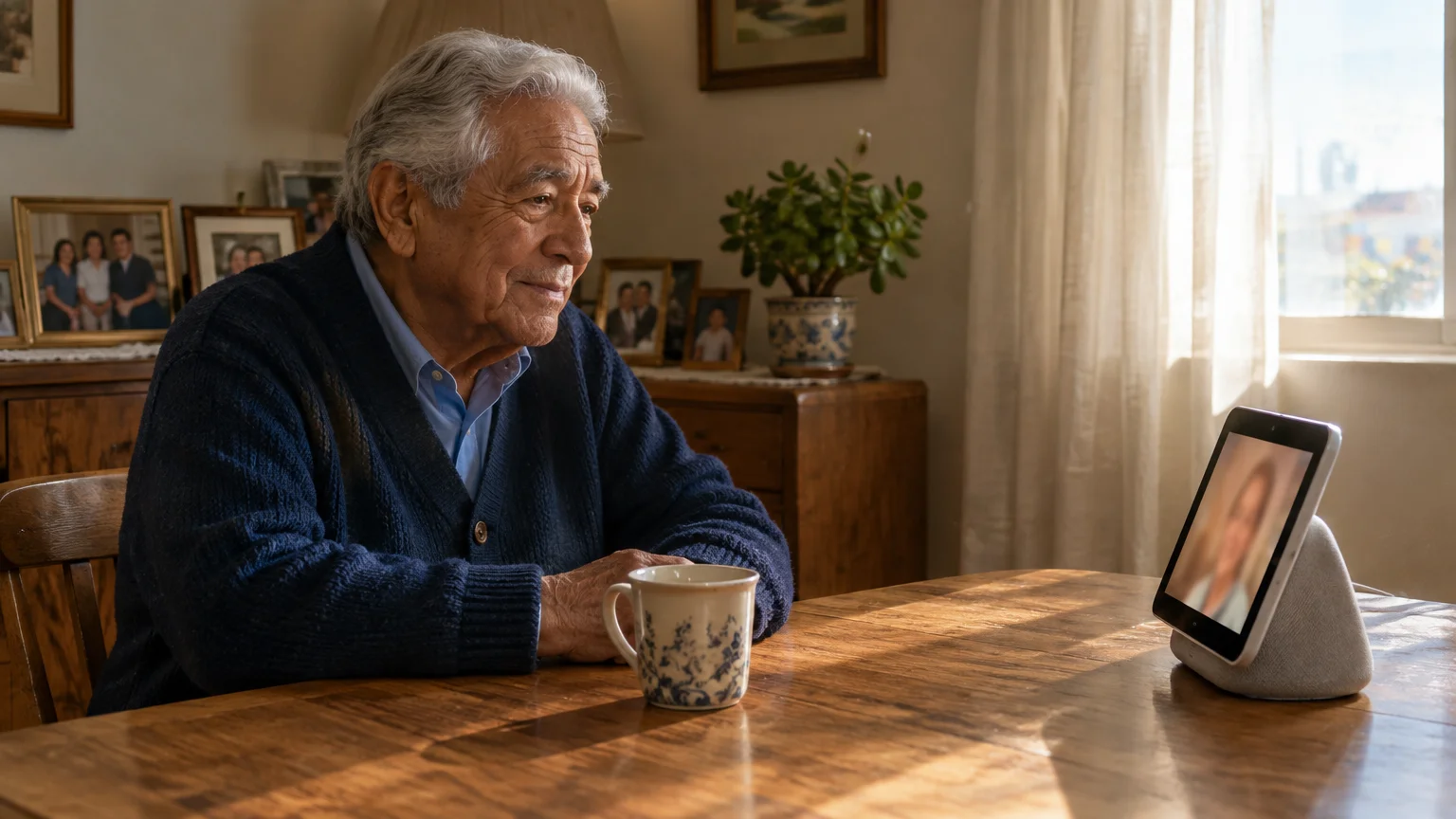
If you are in your seventies trying to reach your 94-year-old parent in assisted living, standard video apps fail. Touchscreens confuse frail fingers, and remembering how to answer an incoming call is often impossible.
While tech-savvy families frequently rely on FaceTime to video call on iPhone, iPad, or Mac, those operating systems still demand touch interactions that many frail seniors cannot navigate.
More than 1 in 5 older adults in the United States do not own a smartphone. You do not need them to learn modern mobile operating systems to stay in visual contact.
You can establish a video call where your parent never touches a screen. The right solution balances hands-free auto-answer capabilities against facility network constraints and strict privacy regulations.
In this guide7 sections
- Two Paths: Wi-Fi Smart Displays vs. Dedicated Cellular Tablets
- Assisted Living Facility Rules and Roommate Privacy Laws
- How to Set Up an Amazon Echo Show for Auto-Answer Calls
- How to Set Up a GrandPad for Simple Video Calling
- Hardware and Subscription Cost Comparison
- Devices to Avoid and Common Connection Pitfalls
- Frequently Asked Questions
Two Paths: Wi-Fi Smart Displays vs. Dedicated Cellular Tablets
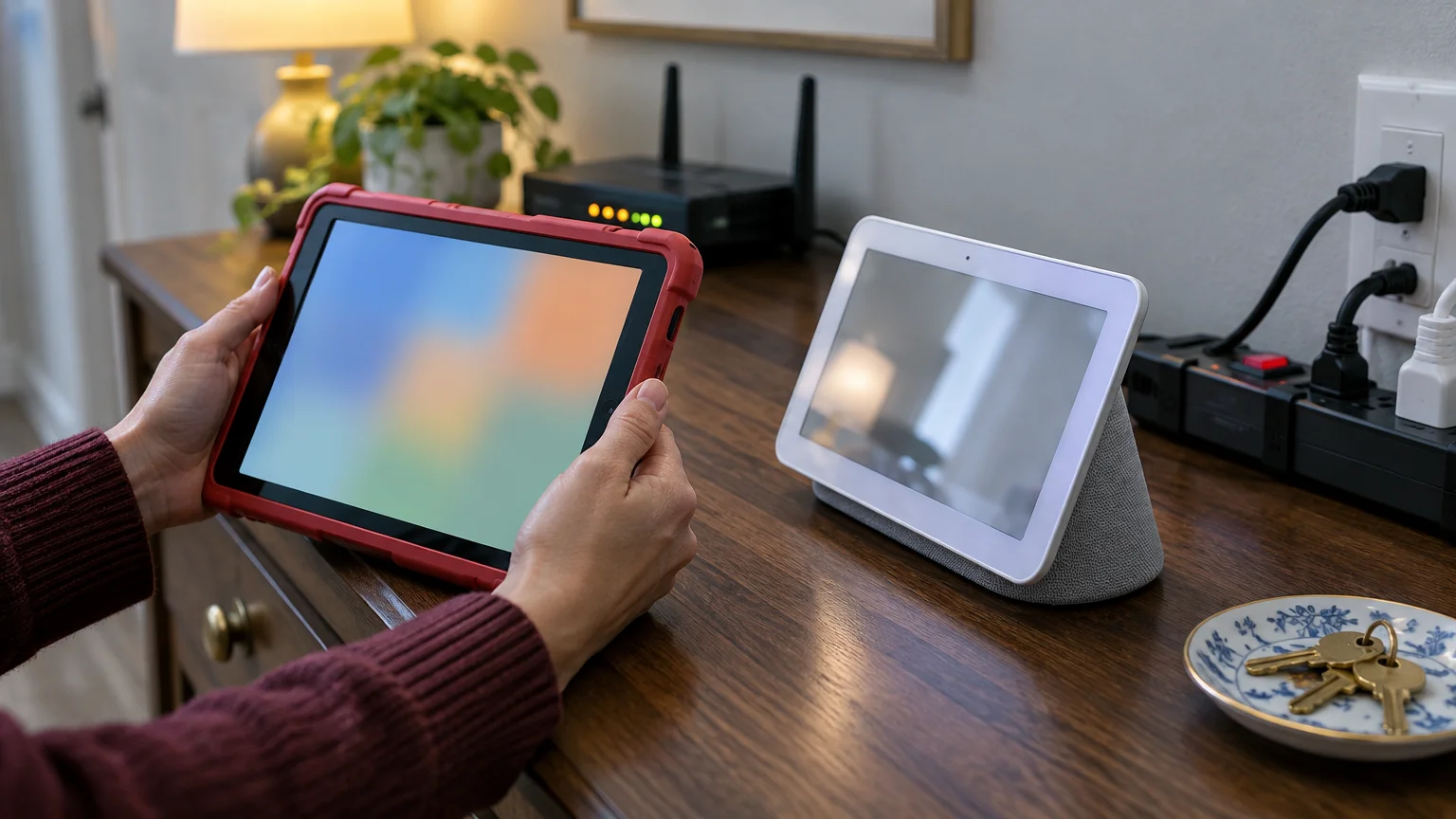
Connecting with an elderly relative who cannot manage touchscreens requires choosing between two hardware approaches. You can place a smart display on their table or install a dedicated cellular senior tablet.
Smart displays use an auto-answer mechanism to open calls instantly. An auto-answer feature connects incoming video and two-way audio without the recipient pressing buttons or giving voice instructions.
Dedicated senior tablets run simplified operating systems that family members manage remotely. These devices display clear buttons with family photos, or administrators can configure them to pick up video calls automatically.
Internet access is the primary factor when choosing between these platforms. Smart displays rely on local Wi-Fi, while cellular tablets connect through built-in wireless data chips.
Many assisted living centers use public or captive Wi-Fi networks that smart displays cannot navigate. Review the FTC’s guidance on public Wi-Fi networks to evaluate security risks on shared residential networks.
Evaluate these physical environment factors before purchasing any hardware:
- Facility Wi-Fi reliability and whether the network requires a browser-based login screen
- Available electrical outlets near your parent’s favorite chair or bed
- Your parent’s vocal volume and ability to speak above background room noise
- Room layout, particularly if your parent shares living quarters with a roommate
Assisted Living Facility Rules and Roommate Privacy Laws
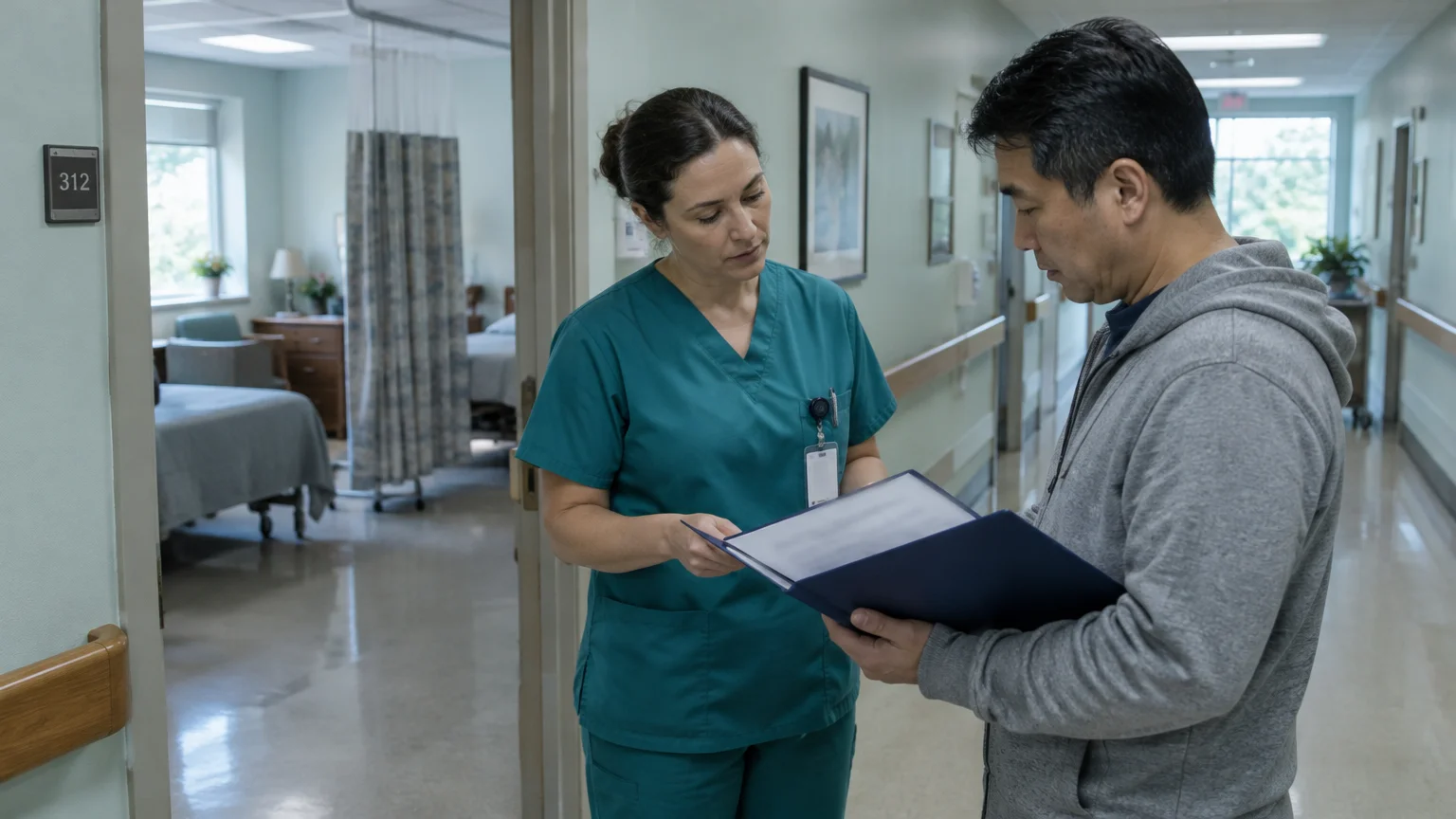
Setting up an easy video phone nursing home solution requires checking state and facility regulations first. Hardware that answers automatically is legally treated under electronic monitoring statutes.
Under federal guidelines in 42 CFR Part 483, Medicare- and Medicaid-certified nursing homes must protect resident privacy, while state laws govern assisted living facilities. Devices equipped with cameras that connect without an active chime or manual answer require administrative clearance.
Several states, including Texas, Illinois, and Missouri, maintain Authorized Electronic Monitoring laws. These statutes require families to complete specific paperwork before placing active cameras in residential care rooms.
Complete these regulatory steps before activating an auto-answer device:
- Submit written notification to the facility administration using their designated electronic monitoring form
- Obtain written consent from the roommate or their legal representative if your parent shares a room
- Position the camera so it points solely at your parent’s bed or chair, avoiding common spaces
- Post a physical notice at the room entrance if mandated by state monitoring rules
How to Set Up an Amazon Echo Show for Auto-Answer Calls
An Amazon Echo Show 8 ($199.99 as of 2026) or Echo Show 11 ($219.99 as of 2026) allows zero-touch calling through Drop In. The Drop In video calling feature requires no monthly subscription.
If your relative prefers audio-only check-ins or facility Wi-Fi struggles to support video bandwidth, consider using Amazon Alexa to make phone calls with simple voice commands instead.
Beyond everyday video visits, family caregivers can also set up an Alexa device to call for help in case of household emergencies.
The device announces your incoming call with a soft chime and opens the video stream immediately. Your parent does not need to move, speak, or touch the glass.
Consult Amazon’s Alexa customer support documentation if your setup screen displays different menu labels after an operating system update.
Before enabling Drop In, verify which contacts have permission on your Alexa account. Any authorized contact can view your parent’s room unannounced if you leave global permissions open.
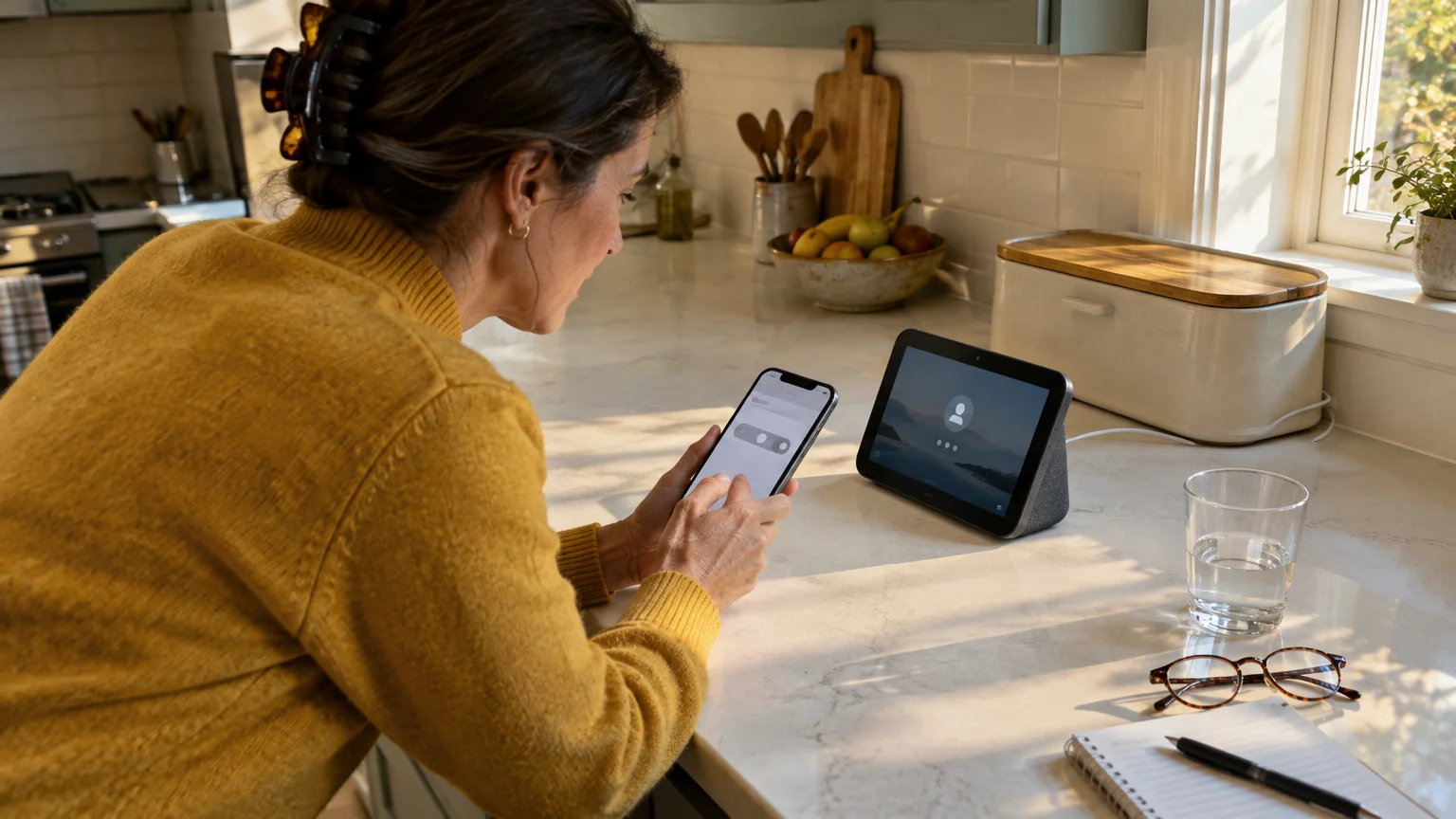
Follow these steps to configure an auto answer video call senior setup on an Echo Show:
- Plug the Echo Show into a wall outlet and complete the on-screen Wi-Fi setup in your parent’s room.
- Open the Alexa app on your smartphone, tap Devices, and select your parent’s Echo Show.
- Tap the Settings gear icon in the top right corner, then tap Communication.
- Tap Drop In and select On (Permitted contacts only).
- Return to the Alexa app home screen, tap Communicate, tap the contact icon, and select your own name.
- Toggle Allow Drop In to On under your contact permissions.
To assist parents with hearing or vision loss, open Settings on the Echo Show, select Accessibility, and toggle Closed Captioning to On.
How to Set Up a GrandPad for Simple Video Calling
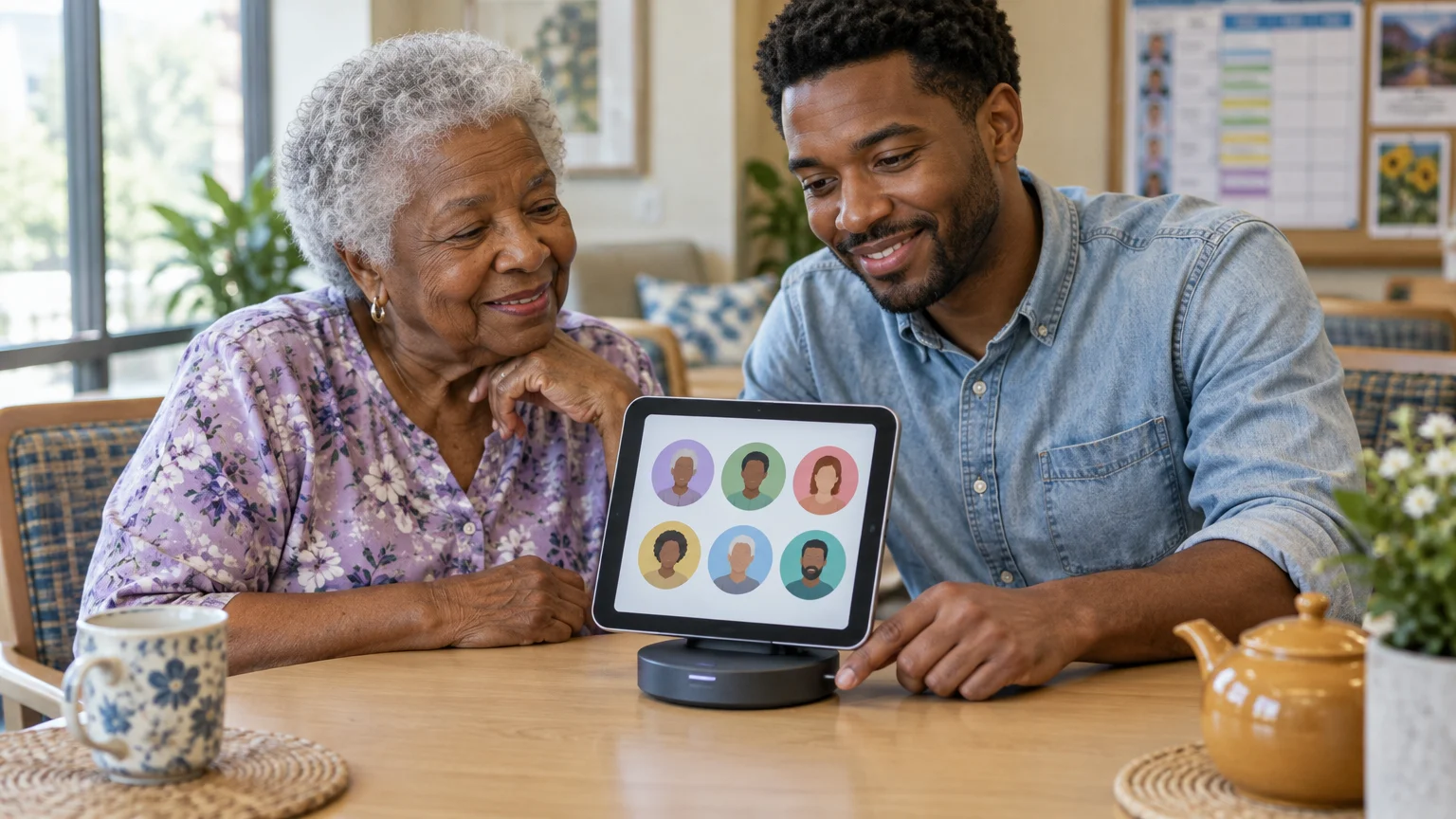
When facility Wi-Fi is unstable or requires browser authentication, a cellular tablet solves the connection problem. The GrandPad senior tablet ($349.00 upfront as of 2026) operates over built-in 4G LTE cellular networks.
GrandPad removes confusing web browsers, password dialogs, and software notifications. Family administrators manage all contacts, photos, and permissions remotely through a smartphone portal.
For individuals using hearing aids, the tablet hardware complies with federal wireless audio standards. Review the FCC’s hearing aid compatibility standards to verify wireless telephone audio compliance.
Configure the GrandPad using these administrative steps:
- Download and open the GrandPad companion app on your own smartphone.
- Log in to the GrandPad Central web portal or use the companion app to add your contact details and photo.
- Your profile is automatically added to the trusted family network for video calling.
- Place the GrandPad onto its wireless charging cradle on your parent’s bedside table.
- Place a video call from your smartphone app; the tablet rings and displays your face on screen without requiring password entry.
Hardware and Subscription Cost Comparison
Choosing the best video hardware requires balancing upfront equipment purchases against recurring subscription fees. Specialized senior devices often charge monthly rates for cellular access or portal administration.
Consider this worked example comparing first-year costs across 12 months for someone evaluating options to video call elderly parent no smartphone alternatives.
An Echo Show 8 costs $199.99 upfront with $0 in monthly service fees, totaling $199.99 for the first year. This option requires reliable facility Wi-Fi.
A GrandPad costs $349.00 upfront for hardware. On the Premium cellular plan at $45.00 per month (with annual billing discounting one month), the first-year cost totals $844.00.
A ViewClix 10/e photo frame costs $179.00 upfront, plus $9.95 per month for Premier membership after a 35-day trial. The first-year cost totals $288.45 on Wi-Fi.
The table below summarizes hardware pricing, monthly charges, and networking requirements across major options as of 2026.
| Device Model | Upfront Hardware Cost (2026) | Monthly Service Fee (2026) | Network Requirement | Auto-Answer Capability |
|---|---|---|---|---|
| Amazon Echo Show 8 | $199.99 | $0.00 | Wi-Fi Only | Yes (Drop In) |
| GrandPad Senior Tablet | $349.00 | $25.00 to $65.00 | 4G LTE / Wi-Fi | Optional via Admin |
| ViewClix 10/e Smart Frame | $179.00 | $9.95 | Wi-Fi Only | Yes (Auto-Answer) |
| JubileeTV Console | $199.00 | $39.00 (hardware included) or $29.00 (with purchased hardware) | Wi-Fi and HDMI | Yes (TV Auto-Answer) |
If the facility provides stable Wi-Fi, the Echo Show delivers the most economical solution. If Wi-Fi is absent, the GrandPad cellular plan guarantees steady connectivity.
Devices to Avoid and Common Connection Pitfalls
Do not purchase used Meta Portal devices. While Portal hardware was once popular for seniors, Meta discontinued the product line and shut down core operating features.
Sound distortions are another common issue in small rooms, but understanding why you hear an echo on your video calls makes it simple to reposition speakers and microphones for clear audio.
In January 2025, Meta removed voice controls and Zoom functionality from Portal hardware. In April 2025, third-party apps stopped functioning, and in January 2026, Meta eliminated the digital photo frame feature.
Standard consumer tablets like iPads also present hurdles. Operating system updates frequently alter user interfaces, log users out of services, or display confusing two-factor prompts.
Unrestricted tablets can also expose vulnerable seniors to commercial fraud and aggressive telephone solicitations.
Review the FTC’s guide to spotting tech support scams to safeguard older relatives against deceptive popups.
Position devices away from direct window glare. Strong backlighting turns your parent’s face into a dark silhouette on your video screen.
Frequently Asked Questions
Can I video call someone in assisted living if the facility has no Wi-Fi?
Yes. A cellular tablet like the GrandPad connects through built-in 4G LTE wireless data, operating independently of local facility Wi-Fi networks.
Does my parent need to speak or press a button to answer an Echo Show?
No. When you configure the Alexa Drop In feature for permitted contacts, the screen opens your video and audio stream automatically.
Are auto-answer video calls legal in assisted living facilities?
Yes, but you must follow state electronic monitoring regulations. You generally must submit facility paperwork and obtain written consent from any shared roommate.
Can unknown callers reach my parent on an Echo Show or GrandPad?
No. Both platforms allow administrators to restrict incoming calls exclusively to a pre-approved whitelist of trusted family members and friends.
Note: Menus and button names change with software updates. These steps were written for current versions as of 2026; if a screen looks different on your device, the maker’s support page linked above has the latest wording.
ClearTechGuide is independent and is not affiliated with Apple, Google, Microsoft, Amazon or any other company mentioned.