
When you try to call your grandchildren after school and see a red “Call Failed” alert, the problem rarely stems from a broken phone. Most failed calls happen because portable vehicle hotspots and school Wi-Fi networks cannot handle two-way video streams.
Switching immediately to an audio-only connection bypasses this bottleneck and connects your call without delay.
This guide explains how to identify weak signals, adjust restrictive Apple settings, and establish a reliable connection with family members.
In this guide9 sections
- Why After-School Calls Fail on Transit and School Networks
- Testing Your Wi-Fi Connection and Network Speed
- How to Switch Instantly to FaceTime Audio
- Screen Time and Downtime Settings That Block Calls
- Low Power Mode and Battery Restrictions on Kids’ Devices
- Worked Example: Resolving a 3:30 PM Connection Failure
- Comparing Video Call Network Requirements
- Step-by-Step Device Reset Checklist
- Frequently Asked Questions
Why After-School Calls Fail on Transit and School Networks
The dreaded “Call Failed” screen appears when your device cannot exchange stable data packets with the receiving device. A data packet is a small digital unit of information sent over the internet.
If staying in touch digitally is new to you, read our complete guide to video calling your grandchildren for helpful everyday basics.
Video calls require high bandwidth to function properly. Bandwidth measures the maximum amount of data transmitted across an internet connection per second.
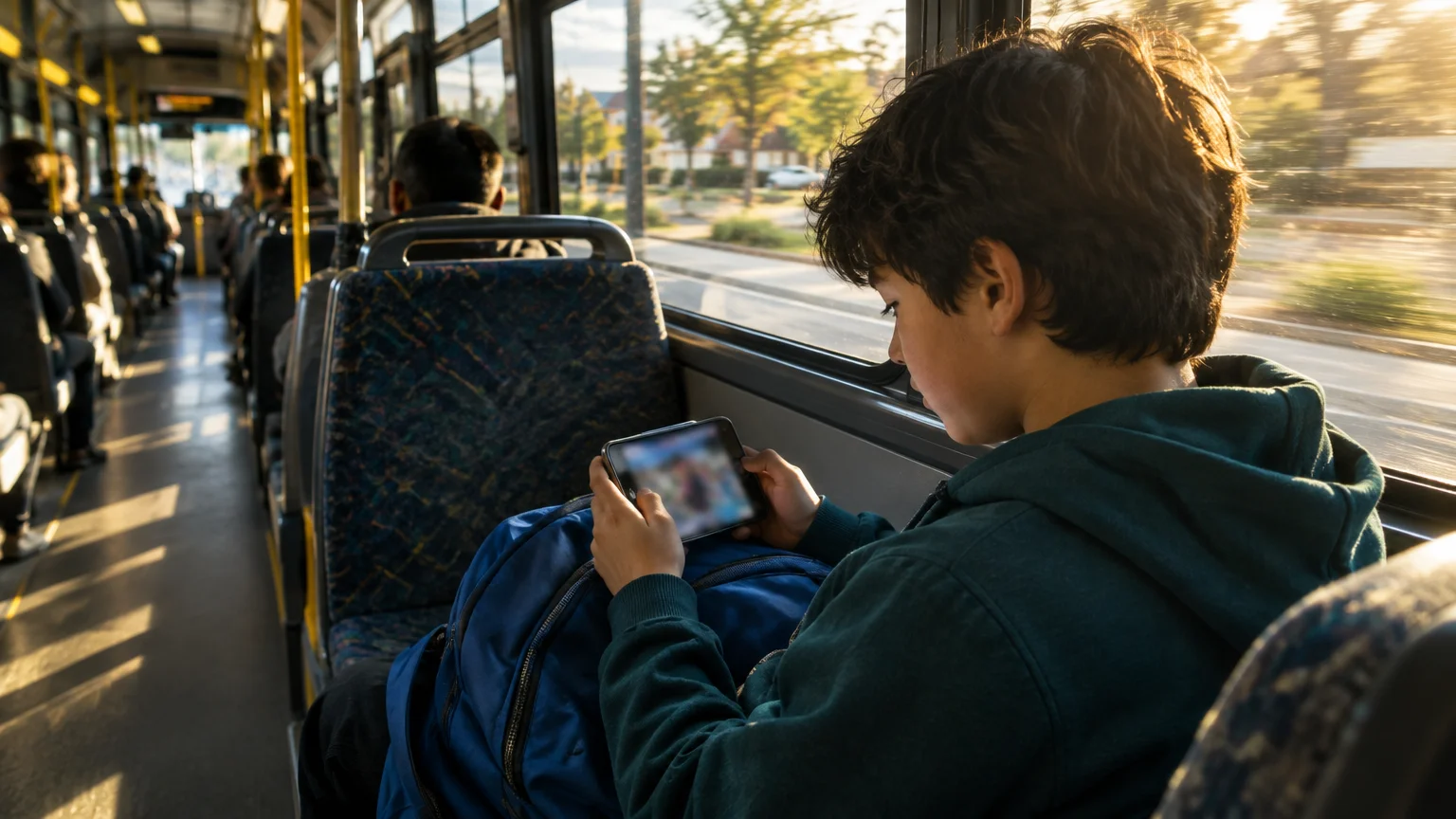
When grandchildren leave school between 3:00 PM and 4:00 PM, their devices connect to unstable networks. Many ride school buses with shared mobile routers or sit in cars connected to parent cellular hotspots.
These mobile connections suffer from severe signal fluctuations. If the upload speed drops below required thresholds for even two seconds, Apple’s servers drop the video call automatically.
School guest networks create similar obstacles. Many school districts restrict streaming video protocols on guest networks to conserve bandwidth for classroom activities.
Public connections also present security considerations. You can review safety tips through the FTC’s guidance on public Wi-Fi networks to understand how shared public networks manage traffic.
When a network blocks video traffic, your call cannot ring through. The phone simply displays “Call Failed” after several silent rings.
Testing Your Wi-Fi Connection and Network Speed
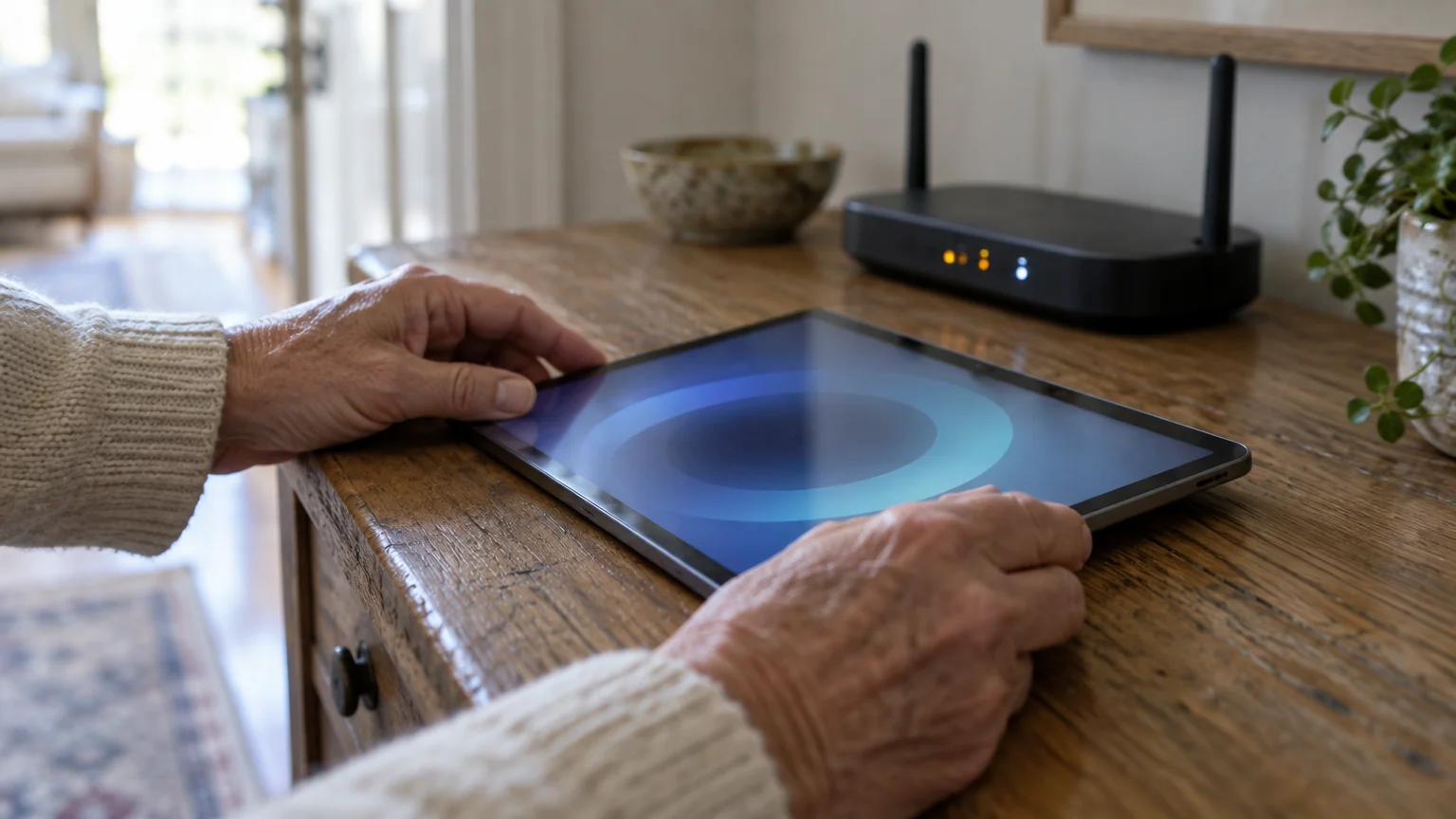
Before assuming the grandchildren’s phone has an issue, verify your home connection. Your iPhone or iPad requires a stable upstream signal to broadcast your camera feed.
Along with dropped calls, audio feedback is another common hurdle; learn why you hear an echo on video calls and how to fix it.
High download speed does not guarantee smooth video transmission. Video calling depends heavily on upload speed, which carries your image and voice to the other person.
You can test your home connection using any standard web browser on your tablet or smartphone. Follow these steps to check your network health:
- Open the Safari browser on your Apple device.
- Tap the address bar at the top or bottom of the screen.
- Type speedtest.net and press the blue Go key on the virtual keyboard.
- Tap the large circular button labeled Go in the center of the web page.
- Wait thirty seconds while the test measures your download speed, upload speed, and ping rate.
Latency measures the time it takes for a signal to travel from your phone to the server and back. In speed tests, latency is reported as ping in milliseconds (ms).
A ping below 50 ms indicates a responsive connection. If your ping exceeds 150 ms or your upload speed measures below 1.5 megabits per second (Mbps), your home Wi-Fi is unstable.
To inspect your current operating system controls, consult Apple’s official iPhone User Guide for device-specific network settings as of 2026.

How to Switch Instantly to FaceTime Audio
FaceTime Audio provides an immediate solution when video connections fail. It uses the same Apple calling network but transmits only voice data.
If multiple family members want to stay in touch without calling, learning how to set up a family group chat offers a great text-based alternative.
When Apple devices struggle on low-bandwidth networks, comparing the best family video calling apps can help you find alternatives that handle weak signals better.
Standard FaceTime video calls require roughly 1,500 to 3,000 kilobits per second (kbps). FaceTime Audio functions cleanly on as little as 64 kbps.
When a grandchild sits on a moving bus or in a weak cellular zone, an audio call succeeds where video fails. You can still switch to video later once they arrive home.
Here is how to place a FaceTime Audio call directly from your Contacts list:
- Open the Phone app or the Contacts app on your device.
- Tap the search bar at the top and enter your grandchild’s name.
- Tap the contact card when it appears.
- Look beneath the contact’s name for the row of action buttons.
- Tap the small phone receiver icon labeled call, or locate the FaceTime row.
- Tap the gray Phone icon next to the FaceTime label instead of the video camera icon.
Your phone will place a high-definition voice call using internet data rather than cellular minutes. The call sounds clearer than a standard telephone line.
If you find small icons difficult to see, you can adjust screen magnification. Review Apple’s instructions to make text bigger on iPhone and iPad to enlarge contact buttons.
For individuals using hearing devices, check Apple’s accessibility overview for iPhone to pair compatible aids directly to call audio.
Screen Time and Downtime Settings That Block Calls
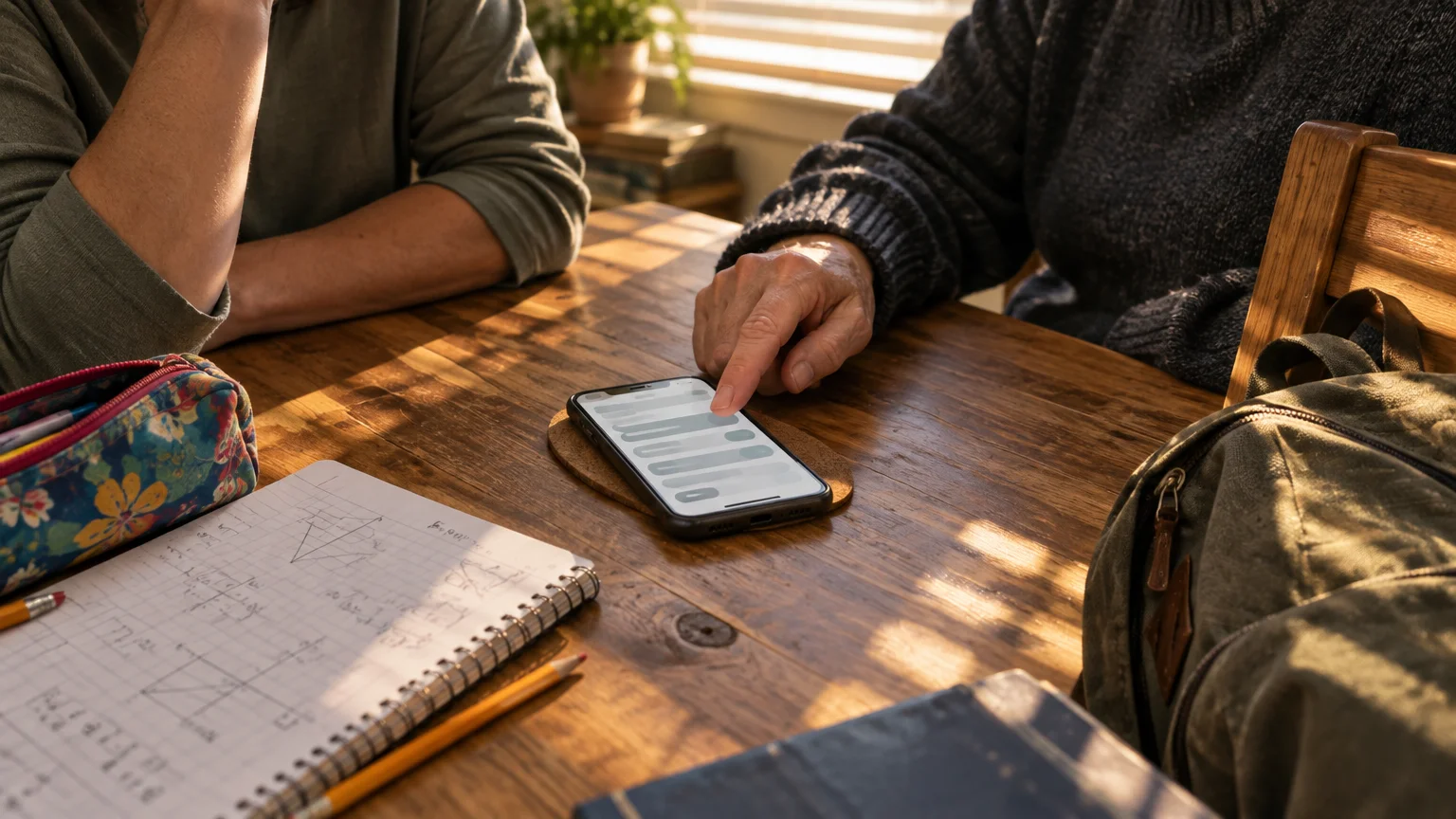
If the error occurs consistently at the exact same hour every day, network strength might not be the cause. Parents frequently manage their children’s devices using Apple’s built-in parental restrictions.
Scheduling calls after school or evening Downtime also makes it easy to read bedtime stories to your grandchildren on video calls.
Screen Time is an Apple feature that lets parents limit daily app usage and set boundaries on who children can contact. Parents often configure Downtime during school and study hours.
Downtime blocks all incoming notifications and calls except those from specifically approved family contacts. If your phone number is not explicitly approved, your call triggers an immediate failure.
Ask the child’s parent to verify your contact status inside their Family Sharing group. The parent must complete the following steps on their own device:
- Open the Settings app on the parent’s phone.
- Tap Screen Time.
- Tap the child’s name under the Family heading.
- Tap Communication Limits.
- Tap During Downtime.
- Select Specific Contacts.
- Tap Add Contacts and ensure your name and mobile number appear on the approved list.
Communication safety features can also silence unknown callers automatically. If you call from an unlisted secondary number, the child’s phone rejects the connection silently.
Always ensure the child’s device stores your contact card with both your mobile phone number and your Apple Account email address.
Low Power Mode and Battery Restrictions on Kids’ Devices
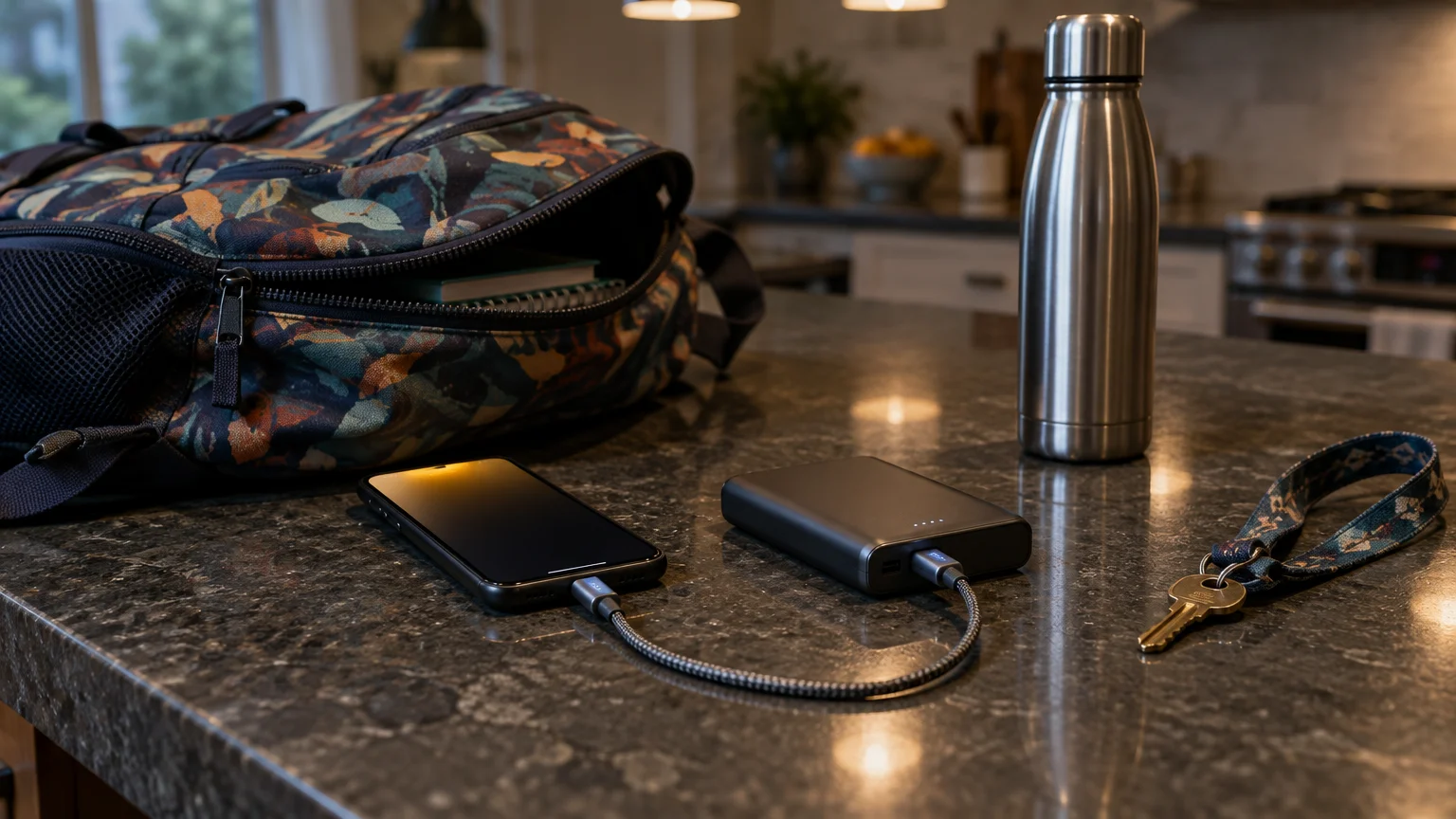
School days drain device batteries quickly. By 3:30 PM, many children have less than twenty percent battery remaining on their iPhones or iPads.
To keep devices stable and comfortably positioned while charging, consider using a tablet stand for video calls.
When battery level drops to twenty percent, iOS prompts the user to enable Low Power Mode. Low Power Mode is a battery-saving setting that reduces display brightness and limits background processes.
Low Power Mode restricts camera performance and throttles network processing chips. When receiving an incoming video call, a throttled device often fails to initialize the camera feed in time.
If the camera hardware takes too long to respond, Apple’s connection manager times out. The caller’s screen promptly shows “Call Failed.”
Encourage the child’s parents to keep device software current. Operating system updates frequently fix power-management bugs that cause premature call drops.
Refer to CISA’s recommendations to update software to understand why regular device maintenance preserves system performance and keeps communication tools working smoothly.

Worked Example: Resolving a 3:30 PM Connection Failure
Consider this practical scenario involving Arthur, a 75-year-old grandfather living in Ohio. Arthur attempts to call his 10-year-old grandson Leo every weekday at 3:35 PM.
Once your video connection is working reliably, try these fun activities to do with grandchildren over video calls to keep calls engaging.
To avoid busy school rush hours altogether, consider setting up a regular family video call routine at a time when everyone has access to reliable home Wi-Fi.
Leo rides a rural school bus equipped with a portable cellular Wi-Fi router. Every afternoon, Arthur taps the video button on his iPhone 13, and the call fails after two rings.
Arthur runs a speed test on his home Wi-Fi network. His test reveals a download speed of 120 Mbps and an upload speed of 22 Mbps, confirming his home connection is healthy.
Next, Arthur asks Leo’s mother to check the bus router speed via an app. The bus connection registers an upload speed of only 0.45 Mbps with a high latency of 240 ms.
Arthur realizes that FaceTime HD video requires at least 1.5 Mbps upload. Leo’s bus router cannot support the incoming video stream.
At 3:37 PM, Arthur switches methods. Instead of tapping the green camera icon, he taps the gray FaceTime Audio icon on Leo’s contact card.
Because FaceTime Audio requires only 64 kbps (0.064 Mbps), the call connects in two seconds. Arthur talks with Leo throughout the twenty-minute bus ride without a single disconnection.
Once Leo arrives home at 4:05 PM and joins the residential home Wi-Fi (35 Mbps upload), Arthur taps Video on the call screen. The conversation transitions smoothly into full high-definition video.

Comparing Video Call Network Requirements
Different call formats place distinct demands on cellular and Wi-Fi networks. Understanding these numbers helps you choose the right format when calling family members on the move.
The table below outlines the network and hardware requirements for Apple calling services as of 2026:
| Calling Mode | Minimum Upload Speed | Latency Tolerance | Battery Drain Rate | Failure Risk on Transit Wi-Fi |
|---|---|---|---|---|
| FaceTime HD Video (1080p) | 3.0 Mbps | Under 80 ms | High (15-20% per hour) | Very High (Frequent drops) |
| Standard FaceTime Video (720p) | 1.5 Mbps | Under 120 ms | Moderate (10-14% per hour) | High (Buffer pauses) |
| FaceTime Audio | 0.064 Mbps (64 kbps) | Under 250 ms | Low (3-5% per hour) | Low (Rare failures) |
| Cellular Voice (Carrier) | 0.012 Mbps (12 kbps) | Under 400 ms | Very Low (1-2% per hour) | Very Low (Tower handoff) |
As shown in the table, FaceTime HD Video requires nearly fifty times more data bandwidth than FaceTime Audio. Choosing audio when grandchildren travel prevents connection drops.
Step-by-Step Device Reset Checklist
If FaceTime calls fail even when both you and your grandchildren are connected to stable home Wi-Fi networks, follow this systematic checklist. Perform these steps one at a time.
Before proceeding, note that restarting your phone will temporarily disconnect active calls or web pages, but it will not erase your stored contacts or photos.
First, verify that Apple’s FaceTime service is enabled and signed in properly on your personal device:
- Open the Settings app on your iPhone or iPad.
- Scroll down the main settings list and tap FaceTime.
- Check the green toggle switch next to FaceTime at the top.
- If the toggle switch is green, tap it once to switch it off, wait five seconds, and tap it again to turn it on.
- Verify that a blue checkmark appears next to your mobile telephone number under the heading You Can Be Reached By FaceTime At.
Next, perform a restart of your network connection using Airplane Mode. This action clears temporary cellular and Wi-Fi communication glitches:
- Swipe downward from the top-right corner of your screen to open the Control Center.
- Tap the circular Airplane Mode icon showing an airplane silhouette so that it turns orange.
- Wait fifteen seconds while all wireless radios disconnect.
- Tap the Airplane Mode icon again to restore your cellular and Wi-Fi connections.
- Wait until your home Wi-Fi icon appears in the top corner before placing another call.
Finally, check your device date and time configuration. Apple communication servers refuse connections if the time on your phone differs from actual network time by more than two minutes:
- Open the Settings app.
- Tap General.
- Tap Date & Time.
- Locate the option labeled Set Automatically.
- Verify that the switch is toggled to the green active position.
Frequently Asked Questions
Why does FaceTime ring once and then say call failed?
A single ring followed by an immediate failure indicates the receiving device declined the connection or was blocked by system rules. This commonly occurs when the recipient has Do Not Disturb active, when Screen Time limits trigger, or when battery exhaustion causes an instant shutdown.
Can I call my grandchild on FaceTime if they have an Android tablet?
You cannot dial an Android user directly from your FaceTime contacts list. However, you can generate a FaceTime web link on your iPhone and send that link to their Android device via text message or email so they can join through a web browser.
Does FaceTime Audio cost money when calling family members?
FaceTime Audio does not use cellular plan minutes or generate long-distance toll charges. It uses standard internet data, making it completely free over Wi-Fi, though cellular data usage applies if you place calls away from home without an unlimited mobile data plan.
Why does FaceTime work with my daughter but fail when I call my grandson?
Your daughter likely uses an unrestricted device on a stable home network, whereas your grandson’s device may have strict Screen Time limits, active school-hour restrictions, or an older battery operating under Low Power Mode.
Note: Menus and button names change with software updates. These steps were written for current versions as of 2026; if a screen looks different on your device, the maker’s support page linked above has the latest wording.
ClearTechGuide is independent and is not affiliated with Apple, Google, Microsoft, Amazon or any other company mentioned.