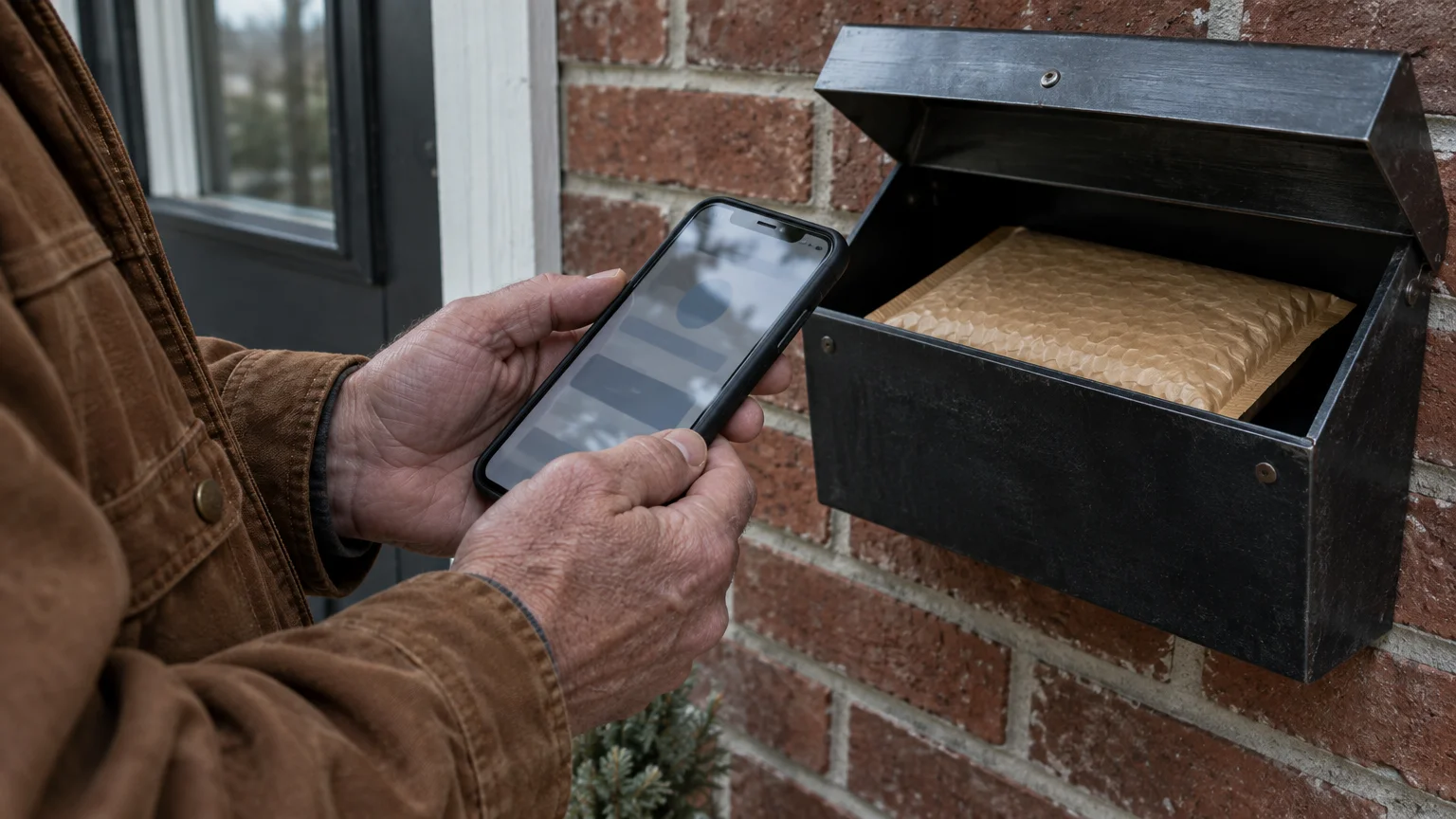
You can track your vital medication delivery directly on your mobile device without risking your personal information. Legitimate United States Postal Service updates never require clicking web links sent to your phone messages.
Whether receiving VA medical supplies or learning how to shop online safely, knowing how your orders travel provides peace of mind.
This tutorial shows you how to copy your shipment number from your Veterans Affairs account into the official tools to track usps package on phone safely.
Our core rule is simple: real postal transit alerts use a dedicated five-digit short code and charge zero fees. You will monitor your package arrival without exposing your device to predatory delivery scams.
In this guide9 sections
- Finding Your VA Prescription Tracking Number
- Installing the Official USPS Mobile App
- Entering Your Tracking Number and Reading the Status
- Setting Up Direct USPS Text Alerts Without Web Links
- Scenario: A 76-Year-Old Veteran Tracking a Blood Pressure Refill
- How to Spot Fake Postal Delivery Text Messages
- Comparing USPS Tracking Tools
- Adjusting Phone Accessibility for Easier Reading
- Frequently Asked Questions
Finding Your VA Prescription Tracking Number
A tracking number is a unique serial code that postal equipment scans at each facility to log a parcel’s location. Standard domestic USPS shipments use 20 to 22 numerical digits, usually beginning with 9400 or 9205.
Once your prescription arrives, you can also learn how to track daily medications on an iPhone to stay organized with your dosing schedule.
You can also paste the number into the Notes app on your phone if you want a simple written record of past shipments.
The Department of Veterans Affairs mails millions of maintenance medications each year through Consolidated Mail Outpatient Pharmacies. You can retrieve this code through the VA Health and Benefits mobile application or your web browser.
- Open the VA Health and Benefits app on your smartphone, or open your web browser and visit the official VA home page.
- Sign in using your Login.gov or ID.me credentials.
- Tap Prescriptions on the main dashboard menu.
- Tap the specific medication refill you want to monitor under your list of active orders.
- Locate the entry labeled Tracking number in the shipment details area.
- Touch and hold your finger directly over the 22-digit number until the selection menu appears, then tap Copy.
Copying the number directly saves time and eliminates typing errors on smaller screens. Once copied, your phone holds those digits in its temporary memory until you paste them into your postal tracking tool.
If your prescription status says submitted but shows no tracking code, the outpatient pharmacy is still preparing the parcel. The VA updates your dashboard with the USPS code as soon as postal carriers pick up the package.
Installing the Official USPS Mobile App
You should only install postal software published directly by the United States Postal Service. As of 2026, the official app is completely free to download and use on both major smartphone platforms.
If you ever want to change notification access later, you can easily manage app permissions on your phone through your device settings.
Be careful when browsing app storefronts, because third-party utilities often display confusing advertisements or charge subscription fees. The genuine postal tool will never ask for a credit card number or in-app payment.
- Open the App Store on your iPhone, or open the Google Play Store on your Android phone.
- Tap the Search tab or magnifying glass icon located on your screen.
- Type USPS Mobile into the search bar and press Search on your keyboard.
- Inspect the publisher name directly below the title to confirm it says United States Postal Service.
- Tap Get on an iPhone or Install on an Android device to download the tool.
- Tap Open once your phone finishes installing the application.
When you open the app for the first time, it may ask permission to send you notifications. Tap Allow so the application can post delivery updates directly on your home screen.
Keeping your smartphone operating system current protects your personal data when running shipping applications. Review CISA’s guidance on updating device software to maintain dependable system security.
Entering Your Tracking Number and Reading the Status
The USPS Mobile app lets you check parcels without creating an account or logging in. You can paste your copied VA pharmacy number directly into the main tracking screen to see the latest scan.
If you want visual confirmation when parcels reach your doorstep, consider setting up a video doorbell to view deliveries in real time.
- Open the USPS Mobile app on your phone.
- Tap Track located at the top of the main home screen.
- Tap the empty white box labeled Tracking # or barcode.
- Touch and hold the blinking cursor for one second until a small menu appears, then tap Paste.
- Tap the blue Search button beside the text box to view your transit record.
The screen refreshes immediately to display the current transit milestone. Postal sorting machines record specific automated phrases as your parcel travels across the country.
- Pre-Shipment: The pharmacy created the mailing label, but postal staff have not scanned the package into a sorting facility yet.
- Accepted: The local post office or distribution hub received the parcel from the sender and verified its postage.
- Moving Through Network: The package is traveling between regional processing plants on postal trucks or cargo aircraft.
- Out for Delivery: Your local letter carrier placed the box on their delivery vehicle to bring it to your home address today.
- Delivered: The carrier placed the package into your mailbox, parcel locker, or front porch.
Standard delivery records remain accessible inside the system for 120 days after final drop-off. You can return to this screen anytime during that four-month window to verify delivery timestamps.
Setting Up Direct USPS Text Alerts Without Web Links
You can receive automated updates through regular text messages without opening the postal app every day. This option keeps you informed even when you have poor cellular internet reception.
Pairing postal notifications with using a calendar app to manage medication reminders helps ensure you never run out of vital pills.
If you worry about missing an important delivery chime, you can make text message alerts louder and repeat in your notification settings.
The postal service operates a verified five-digit short code: 28777 (which spells 2USPS on telephone keypads). Legitimate text updates arrive exclusively from this five-digit number and never from standard ten-digit commercial telephone numbers.
- Open the Messages app on your smartphone to create a standard text message.
- Enter 28777 into the recipient or To field at the top of your screen.
- Tap the message text box at the bottom of the screen.
- Paste or type your 20 to 22-digit USPS tracking number into the message field.
- Tap the Send arrow to transmit your inquiry to the postal computers.
- Wait thirty seconds to receive an automated text confirming the latest transit status of your package.
To receive ongoing notifications as your package travels, reply to that text message with the letters ALL. The system will send a new plain text alert whenever a sorting facility scans your parcel.
USPS text notification requests remain active for a maximum of 14 days from the date you request them. If a package takes longer than two weeks to arrive, you must submit your tracking number to 28777 again.
If you prefer silent nights, you can activate scheduled quiet hours for your delivery alerts. Text the word Quiet to 28777 to pause all automated notifications between 11:00 PM and 7:00 AM Central Standard Time.
Using usps text alerts package options costs $0.00 in service charges as of 2026. Standard text messaging rates from your wireless carrier plan still apply to each incoming and outgoing message.
Scenario: A 76-Year-Old Veteran Tracking a Blood Pressure Refill
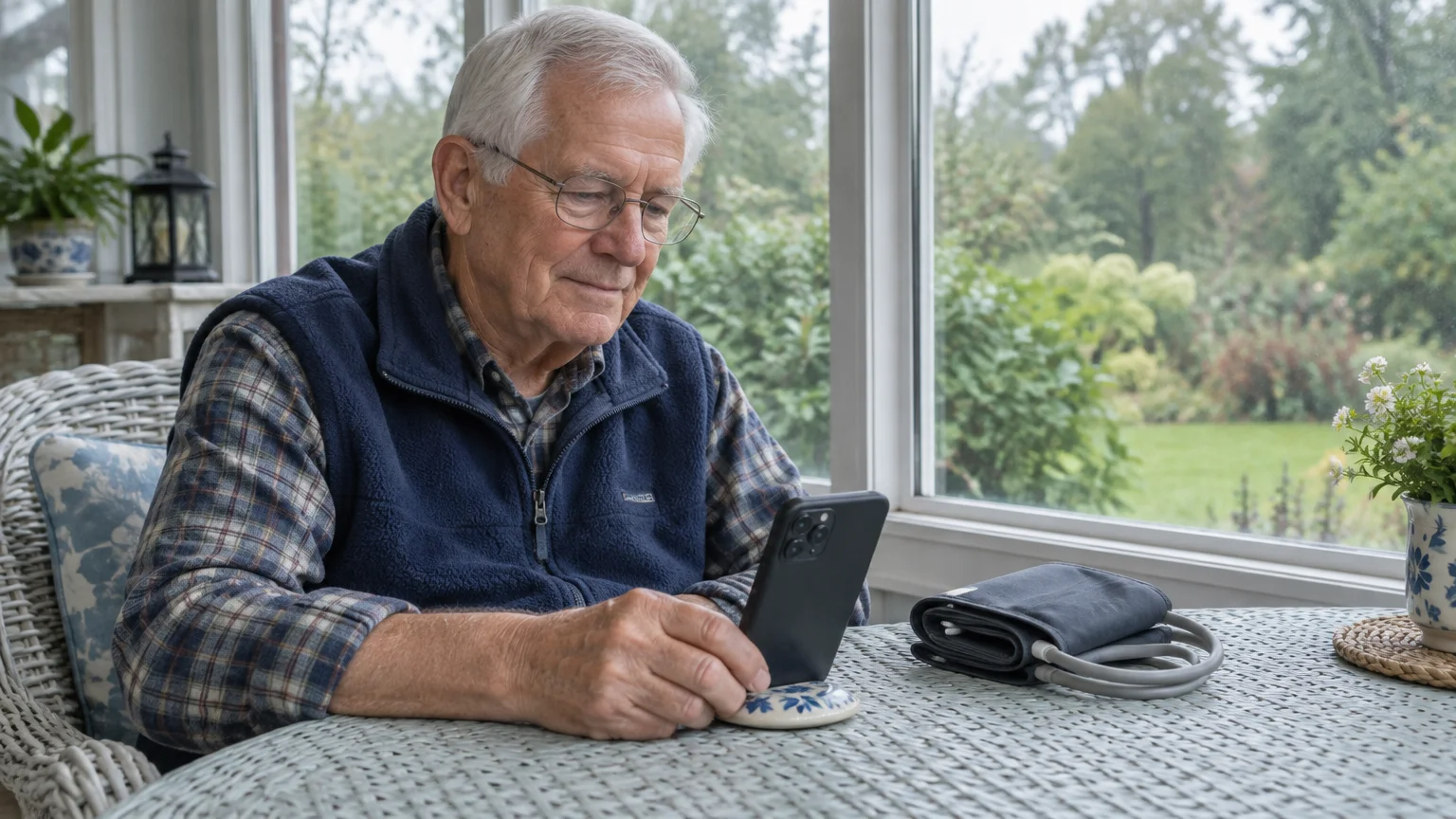
Arthur is a 76-year-old Navy veteran living in Tucson, Arizona, who monitors a 90-day maintenance supply of amlodipine. He wants to know exactly when his prescription arrives in his community mailbox cluster so heat does not damage the medication.
Checking conditions with the weather app on your phone allows you to retrieve temperature-sensitive packages before extreme afternoon heat sets in.
On Monday, October 12, 2026, Arthur opens the VA Health and Benefits app at 8:15 AM to inspect his refill. The order screen shows the package dispatched from the VA Consolidated Mail Outpatient Pharmacy in Leavenworth, Kansas.
Arthur copies the 22-digit tracking number: 9400 1112 0255 8319 4012 88. He then opens the Messages app on his phone and addresses a new message to 28777.
He pastes the 22 digits into the message body and presses send. Within 20 seconds, the postal service responds with a message stating the package was accepted in Kansas at 6:45 AM.
Arthur immediately replies with ALL to activate transit pings for every scanning milestone. At 8:30 PM, Arthur texts Quiet to 28777 so midnight sorting scans do not awaken him.
On Wednesday at 2:40 PM, Arthur receives a text confirming the package arrived at the Phoenix regional facility. On Thursday at 8:50 AM, an alert states the parcel is Out for Delivery in Tucson.
At 1:15 PM on Thursday, a final notification confirms delivery to his neighborhood parcel locker. Arthur walks to his mailbox and retrieves his temperature-sensitive blood pressure pills within fifteen minutes of delivery.
How to Spot Fake Postal Delivery Text Messages
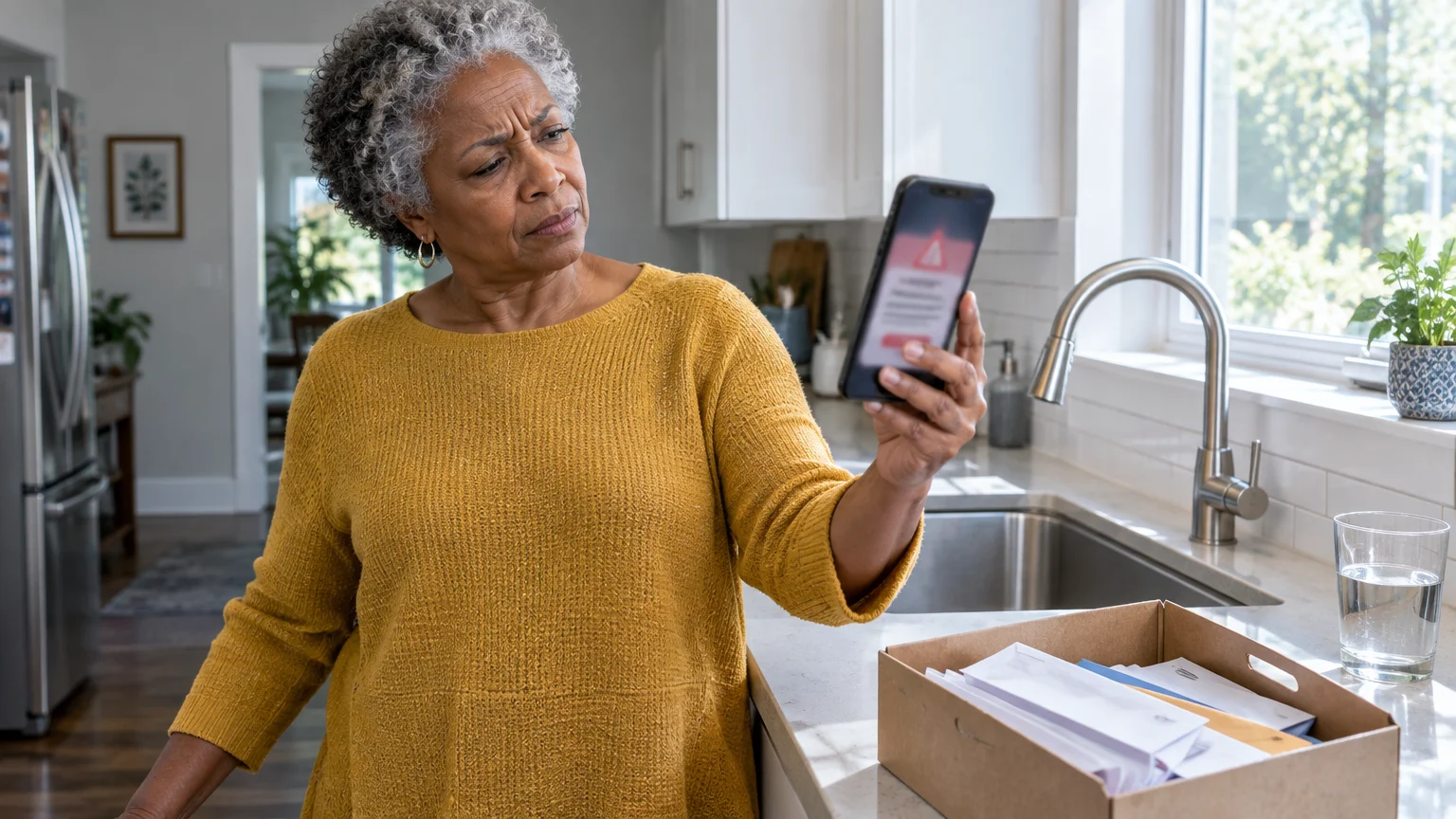
Criminals frequently target mobile users with fake delivery notifications, an identity theft tactic known as smishing. These fraudulent text messages falsely claim your package has an incorrect address or unpaid postage fee.
These fraudulent notifications rely on the same deceptive tactics found in fake toll road text scams, using manufactured urgency to steal sensitive financial details.
Review our guide on how to recognize and avoid phone scams to keep your device secure against fraudulent messages and calls.
Much like fake toll road text scams, these deceptive delivery alerts attempt to create false panic so you click without thinking.
Every fraudulent message includes a deceptive web link designed to steal your credit card numbers or account passwords. Legitimate postal notifications never contain clickable web links or demand money to release a delivery.
The postal service will never contact you by text message unless you specifically initiated an alert request first. Review the Federal Trade Commission’s guide to recognizing phishing scams to understand how imposters impersonate legitimate delivery agencies.
Use these concrete indicators to distinguish authentic postal updates from criminal attempts:
- Sender Address: Real updates come exclusively from the 5-digit short code 28777. Scams arrive from 10-digit numbers or foreign email addresses.
- Web Links: Legitimate USPS tracking messages contain exactly zero clickable internet links. Scams always include an urgent web link.
- Financial Demands: USPS Tracking and redelivery services cost $0.00 as of 2026. Scams demand small fees such as $0.35 or $1.99 to correct an address.
- Urgency Cues: Scams claim packages will be returned to the sender within twelve hours unless you click immediately.
Never tap links inside unsolicited delivery messages. Tap and hold the deceptive message, choose forward, and send it to 7726 (which spells SPAM) to alert your cellular provider at no charge.
You can read the FTC’s advice on reporting spam text messages for detailed instructions on blocking unwanted senders. Review the Federal Communications Commission guide on stopping unwanted texts to protect your mobile device from automated harassment.
Comparing USPS Tracking Tools
The Postal Service offers three primary digital tools to monitor your mail and parcels on a smartphone. Choosing the right method depends on your home internet access and how often you receive shipments.
The following table compares the official tracking tools using concrete operational attributes as of 2026.
| Feature | USPS Mobile App | SMS Text Alerts (28777) | Informed Delivery Service |
|---|---|---|---|
| Service Cost | $0.00 | $0.00 (carrier SMS rates apply) | $0.00 |
| Requires Mobile Data or Wi-Fi | Yes | No (uses cellular voice/SMS network) | Yes |
| Includes Clickable Web Links | No | No (0 clickable links) | Yes (direct portal links) |
| Tracking Alert Duration | Manual lookup anytime | 14 days per request | Automatic daily dashboard |
| History Record Retention | 120 days post-delivery | Stored in your text history | 120 days post-delivery |
| Best Use Case | One-time tracking lookups | Real-time alerts without opening apps | Daily household mail previews |
For individuals tracking a single monthly prescription, the official mobile application or short-code text system provides direct status information without complicated account management.
Informed Delivery requires an identity verification process during enrollment, but it automatically monitors every parcel addressed to your residence. If you receive several packages each month, Informed Delivery removes the need to copy individual tracking numbers manually.
Adjusting Phone Accessibility for Easier Reading
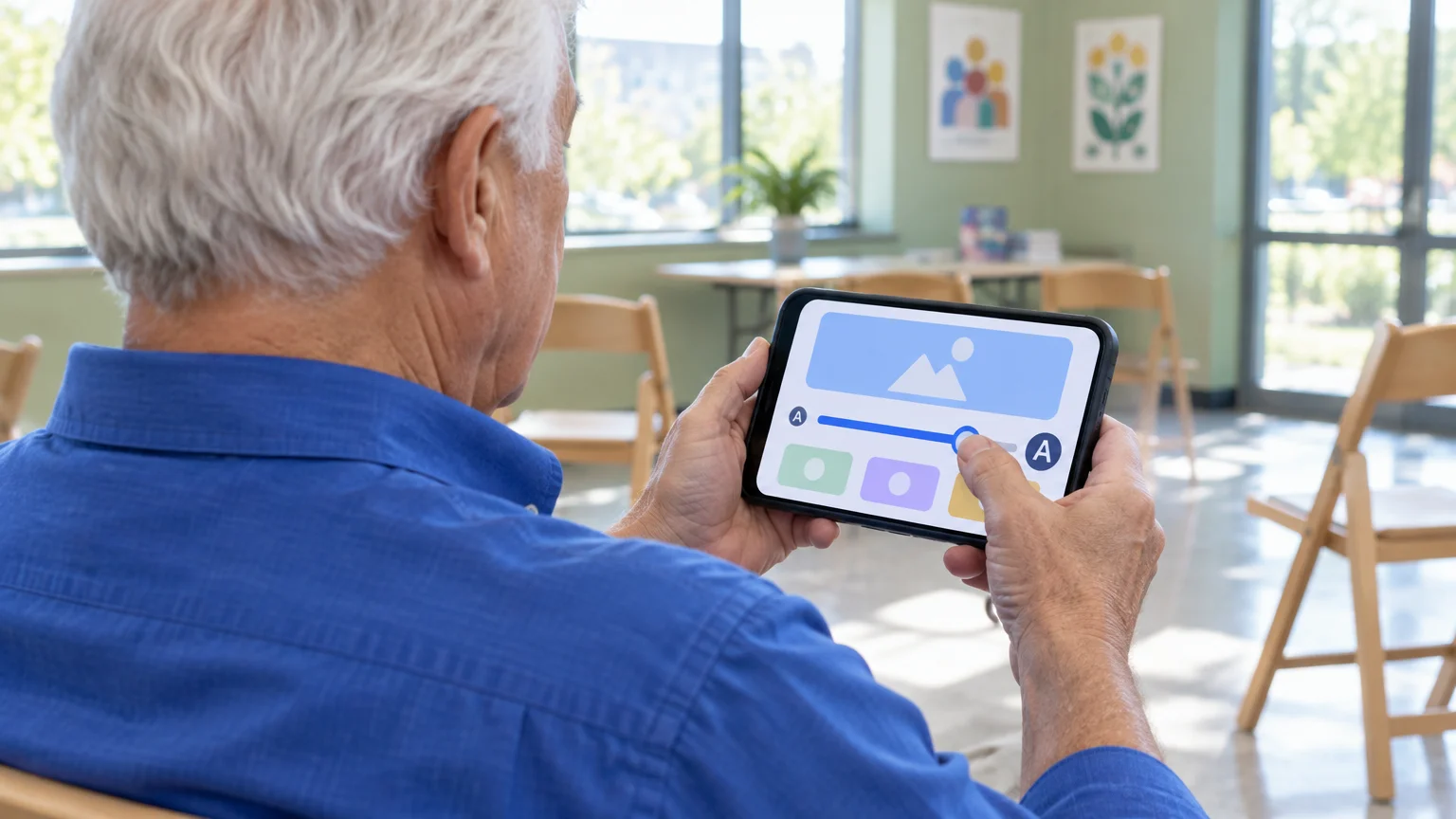
Reading long 22-digit tracking strings can strain your eyes on small mobile screens. Both Apple and Android smartphones include built-in visual accessibility adjustments that increase text size across your applications.
If you use an iPhone, you can enlarge system typefaces using Dynamic Type without distorting screen buttons. Consult Apple’s official guide to making text bigger on iPhone to configure your preferred reading scale.
- Open the Settings app on your iPhone.
- Scroll down and tap Accessibility.
- Tap Display & Text Size.
- Tap Larger Text and switch Larger Accessibility Sizes to the on position.
- Drag the slider at the bottom of your screen to the right until words appear comfortable to read.
If you use an Android smartphone, you can adjust both font size and display scale within the system settings. Review Google’s overview of Android accessibility tools for step-by-step assistance with visual magnification.
- Open the Settings app on your Android device.
- Tap Accessibility from the main options menu.
- Tap Display size and text or Font size and style depending on your phone brand.
- Move the Font size slider to the right to increase letter scale across all menus.
- Move the Display size slider to the right to enlarge buttons and input fields inside the postal app.
If your hands shake when tapping buttons, you can adjust the touch sensitivity on your phone screen. Increasing your touch-and-hold delay setting prevents the screen from misinterpreting a resting finger as an intentional tap.
Frequently Asked Questions
How long does the USPS keep my package tracking records online?
The postal service stores standard delivery records in its computer systems for 120 days following final drop-off. You can look up your tracking number anytime during those four months to verify delivery times.
Does the postal service ever charge a fee to redeliver a package?
No, the USPS never charges fees to redeliver a package or update an address. Any text message or email demanding a payment to release a package is an illegal smishing scam.
Why did my USPS text tracking alerts stop arriving after two weeks?
Automated text notifications expire automatically after 14 days to prevent stale packages from clogging network queues. If your shipment experiences delays past two weeks, text your tracking code to 28777 again to reactivate updates.
What does “Departed USPS Regional Facility” mean on my screen?
This scan means your package finished sorting at a major regional postal plant and is traveling toward your local town. The next scan will show arrival at your neighborhood post office or sorting branch.
Note: Menus and button names change with software updates. These steps were written for current versions as of 2026; if a screen looks different on your device, the maker’s support page linked above has the latest wording.
ClearTechGuide is independent and is not affiliated with Apple, Google, Microsoft, Amazon or any other company mentioned.