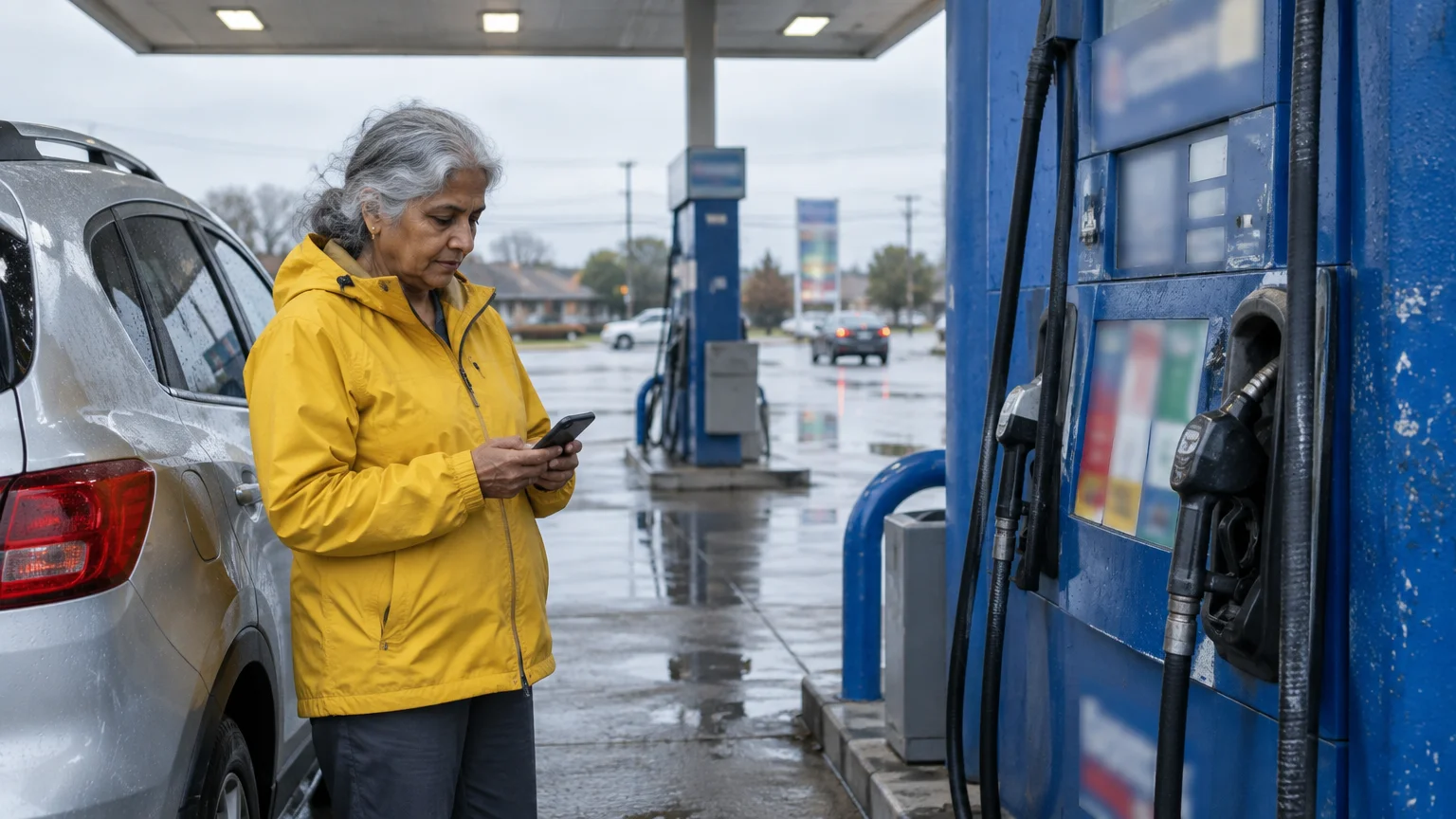
You can locate the lowest regular unleaded fuel prices near your home with the free GasBuddy app. Driving past your neighborhood to save a few pennies per gallon often wastes more money in burned fuel than you save at the pump.
A strict five-mile search radius combined with payment-type filters protects your fixed monthly budget. This guide shows you how to configure GasBuddy so you only drive to genuine fuel bargains.
We explain every screen tap, privacy safeguard, and price comparison step for current smartphone software as of 2026.
In this guide9 sections
- Why Driving Distance Cancels Fuel Savings
- Worked Example: The Five-Mile Radius Math
- Installing GasBuddy and Adjusting Display Settings
- Setting Up Location and Privacy Safeguards
- Step-by-Step Guide to Finding Nearby Regular Fuel
- Filtering by Distance and Payment Method
- Evaluating Pay with GasBuddy and Premium Tiers
- Avoiding Common Fuel Finder Mistakes
- Frequently Asked Questions

Why Driving Distance Cancels Fuel Savings
Many drivers assume that traveling across town for cheaper fuel always lowers their monthly expenses. In reality, the physical operating cost of your vehicle quickly cancels out small price differences.
Before heading out in harsh conditions, checking the weather app on your phone ensures safe driving roads.
If you need turn-by-turn directions once you pick a station, learning how to use Google Maps on your phone makes navigating straightforward and stress-free.
Every mile you drive consumes fuel, wears your tires, and adds vehicle maintenance costs. When living on a fixed pension, every round-trip mile must justify its expense.
A price gap of ten cents per gallon sounds attractive on a roadside billboard. On a typical twelve-gallon fill-up, that difference equals only $1.20 in total gross savings.
Driving an extra five miles round-trip burns real gasoline that you must replenish. If your car averages twenty-five miles per gallon, that detour consumes one-fifth of a gallon.
At current fuel prices, that wasted fuel costs roughly seventy cents. Your true savings shrink to fifty cents, which hardly pays for fifteen minutes of added driving time.
Using a reliable find cheap gas nearby app helps you identify the lowest gas prices near me without traveling unnecessary miles.

Worked Example: The Five-Mile Radius Math
Consider a scenario involving Eleanor, a 70-year-old driver living on a monthly pension. She drives a 2018 Chevrolet Equinox that averages 24 miles per gallon in suburban stop-and-go driving.
For hands-free convenience while seated in the car, you can also set up Google Assistant on Android to find nearby destinations using voice commands.
Eleanor needs twelve gallons of regular unleaded fuel to fill her tank. She opens GasBuddy and spots two different filling stations.
Station A sits 1.5 miles away from her driveway and charges $3.45 per gallon. Station B sits 7.5 miles away across town and charges $3.33 per gallon.
- Station A pump purchase: 12 gallons multiplied by $3.45 equals $41.40.
- Station A travel expense: A 3-mile round trip consumes 0.125 gallons, costing $0.43 in burned fuel.
- Station A total cost: $41.40 plus $0.43 equals $41.83.
- Station B pump purchase: 12 gallons multiplied by $3.33 equals $39.96.
- Station B travel expense: A 15-mile round trip consumes 0.625 gallons, costing $2.08 in burned fuel.
- Station B total cost: $39.96 plus $2.08 equals $42.04.
The pump receipt at Station B looks $1.44 cheaper at first glance. After factoring in the twelve extra miles driven, Eleanor actually loses twenty-one cents on the trip.
This scenario proves why keeping your travel radius tight matters more than chasing the absolute lowest advertised price.

Installing GasBuddy and Adjusting Display Settings
GasBuddy tracks fuel prices across more than 150,000 stations throughout the United States and Canada. Over 100 million motorists have downloaded the application to share pump reports.
To save your mobile data allowance, consider connecting your phone to home Wi-Fi before installing new applications.
To keep new apps from using up your monthly mobile plan, see our guide on how to stop apps from updating on cellular data.
You can download GasBuddy for free from the Apple App Store on an iPhone or the Google Play Store on an Android phone. This gasbuddy app tutorial seniors guide ensures you configure the tool cleanly from the start.
Small text on phone screens can strain your eyes when checking prices in bright sunlight. You can adjust your smartphone display settings before opening the app.
On an iPhone or iPad, consult Apple’s official guide to making text bigger to enlarge on-screen labels.
On an Android phone, review the Google Android accessibility overview to increase font size and display scaling.
Larger text helps you read gas station addresses, distances, and prices without squinting.
You do not need to register an account or provide financial details to search for gas prices.

Setting Up Location and Privacy Safeguards
When you launch GasBuddy for the first time, the app requests permission to track your physical location. You have complete control over how much access you grant.
Keeping your operating system current by learning how to update your Android phone ensures your apps retain the latest privacy protections.
For balanced convenience, choose While Using the App or Only While Using the App. This setting reveals stations near your car only when the app sits open on your screen.
If you prefer strict privacy, select Don’t Allow or Never. You can simply type your five-digit ZIP code into the search bar whenever you need prices.
GasBuddy includes an optional feature called Drives that records your driving speed, acceleration, and braking habits. We advise keeping this feature toggled off to protect your private driving habits.
To safeguard your device and personal data, review the FTC’s guide on how to protect your phone from hackers.
To disable commercial data sharing, open the app’s account menu and tap Privacy Rights. Then switch the toggle labeled Do Not Sell or Share My Personal Information to active.
If you create an optional user profile, use a unique passphrase following the NIST digital identity guidelines.
Step-by-Step Guide to Finding Nearby Regular Fuel
Finding the lowest pump price takes only a few taps once the app opens. Follow these exact steps to check your immediate area.
When traveling near international borders on a road trip, remember to turn off data roaming to prevent unexpected cellular carrier fees.
When taking longer road trips, you can also learn how to locate highway rest stops on Google Maps ahead of time.
- Tap Find Gas on the navigation bar at the bottom of your screen.
- Tap the search bar at the top of the screen and type your five-digit ZIP code, or tap the blue location arrow to detect your current position.
- Tap Fuel Type beneath the search field.
- Select Regular (87) from the fuel grade list, then tap Apply.
- Tap the Filter icon located to the right of the fuel grade button.
- Drag the Distance slider to five miles or fewer.
- Tap Sort By and select Price to display the most economical pumps first.
- Tap View Results to see the ranked list of stations.
Every station card displays the brand name, physical street address, fuel grade price, and distance from your location.
Look closely at the small gray timestamp beneath the price, such as 15m ago or 2h ago. Recent timestamps confirm that another driver verified the price today.
Crowdsourced reporting means prices come directly from everyday drivers. If an entry shows a timestamp from two days ago, treat that price as an estimate rather than a guarantee.
Filtering by Distance and Payment Method
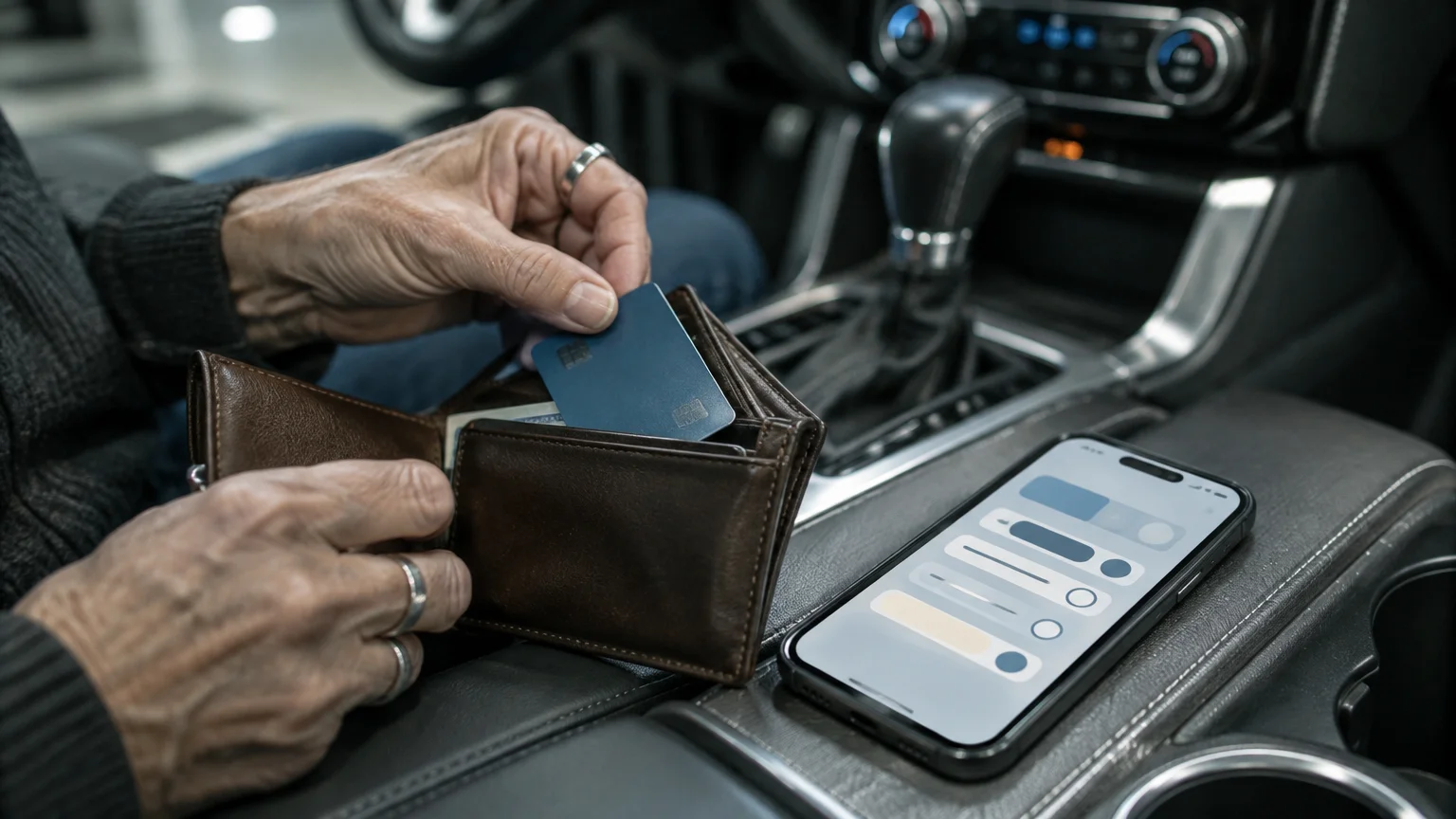
Many gas stations advertise one rate on their large street signs, but charge ten to twenty cents more per gallon at the pump for credit cards.
If you frequently use cards for everyday purchases, learning how to shop online safely helps protect your payment details from fraudulent charges.
Managing car expenses from your phone becomes easier when you also know how to pay parking meters using a mobile app.
This pricing tactic can mislead drivers who expect the lower cash rate when inserting a card. Fortunately, GasBuddy allows you to filter listings by payment method.
Open the Filter menu and locate the section labeled Payment Method.
Select Credit if you plan to pay at the pump with your Visa, Mastercard, or Discover card. The app adjusts the listed rates to show what you will actually pay.
Select Cash only if you intend to walk inside the station convenience store and pay the cashier with paper currency before pumping.
You can also filter by fuel brands that supply Top Tier detergent gasoline. Detergent additives keep engine valves clean, which helps older vehicles maintain efficient fuel mileage.

Evaluating Pay with GasBuddy and Premium Tiers
GasBuddy promotes optional payment programs within the application. Understanding the trade-offs helps you avoid unnecessary monthly subscription charges.
If you ever test a paid trial and decide it is not worth the expense, review how to cancel unwanted app subscriptions so you never pay surprise charges.
The free mobile application lets you look up crowdsourced prices without paying any subscription fees or sharing your banking details.
The Pay with GasBuddy program issues a physical debit card that links directly to your existing checking account through automated clearing house transfers.
That card saves a base rate of three cents per gallon at participating stations as of 2026. However, it does not work at wholesale clubs like Costco or Sam’s Club.
GasBuddy also offers a paid tier called GasBuddy+ Premium for $9.99 per month or $99.00 per year as of 2026.
| Plan Name | Annual Cost | Fuel Savings | Included Roadside Assistance | Payment Processing |
|---|---|---|---|---|
| Free Basic App | $0.00 | None built-in (view crowdsourced rates) | None | Pay directly at the pump using cash or personal cards |
| Pay with GasBuddy Card | $0.00 | 3¢/gal base discount; up to 25¢/gal with Deal Alerts | None | Linked checking account debit card; $125 per pump transaction cap |
| GasBuddy+ Premium | $99.00/yr (or $9.99/mo) | 20¢/gal on first 50 gallons monthly; 5¢/gal thereafter | 2 Allstate service calls yearly (towing up to 5 miles, flat tires, jump starts) | Linked checking account debit card; $150 daily transaction limit |
For retired adults driving fewer than 600 miles each month, the Premium subscription rarely pays for itself. If you purchase twenty gallons monthly, saving twenty cents per gallon saves only four dollars.
Paying ten dollars each month to save four dollars results in a net loss of six dollars. Always review subscription costs carefully, as recommended in the FTC’s online shopping guide.
Avoiding Common Fuel Finder Mistakes
Using GasBuddy effectively requires watching out for common pitfalls that can cost you time and money. Keep these operational details in mind before driving to a station.
- Relying on outdated price stamps: Crowdsourced reports older than twenty-four hours often fail to reflect overnight price increases.
- Traveling to members-only warehouse pumps without a membership: Stations at Costco and Sam’s Club often list low prices, but they require active membership cards at the pump.
- Ignoring turnpike and highway toll fees: A route that saves eight cents per gallon loses money if you must pay a two-dollar toll along the way.
- Leaving location tracking enabled in the background: Running continuous GPS tracking drains your phone battery quickly while you run daily errands.
Check the station listing to confirm that the location offers working restrooms and well-lit pumps if you travel during evening hours.
Verify the pump price on the physical dispenser screen before you insert your payment card. If the dispenser displays a higher rate than advertised, you can cancel the transaction immediately.
Frequently Asked Questions
Do you need to create an account or provide a credit card to use GasBuddy?
No. You can download GasBuddy and search for local fuel prices by ZIP code without signing up for an account, entering an email address, or providing financial information.
Why was the pump price higher than the price GasBuddy showed?
GasBuddy relies on crowdsourced reports from fellow drivers, which means prices can become outdated if station owners raise rates during the day. Additionally, street signs frequently advertise the discounted cash rate rather than the standard credit card rate.
Can you use the Pay with GasBuddy payment card at Costco or Sam’s Club?
No. The Pay with GasBuddy debit card is not accepted at warehouse clubs like Costco, Sam’s Club, or BJ’s Wholesale Club as of 2026. You must use accepted payment methods tied to those specific club memberships.
How do you turn off driving tracking in GasBuddy?
Tap the profile icon in the top corner of the app, select Settings, choose Drives, and switch the tracking toggle to Off. You can also adjust your phone permissions to allow location access only while using the app.
Note: Menus and button names change with software updates. These steps were written for current versions as of 2026; if a screen looks different on your device, the maker’s support page linked above has the latest wording.
ClearTechGuide is independent and is not affiliated with Apple, Google, Microsoft, Amazon or any other company mentioned.