You placed a grocery order, only to discover that the app applied an unexpected 20 percent gratuity at checkout. You can adjust grocery delivery tip amounts directly from your phone screen within minutes.
Most delivery platforms enforce hidden, asymmetric deadlines. While companies allow up to two weeks to raise a gratuity, they restrict downward adjustments to as little as two hours after drop-off.
This guide shows the exact buttons and cut-off deadlines to modify your final receipt on Walmart and Instacart as of 2026.
In this guide8 sections
- Platform Deadlines to Adjust Grocery Delivery Tip Charges
- How to Complete a Walmart Grocery Tip Change
- How to Change Instacart Tip After Delivery
- Editing Tips on Amazon Fresh and Shipt
- Scenario: Correcting an Accidental Twenty Percent Gratuity
- Accessibility Settings for Mobile Checkout Screens
- How to Catch Automatic Tips Before Placing an Order
- Frequently Asked Questions

Platform Deadlines to Adjust Grocery Delivery Tip Charges
Every delivery service sets its own policy for modifying driver compensation. Retailers give you substantial time to add money, but they shorten the window when you want to lower a charge.
If you monitor front porch drop-offs with a camera, you can stop video doorbell false motion alerts so you only get pinged when groceries actually arrive.
Whenever you manage orders on retail apps, following key guidelines to shop online safely helps protect your payment methods.
When tracking arrival notices on your smartphone, stay alert to fake text messages and learn how to avoid package delivery scams that mimic real couriers.
A drop-off is the recorded timestamp when the courier marks your bags as delivered at your front door. The adjustment clock starts ticking the second that delivery confirmation arrives.
According to Pew Research Center’s study on tech adoption among older adults, smartphone usage for home delivery continues to increase across the country.
Understanding the exact cutoff time prevents unintended credit card charges. The following comparison shows the rules across major delivery services as of 2026.
| Grocery Platform | Window to Decrease Tip | Window to Increase Tip | Default Checkout Tip Rate |
|---|---|---|---|
| Instacart | 2 hours after drop-off | 14 days after drop-off | 5% (or $2.00 minimum) |
| Walmart Delivery | 3 hours after drop-off | 24 hours (14 days if $0 upfront) | Suggested percentage based on total |
| Amazon Fresh | 24 hours after drop-off | 24 hours after drop-off | $5.00 flat fee (or 10% on large orders) |
| Shipt | 2 hours after drop-off | Indefinite (until next app open) | Preset percentage options |
| DoorDash Grocery | In-app reduction blocked | 30 days after drop-off | Suggested flat dollar tiers |
If you fail to adjust grocery delivery tip charges before these deadlines pass, the software locks your payment. You must act as soon as you review your bags.
How to Complete a Walmart Grocery Tip Change
Walmart provides a three-hour window after delivery to lower an initial tip. You have up to 24 hours to add more money if the driver provided outstanding service.
For orders arriving by postal mail rather than a local driver, you can track a USPS package on your phone using free tracking tools.
If you signed up for recurring delivery memberships like Walmart+ and find you rarely use them, you can easily cancel online subscriptions you no longer need through your account page.
Note that Walmart+ InHome deliveries do not accept tips. Salaried Walmart associates deliver those orders in company vans, and the app disables tipping for that service.
Warning: Once you complete your edit, the app applies the new total immediately. You cannot lower the amount again after the three-hour countdown finishes.
- Open the Walmart app on your smartphone or tablet.
- Tap the Account icon located in the bottom-right corner of your screen.
- Tap Purchase history near the top of the menu list.
- Find your recent grocery delivery order and tap View details.
- Scroll down past the itemized list of groceries to locate the Driver Tip section.
- Tap Edit next to the listed gratuity amount.
- Select an alternative preset dollar amount, tap Custom to enter a specific number, or select $0.00.
- Tap Save Tip to finalize your updated total.
You can also complete a walmart grocery tip change through a desktop web browser. Sign in at Walmart.com, open your account order history, and select the same edit options.
The revised total replaces the temporary authorization hold on your credit card within one business day.
How to Change Instacart Tip After Delivery
Instacart enforces a strict two-hour window to reduce or eliminate a driver tip. Conversely, the company allows you up to 14 days to increase your tip.
If you accidentally erase your custom tip or reason while typing, learn how to undo deleted text on your smartphone with a quick gesture.
Instacart uses a tip protection policy. Tip protection is a company guarantee where Instacart covers up to $10 of a tip out of corporate funds if a customer removes it without reporting an order problem.
If you choose to lower the amount, the app requires you to select a reason. This feedback helps the platform investigate service complaints.
Warning: Ensure you submit your changes before the 120-minute timer runs out, because customer support agents rarely overturn finalized tips.
- Open the Instacart app on your device.
- Tap the Account icon or the three horizontal lines in the upper corner.
- Tap Your orders to review past and active deliveries.
- Tap the specific grocery order completed within the last two hours.
- Scroll down your electronic receipt and tap Rate and tip.
- Tap Change tip beneath the courier rating stars.
- Select one of the preset percentages or tap Custom amount to type a precise dollar figure.
- Select your reason for reducing the amount if prompted by the screen.
- Tap Save to confirm the transaction.
Once you change instacart tip after delivery, your revised receipt reflects the adjustment immediately. The app sends an updated receipt directly to your registered email address.
Editing Tips on Amazon Fresh and Shipt
Amazon Fresh gives you a generous 24-hour window following delivery to adjust your tip. You can raise, lower, or clear the gratuity during this full day.
To prevent food delivery apps from consuming your monthly mobile plan in the background, check how to stop apps from updating on cellular data.
Amazon automatically adds a default $5.00 tip to most orders. On larger grocery carts, the app frequently suggests a default 10 percent tip instead.
- Open the Amazon app and tap the Menu button with three lines.
- Tap Your Orders to locate your completed deliveries.
- Tap your recent Amazon Fresh order.
- Scroll down to the payment details and tap Edit Tip.
- Enter your revised dollar amount and tap Save.
Shipt operates under a split system. If you entered a tip before delivery, Shipt gives you two hours after drop-off to edit or lower the amount.
If you did not add an upfront tip, Shipt prompts you the next time you open the app. Once you submit a post-delivery tip on Shipt, that payment is permanent.
DoorDash handles grocery tips differently than retail apps. DoorDash blocks downward tip adjustments inside the app; you must file a formal dispute with support to reverse a tip.
Scenario: Correcting an Accidental Twenty Percent Gratuity
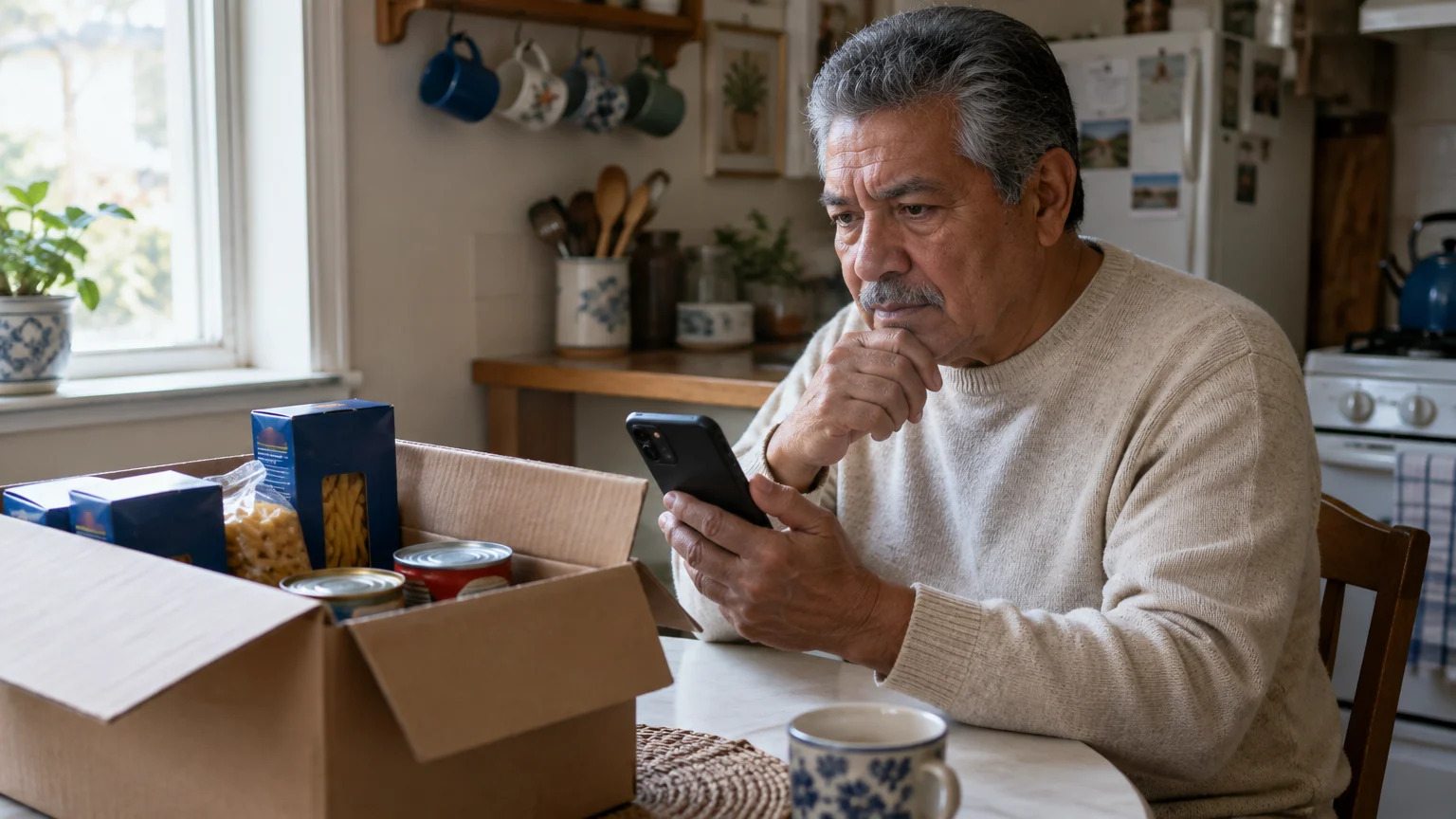
Consider Arthur, a 73-year-old retiree living on a monthly Social Security income. Arthur uses delivery apps to buy groceries without lifting heavy cartons of milk and canned goods.
If you routinely verify pending charges using your phone, review how to use mobile banking apps safely to protect your financial details.
On Thursday morning, Arthur built a $142.50 order of household staples using Instacart. In a hurry to secure a morning delivery slot, Arthur tapped checkout quickly.
The app applied a pre-selected 20 percent gratuity automatically. That setting added an unintended $28.50 charge, bringing his initial authorization hold to $171.00.
A pre-authorization is a temporary bank hold that reserves funds for an order before the final total settles. The hold temporarily reduced Arthur’s available checking account balance.
The driver completed the drop-off at Arthur’s front door at 11:15 AM. When Arthur inspected his paperless receipt at 11:40 AM, he discovered the $28.50 tip charge.
Arthur intended to give a fair $10.00 flat tip for standard delivery. He calculated that his two-hour adjustment deadline would expire promptly at 1:15 PM.
At 11:45 AM, Arthur took action on his smartphone using the following sequence:
- He opened the Instacart app and tapped Your orders.
- He selected the morning grocery delivery receipt.
- He tapped Rate and tip, followed by Change tip.
- He tapped Custom amount, cleared the $28.50 figure, and typed 10.00.
- He tapped Save at 11:48 AM, well before the 1:15 PM cutoff.
Arthur saved $18.50 while still rewarding his driver with a reasonable $10.00 gratuity. His final settled credit card charge dropped from $171.00 to $152.50.

Accessibility Settings for Mobile Checkout Screens
Accidental tipping often happens because smartphone buttons and receipt text appear too small on mobile glass screens. Adjusting your device settings makes these buttons easier to read.
You can also manage app permissions on your phone to control which delivery apps have access to your precise location and notifications.
If small numbers are hard to see at checkout, follow our guide on how to make text bigger on your iPhone for clear, comfortable reading.
If your display shuts off while you are carefully checking numbers, you can easily learn how to stop your phone screen from going black so fast by extending your auto-lock timer.
Both Apple and Google build accessibility features into their mobile operating systems. Turning these tools on prevents mis-taps on checkout screens.
You can increase font sizes by following Apple’s instructions to make text bigger on iPhone, which expands checkout text labels across retail apps.
Review Google’s Android accessibility overview to configure touch delay settings that prevent accidental double-taps on checkout screens.
We recommend enabling three specific device options to make order review simpler:
- Larger Text: Increases the font size inside supported delivery apps so percentage figures stand out clearly.
- Display Zoom: Magnifies the entire interface, making buttons like Edit and Save Tip easier to press.
- Touch Accommodations: Prevents slight hand tremors from registering accidental selections on digital keypads.
Taking five minutes to adjust these system preferences helps you review numbers before money leaves your account.
How to Catch Automatic Tips Before Placing an Order
The most effective way to manage delivery gratuities is to check the tip line before tapping the final payment button. Delivery apps place the tip selection near the bottom of the checkout page.
Reviewing itemized price breakdowns before pressing the final order button is an essential habit for shopping online safely.
Following the Federal Trade Commission’s guide on online shopping protects your household budget by identifying automatic recurring fees and default charges before payment processing.
Scammers also send fake text alerts claiming delivery fees failed. Refer to the FTC’s guidance on recognizing phishing scams to verify that you only pay gratuities inside the official application.
Before you press the final order confirmation button, check this three-point list on your screen:
- Inspect the Tip row directly above the final order total.
- Tap the tip field to select a custom dollar amount rather than accepting the pre-selected percentage.
- Verify that the estimated total matches your planned grocery spending before tapping Place Order.
Taking this extra moment eliminates the need to rush through post-delivery adjustment menus later.
Frequently Asked Questions
Can a grocery delivery driver see who changed their tip?
Drivers see the updated final tip amount on their daily earnings summary, but the apps do not send an instant alert identifying your name.
Both Instacart and Walmart display updated payout totals after the adjustment window closes.
What happens if I miss the tip adjustment deadline?
Once the countdown timer expires, the app locks the transaction and charges your bank card permanently.
You must contact customer support directly through the app help menu to request an exception.
Does Walmart allow tipping on InHome delivery orders?
Walmart disables tipping entirely for InHome deliveries.
Salaried Walmart associates deliver these orders directly into kitchens or garages using company vehicles, and company policy prohibits them from accepting gratuities.
Why do delivery apps suggest a default tip amount?
Platforms pre-select tip rates between 5 percent and 20 percent to speed up checkout and attract independent contract couriers.
You retain the right to change this suggested figure before payment or during the post-delivery window.
Note: Menus and button names change with software updates. These steps were written for current versions as of 2026; if a screen looks different on your device, the maker’s support page linked above has the latest wording.
ClearTechGuide is independent and is not affiliated with Apple, Google, Microsoft, Amazon or any other company mentioned.