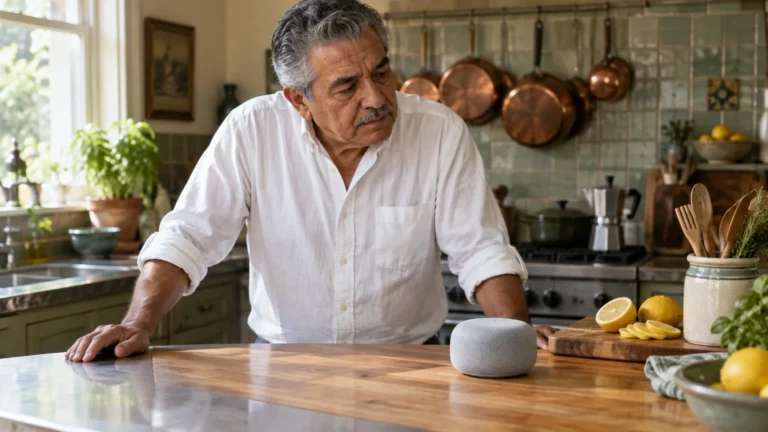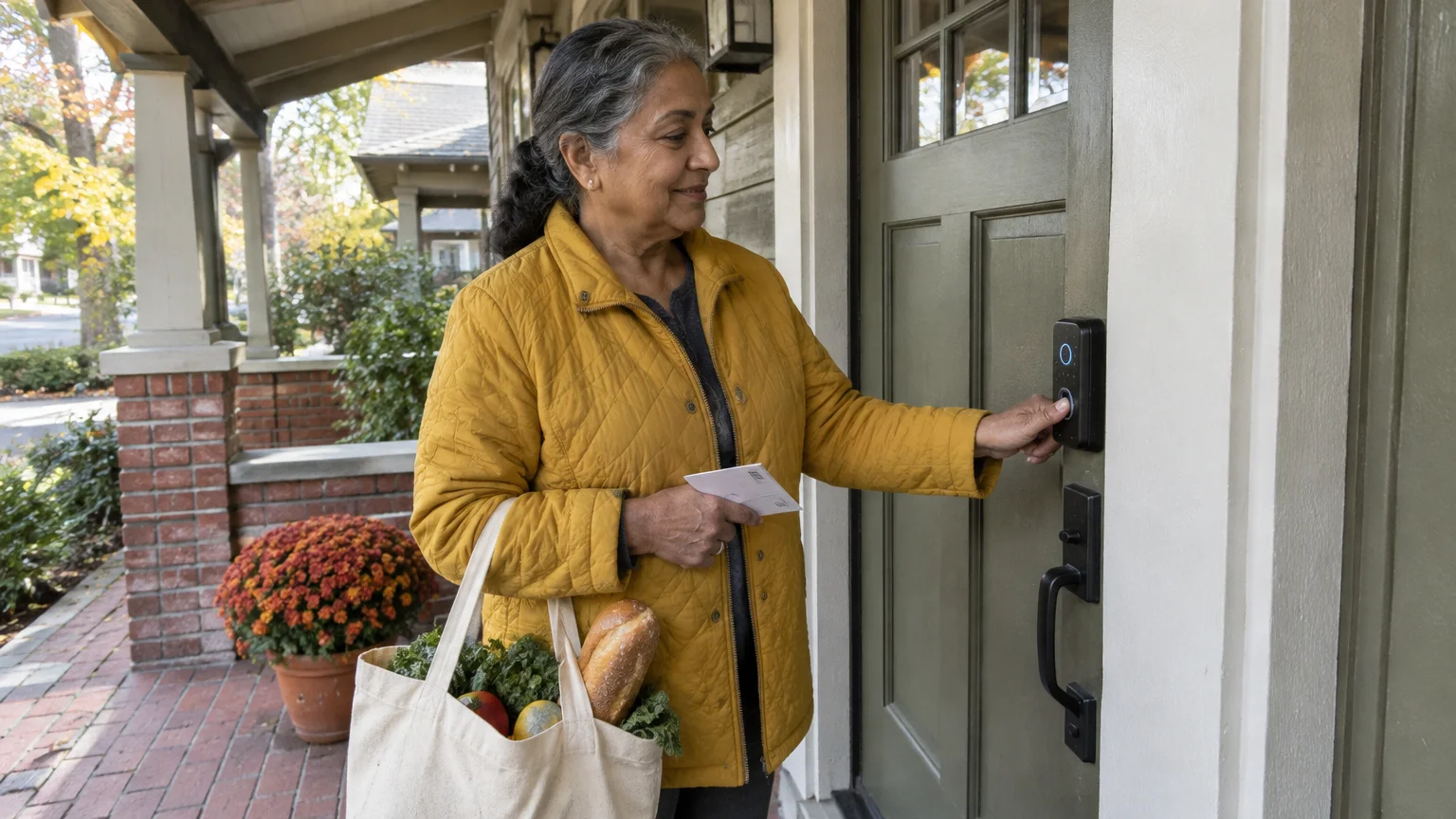
This guide is for a reader around 68 with hand arthritis, an iPhone, and an older front door whose deadbolt thumb-turn fights back on stiff mornings. Swollen knuckles make pinching that small metal tab the worst part of coming and going.
A motorized deadbolt moves the bolt for you. Our recommendation: switch on Auto-Lock before bothering with hands-free Auto-Unlock, and fix the door’s alignment before buying anything.
In this guide8 sections
Why the Thumb-Turn Hurts Most
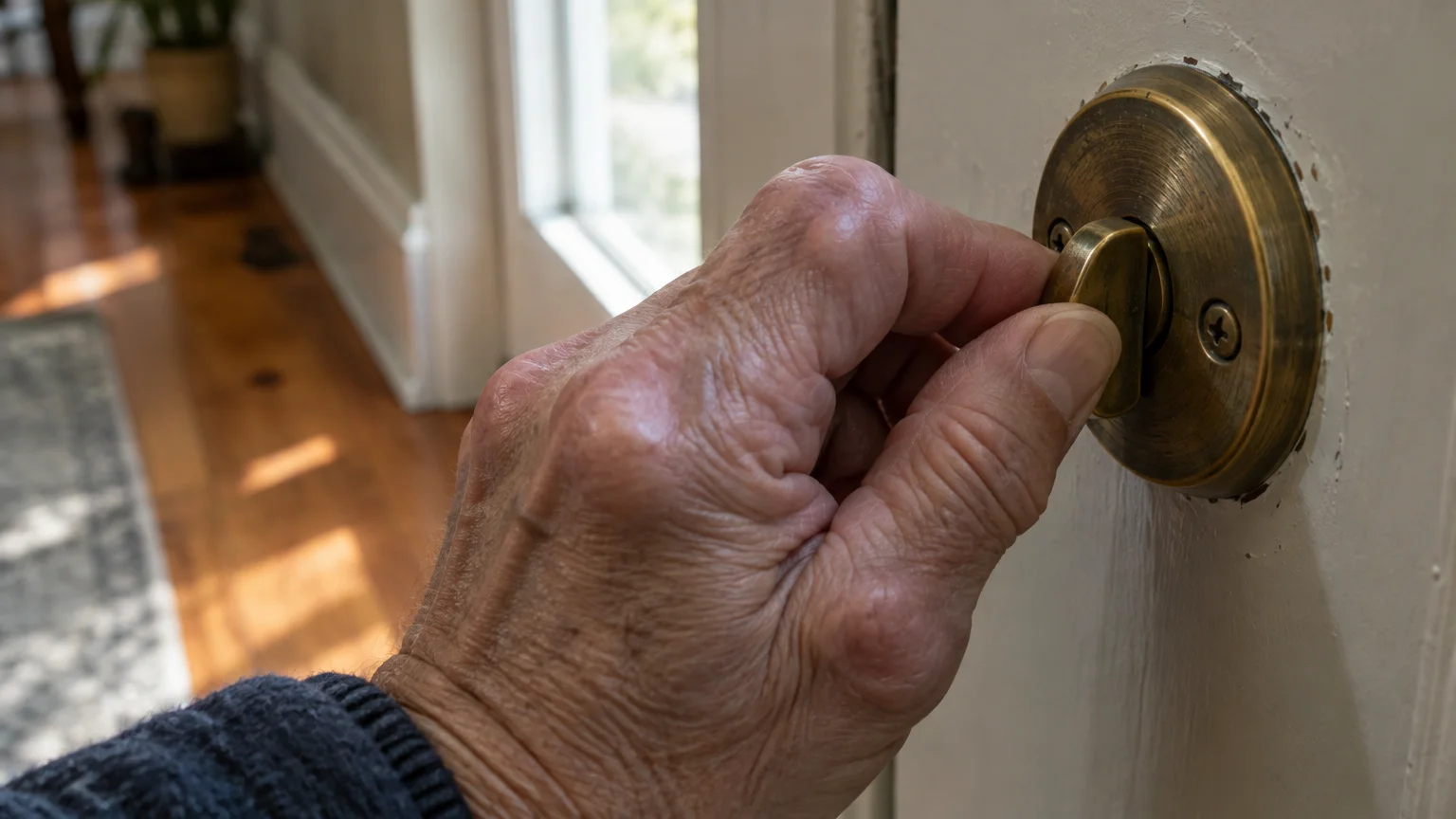
A deadbolt thumb-turn is a narrow tab you pinch between thumb and index finger, then rotate. That pinch-and-twist loads the base of the thumb, a joint arthritis often targets.
The outside key is the same problem in miniature: pinch a thin key head, aim it at a narrow keyway, then twist.
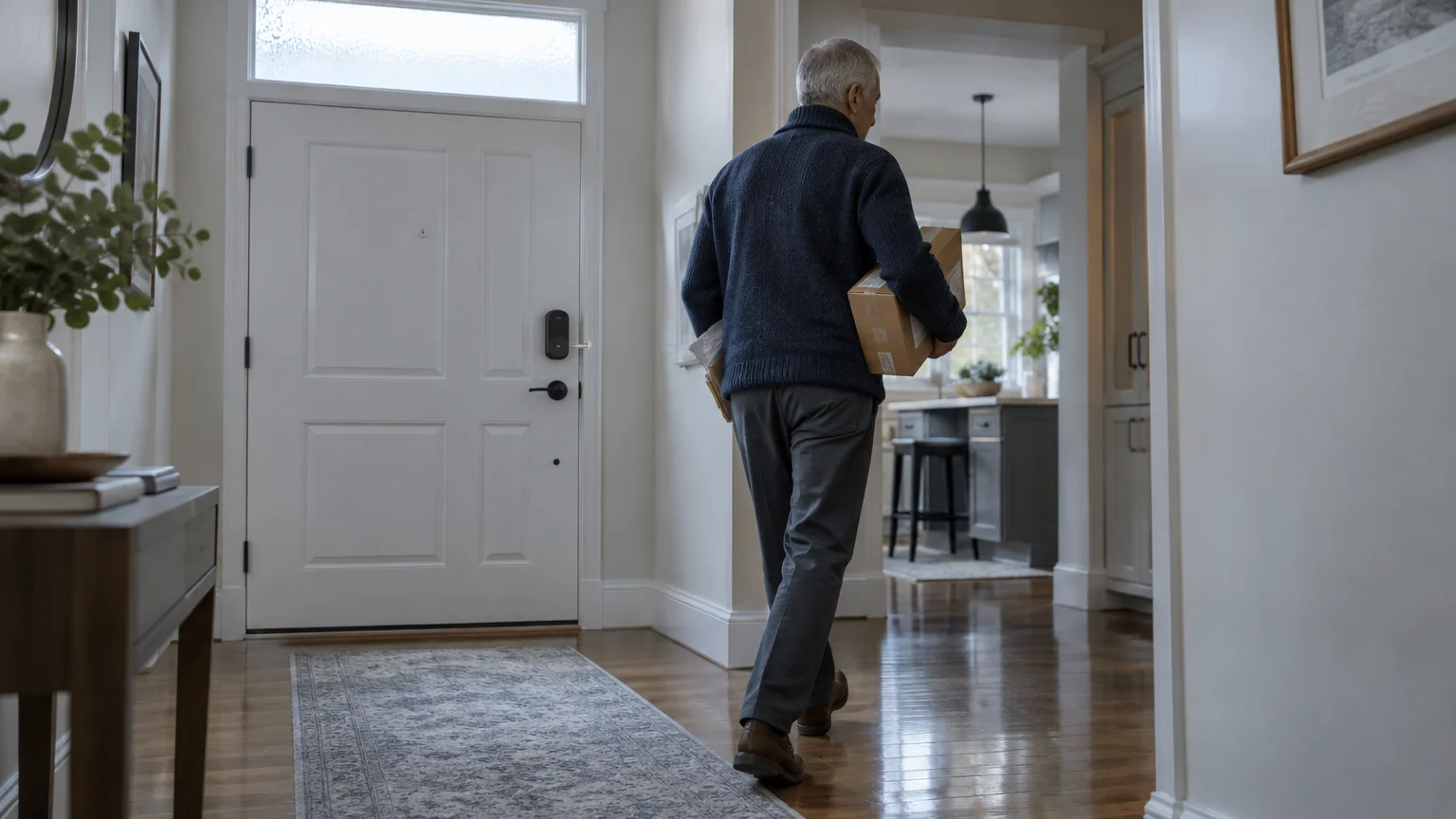
You meet the thumb-turn even more often: every time you lock up behind you, at bedtime, and after each trip to the mailbox.
Why Auto-Lock Matters More Than Auto-Unlock
Most smart lock reviews lead with Auto-Unlock, where the door unlocks as your phone approaches. For stiff hands, Auto-Lock does more of the daily work.
If porch camera alerts keep buzzing your phone whenever cars drive past, learn how to stop video doorbell false motion alerts to quiet unneeded notifications.
If you want to see visitors before deciding to open the door, learning how to set up a video doorbell adds an extra layer of entryway security.
Auto-Lock tells the motor to throw the bolt by itself after the door shuts, using a timer or a door sensor depending on the model. It runs inside the lock, so your phone plays no part.
Auto-Unlock relies on your phone’s location and Bluetooth. If the phone is in a bag, nearly flat, or slow to wake, the door may not respond, and you still need another way in.
So the order that spares your thumb most is: Auto-Lock on, an outdoor entry you can work with a knuckle or flat fingertip, then Auto-Unlock as a bonus.
The same logic rules out semi-automatic locks. Some keypad deadbolts check your code but leave you to turn the knob that moves the bolt, putting the twist back in your hand.
Look for “motorized” in the description.
What the ADA Says, and What It Doesn’t
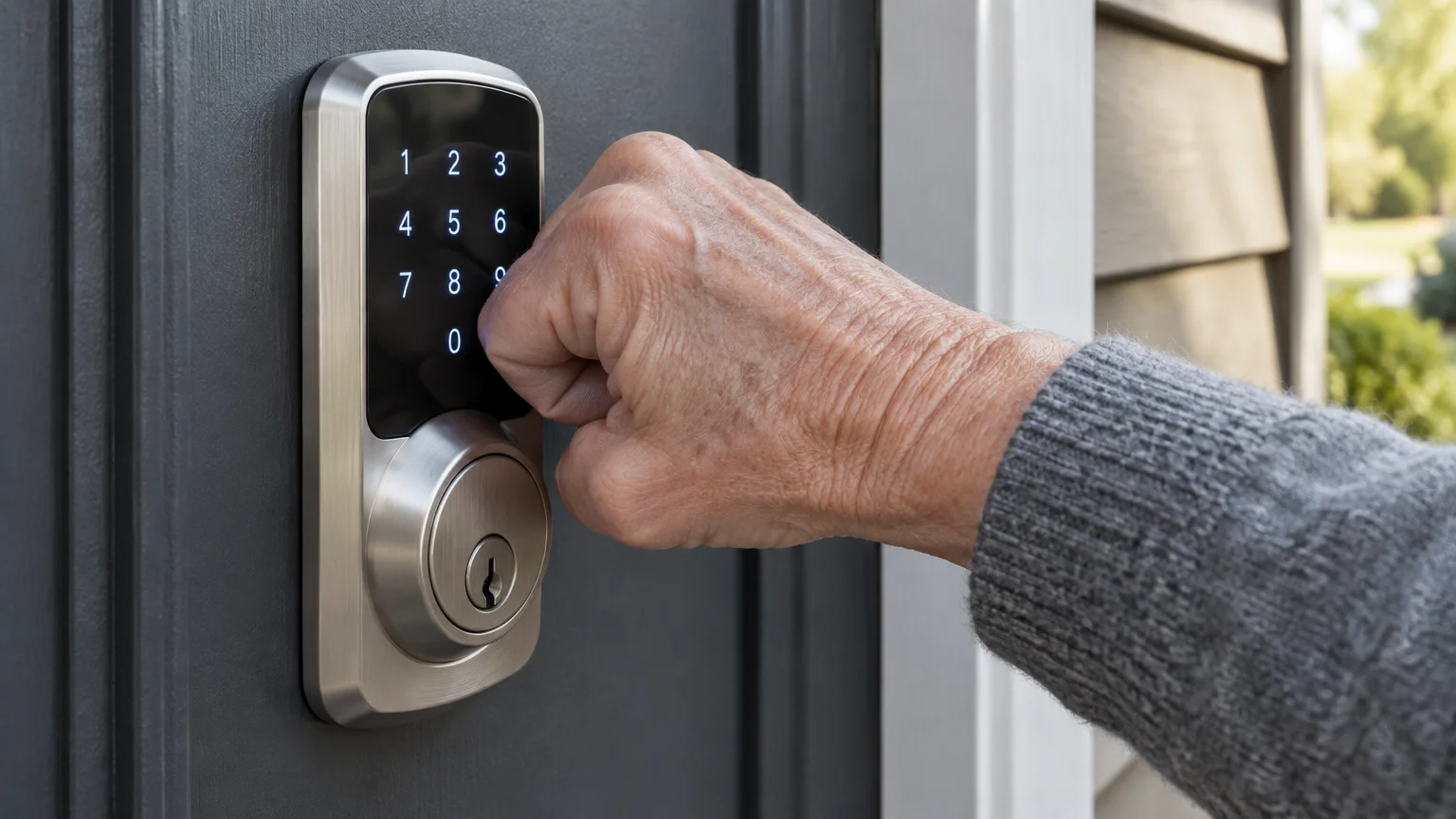
The ADA Standards for Accessible Design cover public buildings, not private homes, but they make a good yardstick. Section 309.4 says operable parts should work with one hand without tight grasping, pinching, or twisting of the wrist.
A standard thumb-turn fails that test by design. A fully motorized deadbolt passes it when you use the keypad, fingerprint reader or phone, because none of them needs a twist.
Keyless Deadbolts Compared
Each column below is something you can confirm on the box, the maker’s product page, or a store display model.
To keep outdoor lock keypads clearly visible at night, you can learn how to use smart light bulbs in your home to brighten your porch on a schedule.
| Model | Outdoor entry without a key | How it fits | Wi-Fi built in | Twist left for you |
|---|---|---|---|---|
| Schlage Encode | Keypad, phone app | Replaces whole deadbolt | Yes | None |
| Yale Assure Lock 2 Touch | Fingerprint, keypad, phone app | Replaces whole deadbolt | Depends on version | None |
| Kwikset Halo Touch | Fingerprint, phone app | Replaces whole deadbolt | Yes | None |
| Ultraloq U-Bolt Pro | Fingerprint, keypad, phone app | Replaces whole deadbolt | Depends on version | None |
| August Wi-Fi Smart Lock | Phone app, Auto-Unlock (keypad sold separately) | Fits over inside thumb-turn; keeps outside key | Yes | Outside key, if phone fails and no keypad added |
| Semi-automatic keypad deadbolt | Keypad | Replaces whole deadbolt | Varies | Turning the knob after every code |
For this reader, a fingerprint-and-keypad model such as the Yale Assure Lock 2 Touch or Ultraloq U-Bolt Pro offers two outdoor routes: a flat fingertip press, or a code when fingers are cold.
The August is the easiest to fit because it leaves your outside lock alone. That same design means that, without its separate keypad, a dead phone sends you back to pinching a key.
If a store has display models, press each keypad with a bent knuckle and the side of a finger. Notice whether you can feel or hear every press register.
Shopping online? Check the seller and return policy using the FTC on safe online shopping, so a lock that does not suit your hands can go back.
Worked Example: One Stiff Front Door
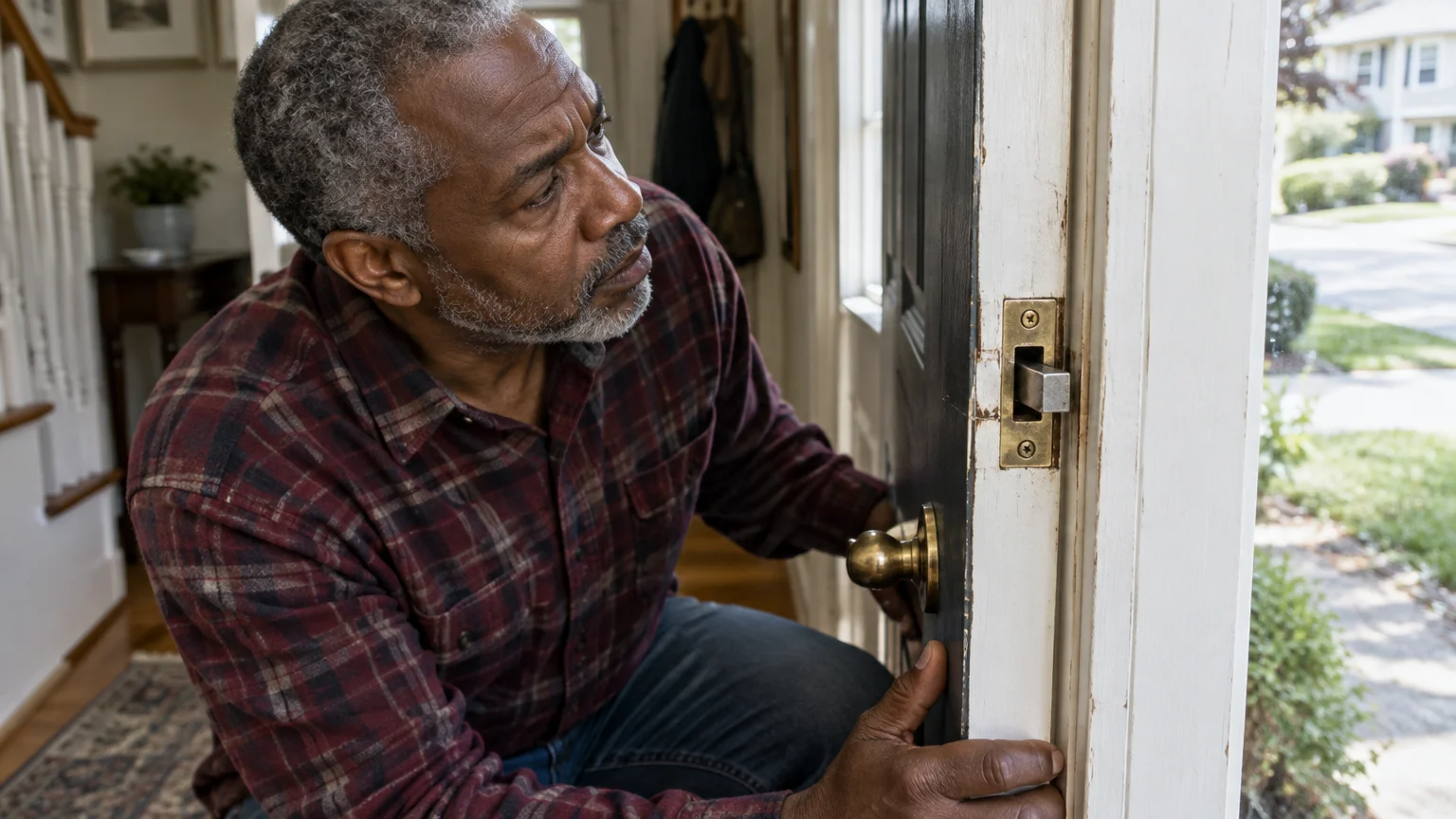
Picture a 68-year-old living alone with an iPhone and an older wooden front door. On cold mornings the thumb-turn takes a hard pinch, and the outside key is worse.
If you carry a modern smartphone without physical buttons, our guide on how to unlock an iPhone without a home button makes opening your lock app effortless.
- Test the door. With it closed, they turn the thumb-turn slowly. It catches unless they push the door inward, so the bolt is rubbing the strike plate.
- Fix the rub. They fit a longer top-hinge screw (see the checklist below). Now the thumb-turn moves freely, so a motor will too.
- Choose by outdoor entry. A dead phone would strand them, so they pick a fingerprint-plus-keypad deadbolt over the August retrofit.
- Switch on Auto-Lock. With a short delay set, stepping inside no longer means a twist.
- Enroll two hands. They add an index finger from each hand, so a flare-up on one side does not lock them out, and set a keypad code.
- Add Auto-Unlock last. Once everything else works, they allow location access on the iPhone and switch on Auto-Unlock.
The result: no twisting at the door in either direction, and two ways in that never need the phone.
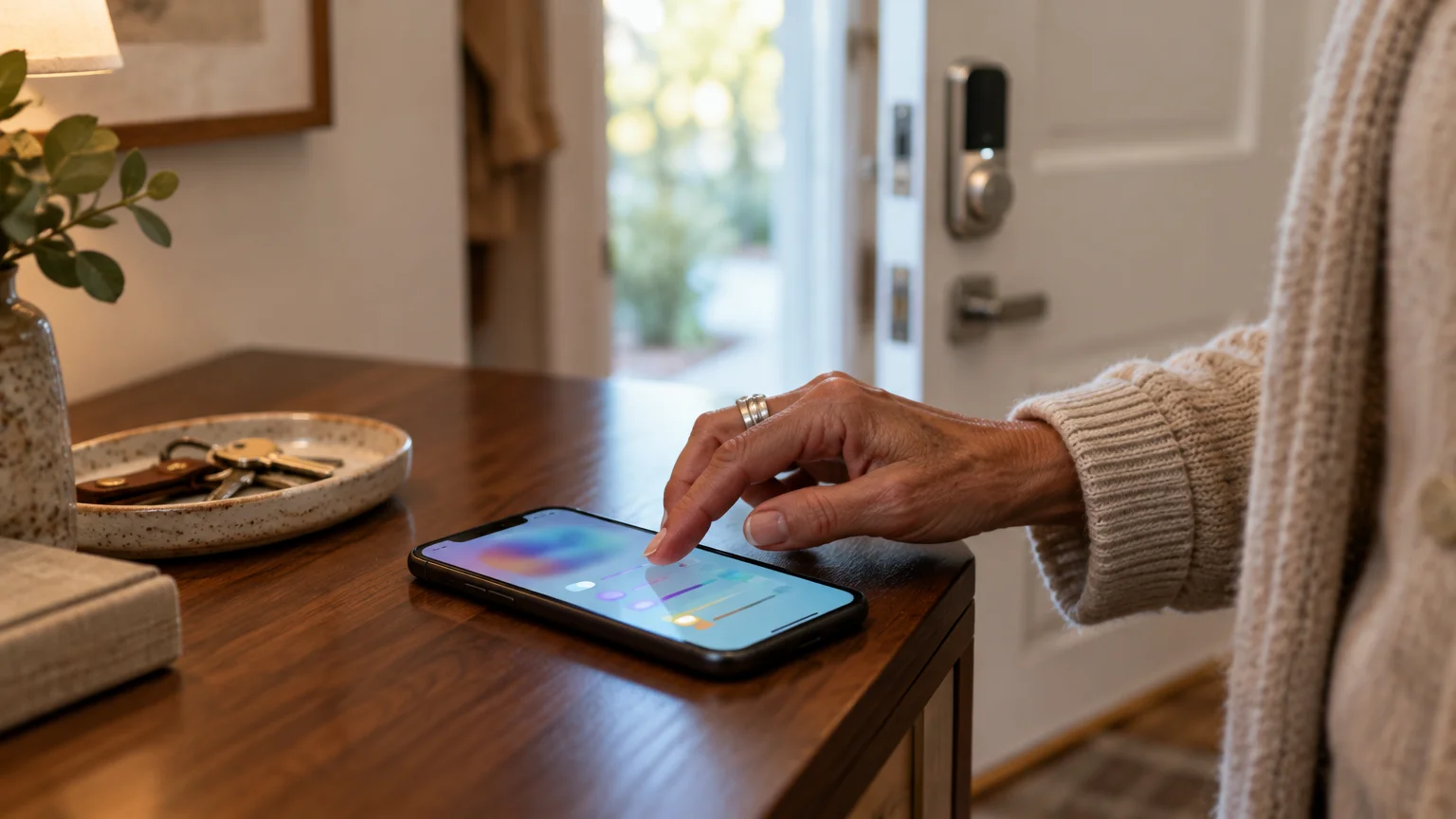
Step-by-Step: Setting Up Auto-Lock and Auto-Unlock
Warning: Leave a second door unlocked, or have someone inside, while you test. A lock that is not calibrated can shut you out.
When setting up lock codes around visitors, learning how to hide passwords while typing on your phone keeps your sensitive entry credentials secure.
- Make your phone easier to read. On iPhone, go to Settings > Display & Brightness > Text Size, or see Apple’s instructions to make text bigger on iPhone. On Android 16, look under Settings > Display; the wording varies by model.
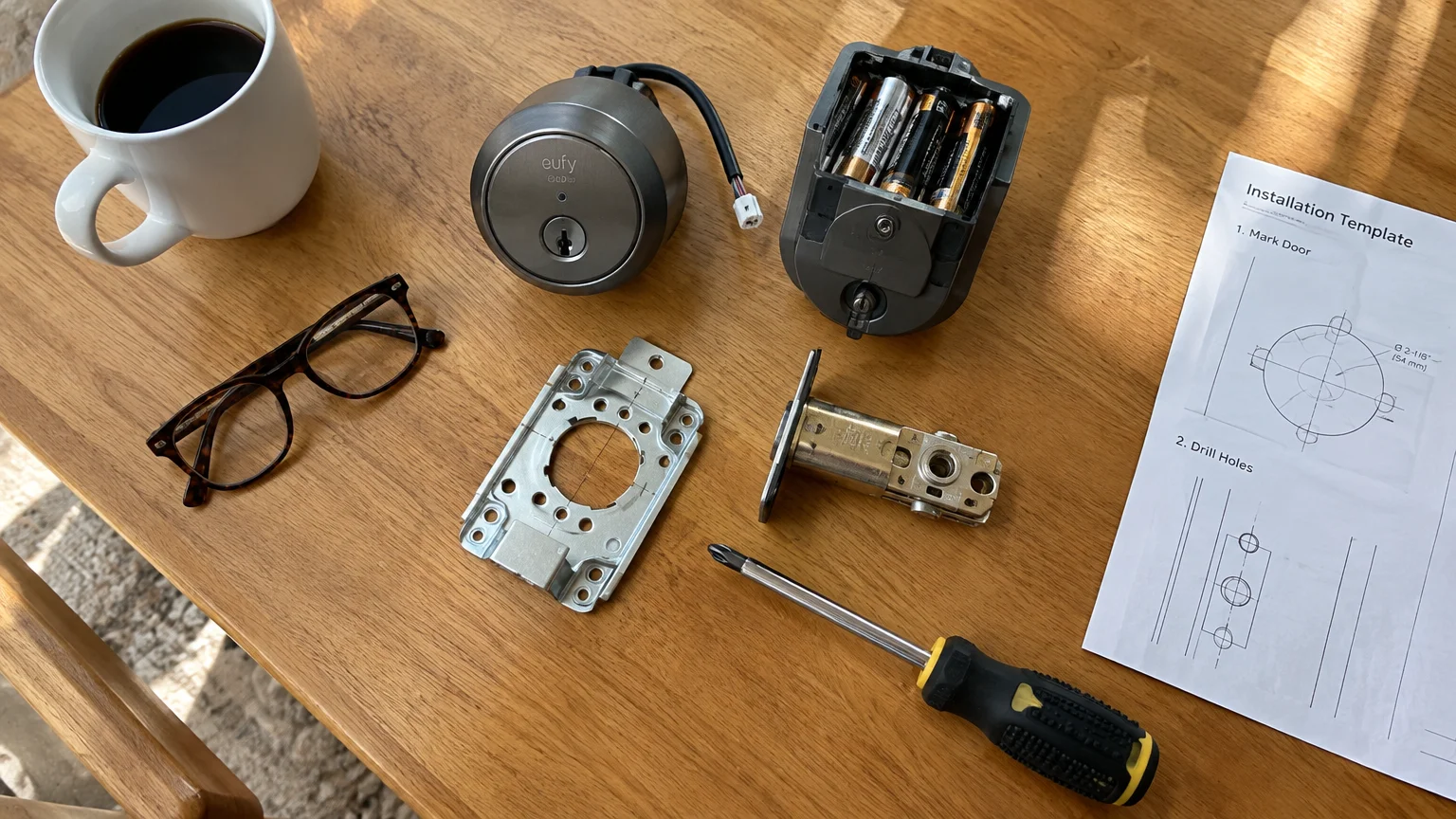
- Fit the batteries, download the lock maker’s app, and add the lock. Follow its calibration prompt with the door closed; button names differ by brand.
- Open the lock’s settings, find Auto-Lock, and switch it on. Choose a delay long enough to step through and close the door.
- Add fingerprints or a keypad code in the app’s users or access section.
- For Auto-Unlock on iPhone, go to Settings > Privacy & Security > Location Services, tap the lock app, and choose Always.
- On Android 16, go to Settings > Location > App location permissions, tap the lock app, and choose Allow all the time.
- Switch on Auto-Unlock in the lock app, then test every method with the door open.
Lock apps and firmware receive updates that fix bugs and security holes. Turn on automatic updates where offered, as CISA’s guide to updating software recommends.
You can also lock up from your chair by voice. To link the lock to an Echo, follow Amazon’s Alexa help page; Alexa typically asks you to set a spoken PIN before it will unlock a door.
Fix the Door Before the Lock
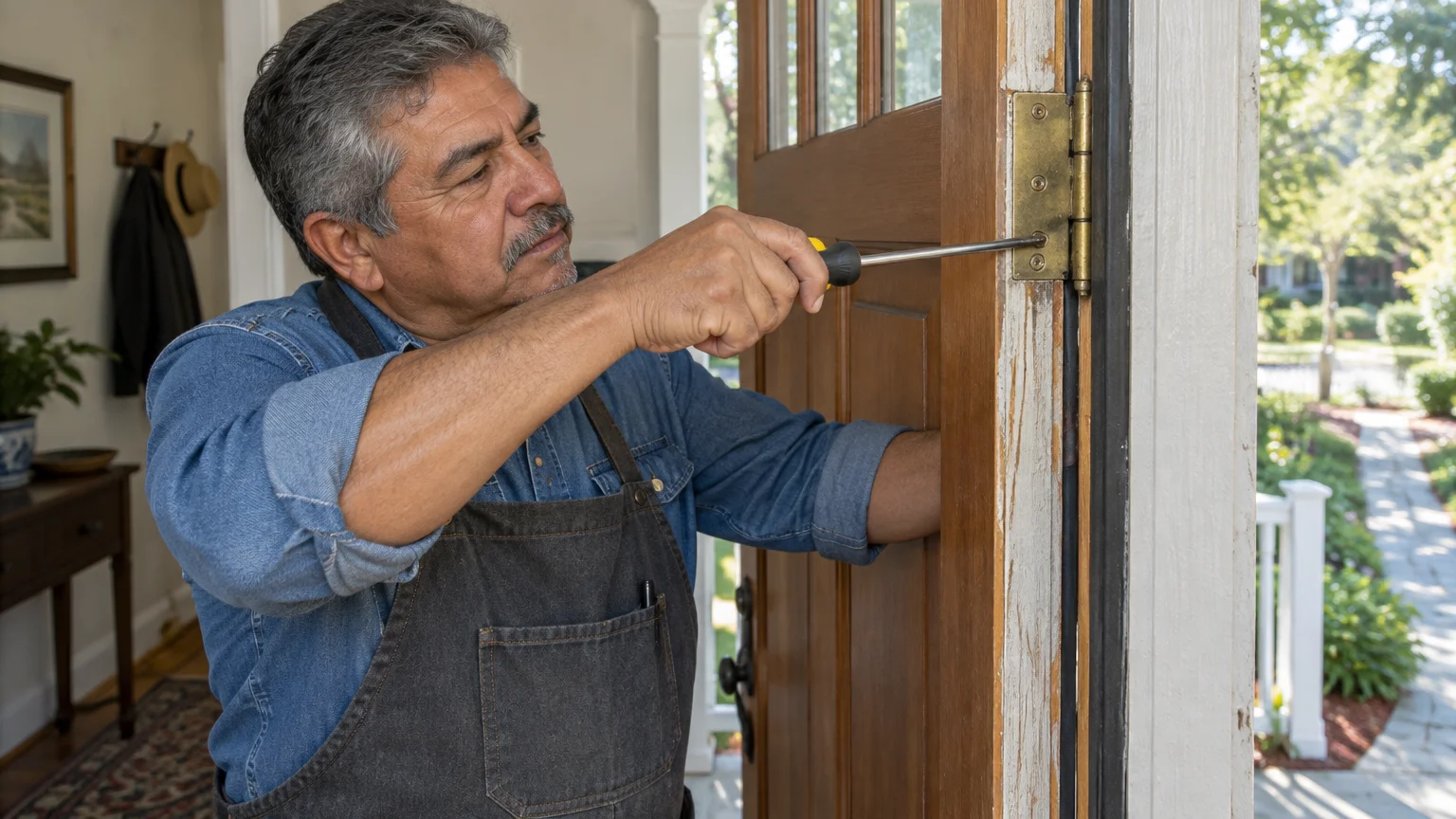
A motor spares your thumb, but it cannot overpower a door that binds. If the bolt rubs the strike plate, the motor can stall, report a jam, and drain batteries quickly.
For peace of mind when stepping outside your home, see our guide on how to use a medical alert device to ensure help is always within reach.
That is why alignment matters more than brand. Check these before or during installation:
- Thumb-turn test: If you must push or pull the door to throw the bolt by hand, fix that first.
- Hinge screws: Replace a short top-hinge screw with a longer wood screw that reaches the framing, pulling a sagging door back up.
- Strike pocket: The hole behind the strike plate must be deep enough for the bolt to extend fully.
- Weatherstripping: If you must shove the door against the seal to line up the bolt, adjust the strike plate.
A lever handle in place of a round knob helps for the same reason: you can press it down with the side of your hand, with no grip.
Frequently Asked Questions
What happens if the lock batteries die while I’m outside?
Most motorized deadbolts warn you in the app or with a light when batteries run low. Many keep a physical keyway, and some have outside terminals for a 9-volt battery; your manual says which applies.
To stop low-battery chime alerts or door activity logs from waking you during the night, find out how to schedule quiet hours on your phone.
Will a fingerprint reader work when my hands are cold or swollen?
Fingerprint readers can be slower with cold, dry or damp skin. Enroll more than one finger, keep a keypad code as backup, and re-enroll if swelling changes how your finger sits on the sensor.
Is a push-button keypad better than a touchscreen for stiff fingers?
Raised buttons let you feel each press, and you can often use a knuckle. Touchscreens need skin contact and steady aim, so try both on a display model before buying.
Does Medicare pay for a keyless deadbolt?
Original Medicare generally does not pay for home changes like door hardware. Some Medicare Advantage plans and local aging-in-place programs offer help, so ask your plan or your local Area Agency on Aging.
Note: Menus and button names change with software updates. These steps were written for current versions as of 2026; if a screen looks different on your device, the maker’s support page has the latest wording.
ClearTechGuide is independent and is not affiliated with Apple, Google, Microsoft, Amazon or any other company mentioned.