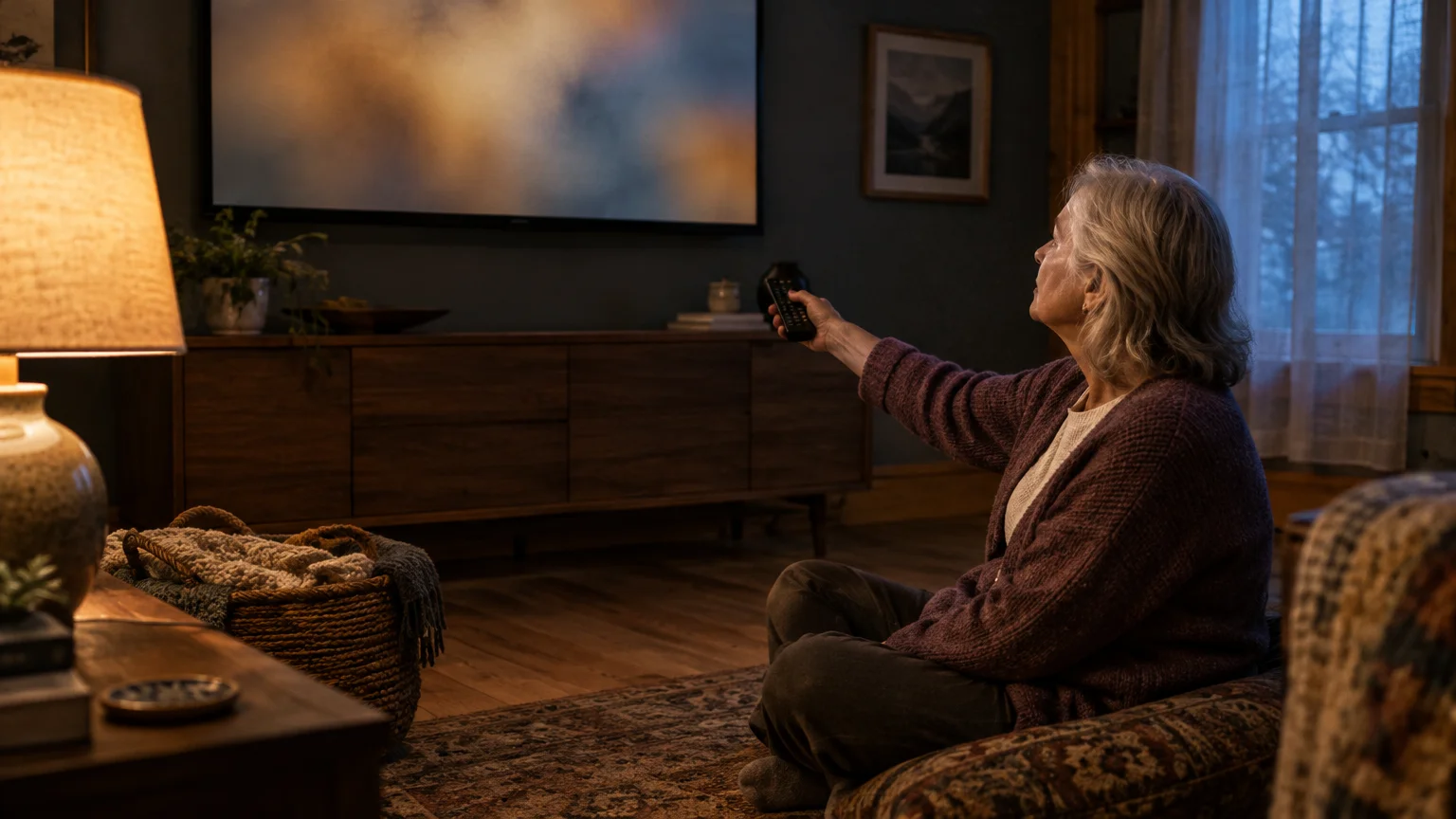
At 71, you expect your new television to play your favorite shows, not monitor your private living room. Seeing commercial advertisements tailored to the exact program you just watched feels intrusive.
If you are new to internet-connected televisions, reviewing smart TV basics can help you get comfortable with standard menus before adjusting advanced privacy options.
Modern smart sets rely on Automatic Content Recognition to analyze your screen and transmit viewing profiles to data brokers. While turning off hidden privacy agreements stops fingerprinting on most sets, research proves certain models require full network disconnection.
We will guide you straight to the buried menus required to disable automatic tracking across major television brands. You can regain control of your home viewing without losing access to your favorite programs.
In this guide6 sections
How Smart TV Tracking Works Behind the Scenes
Automatic Content Recognition (ACR) is software that identifies programs by matching on-screen visual pixels against an online catalog of video fingerprints.
Much like web trackers follow your browsing habits on a computer, understanding online privacy helps explain how companies compile profiles across different household devices. Review FTC guidance on how websites collect information to learn how commercial networks track device identifiers across your home.
When active, this software captures snapshots of your display every few seconds. According to the Texas Attorney General’s lawsuit and privacy researchers, televisions can take screenshots every half second (500 milliseconds), equaling 7,200 screen captures each hour.
These visual records log whatever appears on your display, including cable broadcasts, physical DVDs, streaming series, and personal home videos. Manufacturers link these logs with your home IP address to build marketing profiles.
An IP address is a unique numerical number assigned to your household internet connection. Combining your viewing history with this identifier allows advertising networks to deliver matching pitches directly to your television and home computers.
State and federal authorities have stepped in to curb these practices. On December 15, 2025, the Texas Attorney General sued five major television makers—Samsung, LG, Sony, Hisense, and TCL—for deploying ACR without informed consent.
The lawsuit cited civil penalties reaching $10,000 per violation, which escalate to $250,000 per violation when tracking affects a consumer aged 65 or older.
Reviewing FTC guidance on protecting your personal identity helps explain how companies monetize personal habits. Taking manual control of your equipment prevents external services from compiling files on your domestic routine.
Disabling ACR Tracking on Samsung and LG TVs
Samsung settled state enforcement actions on February 26, 2026, and LG settled similar claims on May 11, 2026. While both companies agreed to add clearer notices, existing owners must still adjust their settings manually.
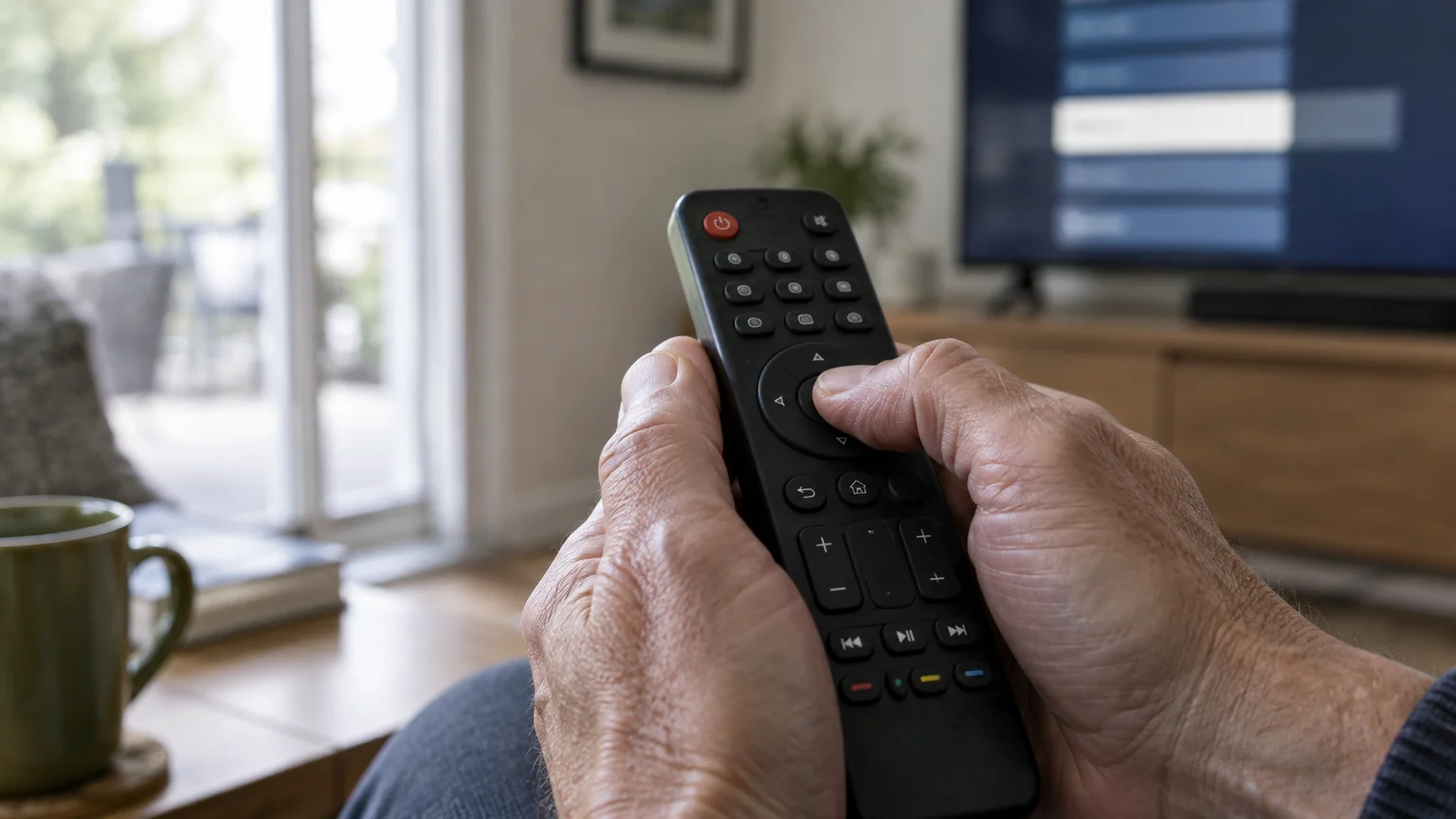
If tiny buttons make exploring these menus frustrating, switching to a big-button TV remote can make everyday adjustments much simpler.
Accessibility features can help you read these small options. Press and hold the Volume button on a Samsung remote or the Mute button on an LG remote to open the accessibility menu for voice guidance or screen magnification.
Follow these steps to turn off smart tv tracking on a modern Samsung television:
- Press the Home button on your remote control and select Settings.
- Choose All Settings, then scroll down to General & Privacy.
- Select Terms & Privacy, which appears as Privacy Choices on some models.
- Select Viewing Information Services and uncheck the box to disable automatic video fingerprinting.
- Select Interest-Based Advertisements and uncheck the box to stop targeted commercial promotions.
LG smart televisions run webOS, which uses a different label for content tracking.
Complete these steps to disable acr smart tv features on an LG screen:
- Press the Gear (Settings) button on your remote and choose All Settings.
- Scroll down to General, then select System.
- Select Additional Settings from the menu options.
- Select Live Plus and toggle the switch to the off position.
- Return to Additional Settings, open Home Settings, and uncheck both Home Promotion and Content Recommendation.
Steps for Roku, Vizio, Sony, and Fire TV
Other popular brands use unique names for content monitoring software. If menu text feels difficult to read on a Sony television, review Google’s Android accessibility guide to enable high-contrast display modes.
While navigating your set’s settings menu, you can also learn how to use closed captions on your smart TV to make dialogue easier to follow.
Roku operates standalone sets produced by brands like TCL and Hisense. Use these steps to stop tv snooping viewing data on Roku operating systems:
- Press the Home button on your Roku remote.
- Scroll down the left sidebar and select Settings.
- Select Privacy, then choose Smart TV Experience.
- Uncheck Use info from TV inputs to block automatic image recognition.
- Return to Privacy, select Advertising, and check Limit ad tracking.
Be aware that changing privacy choices will not alter your current streaming subscriptions or channel line-ups. Follow these steps on Vizio sets:
- Press the Menu button on your Vizio remote control.
- Select Admin & Privacy, which appears as System on older software.
- Open Viewing Data.
- Change the toggle switch from On to Off.
Sony models run Google TV and package tracking under a partner platform. Complete these steps to opt out:
- Press the Settings gear button on your remote and select System.
- Select Samba Interactive TV and toggle the option to off.
- Return to the main settings, select Privacy, open Usage & Diagnostics, and toggle the feature off.
On Amazon Fire TV smart sets, you can restrict transmission of broadcast records through standard preferences.
- Open Settings from the top ribbon on your home screen.
- Select Preferences, then open Privacy Settings.
- Turn off Collect App and Over-the-Air Usage Data.

Testing How Well TV Brands Respect Your Opt-Out
Changing menu toggles provides varied results across different brands. An October 2026 study by Northeastern University evaluated 5,943 automated tests across 12 smart televisions representing 95% of the United States market.
The researchers investigated whether turning off ACR in device menus completely stopped transmission of viewing data across domestic internet connections.
The findings demonstrated that while some manufacturers honor your choices immediately, others continue communicating with monitoring servers.
| Brand & Operating System | Proprietary ACR Name | Opt-Out Network Traffic Result | Local Device Scanning |
|---|---|---|---|
| LG (webOS) | Live Plus | 100% stopped tracking traffic | Scans network for secondary devices |
| Sony (Google TV) | Samba Interactive TV | 100% stopped tracking traffic | No secondary network device mapping |
| Amazon Fire TV | Collect App & OTA Usage | 100% stopped tracking traffic | No secondary network device mapping |
| Samsung (Tizen) | Viewing Information Services | Continued ACR on built-in streaming (30 of 30 tests) | Not evaluated in ACR study |
| Vizio (SmartCast) | Viewing Data | Sent 100% identical data volume while idle | Logs and transmits unencrypted show titles |
The study noted that Vizio continued sending identical traffic volumes to tracking servers even after users opted out. Furthermore, Vizio’s built-in WatchFree+ service sent watched program titles across networks without encryption.
Resources such as the Consumer Reports Security Planner offer tailored checklists to audit connected gadgets. Updating firmware according to CISA’s software update guidelines also keeps privacy controls aligned with modern legal standards.
Worked Example: Isolating a Television for Total Privacy
Consider a reader aged 71 who purchased a 55-inch Vizio television for $320 in 2026. After turning off viewing data, the reader noticed that advertisements on other household computers still reflected programs watched on the set.
If you use other internet-connected gadgets in your living room, exploring smart speaker privacy pros and cons can help you protect your privacy across all your home devices.
In December 2024, Walmart acquired Vizio for approximately $2.3 billion to expand its consumer advertising network. Because software switches do not fully silence Vizio sets, physical network isolation provides the only reliable safeguard.
Warning: Disconnecting your television from Wi-Fi disables its built-in streaming applications. You will need an external streaming player to watch your internet services.
You can resolve this issue in four practical steps:
- Open the television Settings, select Network, and choose Forget Network to sever internet access permanently.
- Purchase a standalone streaming player, such as a Roku Streaming Stick 4K ($79.99 list price in late 2026) or an Apple TV 4K ($199 to $299 depending on the generation).
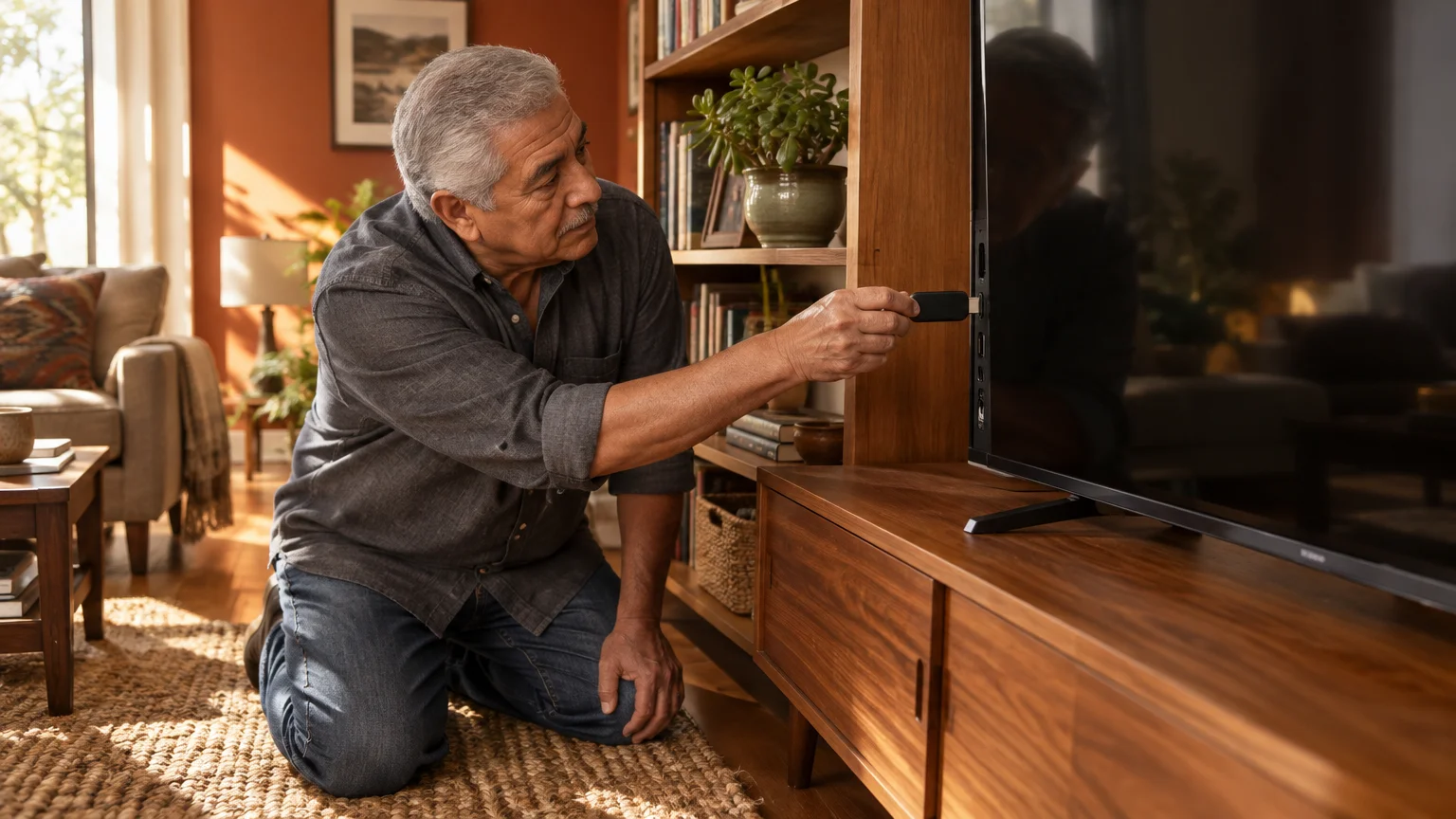
- Connect the streaming stick directly to an open HDMI port on the back of your television.
- Connect only the streaming stick to your home Wi-Fi network during initial setup.
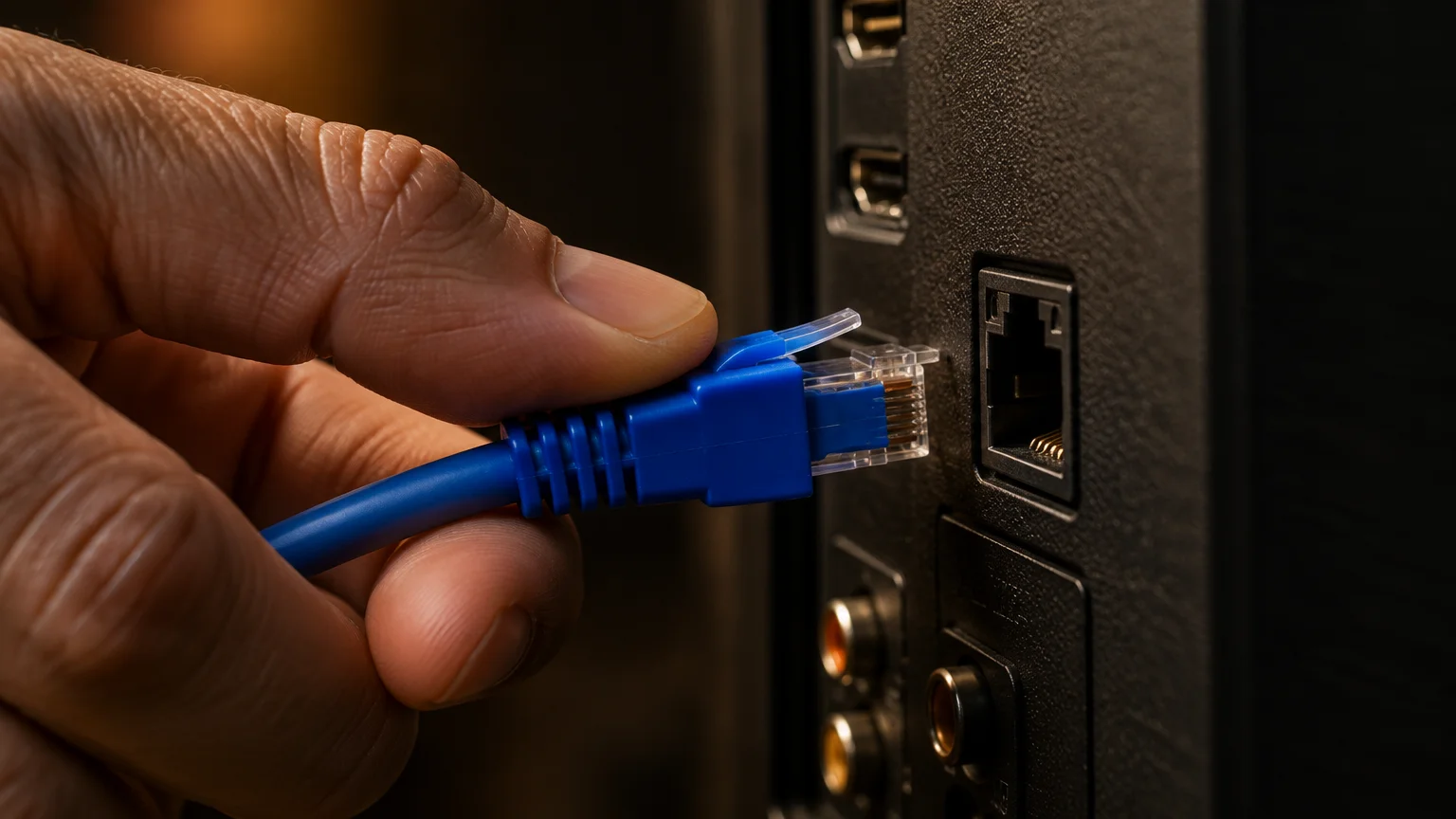
This configuration turns the television into an offline monitor incapable of transmitting screen grabs. Your streaming media plays exclusively through the external stick, which respects opt-out rules and isolates your viewing habits.
Adopting home network protections from CISA’s Secure Our World program helps you secure remaining connected appliances across your residence.
Frequently Asked Questions
Will disabling ACR remove all commercials from my television?
Turning off ACR does not eliminate commercials on broadcast channels or ad-supported streaming tiers. It only prevents the set from watching your display to deliver customized advertisements based on your personal viewing profile.
Does turning off content tracking break my streaming subscriptions?
Disabling tracking will not interrupt your subscriptions to Netflix, Prime Video, or other services. All purchased apps and live channels will continue operating normally.
If you find services you no longer watch while reviewing your channels, our guide on how to cancel online subscriptions you don’t need anymore can help you lower monthly costs.
Why does my smart television scan other electronics on my home Wi-Fi?
Manufacturers scan your home network to identify connected smartphones, tablets, and laptops. Linking your television viewing patterns to those secondary devices allows advertising agencies to target you across every screen in your home.
Follow federal advice on securing your home Wi-Fi network to place smart televisions on a separate guest network.
Can a routine firmware update re-enable my tracking settings?
Yes, major software updates occasionally reset manufacturer privacy agreements back to factory opt-in defaults. Check your television privacy menus twice a year to verify that your tracking toggles remain disabled.
Note: Menus and button names change with software updates. These steps were written for current versions as of 2026; if a screen looks different on your device, the maker’s support page linked above has the latest wording.
ClearTechGuide is independent and is not affiliated with Apple, Google, Microsoft, Amazon or any other company mentioned.