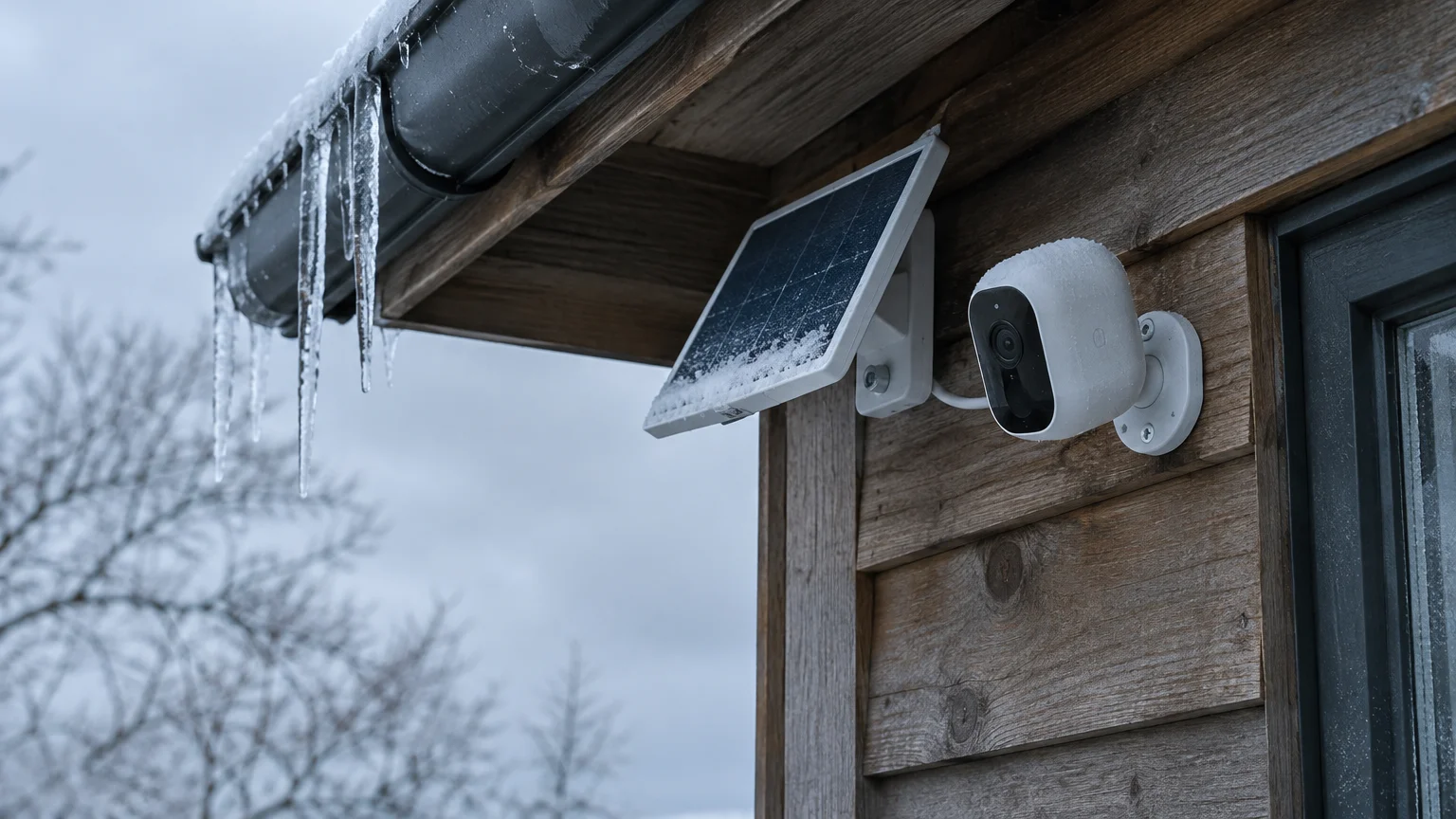
This guide is for one winter problem. You are in your 70s or 80s, a relative mounted a battery security camera with a small solar panel high under the eaves, and every December it goes dark.
If waking your phone in a hurry triggers unwanted icons, see how to stop opening the camera by mistake from your lock screen.
You can check the camera from your phone. But it sits above ladder height, and climbing an icy ladder is not on the table.
The camera is almost certainly fine. Short days drain the battery faster than a small panel can refill it, and in hard cold the battery cannot refill at all.
Here is the judgement most winter guides skip. For a camera you cannot reach, the settings on your phone matter more than the panel angle, and a spare battery is the wrong plan.
In this guide8 sections
Why the Battery Stops Charging in a Freeze
Camera batteries are lithium-ion. Charging these cells while they are frozen can deposit solid lithium metal on one electrode, a problem called lithium plating, which permanently damages the battery.
While cold snaps disrupt outdoor electronics, learning how to set up a smart thermostat ensures your indoor heating stays reliably managed.
To prevent that, the camera’s software refuses to charge a battery that is below freezing. Most makers set the cutoff at or near 32°F; your manual gives the exact limit for your model.
The camera itself keeps watching in the cold. Every motion clip, and every burst of infrared night lighting, spends stored power that cannot be replaced until the battery warms up.
That is why sunshine does not rescue it. A bright, frozen afternoon can put full light on the panel while the battery accepts nothing.
The Decision That Matters: Cut the Drain, Not the Angle
On a day below freezing, the panel angle makes no difference, because the charger is locked out whatever the tilt. The only thing you control that day is how much power the camera spends.
If maintaining an elevated camera becomes too difficult, learning how to set up a video doorbell provides a reachable alternative installed right at door height.
Settings changes cost nothing, need no ladder, and work every day, frozen or not. A steeper panel helps only on days warm enough to charge, and changing it on a high mount means someone climbing.
The same logic rules out the usual advice to rotate two batteries. A swap means a climb every time the battery runs low, so for this camera a spare is a ladder trip, not a solution.
So do the drain cuts now, from your chair. Save all ladder work for one planned visit, on a thawed day, with a helper.
Change the Settings From Your Phone
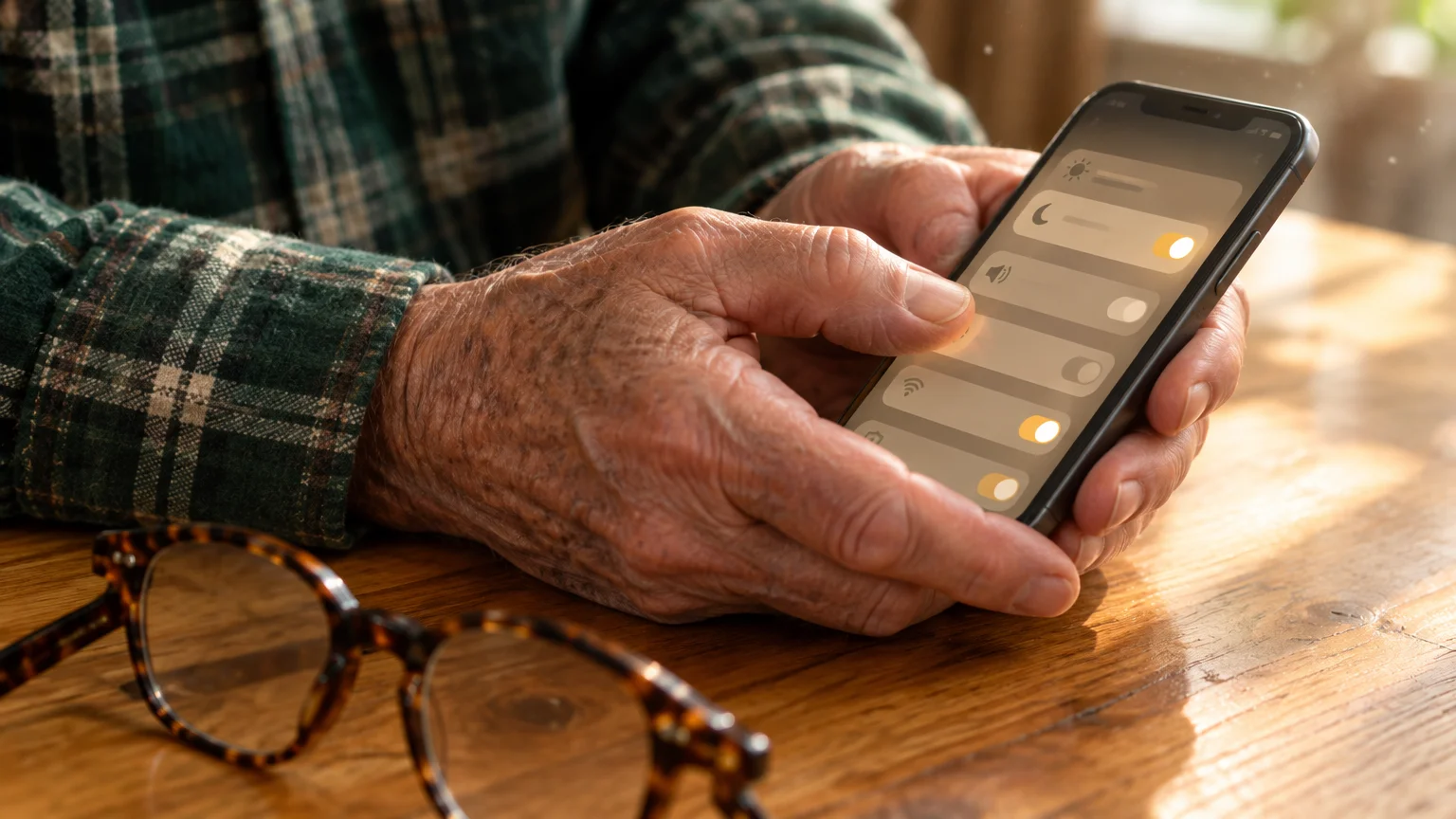
First, make the app readable. On an iPhone with iOS 26, go to Settings > Accessibility > Display & Text Size > Larger Text; Apple’s guide to making text bigger on iPhone shows each screen.
If you forward motion alerts directly to your wrist, learning when to charge your smartwatch if you wear it to bed keeps you from missing overnight security notifications.
On Android 16, open Settings > Accessibility and look for Display size and text, or Magnification; the wording varies by model. The Google Android accessibility overview explains both.
The labels below follow the Ring app. Blink, Arlo and Eufy apps offer similar controls under different names, and the wording varies by model.
- Open the camera app, tap Devices, and choose your outdoor camera.
- Open Motion Settings and drag Motion Sensitivity toward Low.
- Under Motion Frequency, pick the least frequent option offered.
- Open Video Settings and set Video Recording Length to the shortest choice.
- Open Snapshot Capture and choose the longest interval, or turn it off.
- Edit your motion zones so they cover the door and walkway but not the street.
Warning: Trimming zones means passing cars and the far sidewalk no longer record. Walk to your front door afterward and check that the app still catches you.
Each clip you prevent also saves a round of night-vision lighting, and winter nights are long. Fewer triggers at night is where much of the saving comes from.
Leave automatic updates on, since makers improve power management through firmware. CISA’s advice on updating software explains why updates matter for security as well.
A Worked Example: One Cold Week Above the Garage
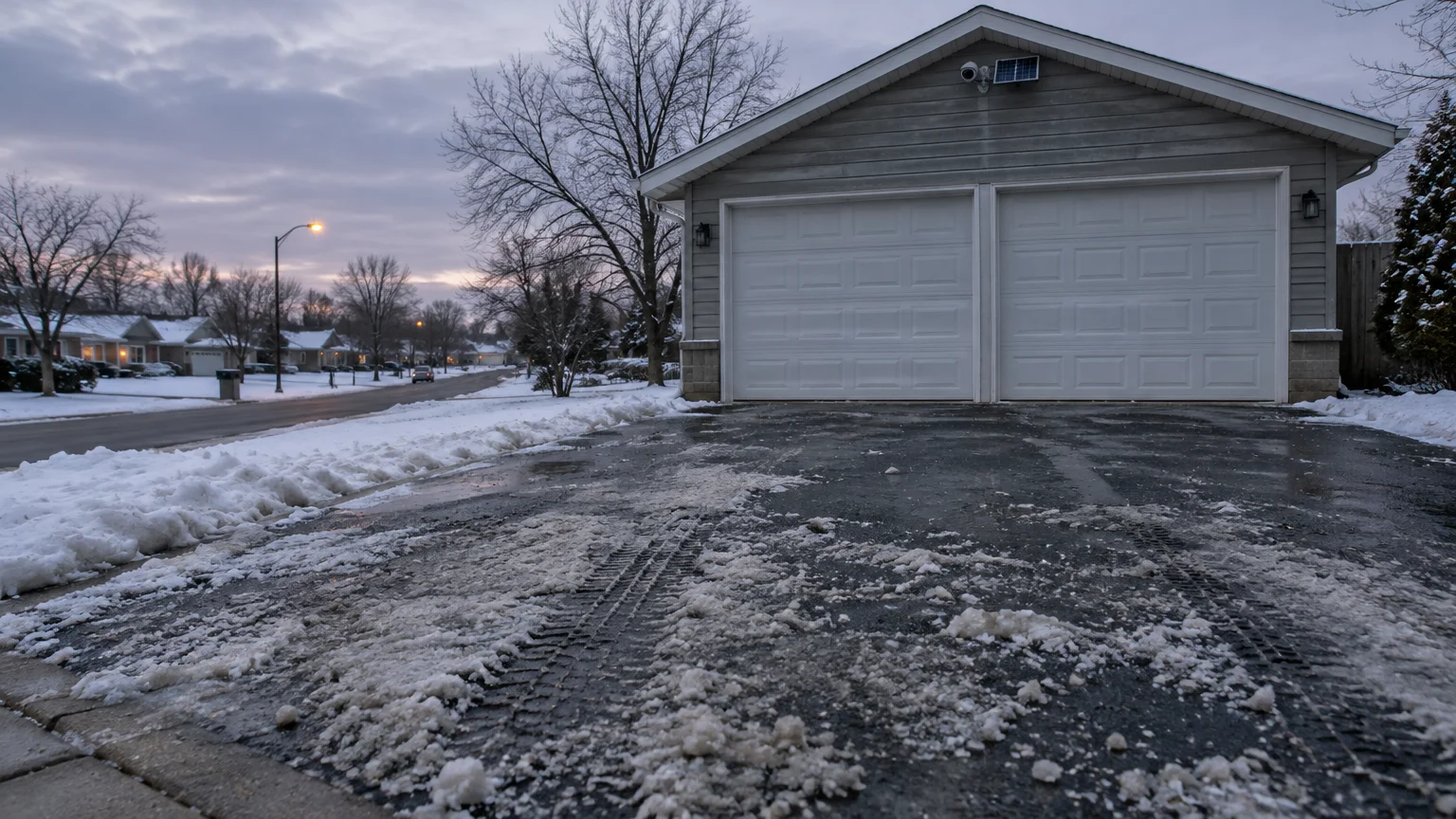
Picture a 78-year-old near Columbus, Ohio, at roughly 40° N. A grandson mounted the camera and panel above the garage door, facing the driveway, and set up the app on an iPhone.
Before preparing for winter freezes, make sure you know why your iPhone weather app alerts the wrong town so your local temperature readings remain accurate.
Day 1. The forecast shows several days below freezing. Before the cold arrives, the owner opens the camera’s health or battery screen and writes down the percentage shown.
Still at the kitchen table, the owner makes the six changes above. Trimming the zone stops the camera recording every car on the street, which on a driveway-facing camera can be most of its clips.
Days 2 to 4. Each morning the owner notes the percentage again. It still falls, because nothing can charge, but each clip avoided is power kept in the battery.
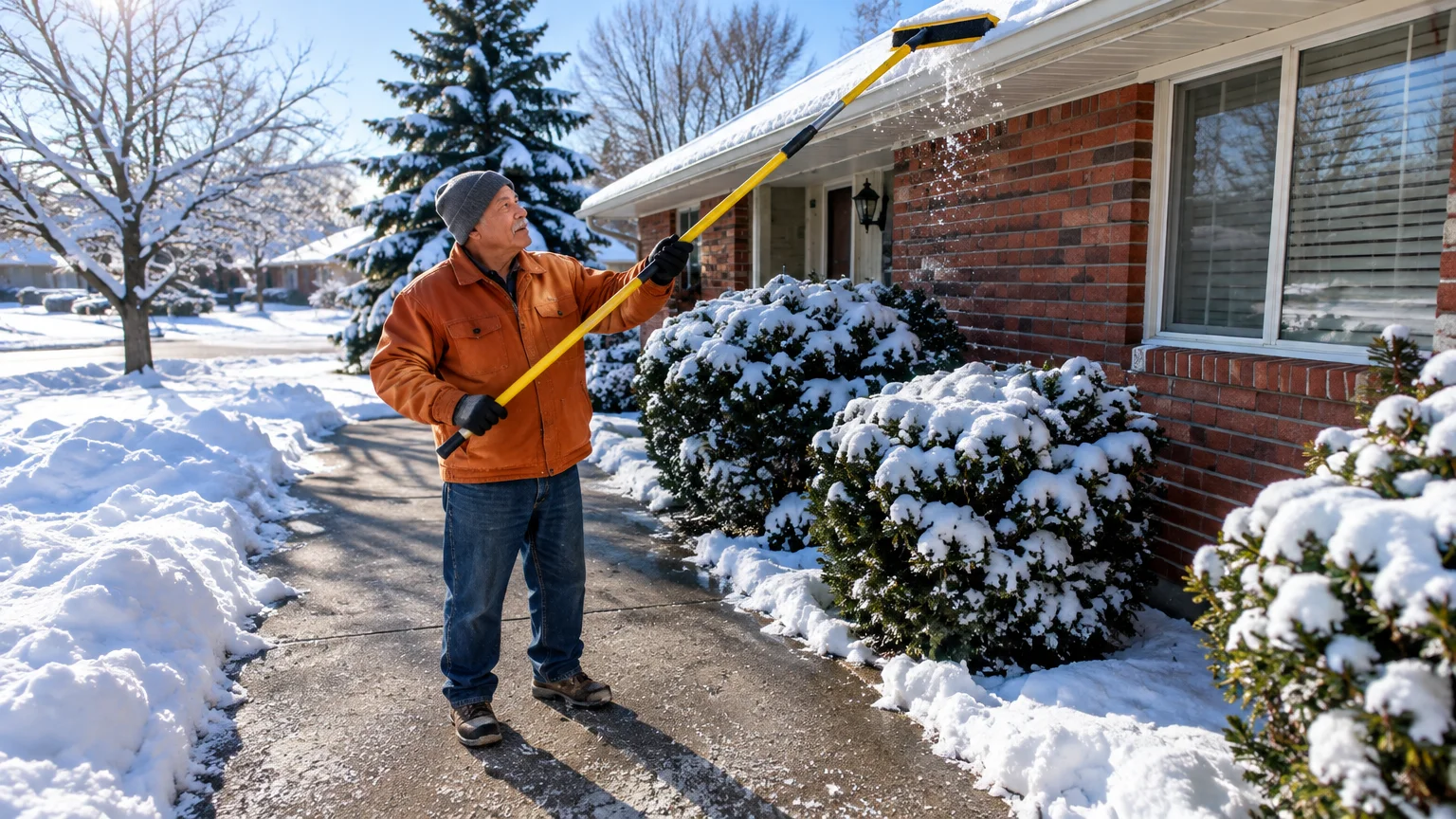
Day 3. Snow covers the panel. The owner clears it from the driveway with a foam broom on an extension pole, so the panel is ready the moment temperatures rise.
Day 5. A thaw lifts the afternoon above freezing. The battery can accept charge again, and the morning reading stops falling or starts to climb.
Had the readings been heading toward empty, the owner would have booked the helper visit for the first thawed day, rather than waiting for the camera to die.
An Alexa speaker may be able to announce camera alerts aloud. The Amazon Alexa help guide covers linking a camera; which alerts it can speak depends on the camera maker.
Clear Snow Without a Ladder
Snow or frost on the panel blocks the light it needs on charging days. Clearing it does nothing while the battery is frozen, but it lets charging start as soon as it warms.
For comprehensive fall protection while clearing porches and walks, setting up and using a personal emergency response system provides quick access to professional assistance.
Warning: Do not climb an icy ladder to reach a camera. A fall onto frozen concrete or decking is far more serious than a dark camera.
Use an extendable pole fitted with a soft foam snow broom, working from the ground. Foam brushes snow away without scratching the glass.
Skip metal scrapers, stiff garden brooms and windshield scrapers. Scratches scatter incoming sunlight and permanently weaken the panel.
Never pour hot water over a cold panel or lens. The sudden temperature change can crack cold glass and break the weather seals.
If the pole cannot reach the panel, that tells you the panel belongs somewhere lower. Fix that at the helper visit.
The One Thaw-Day Helper Visit
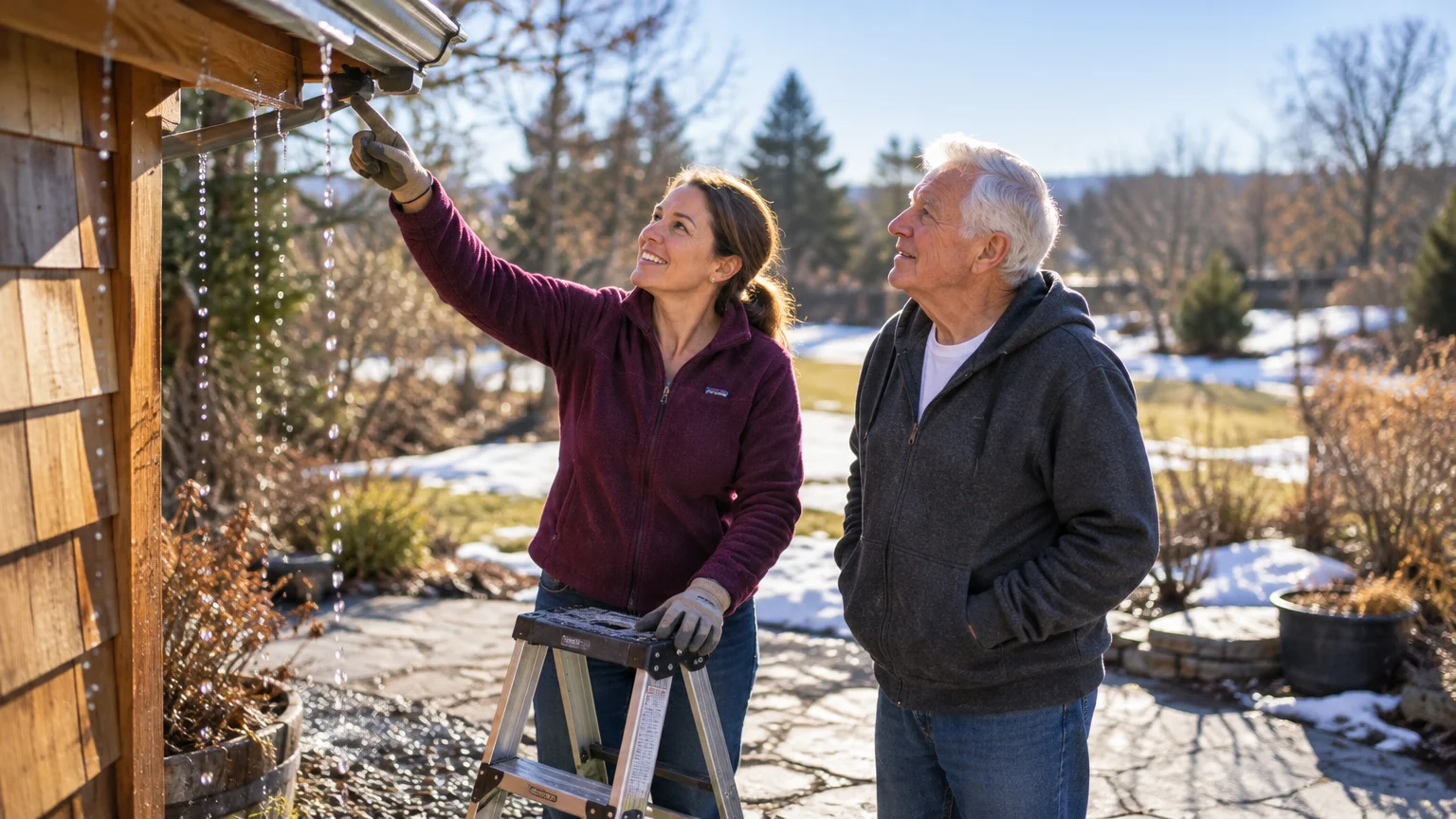
Plan one visit on a day above freezing, with a helper on the ladder and you on the ground. Get three jobs done in that single trip.
While warming up indoors during maintenance visits, learn how to safely schedule a smart plug for heaters to prevent overloading wall outlets.
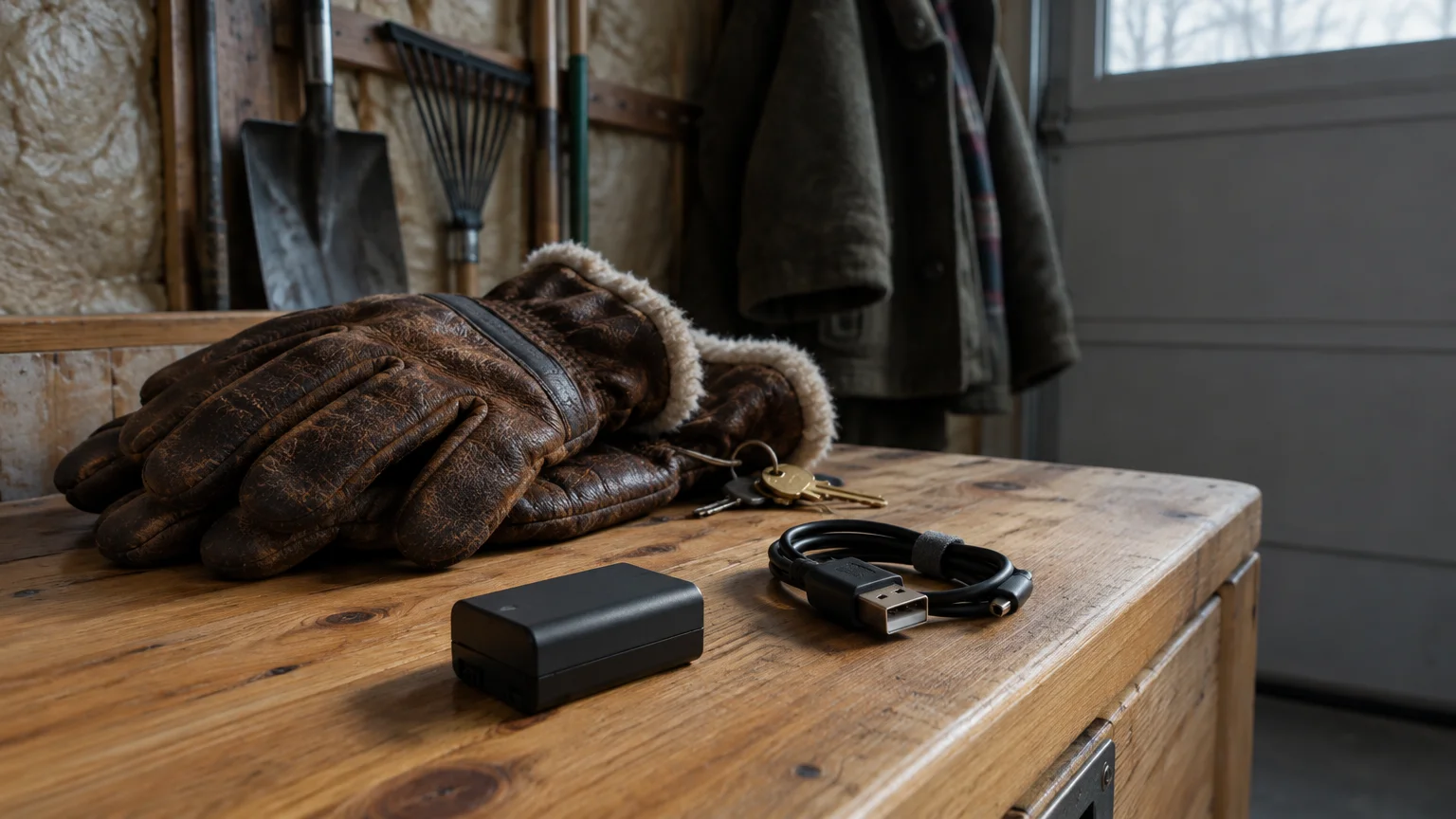
First, charge the battery indoors. Have the helper remove it, set it on a dry table away from heaters, and wait until the case no longer feels cold.
Warning: Never plug in a battery that still feels cold. Charging frozen cells can cause internal shorts and creates a fire risk.
Charge it with the cable and adapter that came with the camera, or the type your manual names. Wait for the indicator to show full; light colors vary by model.
Second, steepen the panel. A common rule of thumb sets winter tilt at your latitude plus 15 degrees, facing true south rather than magnetic compass south.
Near Columbus, at about 40° N, that is about 55 degrees. Near Atlanta, at 35° N, it is about 50; near Minneapolis, at 45° N, about 60.
A steeper slope also helps snow slide off by itself. A smartphone level app held against the bracket confirms the angle.
Third, end future climbs. Ask whether the panel can move to a spot your foam pole reaches, or whether an outdoor outlet is close enough for a plug-in power cable, if your maker sells one.
Then slide the warm battery back in until the latch clicks. Confirm in the app that the camera shows as online before the helper leaves.
Comparing Your Options
Every column below is something you can check yourself before choosing. The key question for a high camera is the ladder column.
| Option | Where you do it | Ladder needed? | Helps on below-freezing days? | Needs Wi-Fi and the app? |
|---|---|---|---|---|
| Lower sensitivity, frequency and clip length | Phone: Motion Settings and Video Settings | No | Yes, slows the drain | Yes |
| Trim motion zones | Phone: motion zone editor | No | Yes, fewer clips and night-light bursts | Yes |
| Clear snow with a foam pole | Driveway or yard | No, if the pole reaches | No, but panel is ready when it thaws | No |
| Steeper panel tilt | On the panel bracket | Yes, for a high mount | No, helps only on charging days | No |
| Spare battery swap | At the camera | Yes, every swap | Yes, but each swap is a climb | No |
| Plug-in power cable | At the camera and an outdoor outlet | Once, to install | Depends on model; check the manual | No |
For a camera above ladder height, the first two rows are where to start, and the last row is the long-term fix if an outlet is nearby.
For locking down your home security camera’s account and protecting your other devices online, the Consumer Reports Security Planner offers free, plain-language digital-security recommendations.
Frequently Asked Questions
Why won’t my camera charge on a sunny, frozen afternoon?
Its software blocks charging while the battery is below freezing, to prevent lithium plating. Full sun on the panel makes no difference until the battery itself warms up.
Should I buy a spare battery for a camera mounted up high?
Usually not. Every swap means a ladder climb, so a spare only helps if a helper does the swaps.
Cutting drain from the app and planning one thaw-day visit works better.
What do I do once the battery hits zero?
Wait for a day above freezing and have a helper take the battery down. Let it warm indoors until it no longer feels cold, then charge it with the supplied cable.
Can snow sitting on the panel damage it?
Snow does not harm the glass, but it blocks light, and heavy loads can strain plastic brackets. Clear it from the ground with a soft foam broom on a pole.
Note: Menus and button names change with software updates. These steps were written for current versions as of 2026; if a screen looks different on your device, the maker’s support page linked above has the latest wording.
ClearTechGuide is independent and is not affiliated with Apple, Google, Microsoft, Amazon or any other company mentioned.