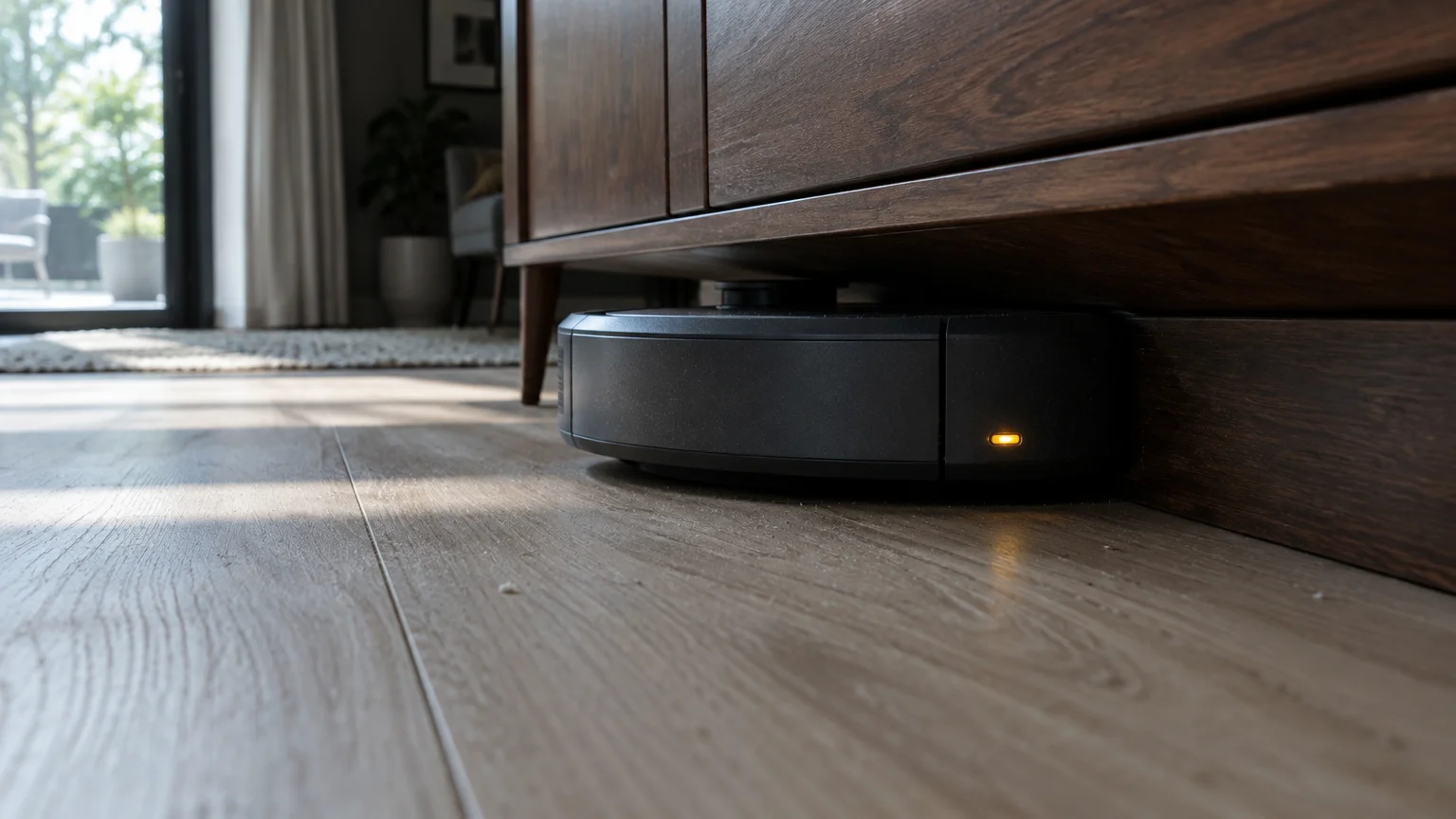
A robot vacuum stuck under sofa rails forces you onto hands and knees, straining sore joints and low backs. You can stop this wedging immediately without moving heavy furniture or buying ugly floor risers.
Most owners assume their low-profile couch requires physical barriers or manual rescues. Instead, you can draw a digital boundary inside your smartphone map that stops the machine precisely at the sofa hem.
This guide provides step-by-step setup instructions to configure a roomba keep out zone low furniture boundary, protecting your spine and your vacuum.
In this guide8 sections
- Why Robot Vacuums Wedge Under Low Furniture
- The Physical Toll of Retrieving Stuck Vacuums
- Phone Display Settings for Easier Mapping
- Step-by-Step: Setting a Keep Out Zone
- Worked Scenario: Eleanor’s Living Room Couch
- Hardware Solutions Versus Digital Barriers
- Preventing Sensor Drift and Mapping Errors
- Frequently Asked Questions
Why Robot Vacuums Wedge Under Low Furniture
Automated cleaners enter spaces that seem tall enough, only to become trapped seconds later. Mechanical dimensions and soft furniture construction combine to create this persistent trap.
Because optical vacuum sensors struggle in dim conditions beneath furniture skirts, learning how to use smart light bulbs in your home can keep rooms properly illuminated during scheduled cleaning runs.
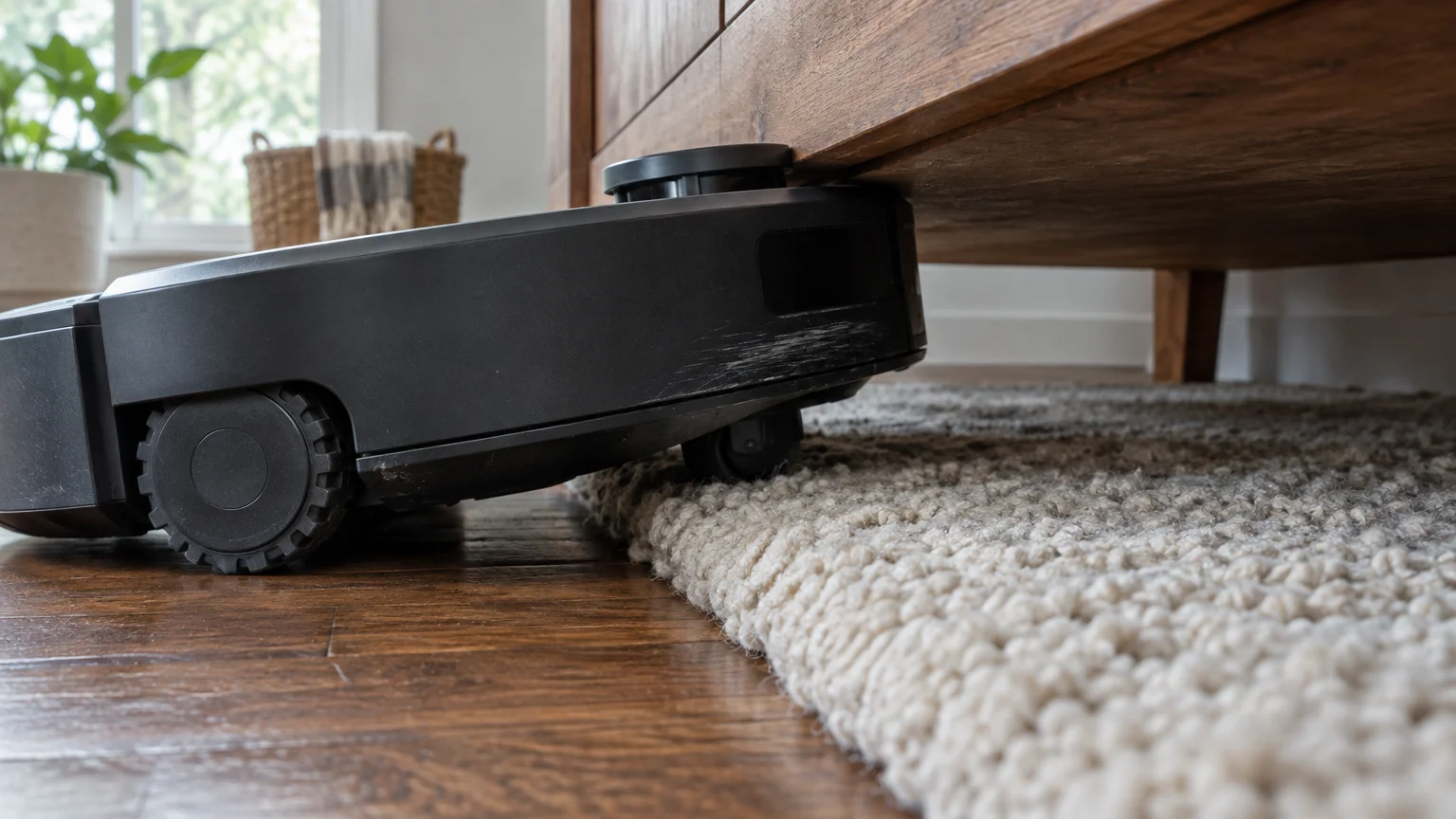
A standard Roomba stands between 3.4 and 3.7 inches tall, depending on the model series. Most modern sofas have wooden front skirts that clear the floor by roughly 3.8 inches.
Because the rigid front bumper clears the outer wooden rail, the vacuum enters without resistance. Trouble begins once the machine drives further underneath the seating area.
The underside of a couch features a flexible fabric dust cover that sags beneath human weight. Over time, heavy couch springs stretch downward by half an inch or more.
When the robot advances toward the center, the drooping fabric pushes down against the vacuum’s top surface. This downward friction wedges the device against the floorboards.
Area rugs create an additional mechanical hazard beneath low furniture. A medium-pile carpet adds up to 0.5 inches of floor height.
When the front wheels roll onto the rug edge, the front of the vacuum tilts upward. This slight tilt jams the top sensor turret directly into the wooden frame.
The machine then spins its drive wheels in place, scouring the carpet. Eventually, the drive motors overheat and the unit shuts down with an error tone.
The Physical Toll of Retrieving Stuck Vacuums
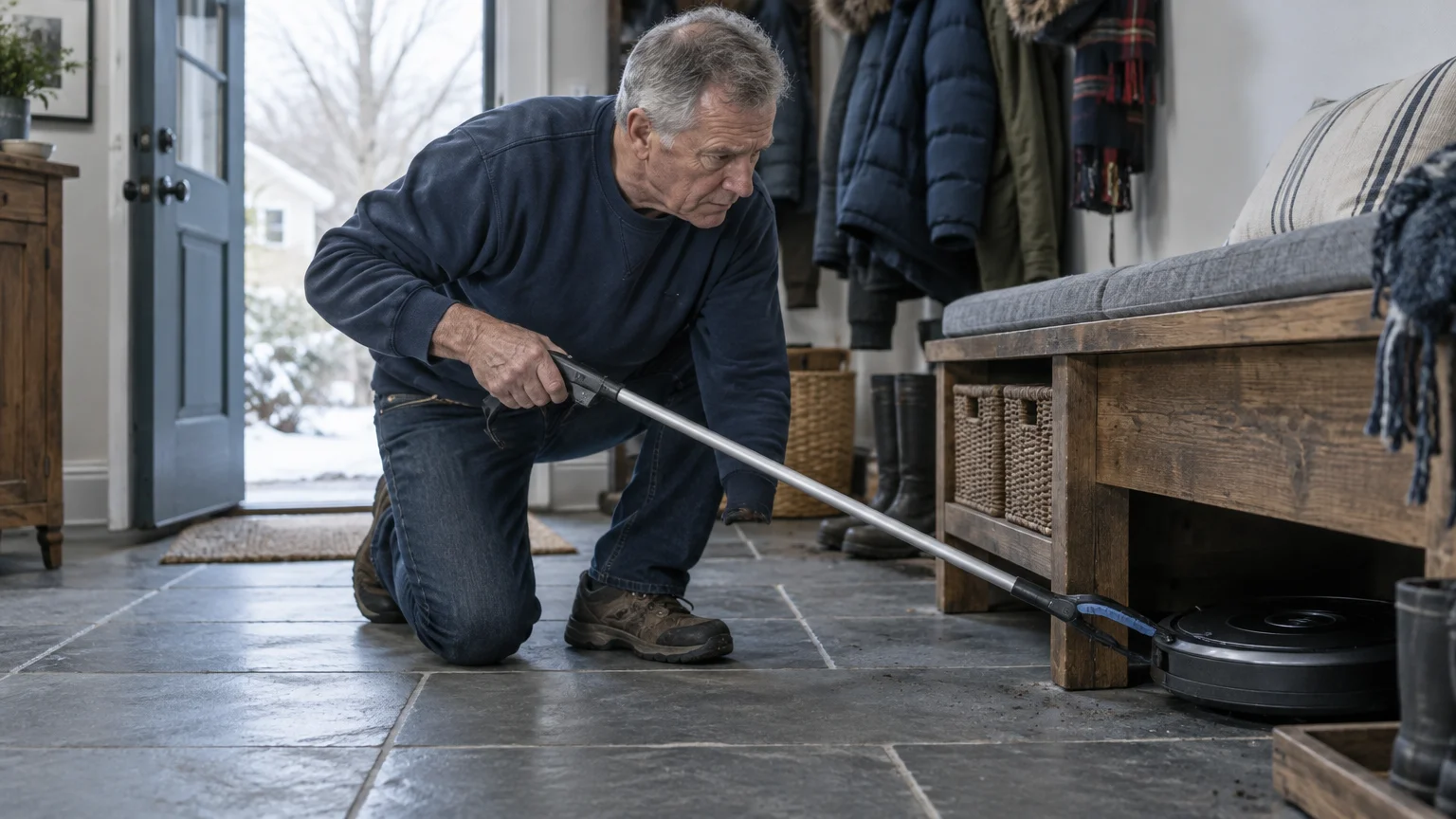
Automated cleaners should reduce household chores rather than create painful physical tasks. Retrieving a trapped unit causes genuine physical distress for anyone managing chronic back pain.
To prevent accidental trips and falls during late-evening cleanings, consider how to set up motion-activated night lights along main hallways.
Crawling across a hardwood floor puts severe mechanical load on knee joints and the lumbar spine. Shifting your torso to reach under low furniture can aggravate sciatica or spinal stenosis.
According to Pew Research data on technology adoption among older adults, more seniors rely on automated devices to maintain independent living. Equipment should never compromise your physical safety.
A trapped vacuum weighs between seven and nine pounds. Pulling that dead weight at arm’s length from a prone position strains rotator cuffs and shoulder tendons.
Physical retrieval also risks scuffing your furniture’s finish. Pulling the wedged bumper free scrapes the top plastic lens against the bottom sofa edge.
Using digital software controls removes the need for physical contact with the machine. You solve the problem from an armchair using simple screen taps.
Phone Display Settings for Easier Mapping
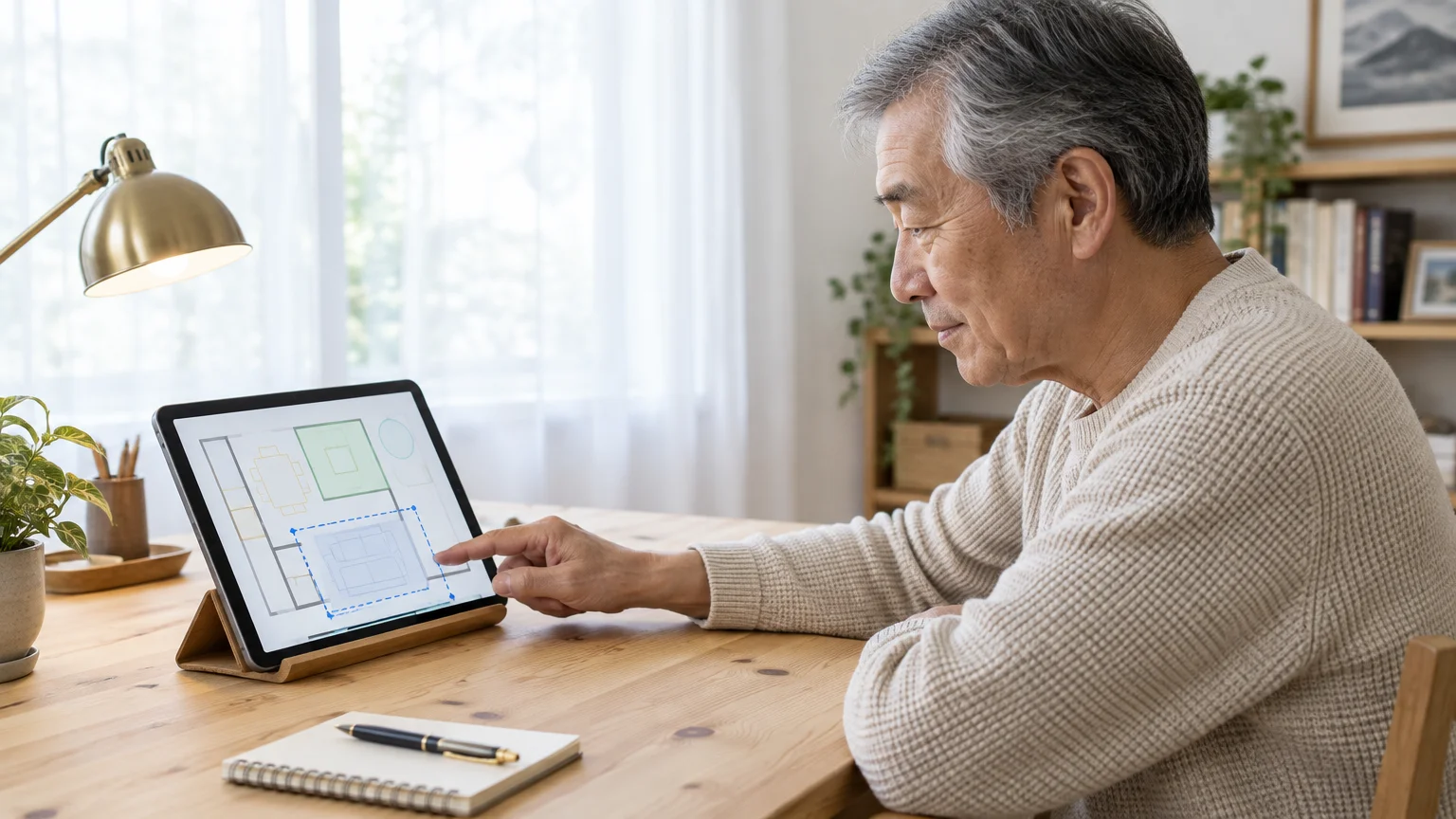
Adjusting floor boundaries requires interacting with small map graphics on your phone screen. Configuring your device’s visual settings first makes this process comfortable and clear.
If companion apps run sluggishly while loading complex room maps, see how to free up storage space on your smartphone to boost overall device performance.
If your display keeps dimming while you study the floor plan, learn how to stop your phone screen from going black so fast to give yourself plenty of editing time.
Both Apple and Android operating systems include built-in tools to enlarge text and screen elements. Enabling these options ensures you can see fine boundary lines easily.
If you use an iPhone or iPad, review Apple’s official guide to making text bigger on iPhone and iPad to activate Dynamic Type. This enlarges labels inside your mobile apps.
You can also turn on the display zoom tool to enlarge the entire mobile screen view. Follow Apple’s iPhone accessibility features overview to configure three-finger screen magnification.
Android phone users have equivalent visual support features available. Consult Google’s Android accessibility overview to increase system font size and display scale.
Before launching your vacuum app, ensure your screen brightness is set to at least 70 percent. Higher brightness sharpens map contrast so furniture outlines stand out clearly.
Hold your phone in portrait orientation while editing boundaries. This orientation keeps map controls visible without crowding the floor layout.
Step-by-Step: Setting a Keep Out Zone
A Keep Out Zone is a user-defined digital box that tells your robot vacuum to avoid a specific floor area. Setting this zone eliminates couch entrapment completely.
Before connecting home appliances to voice controls, read is a smart speaker right for you to understand privacy settings and everyday benefits.
If the app has trouble connecting to your cleaner to save these zones, our guide on troubleshooting common Wi-Fi problems at home can help restore a solid signal.
Software controls receive regular security patches and interface updates. Review CISA’s guidance on updating software to ensure your mobile apps and phone stay secure.
Warning: Do not tap Delete Map or Re-map Home during this process. Doing so deletes your floor plan and forces the vacuum to run a long mapping cycle.
- Open the iRobot Home app on your smartphone or tablet.
- Tap the Maps button located on the right side of the main status screen.
- Select your current floor plan name from the list of saved maps.
- Tap the Zones icon located in the bottom toolbar.
- Tap the Keep Out Zone button represented by a red box icon.
- Touch the center of the red rectangle that appears on the screen to drag it over your sofa.
- Touch and drag the corner handles of the red box to match your sofa’s footprint.
- Extend the edge of the red box roughly three inches in front of the sofa skirt.
- Tap the green Save button in the upper right corner of the screen.
The app saves the boundary immediately to the vacuum’s onboard memory. On its next cleaning run, the robot will treat that boundary like a solid brick wall.
You can adjust this zone at any time without resetting your cleaning schedule. If you move your sofa later, simply drag the box to the new location.
Worked Scenario: Eleanor’s Living Room Couch
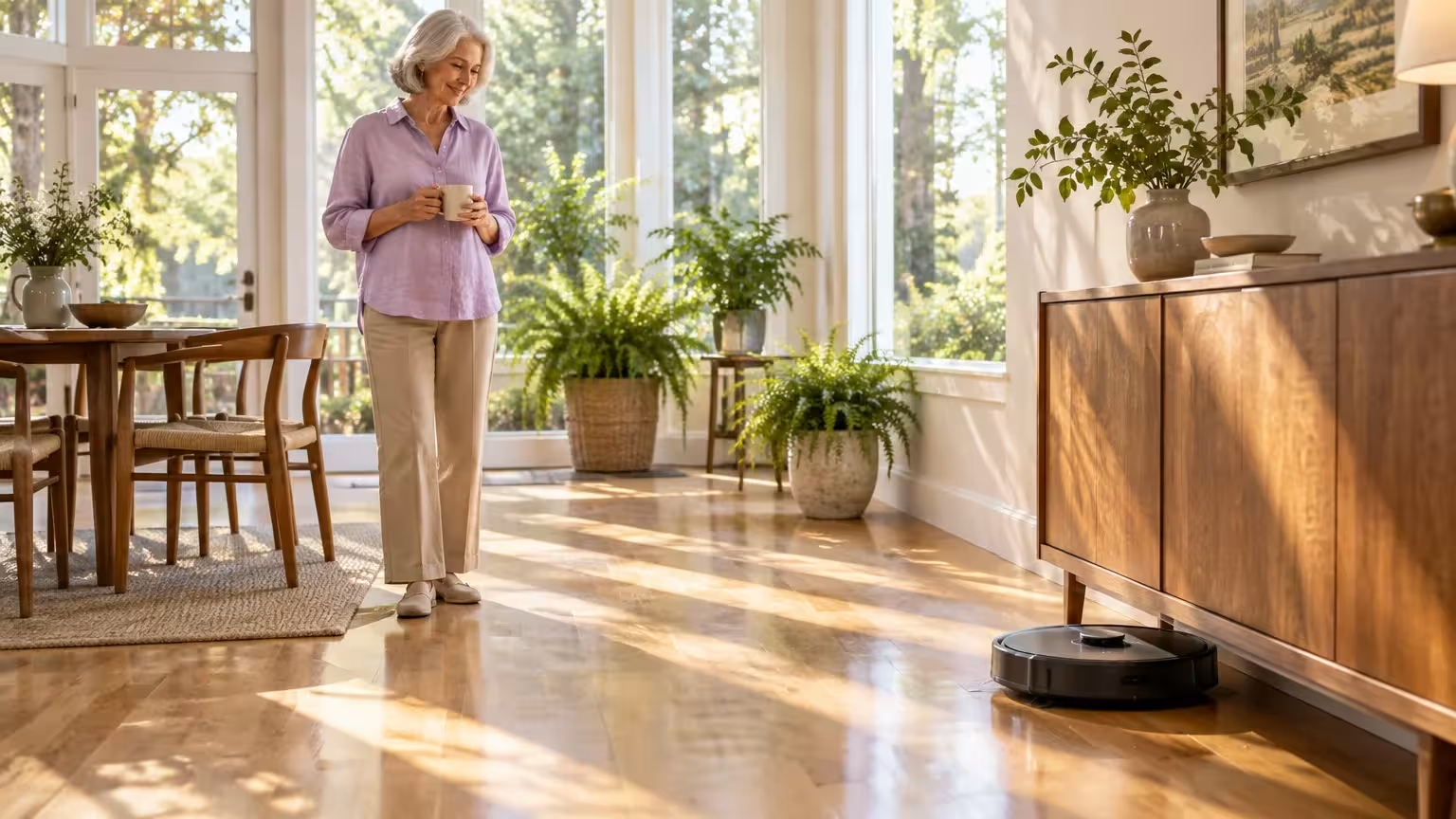
Consider Eleanor, a 74-year-old homeowner who lives in a single-story ranch home. Eleanor experiences chronic lower-back stiffness and cannot bend down without discomfort.
Managing automated routines across the house is straightforward once you know how; for instance, see how to safely schedule a smart plug for heaters to automate seasonal appliances without bending down to reach floor outlets.
Setting up boundaries is very similar to how you stop video doorbell false motion alerts by drawing customized detection zones in security apps.
Eleanor owns a Roomba j7 robot vacuum and an upholstered three-cushion living room sofa. The couch measures 84 inches long and 38 inches deep.
The wooden base of Eleanor’s sofa sits 3.9 inches above the hardwood floor. However, an eight-foot area rug sits directly in front of the sofa.
The rug edge raises the front of the Roomba by 0.4 inches as it cleans. Underneath the couch, the center spring fabric sags down to 3.4 inches.
Every Tuesday, the vacuum wedged itself beneath the center cushion. Eleanor had to kneel on the hard floor to pull the stuck robot out.
To eliminate this physical struggle, Eleanor configured a digital boundary using exact room dimensions. She opened the map editor on her tablet with large text enabled.
Eleanor located the living room sofa on the digital map using the room divider lines as reference points. She added a new Keep Out Zone over the couch area.
Rather than sizing the zone to the exact 84 by 38-inch couch frame, she added a buffer. She set the digital boundary to 88 inches long and 42 inches deep.
This four-inch buffer extends past the front skirt of the sofa onto the rug. The vacuum now stops four inches away from the skirt, cleaning the rug without ever crossing the threshold.
Eleanor spent five minutes setting the zone. She has not had to kneel to retrieve the machine since.
Hardware Solutions Versus Digital Barriers
Several methods exist to prevent robot vacuum getting wedged beneath low furniture. Evaluating cost, physical effort, and aesthetics helps you choose the most practical solution.
If your home uses Google Assistant instead of Alexa, follow our guide on how to set up and use Google Nest to initiate automated floor cleanings by voice.
Once your digital zones are saved, you can pair the robot with a voice assistant by learning how to set up and use Amazon Echo in your home for hands-free cleaning commands.
Physical accessories change the appearance of your living space or require heavy lifting. Digital configurations work silently within the device software.
| Solution Method | Equipment Cost (as of 2026) | Physical Strain Required | Boundary Precision | Visual Impact on Room |
|---|---|---|---|---|
| Digital Keep Out Zone | $0.00 | Zero strain (done via app) | Exact to within two inches | None (completely invisible) |
| Furniture Leg Risers | $15.00 to $28.00 | High (lifting heavy furniture) | Permanent mechanical lift | Visible blocks under legs |
| Plastic Under-Couch Blockers | $22.00 to $45.00 | Moderate (kneeling to install) | Physical barrier at skirt | Clear plastic along floor |
| Dual-Mode Virtual Wall Beacons | $55.00 to $70.00 each | Low (placed on floor) | Radial beam (imprecise) | Visible battery beacon on floor |
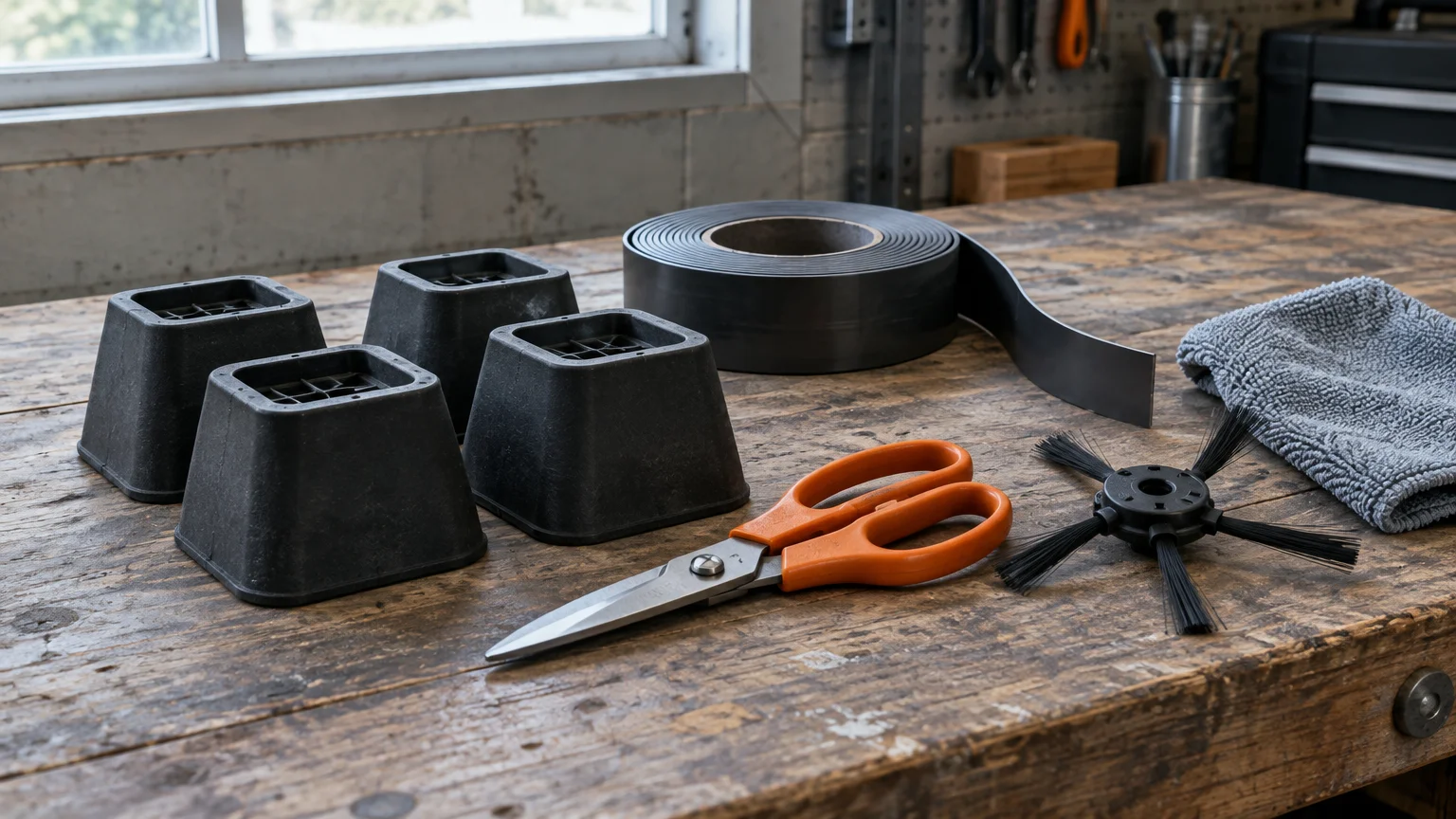
Furniture risers elevate your sofa by one to two inches so the vacuum passes underneath safely. However, installing risers requires lifting heavy wooden furniture frames, which risks severe spinal strain.
Risers can also alter the ergonomic sitting height of your sofa. This height change can make standing up from the couch harder for individuals with hip stiffness.
Under-couch toy guards attach with adhesive tape along the lower perimeter of the furniture. While effective, applying the tape requires kneeling on the floor for extended periods.
Dual-Mode Virtual Wall beacons emit an infrared beam that blocks the robot. These battery-powered towers work well, but they project a round boundary that often blocks nearby open walkways.
Digital zones inside your mobile app cost nothing and protect your back. They provide the most precise roomba keep out zone low furniture barrier available.
Preventing Sensor Drift and Mapping Errors
Over several months of daily cleaning, a robot vacuum can experience sensor drift. Sensor drift occurs when wheel slippage causes the vacuum to miscalculate its location inside your home.
While wiping the dust off your vacuum sensors, you can also learn how to clean a dusty phone charging port safely using gentle household tools.
When drift occurs, the robot’s internal map shifts slightly away from the actual room walls. This shift can cause the vacuum to ignore your Keep Out Zone by several inches.
Keeping the navigation sensors clean prevents mapping drift before it starts. You can clean these sensors standing at a kitchen counter without bending down.
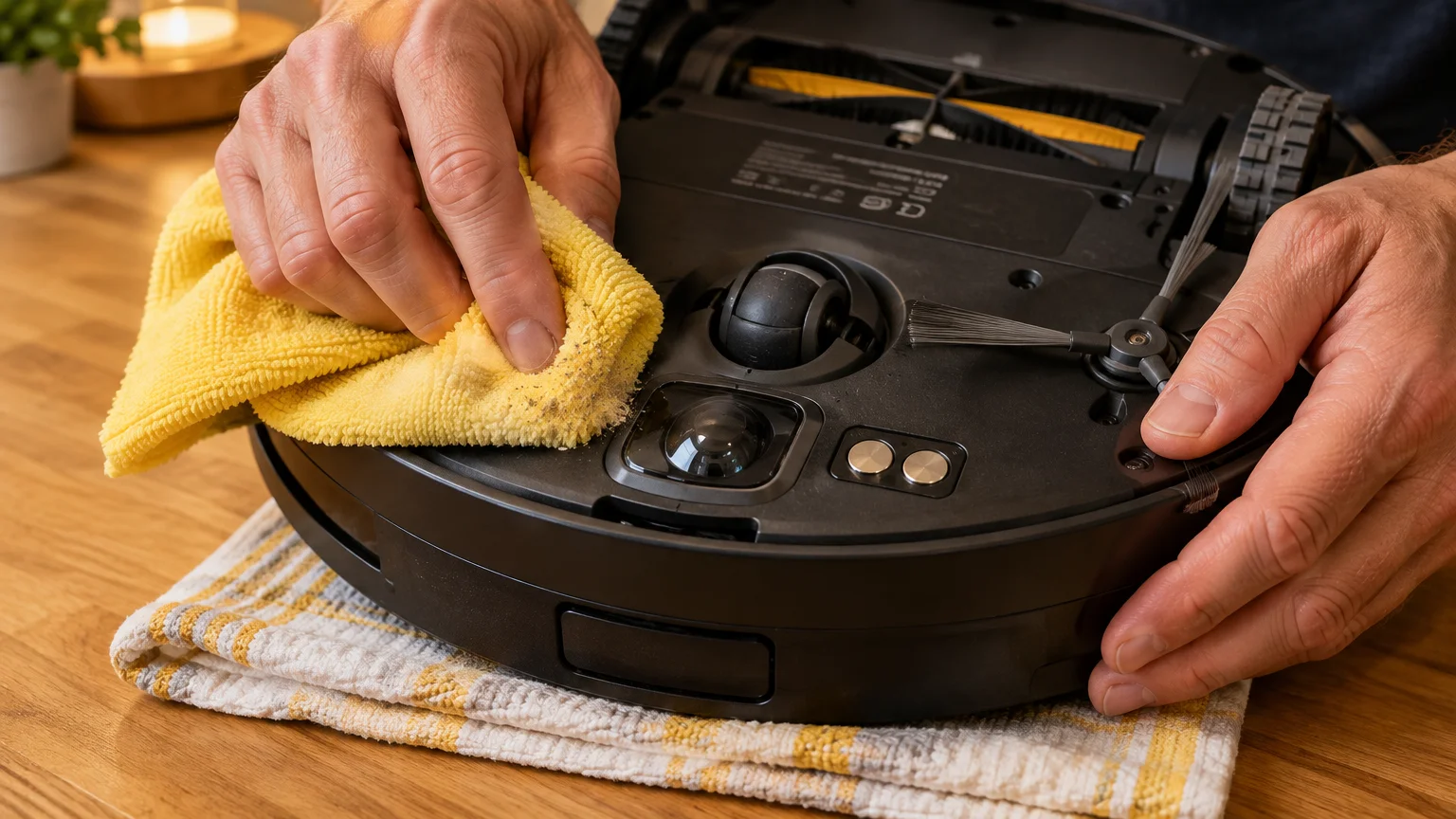
Pick up the robot when it is docked, carry it to a comfortable table height, and clean these core components:
- Wipe the front bumper camera lens with a clean, dry microfiber cloth.
- Clean the clear floor tracking sensor located on the bottom base plate.
- Remove hair wrapped around the front caster wheel assembly to maintain straight driving.
- Dust off the side-charging contacts to maintain strong battery power during map calculations.
Avoid using liquid sprays or damp towels on the optical tracking sensors. Moisture leaves streaks that distort the camera’s ability to measure travel distance.
If you pair your vacuum with a voice assistant, verify room labels after updating maps. You can check Amazon’s Alexa customer support guide to confirm voice commands trigger the correct named room.
Check your app map once a month while sitting comfortably. If the sofa boundary appears shifted, adjust the red box corners to realign the zone with your furniture.
Frequently Asked Questions
Why does my Roomba enter under the sofa but get wedged trying to exit?
The vacuum enters moving forward because its front bumper clears the lower edge of the couch rail. When turning around, the higher rear chassis or top optical turret catches against the lower fabric skirt.
Can I set a Keep Out Zone if my robot vacuum lacks a camera?
Older robot models that bounce randomly without smart mapping cannot use digital Keep Out Zones. Those models require physical floor blockers or infrared battery beacons to stop entry beneath low furniture.
Will a Keep Out Zone prevent the vacuum from cleaning the carpet in front of the couch?
The vacuum cleans up to the exact edge of the zone box you draw. Setting the boundary box to end just two inches in front of the skirt allows thorough cleaning without risking entrapment.
What should I do if my Keep Out Zone disappears after an update?
App updates occasionally log you out of your cloud profile. Sign back into your manufacturer account, select your saved floor plan, and tap Retrieve Cloud Map to restore your saved boundaries.
Note: Menus and button names change with software updates. These steps were written for current versions as of 2026; if a screen looks different on your device, the maker’s support page linked above has the latest wording.
ClearTechGuide is independent and is not affiliated with Apple, Google, Microsoft, Amazon or any other company mentioned.