
A warm tablet charger is normal, but excessive heat indicates either a failing plug or loose wall wiring. Modern fast chargers safely reach up to 113 degrees Fahrenheit during standard charging cycles.
Our team finds that older electrical receptacles often generate more heat than the charger itself by resisting electrical flow. This guide clarifies the boundary between normal warmth and fire risks while showing you how to inspect your wall plugs.
You will learn exact surface temperature limits, steps for checking tablet alerts, and how to choose certified replacements. Understanding these specific numbers keeps your home safe without requiring guesswork.
In this guide9 sections
- Normal Warmth Versus Hazardous Heat
- Why Modern Tablet Plugs Create Heat
- Outlet Resistance in 1960s Homes
- Scenario: Inspecting a Hot Wall Plug in a 1960s Home
- Checking Battery Health and Heat Alerts on Your Tablet
- Safety Checklist for Buying Certified Replacement Chargers
- Comparison of Reliable Replacement Chargers
- How to Safely Test and Handle a Hot Charger
- Frequently Asked Questions
Normal Warmth Versus Hazardous Heat
Electric current always generates some thermal energy when moving through a power adapter. You will feel this warmth whenever your tablet battery draws power from your wall.
External ambient factors heavily influence these readings, which is also why a smart thermostat temp does not match the room when placed near warm electronics or drafty walls.
On December 20, 2020, safety regulators established the IEC/UL 62368-1 standard for consumer electronic power adapters. This standard mandates strict thermal limits for external plastic enclosures to prevent accidental burns and residential fires.
Under this standard, a plastic charger block may legally reach up to 170.6 degrees Fahrenheit for brief touch contact. However, surfaces intended for regular manual handling are held to maximum thresholds between 118.4 and 131 degrees Fahrenheit.
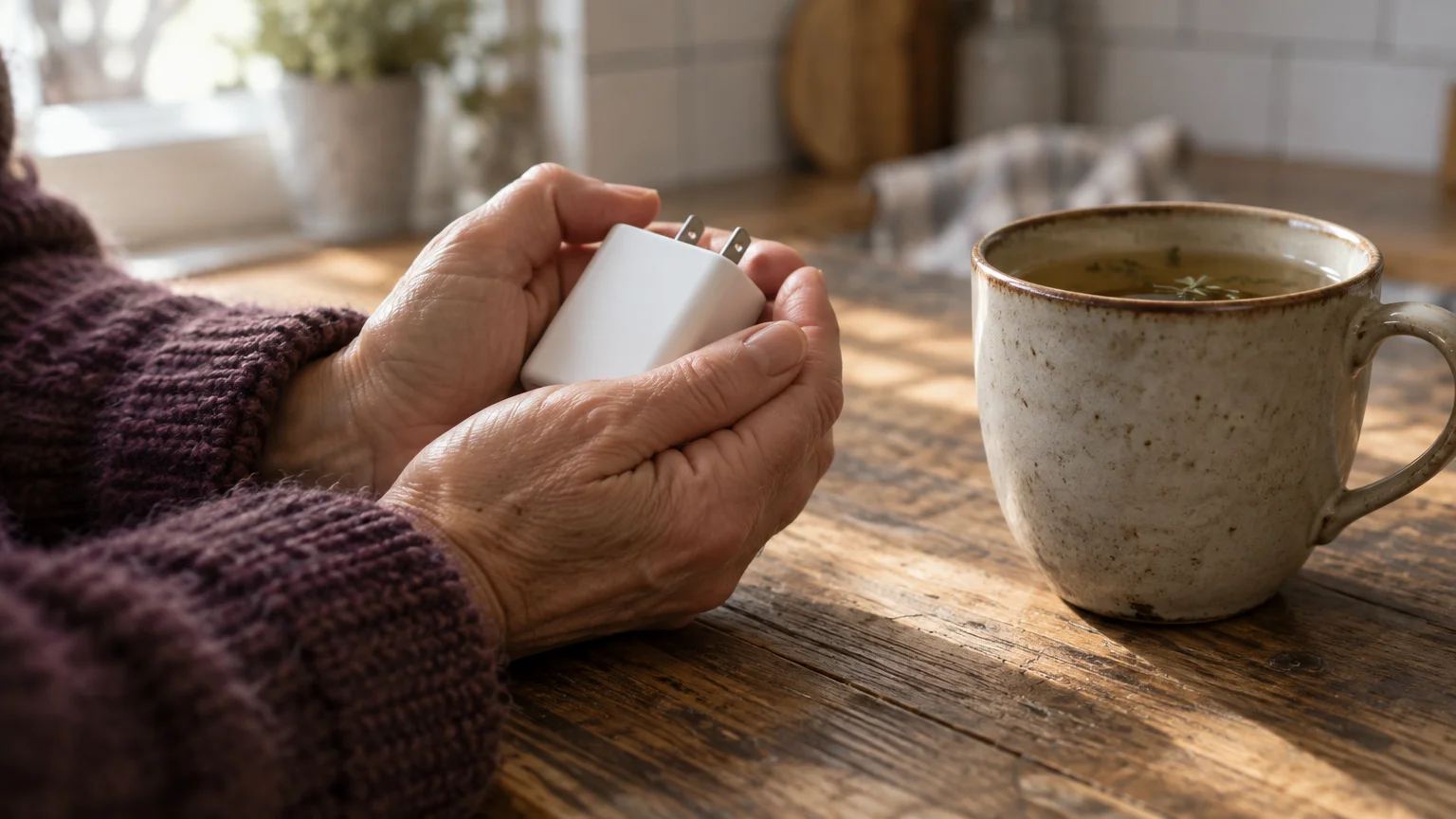
Under typical household conditions, a modern 20-watt to 35-watt tablet charger operates between 86 and 113 degrees Fahrenheit. This range feels like a soothing mug of warm tea in your hands.
During the initial phase of rapid charging, the adapter block may peak between 122 and 131 degrees Fahrenheit. You can hold a plug at this temperature for several seconds without pain or injury.
Hazardous heat begins when the plastic casing exceeds 140 degrees Fahrenheit. If you cannot touch the charger for three seconds without flinching, remove it immediately.
- 86°F to 113°F (Normal Operation): Warm to the palm, comfortable to hold, standard during regular tablet charging.
- 114°F to 131°F (Fast-Charge Peak): Noticeably hot, safe for brief contact, typical when charging a depleted battery from empty to 50 percent.
- 132°F to 140°F (Elevated Warning Zone): Uncomfortably warm, often caused by heavy blankets, poor airflow, or direct sunlight on the wall plug.
- Above 140°F (Hazardous Level): Painful to touch, indicative of internal component failure, short circuits, or loose outlet wiring.
Keeping an inexpensive infrared thermometer near your nightstand provides an easy way to check safe phone charger temperatures. Pointing the laser dot at the plastic block gives you an instant, exact reading in degrees.

Why Modern Tablet Plugs Create Heat
Your home electrical panel provides alternating current, which reverses direction sixty times every second. Tablets rely exclusively on direct current, which moves steadily in a single direction to charge battery cells safely.
Setting your device on an open tablet stand for video calls rather than flat on soft bedding allows air to circulate freely around the back panel during recharge cycles.
Just as power blocks shed thermal energy, computing devices face similar challenges when laptops blow hot air under heavy use.
Debris lodged inside your device can also restrict power flow, so learning how to clean a dusty charging port helps maintain safe connections.
Your charging block contains solid-state components that convert 120-volt alternating wall current into smooth, 5-volt to 9-volt direct current. This electrical conversion process inevitably sheds waste energy as heat.
Modern chargers pack powerful electronics into miniature plastic cubes using materials like gallium nitride. Because these compact adapters lack internal cooling fans, the outer plastic shell serves as the primary radiator for heat dissipation.
Tablet manufacturers program their devices to use two-stage charging algorithms. When your battery sits below 80 percent capacity, the adapter delivers maximum wattage, causing the tablet charger warm in wall sensation.
Once the battery level reaches 80 percent, your tablet automatically commands the charger to reduce its power delivery. This trickle-charge stage cools down the adapter block as the final percentage points fill slowly.
Environmental conditions also directly alter charger operating temperatures. Major manufacturers design portable electronics to operate within ambient room temperatures between 32 and 95 degrees Fahrenheit.
Plugging an adapter into an outlet behind heavy drapes or near baseboard heating blocks natural air circulation. Trapped heat builds up against the wall, driving surface temperatures higher than intended by safety engineers.
Outlet Resistance in 1960s Homes
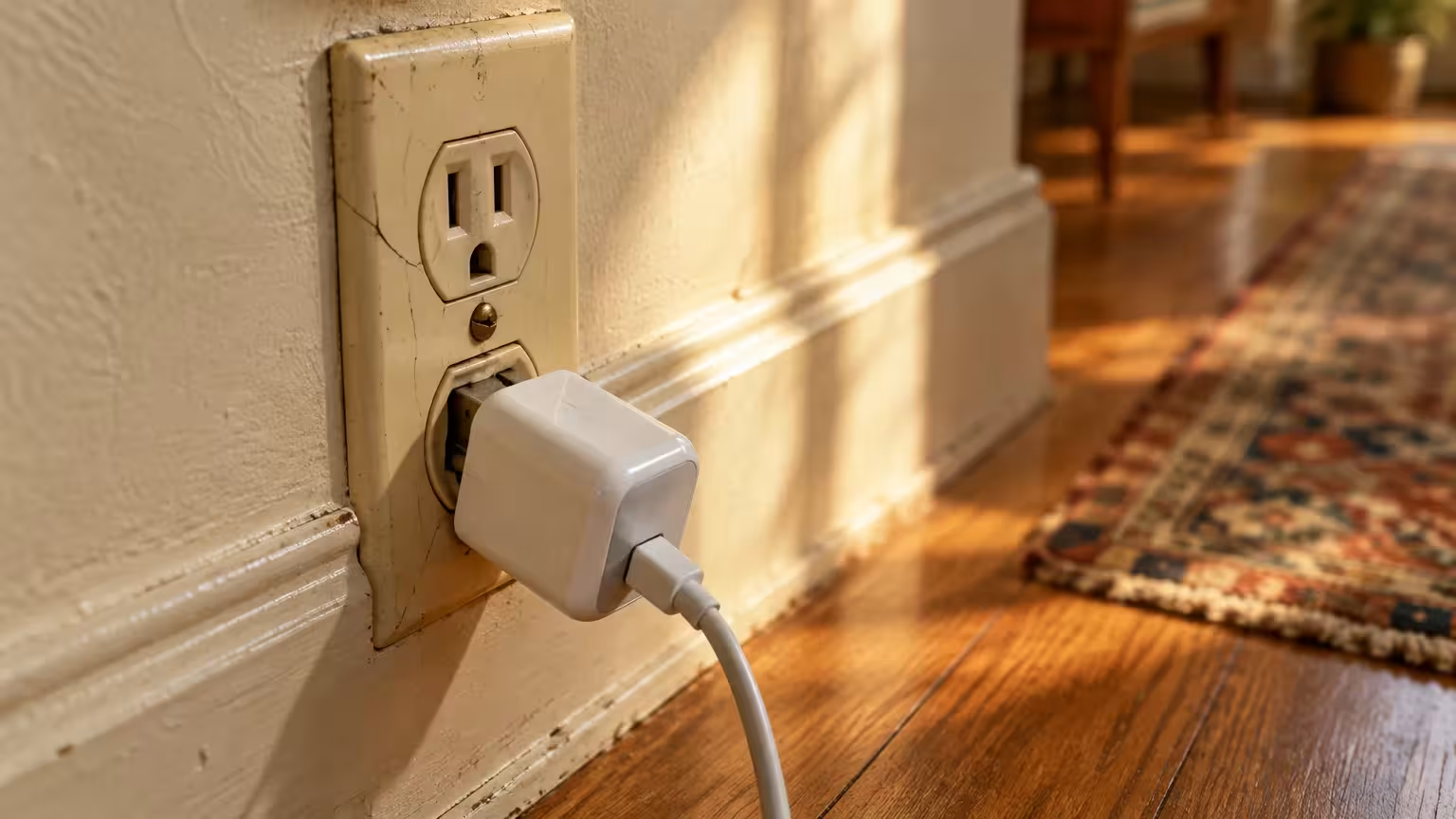
Residential homes constructed during the 1960s present specific electrical challenges that modern adapters magnify. Many receptacles installed during that era have suffered decades of mechanical wear from repeated plugging and unplugging.
Managing electrical loads carefully is just as vital when learning how to safely use smart plugs with high-draw appliances.
Electrical resistance is the friction that occurs when electric current struggles to flow through a tight or degraded path. Increased resistance produces intense localized heat directly at the point of contact.
Inside every wall outlet, spring-loaded brass contact wipers grip the flat metal prongs of your power plug. Over forty or fifty years of use, those internal brass clips lose their mechanical tension.
When you insert a tablet charger into a worn outlet, the prongs sit loosely inside the slot. This loose connection forces the electrical current to jump across tiny microscopic gaps, creating micro-arcing and intense heat.
In this situation, your tablet charger feels scorching not because of an internal defect, but because the wall receptacle transmits heat into the prongs. The adapter block absorbs this thermal energy directly through its metal blades.
Many 1960s homes also feature back-stabbed wire connections, where electricians pushed stripped copper wires into spring clamps behind the receptacle. These push-in connections loosen over time, generating high resistance behind the drywall.
If your tablet charger drops downward or sags away from the wall plate, the internal receptacle contacts have failed. Replacing that aging outlet eliminates the dangerous heat source at its root.
Scenario: Inspecting a Hot Wall Plug in a 1960s Home
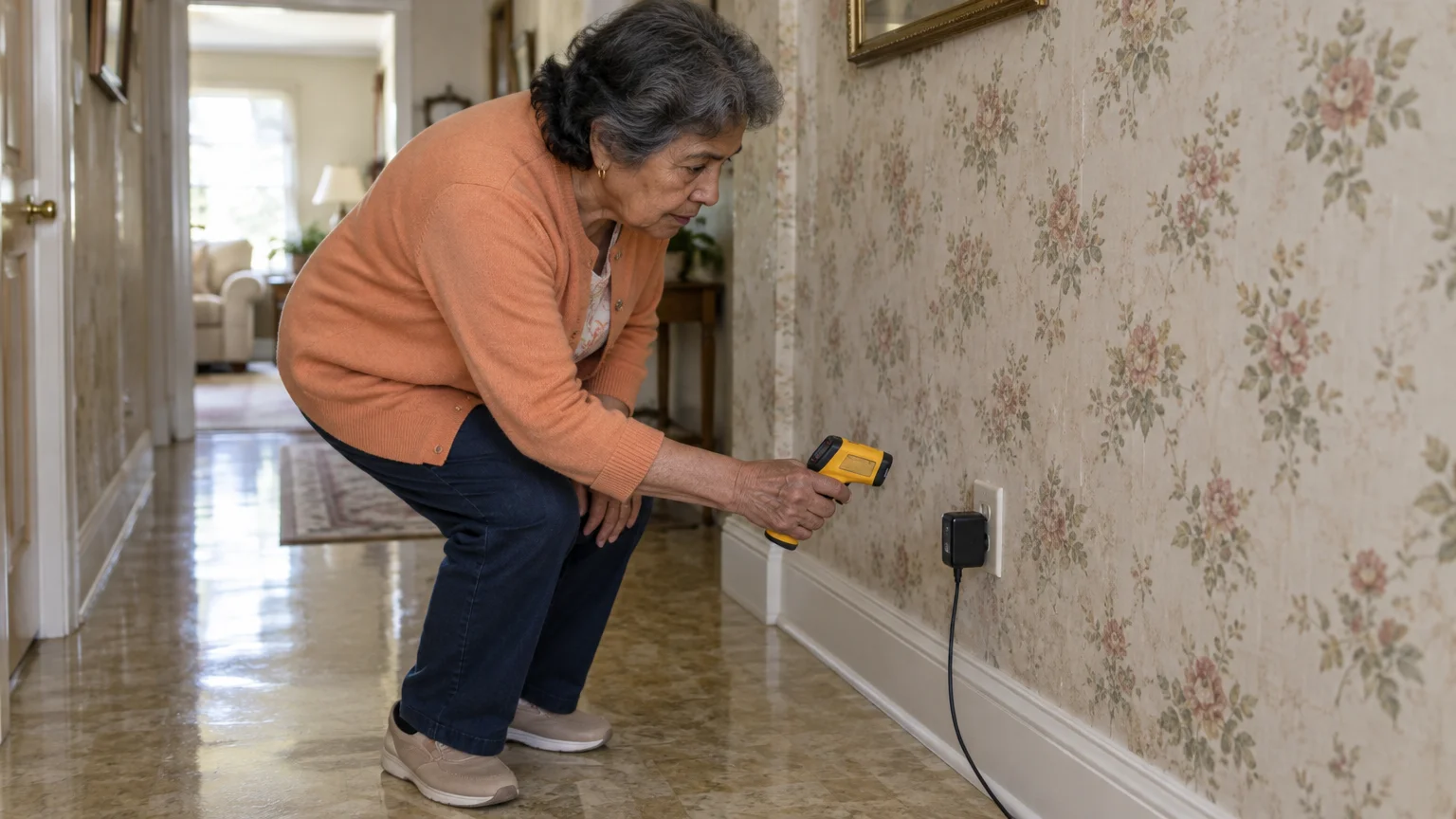
Eleanor is 73 years old and lives in a brick ranch home constructed in 1964. She charges her 10th-generation Apple iPad on her wooden nightstand using an authentic Apple 20-watt USB-C power block.
If electrical concerns or battery fatigue convince you to upgrade your hardware, review how to clean personal data off an old tablet before recycling the old device.
One Tuesday morning, Eleanor noticed her ipad charger hot to touch after thirty minutes of use. She gripped the plastic block and found that it slid out of the wall with almost zero resistance.
Eleanor pointed her digital kitchen thermometer at the charger casing, measuring a surface reading of 128 degrees Fahrenheit. She also felt the outlet cover plate and discovered the plastic screws felt warm against her skin.
Rather than discarding the adapter, Eleanor carried her tablet and charger into the kitchen, which had been rewired in 2018. She plugged the identical adapter into a grounded, tight-fitting kitchen counter outlet.
After forty minutes of charging at full speed, Eleanor measured the adapter surface again. The thermometer read 102 degrees Fahrenheit, showing a reduction of 26 degrees on the newer circuit.
Eleanor called a licensed electrician to inspect her bedroom nightstand receptacle. The electrician found worn brass contacts from 1964 with weak mechanical tension, creating high contact resistance.
The electrician installed a heavy-duty replacement receptacle for $165, restoring firm tension to the outlet. Eleanor plugged her charger back into the bedroom wall, where it now runs safely at 103 degrees Fahrenheit.
Checking Battery Health and Heat Alerts on Your Tablet
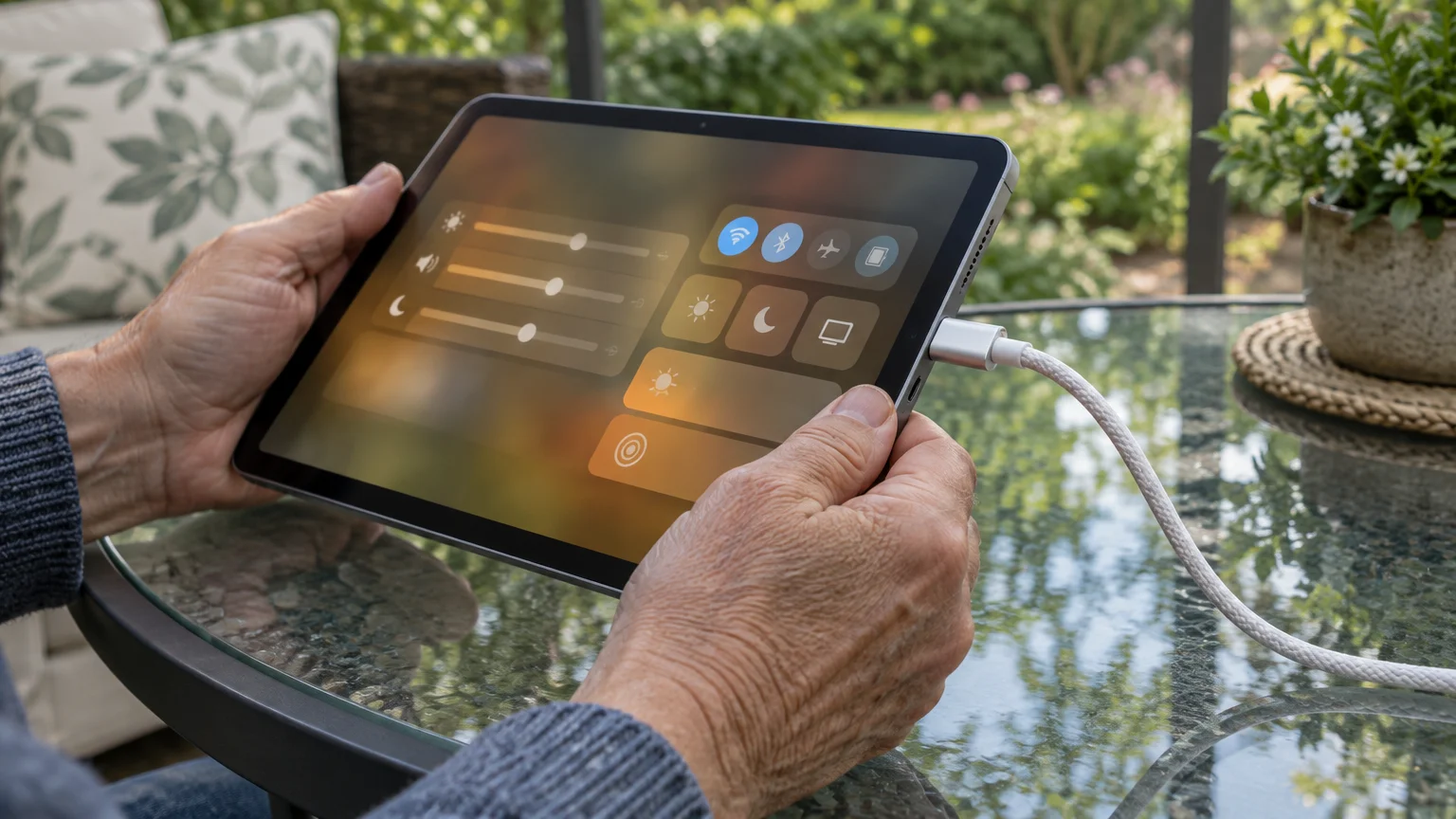
Modern mobile operating systems monitor internal hardware temperatures constantly to prevent lithium-ion degradation. If battery cells become too hot, your tablet will pause charging automatically until temperatures drop.
You can also curb internal device warmth while using your screen by following steps on how to adjust screen brightness on your phone or tablet.
If your display shifts unexpectedly while navigating these menus, see how to stop your tablet screen from turning to lock your view in place.
If your current device frequently overheats or struggles with newer software, explore the best tablets designed for older adults with modern battery safeguards.
Before inspecting your system settings, adjust your screen options to make small text comfortable to read. You can consult the official guide to make text bigger on iPhone and iPad through your device settings.
If you use an Android tablet, review the Google Android accessibility overview to turn on screen magnification or increase font scales.
To inspect charging pause notifications on an Apple iPad running iPadOS 18, follow these steps:
- Open the Settings app from your home screen.
- Select Battery from the left-hand navigation column.
- Review the battery graph on the right side of the screen.
- Look for an amber icon labeled Charging On Hold Due to Temperature above the charging history chart.
When this alert appears, your iPad has paused power delivery because internal sensors detected temperatures exceeding 95 degrees Fahrenheit. The official Apple iPhone User Guide notes that charging resumes automatically once the device cools down.
If you operate a Samsung Galaxy or Google Pixel tablet running Android 14 or 15, verify your charging protections with these steps:
- Open the Settings application.
- Select Battery from the menu list.
- Tap Battery protection on Samsung, or tap Adaptive Charging on Google Pixel tablets.
- Turn the toggle switch to On to protect battery cells from excessive heat and continuous maximum voltage.
Activating these automated operating system features limits battery stress and reduces charger heat during overnight charging cycles. Both major platforms protect hardware automatically without requiring manual temperature checks.
Safety Checklist for Buying Certified Replacement Chargers
Counterfeit and unbranded power adapters represent a widespread cause of severe electrical overheating. Unregulated factories omit critical safety components, such as thermal cutoff fuses, to cut production costs down to a few dollars.
If you want to monitor energy flow or automate when your gadgets receive power, consider reading about setting up smart plugs at home.
When buying replacement adapters online, review guidance from the Federal Trade Commission regarding safe online shopping to avoid deceptive third-party merchants. Shoddy imitation blocks look identical to genuine equipment on the outside while lacking basic safety circuits inside.
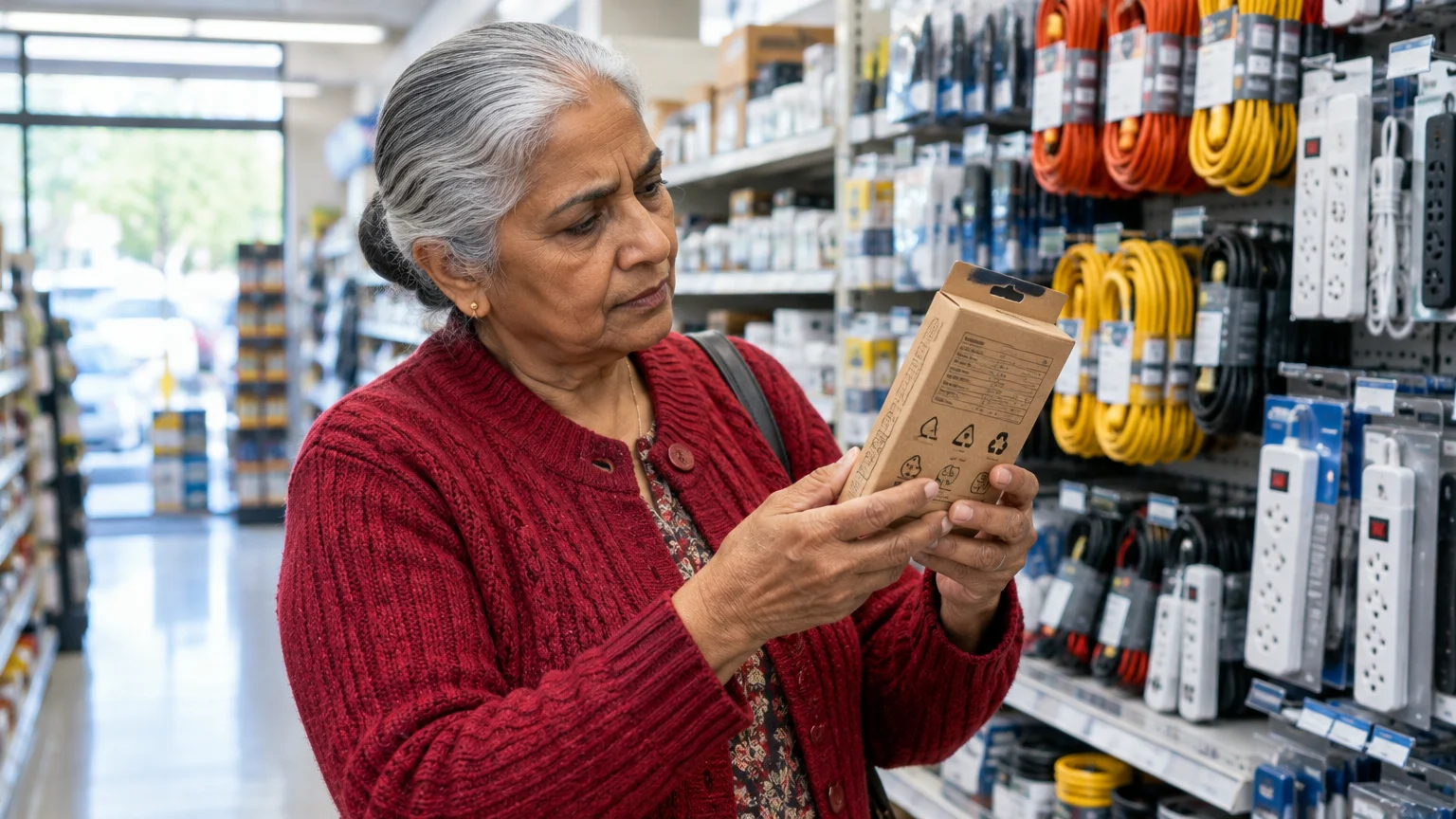
Legitimate power adapters sold in the United States must display certification marks from an approved Nationally Recognized Testing Laboratory. The most common trustworthy marks are the UL Listed seal from Underwriters Laboratories and the ETL Listed mark from Intertek.
Certified adapters contain integrated thermal sensors that instantly cut electrical flow if internal components exceed standard limits. Cheap uncertified replicas continue pulling current until their plastic casings melt or scorch the wall.
Use this evaluation checklist whenever you purchase a new tablet charging adapter:
- Nationally Recognized Testing Laboratory Seal: Look for the genuine UL Listed or ETL Listed mark stamped permanently into the plastic casing.
- Specific Standard Compliance: Check the printed fine print for compliance with standard IEC/UL 62368-1.
- Exact Manufacturer Branding: Confirm the brand name on the plug matches the packaging, avoiding vague generic labels like “USB Power Adapter.”
- Appropriate Output Wattage: Select an adapter rated between 20 watts and 35 watts for standard tablets, avoiding overpowered unbranded adapters.
- Physical Build Weight: Feel the weight of the block in your hand; certified adapters feel substantial because copper shielding and safety fuses add noticeable heft.
Never purchase loose electronic chargers from discount bins, gas stations, or liquidation websites. Spending slightly more for an authentic, lab-certified adapter protects your home electrical system against catastrophic failure.
Comparison of Reliable Replacement Chargers
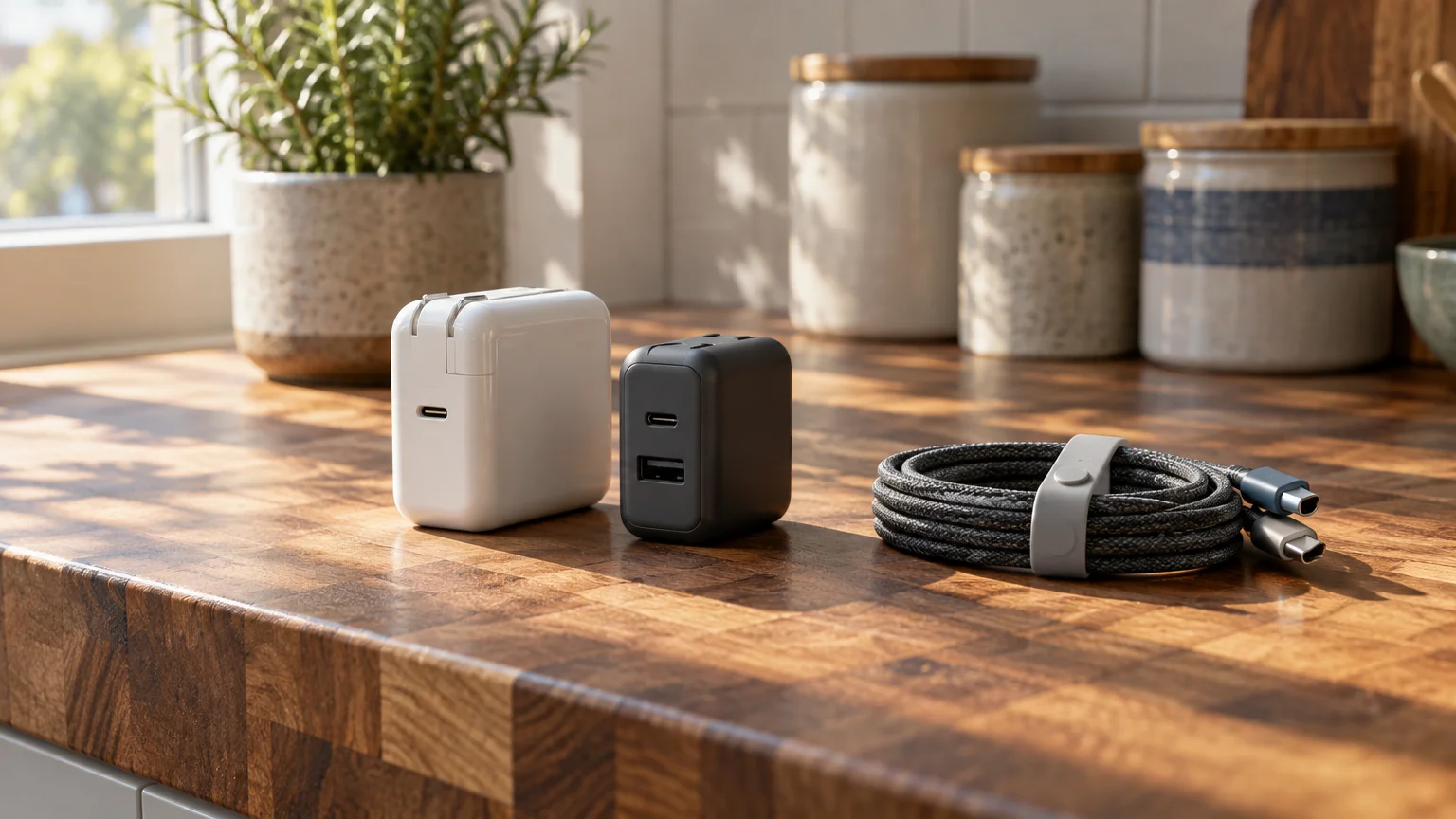
Selecting a certified replacement adapter requires balancing power output, physical form factor, and independent safety certifications. Every model listed below complies with current electrical safety mandates as of 2026.
| Charger Model | Wattage Output | Safety Testing Certification | Prong Design | Retail Price (as of 2026) |
|---|---|---|---|---|
| Apple 20W USB-C Power Adapter | 20 Watts | UL Listed (UL 62368-1) | Fixed two-prong blade | $19.00 |
| Anker 511 Charger (Nano 3) | 30 Watts | ETL Listed (IEC 62368-1) | Foldable two-prong blade | $22.99 |
| Belkin BoostCharge 30W USB-C GaN | 30 Watts | UL Listed (UL 62368-1) | Foldable two-prong blade | $24.99 |
| Google 30W USB-C Power Adapter | 30 Watts | UL Listed (UL 62368-1) | Fixed two-prong blade | $25.00 |
The Apple 20W adapter provides reliable, steady power for all standard iPad models. Its solid plastic casing dissipates heat evenly while maintaining surface temperatures well under 115 degrees Fahrenheit.
The Anker 511 uses gallium nitride technology to deliver 30 watts from a remarkably compact housing. Its folding prongs protect delicate fabrics if you pack the charger in a travel bag.
Belkin’s BoostCharge 30W model incorporates internal temperature monitoring sensors that sample heat levels hundreds of times each minute. If thermal readings spike, the charger automatically throttles its wattage output to protect your outlet.
The Google 30W charger supports standard USB Power Delivery protocols, making it an excellent companion for Android tablets and Google Pixel devices. It maintains low thermal output throughout prolonged fast-charging cycles.
How to Safely Test and Handle a Hot Charger
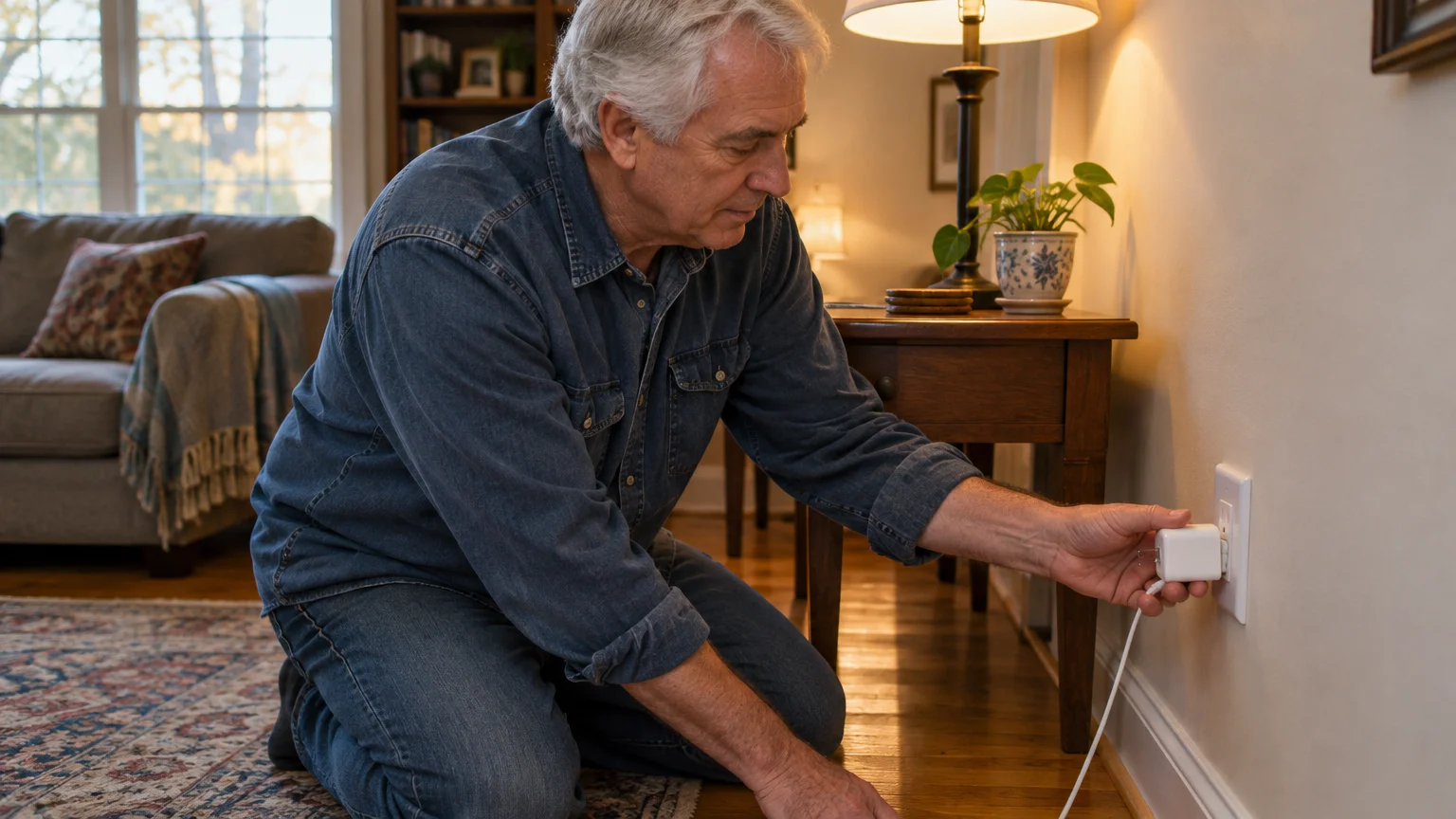
Testing a suspect wall plug requires careful handling to prevent electrical shocks or superficial burns. Always proceed deliberately when evaluating hot electronics in your home.
Touching an overheated adapter with sensitive fingertips can cause minor burns if the casing exceeds 140 degrees. Follow this step-by-step procedure to inspect your equipment safely:
- Approach the wall outlet and hover your hand one inch above the charger to sense radiant heat without touching it.
- Lightly brush the back of your fingers against the plastic casing to confirm it is safe to touch.
- Unplug the USB charging cord from your tablet to stop active battery power draw.
- Grasp the sides of the plastic adapter block firmly with dry fingers.
- Pull the adapter straight out of the wall receptacle in one smooth motion without wiggling it sideways.
- Inspect the metal prongs immediately for dark scorch marks, melted plastic collars, or rainbow-colored heat discoloration.
After removing the charger, evaluate the wall receptacle itself using a non-electric item. Insert a common plastic outlet safety cap into the socket to feel the tension of the internal brass wipers.
If the plastic cap slips into the receptacle slots without any friction, the outlet contacts are worn out. Stop using that specific wall socket until an electrician replaces the receptacle.
For broader home technological safety advice, review recommendations in the Consumer Reports Security Planner. Maintaining clean, secure physical connections is fundamental to keeping household devices operational.
Contact a certified electrical professional immediately if you observe any of the following critical warning signs:
- Audible Sizzling or Buzzing: A frying sound coming from behind the wall plate indicates dangerous electrical arcing across loose terminal screws.
- Pungent Chemical Smells: The distinctive odor of fish or burnt plastic signals that receptacle insulation is melting from high resistance.
- Discolored Wall Plates: Brown, yellow, or black scorch stains on the plastic faceplate indicate that temperatures have exceeded 200 degrees Fahrenheit.
- Soft or Warped Plastic: Any deformation of the outlet cover or charger casing proves the plastic has passed its structural thermal limit.
Taking immediate action when you detect these warning signs protects your residence from electrical fires. Never ignore a receptacle that shows physical heat damage or structural deformation.
Frequently Asked Questions
Is it safe to leave my tablet charger plugged into the wall when not charging?
Yes, leaving an authentic, certified charger plugged into a wall outlet is safe when disconnected from your tablet. In this idle state, the adapter draws less than 0.1 watts of standby power and remains cool to the touch.
Can a warm charger cause permanent damage to my tablet battery?
Normal warmth between 86 and 113 degrees Fahrenheit will not harm your tablet battery. However, charging your tablet beneath pillows or thick blankets traps heat against the battery cells, which accelerates lithium-ion capacity loss over time.
What should I do if my charger smells like burning plastic?
Immediately disconnect the charger by gripping the plastic body with a dry towel or by switching off the circuit breaker at your main electrical panel. Discard that adapter immediately, as burning odors indicate destroyed internal safety insulation.
Does using an extension cord make my tablet charger run hotter?
Using a lightweight, unrated extension cord can increase operating temperatures by introducing extra electrical resistance. If you must use an extension cord, choose a heavy-duty 14-gauge or 16-gauge cord bearing an authentic UL Listed safety mark.
Note: Menus and button names change with software updates. These steps were written for current versions as of 2026; if a screen looks different on your device, the maker’s support page linked above has the latest wording.
ClearTechGuide is independent and is not affiliated with Apple, Google, Microsoft, Amazon or any other company mentioned.