
Technology often feels like it moves at a breakneck pace, leaving many of us wondering if the latest gadget is a genuine tool or just an expensive toy.
You might see people tapping their wrists or talking to their arms and wonder if a smartwatch actually offers anything valuable for your daily life. For many seniors, the answer is a resounding yes.
These devices have evolved far beyond digital timekeepers; they now function as proactive health monitors and emergency safety systems that fit comfortably on your wrist.
A smartwatch is essentially a small computer that you wear like a watch. It connects to your smartphone using Bluetooth—a wireless connection that allows two devices to “talk” to each other over short distances.
This connection lets the watch share information with your phone, such as your heart rate or how many steps you walked, while also allowing the watch to show you text messages or incoming calls without you needing to reach into your pocket or purse.
According to the Centers for Disease Control and Prevention (CDC), one out of every four older adults falls each year. This startling statistic highlights why safety features like fall detection have become the primary reason many seniors choose to wear a smartwatch.
In this guide, you will learn how these devices work, which features actually matter for your health, and how to set one up without the headache. We focus on practical benefits, ensuring you only spend money on technology that makes your life safer and easier.
- What Is a Smartwatch and What Can It Do?
- Is This Right for You? An Honest Assessment
- Key Health and Safety Features Explained
- What You Need to Get Started
- Choosing the Right Model and Price Range
- Step-by-Step Setup Guide
- Privacy and Security Considerations
- Common Problems and Practical Solutions
- Frequently Asked Questions
What Is a Smartwatch and What Can It Do?
At its simplest, a smartwatch is a companion to your smartphone. While your phone sits on the charger or stays in your bag, the watch stays against your skin.
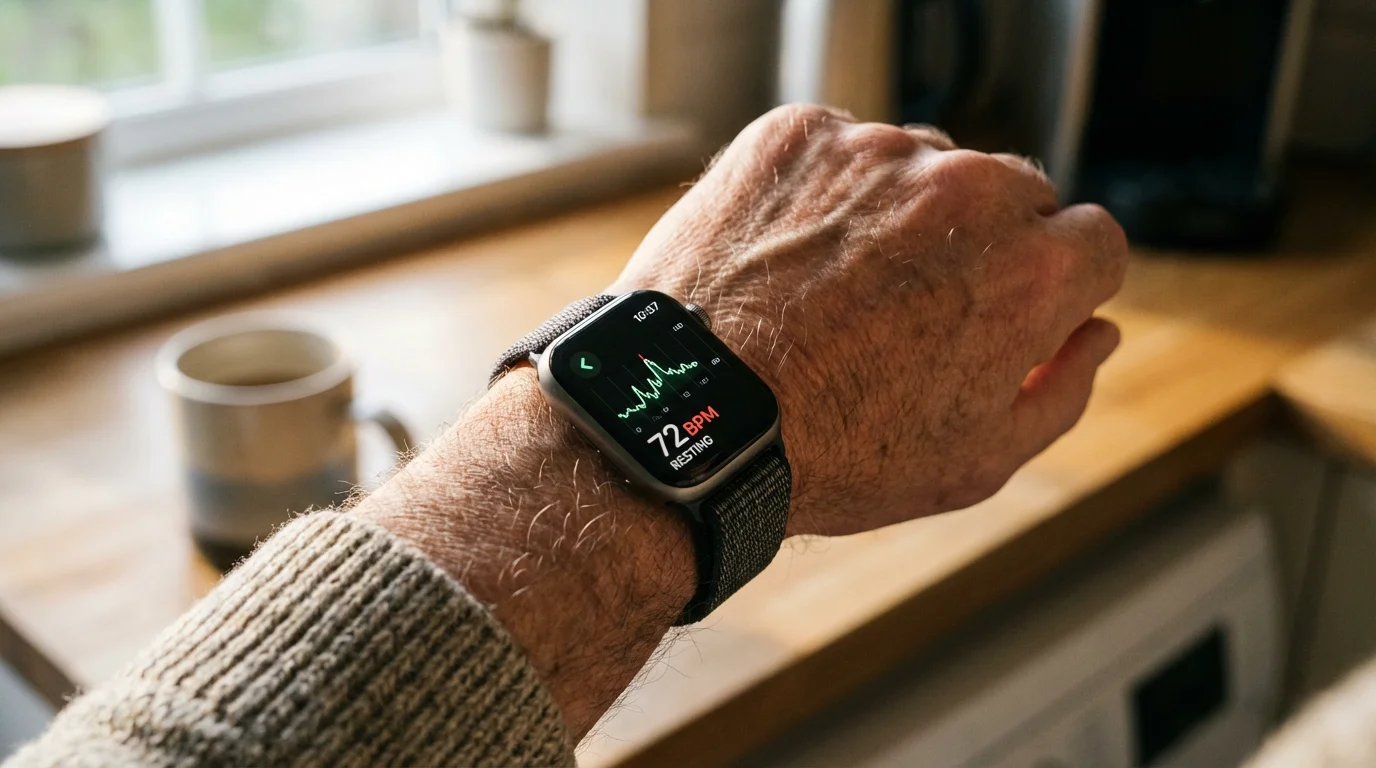
This physical contact allows the watch to use specialized sensors to “read” your body. For instance, tiny green lights on the back of the watch measure the flow of blood through your wrist to determine your heart rate.
These devices provide several layers of utility. First, they act as a communication hub.
You can receive a vibration on your wrist when your daughter calls, allowing you to answer the call directly from the watch. This is particularly helpful if you are working in the garden or are in a different room than your phone.
Second, they serve as a fitness companion. They gently remind you to stand up if you have been sitting too long and track your daily movement goals.
Third, and perhaps most importantly, they act as a safety net. Modern smartwatches can detect if you take a hard fall and automatically call emergency services if you are unable to get up.
They can also monitor your heart for irregular rhythms, providing data you can later share with your doctor. Essentially, the watch acts as a silent guardian that monitors your well-being 24 hours a day.
A smartwatch can alert you to an unusually high heart rate while you are resting, helping your doctor detect and treat health issues early.

Is This Right for You? An Honest Assessment
Smartwatches are not for everyone, and it is important to be honest about your needs before making a purchase. If you rarely use a smartphone or find modern electronics consistently frustrating, the learning curve might outweigh the benefits.
Most smartwatches require a compatible smartphone to function properly. “Compatible” simply means the devices are designed to work together, such as an iPhone working with an Apple Watch.
Beyond physical health, it is equally important to avoid common scams that can target tech-savvy seniors using new digital tools.
If you find that a wearable gadget is too complex, you might consider using a personal emergency response system which offers dedicated professional monitoring.
You should consider a smartwatch if any of the following apply to you:
- You live alone and want an extra layer of emergency protection.
- You want to monitor specific health metrics like blood oxygen or heart rhythm.
- You often miss phone calls or texts because your phone is not nearby.
- You want to stay motivated to walk or exercise more frequently.
- You take medications and need easy-to-manage reminders on your wrist.
On the other hand, you might want to skip a smartwatch if you find the daily task of charging a device bothersome. Most high-feature watches require charging every one to two days.
If you prefer a “set it and forget it” lifestyle, a traditional watch or a dedicated medical alert pendant with a long-lasting battery might be a better fit.
Additionally, while these devices are helpful, they are not a replacement for professional medical advice or 24/7 monitored home security systems.
Key Health and Safety Features Explained
When shopping for a watch, focus on the features that provide real value. Many manufacturers pack their devices with dozens of apps, but for health and safety, you should prioritize these specific capabilities.
Fall Detection
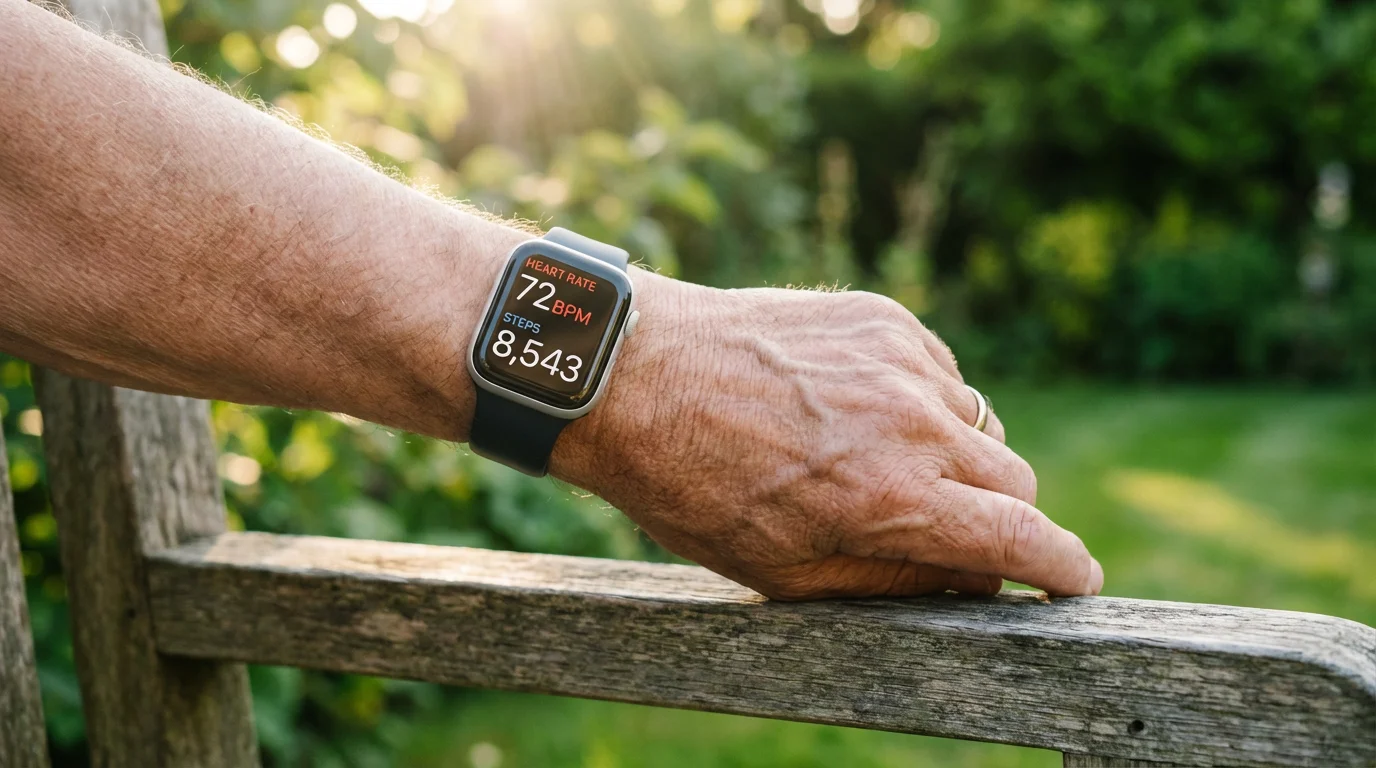
This is arguably the most vital feature for seniors. The watch uses sensors called accelerometers and gyroscopes to detect the specific motion and impact of a fall.
If the watch senses a hard fall, it taps you on the wrist and sounds an alarm. It displays a message asking if you are okay.
If you do not move or respond within 60 seconds, the watch automatically calls emergency services and sends your location to your designated emergency contacts. This feature has saved countless lives, especially in situations where a phone was out of reach after a slip.
Heart Health Monitoring (ECG and AFib)
Many modern watches can take an Electrocardiogram (ECG) right from your wrist. By placing your finger on the watch’s dial or button, the device can check your heart rhythm for signs of Atrial Fibrillation (AFib), a common form of irregular heart rhythm.
While not as detailed as a 12-lead ECG in a hospital, it provides a valuable “snapshot” that you can export as a PDF and email to your cardiologist. Organizations like the National Council on Aging emphasize the importance of monitoring such metrics as we age.
Blood Oxygen (SpO2)
This sensor measures the percentage of oxygen your red blood cells are carrying. While it became popular during the COVID-19 pandemic, it is generally useful for anyone with respiratory concerns or sleep apnea.
It is important to note that these are usually for “wellness” purposes and are not as accurate as the clip-on monitors used in doctor’s offices, but they can alert you to significant changes over time.
Medication Reminders
Forgetfulness is a common challenge, and smartwatches offer a discreet way to manage your prescriptions. You can set specific times for the watch to vibrate and display the name of the medication you need to take.
This removes the need for bulky pill organizers or loud kitchen timers.
What You Need to Get Started
Before you buy a watch, you must ensure your current home setup can support it. You do not need a high-tech “smart home” to use a smartwatch, but a few basics are non-negotiable.
Because these features rely on a steady connection, you may want to look into saving money on internet bills to keep your monthly costs low.
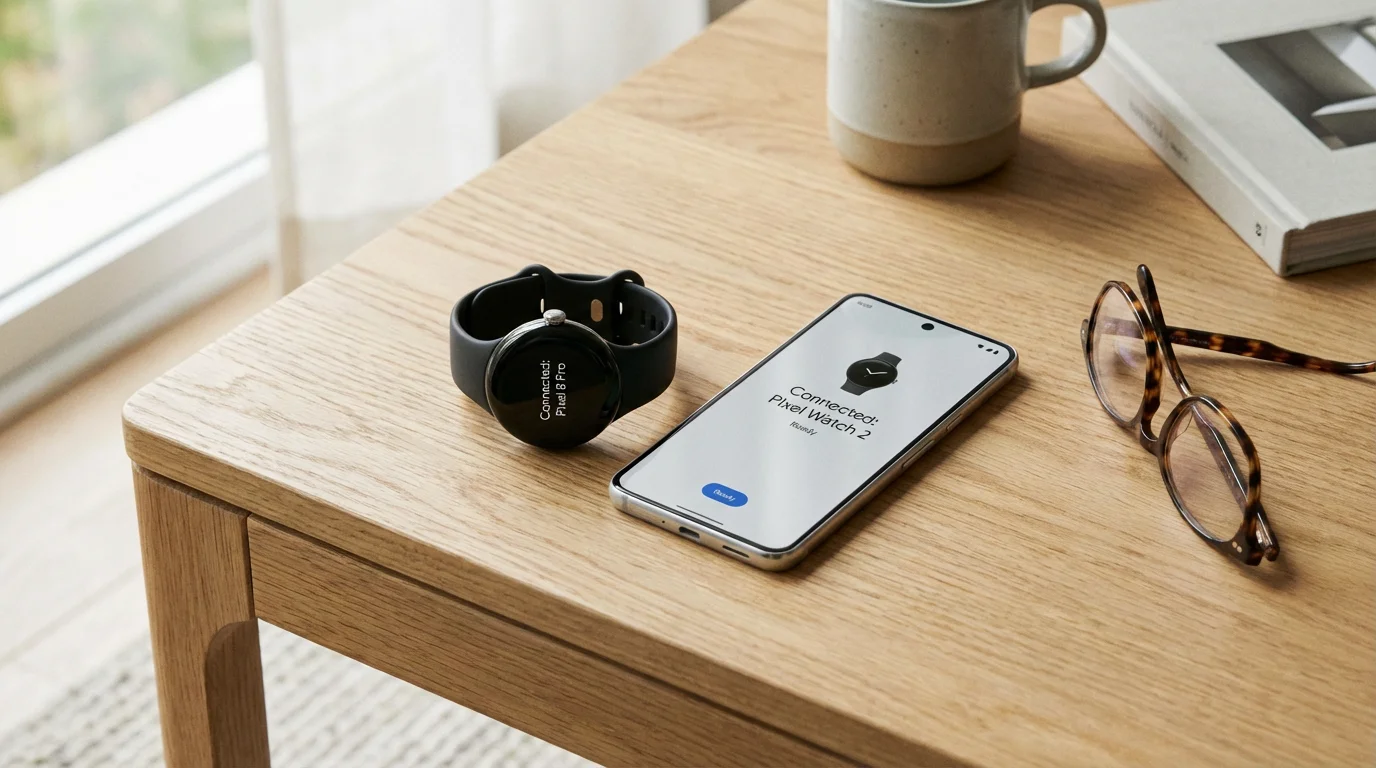
1. A Smartphone: This is the most critical requirement. An Apple Watch requires an iPhone (iPhone 8 or later).
A Google Pixel Watch or a Samsung Galaxy Watch requires an Android phone. If you have an older “flip phone,” most smartwatches will not work for you.
2. Wi-Fi: While the watch mostly talks to your phone via Bluetooth, you will need Wi-Fi (wireless internet) in your home to download software updates and set up the device for the first time. Updates ensure the watch has the latest security protections and health algorithms.
3. An Account: You will need an Apple ID (for Apple devices) or a Google Account (for Android devices). You likely already have one if you use a smartphone.
You will use this account to back up your health data and manage your settings.
4. Charging Access: Most smartwatches come with a special charging cable that sticks to the back of the watch with magnets. You will need a standard USB wall plug (like the one you use for your phone) to plug this cable into an outlet.
Choosing the Right Model and Price Range
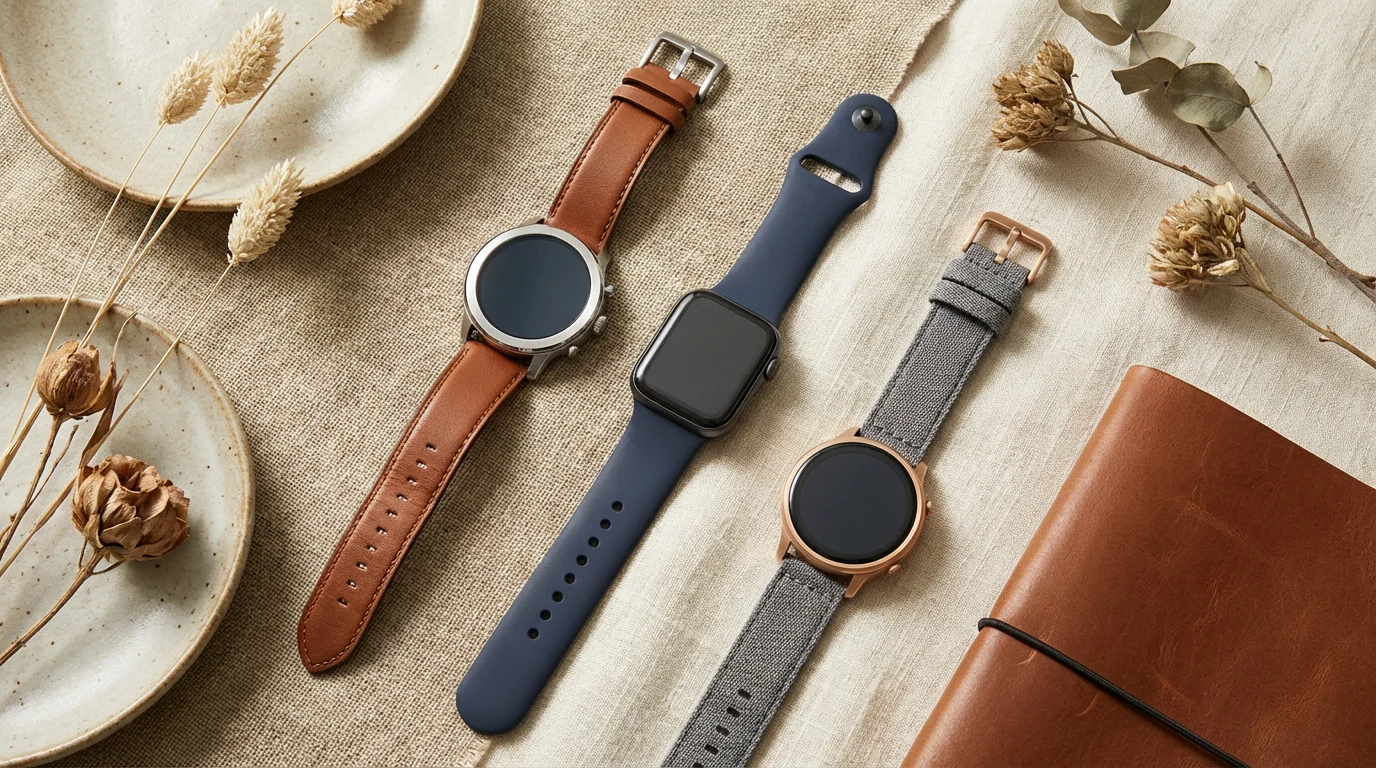
There is no “one size fits all” when it comes to technology. Your choice should depend on what phone you currently own and your budget.
You can find excellent reviews and comparisons on sites like Wirecutter to help narrow your search.
When you are ready to make a purchase, practicing shopping online safely ensures your financial information remains protected.
| Device | Best For | Estimated Price | Key Advantage |
|---|---|---|---|
| Apple Watch SE | iPhone Users | $249 – $299 | Affordable, includes Fall Detection and Emergency SOS. |
| Apple Watch Series 9 | Advanced Health Tracking | $399 – $499 | Includes ECG and Blood Oxygen monitoring. |
| Samsung Galaxy Watch 6 | Android Users | $250 – $330 | Excellent heart health features for Samsung phone owners. |
| Fitbit Charge 6 | Simple Fitness & Sleep | $130 – $160 | Small, lightweight, and battery lasts up to 7 days. |
| Google Pixel Watch 2 | Google/Android Users | $300 – $350 | Very comfortable and deeply integrated with Google services. |
If you are primarily interested in safety, the Apple Watch SE is the gold standard for value. It omits some of the fancy medical sensors like the ECG but keeps the life-saving fall detection and emergency calling features.
If your budget is tight, look at older models (like a Series 7 or 8) which often go on sale for much less than the newest versions.
Step-by-Step Setup Guide
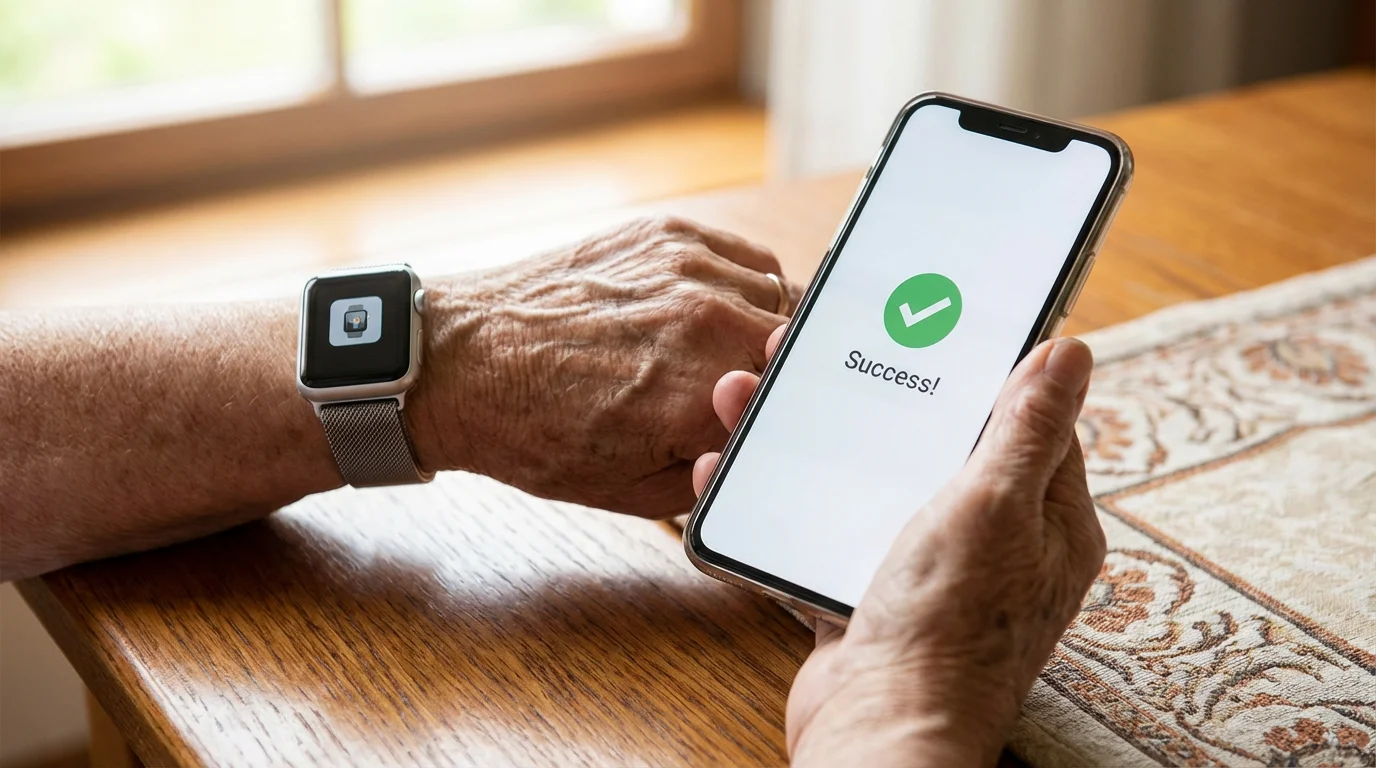
Setting up a new watch can feel daunting, but the process is designed to be visual and guided. Here is a general step-by-step process that applies to most devices.
If you encounter any issues during these steps, exploring different tech support options can help you get your device running smoothly.
- Charge the Watch: Before you begin, plug your watch into its charger and let it reach at least 50% battery. Many watches will refuse to finish the setup process if the battery is low.
- Turn on Bluetooth: On your smartphone, go to Settings and ensure Bluetooth is turned “On.” This is how the phone will find the watch.
- Power on the Watch: Press and hold the side button until you see the manufacturer’s logo (like the Apple apple or the Google ‘G’).
- Pair the Devices: Bring the watch close to your phone. A pop-up window should appear on your phone screen asking if you want to set up the watch. Tap “Continue.”
- The Camera Trick: Most watches will display a swirling pattern or a code. Your phone will open the camera and ask you to “scan” the watch face. This securely links the two devices without you having to type in long serial numbers.
- Enable Health Features: During setup, the phone will ask permission to enable Fall Detection and Heart Rate monitoring. Always select “Yes” or “Enable” for these. Note: On some watches, Fall Detection is only turned on automatically if you have entered your age as 55 or older.
- Set Up Emergency Contacts: This is a crucial step. The watch will ask who it should notify if you have an emergency. Enter the phone numbers of your spouse, adult children, or a close neighbor.
If you run into trouble during this process, Apple Support and Google Support offer very clear, video-based tutorials that can walk you through the specifics for your exact model.
Privacy and Security Considerations
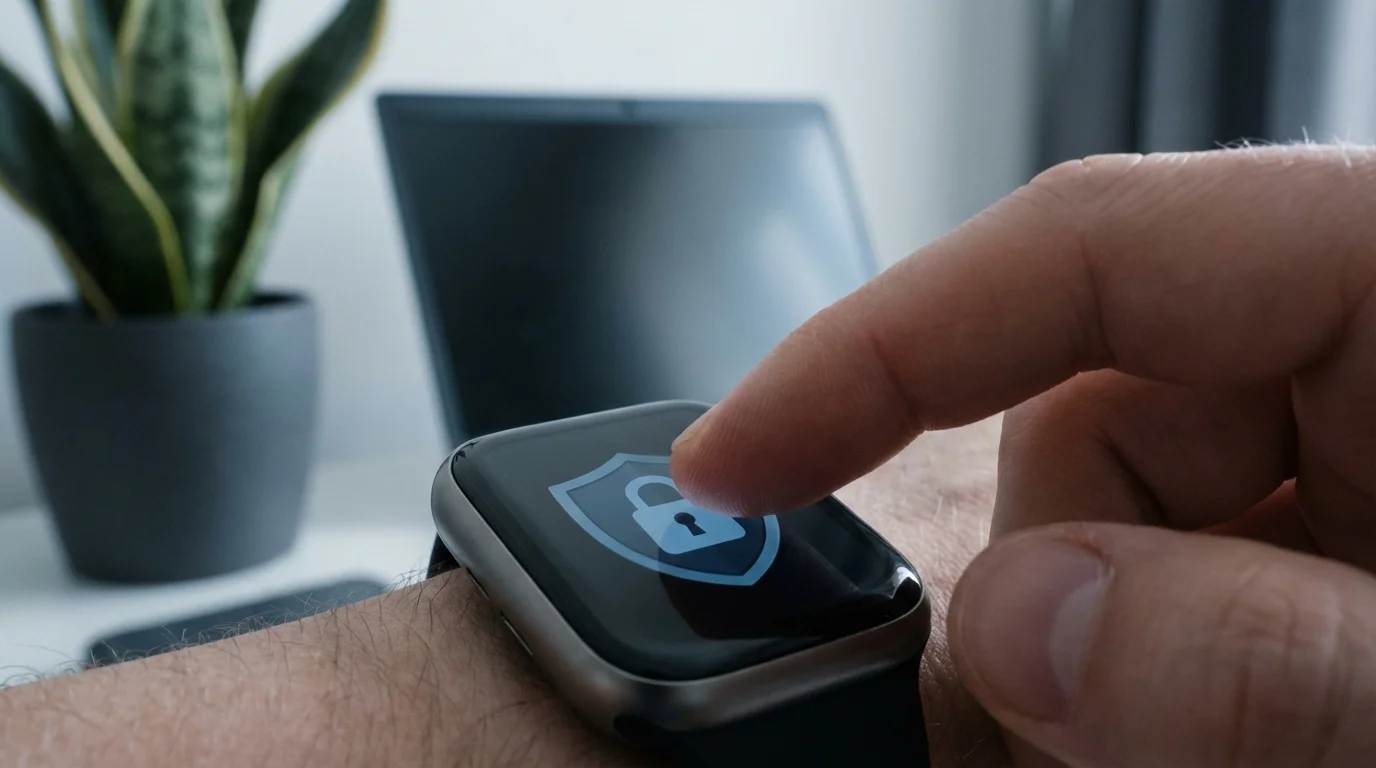
It is natural to feel uneasy about a device that monitors your heart rate and location. Privacy is a significant concern for many seniors, and it is a topic we should address directly.
Most reputable companies, like Apple and Google, encrypt your health data. Encryption is a way of scrambling your information so that only you (and people you specifically authorize, like your doctor) can read it.
The watch does not “listen” to your private conversations in the way a spy would. While it has a microphone for voice commands (like asking, “What time is it?”), it only records your voice after you say a specific “wake word” or press a button.
Your heart rate and location data are stored on your phone and in your secure cloud account. You have full control over this data and can delete it at any time.
To keep your watch secure, treat it like your bank card. Do not share your passcode with strangers, and if you ever lose the watch, use the “Find My” feature on your phone to lock the device remotely.
This ensures that even if someone finds your watch, they cannot access your personal health history or messages.
Common Problems and Practical Solutions
Even the best technology has hiccups. Knowing how to handle these small issues will prevent frustration.
The Screen Is Too Small to Read
If you find the text difficult to see, go into the “Watch” app on your phone. Look for “Display & Brightness.”
You can increase the text size and turn on “Bold Text.” This makes a world of difference for readability.
Many watches also have a “Zoom” feature that magnifies the screen when you tap it with two fingers.
The Battery Dies Too Fast
If your watch isn’t lasting through the day, check your “Always-On Display” setting. Turning this off means the screen stays dark until you lift your wrist, which saves a significant amount of battery life.
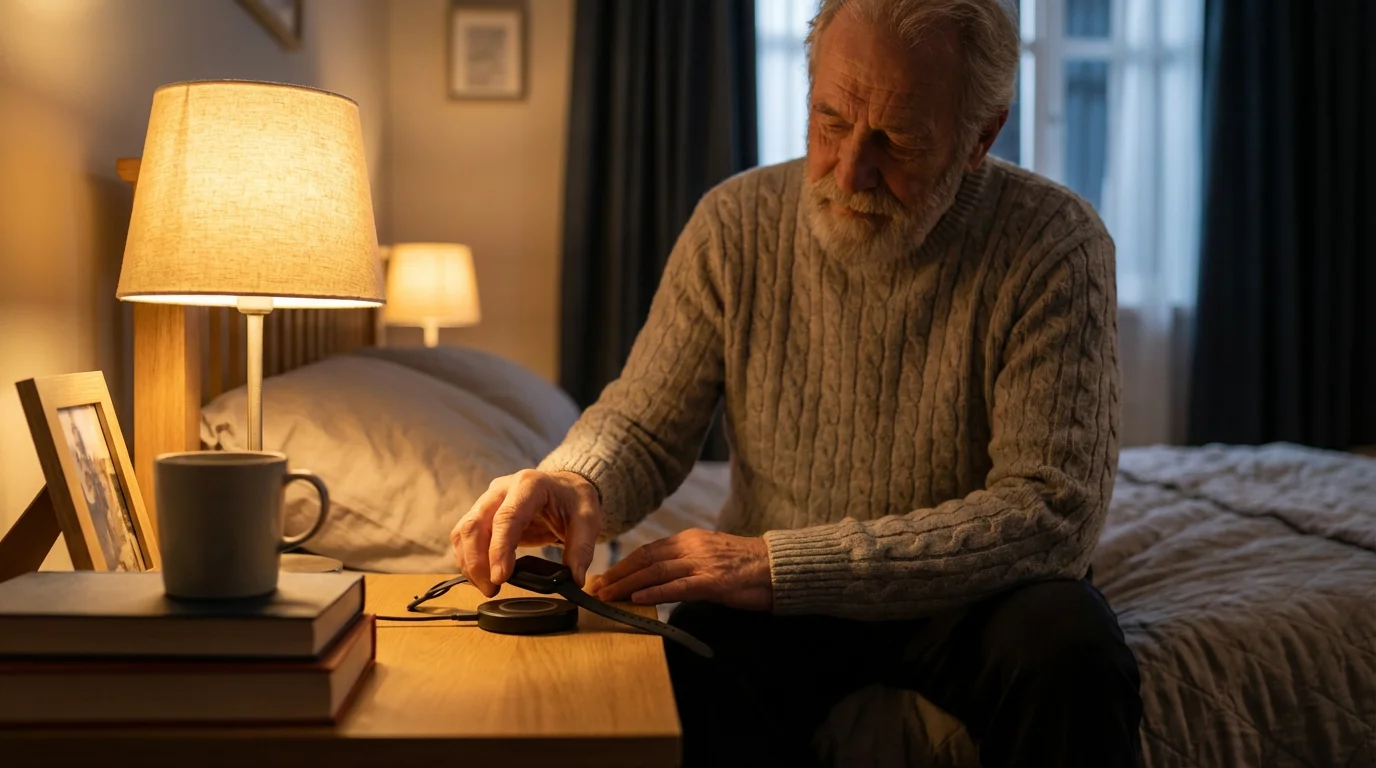
Also, avoid keeping too many apps open in the background. A simple habit of charging the watch while you shower or while you sit and read in the evening can keep it powered throughout the day and night.
The Watch Is “Nudging” Me Too Much
By default, these watches love to give notifications. They might tell you to breathe, stand up, or look at a news headline.
If this becomes annoying, you can customize these in the “Notifications” section of the watch app. You can turn off everything except the things that matter, like phone calls and medication reminders.
Frequently Asked Questions
Is the watch always listening to my conversations?
No. The watch is designed to listen only for its “wake word” (like “Hey Siri” or “Hey Google”) or when you press a specific button to use a voice command. It does not record or store your private conversations.
You can also disable the microphone entirely in the settings if you prefer.
Do I need to pay a monthly fee?
In most cases, no. Once you buy the watch, there is no required monthly subscription to use the health and safety features like fall detection or heart monitoring.
However, if you want your watch to be able to make phone calls when your phone is not nearby, you may need to pay your cellular provider (like Verizon or AT&T) an extra $10 to $15 per month for a “cellular plan” for the watch.
Will it work if I am away from my house?
Yes, as long as your phone is with you. The watch uses your phone’s internet connection via Bluetooth.
If you go for a walk and take both your phone and your watch, all features will work perfectly.
If you leave your phone at home, the watch can still track your steps and heart rate, but it won’t be able to send texts or make calls unless you have the cellular model mentioned above.
Is it waterproof? Can I wear it in the shower?
Most modern smartwatches are water-resistant. This means you can safely wear them while washing your hands, walking in the rain, or even swimming in a pool.
However, it is always a good idea to check the specific rating for your model. For seniors, wearing the watch in the shower is actually recommended, as many falls occur on slippery bathroom surfaces.
Investing in a smartwatch is about more than just owning a piece of technology; it is about investing in your own independence and helping your family know you are safe.
By choosing a device that fits your existing smartphone and focusing on the features that provide real-world safety, you can turn a modern gadget into a vital tool for your long-term health.
Disclaimer: This article is for informational purposes only. Product features and prices change frequently.
Always check current specifications and reviews before purchasing. We recommend buying from authorized retailers with good return policies.
Keywords: smartwatch, health tracking, fall detection, senior safety gadgets, wearable heart monitor
Meta Description: Discover how a smartwatch can improve your health and safety with fall detection, heart monitoring, and easy setup tips designed specifically for seniors.